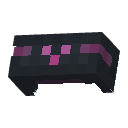
astraglossa
Adds a tablet for very rudimentary transliteration intended for conlangs - supplementary learning material only!
Screenshots
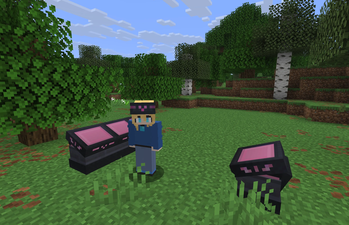
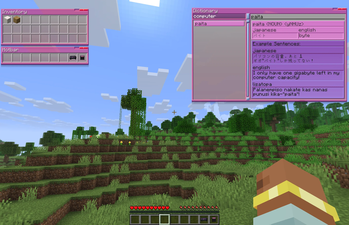
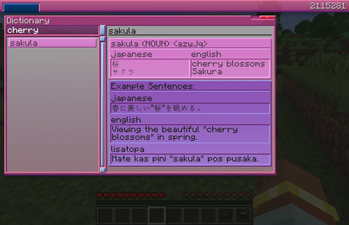
About this Mod
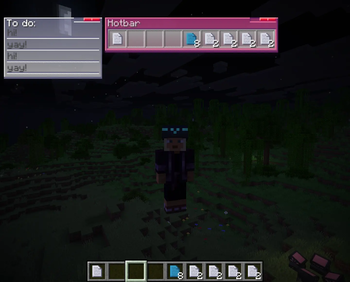
Adds a somewhat-diegetic window-based user interface, accessed via a new block called a 'TabSlate' - providing supplementary learning material for constructed languages!
The TabSlate also has the ability to interface with your inventory, and has some extra capabilities that could be useful utility-wise - and a wearable form of said tablet for accessing windows when out and about.
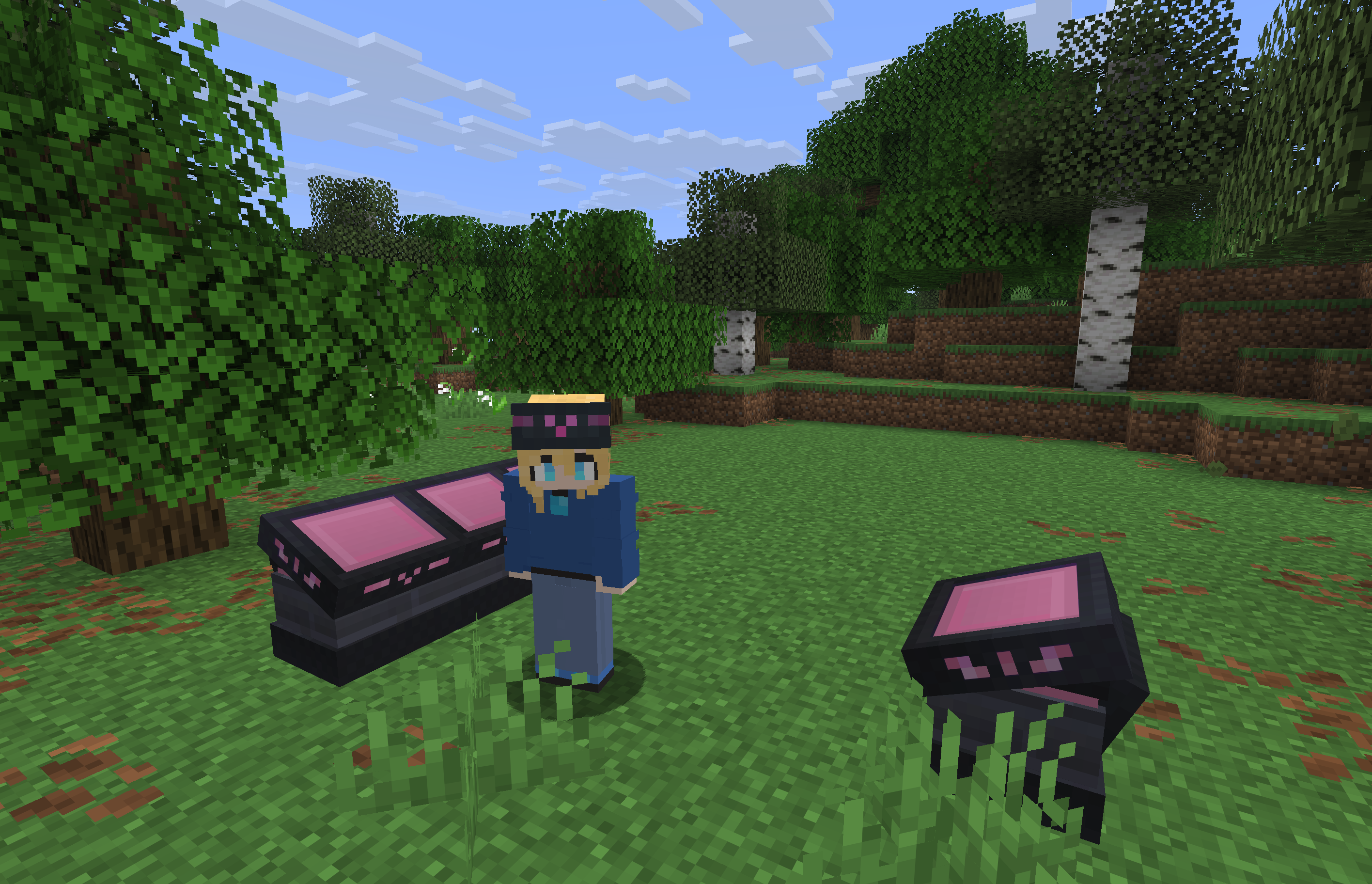
Whilst still somewhat rudimentary, the aim is for the mod to be able to display useful information to the player on the go, as well as to add more supplemental language learning features, such as grammatical diagrams, and in-place transliteration of text. The key word is supplemental, however. This most certainly won't be able to replace dedicated resources for learning the relevant conlangs, but it aims to be somewhat of a reference, or to provide transliterations that may be hard to otherwise search for. Future features aim to lean into the UI being diegetic, as well, with the ability to save window contents as items, or pass a viewed dictionary entry to a friend.
Some windows can also have their contents saved to 'file' items to be kept safe, or shared with friends, or organised and colour coded!
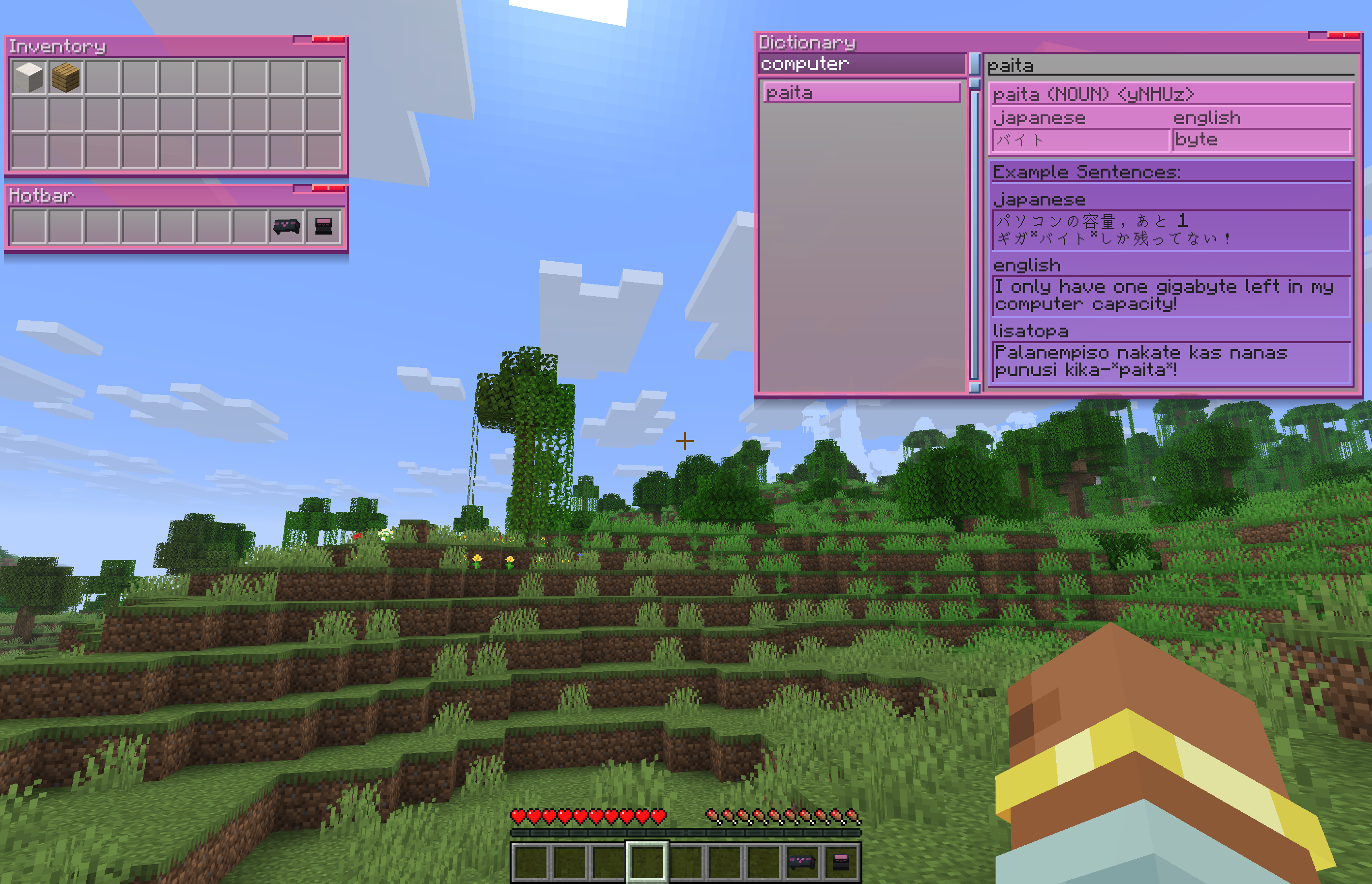
Whilst intended for LΛMPLIGHT's Lisatopa Tatema - the dictionaries are server-side and datapackable.
Configuration
Datapacks can add new languages, or add to existing ones, through data/astraglossa/transliterations/languageNameHere.json - an example of the word format is provided in source.
Mixins
Mixes into ServerPlayer#tick, if a player has an equipped HeadStele providing persistent access to their windows, then it will broadcast changes to clients if the containers the windows have access to change.

Available Versions
How to Install astraglossa on Your Server
Order Server
Order a Minecraft Java server with at least 3 GB RAM (4 GB recommended).
Set fabric Loader
In the panel under "Egg", select the fabric loader and matching Minecraft version (26.1.2).
Install Mod
Open the mod browser in the dashboard and search for "astraglossa". Click "Install" – done! Alternatively, upload the .jar via SFTP to the /mods folder.
Compatibility
Mod Loaders
Minecraft Versions
26.1.2, 26.1.1, 26.1
Server-side
✓ RequiredRecommended RAM
4 GB(min. 3 GB)Frequently Asked Questions
astraglossa server crashes on startup – what to do?
Most common cause: wrong fabric version or insufficient RAM. Check the server log (latest.log) for "OutOfMemoryError" or "Mixin" errors. With Mado Hosting: ensure at least 3 GB RAM is allocated and the loader matches the mod version (26.1.2). You can switch loaders with one click in the panel.
Is astraglossa compatible with fabric?
astraglossa officially supports fabric for Minecraft 26.1.2, 26.1.1, 26.1. The Mado dashboard automatically detects incompatible loader combinations.
Server lagging with astraglossa – how to optimize performance?
Recommended RAM: 4 GB (per 8 players). Use /spark profiler to check if astraglossa consumes the most tick time. Common fixes: reduce server view-distance to 8-10, install "performant" or "starlight" as supplementary mods on Forge. With Mado Hosting, your server runs on NVMe SSDs with dedicated CPU cores for minimal latency.
Similar Mods




![[ETF] Entity Texture Features](https://cdn.modrinth.com/data/BVzZfTc1/af683d206d50b05258d865b0d6e4aa2f2cee12f2_96.webp)
![[EMF] Entity Model Features](https://cdn.modrinth.com/data/4I1XuqiY/6e5bbd0d06b1741bfdab6c0cfab6de8fdaf0064c_96.webp)
Rent Modded Server
Install astraglossa with just one click on your server.