
Atlas Companion
Recipe and item intelligence mod for Minecraft. Modern, maintained alternative to JEI, REI, EMI etc. - Search, browse, and understand every recipe, crafting path, and acquisition source in the game.
Screenshots
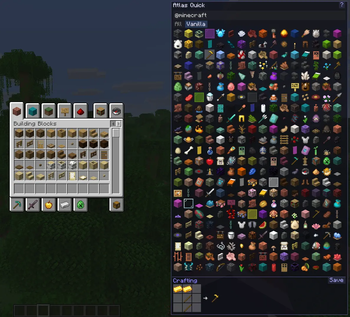
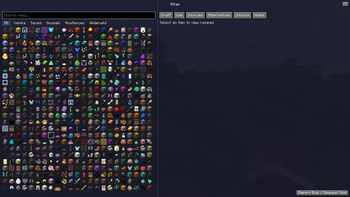
About this Mod
Atlas
A recipe and item intelligence mod for Minecraft 26.1 (Fabric) - acting as an independent, newer version of JEI, REI, EMI etc. - with easier and better Mod API Integration coming soon!
Atlas goes beyond the typical recipe viewer. Instead of just showing you flat recipe cards, it gives you a complete picture of how to get any item in the game, which recipes use it, where it comes from, and what alternatives exist. It works with vanilla and modded content out of the box.
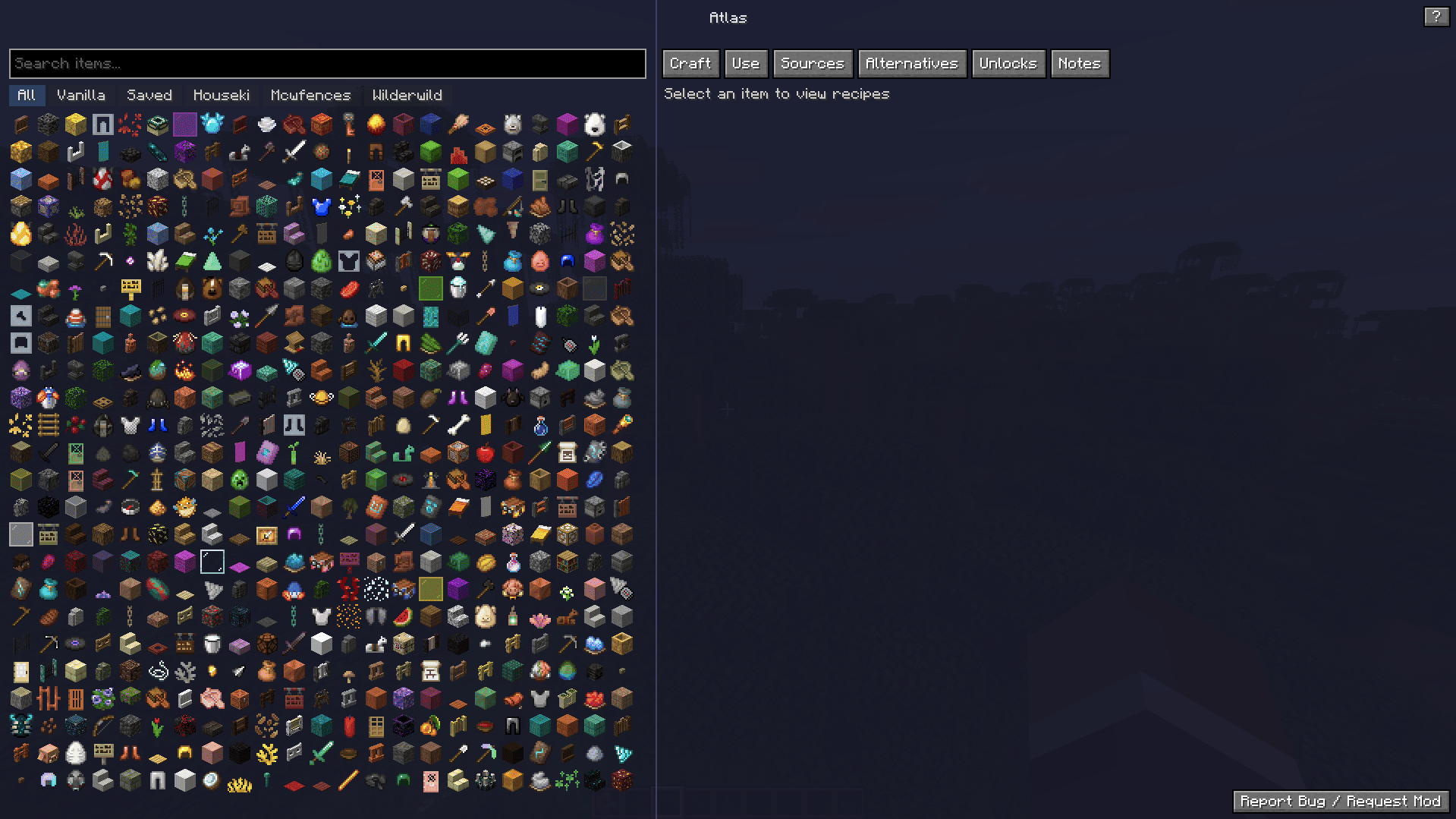
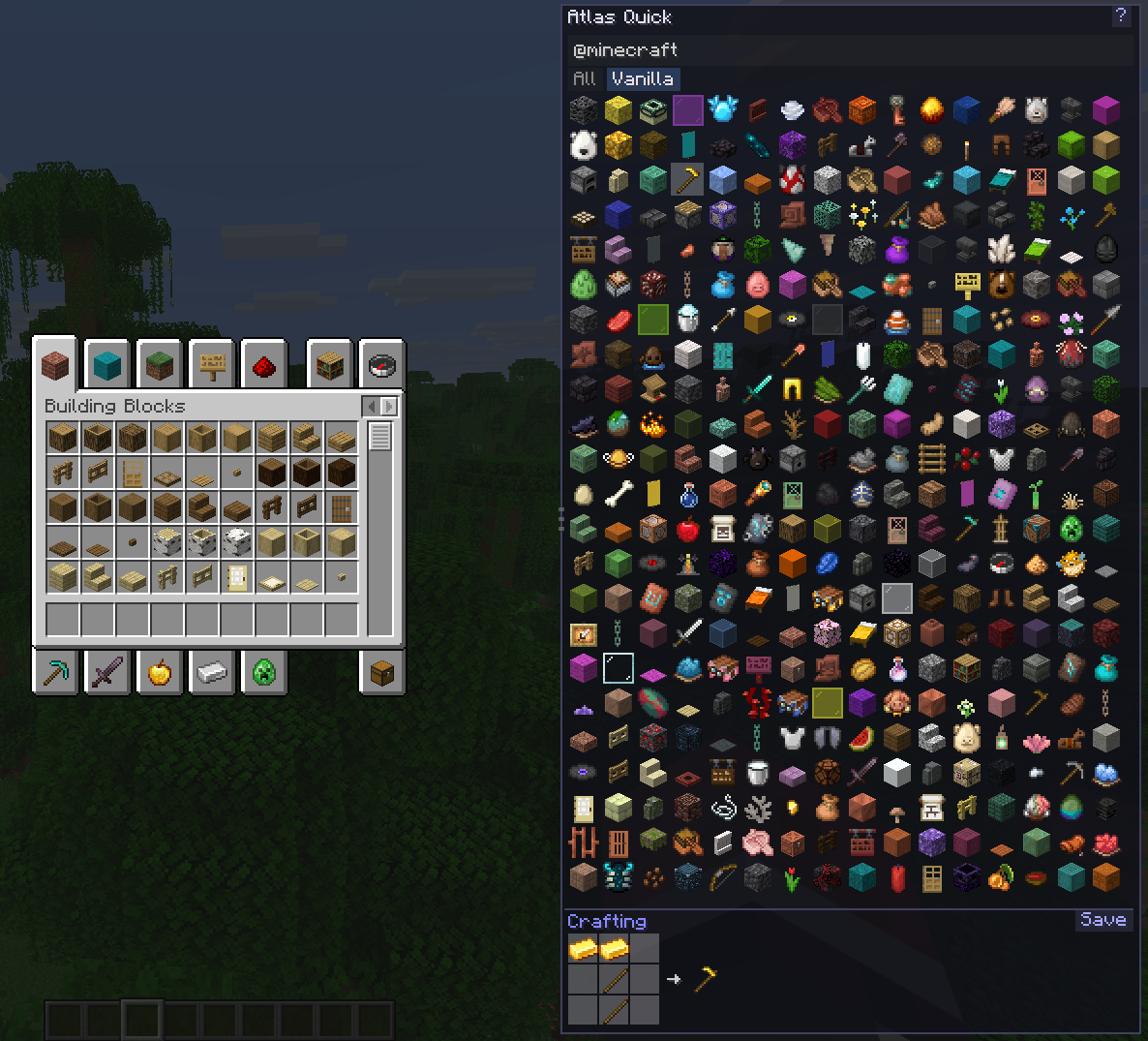
What it does
Quick Mode shows up as a resizable panel on the side of your inventory. Browse items, search by name, mod, tag or tooltip, and see recipes right there without leaving your crafting table. It stays out of your way but is always one keypress away.
Deep Mode is a full-screen interface (press U) with a browsable item list on the left and detailed recipe information on the right. Tabs let you switch between how to craft something, what it is used in, and all the ways you can obtain it.
Search supports prefixes like @modname to filter by mod, $tag to filter by item tag, and #text to search inside tooltips. Filter buttons are auto-detected based on which mods are installed.
Save items you care about so you can find them quickly later. The Saved filter narrows the list to just your bookmarked items.
Creative mode lets you click any item in the Atlas UI to add it directly to your inventory.
Coming soon
- Availability Engine that explains why you can not make something yet (missing workstation, wrong dimension, locked progression)
- Alternative Resolver showing tag-based substitutions and marking the cheapest or simplest options
- Recipe graph with tree views, intermediate requirements, cycle detection, and material totals
- Pinned build plans that track what you still need and what you already have
- Notes and info pages for pack-specific tips and item details
- NeoForge support
- Mod API so other mods can register their machines and custom recipe types with zero effort
Keybinds
| Key | Action |
|---|---|
| O | Toggle Quick Mode panel |
| U | Open Deep Mode |
Both can be rebound in the controls menu under the Atlas category.
Links
- Source code: github.com/shaedy180/Atlas
Feedback
If you run into a bug, please open an issue on GitHub. I am happy to look into it.
Feature requests and mod support suggestions are also welcome. If there is a mod you want Atlas to work better with, let me know in the GitHub issues.
License
LGPL-3.0-or-later
Available Versions
How to Install Atlas Companion on Your Server
Order Server
Order a Minecraft Java server with at least 3 GB RAM (4 GB recommended).
Set fabric Loader
In the panel under "Egg", select the fabric loader and matching Minecraft version (26.1.1).
Install Mod
Open the mod browser in the dashboard and search for "Atlas Companion". Click "Install" – done! Alternatively, upload the .jar via SFTP to the /mods folder.
Compatibility
Mod Loaders
Minecraft Versions
26.1.1, 26.1
Server-side
✗ UnsupportedRecommended RAM
4 GB(min. 3 GB)Frequently Asked Questions
Atlas Companion server crashes on startup – what to do?
Most common cause: wrong fabric version or insufficient RAM. Check the server log (latest.log) for "OutOfMemoryError" or "Mixin" errors. With Mado Hosting: ensure at least 3 GB RAM is allocated and the loader matches the mod version (26.1.1). You can switch loaders with one click in the panel.
Is Atlas Companion compatible with fabric?
Atlas Companion officially supports fabric for Minecraft 26.1.1, 26.1. The Mado dashboard automatically detects incompatible loader combinations.
Server lagging with Atlas Companion – how to optimize performance?
Recommended RAM: 4 GB (per 8 players). Use /spark profiler to check if Atlas Companion consumes the most tick time. Common fixes: reduce server view-distance to 8-10, install "performant" or "starlight" as supplementary mods on Forge. With Mado Hosting, your server runs on NVMe SSDs with dedicated CPU cores for minimal latency.
Similar Mods




Rent Modded Server
Install Atlas Companion with just one click on your server.