
Authenticate
A Minecraft Fabric mod that provides player authentication functionality for servers.
Screenshots
About this Mod
Authenticate

A Minecraft Fabric mod that provides player authentication functionality for servers.
Description
Authenticate is a server-side authentication mod for Minecraft that allows players to register accounts with passwords
and login to access the server. This mod helps protect your server from unauthorized access and provides basic account
management features.
Features
- Player Registration: Players can register accounts with passwords
- Player Login: Secure login system with password verification
- Player Logout: Players can logout from their accounts
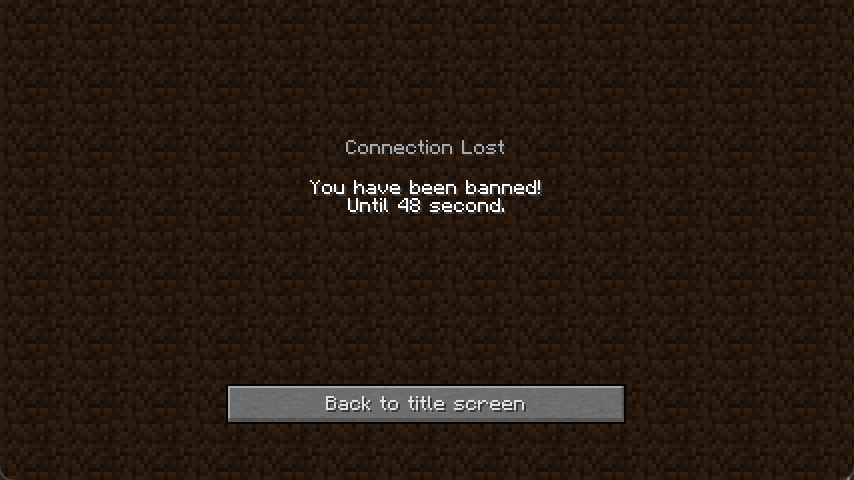
- Ban System: Server administrators can ban players
- Database Storage: Uses H2 database for persistent data storage
- Cross-version Support: Supports multiple Minecraft versions
Requirements
- Fabric Language Kotlin: Required for Kotlin support
- Fabric ORM Jimmer: Required for database operations
Optional Dependencies
- Fabric Database H2: For H2 database support
Usage
Commands
/register <password> <confirm>- Register a new account/login <password>- Login to your account/logout- Logout from your account/auth ban <player> <unit> <amount>- Ban a player (admin only)
Registration Process
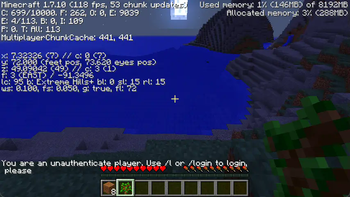
- When a new player joins the server, they will be prompted to register
- Use
/register <password> <confirm>to create an account - Make sure both passwords match
- After successful registration, you can login with
/login <password>
Login Process
- Use
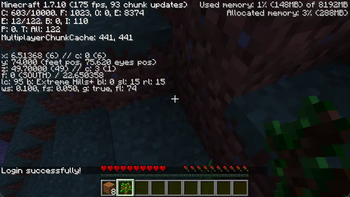
/login <password>to access your account - You must be logged in to interact with the server
- Use
/logoutwhen you're done playing
Configuration
Please visit https://github.com/Enaium/fabric-mod-Authenticate, as the description cannot include any SQL statements.
Available Versions
How to Install Authenticate on Your Server
Order Server
Order a Minecraft Java server with at least 3 GB RAM (4 GB recommended).
Set fabric Loader
In the panel under "Egg", select the fabric loader and matching Minecraft version (26.1).
Install Mod
Open the mod browser in the dashboard and search for "Authenticate". Click "Install" – done! Alternatively, upload the .jar via SFTP to the /mods folder.
Compatibility
Mod Loaders
Minecraft Versions
26.1, 26.1-pre-2, 26.1-pre-1 (+18 more)
Server-side
✓ RequiredRecommended RAM
4 GB(min. 3 GB)Frequently Asked Questions
Authenticate server crashes on startup – what to do?
Most common cause: wrong fabric version or insufficient RAM. Check the server log (latest.log) for "OutOfMemoryError" or "Mixin" errors. With Mado Hosting: ensure at least 3 GB RAM is allocated and the loader matches the mod version (26.1). You can switch loaders with one click in the panel.
Is Authenticate compatible with fabric?
Authenticate officially supports fabric for Minecraft 26.1, 26.1-pre-2, 26.1-pre-1. The Mado dashboard automatically detects incompatible loader combinations.
Server lagging with Authenticate – how to optimize performance?
Recommended RAM: 4 GB (per 8 players). Use /spark profiler to check if Authenticate consumes the most tick time. Common fixes: reduce server view-distance to 8-10, install "performant" or "starlight" as supplementary mods on Forge. With Mado Hosting, your server runs on NVMe SSDs with dedicated CPU cores for minimal latency.
Similar Mods




![[ETF] Entity Texture Features](https://cdn.modrinth.com/data/BVzZfTc1/af683d206d50b05258d865b0d6e4aa2f2cee12f2_96.webp)
![[EMF] Entity Model Features](https://cdn.modrinth.com/data/4I1XuqiY/6e5bbd0d06b1741bfdab6c0cfab6de8fdaf0064c_96.webp)
Rent Modded Server
Install Authenticate with just one click on your server.