
Auto Logout
Automatically disconnects if your life drops below a certain threshold.
Screenshots
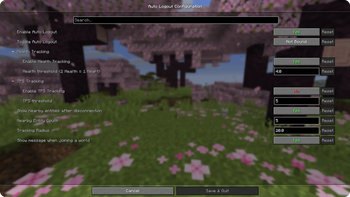
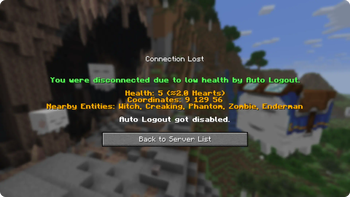
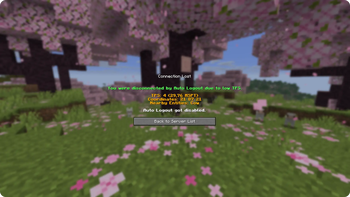
About this Mod

Auto Logout saves you when having low life. When enabled it automatically disconnects you from the sever or world if your lifes drop below the set threshold.
Quilt
To use it on Quilt you need to manually install Fabric API on your Quilt profile:Browse Content → Loader (on the right) → Unlock Filter → Search for "Fabric API" → Install
Then select your Profiles Minecraft Version.
Config
Use Commands or the Mod Menu Integration to change the settings to fit your wishes.
⚠️ From v2.0.0 (Minecraft 1.21.9+) Auto Logout works without any other Mods except FabricAPI and can be controlled using the commands.
But for using the Settings GUI you need Mod Menu and Cloth Config API, which also enables the Keybinding option. ⚠️
Commands
/auto-logout help
/auto-logout enable
/auto-logout disable

/auto-logout health-tracking enable
/auto-logout health-tracking disable
/auto-logout health-tracking threshold
/auto-logout health-tracking threshold <value>

/auto-logout tps-tracking enable
/auto-logout tps-tracking disable
/auto-logout tps-tracking threshold
/auto-logout tps-tracking threshold <value>

/auto-logout entity-tracking enable
/auto-logout entity-tracking disable
/auto-logout entity-tracking entity-count
/auto-logout entity-tracking entity-count <value>
/auto-logout entity-tracking radius
/auto-logout entity-tracking radius <value>

/auto-logout join-message enable
/auto-logout join-message disable
Health/TPS Threshold value has to be between 0 and 20.
Entity Count value has to be between 1 and 10.
Radius value has to be between 1 and 64.
Mod Menu Integration
Requires Mod Menu and Cloth Config API
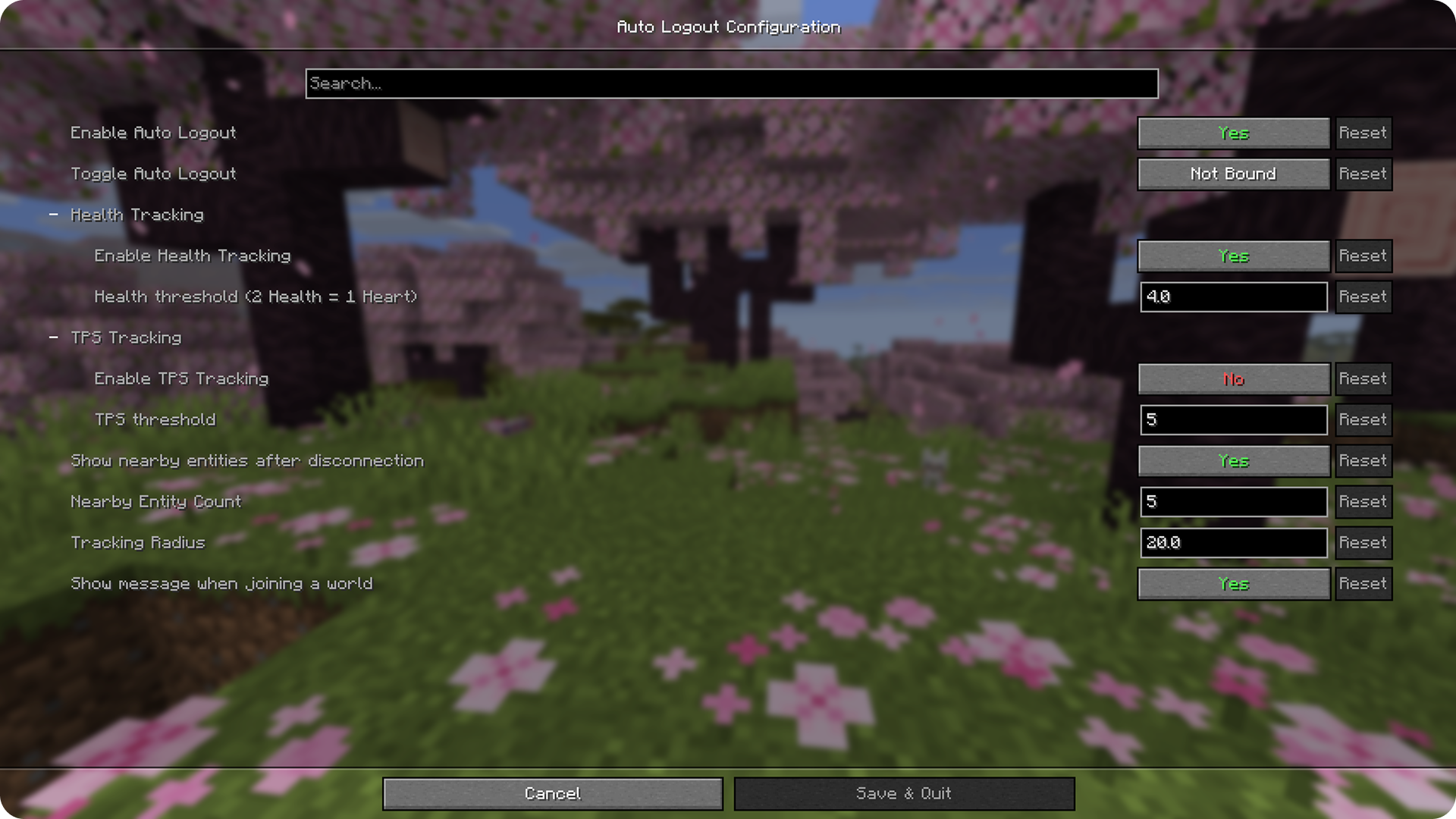
Defaults
- Enabled: Yes
- Keybinding: Not Bound
- Health Tracking Enabled: Yes
- Health Threshold: 4
- TPS Tracking Enabled: No
- TPS Threshold: 5
- Entity Tracking: Yes
- Entity Count: 5
- Radius: 20
- Show message when joining world: Yes
Creator Website: 🔗myownbrain.de
Available Versions
How to Install Auto Logout on Your Server
Order Server
Order a Minecraft Java server with at least 3 GB RAM (4 GB recommended).
Set fabric Loader
In the panel under "Egg", select the fabric loader and matching Minecraft version (26.1.2).
Install Mod
Open the mod browser in the dashboard and search for "Auto Logout". Click "Install" – done! Alternatively, upload the .jar via SFTP to the /mods folder.
Compatibility
Mod Loaders
Minecraft Versions
26.1.2, 26.1.1, 26.1 (+12 more)
Server-side
✗ UnsupportedRecommended RAM
4 GB(min. 3 GB)Frequently Asked Questions
Auto Logout server crashes on startup – what to do?
Most common cause: wrong fabric version or insufficient RAM. Check the server log (latest.log) for "OutOfMemoryError" or "Mixin" errors. With Mado Hosting: ensure at least 3 GB RAM is allocated and the loader matches the mod version (26.1.2). You can switch loaders with one click in the panel.
Is Auto Logout compatible with fabric and quilt?
Auto Logout officially supports fabric, quilt for Minecraft 26.1.2, 26.1.1, 26.1. The Mado dashboard automatically detects incompatible loader combinations.
Server lagging with Auto Logout – how to optimize performance?
Recommended RAM: 4 GB (per 8 players). Use /spark profiler to check if Auto Logout consumes the most tick time. Common fixes: reduce server view-distance to 8-10, install "performant" or "starlight" as supplementary mods on Forge. With Mado Hosting, your server runs on NVMe SSDs with dedicated CPU cores for minimal latency.
Similar Mods




Rent Modded Server
Install Auto Logout with just one click on your server.
Details
- License
- Creative Commons Attribution Non Commercial 4.0 International
- Server-side
- Unsupported