
自动化时代 AutomationEra
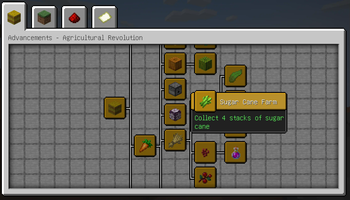
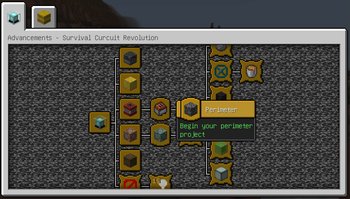
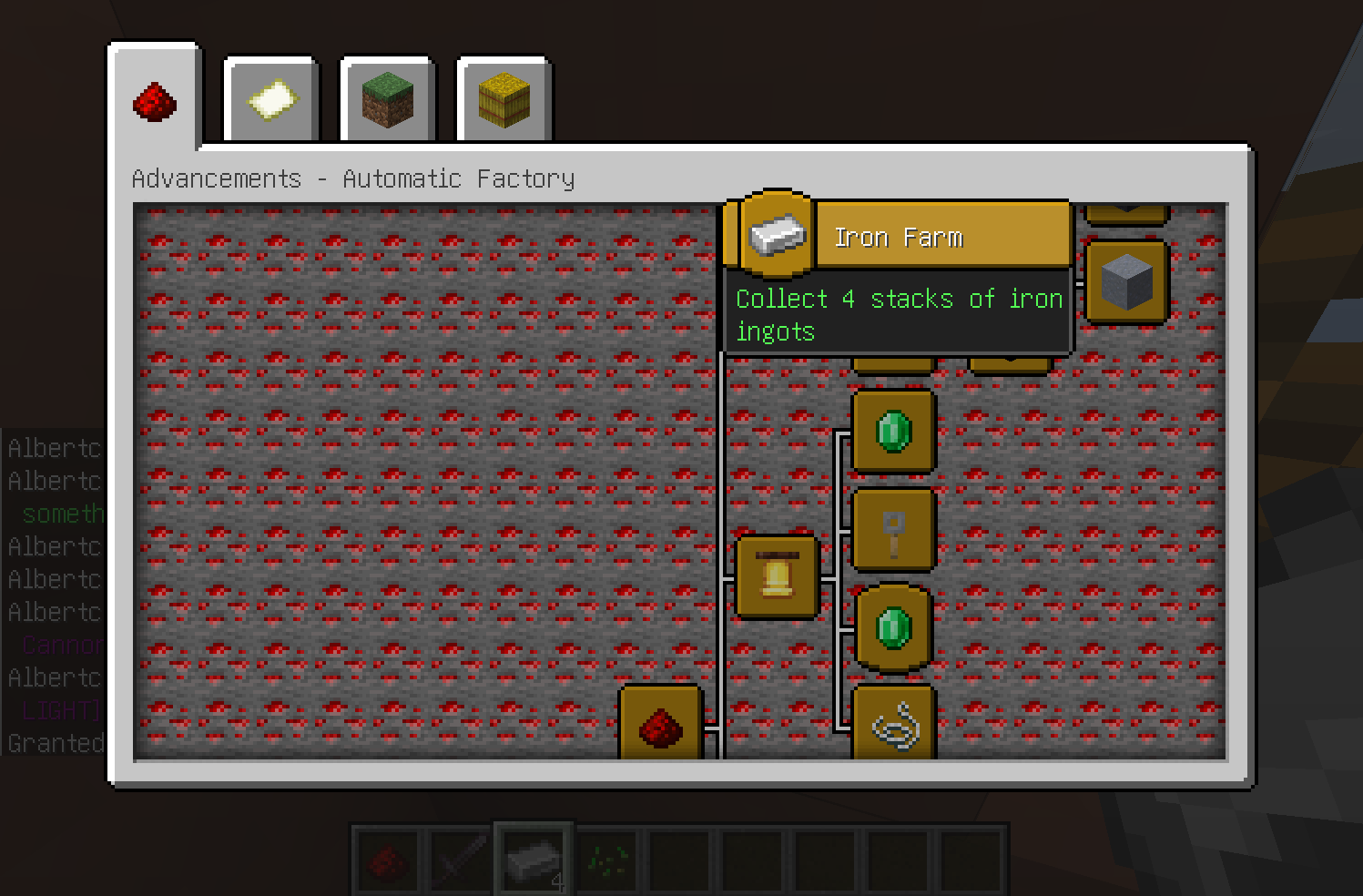
Add multiple advancements about automation farms & redstone machines
Screenshots
About this Mod
Minecraft Automation farm & Redstone Circuit Tutorial MOD
我的世界生电教程类模组
1.21.2+ Versions Use REI to replace EMI for machine pages
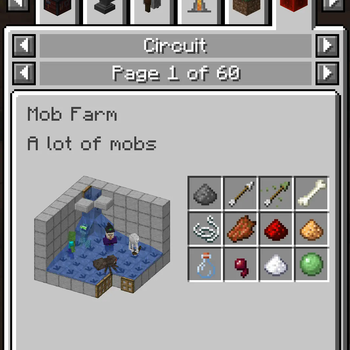
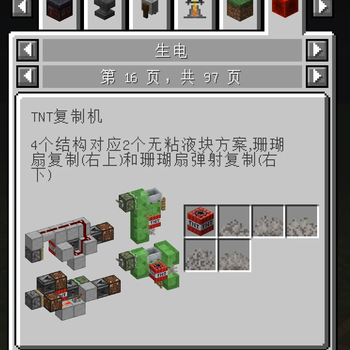
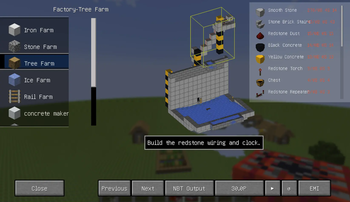
This mod add several advancements about Automation farm & Redstone Circuit with EMI/REI describe pages and specific teaching building farms tutorials with 3Ds.
添加生电机器(自动农场&红石机器)的进度和,EMI/REI相关界面和详细机器建造讲解(带3D介绍)!!! Server site unsupports advancements !!!
!!! 服务端不支持成就 !!!
now adds about 100 automation advancements.
EMI pages adds about 100 pages of machines descriptionsnow adds over 20 basic automaticly farms building tutorials (Open with G key)which can opened in EMI/REI pages aswell
现已添加100自动化成就和100页EMI机器介绍页面
现已添加20+基础机器建造教程(G键打开界面)。通过REI/EMI界面也可以打开
Mod support English and Chinese for language options 现已支持中英双语


Available Versions
How to Install 自动化时代 AutomationEra on Your Server
Order Server
Order a Minecraft Java server with at least 3 GB RAM (4 GB recommended).
Set fabric Loader
In the panel under "Egg", select the fabric loader and matching Minecraft version (1.21.11).
Install Mod
Open the mod browser in the dashboard and search for "自动化时代 AutomationEra". Click "Install" – done! Alternatively, upload the .jar via SFTP to the /mods folder.
Compatibility
Mod Loaders
Minecraft Versions
1.21.11, 1.21.8, 1.21.7 (+6 more)
Server-side
~ OptionalRecommended RAM
4 GB(min. 3 GB)Frequently Asked Questions
自动化时代 AutomationEra server crashes on startup – what to do?
Most common cause: wrong fabric version or insufficient RAM. Check the server log (latest.log) for "OutOfMemoryError" or "Mixin" errors. With Mado Hosting: ensure at least 3 GB RAM is allocated and the loader matches the mod version (1.21.11). You can switch loaders with one click in the panel.
Is 自动化时代 AutomationEra compatible with fabric?
自动化时代 AutomationEra officially supports fabric for Minecraft 1.21.11, 1.21.8, 1.21.7. The Mado dashboard automatically detects incompatible loader combinations.
Server lagging with 自动化时代 AutomationEra – how to optimize performance?
Recommended RAM: 4 GB (per 8 players). Use /spark profiler to check if 自动化时代 AutomationEra consumes the most tick time. Common fixes: reduce server view-distance to 8-10, install "performant" or "starlight" as supplementary mods on Forge. With Mado Hosting, your server runs on NVMe SSDs with dedicated CPU cores for minimal latency.
Similar Mods




![[ETF] Entity Texture Features](https://cdn.modrinth.com/data/BVzZfTc1/af683d206d50b05258d865b0d6e4aa2f2cee12f2_96.webp)
![[EMF] Entity Model Features](https://cdn.modrinth.com/data/4I1XuqiY/6e5bbd0d06b1741bfdab6c0cfab6de8fdaf0064c_96.webp)
Rent Modded Server
Install 自动化时代 AutomationEra with just one click on your server.