
AutoReconnect
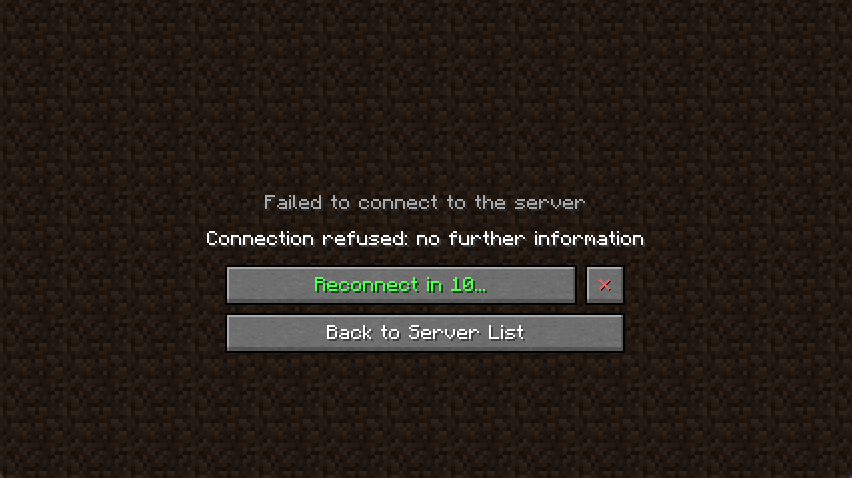
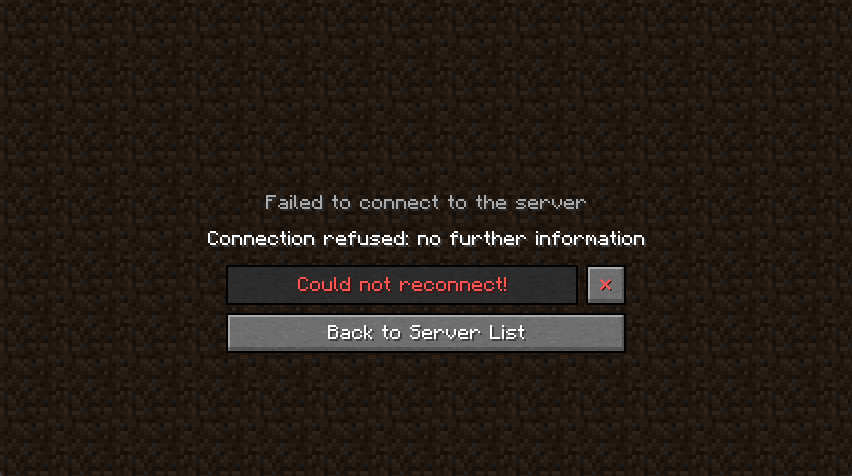
This mod will automatically try to reconnect you back to a server if you got disconnected. By default, it will make 4 attempts after 3, 10, 30 and 60 seconds.
Screenshots
About this Mod
AutoReconnect [1.20.1][Fabric][Client]
Description
This mod will automatically try to reconnect you back to a server if you got disconnected.
By default, it will make 4 attempts after 3, 10, 30 and 60 seconds.
Disclaimer: Use at your own risk. When using this on a multiplayer server/realm you might want to check with the admins first whether it's okay to use this mod.
Features
General:
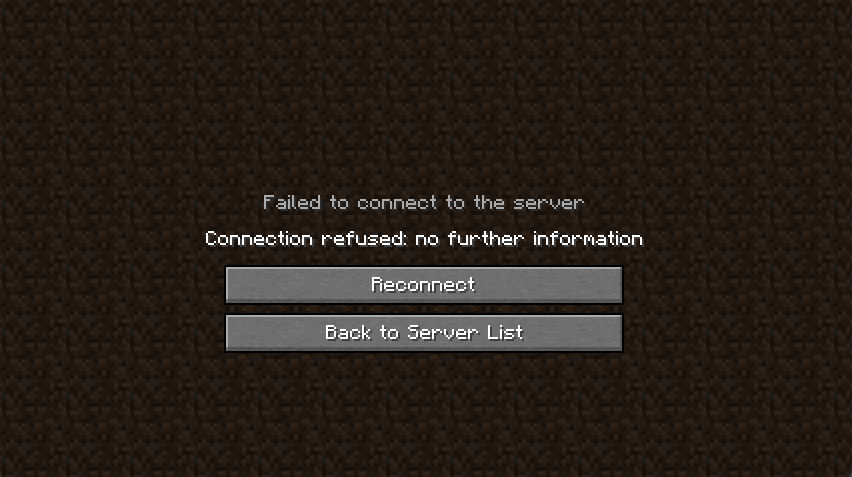
- Additional button on the disconnect screen which will reconnect you without having to go back to the menu first
- Configurable through Mod Menu
AutoReconnect:
- Automatically reconnect after getting disconnected
- Multiple attempts
- Individual delays between attempts
- Infinite attempts (Optional, repeats last attempt)
- Manual reconnect still possible
- Countdown is showing and can be canceled
- Works for servers, realms and even singleplayer
AutoMessage:
- Automatically send messages/commands after reconnecting, e.g. to join a certain lobby or just say hi
(Doesn't trigger when (re)connecting manually) - Delay between messages and before the first one
- Configure messages for each server, realm or singleplayer world (for details see below)
Extras:
- Supports Mod Menu and AuthMe (for details see below)
- The disconnect screen (like many other screens) can be exited by pressing escape
- After being disconnected from a singleplayer world, you won't end up on the multiplayer screen. A fix has been implemented for (Bug MC-46502)
Requirements/Installation/Setup
This mod works on Fabric and requires the Fabric API, ClothConfig and Mod Menu
- If you don't have a fabric profile set up, download and install Fabric and set up a profile to your likings
- Download the following mods and put them in the mod folder of your profile:
(Be careful with the versions you download, make sure the mods are for fabric (not forge) and the right version of minecraft)- Fabric API
- ClothConfig
- Mod Menu
- AutoReconnect (this mod)
- Setup:
- Start up minecraft and when you see the title screen, click on "Mods"
- Find and select this mod in the list of mods to your left
- Click on the configuration button on top of the icon of this mod in the list on the left or the one at the top right if you selected the mod
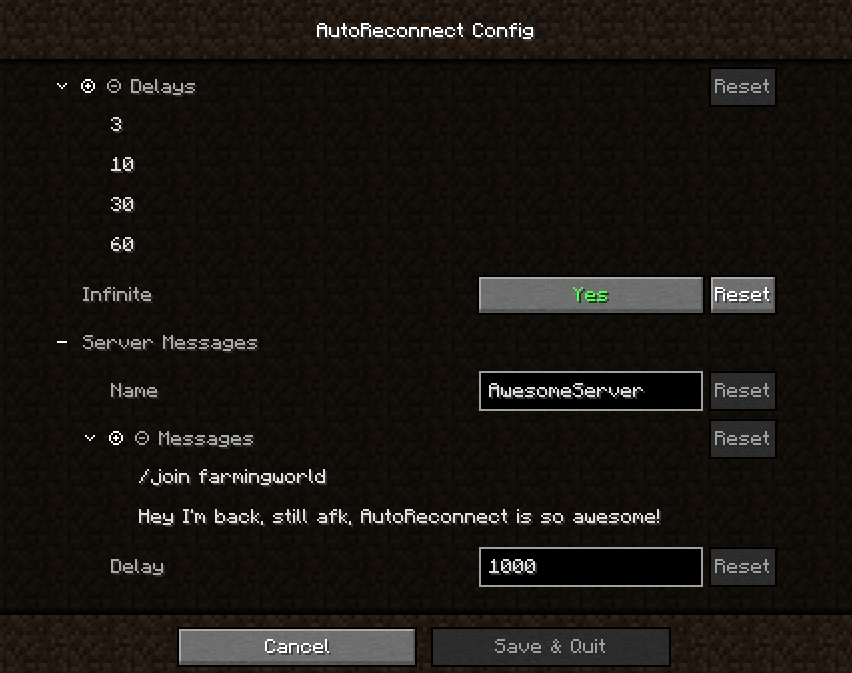
- The configuration of this mod should open and look similar to the screenshots below
Compatibility/Support
- Mod Menu
- Properly shows the mod icon, name and author
and provides a link for the github project page and the github issues page - Graphical user interface to configure the mod in-game
- Properly shows the mod icon, name and author
- AuthMe
- Countdown for automatic reconnect will stop if you're re-authenticating to revalidate your session
Details
AutoReconnect:
- Attempts can be configured by adding strictly positive values (delay in seconds) to the list of delays. For each value in that list a delayed attempt will be made to reconnect you.
- Can be disabled by simple not configuring any attempts. Only manual reconnects are possible then.
- The "infinite" flag can be enabled to configure the last attempt to repeat infinitely
- The countdown can be cancelled by pressing the button with the "✕" or by pressing escape
AutoMessages:
- Will only be executed if an automatic reconnect attempt has been made, so you didn't click on the reconnect button yourself or connect the first time.
- Can target multiple specific servers, realms or singleplayer worlds. Create a configuration under the section "AutoMessages" for each one and enter the name of the server, realm or singleplayer world.
- A delay (in milliseconds) can be configured. This delay will be the same between every message and before the first message after the instant you join the world.
Future plans
- Modify internal structures to pick up quickPlay connects (or mods/alternative launchers directly connecting you to somewhere) which don't go through the ui
- Reconnect from being kicked into a lobby (feature request issue #22)
- Conditional reconnects, e.g. configure the mod not to reconnect when a moderator kicked you (feature request issue #36)
- I'm not planning to port this mod to forge
Feedback, Suggestions, Bugs & Issues
- For feedback and suggestions please create an issue on github or write a comment on curseforge
- If you found a bug or an issue, make sure to give a detailed description of the issue and post the latest logs, or a potential crash report, preferably by using something like pastebin.
Screenshots
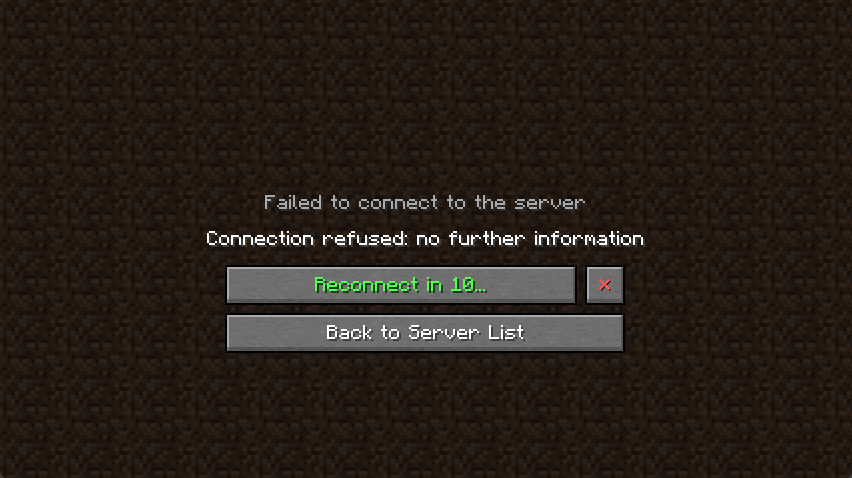
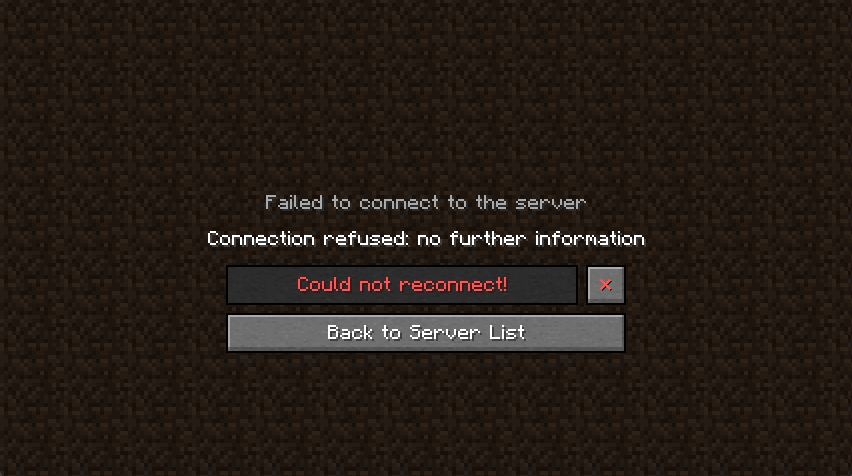
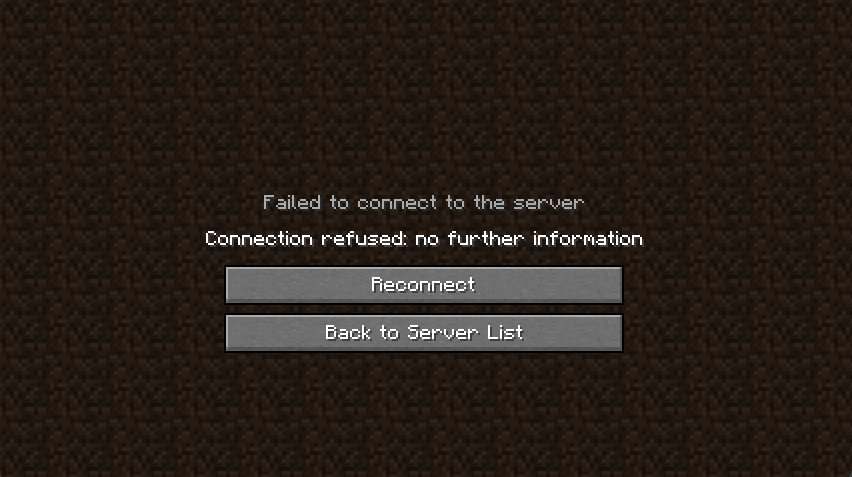
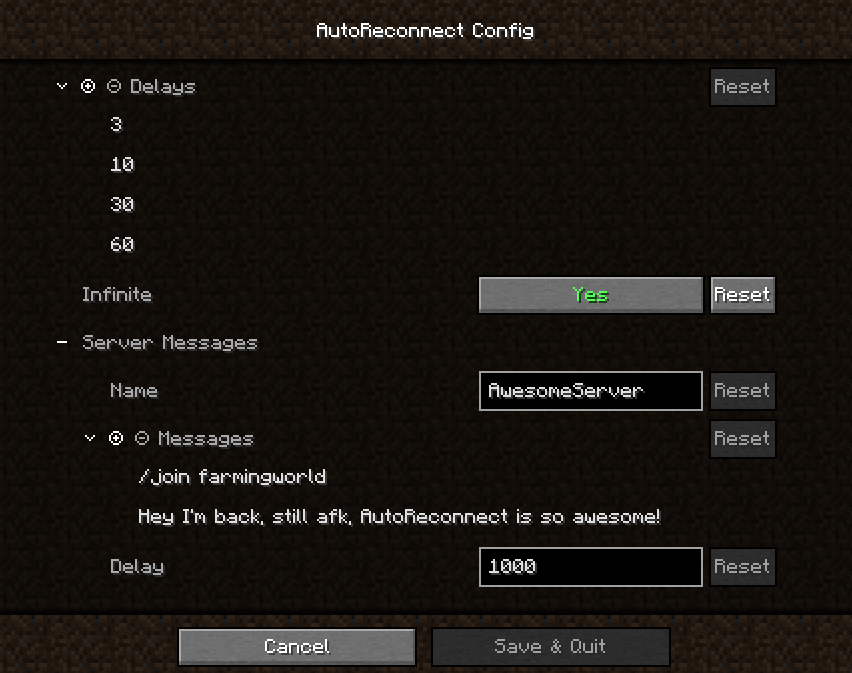
(Last one outdated)
Licence
This mod and its code is available under the GNU Lesser General Public Licence v3.0.
If you use code from this mod or the mod itself in a mod pack I would appreciate it if you would mention me by linking to this page.
Available Versions
How to Install AutoReconnect on Your Server
Order Server
Order a Minecraft Java server with at least 3 GB RAM (4 GB recommended).
Set fabric Loader
In the panel under "Egg", select the fabric loader and matching Minecraft version (1.20.1).
Install Mod
Open the mod browser in the dashboard and search for "AutoReconnect". Click "Install" – done! Alternatively, upload the .jar via SFTP to the /mods folder.
Compatibility
Mod Loaders
Minecraft Versions
1.20.1
Server-side
✗ UnsupportedRecommended RAM
4 GB(min. 3 GB)Frequently Asked Questions
AutoReconnect server crashes on startup – what to do?
Most common cause: wrong fabric version or insufficient RAM. Check the server log (latest.log) for "OutOfMemoryError" or "Mixin" errors. With Mado Hosting: ensure at least 3 GB RAM is allocated and the loader matches the mod version (1.20.1). You can switch loaders with one click in the panel.
Is AutoReconnect compatible with fabric?
AutoReconnect officially supports fabric for Minecraft 1.20.1. The Mado dashboard automatically detects incompatible loader combinations.
Server lagging with AutoReconnect – how to optimize performance?
Recommended RAM: 4 GB (per 8 players). Use /spark profiler to check if AutoReconnect consumes the most tick time. Common fixes: reduce server view-distance to 8-10, install "performant" or "starlight" as supplementary mods on Forge. With Mado Hosting, your server runs on NVMe SSDs with dedicated CPU cores for minimal latency.
Similar Mods




![[ETF] Entity Texture Features](https://cdn.modrinth.com/data/BVzZfTc1/af683d206d50b05258d865b0d6e4aa2f2cee12f2_96.webp)
![[EMF] Entity Model Features](https://cdn.modrinth.com/data/4I1XuqiY/6e5bbd0d06b1741bfdab6c0cfab6de8fdaf0064c_96.webp)
Rent Modded Server
Install AutoReconnect with just one click on your server.