
BagulhoCraft
A mod focused on making gameplay more practical, accessible and realistic, without breaking the balance of the vanilla game.
Screenshots
About this Mod
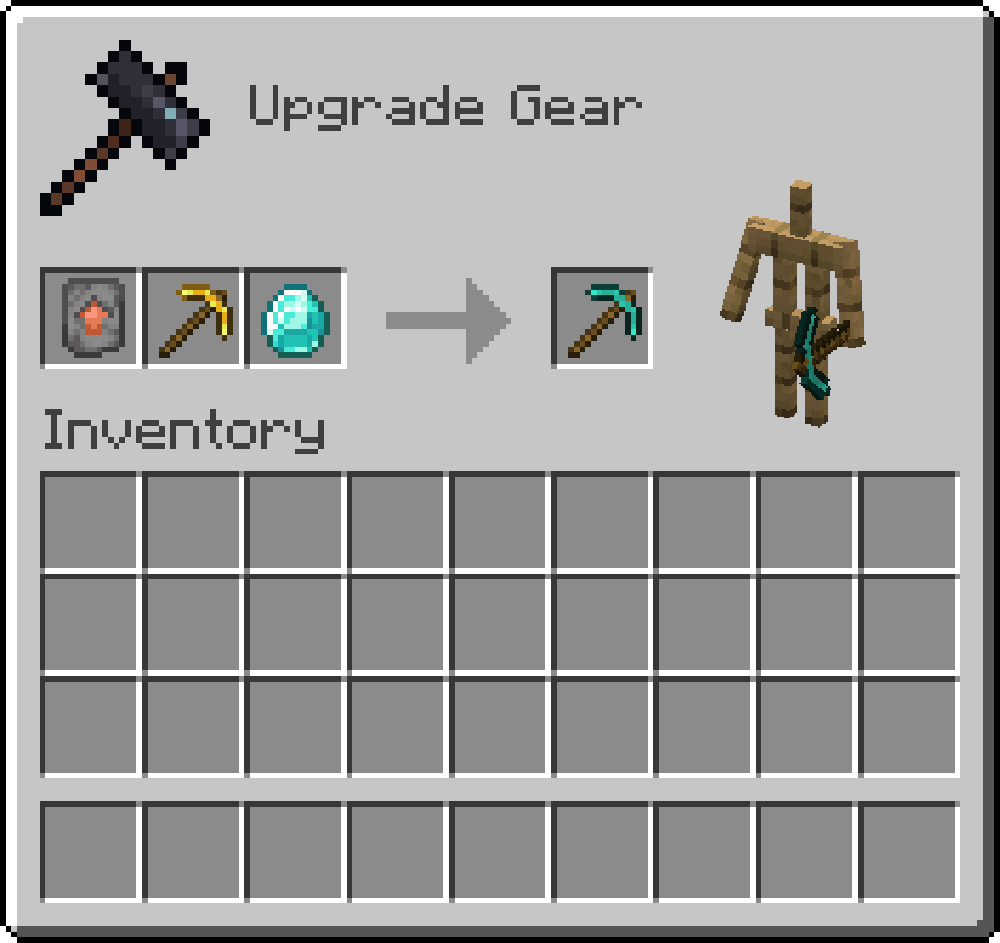
✨ This mod brings a more logical and efficient approach to Minecraft, enhancing the game's progression with new mechanics and recipes. The crafting experience becomes more practical and coherent, allowing for item acquisition in a more intuitive way and reducing reliance on luck or time-consuming processes. 🚀
🔧 Key improvements and additions:
🌟 Alternative Recipes and Crafting Improvements
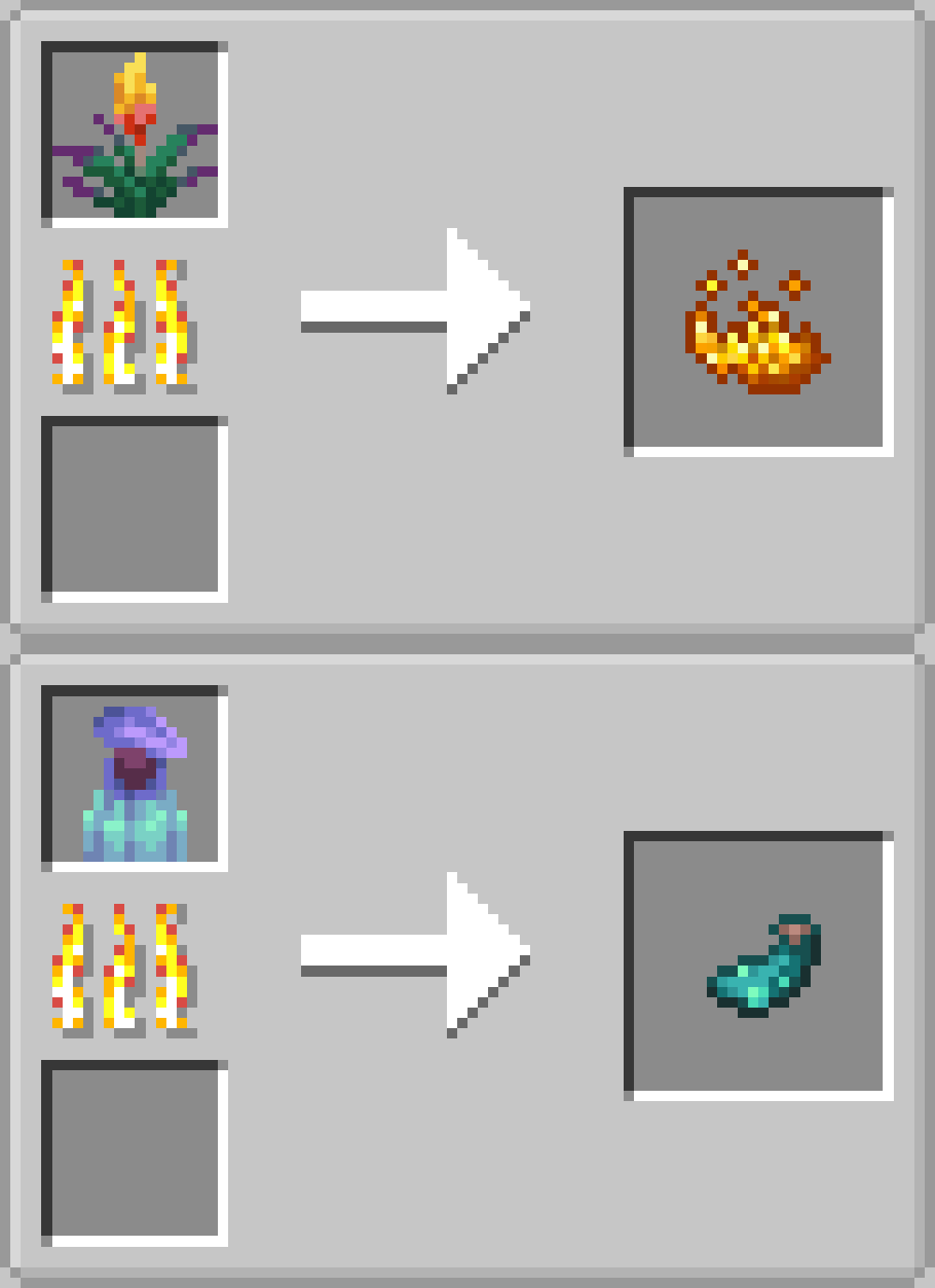
It is now possible to obtain essential items like glowstone dust, ender pearls, flint, leather, and black dye through new crafting methods. 🎨
🌱 Resource Acquisition Enhancement
Cows now drop more meat 🐄, plants provide new ingredients 🍃, and new cave roots allow for wood creation in underground environments 🌑.
⚙️ Rebalancing and Efficiency
Items like powered rails can be crafted with copper ⚡, shapeless recipes were applied to several items, and chain crafting has been optimized for faster processing 🔗.
💎 New Materials and Processes
Addition of amazing materials like white glue, weeping obsidian tears, and cave roots, expanding crafting and exploration possibilities. 🛠️
And there’s more to come! 🔥
Available Versions
How to Install BagulhoCraft on Your Server
Order Server
Order a Minecraft Java server with at least 3 GB RAM (4 GB recommended).
Set forge Loader
In the panel under "Egg", select the forge loader and matching Minecraft version (1.20.1).
Install Mod
Open the mod browser in the dashboard and search for "BagulhoCraft". Click "Install" – done! Alternatively, upload the .jar via SFTP to the /mods folder.
Compatibility
Mod Loaders
Minecraft Versions
1.20.1
Server-side
✓ RequiredRecommended RAM
4 GB(min. 3 GB)Frequently Asked Questions
BagulhoCraft server crashes on startup – what to do?
Most common cause: wrong forge version or insufficient RAM. Check the server log (latest.log) for "OutOfMemoryError" or "Mixin" errors. With Mado Hosting: ensure at least 3 GB RAM is allocated and the loader matches the mod version (1.20.1). You can switch loaders with one click in the panel.
Is BagulhoCraft compatible with forge?
BagulhoCraft officially supports forge for Minecraft 1.20.1. The Mado dashboard automatically detects incompatible loader combinations.
Server lagging with BagulhoCraft – how to optimize performance?
Recommended RAM: 4 GB (per 8 players). Use /spark profiler to check if BagulhoCraft consumes the most tick time. Common fixes: reduce server view-distance to 8-10, install "performant" or "starlight" as supplementary mods on Forge. With Mado Hosting, your server runs on NVMe SSDs with dedicated CPU cores for minimal latency.
Similar Mods




![[ETF] Entity Texture Features](https://cdn.modrinth.com/data/BVzZfTc1/af683d206d50b05258d865b0d6e4aa2f2cee12f2_96.webp)

Rent Modded Server
Install BagulhoCraft with just one click on your server.