Barehanded
Physically detach blocks. Grab and rotate structures using your bare hands. No tools required. Useful for Create Aeronautics or any mod that uses Sable physics.
Screenshots
About this Mod






Sable: Barehanded
A Sable addon that allows players to physically detach, move, rotate, and rebuild blocks using their bare hands. No tools required!
🧱 Detach & Carry
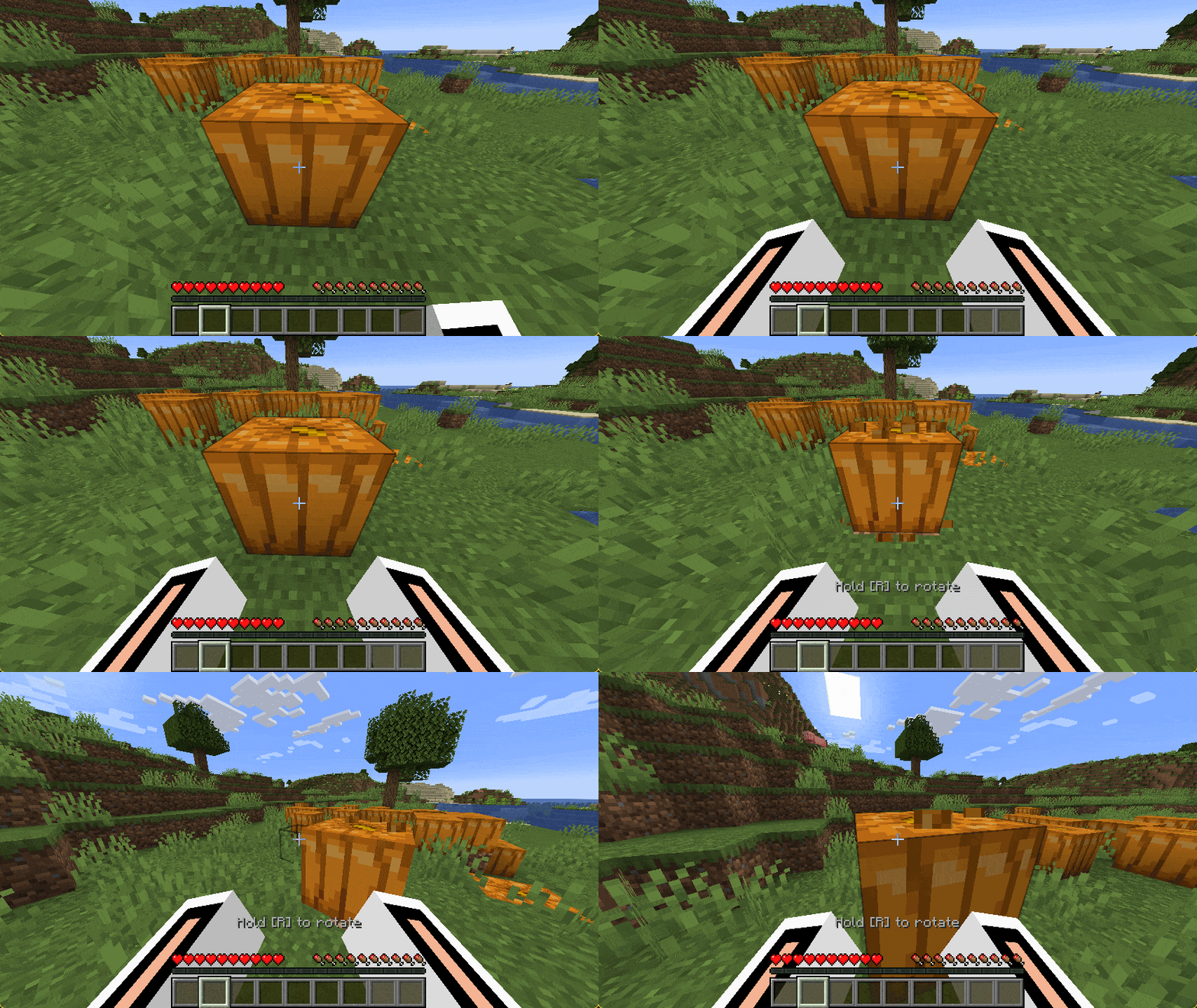
Immersive Physics: Crouch and walk backwards while holding both clicks to pull!. |
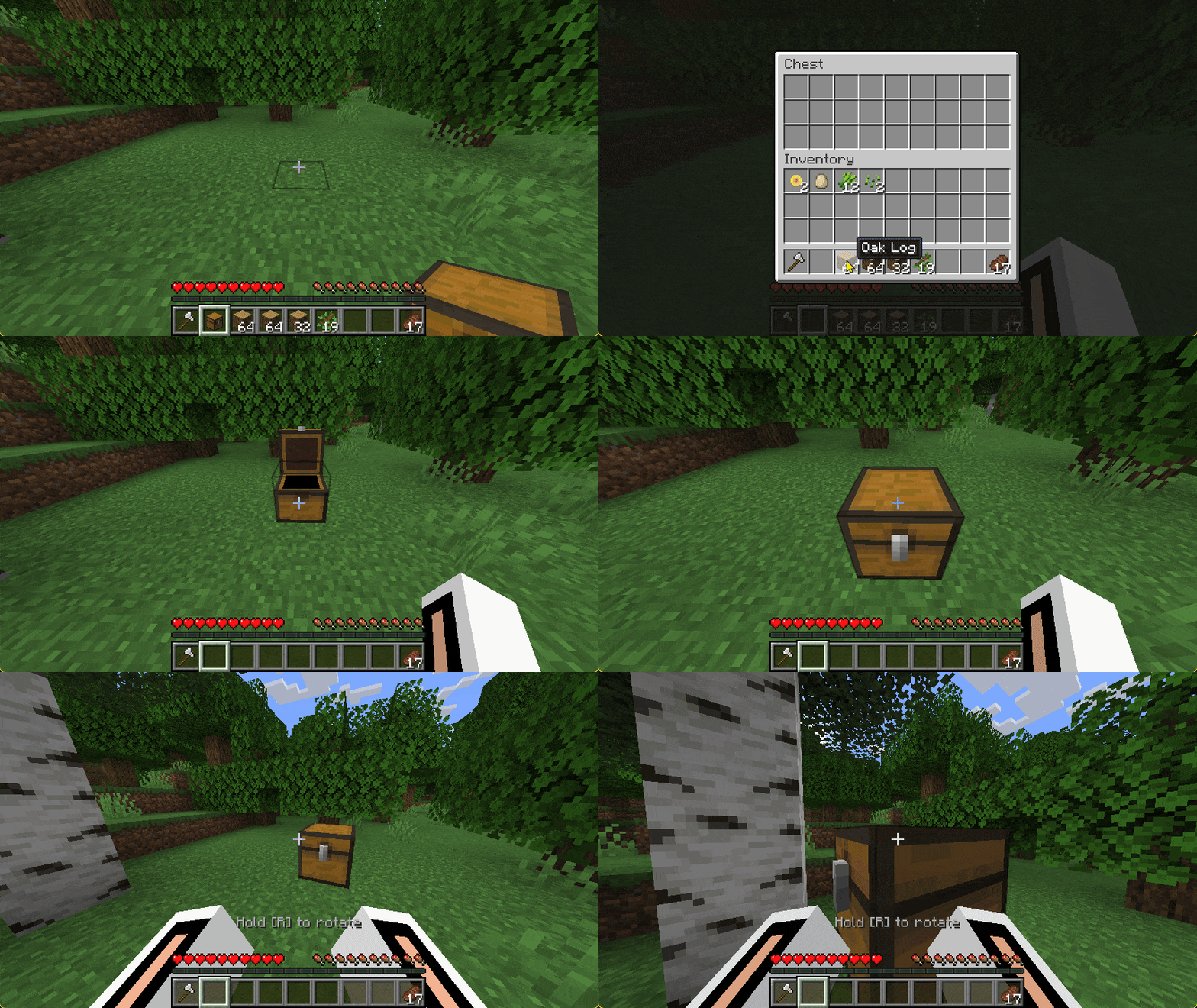
Smart Connectivity: Automatically detects and safely detaches connected structures like double chests. |
🫳 Grab, Push & Rotate
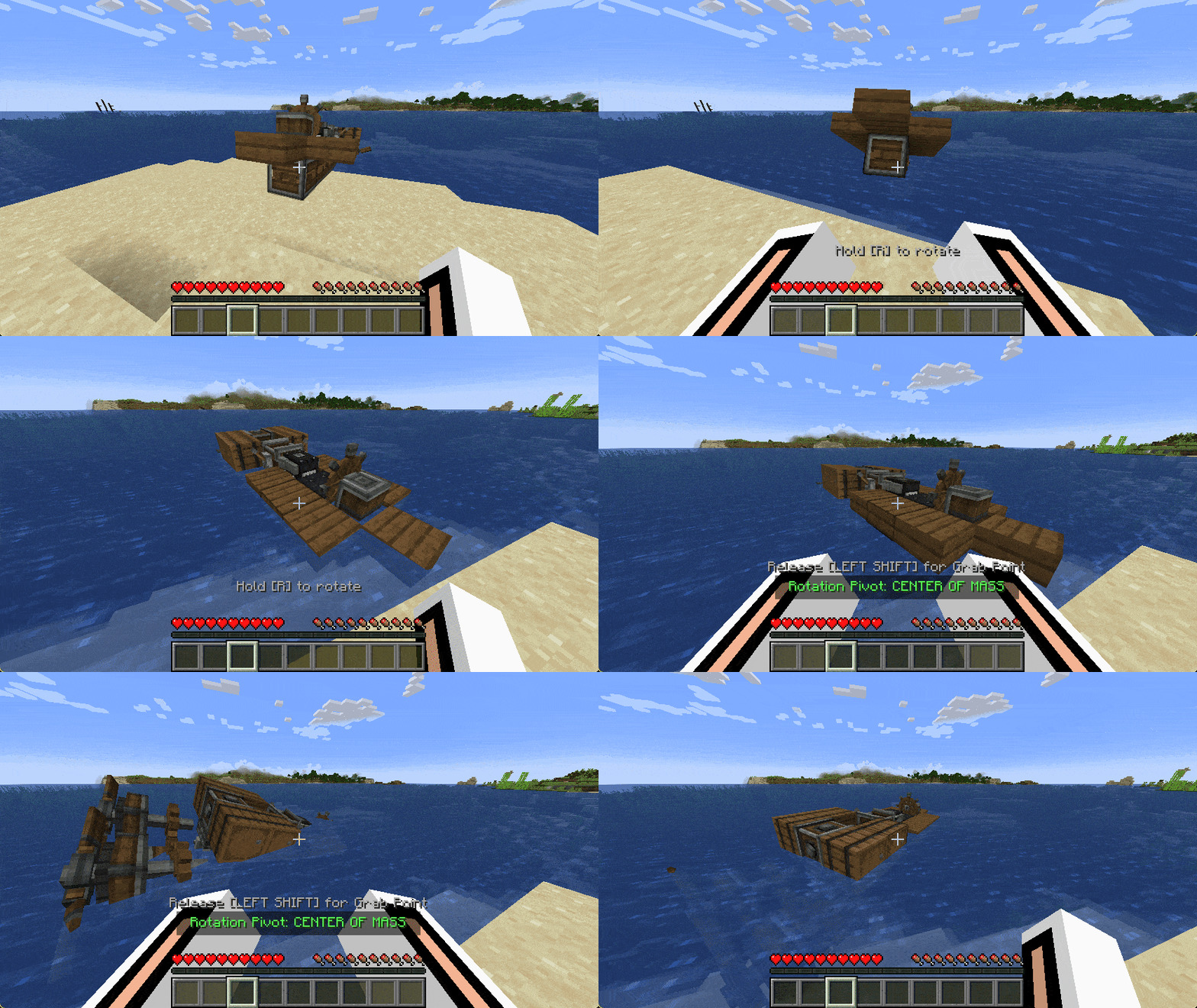
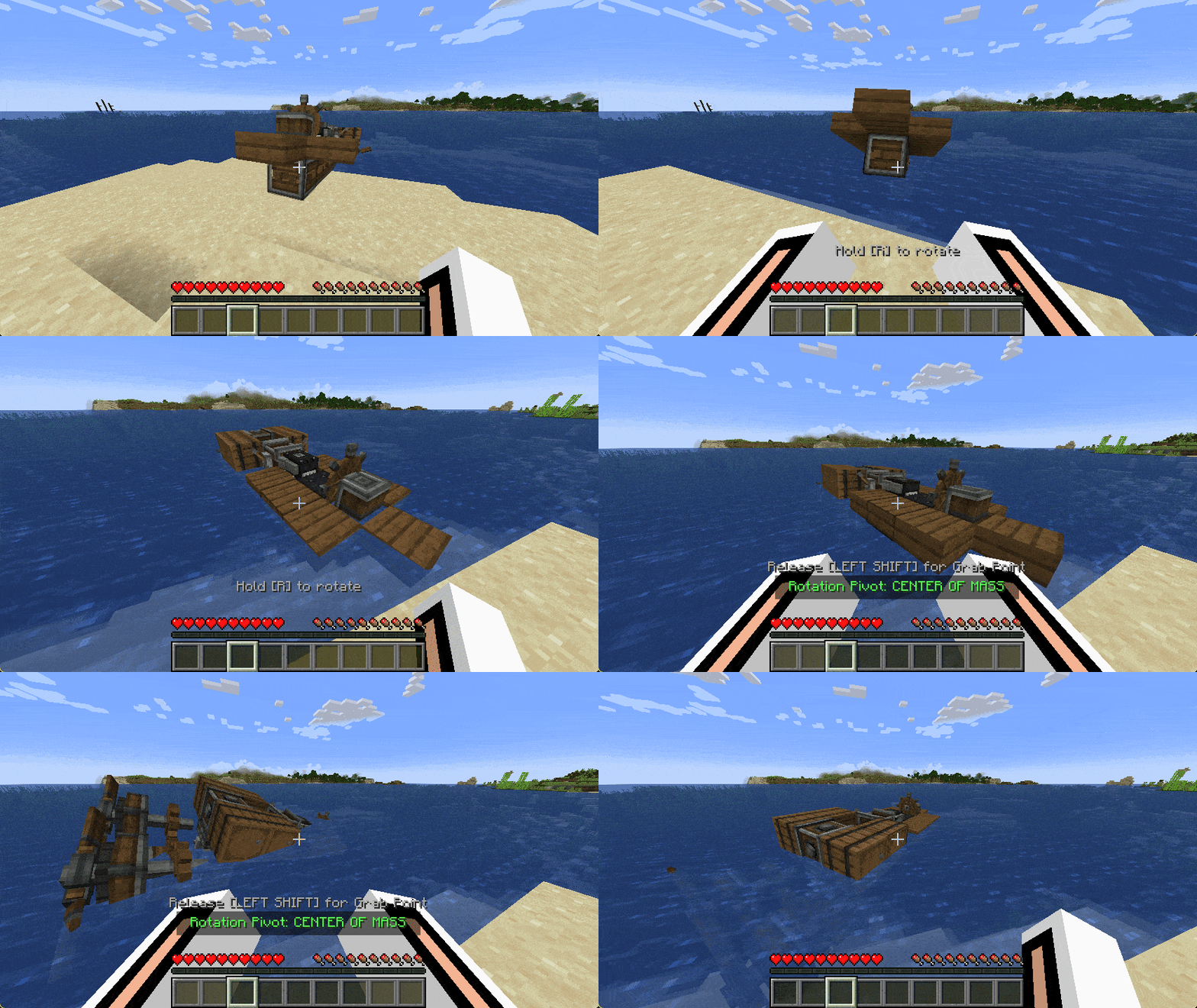
Grab & Rotate: Hold sub-levels in mid-air and rotate them freely using custom keybindings. |
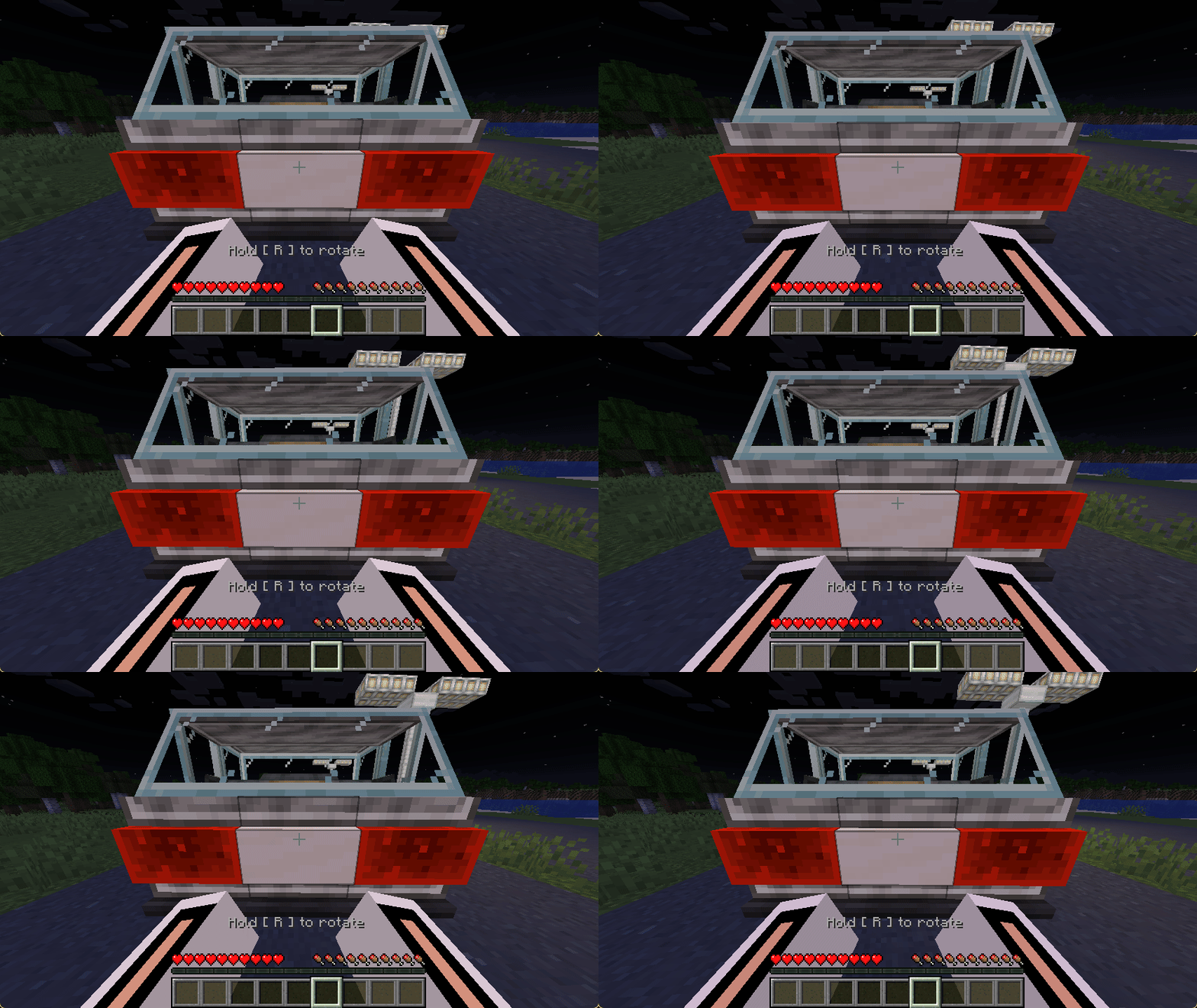
Push & Interact: Apply physical force to move heavy objects, vehicles, or structures around. |
🔨 Build & Disassemble
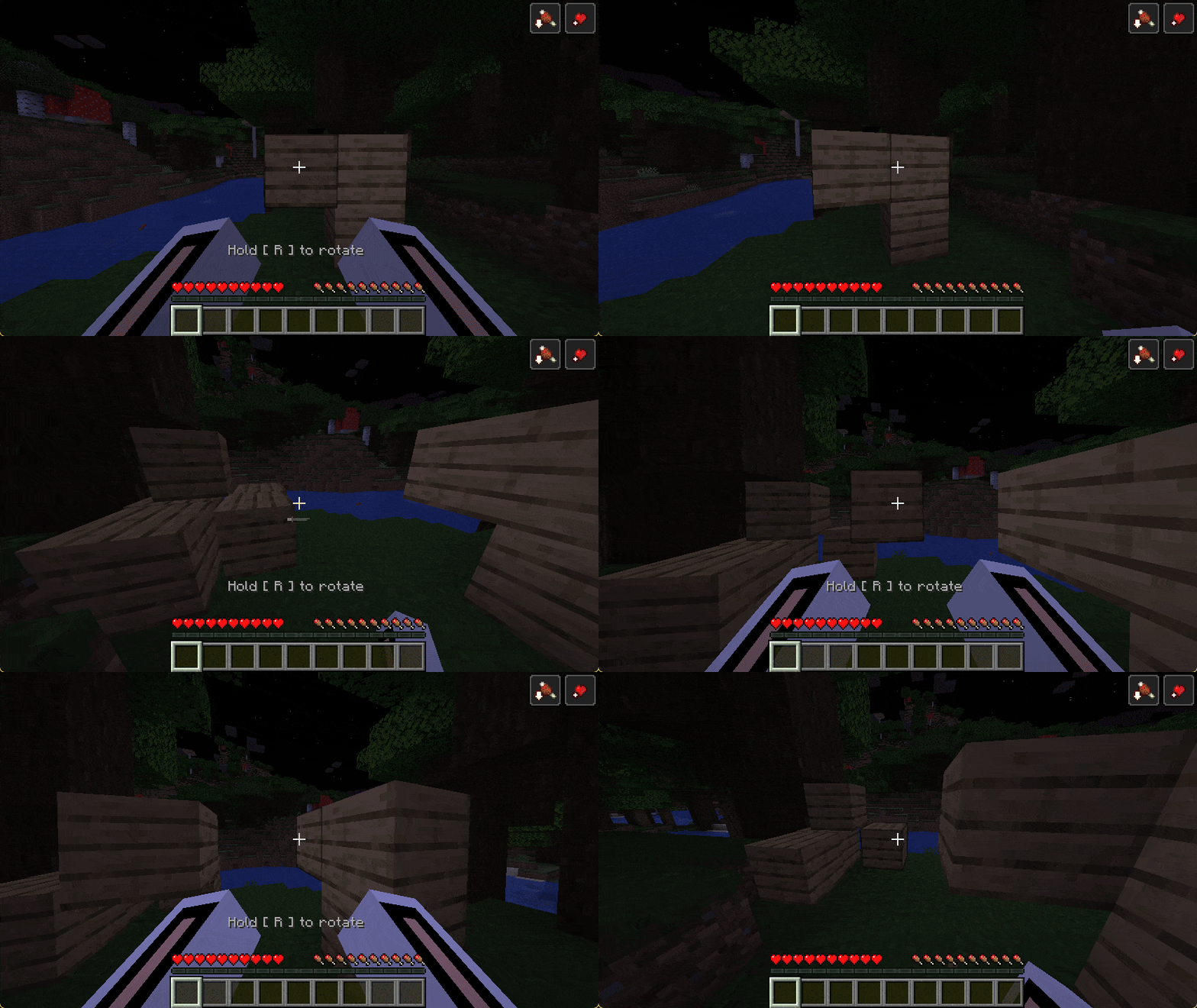
Disassemble: Slam a grabbed sub-level against a block or press [Q] to snap it back into the world. |
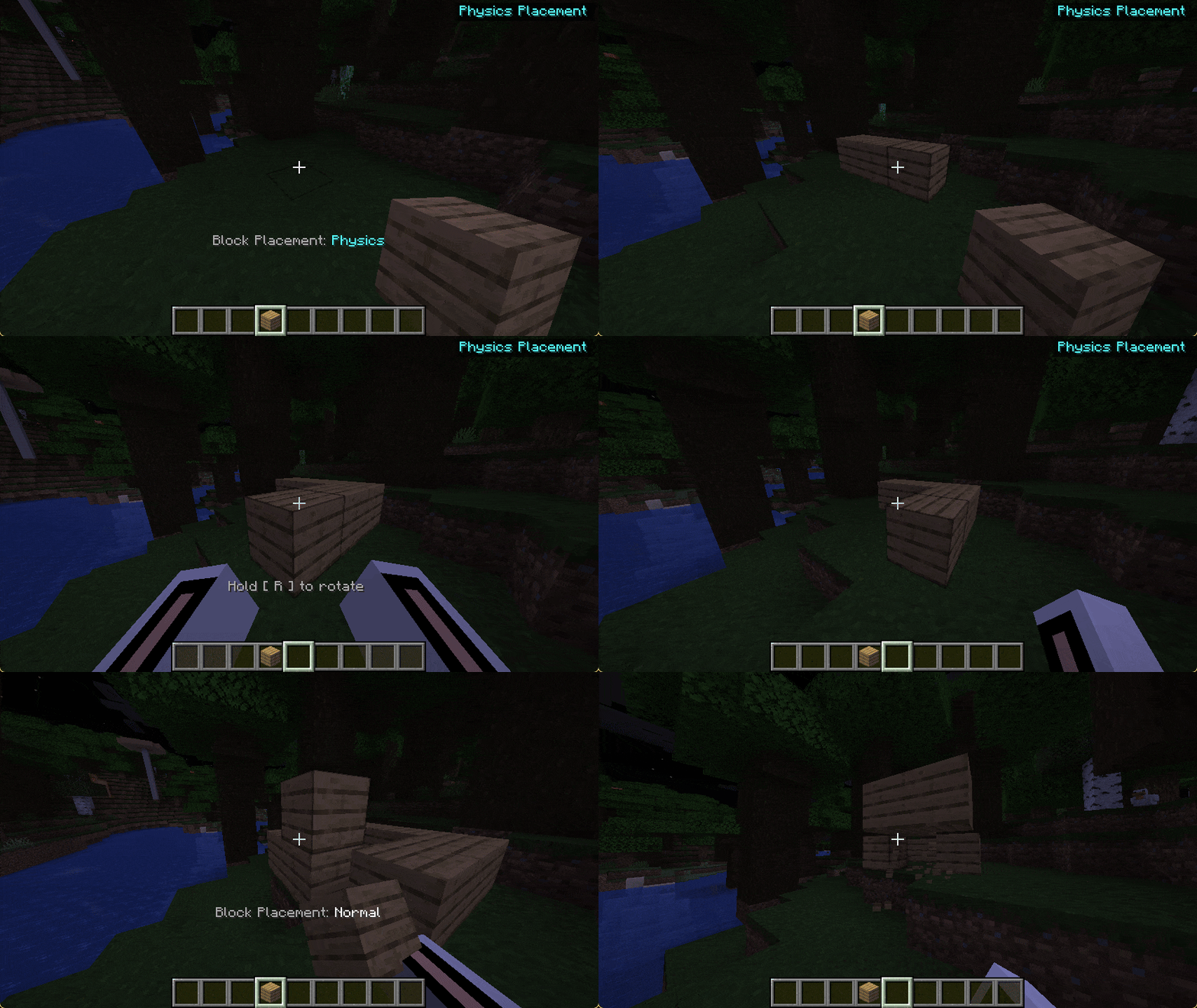
Physics Placement: Toggle placement mode with [X] and place blocks directly as physics objects. |
⚔️ Survival Friendly
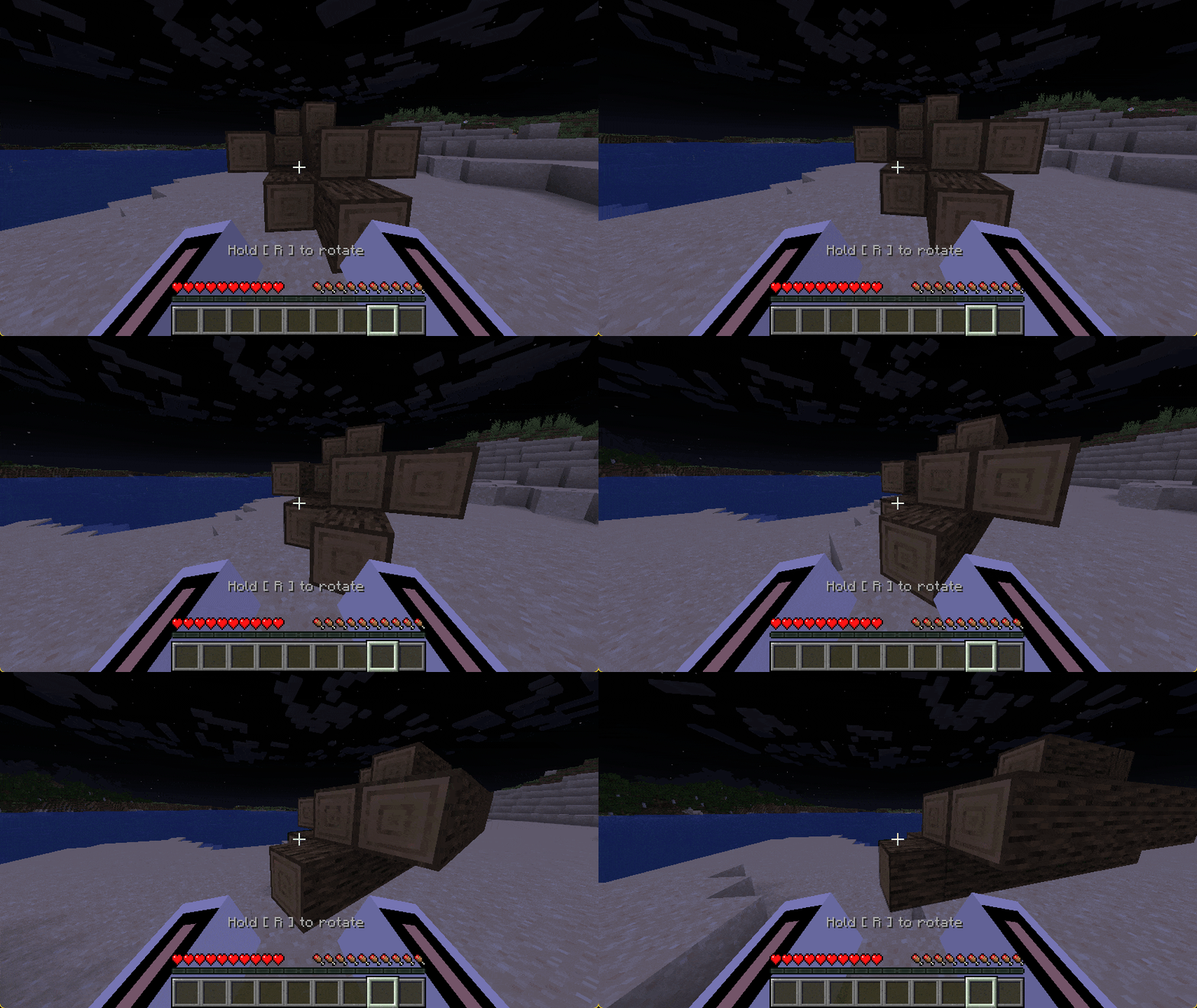
💪 Weight & Tension: Heavy structures drag heavily or snap the connection if you stretch your arms too far. |
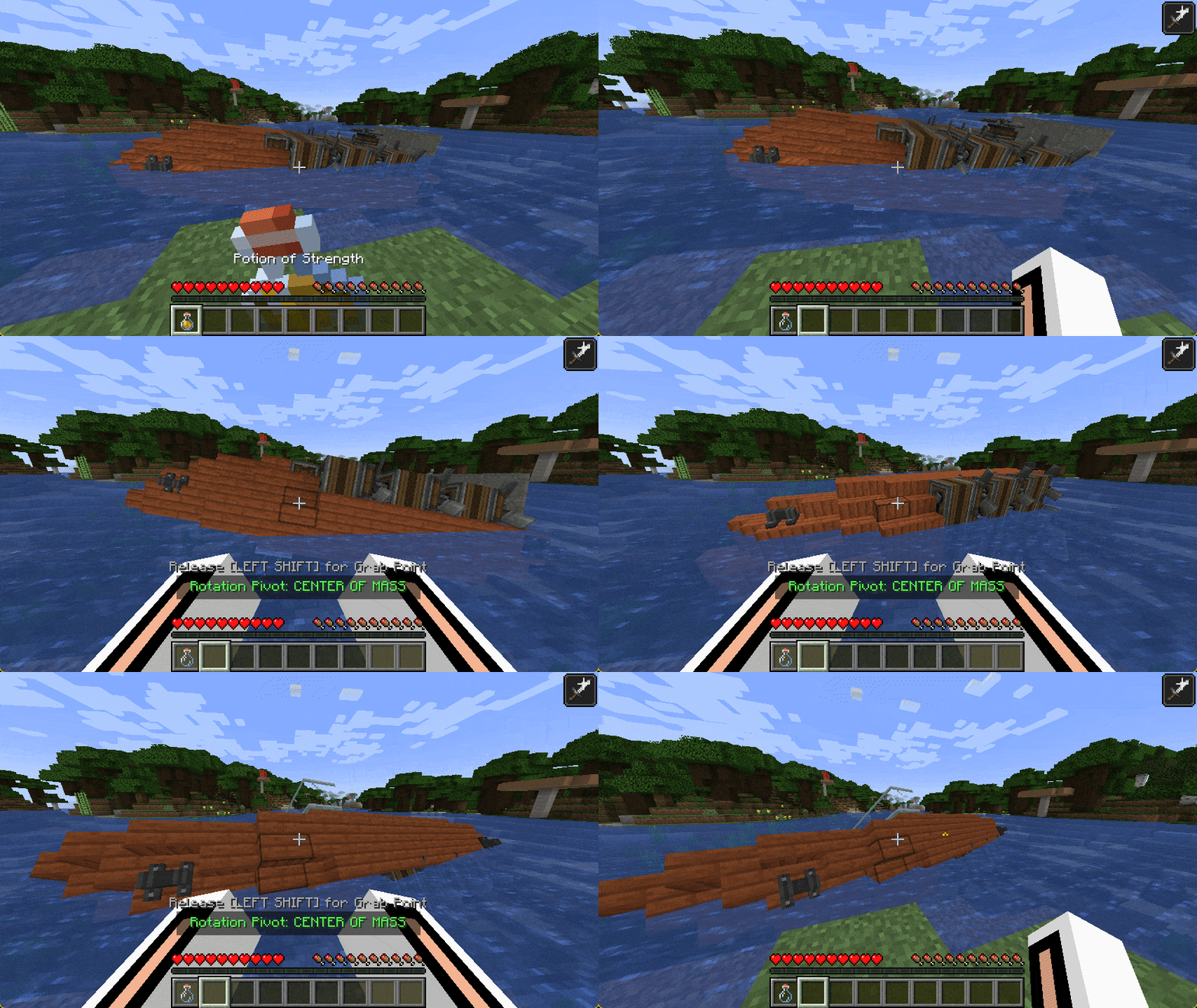
🧪 Potions & Hunger: Strength potions multiply your lifting force, while carrying heavy loads realistically drains your hunger bar. |
🌌 Creative Friendly
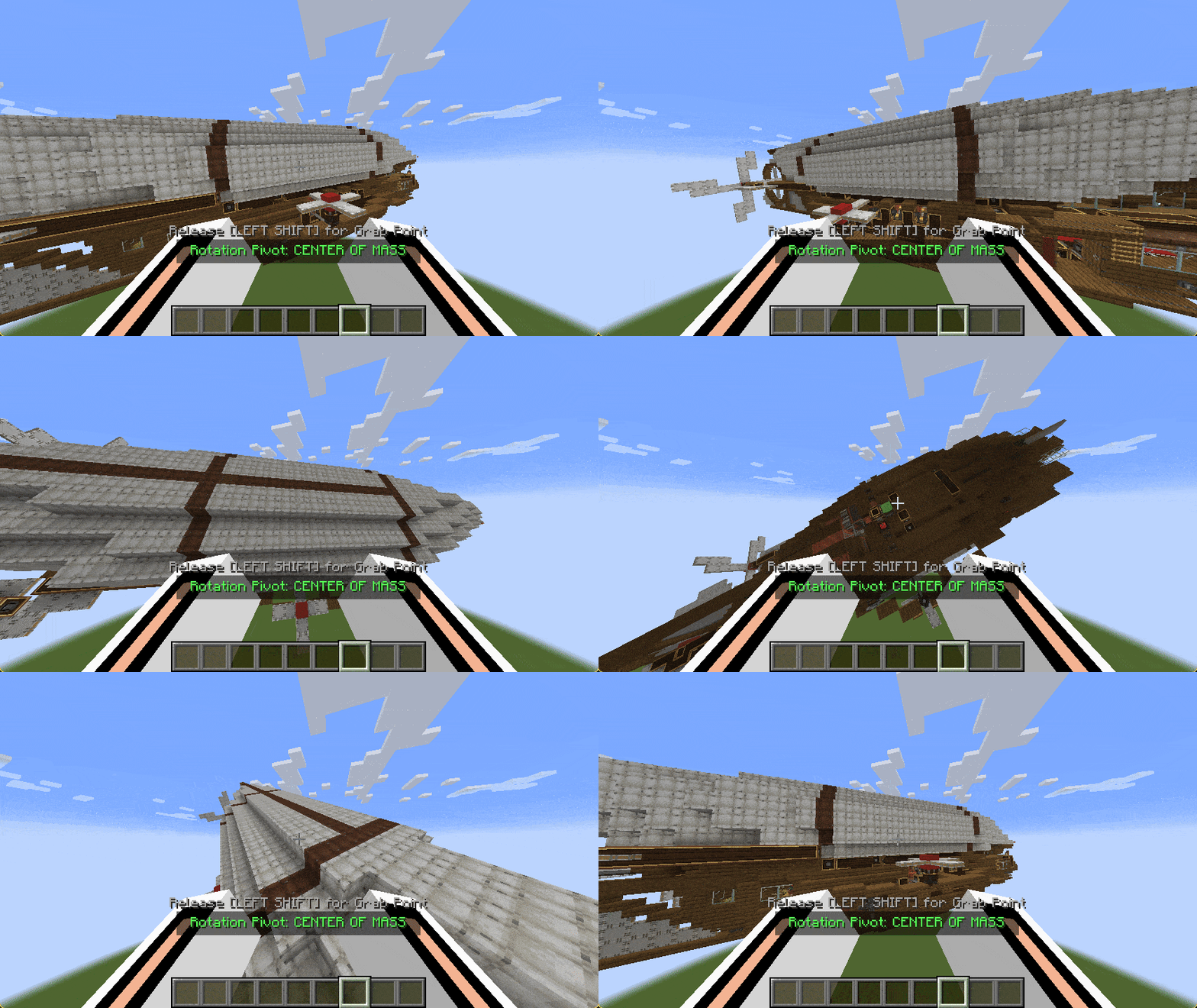
🦾 Infinite Power: Bypass all physical limits with infinite strength and maximum structural stabilization. |
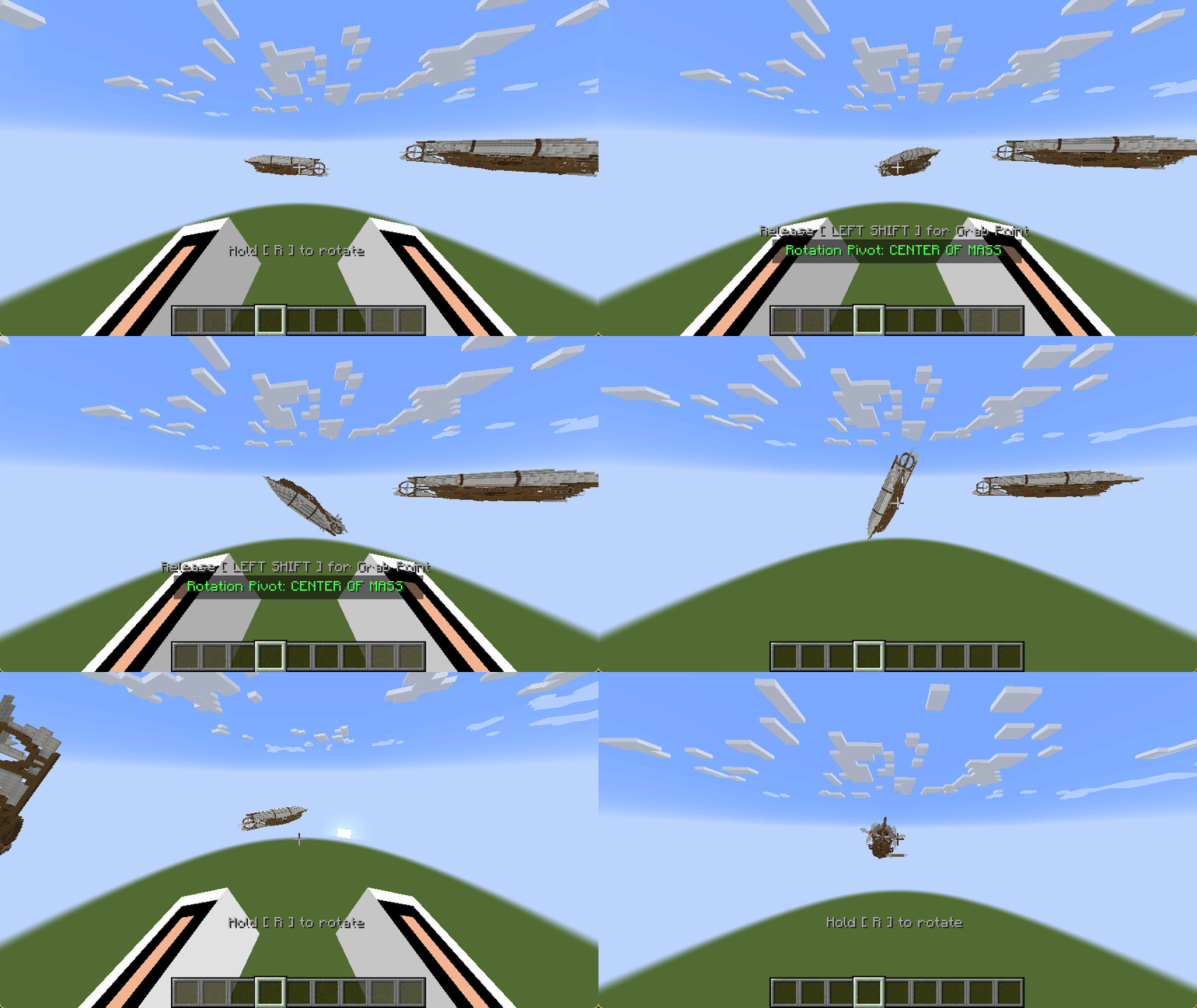
🔭 Boundless Reach: Grab, pull, and manipulate massive structures from virtually any distance. |
🎮 Immersive Controls
Make sure you have an empty hand to interact with the physics engine:
| Action | Controls |
|---|---|
| Grab (Sub-levels) | Hold Left + Right Click simultaneously. |
| Assemble Blocks | Sneak + Hold Left + Right Click, then walk backwards to pull! |
| Lift Interactables (Chests) | Hold Left Click first, then Right Click to avoid opening UI. |
| Lift Instant-Break Blocks | Hold Right Click first, then Left Click to avoid breaking. |
| Rotate | Hold [R] and move your mouse. |
| Toggle Pivot | Hold [Alt] while rotating (Center of Mass ↔ Grab Point). |
| Disassemble | Press [Q] while holding a sub-level (or slam it into a block!). |
| Physics Placement | Press [X] to toggle — blocks you place will spawn as physics objects. |
⚙️ Fully Configurable
Every aspect of this mod can be customized to fit your gameplay style or server needs via the in-game config menu (Cloth Config).
Available Versions
How to Install Barehanded on Your Server
Order Server
Order a Minecraft Java server with at least 3 GB RAM (4 GB recommended).
Set fabric Loader
In the panel under "Egg", select the fabric loader and matching Minecraft version (1.21.1).
Install Mod
Open the mod browser in the dashboard and search for "Barehanded". Click "Install" – done! Alternatively, upload the .jar via SFTP to the /mods folder.
Compatibility
Mod Loaders
Minecraft Versions
1.21.1
Server-side
✓ RequiredRecommended RAM
4 GB(min. 3 GB)Frequently Asked Questions
Barehanded server crashes on startup – what to do?
Most common cause: wrong fabric version or insufficient RAM. Check the server log (latest.log) for "OutOfMemoryError" or "Mixin" errors. With Mado Hosting: ensure at least 3 GB RAM is allocated and the loader matches the mod version (1.21.1). You can switch loaders with one click in the panel.
Is Barehanded compatible with fabric and neoforge?
Barehanded officially supports fabric, neoforge for Minecraft 1.21.1. The Mado dashboard automatically detects incompatible loader combinations.
Server lagging with Barehanded – how to optimize performance?
Recommended RAM: 4 GB (per 8 players). Use /spark profiler to check if Barehanded consumes the most tick time. Common fixes: reduce server view-distance to 8-10, install "performant" or "starlight" as supplementary mods on Forge. With Mado Hosting, your server runs on NVMe SSDs with dedicated CPU cores for minimal latency.
Similar Mods




Rent Modded Server
Install Barehanded with just one click on your server.