
Beef's Metal Blocks
A vanilla friendly expansion for Minecraft's metal blocks!
Screenshots
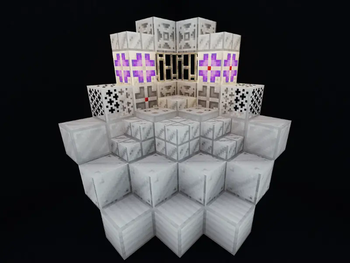
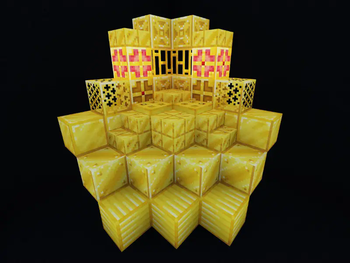
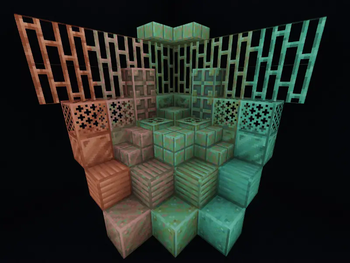
About this Mod
Beef's Metal Blocks
Beef's Metal Blocks is a vanilla friendly mod that aims to expand minecrafts metal blocks!
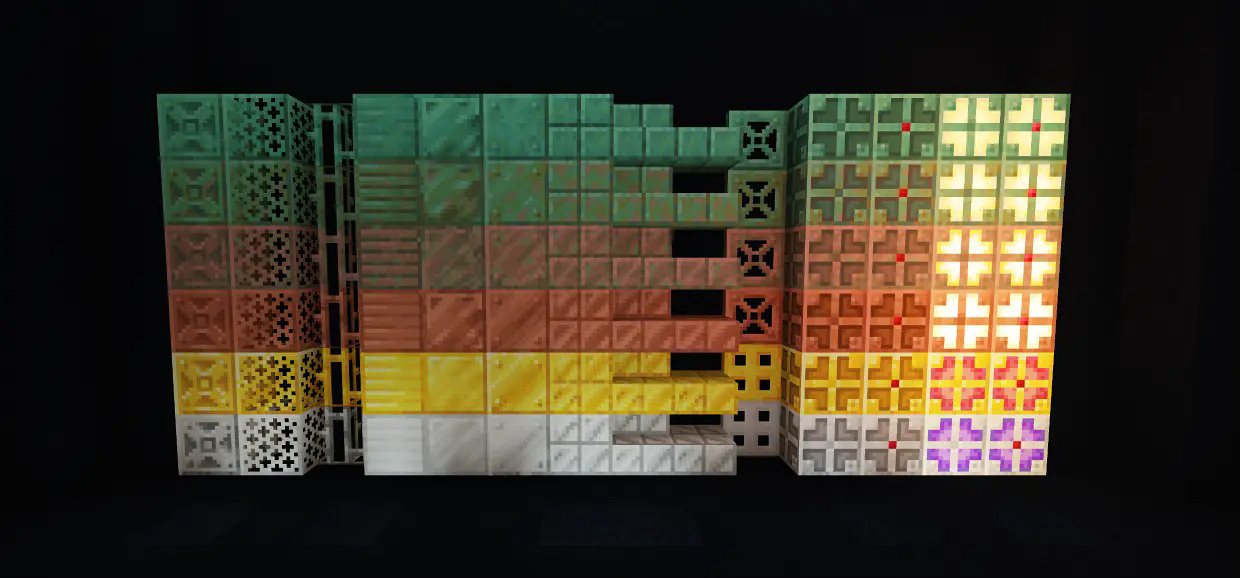
This mod is a comprehensive expanded suite of all the metal blocks, retaining variations of all vanilla textures. Finally you can have that regal palace or that shiny shiny kitchen!
Disclaimer: some recipes have been changed.
About
Copper trapdoors are now crafted like iron trapdoors and metal trapdoor recipes give you 2 of them.
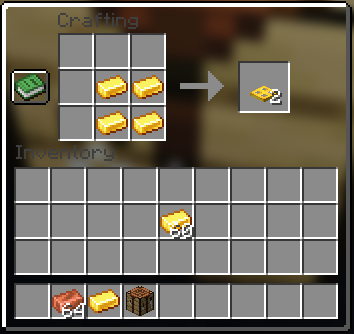
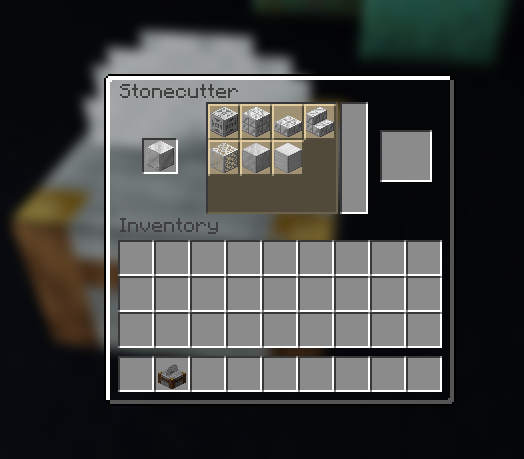
All metal blocks now default to the copper texture (smooth) and are referred to in game as x_block. You can swap any of these textures by putting the block into a stone cutter, and all of the textured blocks (excluding cut) will return your resources if you put it into a crafting grid by itself.
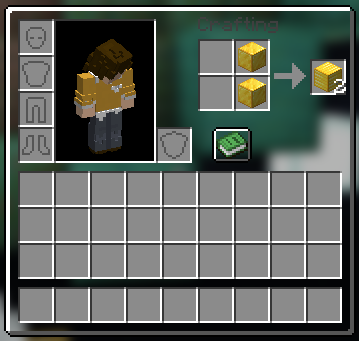
You can also swap the block type by making a stick formation in your inventory. The rotation is smooth(copper) -> polished(gold) - > reinforced(iron).
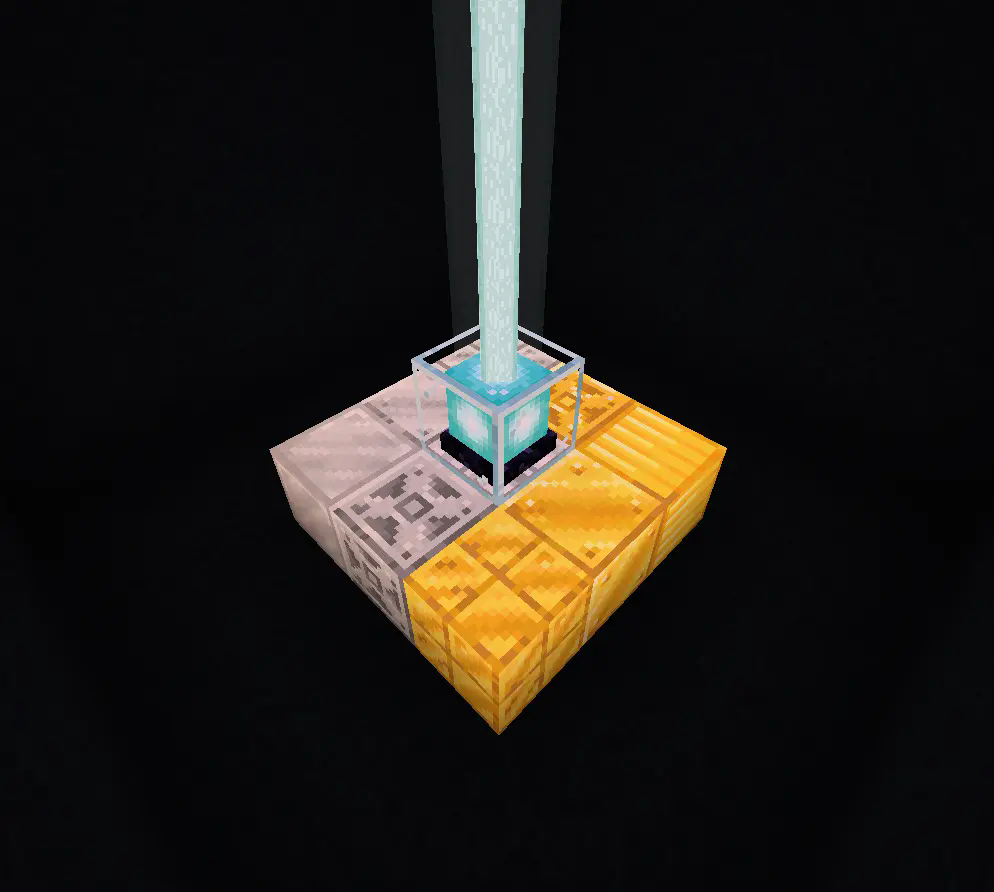
Did I mention all the solid gold and iron blocks are beacon compatible?
Modpacks
You may use this mod in your modpack as long as you credit.
Contact Me
Please reach out to me on The Fabric Project Discord if you have any requests for features or want to report bugs. My tag is @beefymuscle.
Big thanks to The Fabric Project Discord. They are so kind to amateur developers like myself.
Philippians 4:13
I can do all things through Christ who strengthens me.
Available Versions
How to Install Beef's Metal Blocks on Your Server
Order Server
Order a Minecraft Java server with at least 3 GB RAM (4 GB recommended).
Set fabric Loader
In the panel under "Egg", select the fabric loader and matching Minecraft version (1.21.1).
Install Mod
Open the mod browser in the dashboard and search for "Beef's Metal Blocks". Click "Install" – done! Alternatively, upload the .jar via SFTP to the /mods folder.
Compatibility
Mod Loaders
Minecraft Versions
1.21.1, 1.21, 1.20.6 (+2 more)
Server-side
✓ RequiredRecommended RAM
4 GB(min. 3 GB)Frequently Asked Questions
Beef's Metal Blocks server crashes on startup – what to do?
Most common cause: wrong fabric version or insufficient RAM. Check the server log (latest.log) for "OutOfMemoryError" or "Mixin" errors. With Mado Hosting: ensure at least 3 GB RAM is allocated and the loader matches the mod version (1.21.1). You can switch loaders with one click in the panel.
Is Beef's Metal Blocks compatible with fabric?
Beef's Metal Blocks officially supports fabric for Minecraft 1.21.1, 1.21, 1.20.6. The Mado dashboard automatically detects incompatible loader combinations.
Server lagging with Beef's Metal Blocks – how to optimize performance?
Recommended RAM: 4 GB (per 8 players). Use /spark profiler to check if Beef's Metal Blocks consumes the most tick time. Common fixes: reduce server view-distance to 8-10, install "performant" or "starlight" as supplementary mods on Forge. With Mado Hosting, your server runs on NVMe SSDs with dedicated CPU cores for minimal latency.
Similar Mods

![[ETF] Entity Texture Features](https://cdn.modrinth.com/data/BVzZfTc1/af683d206d50b05258d865b0d6e4aa2f2cee12f2_96.webp)
![[EMF] Entity Model Features](https://cdn.modrinth.com/data/4I1XuqiY/6e5bbd0d06b1741bfdab6c0cfab6de8fdaf0064c_96.webp)



Rent Modded Server
Install Beef's Metal Blocks with just one click on your server.