
Ben's Oneblocks
My take on the popular Oneblock franchise! Every wanted to create your own one blocks? Well now you can!
Screenshots
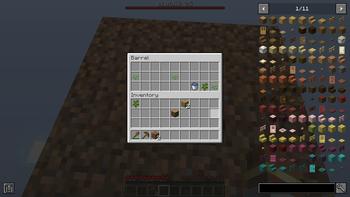
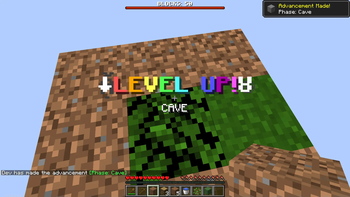
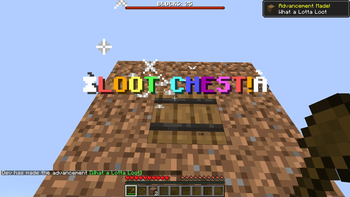
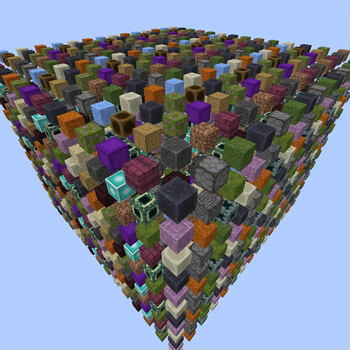
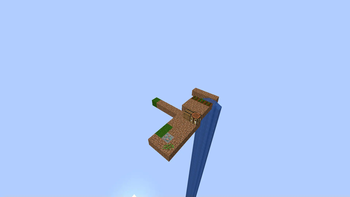
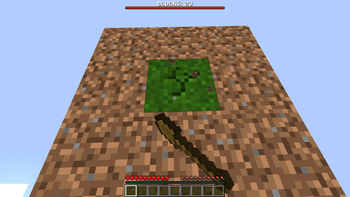
About this Mod
Ever wanted to play OneBlock but with multiple one blocks? Well, now you can!
This mod adds the One Block as an item, which you can place alongside the main one block! They also allow you to gain blocks which you wouldn't get from the normal one block! It can't be too easy though, so we made them function slower! You can either craft or unlock them!
There is now a block counter at the top of your screen, which shows how many you have mined! Check the advancement menu to see how close you are to the next phase.
This mod is joined on to the Spawn Egg Infuser mod, allowing you to craft spawn eggs out of the remains of mods via the Infuser Table! Check out its mod page for more info.
This mod is compatible with JEI.
Yes, I am aware that the block drops when you mine it with anything. No, this is not intentional. No, I am not going to fix it.
Yes, I am aware that sometime items don't join together. It will fixed someday (hopefully) but it isn't at the top of our to do list. Yet.
This is my take on the One Block mod, I claim no ownership over the original.
Have fun!
Available Versions
How to Install Ben's Oneblocks on Your Server
Order Server
Order a Minecraft Java server with at least 3 GB RAM (4 GB recommended).
Set forge Loader
In the panel under "Egg", select the forge loader and matching Minecraft version (1.20.1).
Install Mod
Open the mod browser in the dashboard and search for "Ben's Oneblocks". Click "Install" – done! Alternatively, upload the .jar via SFTP to the /mods folder.
Compatibility
Mod Loaders
Minecraft Versions
1.20.1
Server-side
✓ RequiredRecommended RAM
4 GB(min. 3 GB)Frequently Asked Questions
Ben's Oneblocks server crashes on startup – what to do?
Most common cause: wrong forge version or insufficient RAM. Check the server log (latest.log) for "OutOfMemoryError" or "Mixin" errors. With Mado Hosting: ensure at least 3 GB RAM is allocated and the loader matches the mod version (1.20.1). You can switch loaders with one click in the panel.
Is Ben's Oneblocks compatible with forge?
Ben's Oneblocks officially supports forge for Minecraft 1.20.1. The Mado dashboard automatically detects incompatible loader combinations.
Server lagging with Ben's Oneblocks – how to optimize performance?
Recommended RAM: 4 GB (per 8 players). Use /spark profiler to check if Ben's Oneblocks consumes the most tick time. Common fixes: reduce server view-distance to 8-10, install "performant" or "starlight" as supplementary mods on Forge. With Mado Hosting, your server runs on NVMe SSDs with dedicated CPU cores for minimal latency.
Similar Mods




Rent Modded Server
Install Ben's Oneblocks with just one click on your server.
Details
- License
- Creative Commons Attribution Share Alike 4.0 International
- Server-side
- Required