
Better Health Indicator
Say goodbye to boring health bars! Experience combat with a beautiful, dynamic, and smooth animated health indicator.
Screenshots
About this Mod
Better Health Indicator
Github link
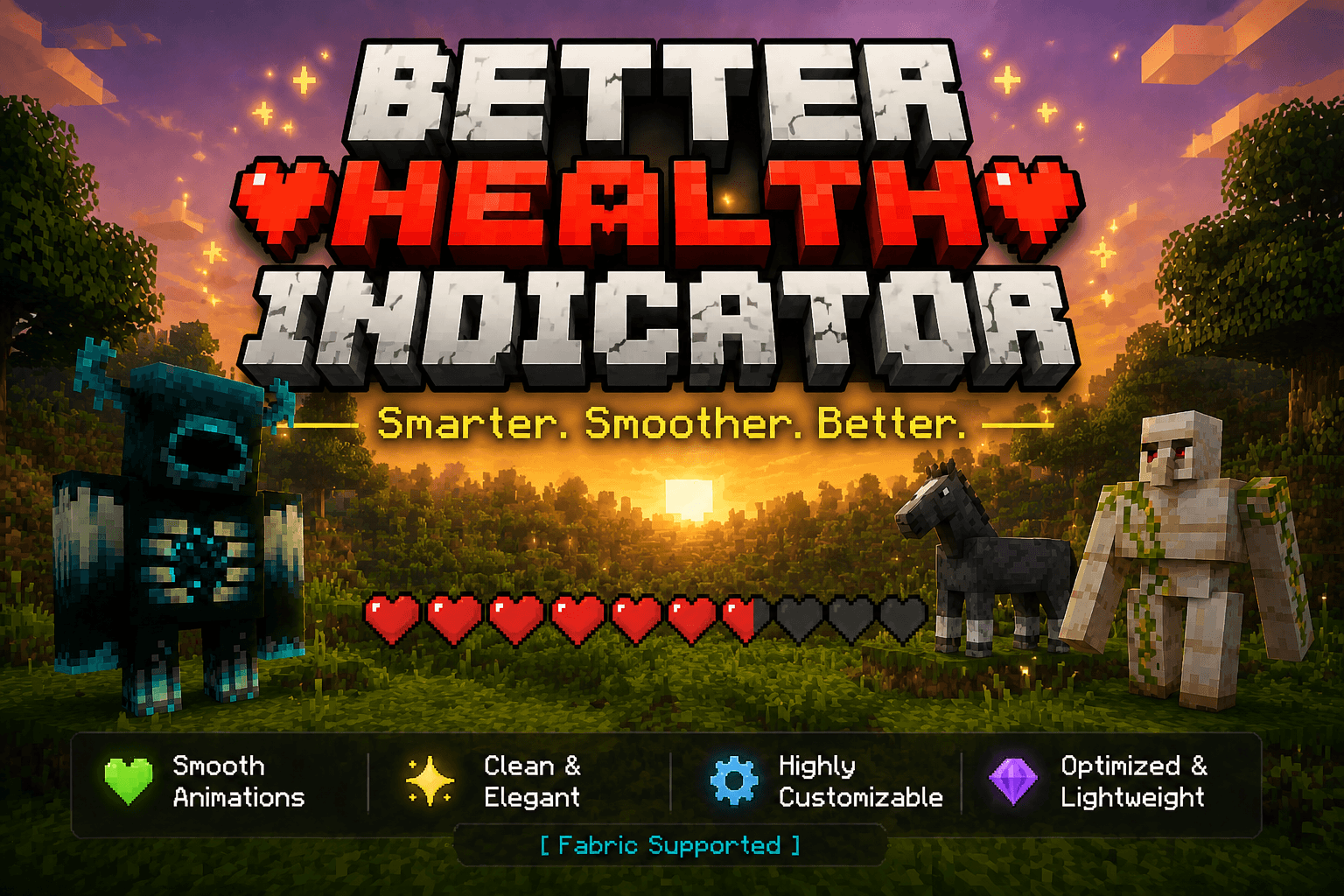
Say goodbye to boring health bars! Better Health Indicator is a client-side Fabric mod that replaces plain mob health display with a beautiful, dynamic, and smoothly animated indicator — both above entities and in a rich on-screen panel.
Client-side only. It does not need to be installed on the server, and works on most servers for normal mobs and players.
✨ Features
Over-head health bars
- Vanilla-style heart icons rendered as crisp billboards above entities.
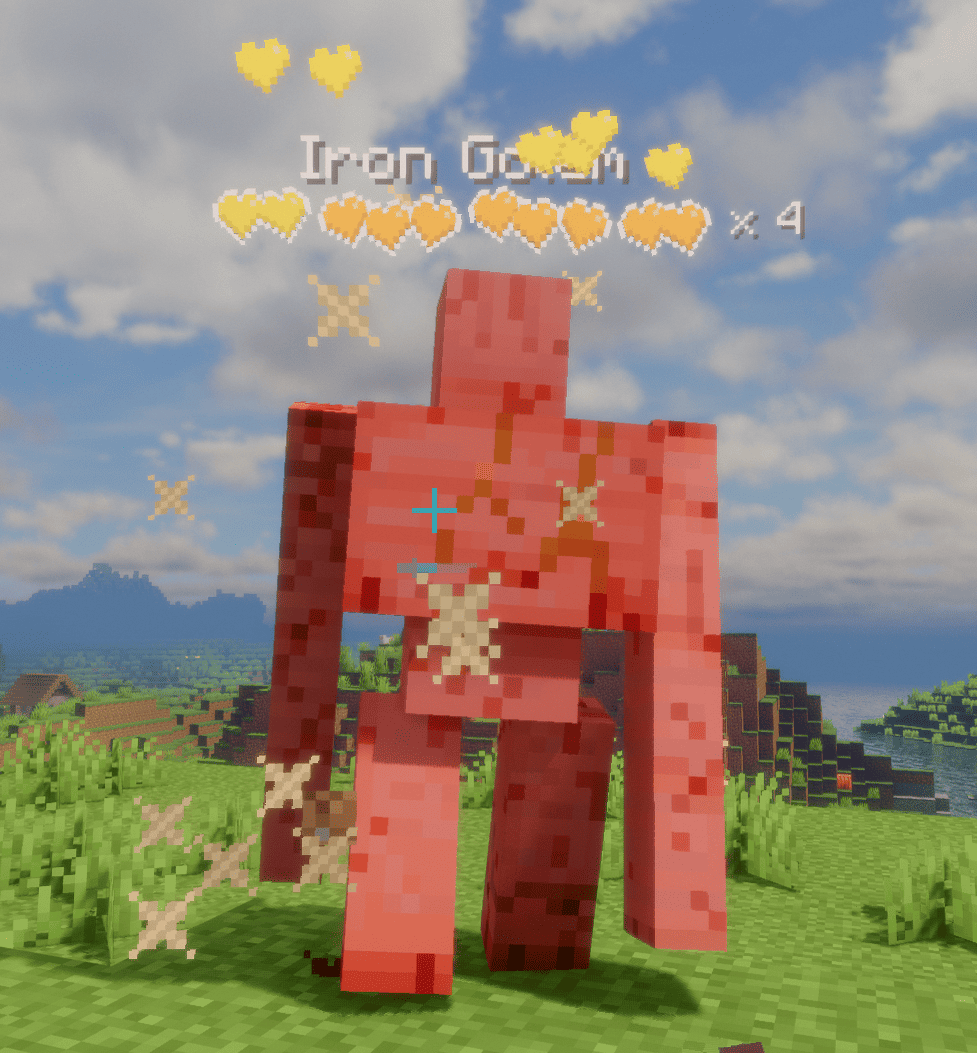
- Tiered multi-row hearts for high-HP mobs: the bottom row stays vanilla red (or hardcore hearts for powerful mobs on their last bar), while upper rows are runtime-tinted from a grayscale template with fully configurable per-tier colors.
- Dynamic "× N" multiplier for mobs with many health bars, color-coded by amount; updates live as health changes.
- Damage feedback: dropping heart particles on hit (intensity scales with damage), heart scatter + tilt, and a white "blink" highlight — all toggleable.
- Low-health tremor: hearts shake when health drops below a configurable threshold, each heart staggered like vanilla.
- Death shatter: hearts chain-burst when an entity dies.
- Name & detail: optional name display with custom scale/bold; health value or multiplier can sit beside the bar or after the name. Optionally hides the vanilla name tag to avoid overlap.
On-screen target panel
- A configurable corner panel for the entity you're looking at / recently attacked.
- Shows a live 3D model in a square or round frame, name, health (bar or hearts), and potion-effect icons.
- Light / dark themes, adjustable transparency, and auto-resizing width.
Display & control
- Display modes: On Screen or Looking At, with attack-tracking (keep showing a mob you just hit).
- Distance limit, show-self, show-full-health, and occlude-behind-walls options.
- Hide vanilla damage heart particles to avoid visual clutter.
⚙️ Configuration
Fully configurable in-game via Mod Menu + Cloth Config (both optional). Without them, settings still load from config/better_health_indicator.json.
Available Versions
How to Install Better Health Indicator on Your Server
Order Server
Order a Minecraft Java server with at least 3 GB RAM (4 GB recommended).
Set fabric Loader
In the panel under "Egg", select the fabric loader and matching Minecraft version (26.2).
Install Mod
Open the mod browser in the dashboard and search for "Better Health Indicator". Click "Install" – done! Alternatively, upload the .jar via SFTP to the /mods folder.
Compatibility
Mod Loaders
Minecraft Versions
26.2, 26.1.2, 26.1.1 (+1 more)
Server-side
✗ UnsupportedRecommended RAM
4 GB(min. 3 GB)Frequently Asked Questions
Better Health Indicator server crashes on startup – what to do?
Most common cause: wrong fabric version or insufficient RAM. Check the server log (latest.log) for "OutOfMemoryError" or "Mixin" errors. With Mado Hosting: ensure at least 3 GB RAM is allocated and the loader matches the mod version (26.2). You can switch loaders with one click in the panel.
Is Better Health Indicator compatible with fabric?
Better Health Indicator officially supports fabric for Minecraft 26.2, 26.1.2, 26.1.1. The Mado dashboard automatically detects incompatible loader combinations.
Server lagging with Better Health Indicator – how to optimize performance?
Recommended RAM: 4 GB (per 8 players). Use /spark profiler to check if Better Health Indicator consumes the most tick time. Common fixes: reduce server view-distance to 8-10, install "performant" or "starlight" as supplementary mods on Forge. With Mado Hosting, your server runs on NVMe SSDs with dedicated CPU cores for minimal latency.
Similar Mods

![[ETF] Entity Texture Features](https://cdn.modrinth.com/data/BVzZfTc1/af683d206d50b05258d865b0d6e4aa2f2cee12f2_96.webp)
![[EMF] Entity Model Features](https://cdn.modrinth.com/data/4I1XuqiY/6e5bbd0d06b1741bfdab6c0cfab6de8fdaf0064c_96.webp)



Rent Modded Server
Install Better Health Indicator with just one click on your server.