
Better loading screen
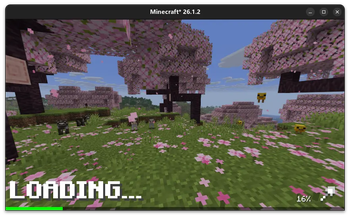
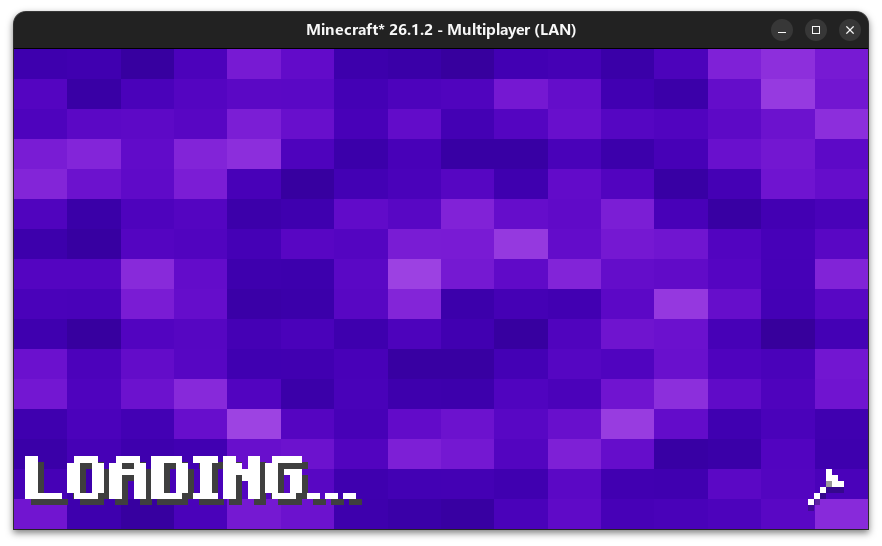
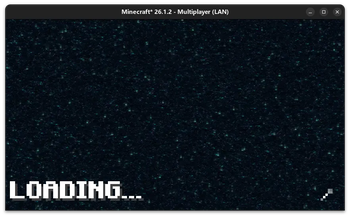
Enjoy a more beautiful loading screen when you load world!
Screenshots
About this Mod
更好的加载屏幕
此 Mod 彻底重构了原版游戏传统的存档加载界面,将其替换为更具现代感的全新加载动画与 UI。
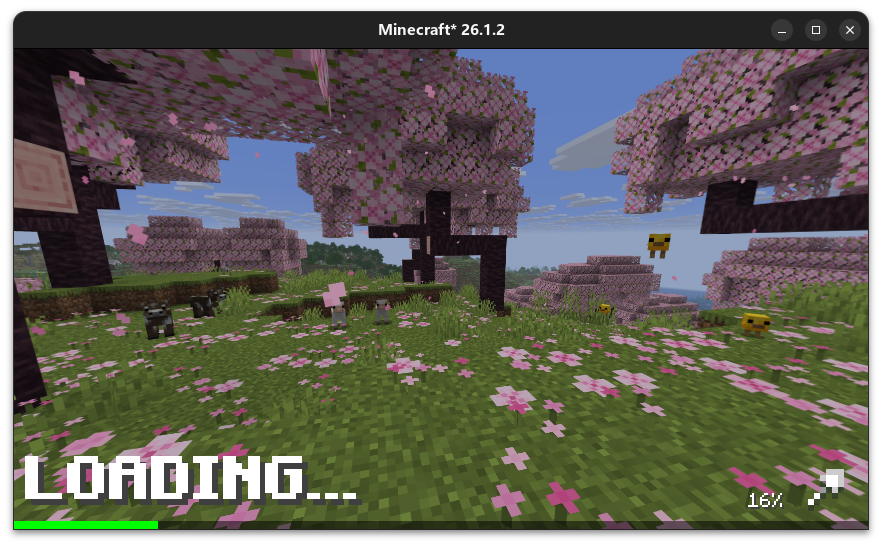
(包含优雅的 LOADING 文本提示、实时进度百分比以及平滑的加载动画)
此外,该优化界面同样完美支持玩家在切换维度(如进入下界、末地)时的加载过程,带来全程无缝、统一的视觉体验。
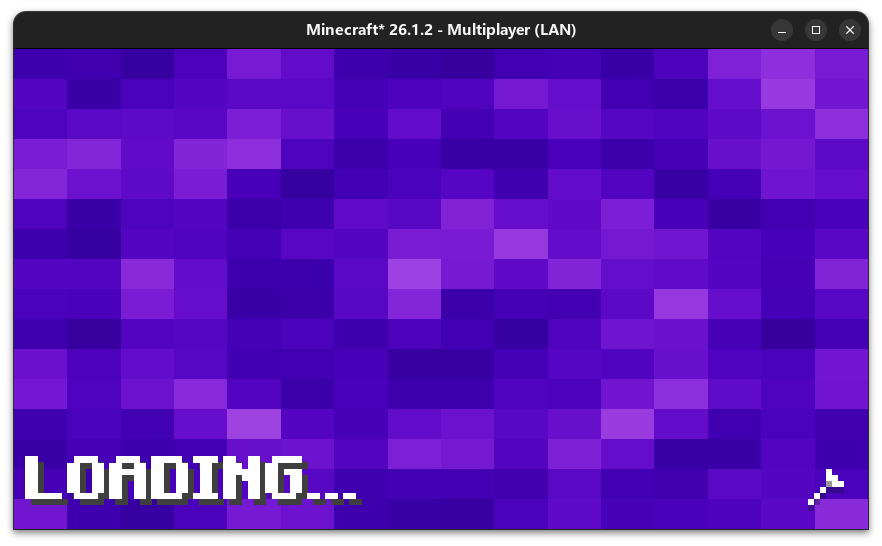
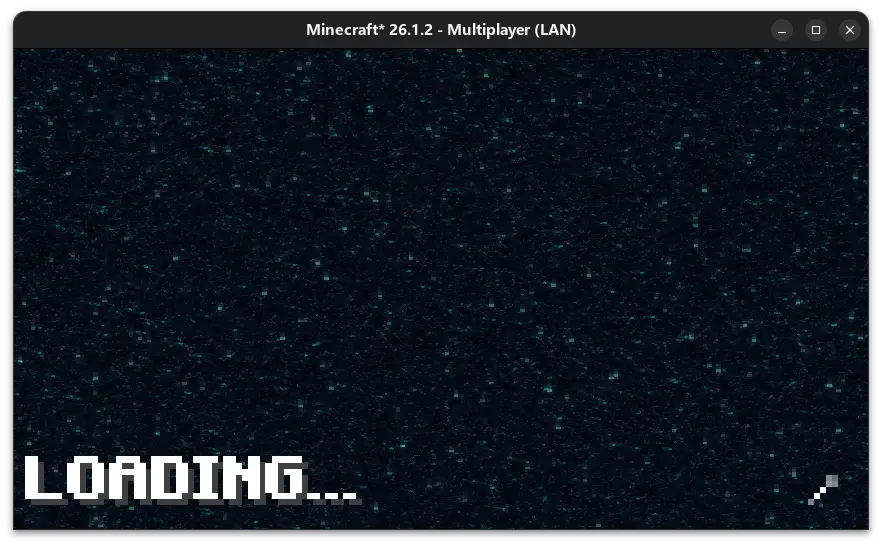
Better loading screen
This mod completely reconstructs the vanilla game's traditional world-loading interface, replacing it with a more modern new loading animation and UI.
(Features a clean "LOADING" text, real-time progress percentage, and smooth loading animations)
Furthermore, this enhanced loading screen seamlessly applies to dimension transitions (e.g., traveling to the Nether or the End), ensuring a consistent and visually pleasing experience throughout your journey.
Available Versions
How to Install Better loading screen on Your Server
Order Server
Order a Minecraft Java server with at least 3 GB RAM (4 GB recommended).
Set fabric Loader
In the panel under "Egg", select the fabric loader and matching Minecraft version (26.1.2).
Install Mod
Open the mod browser in the dashboard and search for "Better loading screen". Click "Install" – done! Alternatively, upload the .jar via SFTP to the /mods folder.
Compatibility
Mod Loaders
Minecraft Versions
26.1.2, 26.1.1, 26.1 (+12 more)
Server-side
✗ UnsupportedRecommended RAM
4 GB(min. 3 GB)Frequently Asked Questions
Better loading screen server crashes on startup – what to do?
Most common cause: wrong fabric version or insufficient RAM. Check the server log (latest.log) for "OutOfMemoryError" or "Mixin" errors. With Mado Hosting: ensure at least 3 GB RAM is allocated and the loader matches the mod version (26.1.2). You can switch loaders with one click in the panel.
Is Better loading screen compatible with fabric?
Better loading screen officially supports fabric for Minecraft 26.1.2, 26.1.1, 26.1. The Mado dashboard automatically detects incompatible loader combinations.
Server lagging with Better loading screen – how to optimize performance?
Recommended RAM: 4 GB (per 8 players). Use /spark profiler to check if Better loading screen consumes the most tick time. Common fixes: reduce server view-distance to 8-10, install "performant" or "starlight" as supplementary mods on Forge. With Mado Hosting, your server runs on NVMe SSDs with dedicated CPU cores for minimal latency.
Similar Mods

![[ETF] Entity Texture Features](https://cdn.modrinth.com/data/BVzZfTc1/af683d206d50b05258d865b0d6e4aa2f2cee12f2_96.webp)
![[EMF] Entity Model Features](https://cdn.modrinth.com/data/4I1XuqiY/6e5bbd0d06b1741bfdab6c0cfab6de8fdaf0064c_96.webp)



Rent Modded Server
Install Better loading screen with just one click on your server.