
Better Log4j Config
A simple mod for Quilt and Fabric to automatically reconfigure Log4j to improve the formatting of log messages.
Screenshots
About this Mod
Better Log4j Config
A simple mod for Quilt and Fabric to automatically reconfigure Log4j to improve the formatting of log messages.
Development Status
This mod is no longer being developed. It will (almost) definitely continue working for future versions of Minecraft, but the supported versions list may become outdated.
Screenshots
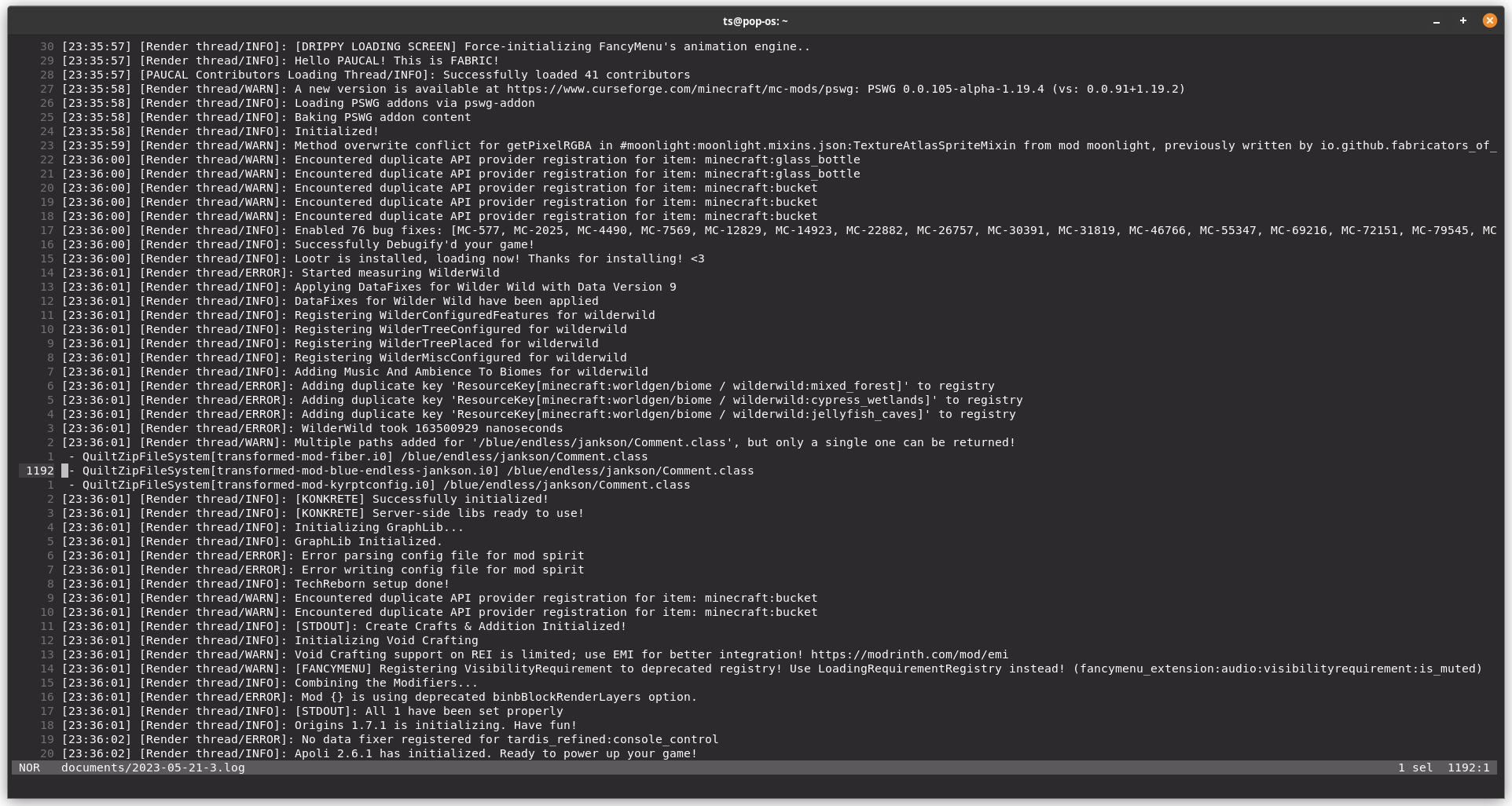
Before
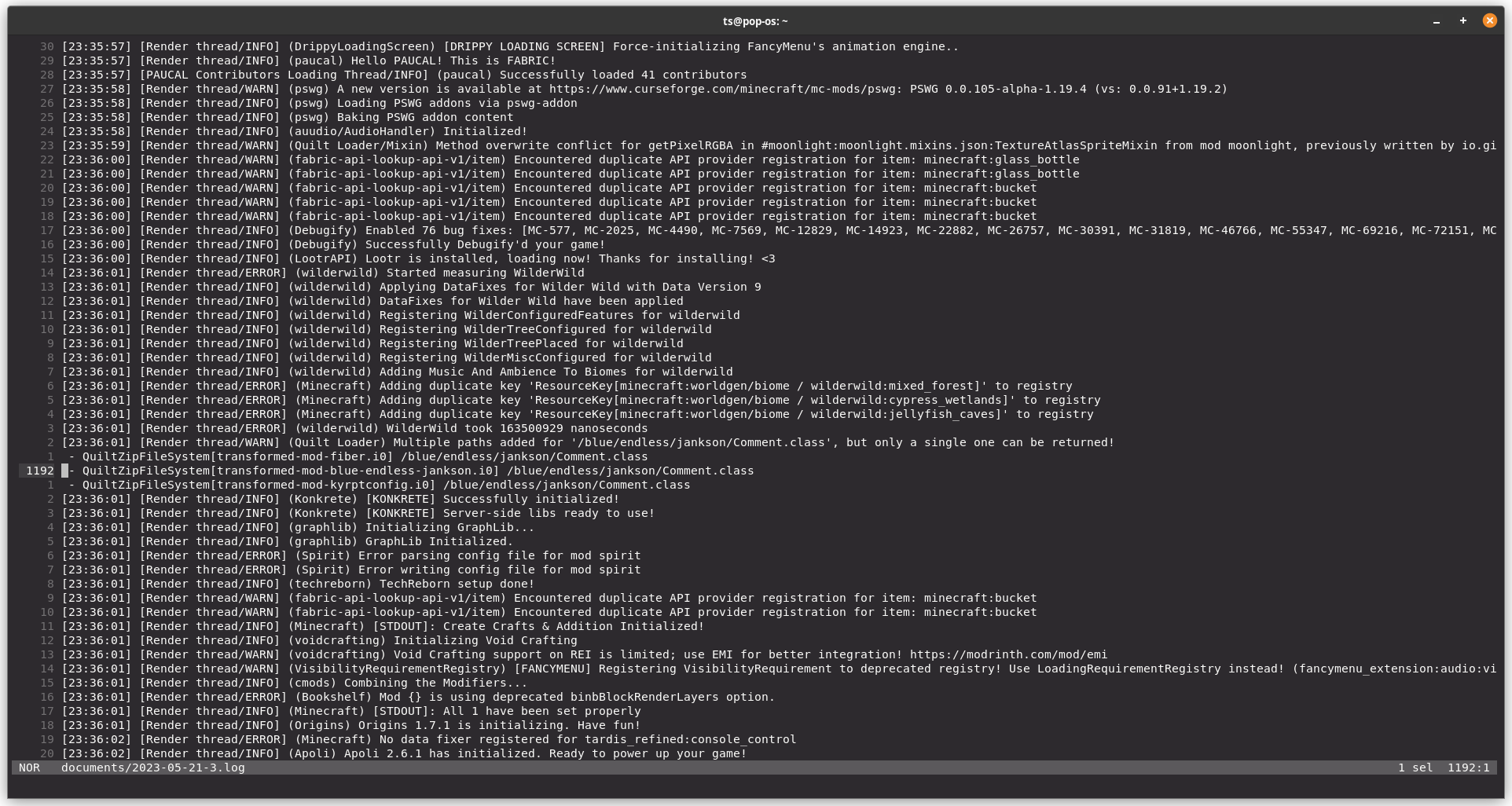
After
What does it do?
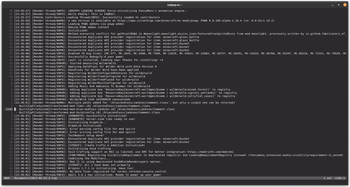
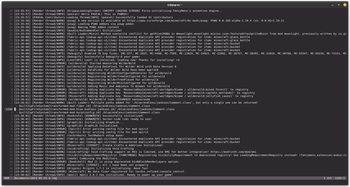
As can be seen from the above screenshots, the main difference this mod makes is the addition of the name of the mod responsible for each log message.
This small change makes logs significantly more readable, as without it there is no reliable way to distinguish between log messages from different mods.
The screenshots also highlight how some mods attempt to individually remedy this issue by manually including their name in the content of the log message.
This mod offers a solution to this problem by configuring the logging system itself to always include the mod name in the log messages.
The format of the log messages can also be further customised with a config file, which by default is better_log4j_config.xml in the mod config directory.
Version Support
Better Log4j Config is compatible with every version of Minecraft that is supported by the Quilt and Fabric mod loaders - so 1.14 onwards. The Forge mod loader already has built-in functionality to reconfigure Log4j, so there are no plans to port the mod to it.
Reporting Issues
If for any reason the mod isn't working, please open an issue so it can be fixed. Remember to include the versions of both Minecraft and the mod loader you're using, as well as any other mods you have installed, and also a copy of the log file. (Hint: You can add -Dlog4j2.debug=true as a command-line argument to Minecraft to produce substantially more verbose logs.)
License
Better Log4j Config is licensed under the Apache 2.0 license.
Available Versions
How to Install Better Log4j Config on Your Server
Order Server
Order a Minecraft Java server with at least 3 GB RAM (4 GB recommended).
Set fabric Loader
In the panel under "Egg", select the fabric loader and matching Minecraft version (1.21.5).
Install Mod
Open the mod browser in the dashboard and search for "Better Log4j Config". Click "Install" – done! Alternatively, upload the .jar via SFTP to the /mods folder.
Compatibility
Mod Loaders
Minecraft Versions
1.21.5, 1.21.4, 1.21.3 (+34 more)
Server-side
~ OptionalRecommended RAM
4 GB(min. 3 GB)Frequently Asked Questions
Better Log4j Config server crashes on startup – what to do?
Most common cause: wrong fabric version or insufficient RAM. Check the server log (latest.log) for "OutOfMemoryError" or "Mixin" errors. With Mado Hosting: ensure at least 3 GB RAM is allocated and the loader matches the mod version (1.21.5). You can switch loaders with one click in the panel.
Is Better Log4j Config compatible with fabric and quilt?
Better Log4j Config officially supports fabric, quilt for Minecraft 1.21.5, 1.21.4, 1.21.3. The Mado dashboard automatically detects incompatible loader combinations.
Server lagging with Better Log4j Config – how to optimize performance?
Recommended RAM: 4 GB (per 8 players). Use /spark profiler to check if Better Log4j Config consumes the most tick time. Common fixes: reduce server view-distance to 8-10, install "performant" or "starlight" as supplementary mods on Forge. With Mado Hosting, your server runs on NVMe SSDs with dedicated CPU cores for minimal latency.
Similar Mods




![[ETF] Entity Texture Features](https://cdn.modrinth.com/data/BVzZfTc1/af683d206d50b05258d865b0d6e4aa2f2cee12f2_96.webp)
![[EMF] Entity Model Features](https://cdn.modrinth.com/data/4I1XuqiY/6e5bbd0d06b1741bfdab6c0cfab6de8fdaf0064c_96.webp)
Rent Modded Server
Install Better Log4j Config with just one click on your server.