Better With Patches
Reckless attempt at making Better With Mods for 1.7 playable
Screenshots
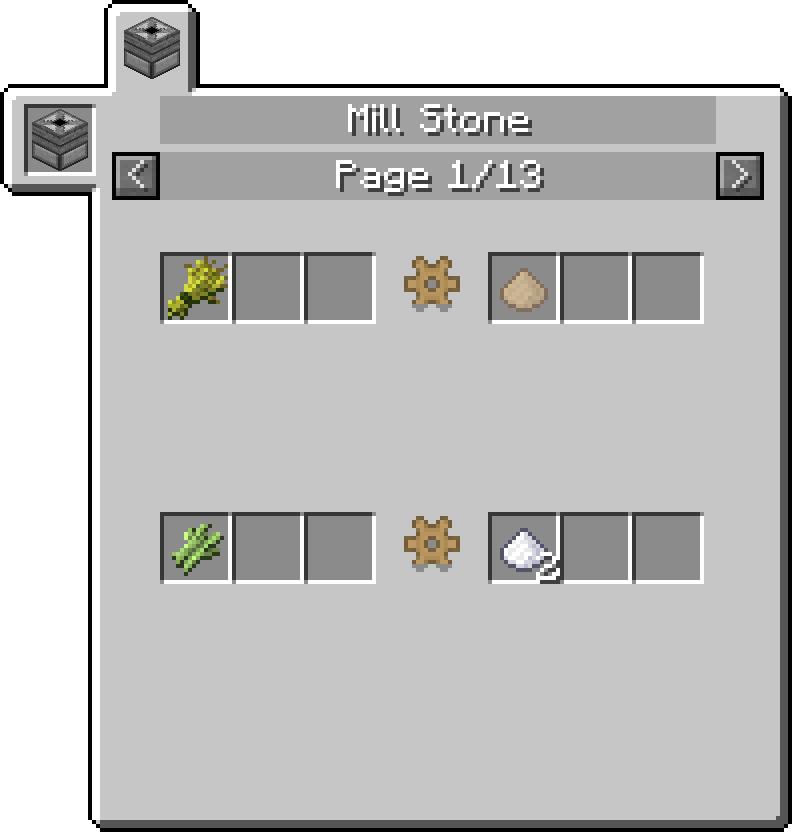
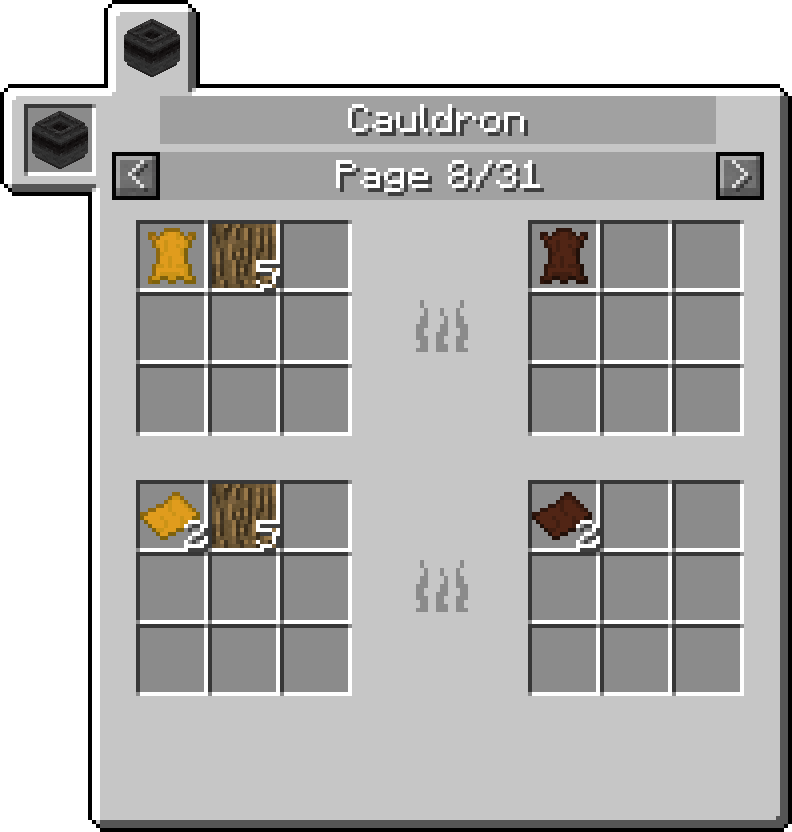
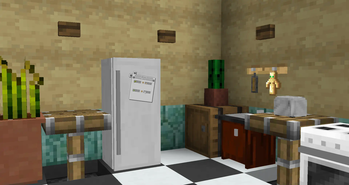
About this Mod
Have you ever wondered what Better With Mods would be like if it was slightly more functional on 1.7.10? You may not have to wonder much longer.
Better With Patches is a collection of various tweaks, improvements and workarounds for the last known Beta versions of Better With Mods.
Here's a complete list of features:
-A mix of small fixes and tweaks to various parts of the mod for the sake of preventing crashes, correcting implementation and potentially improving performance;
-Improvements (and outright replacement in cases) for the recipe internals, such as removing hardcoded behaviours and adding more ways to define recipes;
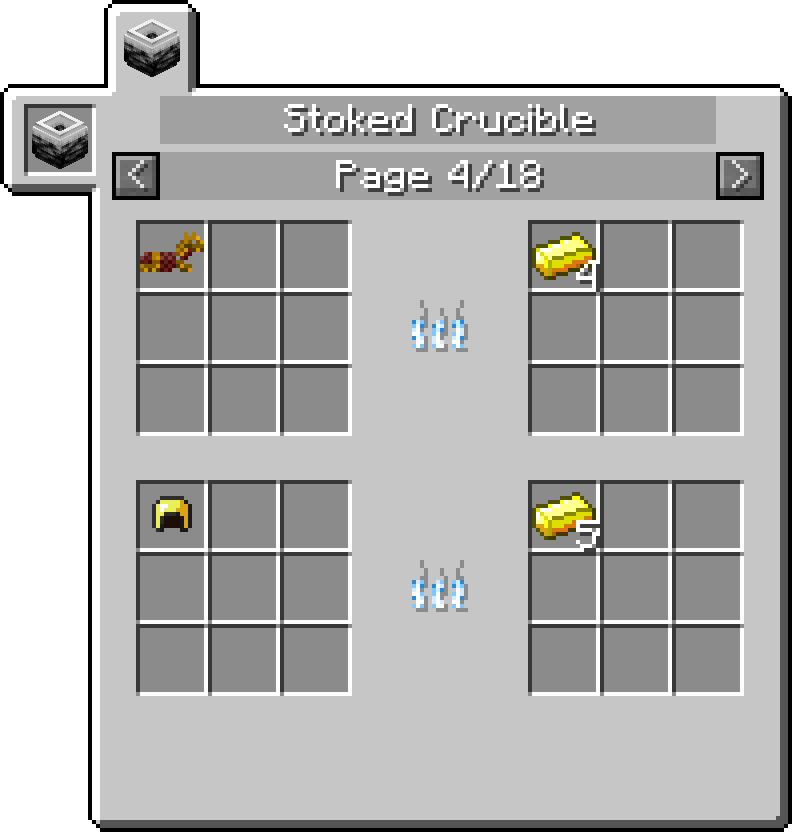
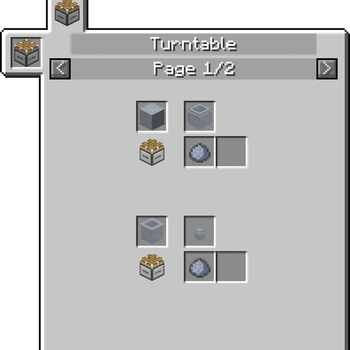
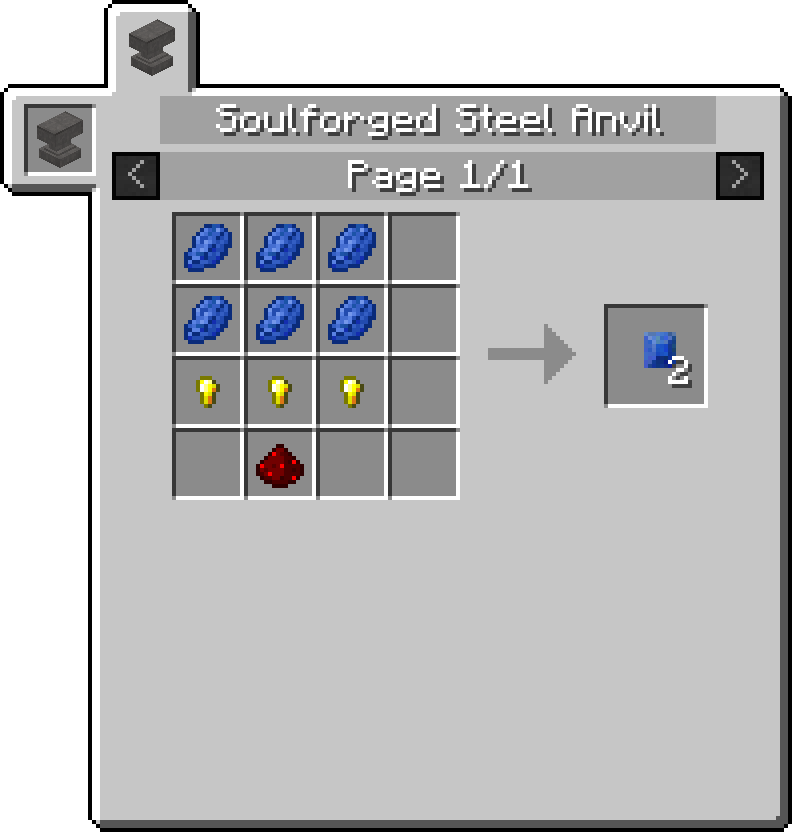
-Recipe views for NotEnoughItems, made to resemble Better With Mods' own displays from 1.9+;
-MineTweaker integration for most of the mod's features, largely resembling Better With Mods' own compat with slight differences;
-Backported Hardcore Features from the more recent versions of Better With Mods;
As of version 0.6.8, the appropriate version of Better With Mods will be automatically downloaded on startup and does not need to be downloaded manually (unless you're having connectivity issues).
This mod REQUIRES either Unimixins (Minimal modular install should be Unimix + GTNH Mixins module + SpongeMixins module) or GTNH Mixins!
For a more detailed list of changes, see the source code. Most of the patches are accompanied by JavaDoc comments, which provide (brief) reasonings for whichever changes may have been made.
Available Versions
How to Install Better With Patches on Your Server
Order Server
Order a Minecraft Java server with at least 3 GB RAM (4 GB recommended).
Set forge Loader
In the panel under "Egg", select the forge loader and matching Minecraft version (1.7.10).
Install Mod
Open the mod browser in the dashboard and search for "Better With Patches". Click "Install" – done! Alternatively, upload the .jar via SFTP to the /mods folder.
Compatibility
Mod Loaders
Minecraft Versions
1.7.10
Server-side
✓ RequiredRecommended RAM
4 GB(min. 3 GB)Frequently Asked Questions
Better With Patches server crashes on startup – what to do?
Most common cause: wrong forge version or insufficient RAM. Check the server log (latest.log) for "OutOfMemoryError" or "Mixin" errors. With Mado Hosting: ensure at least 3 GB RAM is allocated and the loader matches the mod version (1.7.10). You can switch loaders with one click in the panel.
Is Better With Patches compatible with forge?
Better With Patches officially supports forge for Minecraft 1.7.10. The Mado dashboard automatically detects incompatible loader combinations.
Server lagging with Better With Patches – how to optimize performance?
Recommended RAM: 4 GB (per 8 players). Use /spark profiler to check if Better With Patches consumes the most tick time. Common fixes: reduce server view-distance to 8-10, install "performant" or "starlight" as supplementary mods on Forge. With Mado Hosting, your server runs on NVMe SSDs with dedicated CPU cores for minimal latency.
Similar Mods


Rent Modded Server
Install Better With Patches with just one click on your server.