
Biome Builder
Build actual minecraft biomes, block by block, wherever you want.
Screenshots

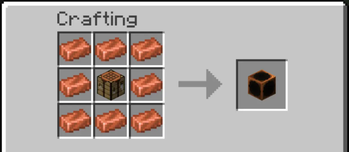
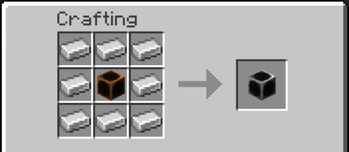
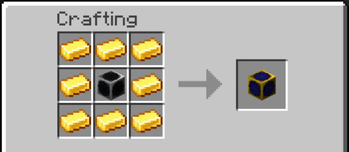
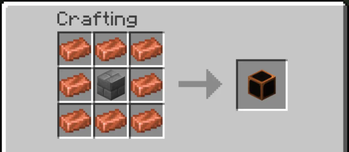
About this Mod

Biome Builder gives the player the ability to create Minecraft's biomes and structures, wherever they want.
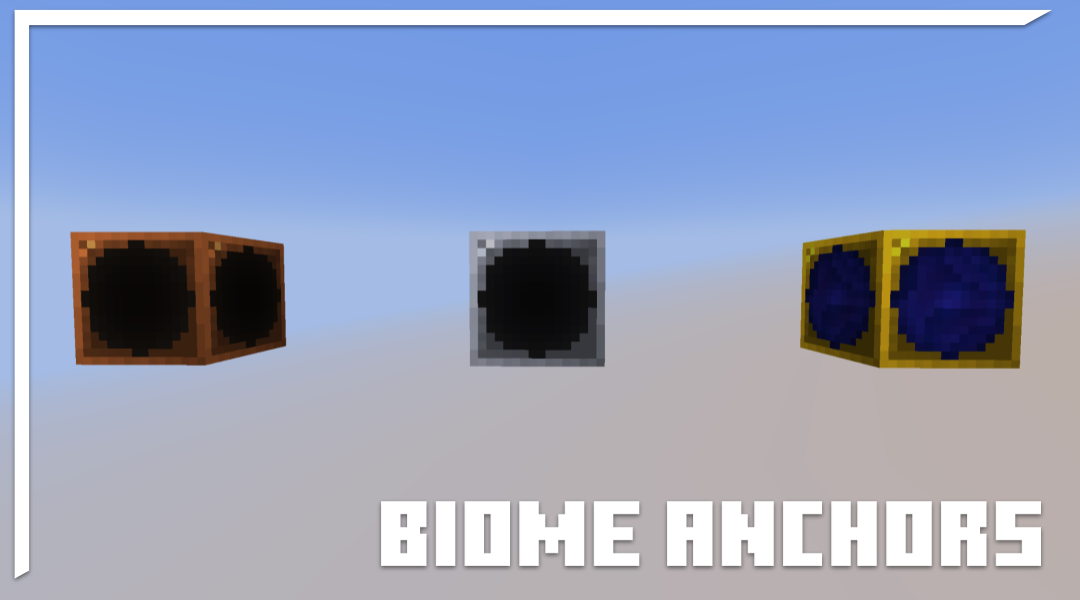
Insipired by Terraria's mechanic of "placing down a number of specific blocks turns the area into a particular biome/structure", the mod adds two types of new blocks: Biome Anchors and Structure Anchors.
-Biome Anchors-
Step One
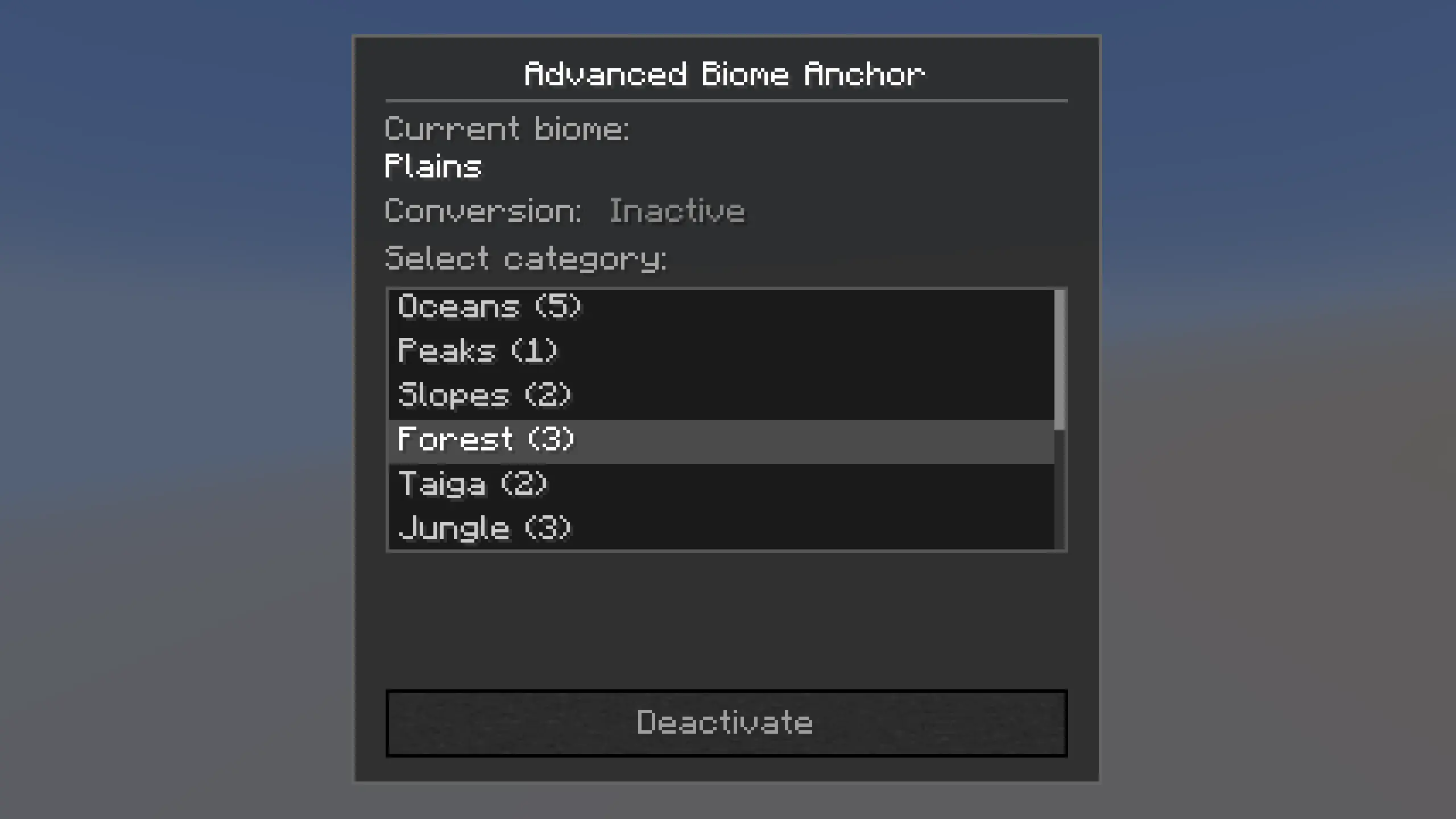
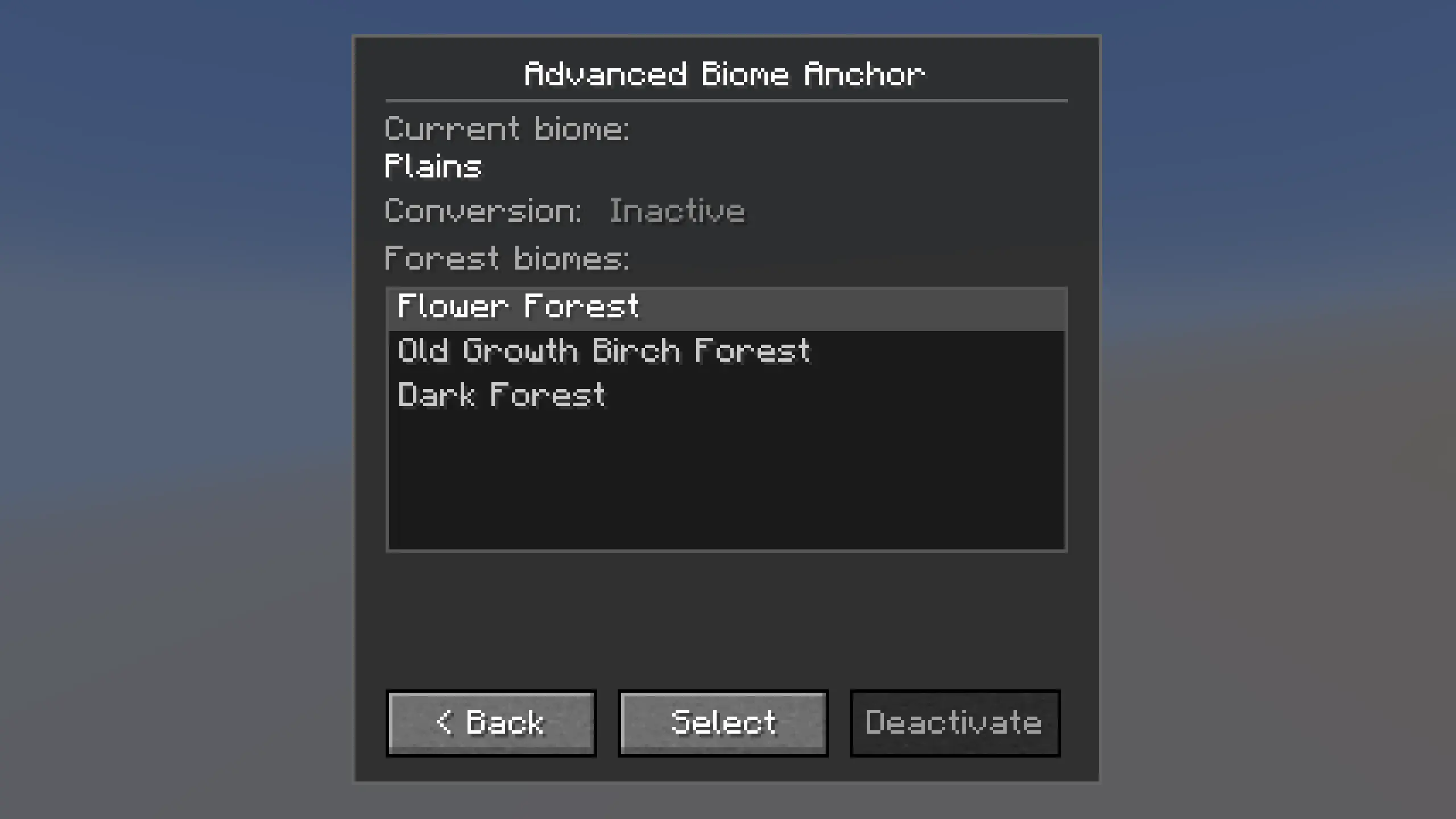
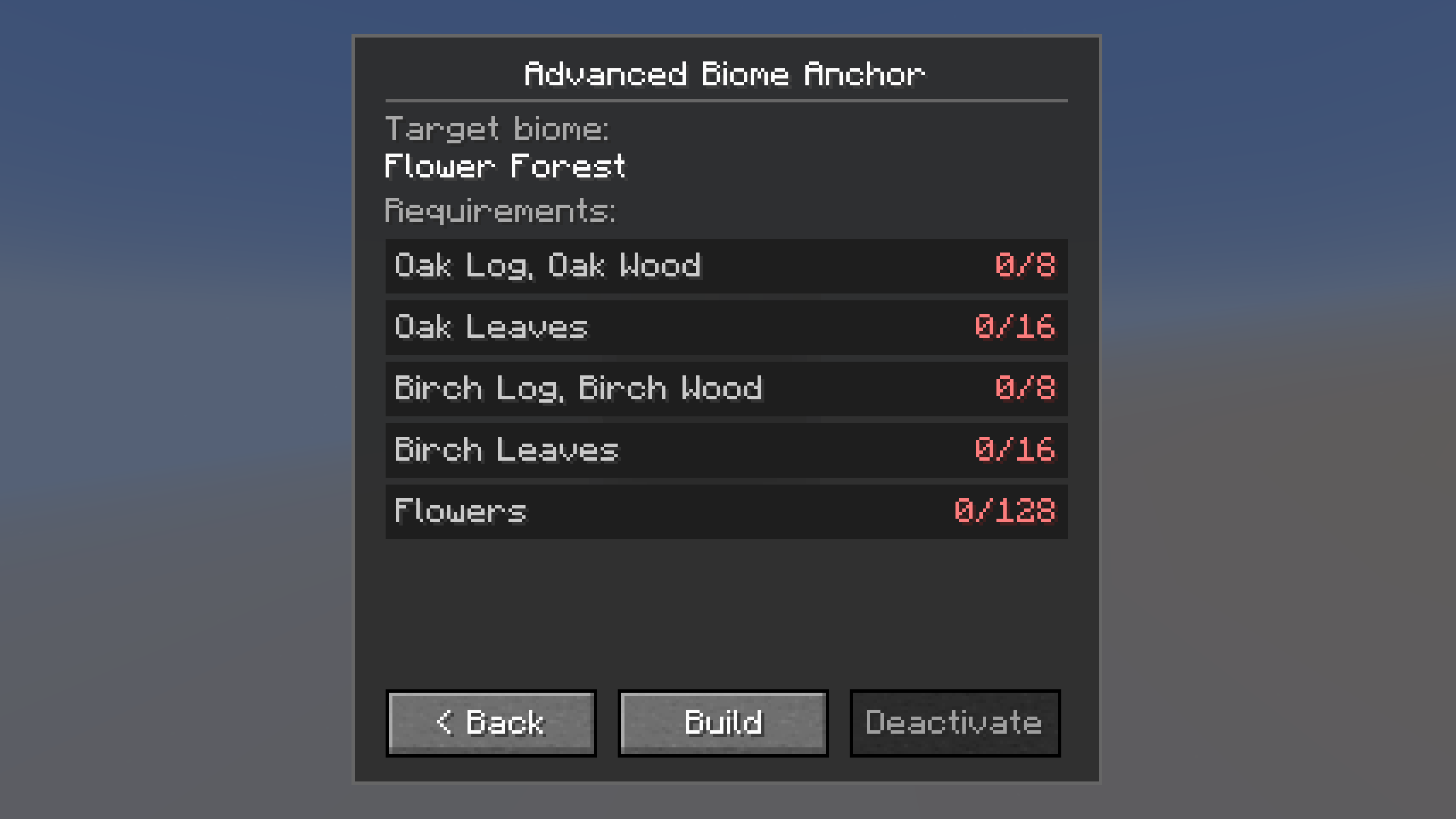
To build a biome using the Biome Anchor, simply interact with the biome anchor and select a biome of your choice.
Step Two
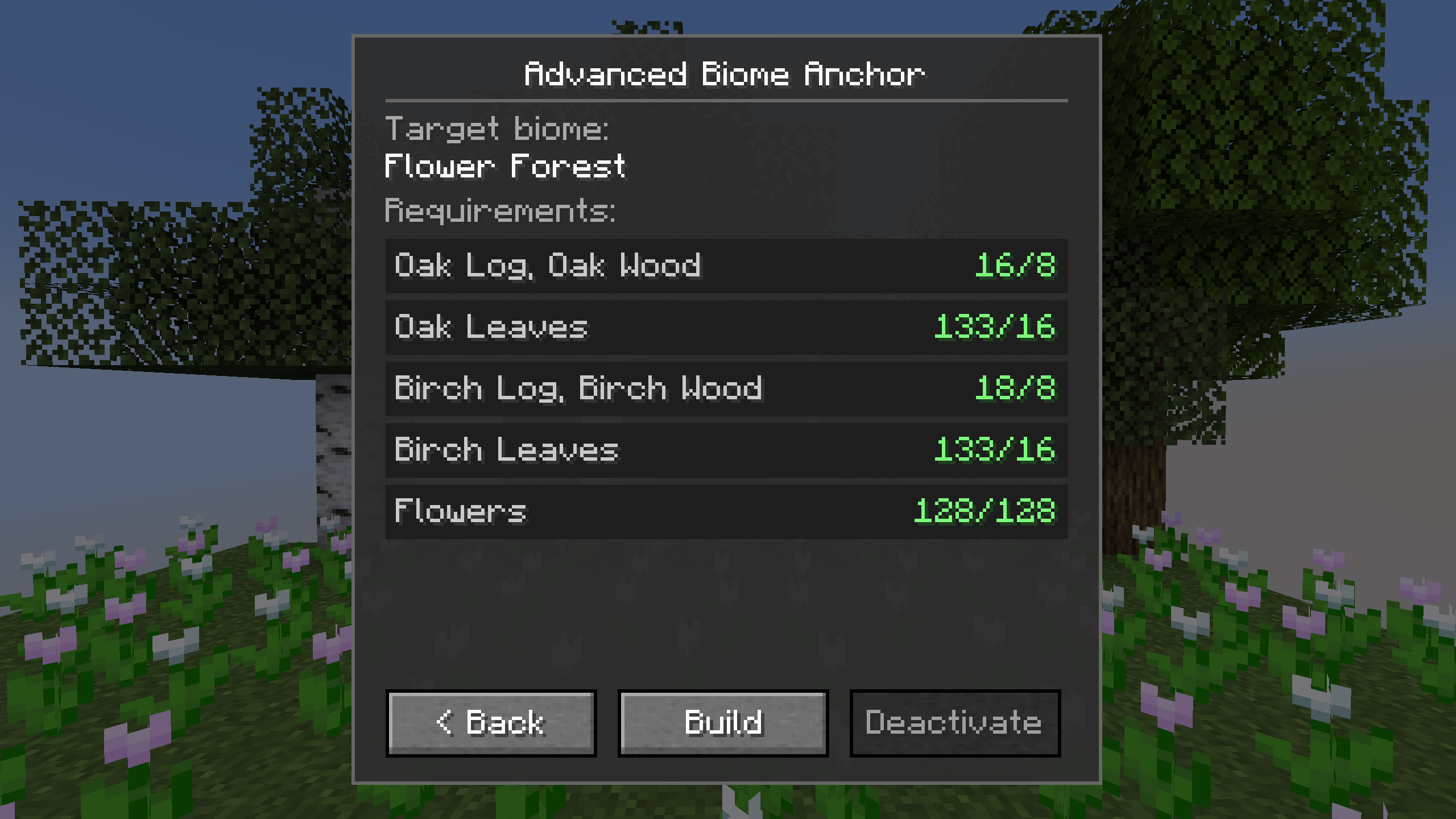
Then, fill in the requirements by placing required blocks within the biome anchor's range:
- Vertical Range: 12 blocks above and below the anchor. (Configurable!)
- Horizontal Range: The chunk the biome anchor is placed in, visible by pressing F3 + G.
Step Three
Upon fulfilling the requirements, hit build to convert that chunk into the selected biome.
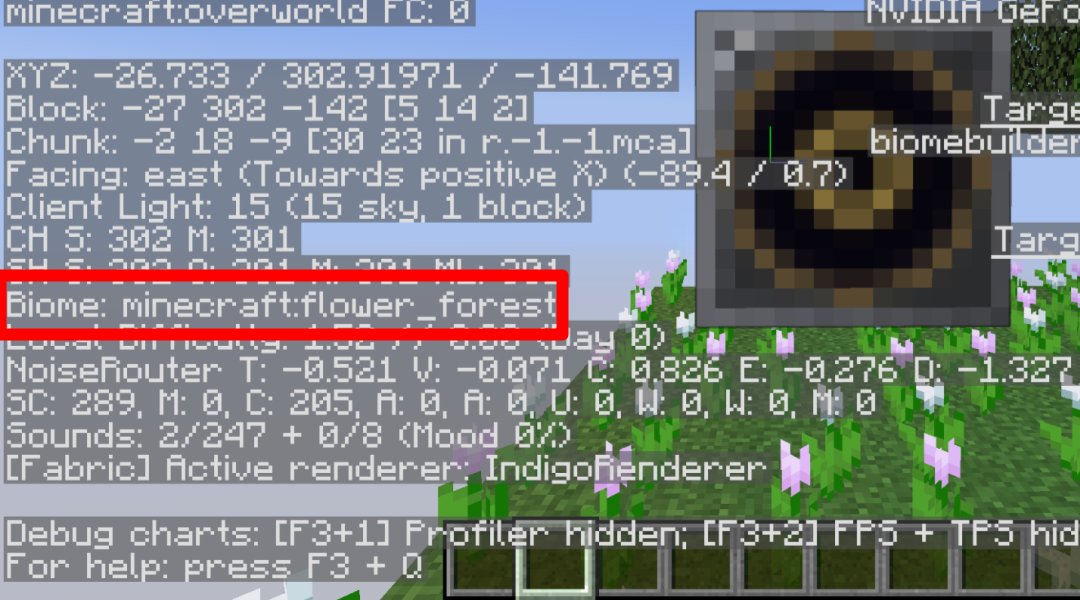
Be watchful of the requirements: Some biomes require a minimum/maximum elevation!
-Structure Anchors-
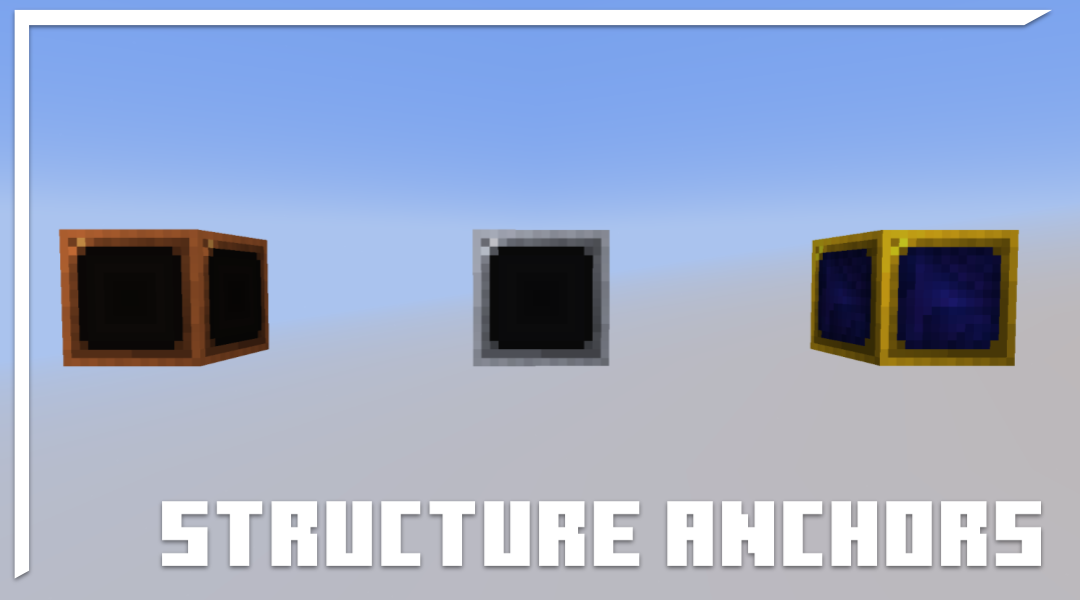
Structure Anchors function similarly to biome anchors, but they have an additional requirement:
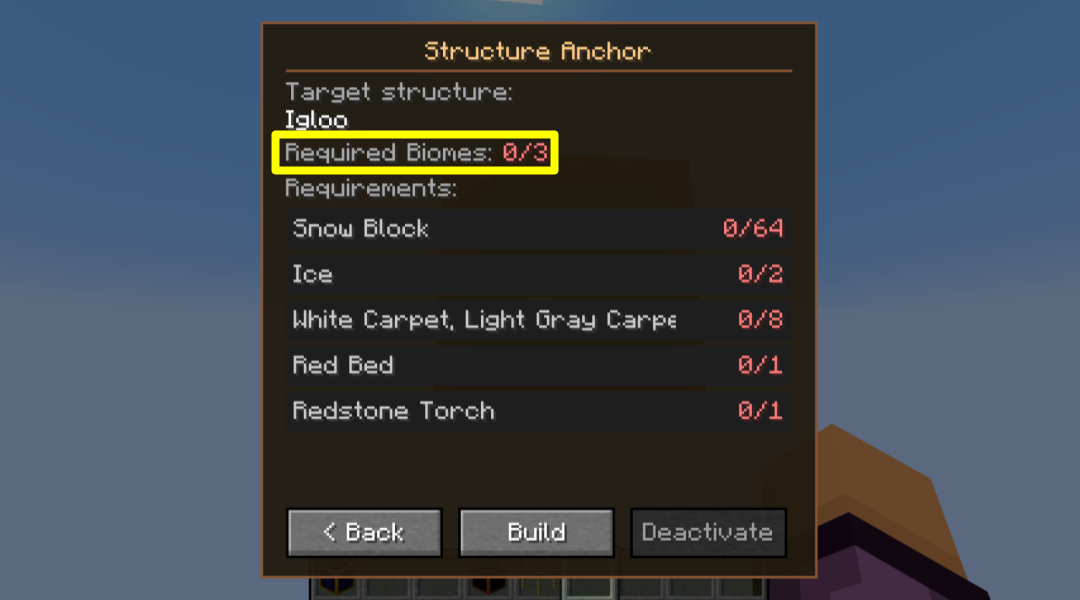
At least 3 directly adjacent chunks (North/East/South/West) must be a biome that the structure requires. If there are more than 2 biomes within a single chunk, it will only detect the biome of the center block (8, X, 8).
An Activated Structure Anchor causes the chunk and 24 blocks above & below it to count as a particular minecraft structure (Vertical Range is Configurable!). Example: Ocean Monuments- the area will spawn Guardians, Nether Fortresses spawn Blazes and Wither Skeletons, etc.
-IMPORTANT RULES-
This mod is made with skyblock in mind, but can be used in any world. In the mod is a built-in function for worlds to generate with only one biome, plains (off by default). It is up to the player to find ways to build and restore biomes to their world. (Configurable!)
Biome and Structure Anchors cannot be within the range of another.
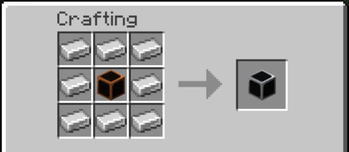
Certain biomes and structures can become avalible by crafting higher tier anchors. (Configurable!)
Configuration
- Read the Config Document for a detailed guide!
Bug Reporting
Feel free to leave any bug reports or suggestions on the discord.
Available Versions
How to Install Biome Builder on Your Server
Order Server
Order a Minecraft Java server with at least 4 GB RAM (6 GB recommended).
Set fabric Loader
In the panel under "Egg", select the fabric loader and matching Minecraft version (1.21.1).
Install Mod
Open the mod browser in the dashboard and search for "Biome Builder". Click "Install" – done! Alternatively, upload the .jar via SFTP to the /mods folder.
Compatibility
Mod Loaders
Minecraft Versions
1.21.1
Server-side
✓ RequiredRecommended RAM
6 GB(min. 4 GB)Frequently Asked Questions
Biome Builder server crashes on startup – what to do?
Most common cause: wrong fabric version or insufficient RAM. Check the server log (latest.log) for "OutOfMemoryError" or "Mixin" errors. With Mado Hosting: ensure at least 4 GB RAM is allocated and the loader matches the mod version (1.21.1). You can switch loaders with one click in the panel.
Is Biome Builder compatible with fabric?
Biome Builder officially supports fabric for Minecraft 1.21.1. The Mado dashboard automatically detects incompatible loader combinations.
Server lagging with Biome Builder – how to optimize performance?
Recommended RAM: 6 GB (per 5 players). Use /spark profiler to check if Biome Builder consumes the most tick time. Common fixes: reduce server view-distance to 8-10, install "performant" or "starlight" as supplementary mods on Forge. With Mado Hosting, your server runs on NVMe SSDs with dedicated CPU cores for minimal latency.
Similar Mods






Rent Modded Server
Install Biome Builder with just one click on your server.