
Biome Replacer (Neoforge)
A quick way to get rid of a biome. Useful for tweaking datapack-based generators (like Terralith) that don't have a convenient configuration
Screenshots
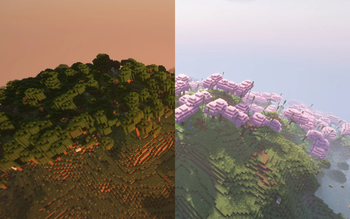
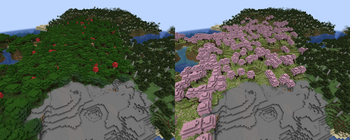
About this Mod
This mod has been offically merged with Biome Replacer Please go there to download.



Overview
Biome Replacer lets you control biome distribution without changing terrain generation. Replace any biome with another while preserving the landscape's shape and only changing biome-specific features like colors, mob spawns, and vegetation.
Use Cases:
- Remove unwanted biomes
- Fix mod compatibility issues
- Enhance almost-perfect world seeds
- Create custom world experiences
- Complement worldgen mods like Terralith
Features
- Simple Biome Swapping: Replace biomes with an easy rule system
- Tag Support: Replace entire biome categories at once
- Server-Side: No client installation needed
- Easy Config: Simple properties file with intuitive syntax
Experimental Features
- Chance based replacement: Replace any percentage of a biome
Compatibility
- Works With: Vanilla biomes and most datapack biomes (including Terralith)
- Limited Support: TerraBlender, Biolith or Lithosphere biomes (use their native options instead)
- Generally Compatible: Works with most worldgen mods (report issues here)
Setup
- Install the mod on your server (or client if your playing singleplayer)
- Run the server once to generate config
- Find
biome_replacer.propertiesin theconfigfolder - Add your replacement rules
Configuration
Basic Replacement
minecraft:dark_forest > minecraft:cherry_grove
Tag-Based Replacement
#minecraft:is_forest > minecraft:desert
Options
# Disable chat notifications
muteChatInfo = true
Examples
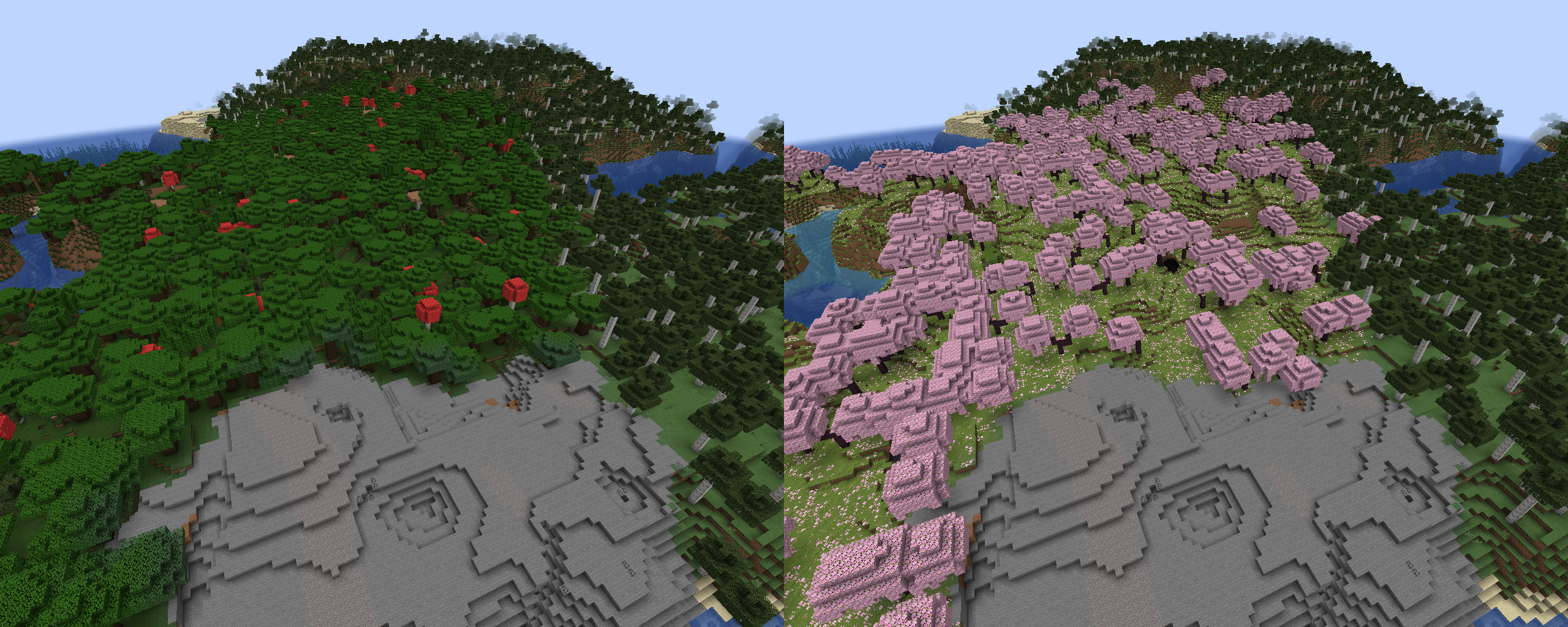
Forest to Cherry Grove
Config:
minecraft:dark_forest > minecraft:cherry_grove
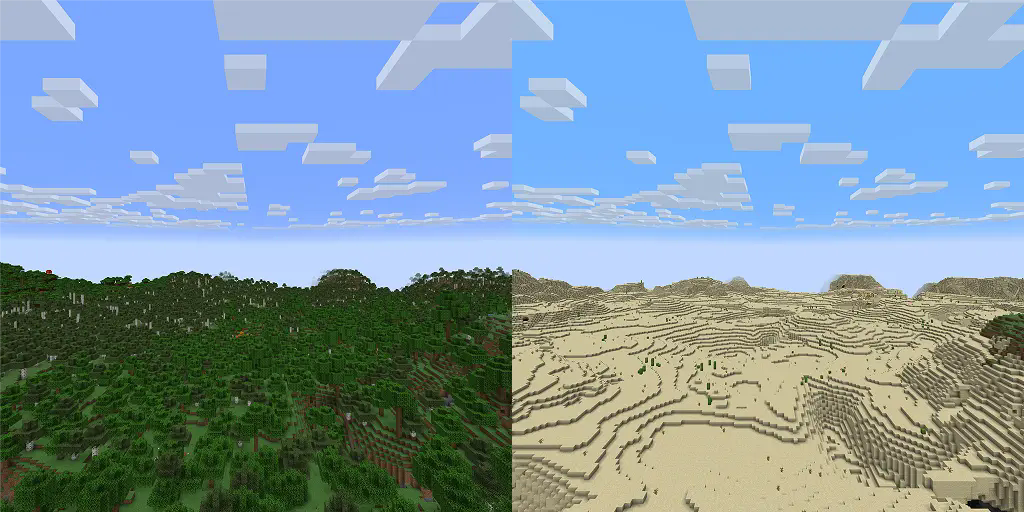
All Forests to Desert
Config:
#minecraft:is_forest > minecraft:desert
Mod Integration
Config:
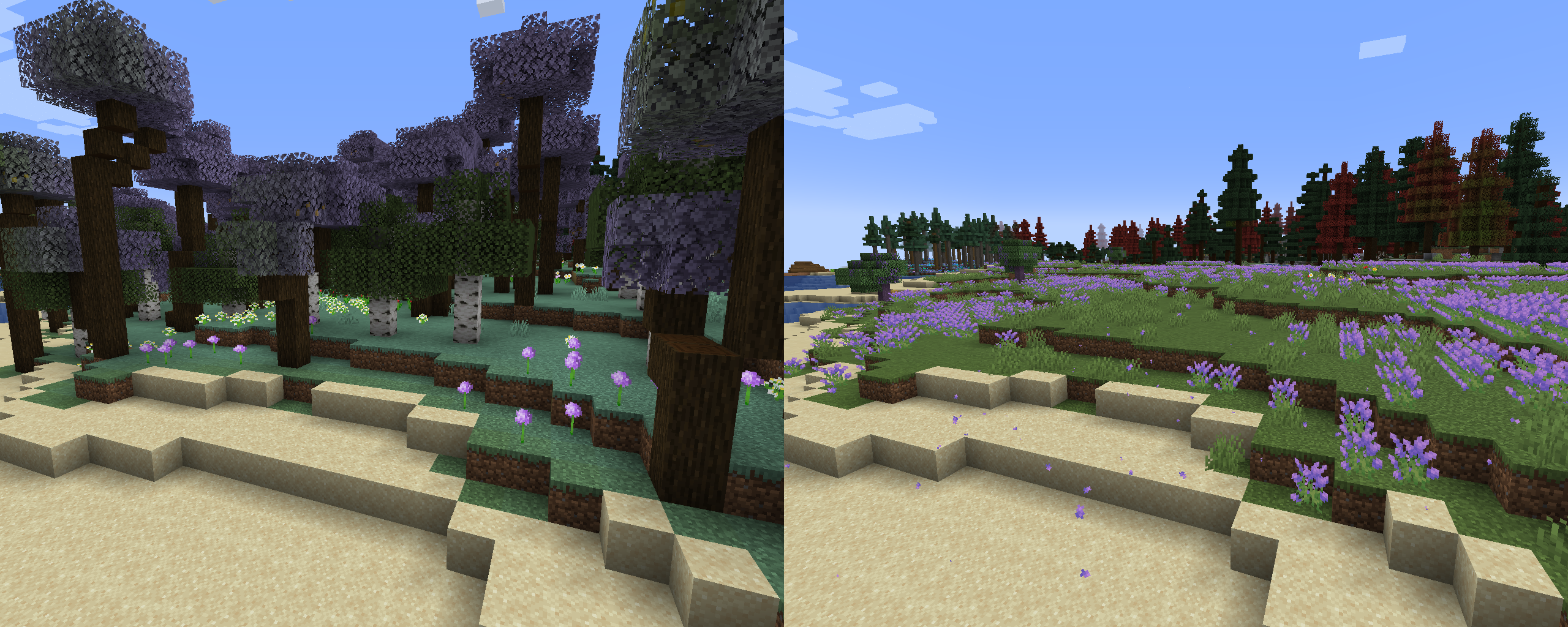
terralith:lavender_forest > aurorasdeco:lavender_plains
terralith:lavender_valley > aurorasdeco:lavender_plains
Fixing Problem Biomes
Config:
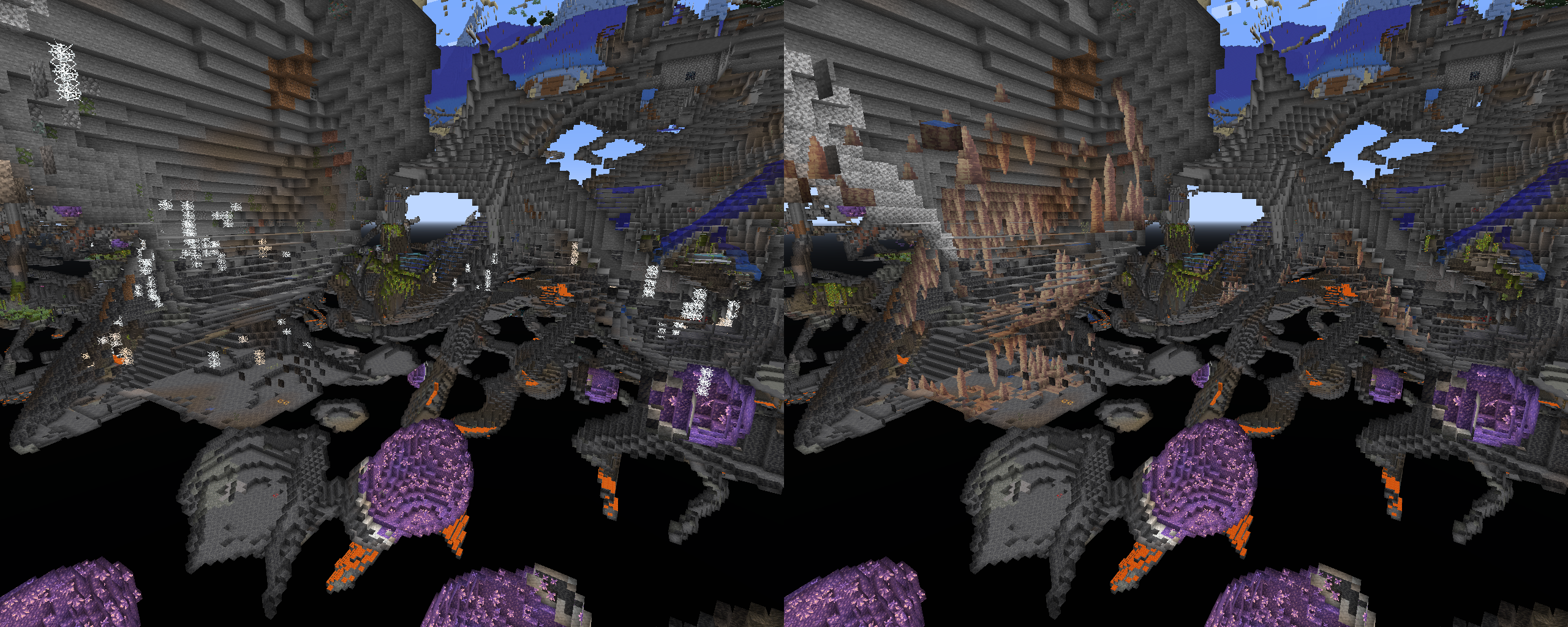
terralith:cave/infested_caves > minecraft:dripstone_caves
Resources
Available Versions
How to Install Biome Replacer (Neoforge) on Your Server
Order Server
Order a Minecraft Java server with at least 4 GB RAM (6 GB recommended).
Set forge Loader
In the panel under "Egg", select the forge loader and matching Minecraft version (1.21.4).
Install Mod
Open the mod browser in the dashboard and search for "Biome Replacer (Neoforge)". Click "Install" – done! Alternatively, upload the .jar via SFTP to the /mods folder.
Compatibility
Mod Loaders
Minecraft Versions
1.21.4, 1.21.3, 1.21.2 (+3 more)
Server-side
✓ RequiredRecommended RAM
6 GB(min. 4 GB)Frequently Asked Questions
Biome Replacer (Neoforge) server crashes on startup – what to do?
Most common cause: wrong forge version or insufficient RAM. Check the server log (latest.log) for "OutOfMemoryError" or "Mixin" errors. With Mado Hosting: ensure at least 4 GB RAM is allocated and the loader matches the mod version (1.21.4). You can switch loaders with one click in the panel.
Is Biome Replacer (Neoforge) compatible with forge and neoforge?
Biome Replacer (Neoforge) officially supports forge, neoforge for Minecraft 1.21.4, 1.21.3, 1.21.2. The Mado dashboard automatically detects incompatible loader combinations.
Server lagging with Biome Replacer (Neoforge) – how to optimize performance?
Recommended RAM: 6 GB (per 5 players). Use /spark profiler to check if Biome Replacer (Neoforge) consumes the most tick time. Common fixes: reduce server view-distance to 8-10, install "performant" or "starlight" as supplementary mods on Forge. With Mado Hosting, your server runs on NVMe SSDs with dedicated CPU cores for minimal latency.
Similar Mods




Rent Modded Server
Install Biome Replacer (Neoforge) with just one click on your server.