
Biome Vote Swamp
How The Swamp Update Should Have Been!
Screenshots

About this Mod
Back in 2019, Mojang published this video on what the swamp update would look like. But as everyone knows this is not what we got in 1.19. The regular swamp was left pretty much unchanged, frogs have a different model and different colors that barely resemble a typical frog, and mangrove trees look completely different.
Biome Vote Swamp makes the swamp update into what it should've been, fixing all the previously mentioned problems and more!
Changes
Frogs
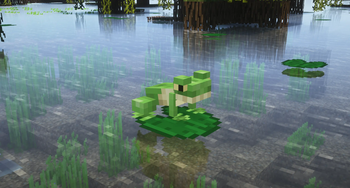
- The frog model has been replaced with a new one that looks much more like a frog and matches the one in the video (requires EMF). The new model is also compatible with frog textures from other resources packs.
- A typical frog is green, not orange, and it was green in the video, but the vanilla cold frog is green, so all the frog colors have been redesigned to match real-world frog species. The temperate frog now resembles a bullfrog, the warm frog now resembles a mangrove frog, and the cold frog now resembles a wood frog. (fun fact: wood frogs can survive in the coldest climate of any known frog species)
- Froglight mechanics are unchanged.
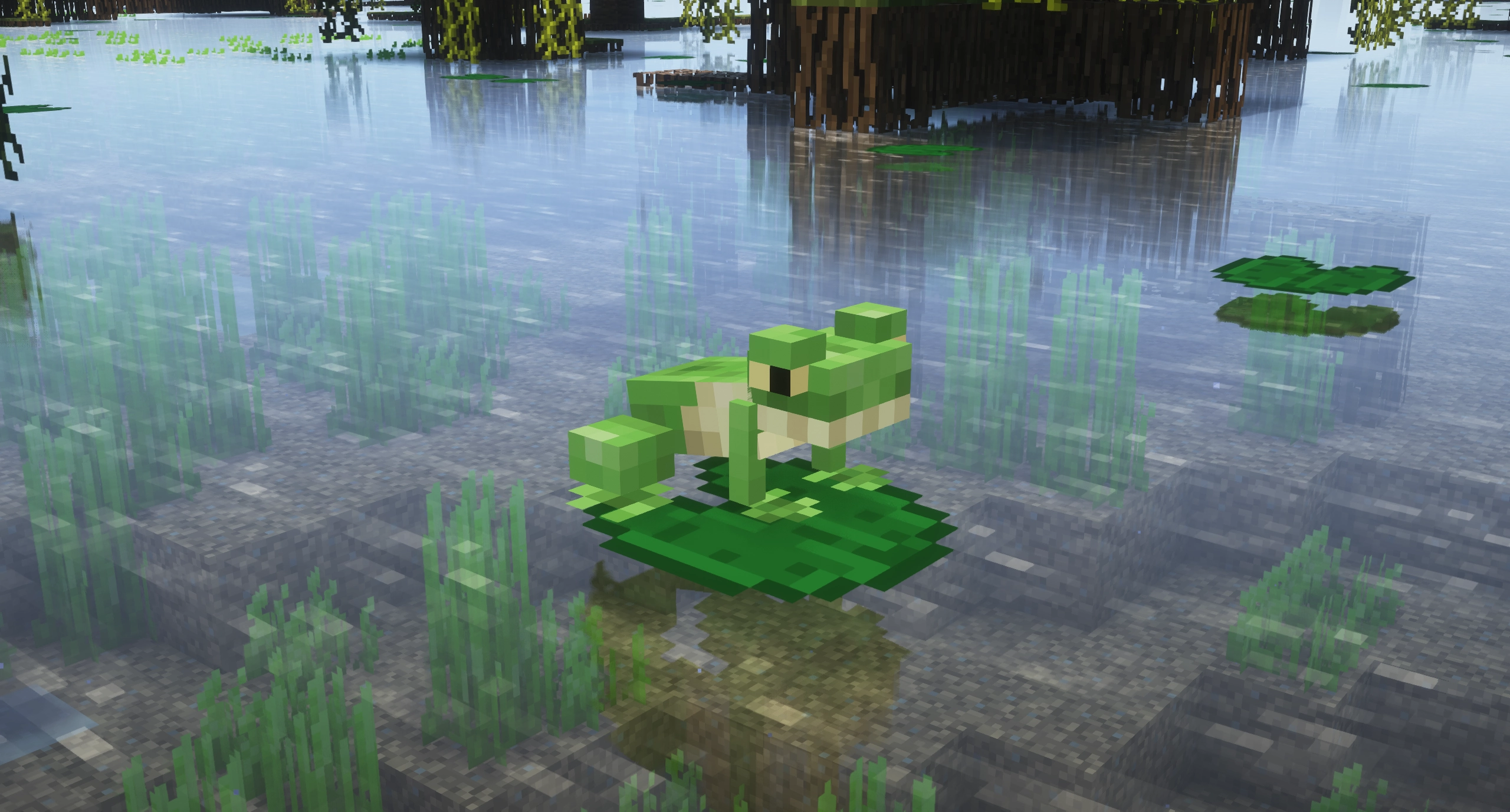
- Frogs can also now spawn in all river biomes -with cold frogs now spawning naturally in frozen rivers- and very rarely in lush caves (requires Lithostitched).
- Frogs can now spawn on moss blocks, clay, mangrove leaves, and anything they prefer to jump to.
- Cold and warm frog variants are now used when a frog spawns in a biome where cold and warm variant farm animals can spawn respectively.
Mangrove Trees
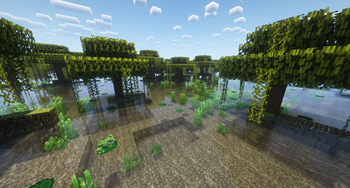
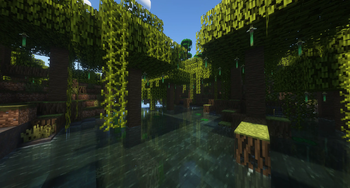
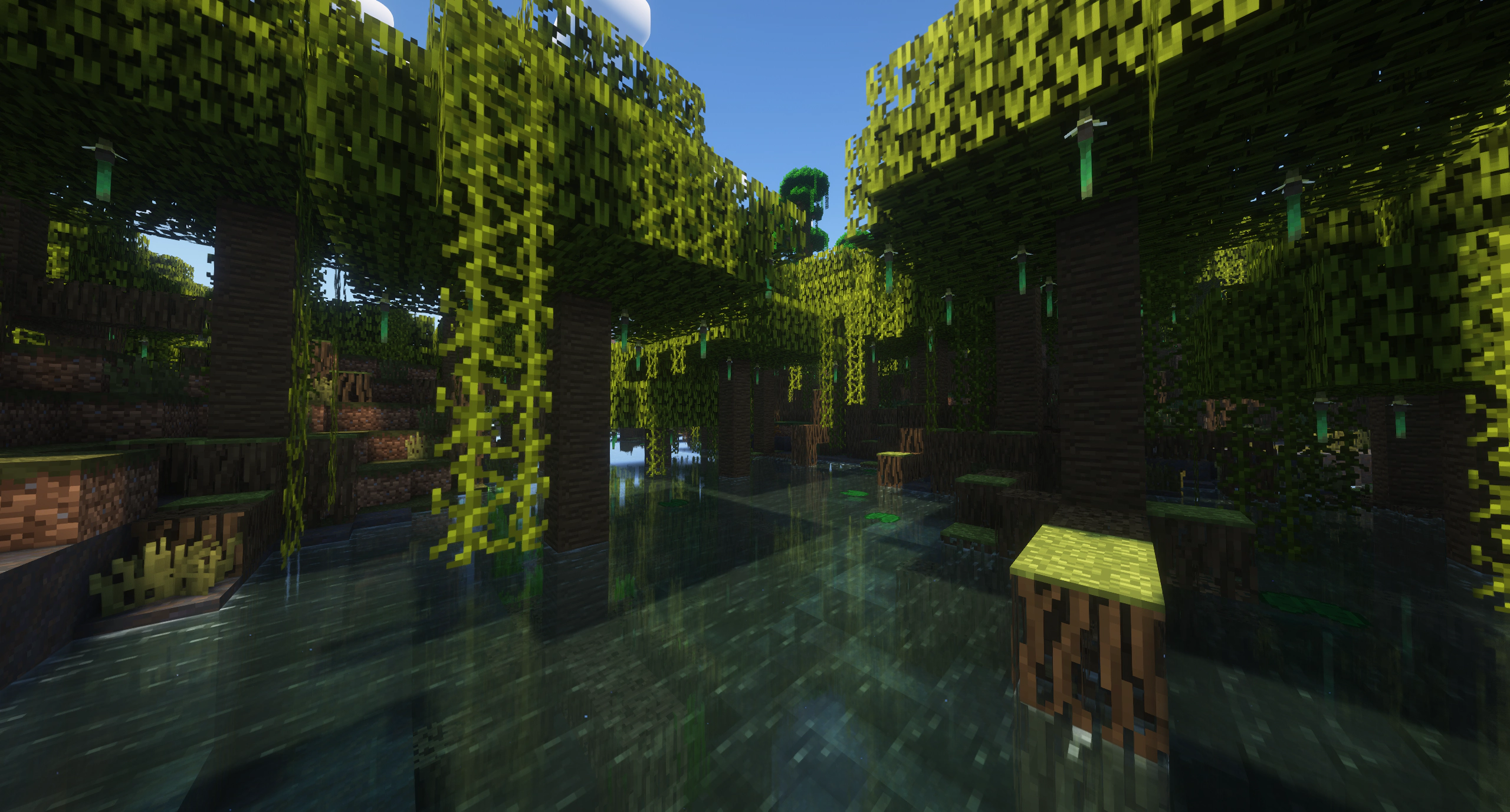
- The shape of mangrove trees has been changed to match the one in the video.

Swamps
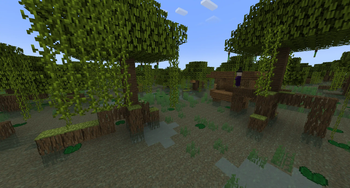
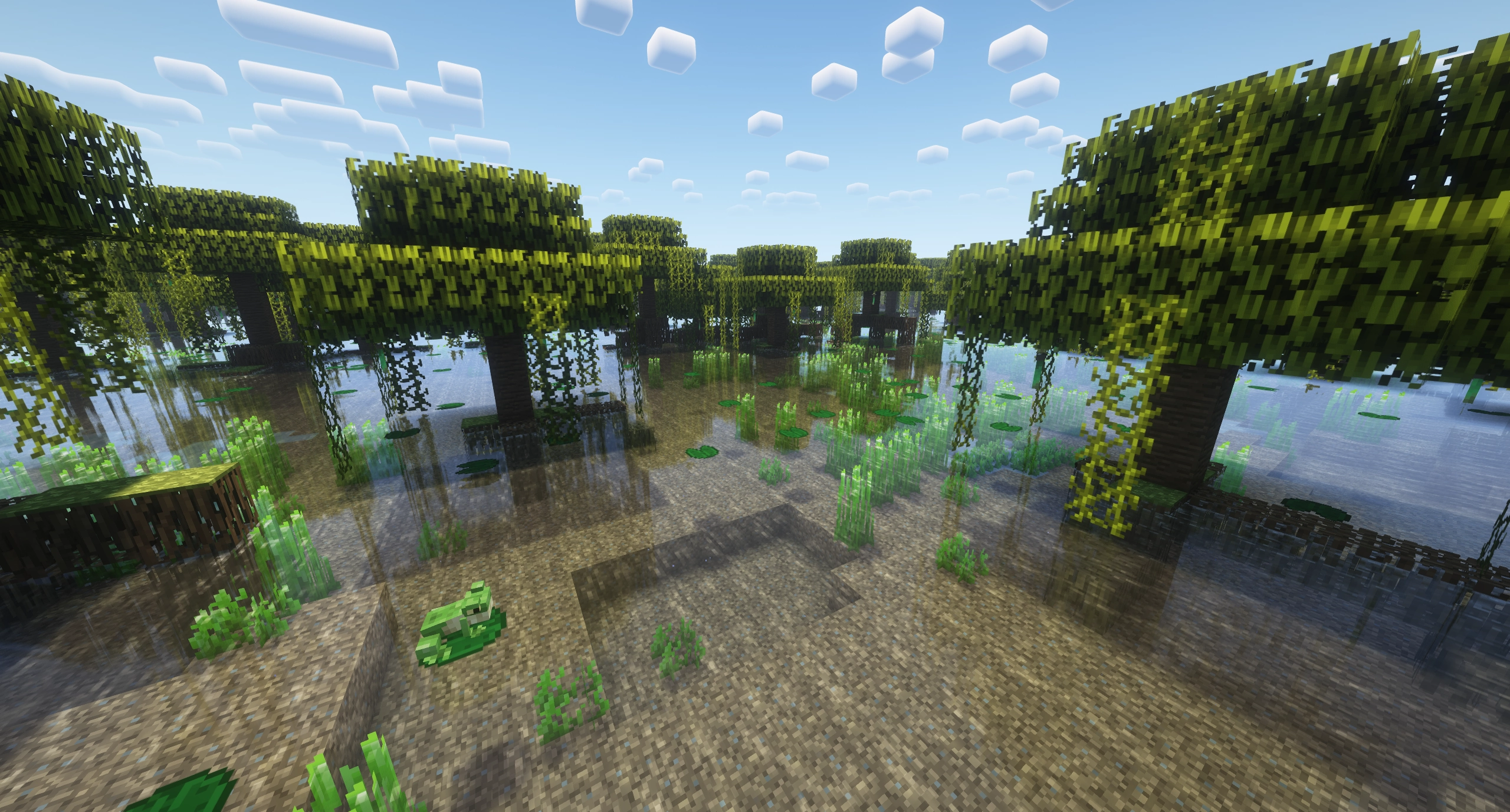
- The "swamp oak" trees that generate in swamps have been replaced with mangrove trees, just like in the video.
- The color of leaves in swamps now matches their color in mangrove swamps (requires Lithostitched).
Mangrove Swamps
- Witch huts can now spawn here.
- Mud no longer generates at or higher than y=64. (requires Lithostitched).
The new frog models and textures are client-side, and everything else is server-side. Use on both sides for all features.
Certain features won't work without Lithostitched & EMF.
Available Versions
How to Install Biome Vote Swamp on Your Server
Order Server
Order a Minecraft Java server with at least 4 GB RAM (6 GB recommended).
Set datapack Loader
In the panel under "Egg", select the datapack loader and matching Minecraft version (1.21.8).
Install Mod
Open the mod browser in the dashboard and search for "Biome Vote Swamp". Click "Install" – done! Alternatively, upload the .jar via SFTP to the /mods folder.
Compatibility
Mod Loaders
Minecraft Versions
1.21.8, 1.21.7, 1.21.6 (+8 more)
Server-side
✓ RequiredRecommended RAM
6 GB(min. 4 GB)Frequently Asked Questions
Biome Vote Swamp server crashes on startup – what to do?
Most common cause: wrong datapack version or insufficient RAM. Check the server log (latest.log) for "OutOfMemoryError" or "Mixin" errors. With Mado Hosting: ensure at least 4 GB RAM is allocated and the loader matches the mod version (1.21.8). You can switch loaders with one click in the panel.
Is Biome Vote Swamp compatible with datapack and fabric and forge and minecraft and neoforge and quilt?
Biome Vote Swamp officially supports datapack, fabric, forge, minecraft, neoforge, quilt for Minecraft 1.21.8, 1.21.7, 1.21.6. Note: Forge and Fabric mods are NOT cross-compatible – pick one loader and stick with it. The Mado dashboard automatically detects incompatible loader combinations.
Server lagging with Biome Vote Swamp – how to optimize performance?
Recommended RAM: 6 GB (per 5 players). Use /spark profiler to check if Biome Vote Swamp consumes the most tick time. Common fixes: reduce server view-distance to 8-10, install "performant" or "starlight" as supplementary mods on Forge. With Mado Hosting, your server runs on NVMe SSDs with dedicated CPU cores for minimal latency.
Similar Mods
![[EMF] Entity Model Features](https://cdn.modrinth.com/data/4I1XuqiY/6e5bbd0d06b1741bfdab6c0cfab6de8fdaf0064c_96.webp)


Rent Modded Server
Install Biome Vote Swamp with just one click on your server.