
Block Modifier
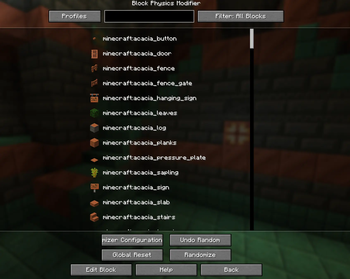
Block Modifier is a utility mod that allows you to customize, edit, and randomize the physical, behavioral, and rendering properties of any block.
Screenshots
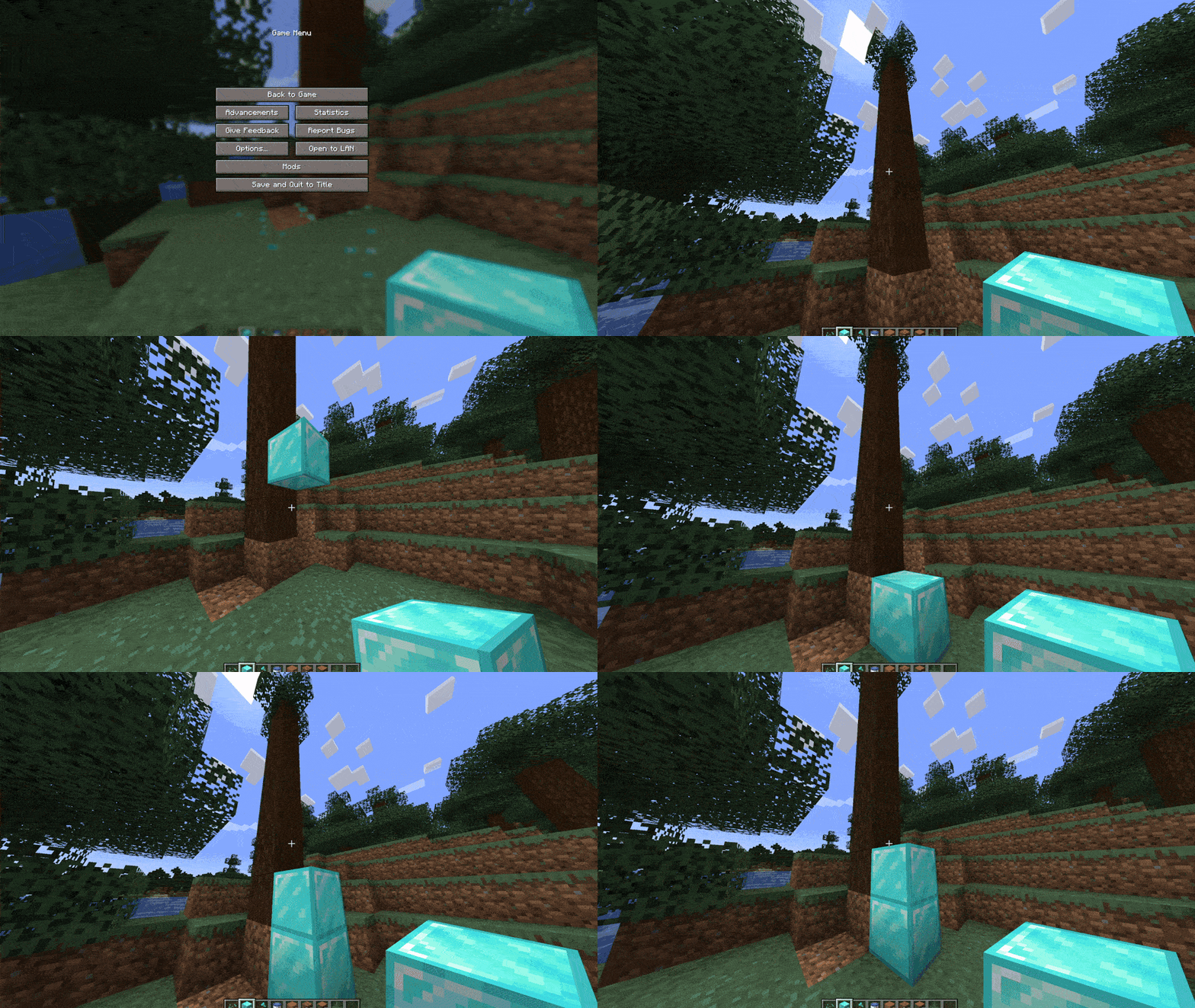

About this Mod
Block Modifier is a utility for modifying and randomizing the physical, gameplay, and visual properties of any block in Minecraft.
This mod is experimental, and its future support is uncertain.
Warning!
Modifying fundamental game physics can lead to chunk corruption or unstable world generation.
- Always back up your world before making any block modifications, even if the change seems minor or insignificant. An incorrect parameter (such as setting air status or light emission incorrectly) can permanently corrupt your world save.
- Be cautious with settings that can cause player suffocation or trap entities inside solid blocks.
Key Features:
Examples of some of the possible changes in the block:

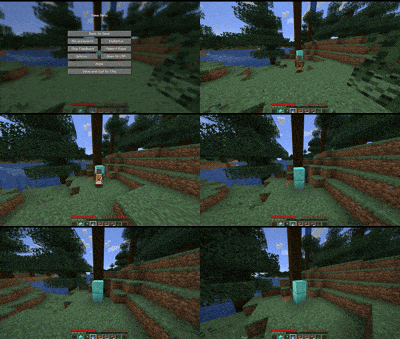
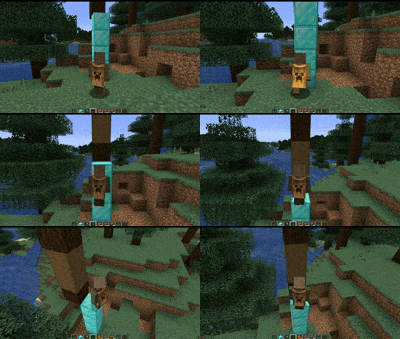
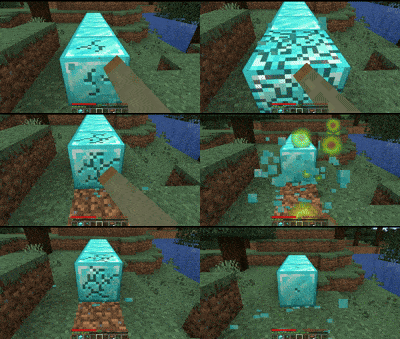
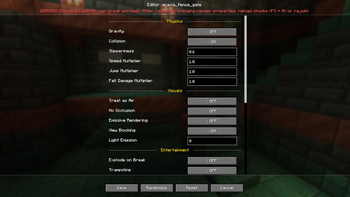
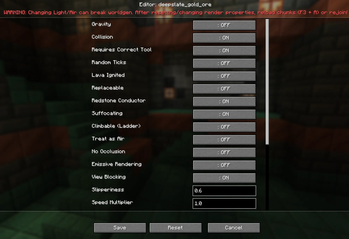
Real-time Editing: Fine-tune block properties (including blocks from other mods) directly in-game via a graphical menu (default key is O).
Chaos & Fun Mode: Instantly shuffle block properties globally using the randomizer to create a chaotic, challenging, or completely "cursed" world to play and have fun with your friends.
Physics and Behavior Control: Modify friction (slipperiness), movement speed, jump height, blast resistance, mining time, touch damage, and experience drops upon block destruction.
Rendering and Geometry Customization: Manage collision (passability), light emission, emissive textures in the dark, shadow opacity, and the ability to turn blocks into passable "ghost blocks" (air mode).
Gravity Control: Enable falling behavior for standard solid blocks (similar to sand), as well as the ability to completely disable gravity for vanilla falling blocks (sand, gravel, anvils)**
Configurable Randomizer: Randomize block properties globally with customizable limits and a flexible blacklist to protect critical blocks (bedrock, air, fluids) from accidental changes.
Modded Block Support: Since the mod works directly with the game's block registry at runtime, you can customize and modify the properties of almost any block introduced by other installed mods.
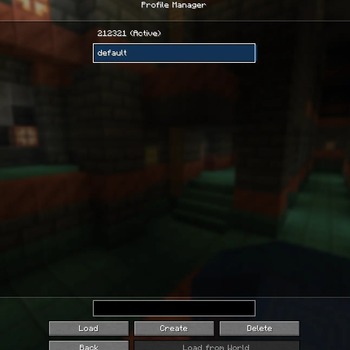
Profile Manager: Quickly save and load physics presets, integrate with singleplayer world save folders, and automatically restore vanilla parameters upon exiting the game.
Аnd much more!
Available Versions
How to Install Block Modifier on Your Server
Order Server
Order a Minecraft Java server with at least 3 GB RAM (4 GB recommended).
Set neoforge Loader
In the panel under "Egg", select the neoforge loader and matching Minecraft version (1.21.1).
Install Mod
Open the mod browser in the dashboard and search for "Block Modifier". Click "Install" – done! Alternatively, upload the .jar via SFTP to the /mods folder.
Compatibility
Mod Loaders
Minecraft Versions
1.21.1
Server-side
✓ RequiredRecommended RAM
4 GB(min. 3 GB)Frequently Asked Questions
Block Modifier server crashes on startup – what to do?
Most common cause: wrong neoforge version or insufficient RAM. Check the server log (latest.log) for "OutOfMemoryError" or "Mixin" errors. With Mado Hosting: ensure at least 3 GB RAM is allocated and the loader matches the mod version (1.21.1). You can switch loaders with one click in the panel.
Is Block Modifier compatible with neoforge?
Block Modifier officially supports neoforge for Minecraft 1.21.1. The Mado dashboard automatically detects incompatible loader combinations.
Server lagging with Block Modifier – how to optimize performance?
Recommended RAM: 4 GB (per 8 players). Use /spark profiler to check if Block Modifier consumes the most tick time. Common fixes: reduce server view-distance to 8-10, install "performant" or "starlight" as supplementary mods on Forge. With Mado Hosting, your server runs on NVMe SSDs with dedicated CPU cores for minimal latency.
Similar Mods




Rent Modded Server
Install Block Modifier with just one click on your server.