
Blockgame Plus
A client-side quality-of-life mod for the Blockgame Minecraft server (1.21.4, Fabric). Trackers, HUD widgets, accessibility tools, a shared team map, and party tools, all in one mod.
Screenshots

About this Mod
Blockgame+
Everything you wish Blockgame had, in one client-side mod. A live team map, a build manager, roll-quality item tooltips, party health bars, leaderboards, a new-player tutorial, and a pile of HUD tools - install it yourself, no server access needed.
Built for the Blockgame Minecraft server (mc.blockgame.info) - Fabric, Minecraft 1.21.4.
Visit the site at bgplus.ca
Client-side only. Drop it in your mods folder and play - most features work standalone. The team map, party sync, and leaderboards use an optional self-hosted backend (more on that below).
🗺️ A real in-game map (and minimap)
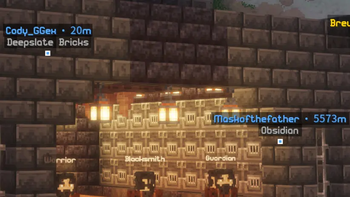
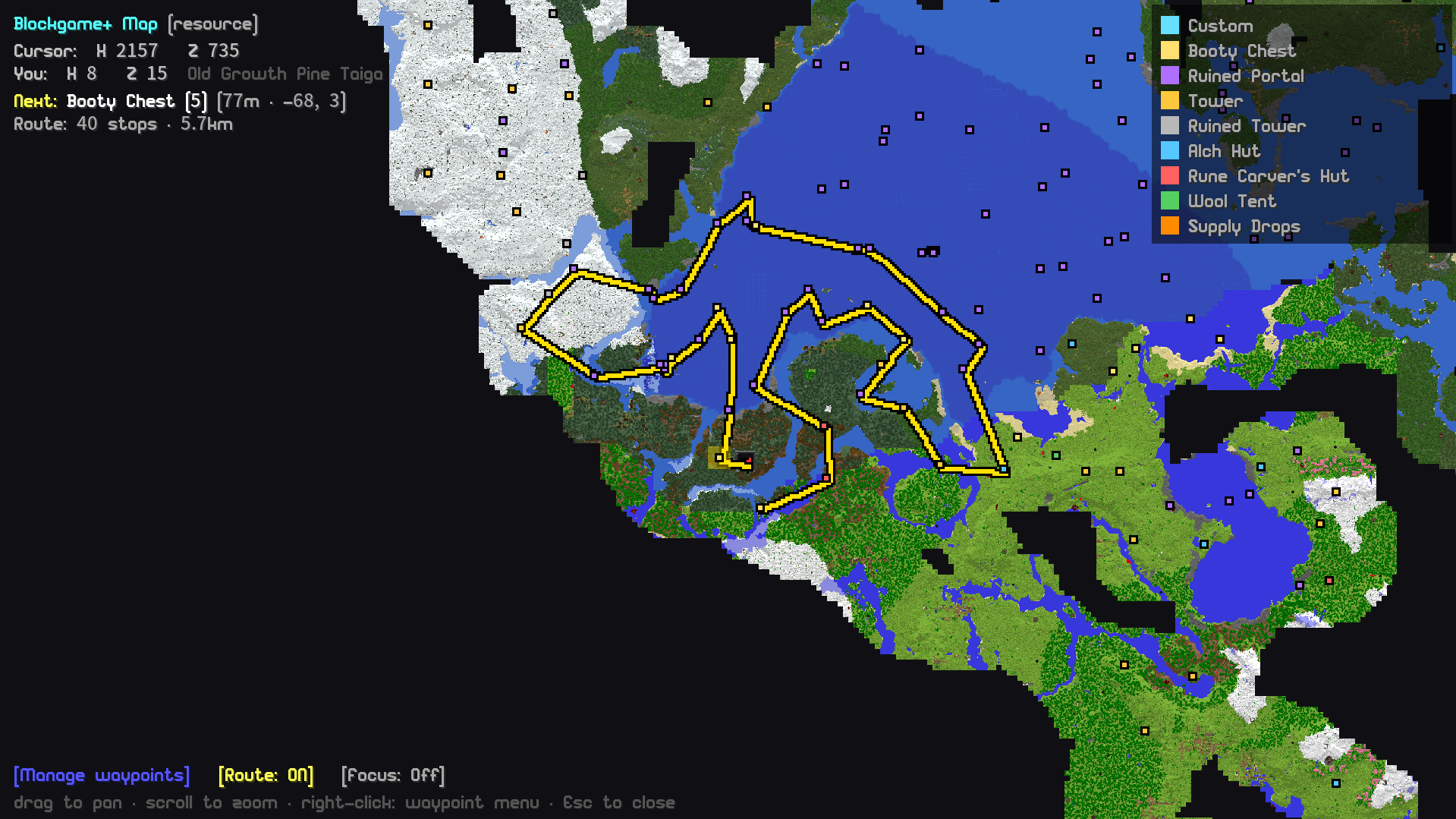
No more alt-tabbing. Blockgame+ renders its own fullscreen map and corner minimap, drawn from the world as you explore - structures, booty chests, and supply drops all show as live waypoints. Zoom all the way out to the whole world thanks to server-built overview tiles, or right-click anywhere to drop a waypoint or a travel destination.
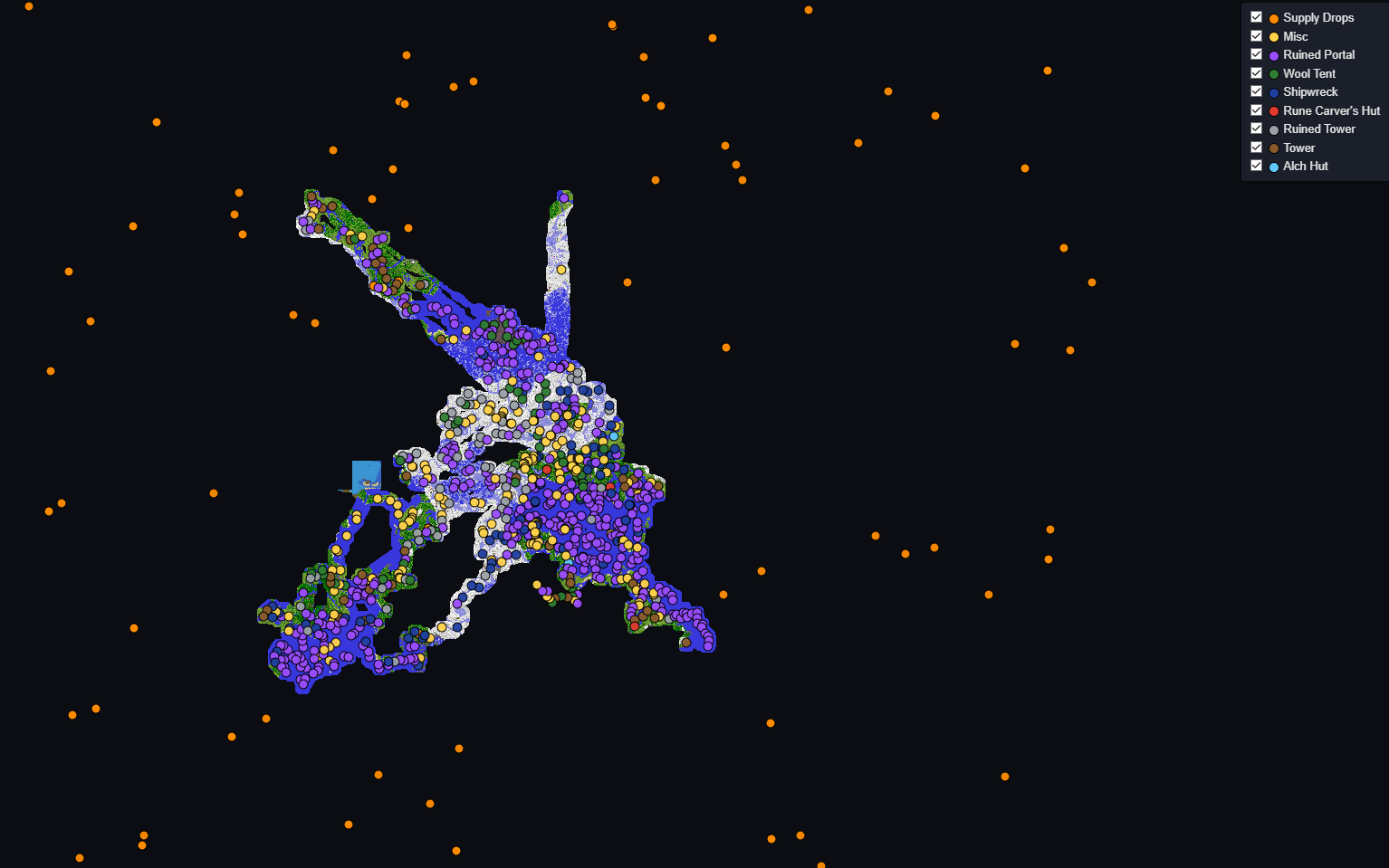
Every player's exploration also merges into one compounding community map - a growing, shared web map of everywhere the community has been, with a dark-mode viewer at bgplus.ca.
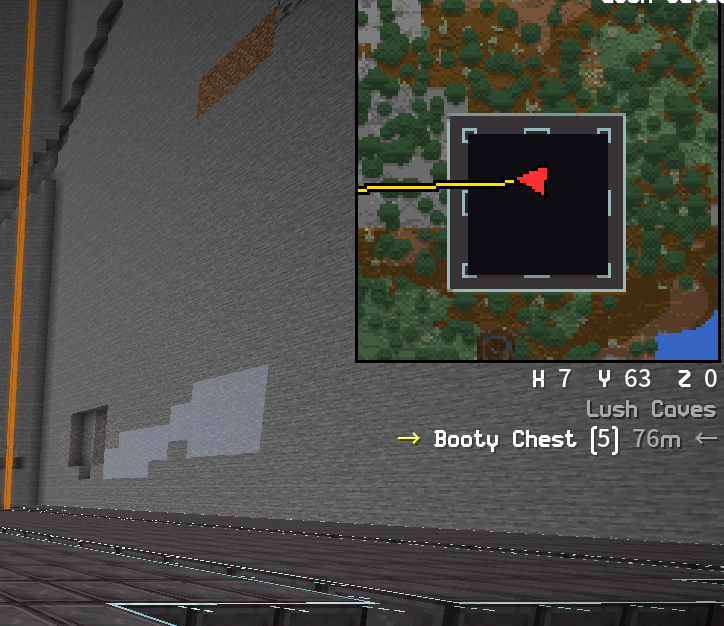
🧭 Waypoints & exploration routes
- Custom waypoints with a right-click menu - name a spot, mark it as your travel destination, or show it as a floating in-world marker you can run toward with no map open.
- Exploration routes that draw on the map and minimap, with an in-world "go here next" marker, a next-stop readout, and a Focus mode that beelines for a chosen category (e.g. Supply Drops).
- Booty tracking auto-clusters nearby chests into structures and labels them, filters by structure type, and hides ones you've already looted. All on the native map - no Xaero required (prefer Xaero? One command exports everything to it).
🏷️ Item stat tooltips
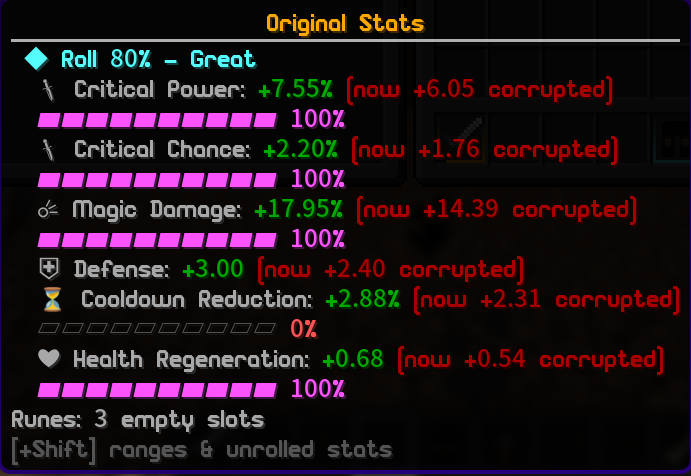
Blockgame items hide their true stat rolls in the item data - the lore only shows rounded numbers. Blockgame+ reveals them:
- A colored roll-quality
[%]on each stat, right on the item. - Hold Ctrl for the full breakdown: exact values, roll-quality bars, and an overall "this item rolled 84% - Great" verdict.
- Rune-aware and corruption-aware - it shows the item's true base roll with rune bonuses and corruption broken out separately, so you always know what the gear actually rolled.
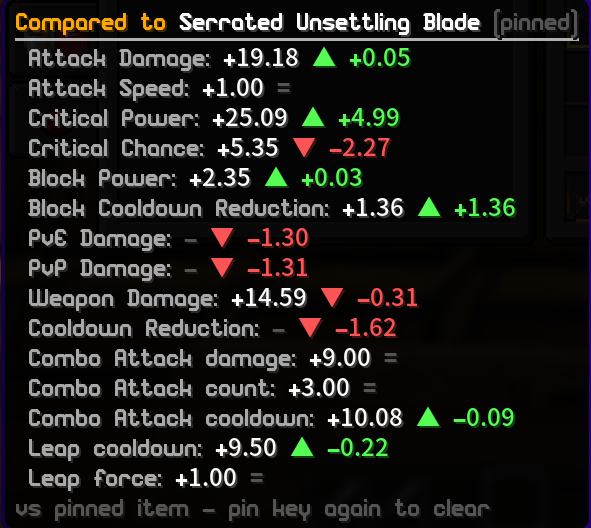
- Hold Alt to compare any item against what you've got equipped, with green/red per-stat deltas. Pin an item to compare two arbitrary pieces.
- Ranges are learned from every item the community sees, so tooltips sharpen as everyone plays.
⚔️ Talent build manager
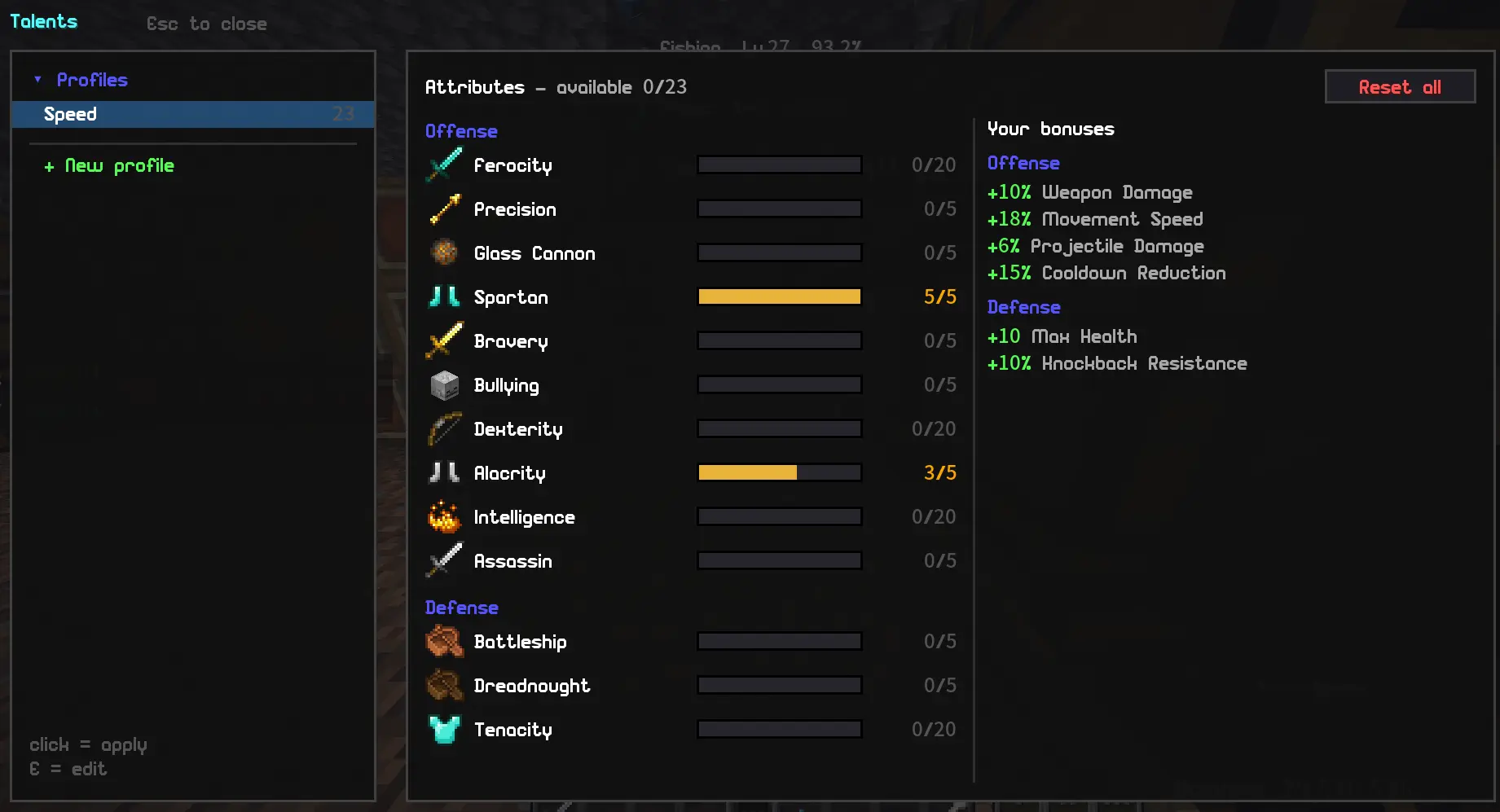
The Talents screen becomes a full build manager:
- Save unlimited stat builds and switch between them with one click - reset and reallocation handled automatically.
- Preview a build client-side, watch your aggregated bonuses update live, then save.
- A small HUD widget shows which build you're running. Press V to open Talents any time.
📊 Stats & trackers
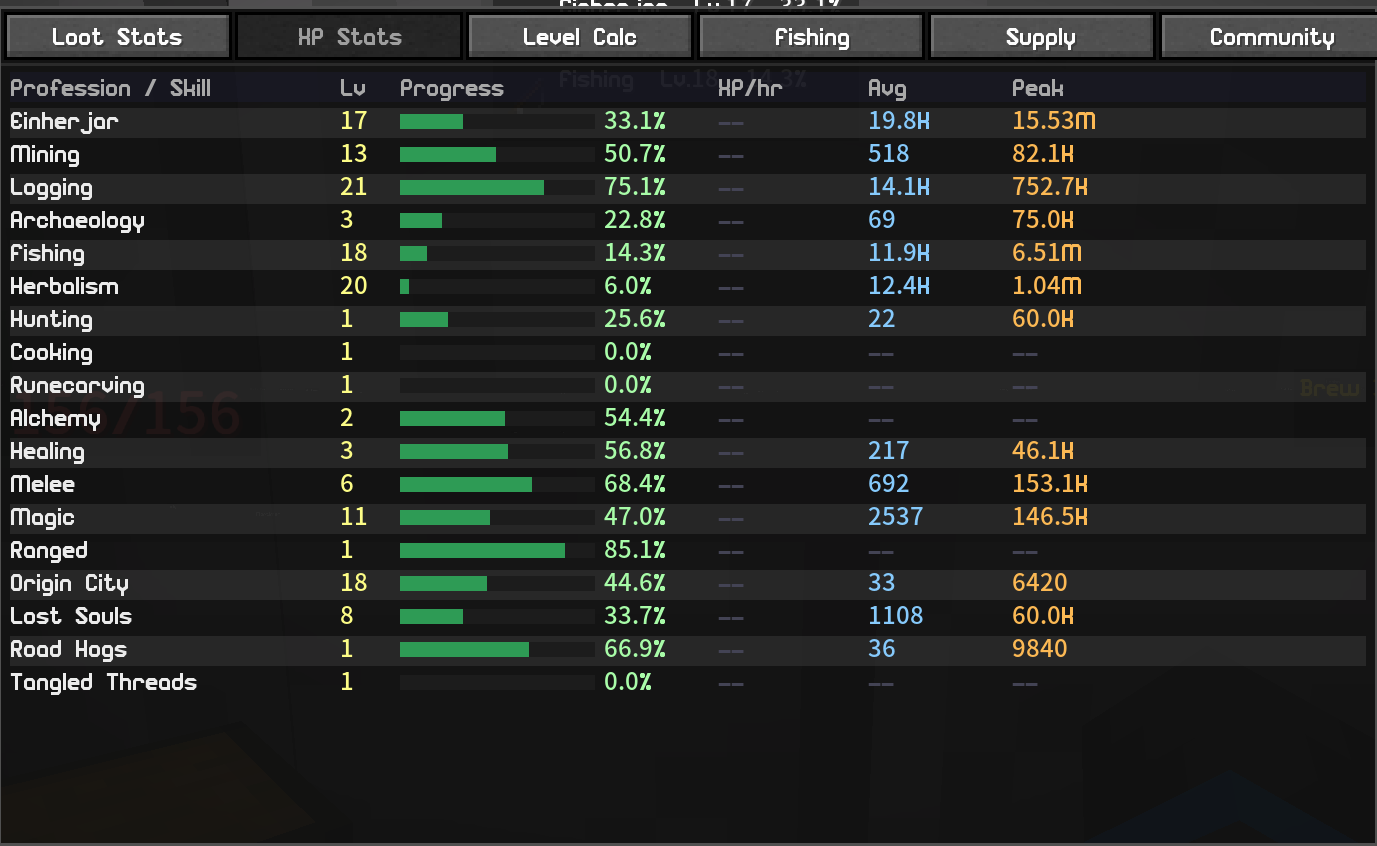
- Loot Stats - every chest you open, logged and aggregated by dimension and time window.
- Fishing Tracker - catches, sizes, personal-best flags, and a leaderboard.
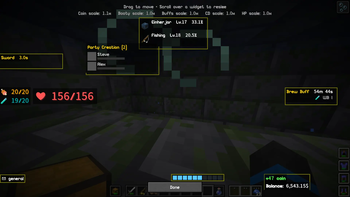
- XP Tracker - live profession / proficiency / reputation / class levels with a movable HUD widget and XP-rate display.
- Coin Counter - animated balance HUD, spend tracking, and a coins-per-hour rate.
- Session summary (
/bgplus session) - coins, XP, fish, and chests for your play session.
🎯 HUD widgets
Every widget is draggable and resizable in the layout editor: cooldown timer, profile-buff timers, booty/supply counters, air/drowning bar, a relocatable action bar, and a chat-channel widget.
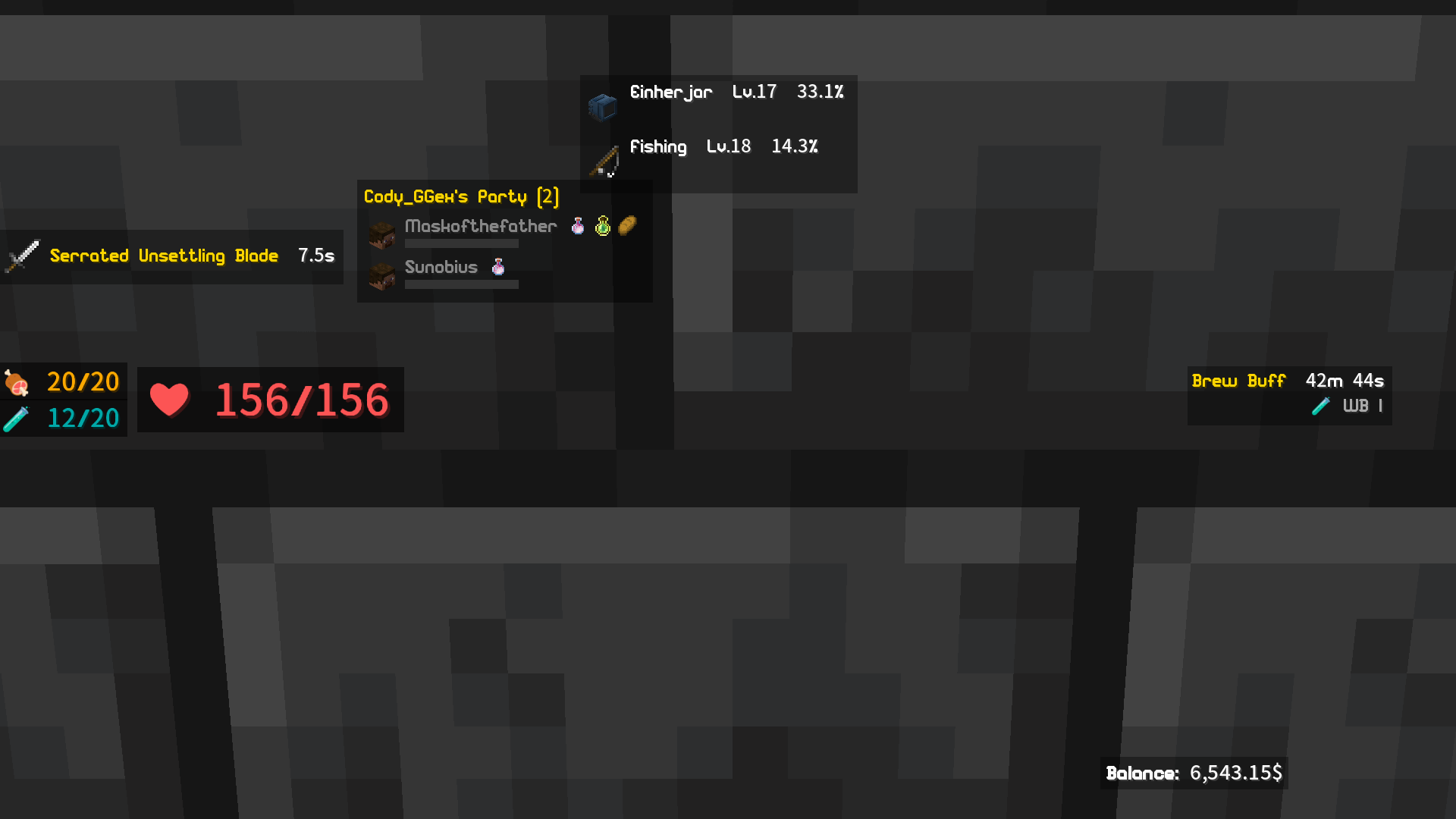
🤝 Party tools
Live teammate health bars (a healer's dream), low-health sound alerts, buff icons, client-side glow to spot your party, and in-world pings.
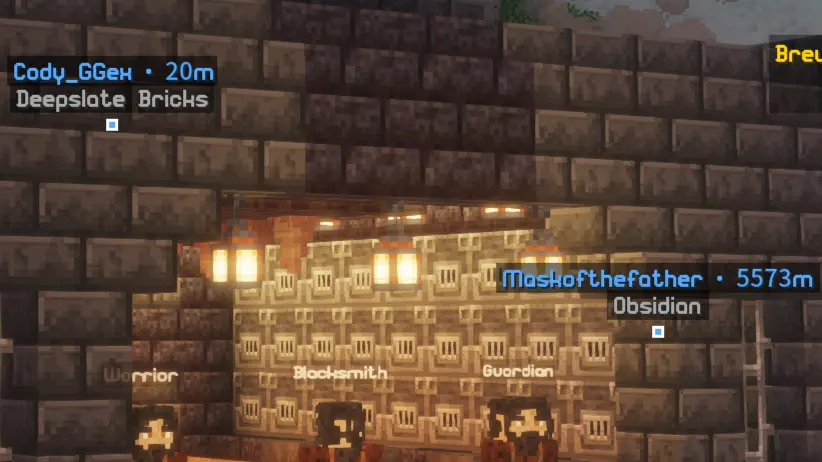
♿ Accessibility
- Spell Cycler - cast a spell book and auto-advance to the next, with cooldown-aware skipping (tap or hold).
- Custom sound alerts for fishing bites, low hydration, loot pings, and party low-health - drop your own
.ogg/.wavfiles in.
🏆 Community & leaderboards
Optional shared leaderboards - class, professions, proficiencies, reputations, coins, and fishing - plus supply-drop and loot sharing. Browse them in-game or on the public site at bgplus.ca/leaderboard (no account needed to look).

🎓 New-player tutorial
First time on Blockgame? Blockgame+ layers a friendly Guide over the server's own tutorial quest - a dialogue box explains each step and waypoints point you to the tricky spots (like that Forge everyone gets lost looking for). It turns itself off once you've finished.

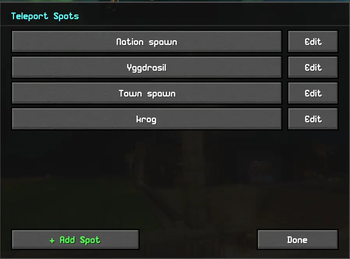
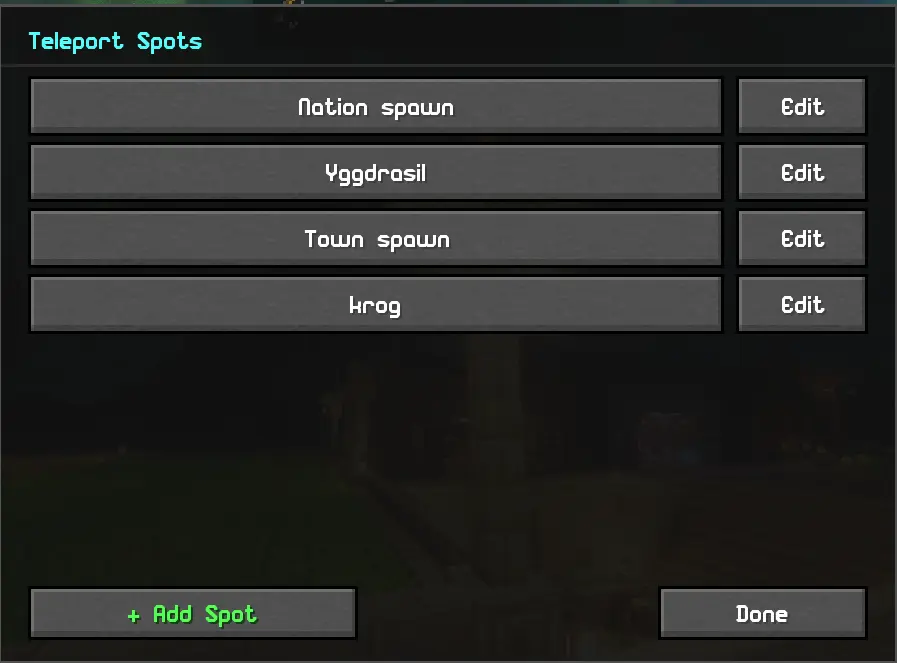
📌 Teleport Spots
Make your own command buttons - e.g. "Nation spawn" runs /n spawn.
⚙️ Setup
- Install Fabric Loader, Fabric API, Cloth Config, and Mod Menu.
- Drop Blockgame+ in your
modsfolder. - All keybinds are unbound by default - set them in Options → Controls → Blockgame+.
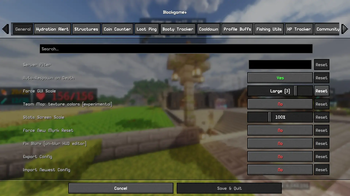
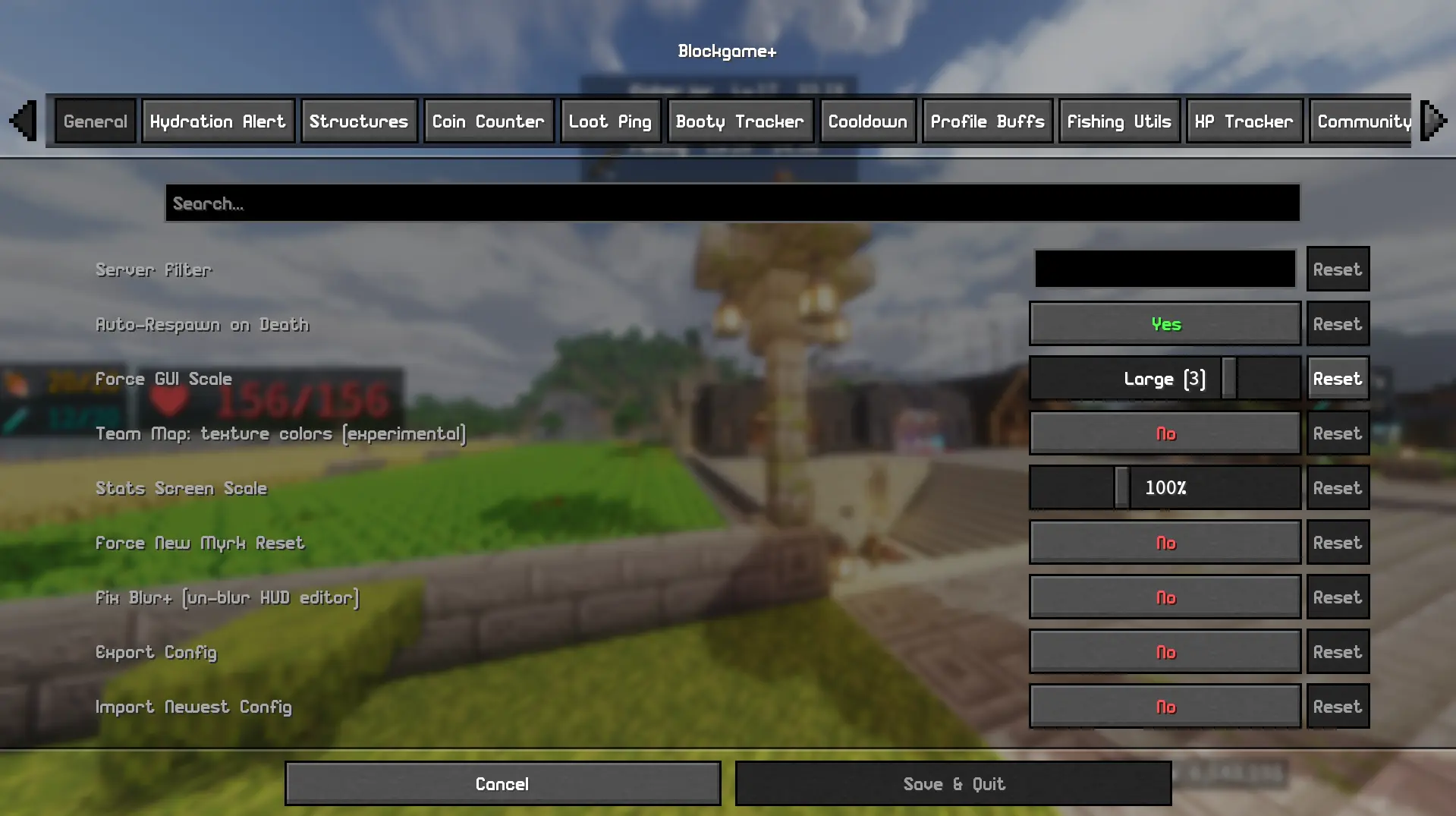
- Configure everything in Mod Menu → Blockgame+.
⚠️ Notes
- Designed for Blockgame; features are gated to the server by default.
- The team map, live party sync, and leaderboards use a self-hosted backend (provided currently by the mod owner - that's me!). They're not required for the rest of the mod, and they need you to request to join the community so an admin can approve you.
- Known issue: party HUD faces currently show the default skin.
- This mod is made with the help of AI. If you don't support that, then don't download! Or do... I don't care.
Found a bug? Reach me on Discord: codyggex
Available Versions
How to Install Blockgame Plus on Your Server
Order Server
Order a Minecraft Java server with at least 3 GB RAM (4 GB recommended).
Set fabric Loader
In the panel under "Egg", select the fabric loader and matching Minecraft version (1.21.4).
Install Mod
Open the mod browser in the dashboard and search for "Blockgame Plus". Click "Install" – done! Alternatively, upload the .jar via SFTP to the /mods folder.
Compatibility
Mod Loaders
Minecraft Versions
1.21.4
Server-side
✗ UnsupportedRecommended RAM
4 GB(min. 3 GB)Frequently Asked Questions
Blockgame Plus server crashes on startup – what to do?
Most common cause: wrong fabric version or insufficient RAM. Check the server log (latest.log) for "OutOfMemoryError" or "Mixin" errors. With Mado Hosting: ensure at least 3 GB RAM is allocated and the loader matches the mod version (1.21.4). You can switch loaders with one click in the panel.
Is Blockgame Plus compatible with fabric?
Blockgame Plus officially supports fabric for Minecraft 1.21.4. The Mado dashboard automatically detects incompatible loader combinations.
Server lagging with Blockgame Plus – how to optimize performance?
Recommended RAM: 4 GB (per 8 players). Use /spark profiler to check if Blockgame Plus consumes the most tick time. Common fixes: reduce server view-distance to 8-10, install "performant" or "starlight" as supplementary mods on Forge. With Mado Hosting, your server runs on NVMe SSDs with dedicated CPU cores for minimal latency.
Similar Mods




Rent Modded Server
Install Blockgame Plus with just one click on your server.