
Screenshots
About this Mod
This is a continuation mod of the discontinued BlockMeter, forked under MIT license.
It allows you to measure sizes of builds or areas, so you can verify things line up the way you want, or having the distances they're expected to.
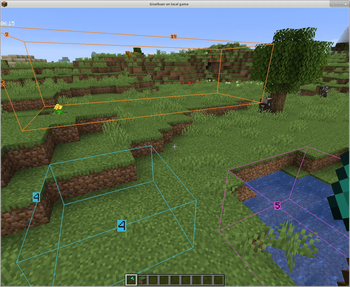
To use, hold any item and tap the BlockMeter key. Right click that item anywhere to set a starting point. Right-click the item somewhere else to get a second point. BlockMeter will draw a cuboid and show the lengths of each of the sides.
Tap the key again to deactivate the BlockMeter cubes. Tap Shift and the key to remove the last cube. Tap Ctrl and the key to remove all cubes.
To edit an existing box, right click while crouching to "loosen" one corner and right click again to place it somewhere else.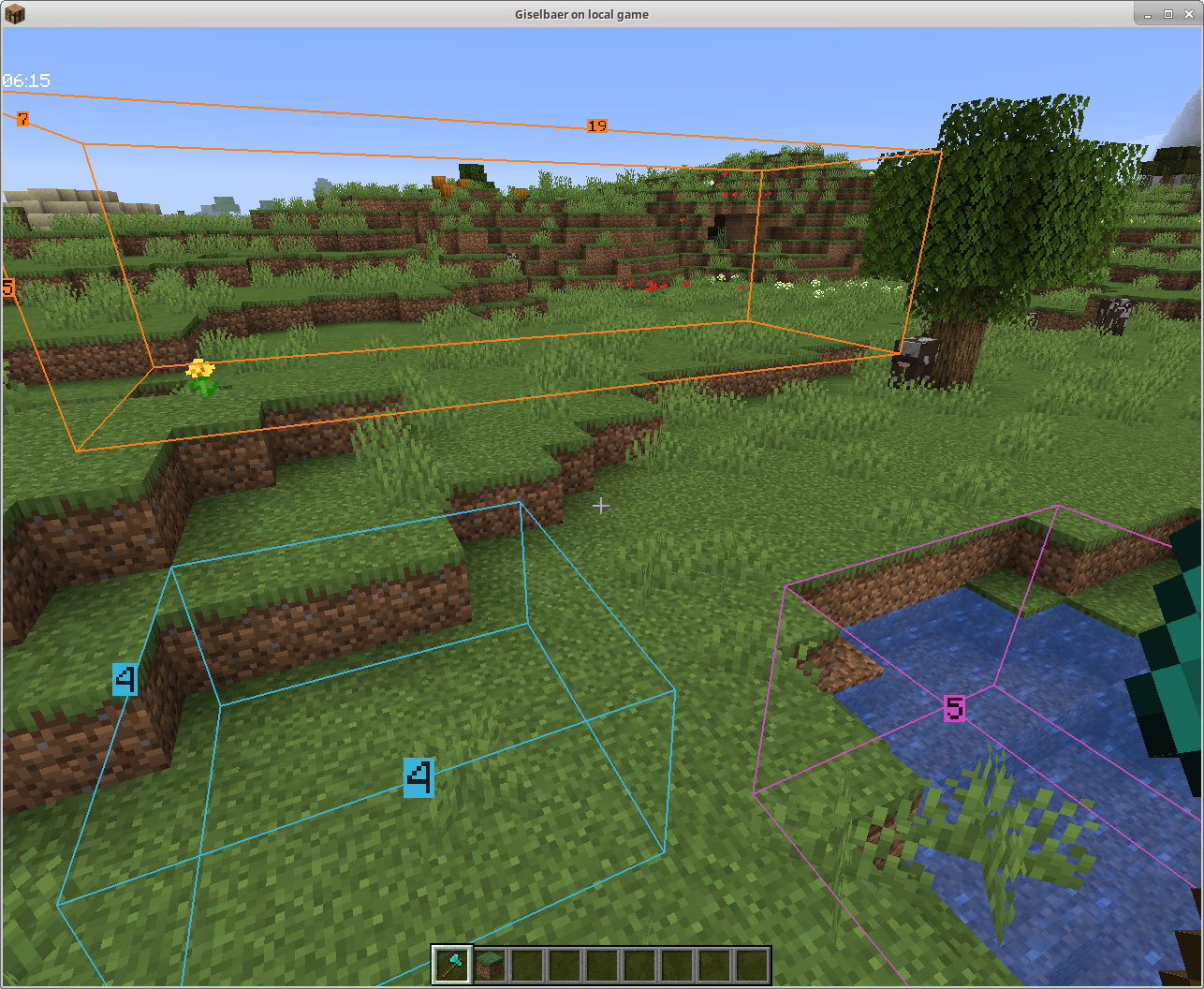
Dependencies
To use this mod, you'll need to:
Required
- install the Fabric modloader from https://fabricmc.net/use/
- install the Fabric API from https://modrinth.com/mod/fabric-api
- install this mod
Optional
- install ModMenu from https://modrinth.com/mod/modmenu (this is not absolutely necessary, but strongly recommended)
Collaborative Building
From version 1.4 on, you can collaborate and see each other's boxes if the mod is installed on the server as well.
The mod will still work client-side only, so you can play on any (vanilla, spigot, paper, ...) servers without the server owner having to do anything.
Fabric Server
In a LAN world with the host having the mod, or with a dedicated Fabric server that has the mod, you can see other people's boxes - enable BlockMeter, press the ALT button while holding the BlockMeter block, and toggle the new button. Now you'll see other players' boxes, and each block count will have the name of the player who created the box in front.
Bukkit Server
Version 1.4.1 works as server part with Bukkit/Spigot/Paper as well. If you want to share block outlines on your favorite server (non-modded, but has plugins), ask your server owner to download the jar file from here and put it in the plugins directory (make sure it's the correct Minecraft version, i.e. 1.15, and at least version 1.4.1 of the mod). The client part is the same as 1.4, so there's no reason to update your client.
Available Versions
How to Install Block Meter on Your Server
Order Server
Order a Minecraft Java server with at least 3 GB RAM (4 GB recommended).
Set fabric Loader
In the panel under "Egg", select the fabric loader and matching Minecraft version (26.1.2).
Install Mod
Open the mod browser in the dashboard and search for "Block Meter". Click "Install" – done! Alternatively, upload the .jar via SFTP to the /mods folder.
Compatibility
Mod Loaders
Minecraft Versions
26.1.2, 26.1.1, 26.1 (+23 more)
Server-side
~ OptionalRecommended RAM
4 GB(min. 3 GB)Frequently Asked Questions
Block Meter server crashes on startup – what to do?
Most common cause: wrong fabric version or insufficient RAM. Check the server log (latest.log) for "OutOfMemoryError" or "Mixin" errors. With Mado Hosting: ensure at least 3 GB RAM is allocated and the loader matches the mod version (26.1.2). You can switch loaders with one click in the panel.
Is Block Meter compatible with fabric?
Block Meter officially supports fabric for Minecraft 26.1.2, 26.1.1, 26.1. The Mado dashboard automatically detects incompatible loader combinations.
Server lagging with Block Meter – how to optimize performance?
Recommended RAM: 4 GB (per 8 players). Use /spark profiler to check if Block Meter consumes the most tick time. Common fixes: reduce server view-distance to 8-10, install "performant" or "starlight" as supplementary mods on Forge. With Mado Hosting, your server runs on NVMe SSDs with dedicated CPU cores for minimal latency.
Similar Mods




![[ETF] Entity Texture Features](https://cdn.modrinth.com/data/BVzZfTc1/af683d206d50b05258d865b0d6e4aa2f2cee12f2_96.webp)
![[EMF] Entity Model Features](https://cdn.modrinth.com/data/4I1XuqiY/6e5bbd0d06b1741bfdab6c0cfab6de8fdaf0064c_96.webp)
Rent Modded Server
Install Block Meter with just one click on your server.