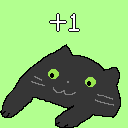
BongoCube
It's bongocat but in minecraft
Screenshots


About this Mod
BongoCube
RU
Описание
BongoCube — мод, добавляющий в игру отображение чиби-фигурки кота/игрока и счетчик кликов. Включает внутриигровую таблицу лидеров и гибкую систему настроек с возможностью создать кастомную схему чибиков (смотрите на вики).
Требования
- Fabric API
- YACL (Yet Another Config Lib)
- ModMenu
Установка
- Установите Fabric Loader и Fabric API
- Скачайте последнюю версию мода
- Помстите мод в папку
mods - Запустите игру
Использование
- Открыть таблицу лидеров:
J(по умолчанию) - Настройки доступны через ModMenu
Конфигурация
Все настройки доступны через внутриигровой интерфейс:
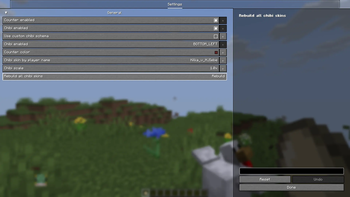
- Включение/отключение счетчика и чиби
- Позиция чиби на экране
- Масштаб чиби
- Цвет счетчика
- Кастомный чибик из скина или голова игрока по нику если схемы нет
EN
Description
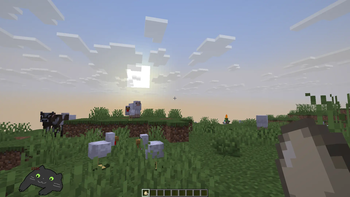
BongoCube is a mod that adds a chibi figure of cat/player display and click counter to the game. Includes an in-game leaderboard and flexible configuration system with option to creat custom cibib scheme (check on wiki).
Requirements
- Fabric API
- YACL (Yet Another Config Lib)
- ModMenu
Installation
- Install Fabric Loader and Fabric API
- Download the latest mod version
- Place the mod in the
modsfolder - Launch the game
Usage
- Open leaderboard:
J(default) - Settings available via ModMenu
Configuration
All settings are available through the in-game interface:
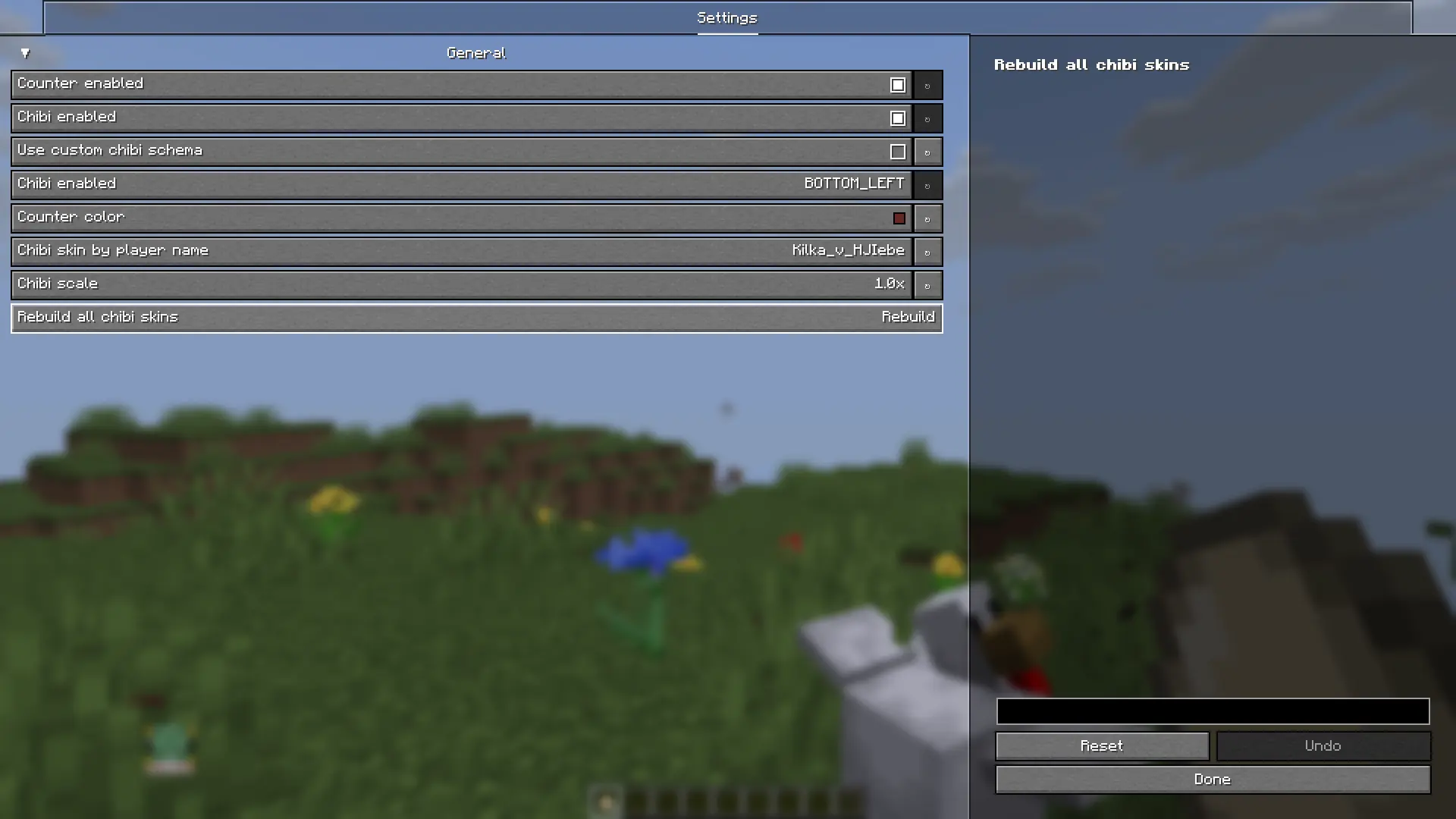
- Enable/disable counter and chibi
- Chibi position on screen
- Chibi scale
- Counter color
- Custom chibi of player skin or player head by nickname if you don't have custom scheme
Галерея/Gallery
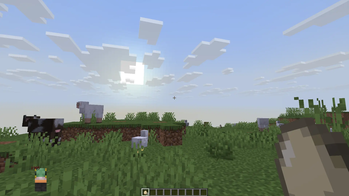
Default chibi/Стандрантный чибик
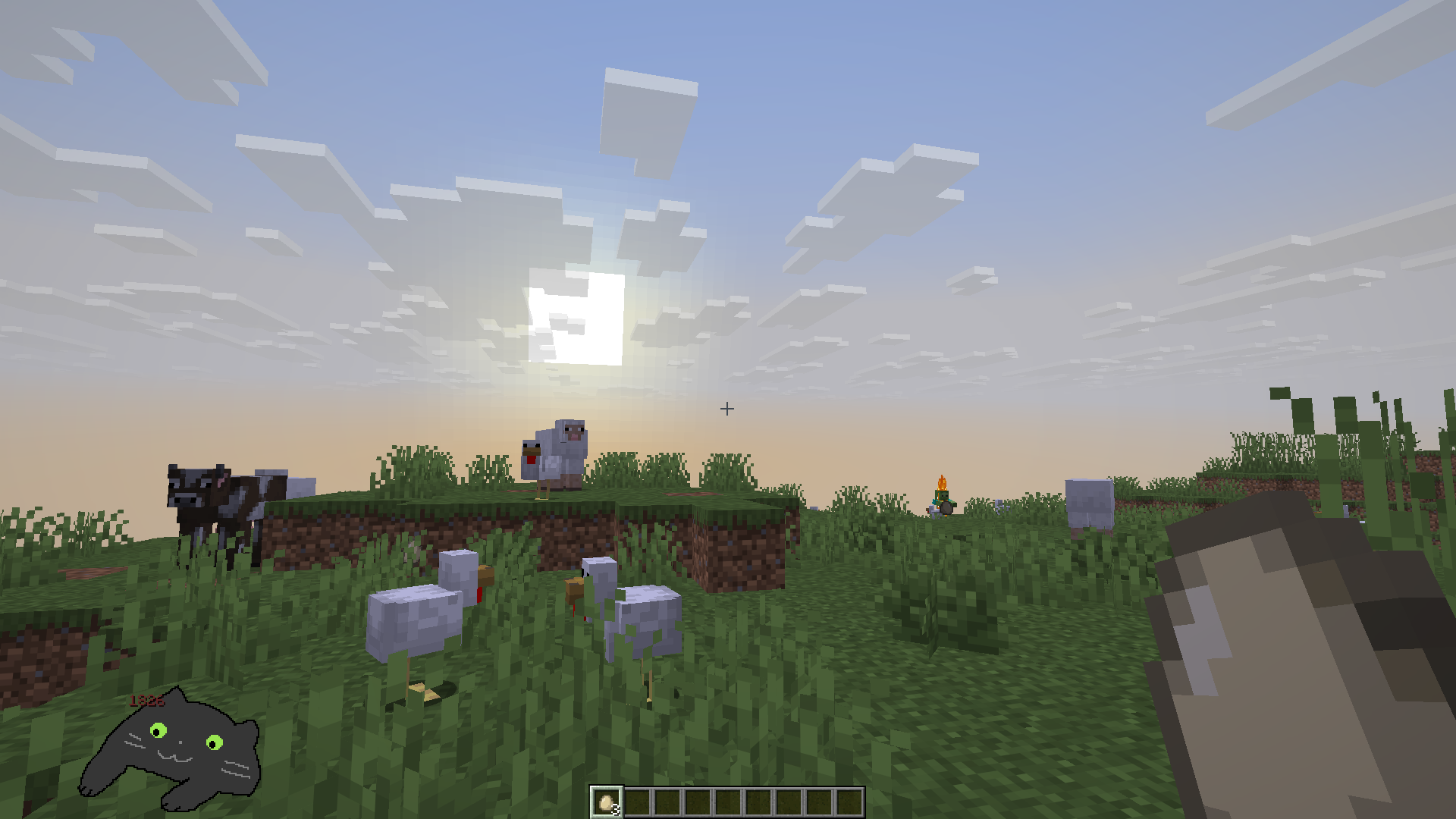
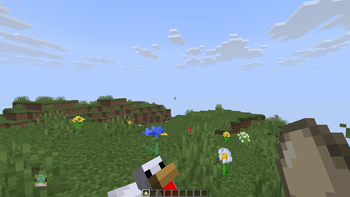
Defatult skin chibi/Стандартный чибик скина
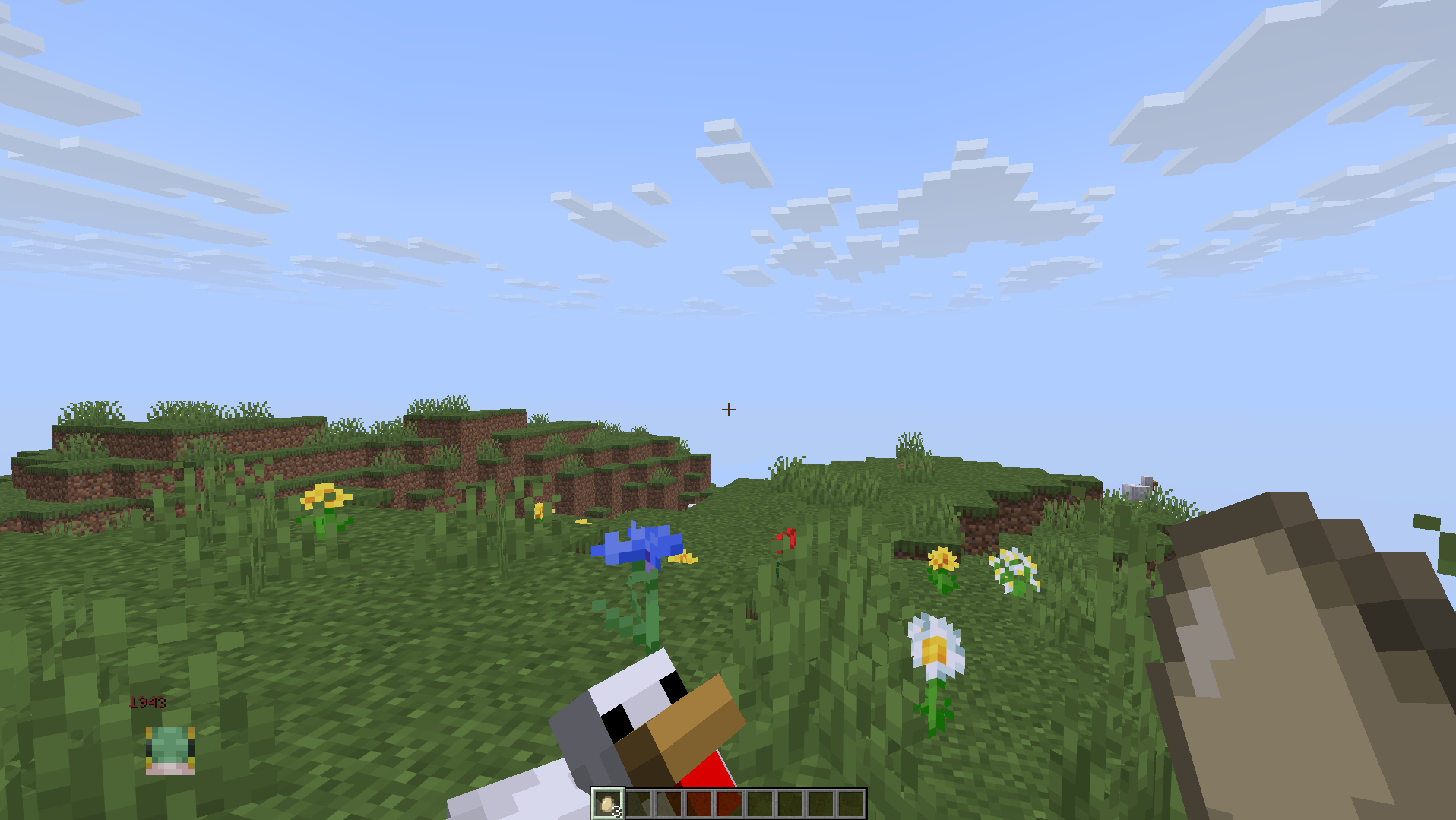
Custom chibi/Кастомный чибик
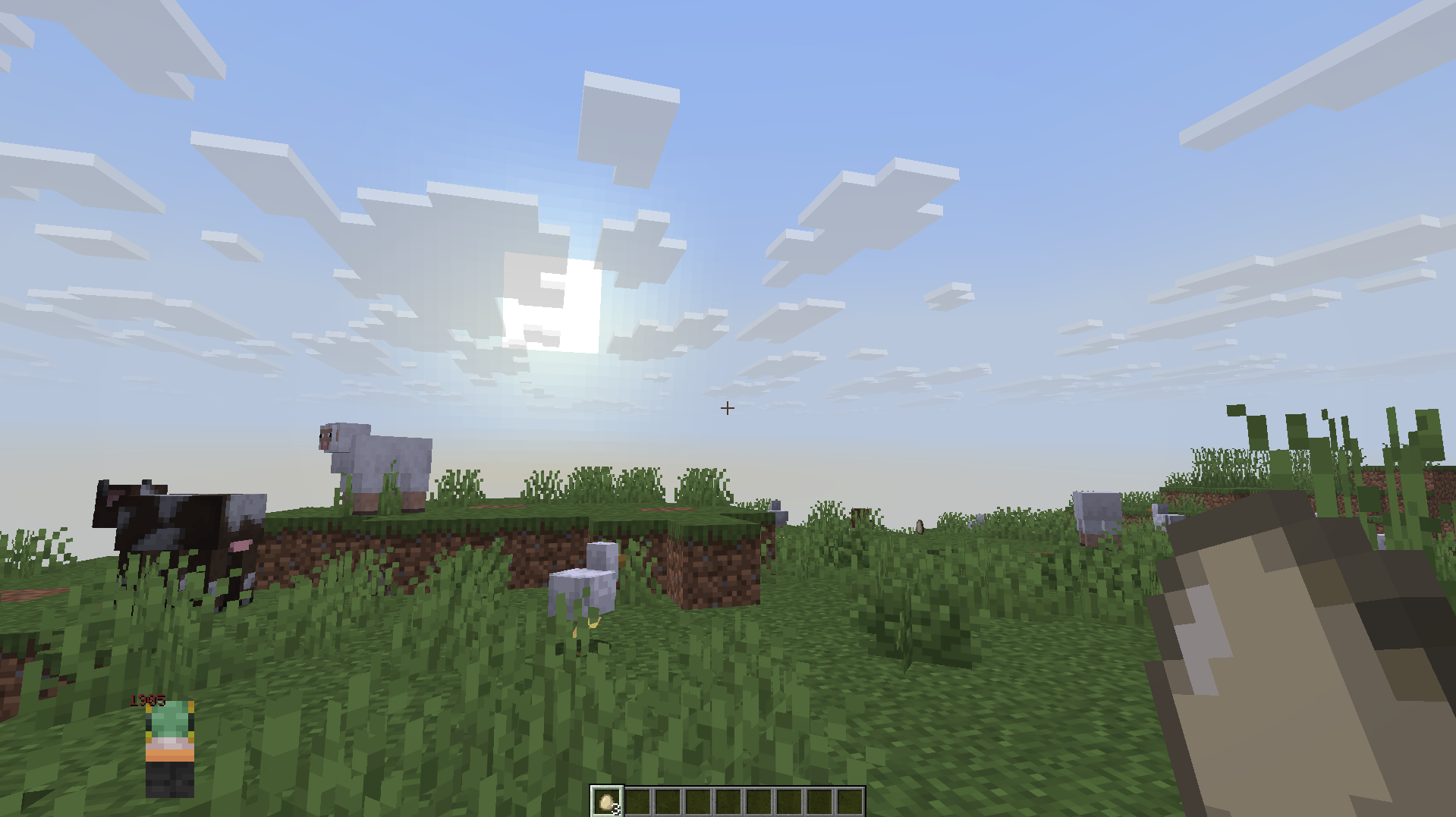
Settings/Настройки
Available Versions
How to Install BongoCube on Your Server
Order Server
Order a Minecraft Java server with at least 3 GB RAM (4 GB recommended).
Set fabric Loader
In the panel under "Egg", select the fabric loader and matching Minecraft version (26.1.2).
Install Mod
Open the mod browser in the dashboard and search for "BongoCube". Click "Install" – done! Alternatively, upload the .jar via SFTP to the /mods folder.
Compatibility
Mod Loaders
Minecraft Versions
26.1.2, 1.21.11
Server-side
~ OptionalRecommended RAM
4 GB(min. 3 GB)Frequently Asked Questions
BongoCube server crashes on startup – what to do?
Most common cause: wrong fabric version or insufficient RAM. Check the server log (latest.log) for "OutOfMemoryError" or "Mixin" errors. With Mado Hosting: ensure at least 3 GB RAM is allocated and the loader matches the mod version (26.1.2). You can switch loaders with one click in the panel.
Is BongoCube compatible with fabric?
BongoCube officially supports fabric for Minecraft 26.1.2, 1.21.11. The Mado dashboard automatically detects incompatible loader combinations.
Server lagging with BongoCube – how to optimize performance?
Recommended RAM: 4 GB (per 8 players). Use /spark profiler to check if BongoCube consumes the most tick time. Common fixes: reduce server view-distance to 8-10, install "performant" or "starlight" as supplementary mods on Forge. With Mado Hosting, your server runs on NVMe SSDs with dedicated CPU cores for minimal latency.
Similar Mods

![[ETF] Entity Texture Features](https://cdn.modrinth.com/data/BVzZfTc1/af683d206d50b05258d865b0d6e4aa2f2cee12f2_96.webp)
![[EMF] Entity Model Features](https://cdn.modrinth.com/data/4I1XuqiY/6e5bbd0d06b1741bfdab6c0cfab6de8fdaf0064c_96.webp)



Rent Modded Server
Install BongoCube with just one click on your server.