Bridge Guard
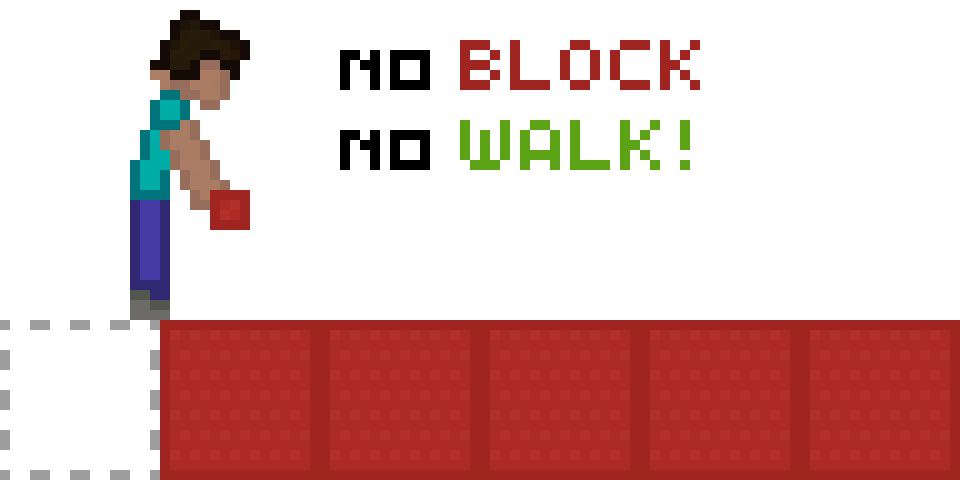
Helps you with Speed Bridging by preventing falls if you place a block too early or forget to place one entirely.
Screenshots
About this Mod
Bridge Guard: A Speed Bridging Mod
📋 Overview:
🎮 Multiplayer
This mod works in both single-player and multiplayer!
Important: Confirm, that you are allowed to use this mod on the multiplayer server you are playing on, as it may be considered cheating.
❓ What It Does
This mod prevents you from falling if you either:
- Place a block too early or
- forget to place it entirely.
However, it does not prevent you from falling if you fail to sneak properly.
🚀 Getting Started
- Bind the "Toggle Bridge Guard" key from the "Bridgeguard" category to a key of your choice.
- Click that key (a text should now tell you whether you switched the mod on or off)
- Have fun with the mod!
🔍 How It Works
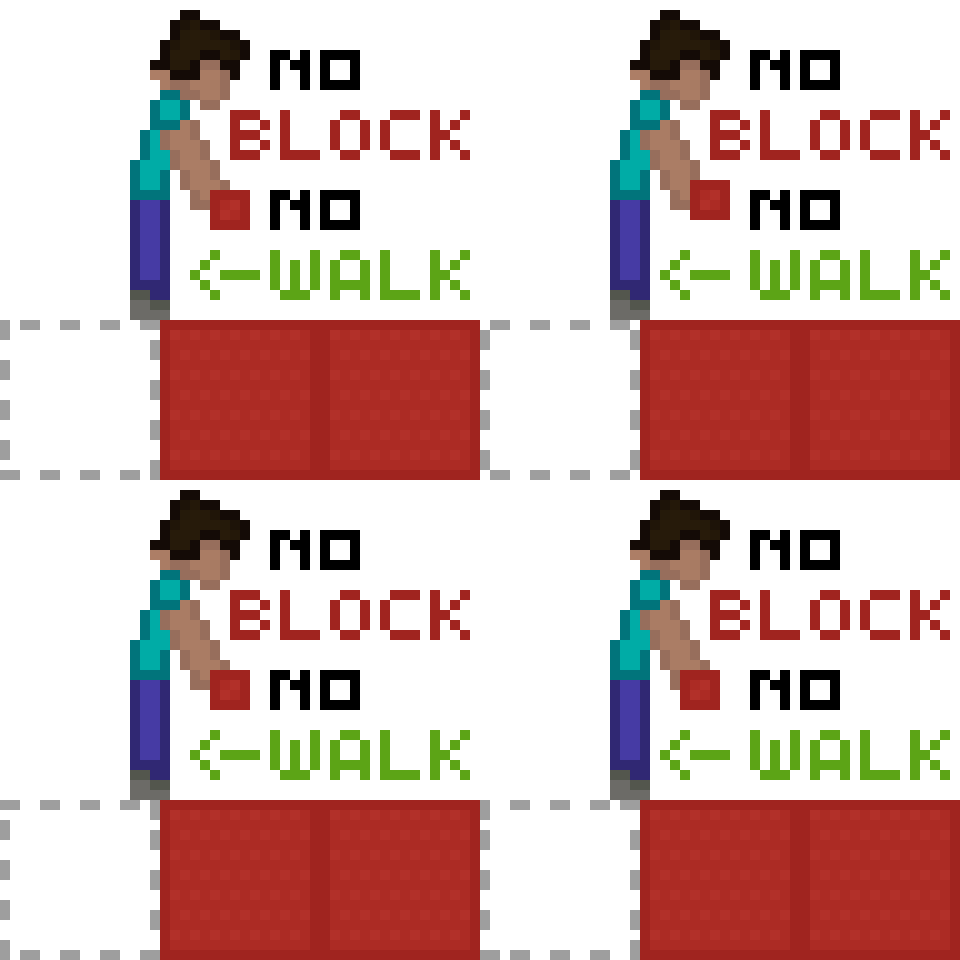
- If you attempt to place the block too early, you will click the top of the target block, which means the block will not be placed, thus you will fall. (But the Mod will save you)
Case 2:
- If you unsneak before placing the block, you will most likely fall. (But the Mod will save you)
Other Scenarios:
- If you sneak too late, you will walk off the edge. (You will not be saved)
(Note: This is not a safewalk mod.)
⚙️ Technical:
❌ Does it not work like you want it to?
The Mod has to be toggled
No text appears, when you press the button:
Did you set the correct keybinds? (The mod is unbound by default)
The game crashes:
Do you have all dependencies installed? (Fabric API)
Did you download the correct mod version for your game version?
Something Unrelated?
Suggest a Feature: Click Here
Request a Version: Click Here
Open an Issue: Click Here
(If your game crashes, please confirm, that the source of the Issue is this Mod)
🧩 Explanation
When you sneak, the mod will force you to remain sneaking for at least 1 second.
However, if you place a block during this time, the forced sneaking will be lifted.
📝 Examples
Without Mod:
- Walk near the edge of the block.
- Sneak.
- Fail to place a block.
- Unsneak.
- Fall.
With Mod:
- Walk near the edge of the block.
- Sneak.
- Fail/Forget to place a block.
- Attempt to unsneak.
- The mod forces you to sneak for at least 1 second.
- You have time to react by either placing a block or stopping your movement.
Available Versions
How to Install Bridge Guard on Your Server
Order Server
Order a Minecraft Java server with at least 3 GB RAM (4 GB recommended).
Set fabric Loader
In the panel under "Egg", select the fabric loader and matching Minecraft version (1.21.1).
Install Mod
Open the mod browser in the dashboard and search for "Bridge Guard". Click "Install" – done! Alternatively, upload the .jar via SFTP to the /mods folder.
Compatibility
Mod Loaders
Minecraft Versions
1.21.1, 1.20.1
Server-side
✗ UnsupportedRecommended RAM
4 GB(min. 3 GB)Frequently Asked Questions
Bridge Guard server crashes on startup – what to do?
Most common cause: wrong fabric version or insufficient RAM. Check the server log (latest.log) for "OutOfMemoryError" or "Mixin" errors. With Mado Hosting: ensure at least 3 GB RAM is allocated and the loader matches the mod version (1.21.1). You can switch loaders with one click in the panel.
Is Bridge Guard compatible with fabric?
Bridge Guard officially supports fabric for Minecraft 1.21.1, 1.20.1. The Mado dashboard automatically detects incompatible loader combinations.
Server lagging with Bridge Guard – how to optimize performance?
Recommended RAM: 4 GB (per 8 players). Use /spark profiler to check if Bridge Guard consumes the most tick time. Common fixes: reduce server view-distance to 8-10, install "performant" or "starlight" as supplementary mods on Forge. With Mado Hosting, your server runs on NVMe SSDs with dedicated CPU cores for minimal latency.
Similar Mods




Rent Modded Server
Install Bridge Guard with just one click on your server.