
BridgeLab – Bridging Trainer for Bedwars/Skywars
A Minecraft 1.8.9 practice mod for speed-bridging, diagonal bridging, and jump timing, with ghost-block guides, sound cues, and real-time feedback for Bedwars and Hypixel players.
Screenshots
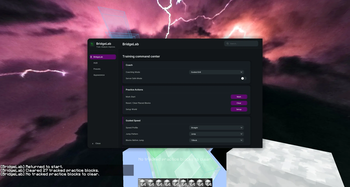

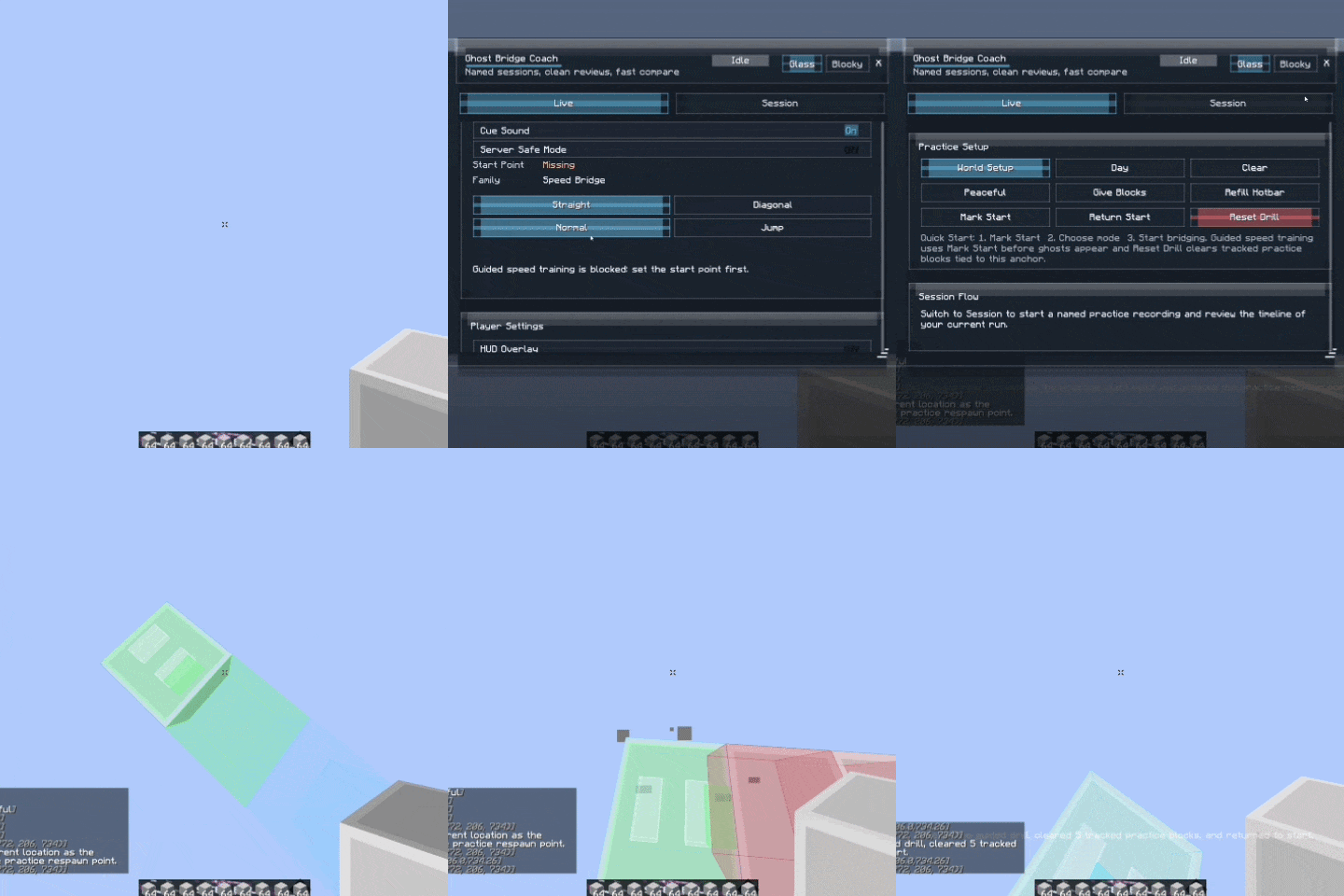
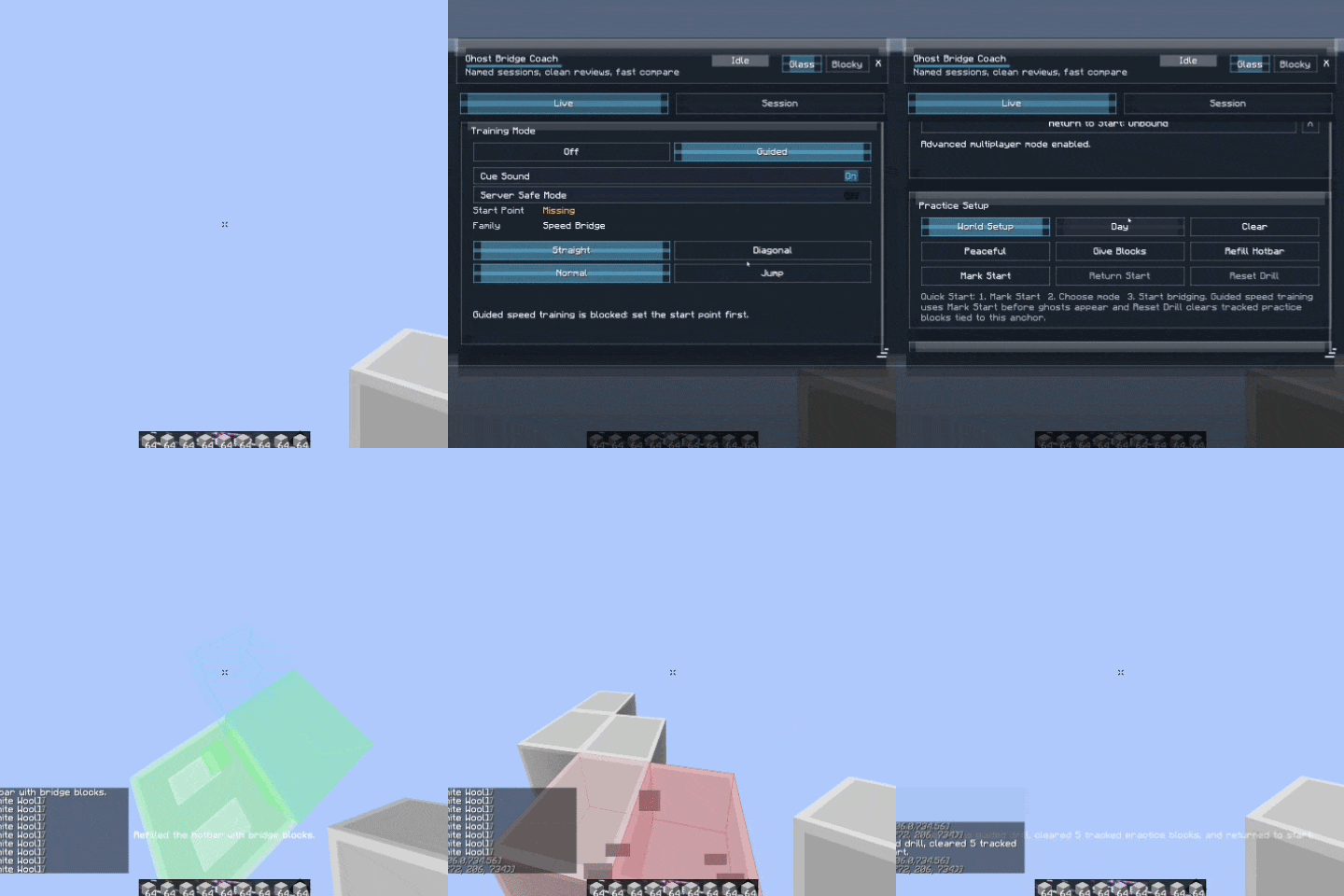
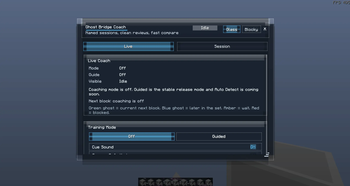
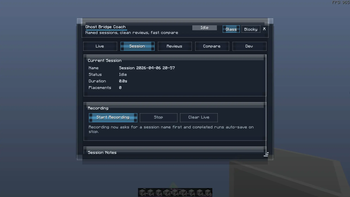
About this Mod

Learn Speed-Bridging the Right Way
BridgeLab is a Minecraft 1.8.9 bridging practice mod made for players who want to improve speed bridging, diagonal bridging, and jump timing through repetition and real-time feedback.
Instead of only guessing your timing, BridgeLab shows guide blocks for your next placements and gives visual or sound feedback while you practice. Over time, this helps your movement feel more natural and consistent.
Demo
Gameplay GIF coming soon.
What It Helps With
You can train with:
- Straight speed bridging
- Diagonal speed bridging
- Jump timing
- Face A / Face B diagonal switching
- Optional cue sounds
- Visual green timing feedback
- Bedwars / Skywars bridging practice
- Hypixel-style 1.8.9 PvP movement practice
Practice Tools
BridgeLab includes simple tools to make training faster:
- Mark Start — saves your practice start point
- Setup World — prepares a clean practice setup
- Clear Placed Blocks — removes tracked practice blocks
- HUD Editor — move and scale the live feedback HUD
- Theme & Accent Settings — customize the UI look
Why Use BridgeLab?
Speed bridging is not only about clicking fast. It is about rhythm, timing, movement, and consistency.
BridgeLab gives you feedback while you practice so you can repeat the right timing until it becomes muscle memory. You can use sound cues, visual feedback, or both depending on how you like to train.
This is especially useful if you are trying to get better at:
- Bedwars bridging
- Skywars rushing
- Diagonal bridging
- Ninja bridging / speed bridging
- Jump timing practice
Safety Notes
BridgeLab is mainly designed as a practice tool for singleplayer worlds and private practice setups.
Some practice actions are meant for singleplayer practice worlds, while the guide overlay and visual feedback are client-side.
Always check a server’s rules before using any client-side mod. BridgeLab should be marketed and used as a training/practice tool, not as a way to gain an unfair advantage on public servers.
Coming Later
Planned improvements include:
- Better Auto Detect
- Review tools
- Graphs and session analysis
- More practice presets
- More detailed feedback after each run
Available Versions
How to Install BridgeLab – Bridging Trainer for Bedwars/Skywars on Your Server
Order Server
Order a Minecraft Java server with at least 3 GB RAM (4 GB recommended).
Set forge Loader
In the panel under "Egg", select the forge loader and matching Minecraft version (1.8.9).
Install Mod
Open the mod browser in the dashboard and search for "BridgeLab – Bridging Trainer for Bedwars/Skywars". Click "Install" – done! Alternatively, upload the .jar via SFTP to the /mods folder.
Compatibility
Mod Loaders
Minecraft Versions
1.8.9
Server-side
✗ UnsupportedRecommended RAM
4 GB(min. 3 GB)Frequently Asked Questions
BridgeLab – Bridging Trainer for Bedwars/Skywars server crashes on startup – what to do?
Most common cause: wrong forge version or insufficient RAM. Check the server log (latest.log) for "OutOfMemoryError" or "Mixin" errors. With Mado Hosting: ensure at least 3 GB RAM is allocated and the loader matches the mod version (1.8.9). You can switch loaders with one click in the panel.
Is BridgeLab – Bridging Trainer for Bedwars/Skywars compatible with forge?
BridgeLab – Bridging Trainer for Bedwars/Skywars officially supports forge for Minecraft 1.8.9. The Mado dashboard automatically detects incompatible loader combinations.
Server lagging with BridgeLab – Bridging Trainer for Bedwars/Skywars – how to optimize performance?
Recommended RAM: 4 GB (per 8 players). Use /spark profiler to check if BridgeLab – Bridging Trainer for Bedwars/Skywars consumes the most tick time. Common fixes: reduce server view-distance to 8-10, install "performant" or "starlight" as supplementary mods on Forge. With Mado Hosting, your server runs on NVMe SSDs with dedicated CPU cores for minimal latency.
Similar Mods




Rent Modded Server
Install BridgeLab – Bridging Trainer for Bedwars/Skywars with just one click on your server.