
BundleInCreative
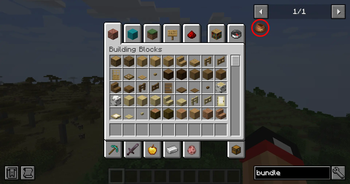
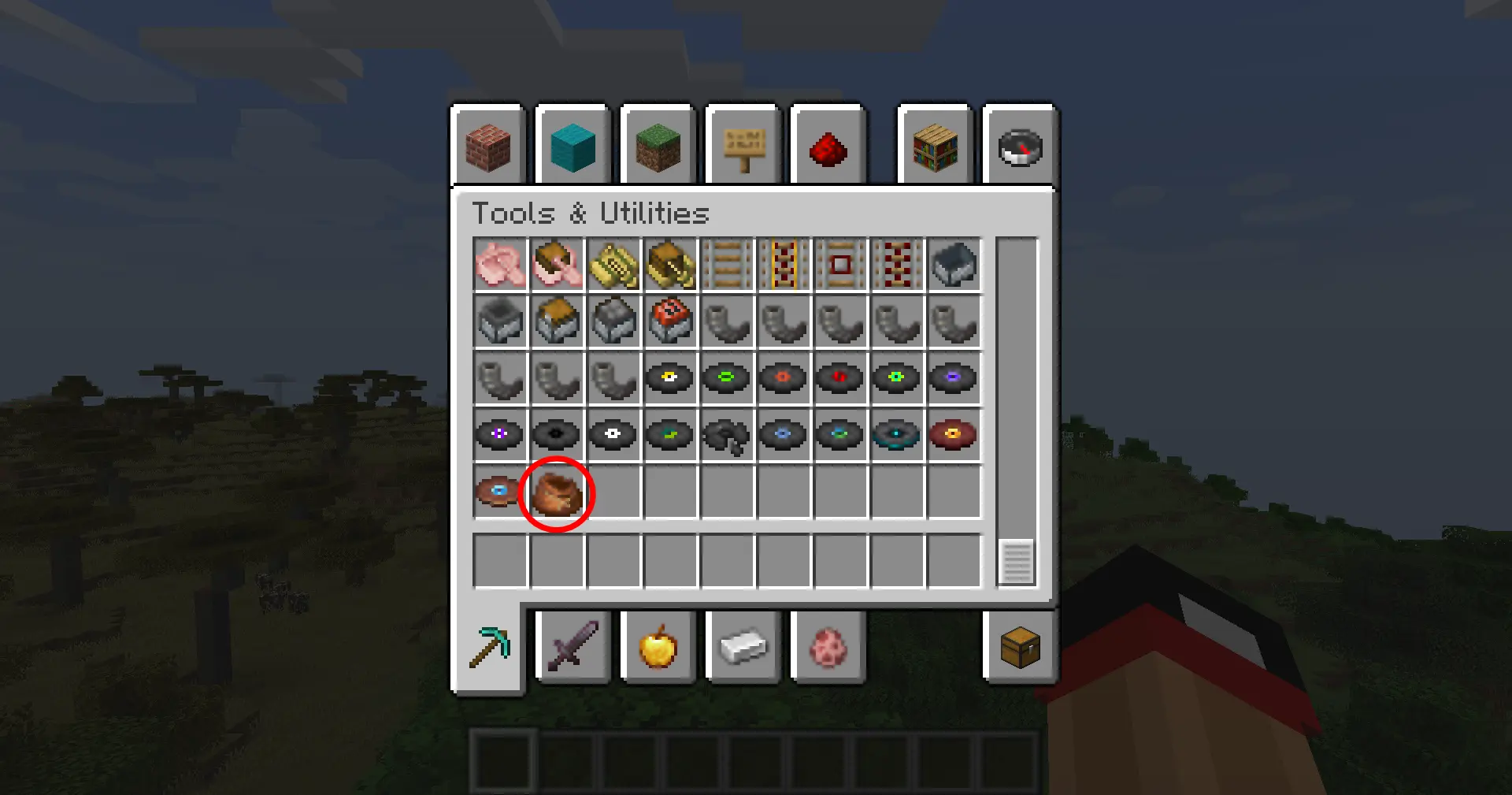
This mod adds the vanilla Bundle item to the Tools & Utilities creative tab.
Screenshots

About this Mod
Bundle In Creative
Give the vanilla Bundle the attention it deserves: drop it into any creative tab, keep recipe viewers honest, and choose which crafting recipes you want enabled without touching a datapack.
Features At A Glance
- Creative menu support – the Bundle is injected into the Tools & Utilities tab by default, or any tab you pick (Building Blocks, Redstone, Combat, etc.).
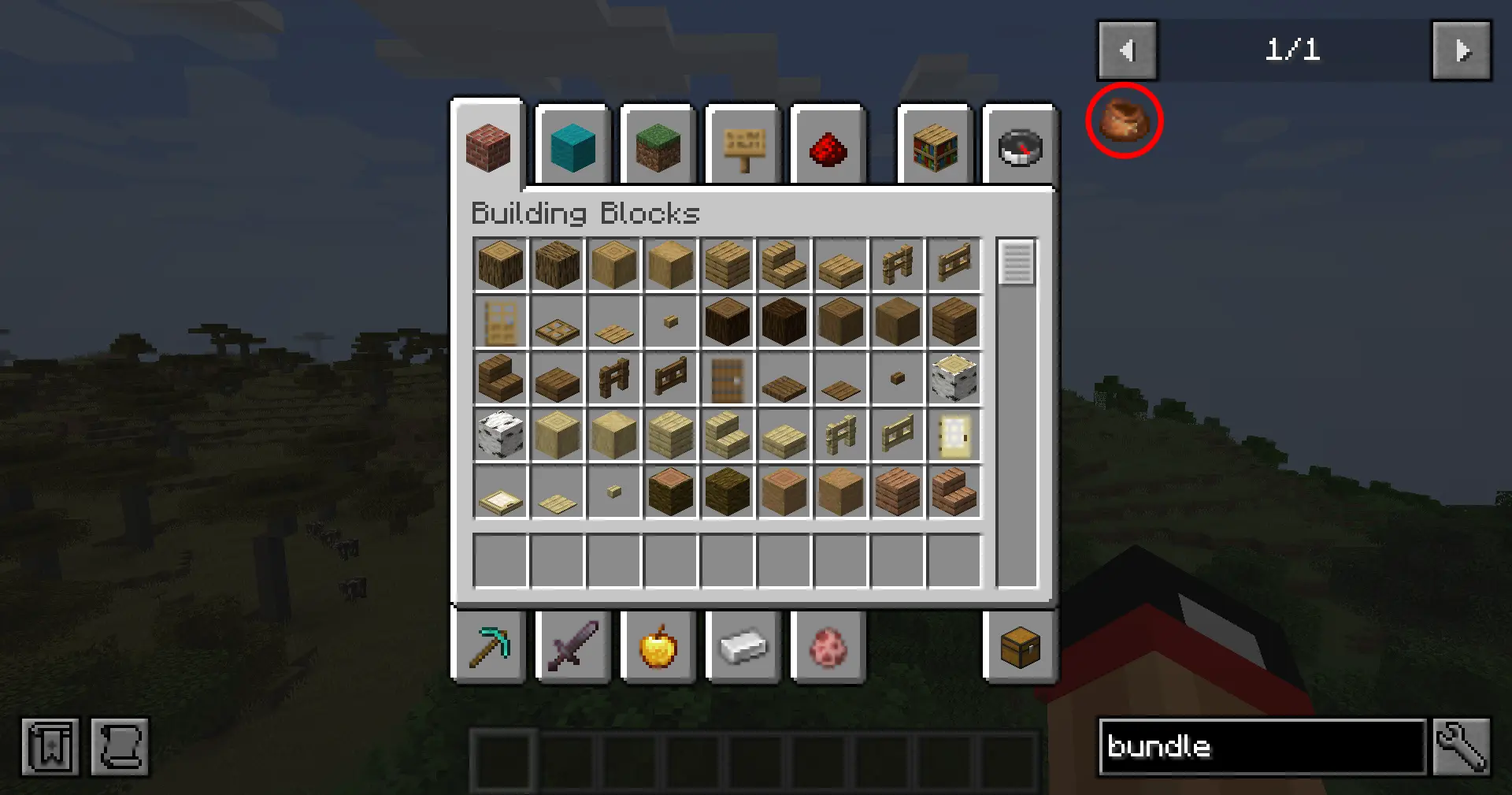
- Searchable everywhere – EMI/JEI/REI and quest books (FTB Quests) recognize the item so players can find it quickly.
- Built-in config screen – open Mods → Bundle In Creative → Config (Configured/Forge Config Screen) to toggle options in-game.
- Recipe control – disable the Bundle entirely, enable just the classic rabbit-hide recipe, opt into the modern leather recipe, or run both simultaneously.
- Server friendly – options live in
bundleincreative-common.toml, so you can ship the same ruleset to clients and servers.
Configuration
- Launch Minecraft with Forge 1.20.1 and this mod installed.
- Open the Mods list, select Bundle In Creative, and click Config (or use the Forge Mod Menu button).
- Adjust:
- Show in Creative – hide/show the Bundle globally.
- Creative Tab – cycle through curated tab names until you find the one you want.
- Bundle Recipe – choose
Off,Rabbit Hide,Leather, orBoth.
- Click Done to save (writes to
config/bundleincreative-common.toml). /reloador restart your game to finalize the settings.
Prefer manual editing? Open config/bundleincreative-common.toml and change enableBundle, creativeTab, or recipeMode.

Recipe Modes
The recipeMode toggle controls two built-in recipe JSONs gated by a custom Forge condition:
| Mode | Enabled recipes |
|---|---|
off |
No Bundle crafting recipes |
rabbit |
Classic rabbit hide + string pattern |
leather |
Leather-based pattern (string spine) |
both |
Both recipes load together |

Installation
- Download or build the mod JAR.
- Drop the JAR into your Minecraft
modsfolder. - Launch Minecraft with Forge 47.3.0 (MC 1.20.1) and Java 17.
Building From Source
# Windows
gradlew.bat build

# Linux/macOS
./gradlew build
Available Versions
How to Install BundleInCreative on Your Server
Order Server
Order a Minecraft Java server with at least 3 GB RAM (4 GB recommended).
Set forge Loader
In the panel under "Egg", select the forge loader and matching Minecraft version (1.20.1).
Install Mod
Open the mod browser in the dashboard and search for "BundleInCreative". Click "Install" – done! Alternatively, upload the .jar via SFTP to the /mods folder.
Compatibility
Mod Loaders
Minecraft Versions
1.20.1
Server-side
~ OptionalRecommended RAM
4 GB(min. 3 GB)Frequently Asked Questions
BundleInCreative server crashes on startup – what to do?
Most common cause: wrong forge version or insufficient RAM. Check the server log (latest.log) for "OutOfMemoryError" or "Mixin" errors. With Mado Hosting: ensure at least 3 GB RAM is allocated and the loader matches the mod version (1.20.1). You can switch loaders with one click in the panel.
Is BundleInCreative compatible with forge?
BundleInCreative officially supports forge for Minecraft 1.20.1. The Mado dashboard automatically detects incompatible loader combinations.
Server lagging with BundleInCreative – how to optimize performance?
Recommended RAM: 4 GB (per 8 players). Use /spark profiler to check if BundleInCreative consumes the most tick time. Common fixes: reduce server view-distance to 8-10, install "performant" or "starlight" as supplementary mods on Forge. With Mado Hosting, your server runs on NVMe SSDs with dedicated CPU cores for minimal latency.
Similar Mods




Rent Modded Server
Install BundleInCreative with just one click on your server.