
CAL Lights
a lighting graphics engine created specifically for animation
Screenshots
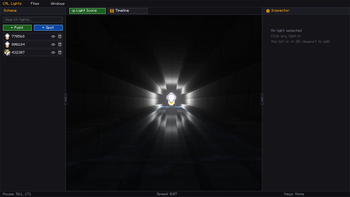
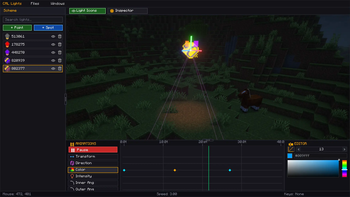
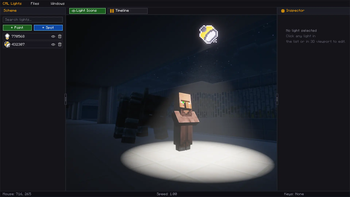
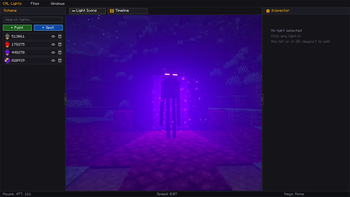
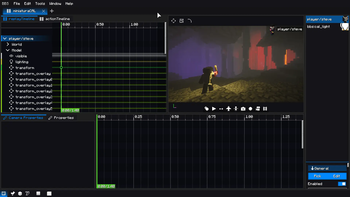
About this Mod
Welcome to CAL Lights!
A lighting engine created specifically for use in BBS animations and more!

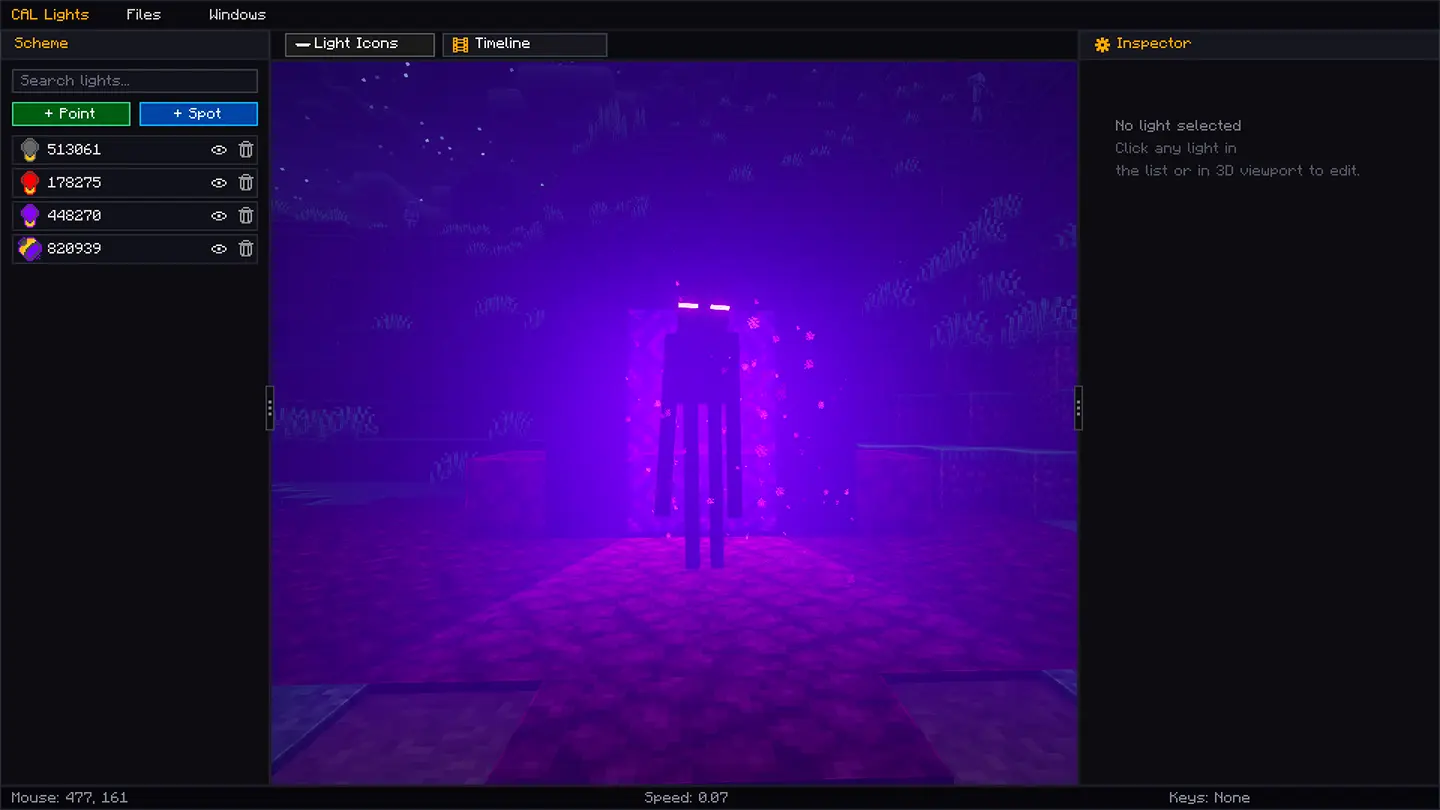
Fog density
You can play with the fog density for your miniatures or areas of your world when required.
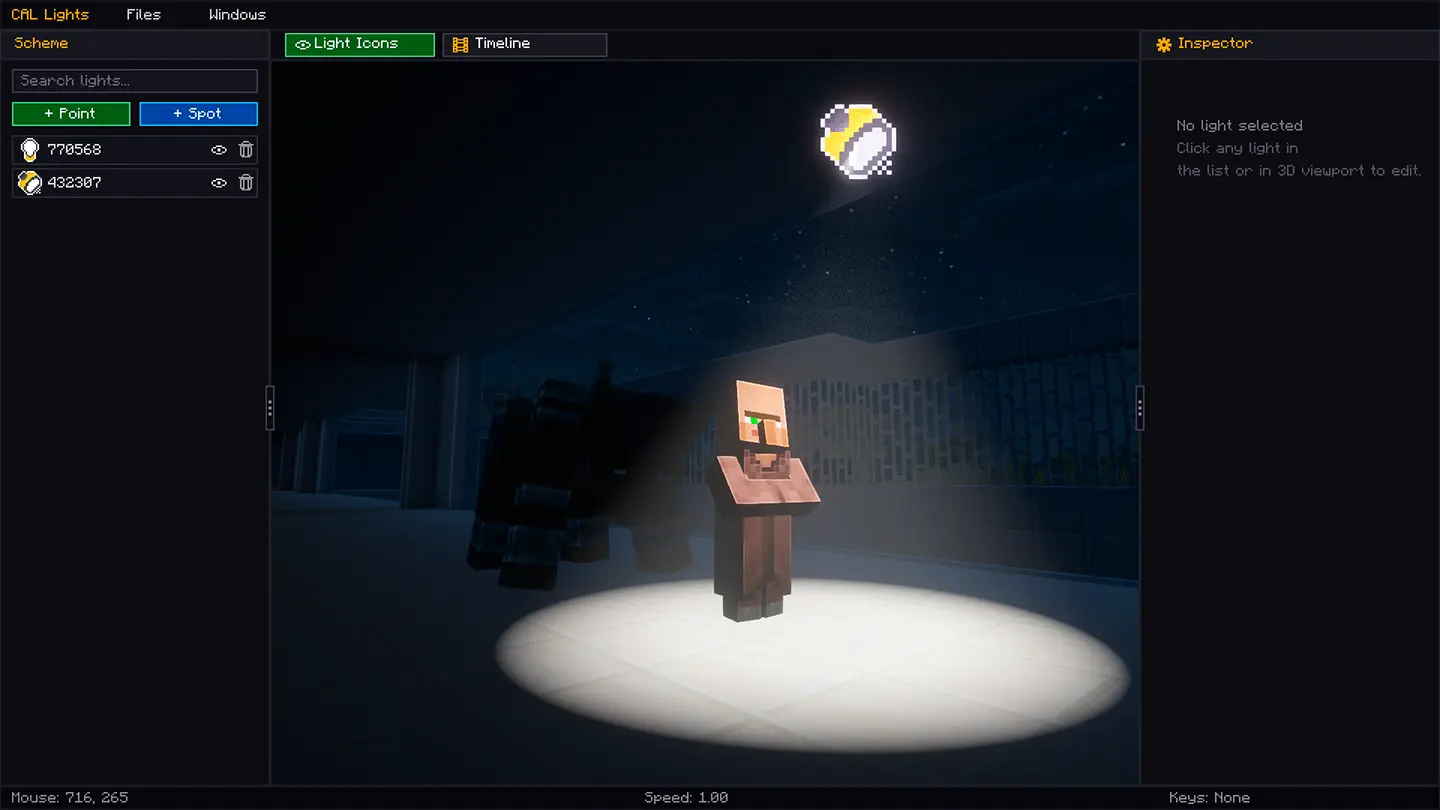
Spotlights
Spotlights are directional lights; you can play with them to your liking, directing the light wherever you want it to be emitted.
Pointlights
Pointlights are lights that emit light from six sides, or all sides, like a sphere. This type of light is very useful for scenes where a torch is used inside a cave—what a mysterious sight!
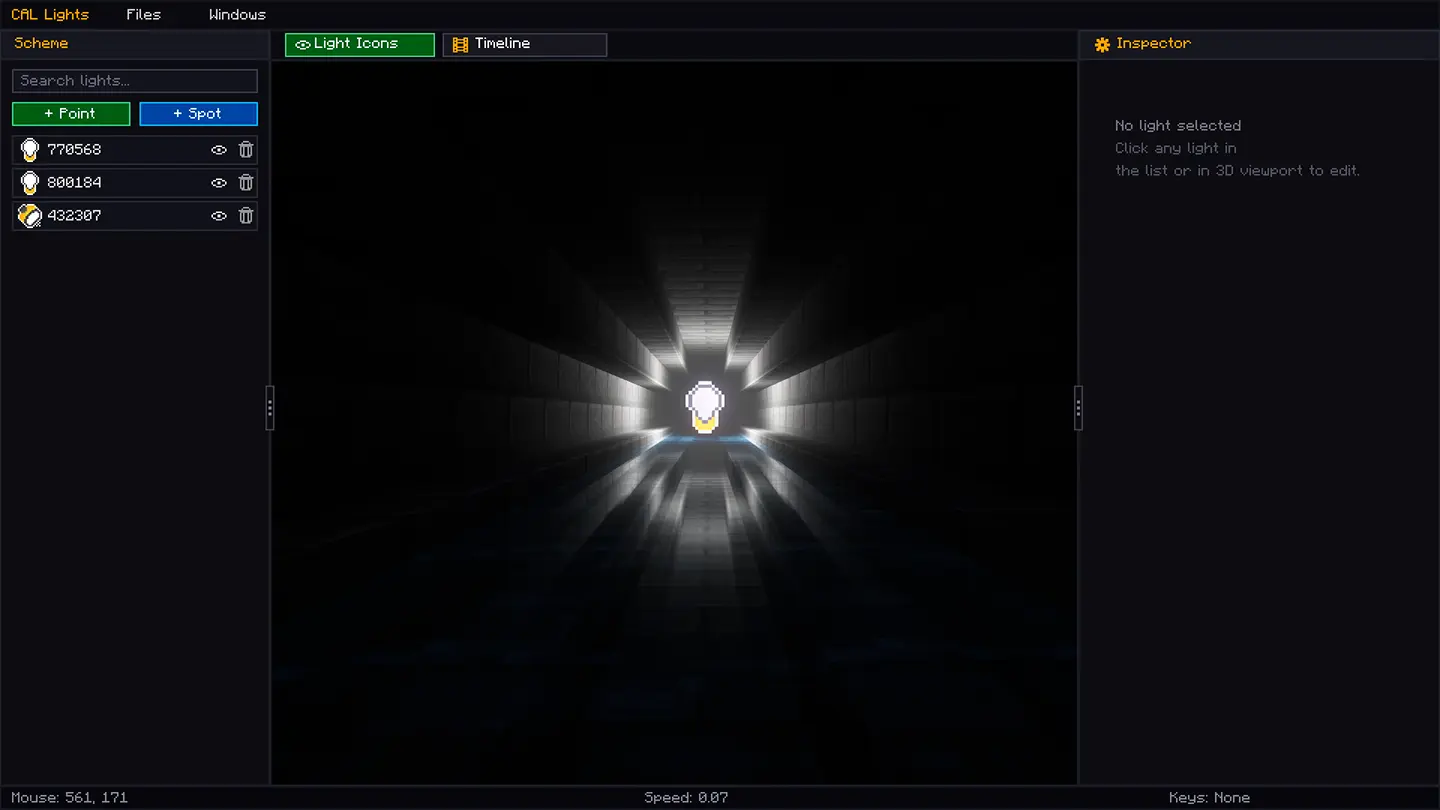
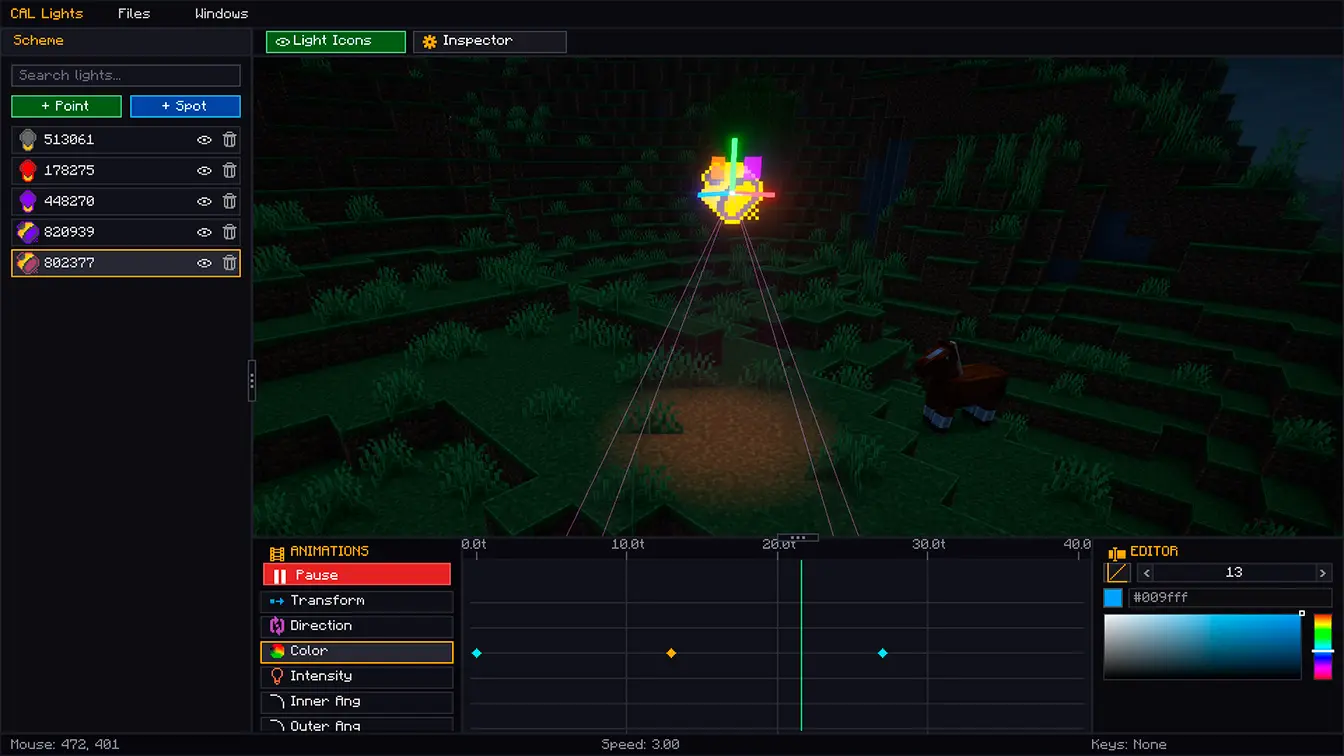
internal animation system
If you want to use these lights for events, maps, or whatever else you can think of, you can use CAL Lights' internal animation system. Imagine using these lights for... I don't know, backrooms?
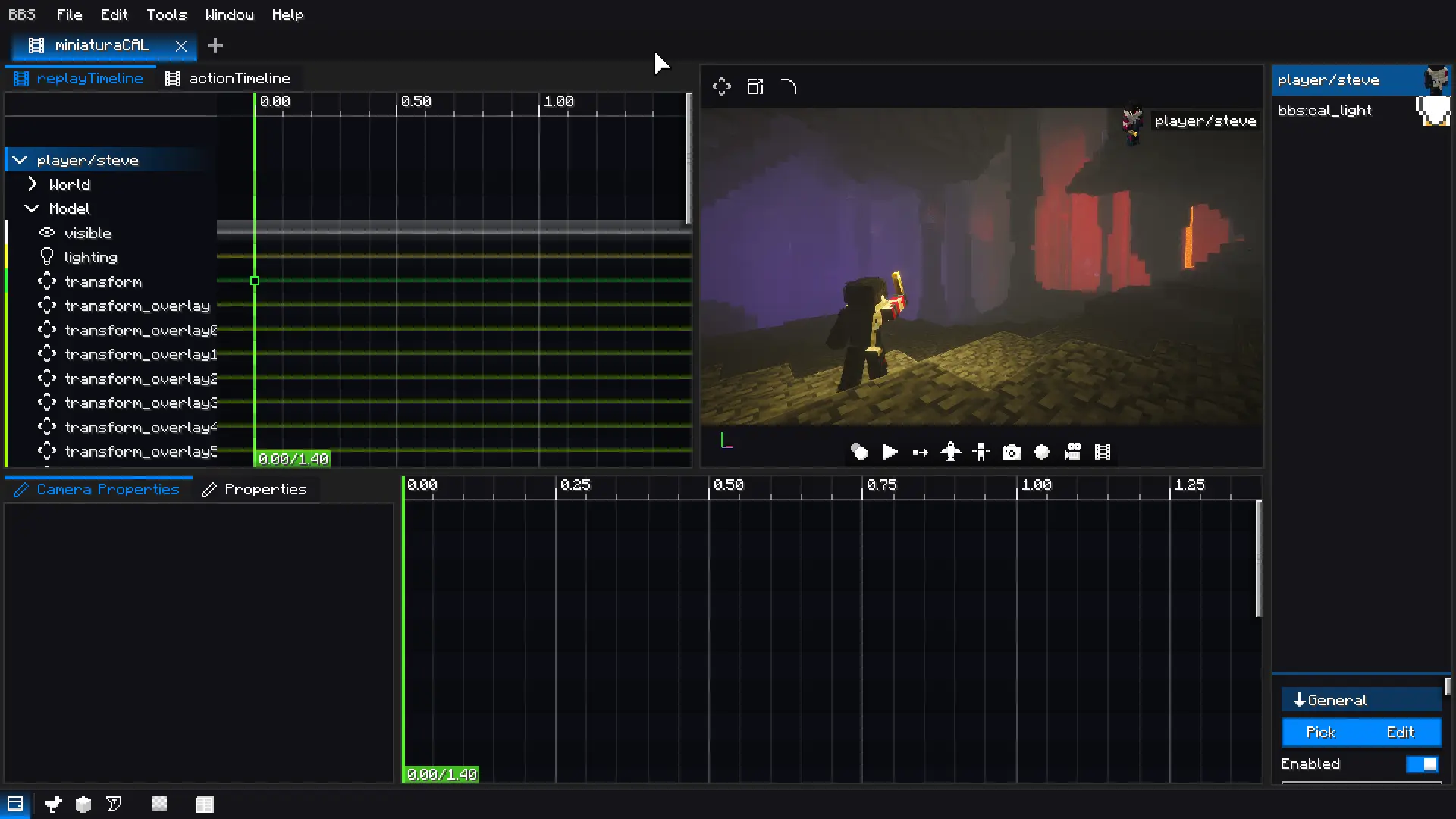
BBS CML compatibility
CAL Lights has BBS CML compatibility, where you can use it as a replay for your animations. If you plan to use it for first-person videos, you'll have to wait a bit, as there are some bugs, but I'll be working on it for future versions.
Author's Note
There are more features I'd like to mention, but they're still being refined, such as light filters (gobos), shadows, and outlines. I'm leaving these features as experimental, so you can use them without problems while I refine them over time.
The shader patches currently supported are:
- ComplementaryReimagined_r5.8.1
- BSL_v10.0 CAL Patch
Any suggestions, bug reports, or help can be sent to the Discord server: BBS CML COMMUNITY, which is available in the links or networks section of the Modrinth and Curseforge platforms.
Available Versions
How to Install CAL Lights on Your Server
Order Server
Order a Minecraft Java server with at least 3 GB RAM (4 GB recommended).
Set fabric Loader
In the panel under "Egg", select the fabric loader and matching Minecraft version (1.21.1).
Install Mod
Open the mod browser in the dashboard and search for "CAL Lights". Click "Install" – done! Alternatively, upload the .jar via SFTP to the /mods folder.
Compatibility
Mod Loaders
Minecraft Versions
1.21.1
Server-side
✗ UnsupportedRecommended RAM
4 GB(min. 3 GB)Frequently Asked Questions
CAL Lights server crashes on startup – what to do?
Most common cause: wrong fabric version or insufficient RAM. Check the server log (latest.log) for "OutOfMemoryError" or "Mixin" errors. With Mado Hosting: ensure at least 3 GB RAM is allocated and the loader matches the mod version (1.21.1). You can switch loaders with one click in the panel.
Is CAL Lights compatible with fabric?
CAL Lights officially supports fabric for Minecraft 1.21.1. The Mado dashboard automatically detects incompatible loader combinations.
Server lagging with CAL Lights – how to optimize performance?
Recommended RAM: 4 GB (per 8 players). Use /spark profiler to check if CAL Lights consumes the most tick time. Common fixes: reduce server view-distance to 8-10, install "performant" or "starlight" as supplementary mods on Forge. With Mado Hosting, your server runs on NVMe SSDs with dedicated CPU cores for minimal latency.
Similar Mods

![[ETF] Entity Texture Features](https://cdn.modrinth.com/data/BVzZfTc1/af683d206d50b05258d865b0d6e4aa2f2cee12f2_96.webp)
![[EMF] Entity Model Features](https://cdn.modrinth.com/data/4I1XuqiY/6e5bbd0d06b1741bfdab6c0cfab6de8fdaf0064c_96.webp)



Rent Modded Server
Install CAL Lights with just one click on your server.