
Carpet MITE
Modify the world's tick rate and add fake players.
Screenshots
About this Mod
Carpet MITE
A powerful MITE utility mod that provides advanced features such as world tick rate manipulation and fake player management.
✨ Features
⏱️ Tick Rate & Dummy Player Control
- Time Manipulation: Modify the world's tick rate (TPS) to speed up or slow down time.
- Client-Server Sync: Advanced options to synchronize or desynchronize client and server speeds for unique effects.
- Dummy Players: Spawn, manage, and remove dummy players for testing or other purposes.
⚙️ Advanced Usage: Tick Control
This mod allows you to control the flow of time in the game. Here is how to use the speed manipulation features:
A Usage Scenario:
- First, enter
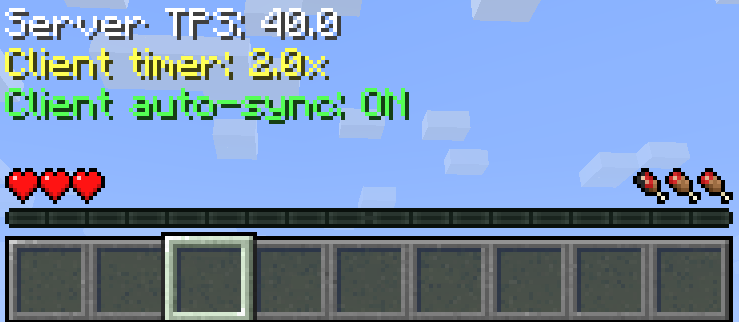
/tick clientrate sync onto synchronize the client and server speeds. - Then, enter
/tick rate 40to set both the client and server speeds to 2x (60 for 3x, 1 for 0.05x). - To restore the normal speed, enter
/tick rate 20. - Note: If you skip
/tick clientrate sync onand directly enter/tick rate 40, only the server speed will double while the player's speed remains unchanged.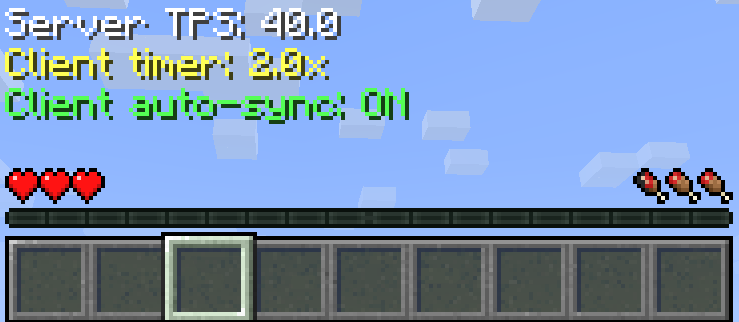
📜 Command Reference
Tick Commands
| Command | Description |
|---|---|
/tick health [ticks] |
Returns the average time the game spends on various tasks. |
/tick freeze |
Stops processing of entities, world time, block updates, and redstone. |
/tick step [ticks] |
Advances the world by a given number of game ticks while the game is frozen. |
/tick rate [tps] |
Changes the TPS (ticks per second). |
/tick clientrate [multiplier] |
Changes the client speed. |
/tick clientrate sync (on/off) |
Toggles client speed synchronization, off by default. |
/tick warp [ticks] [cmd] |
Runs the game as fast as possible for a set amount of time. |
Fake Player Commands
| Command | Description |
|---|---|
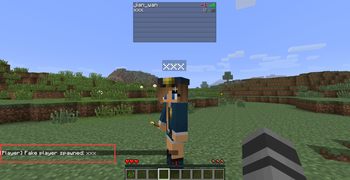
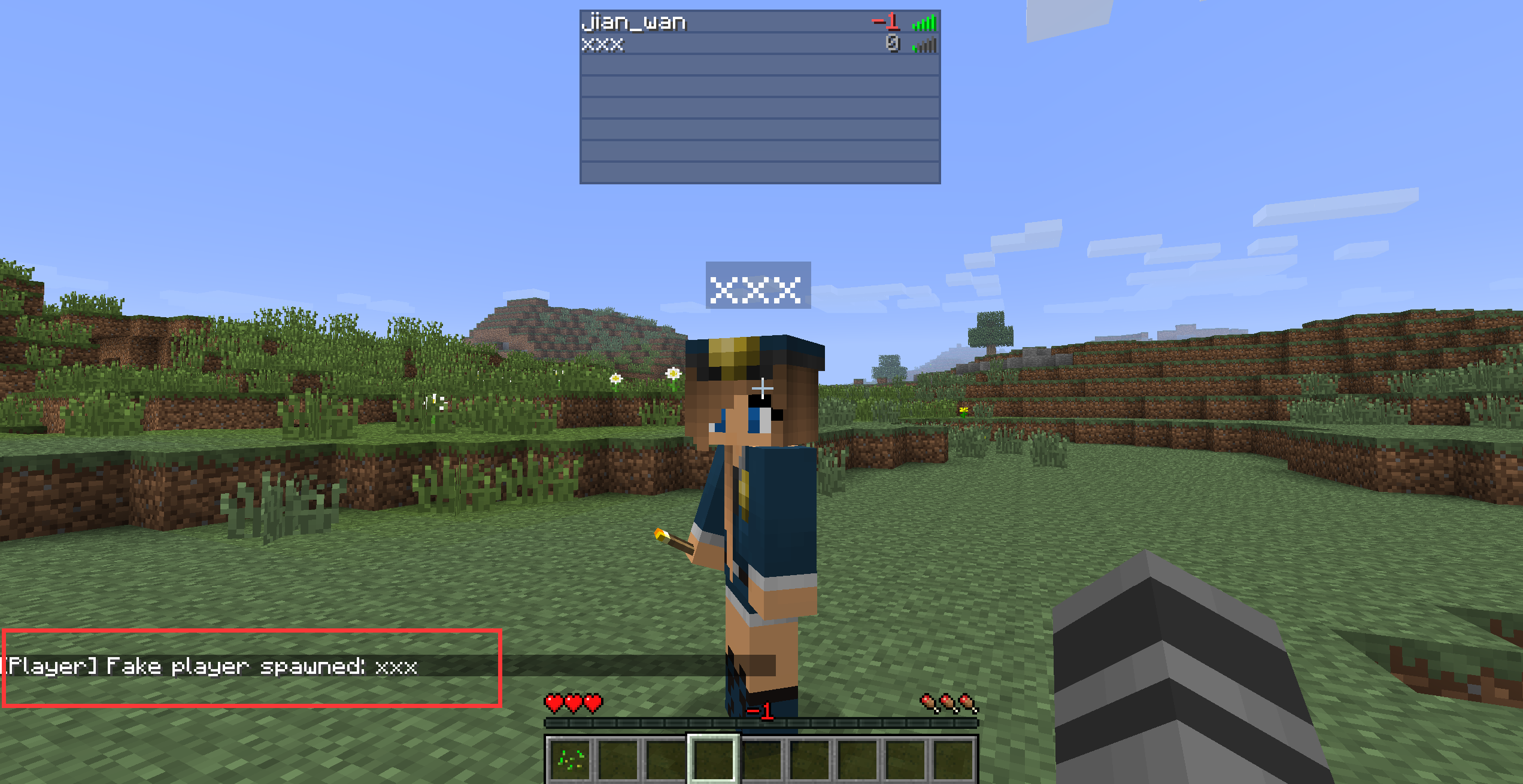
/player spawn [playername] |
Spawns a dummy player. |
/player kill [playername] |
Kills a dummy player. |
/player remove [playername] |
Removes the dummy player. |
/player list |
Lists all dummy players. |
/player invincible [playername] (on/off) |
Enable/Disable invincibility for Fake players. |
💾 Configuration
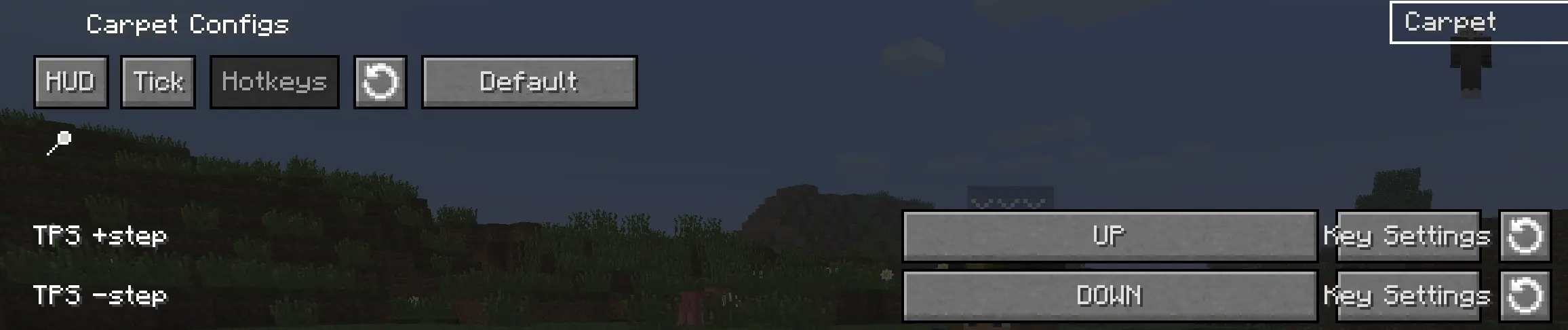
You can also enable 'Show Tick HUD', adjust the TPS step, and configure hotkeys in the mod's configuration screen.

Available Versions
How to Install Carpet MITE on Your Server
Order Server
Order a Minecraft Java server with at least 3 GB RAM (4 GB recommended).
Set legacy-fabric Loader
In the panel under "Egg", select the legacy-fabric loader and matching Minecraft version (1.6.4).
Install Mod
Open the mod browser in the dashboard and search for "Carpet MITE". Click "Install" – done! Alternatively, upload the .jar via SFTP to the /mods folder.
Compatibility
Mod Loaders
Minecraft Versions
1.6.4
Server-side
✓ RequiredRecommended RAM
4 GB(min. 3 GB)Frequently Asked Questions
Carpet MITE server crashes on startup – what to do?
Most common cause: wrong legacy-fabric version or insufficient RAM. Check the server log (latest.log) for "OutOfMemoryError" or "Mixin" errors. With Mado Hosting: ensure at least 3 GB RAM is allocated and the loader matches the mod version (1.6.4). You can switch loaders with one click in the panel.
Is Carpet MITE compatible with legacy-fabric?
Carpet MITE officially supports legacy-fabric for Minecraft 1.6.4. The Mado dashboard automatically detects incompatible loader combinations.
Server lagging with Carpet MITE – how to optimize performance?
Recommended RAM: 4 GB (per 8 players). Use /spark profiler to check if Carpet MITE consumes the most tick time. Common fixes: reduce server view-distance to 8-10, install "performant" or "starlight" as supplementary mods on Forge. With Mado Hosting, your server runs on NVMe SSDs with dedicated CPU cores for minimal latency.
Similar Mods






Rent Modded Server
Install Carpet MITE with just one click on your server.