
Cartography
The mapping mod for TerraFirmaCraft, showing rocktypes, tracking ore discoveries, and more! Built on Blaze Map
Screenshots

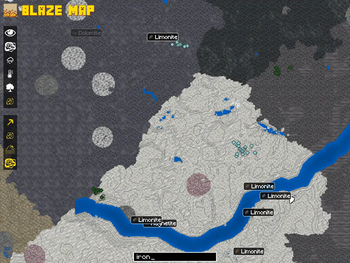
About this Mod

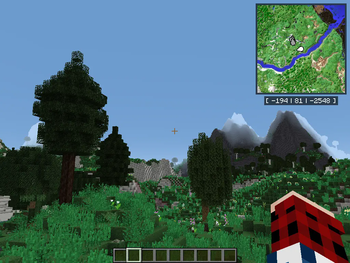
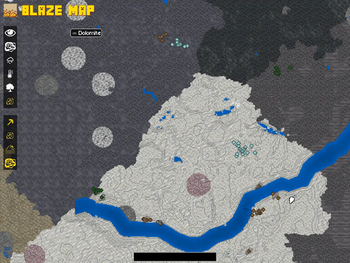
Cartography is the mapping mod designed to work with TerraFirmaCraft. Built on top of Blaze Map, Cartography provides additional maps to help you navigate your TFC world, including rock types, temperature, and rainfall.
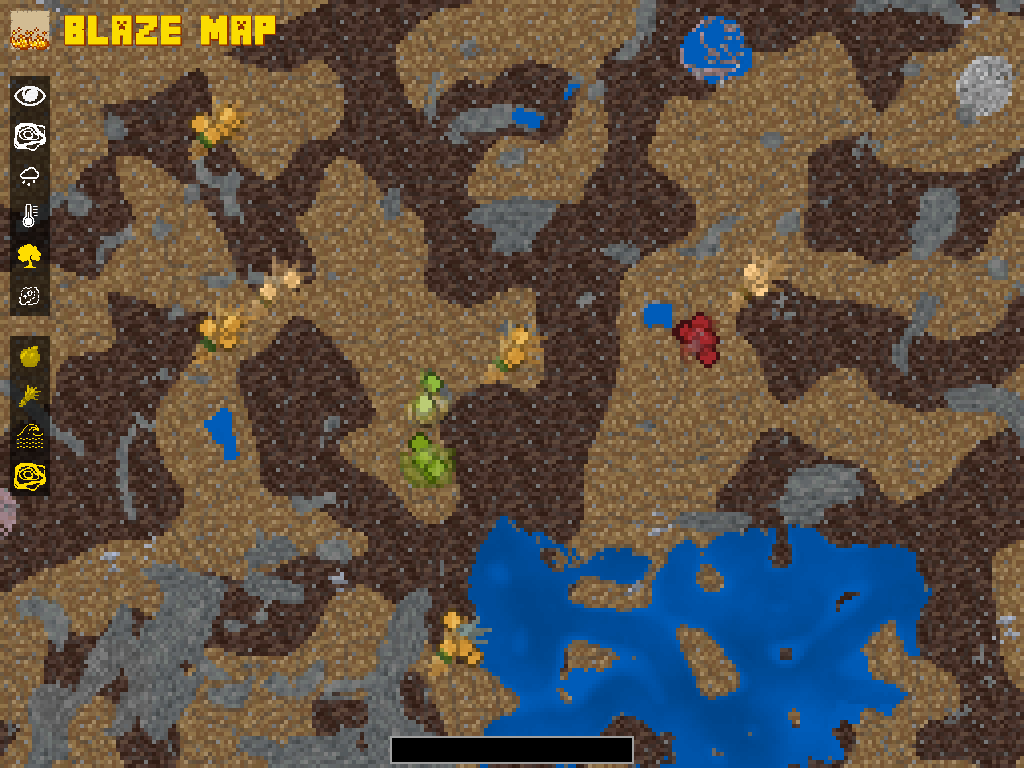
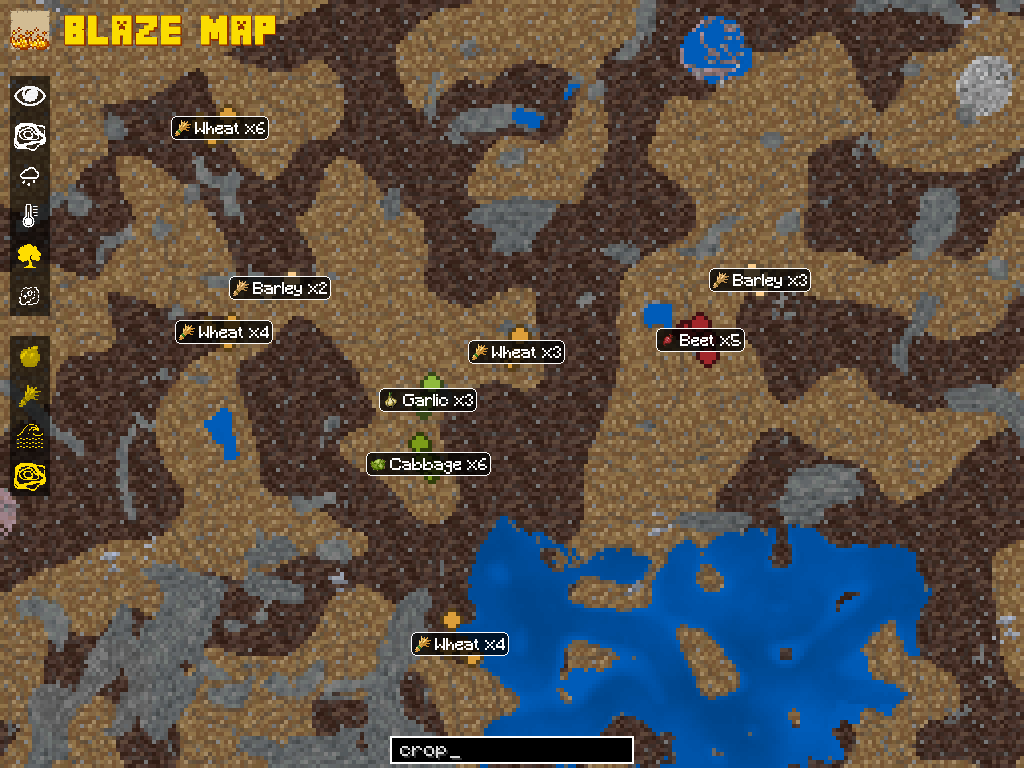
Cartography allows you to track "discoveries" such as ores and crops, automatically adding them to your map when you click them. This removes the need to manually add waypoints for areas you wish to return to in the future. You can also filter your discoveries to find what you need using the search box on the World Map screen.
Cartography currently actively supports both the 1.18.2 and the 1.20.1 versions of TFC. For similar functionality in 1.12.2, see MineralTracker (also by LordFokas).
For more information on how to use Cartography, see the description of Blaze Map.
FAQs:
Can I use Cartography with a different mapping mod?
Cartography is built as an extension of Blaze Map and uses the tools Blaze Map provides to do its mapping, so it must be present for Cartography to work.
However, Cartography + Blaze Map have no issues running in the same world as other mapping mods! If you prefer a minimap provided by another mapping mod, you can turn off the one provided by Blaze Map using /blazemap minimap off.
Why don't the buttons on the map show if they're selected or not?
This is a known incompatibility with the mod FancyMenu. The buttons still work, they just don't change to yellow when enabled if FancyMenu is present. This is not something we can fix on the Cartography side.
Why can't I see my discoveries after I've clicked on them?
Ore discoveries only display on the Geology map layer, and crop/fruit tree discoveries only display on the Ecosystems layer. Make sure you're on the correct layer, and if bugs still persist, please contact us to let us know!
Something else seems broken?
Please tell us! You can either raise an issue on GitHub or come chat with us directly on Discord. We can't fix what we don't know is broken!
Be sure to include a mod list with version numbers when reporting. If you have a crash report or a latest.log to attach, this version information will be included in that. Also, if you can /blazemap debug on and take a screenshot of that, that will make it a lot easier for us to narrow down the problem.
Do you support NeoForge?
While we do not actively produce NeoForge builds, we build the 1.20 version of our mod against the same version of Forge as TFC, which was released before the Forge/NeoForge split. While we can't guarantee the build will also work in NeoForge, theoretically it should be ok.
Available Versions
How to Install Cartography on Your Server
Order Server
Order a Minecraft Java server with at least 3 GB RAM (4 GB recommended).
Set forge Loader
In the panel under "Egg", select the forge loader and matching Minecraft version (1.20.1).
Install Mod
Open the mod browser in the dashboard and search for "Cartography". Click "Install" – done! Alternatively, upload the .jar via SFTP to the /mods folder.
Compatibility
Mod Loaders
Minecraft Versions
1.20.1, 1.18.2
Server-side
~ OptionalRecommended RAM
4 GB(min. 3 GB)Frequently Asked Questions
Cartography server crashes on startup – what to do?
Most common cause: wrong forge version or insufficient RAM. Check the server log (latest.log) for "OutOfMemoryError" or "Mixin" errors. With Mado Hosting: ensure at least 3 GB RAM is allocated and the loader matches the mod version (1.20.1). You can switch loaders with one click in the panel.
Is Cartography compatible with forge?
Cartography officially supports forge for Minecraft 1.20.1, 1.18.2. The Mado dashboard automatically detects incompatible loader combinations.
Server lagging with Cartography – how to optimize performance?
Recommended RAM: 4 GB (per 8 players). Use /spark profiler to check if Cartography consumes the most tick time. Common fixes: reduce server view-distance to 8-10, install "performant" or "starlight" as supplementary mods on Forge. With Mado Hosting, your server runs on NVMe SSDs with dedicated CPU cores for minimal latency.
Similar Mods




![[ETF] Entity Texture Features](https://cdn.modrinth.com/data/BVzZfTc1/af683d206d50b05258d865b0d6e4aa2f2cee12f2_96.webp)
![[EMF] Entity Model Features](https://cdn.modrinth.com/data/4I1XuqiY/6e5bbd0d06b1741bfdab6c0cfab6de8fdaf0064c_96.webp)
Rent Modded Server
Install Cartography with just one click on your server.