CC:Optical
All you need for your turrets!
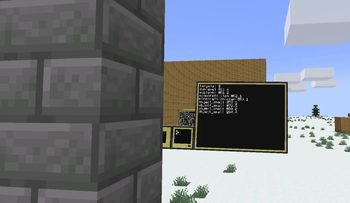
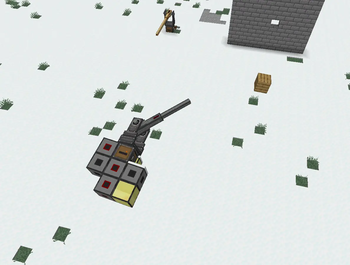
Screenshots
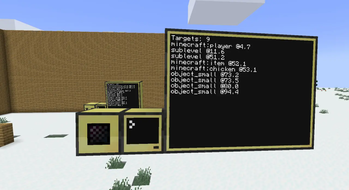
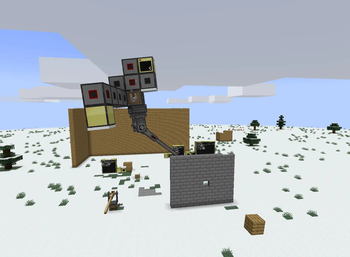
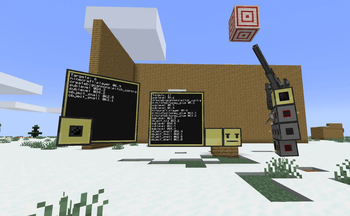
About this Mod
CC:Optical
Adds sensor and cannon control peripherals to CC:Tweaked, compatible with Create:Aeronautics.
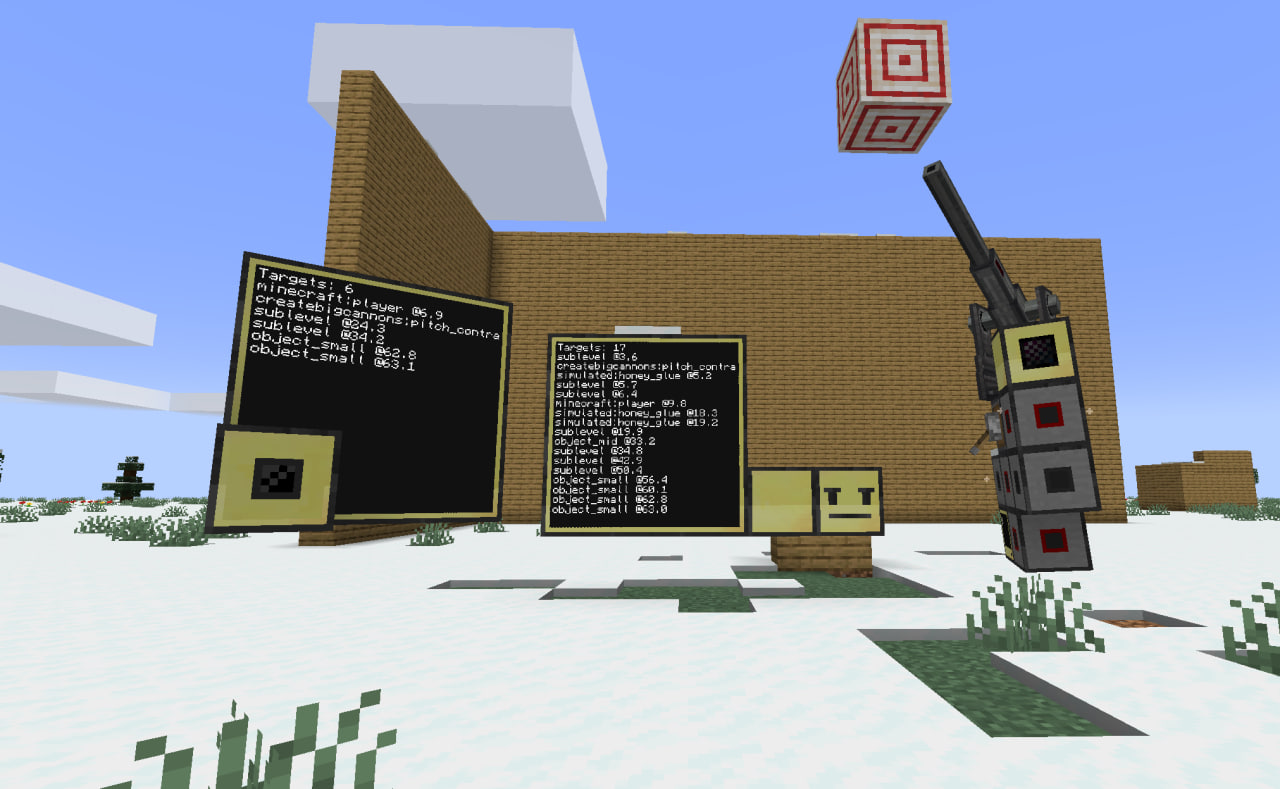
Sensors
Three variants, one method — scan():
Optical Sensor (optical_sensor) — detects entities up to 96 blocks. Requires direct line of sight (real terrain blocks only; sublevel terrain is transparent).
Directional Optical Sensor (directional_optical_sensor) — same but with a cone-shaped field of view (configurable, default 110°), range 80 blocks.
Radar (entity_radar) — omni-directional, range 64 blocks, ignores line of sight. Position readings have Gaussian noise (increases with distance, varies by sensor altitude relative to sea level).
Detections work across sublevel boundaries. A sensor on an airship can spot another airship and the entities inside it. Each detection carries the sublevel UUID when the target is inside one.
Detection fidelity decreases with range. Optical sensors report exact entity types up to 56 blocks and player names up to 40 blocks. Radar does the same within 28 and 18 blocks — beyond that, targets are classified only by size (object_small/object_mid/object_large). Radar position noise grows linearly with distance and varies with the sensor's altitude relative to sea level.
Lua API
All three expose the same single method:
| Method | Parameters | Returns | Description |
|---|---|---|---|
scan |
relativeCoords: boolean (optional) |
table |
Run an immediate scan. If true, returned positions are rotated into the sensor's sublevel local frame. |
scan() return table
| Field | Type | Description |
|---|---|---|
count |
number |
Number of detections |
lastScanTick |
number |
Server tick when scan ran |
detections |
table[] |
Array of detection objects |
Detection fields
| Field | Type | Description |
|---|---|---|
id |
string |
Entity UUID (or sublevel UUID for sublevel bounding boxes) |
type |
string |
Entity registry name (e.g. "minecraft:zombie"), size class ("object_small"/"object_mid"/"object_large"), or "sublevel" |
name |
string or nil |
Player scoreboard name (if within name-precision distance) |
x, y, z |
number |
Offset from sensor origin (blocks) |
distance |
number |
Straight-line distance |
subLevelUUID |
string or nil |
UUID of the sublevel the entity is inside |
subLevelName |
string or nil |
Name of the sublevel |
Example
local sensor = peripheral.wrap("left")

while true do
  local res = sensor.scan()
  print("Targets: " .. res.count)
  for _, t in ipairs(res.detections) do
    print(("%s @ %.1f m"):format(t.type, t.distance))
  end
  sleep(0.25)
end
CBC Cannon Mount
Wraps cannon mounts from Create Big Cannons as cbc_cannon_mount peripherals (additional type cannon_mount). Aim, fire, and query state from Lua.
| Method | Parameters | Returns | Description |
|---|---|---|---|
assemble |
— | boolean |
Assembles the cannon contraption |
disassemble |
— | boolean |
Disassembles |
fire |
— | boolean |
Fires the cannon |
isRunning |
— | boolean |
Whether assembled and running |
isAssembled |
— | boolean |
Same as isRunning |
isLoaded |
— | boolean |
Whether cannon can fire |
setPitch |
pitch: number |
boolean |
Set target pitch (degrees) |
setYaw |
yaw: number |
boolean |
Set target yaw (degrees) |
getPitch |
— | number |
Current pitch |
getYaw |
— | number |
Current yaw offset |
getX |
— | number or nil |
Controller X position |
getY |
— | number or nil |
Controller Y position |
getZ |
— | number or nil |
Controller Z position |
getMaxDepress |
— | number or nil |
Maximum depression angle |
getMaxElevate |
— | number or nil |
Maximum elevation angle |
getDirection |
— | string or nil |
Facing direction (north/south/east/west) |
getCannonWeight |
— | number or nil |
Cannon stress-weight |
Rotation can be restricted by config (cbcFreeRotationEnabled, cbcFreeRotationMaxWeight). Throws LuaException when blocked.
Fully compatible with CannonMountPeripheral from VS: Addition - same "cannon_mount" additional type, same method shapes.
For Server Owners
All features are configurable. Disable the CBC cannon mount peripheral (cbcPeripheralEnabled: false) to avoid conflicts with other mods that add the same peripheral (CC:CBC as example).
Available Versions
How to Install CC:Optical on Your Server
Order Server
Order a Minecraft Java server with at least 3 GB RAM (4 GB recommended).
Set neoforge Loader
In the panel under "Egg", select the neoforge loader and matching Minecraft version (1.21.1).
Install Mod
Open the mod browser in the dashboard and search for "CC:Optical". Click "Install" – done! Alternatively, upload the .jar via SFTP to the /mods folder.
Compatibility
Mod Loaders
Minecraft Versions
1.21.1
Server-side
✓ RequiredRecommended RAM
4 GB(min. 3 GB)Frequently Asked Questions
CC:Optical server crashes on startup – what to do?
Most common cause: wrong neoforge version or insufficient RAM. Check the server log (latest.log) for "OutOfMemoryError" or "Mixin" errors. With Mado Hosting: ensure at least 3 GB RAM is allocated and the loader matches the mod version (1.21.1). You can switch loaders with one click in the panel.
Is CC:Optical compatible with neoforge?
CC:Optical officially supports neoforge for Minecraft 1.21.1. The Mado dashboard automatically detects incompatible loader combinations.
Server lagging with CC:Optical – how to optimize performance?
Recommended RAM: 4 GB (per 8 players). Use /spark profiler to check if CC:Optical consumes the most tick time. Common fixes: reduce server view-distance to 8-10, install "performant" or "starlight" as supplementary mods on Forge. With Mado Hosting, your server runs on NVMe SSDs with dedicated CPU cores for minimal latency.
Similar Mods




Rent Modded Server
Install CC:Optical with just one click on your server.