
CDNPerspective 3D
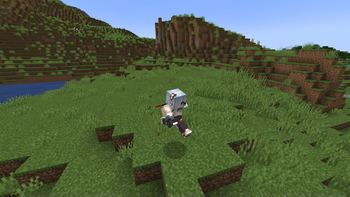
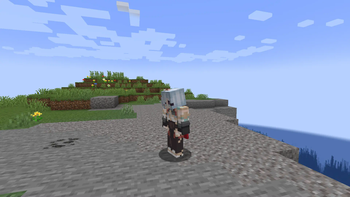
Allows for moving the camera 360 Degrees without changing movement-direction.
Screenshots
About this Mod
NOTE: THIS MOD NOW (1.2+) REQUIRES FABRIC-API FOR 1.19.3+ ON BOTH SERVER & CLIENT.
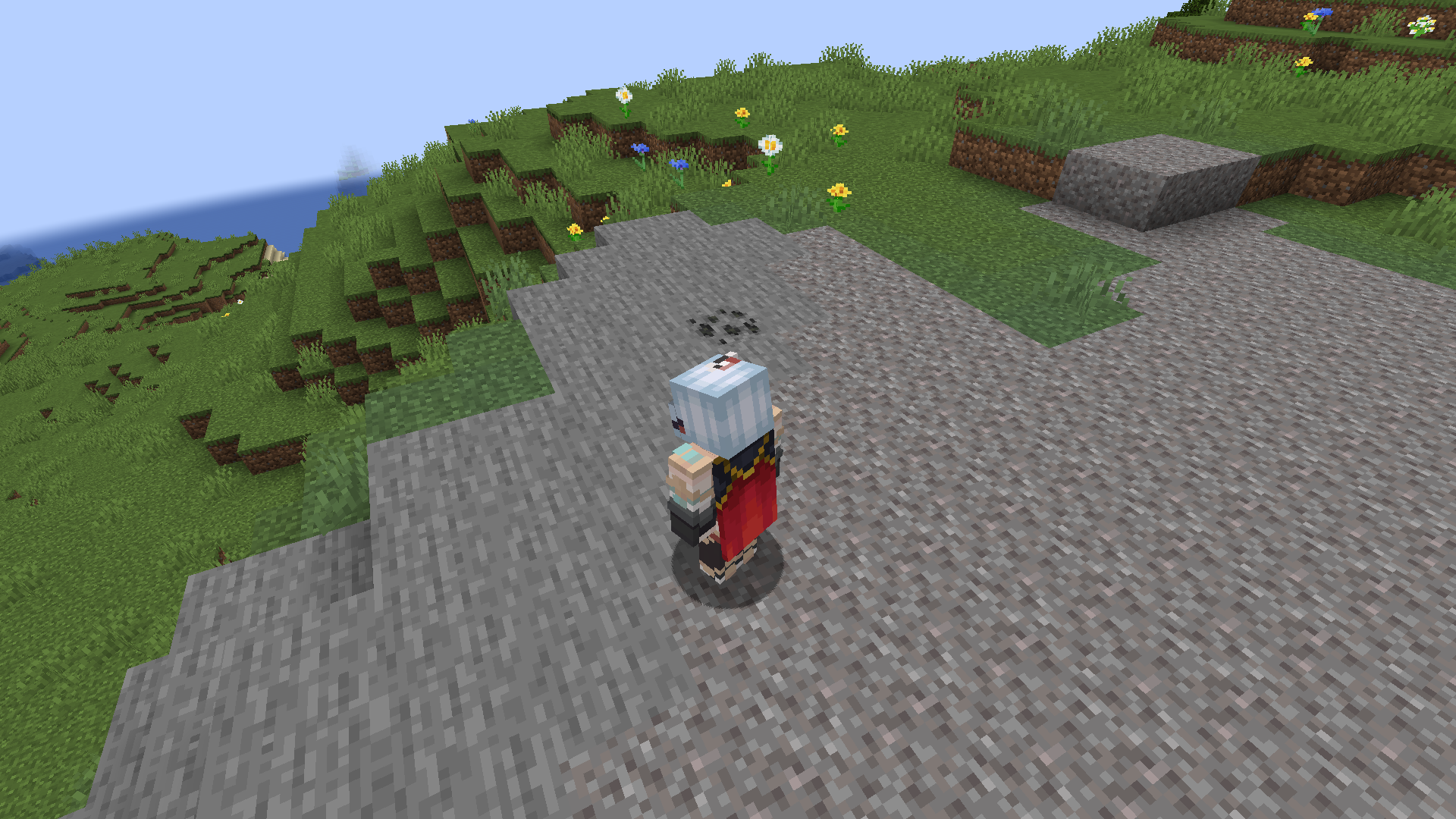
This Mod allows you to change the Camera-Position while running around, allowing for advanced looking around, while keeping the movement-direction.
What this Mod does:
Client:
When installed on the Client, you can press a hotkey (F4 by default) to enter perspective-mode. while in this mode, you can use your mouse to look around. This will not affect your movement-direction, only the camera-direction. when you press the hotkey again, you leave perspective-mode, and will be set to the previous Perspective again.Server:
When installed on a Server, This essentially disables the use of this mod on your server.
How this works?
Once a player joins, this mod will send a packet to that player's client. If the player doesn't have this mod, the packet will just be ignored.
if it has it installed, it will react to the packet, and disable all of it's Features.
NOTE: THIS IS NOT A RELIABLE ANTICHEAT. Java as a language is pretty vulnerable to reverse-engineering, which means technically everyone can just take the source-code, remove these functionalities, and circumvent that system. The mod beeing open source on GitHub is also a thing. I only provide this because this CAN be considered a Cheat.
As always, if you find any Bugs, you can always report them on my GitHub (Left Sidebar, click Issues)
Also as always, you can Support me with an optional donation on Ko-Fi.
Available Versions
How to Install CDNPerspective 3D on Your Server
Order Server
Order a Minecraft Java server with at least 3 GB RAM (4 GB recommended).
Set fabric Loader
In the panel under "Egg", select the fabric loader and matching Minecraft version (1.21.4).
Install Mod
Open the mod browser in the dashboard and search for "CDNPerspective 3D". Click "Install" – done! Alternatively, upload the .jar via SFTP to the /mods folder.
Compatibility
Mod Loaders
Minecraft Versions
1.21.4, 1.21, 1.20.6 (+8 more)
Server-side
✓ RequiredRecommended RAM
4 GB(min. 3 GB)Frequently Asked Questions
CDNPerspective 3D server crashes on startup – what to do?
Most common cause: wrong fabric version or insufficient RAM. Check the server log (latest.log) for "OutOfMemoryError" or "Mixin" errors. With Mado Hosting: ensure at least 3 GB RAM is allocated and the loader matches the mod version (1.21.4). You can switch loaders with one click in the panel.
Is CDNPerspective 3D compatible with fabric?
CDNPerspective 3D officially supports fabric for Minecraft 1.21.4, 1.21, 1.20.6. The Mado dashboard automatically detects incompatible loader combinations.
Server lagging with CDNPerspective 3D – how to optimize performance?
Recommended RAM: 4 GB (per 8 players). Use /spark profiler to check if CDNPerspective 3D consumes the most tick time. Common fixes: reduce server view-distance to 8-10, install "performant" or "starlight" as supplementary mods on Forge. With Mado Hosting, your server runs on NVMe SSDs with dedicated CPU cores for minimal latency.
Similar Mods




Rent Modded Server
Install CDNPerspective 3D with just one click on your server.