
Ceramics
Make early game tools out of clay, then keep using them in the late game.
Screenshots
About this Mod
Ceramics is a mod designed to increase Minecraft's gameplay using clay. Originally inspired by the clay bucket from Iguana Tinker Tweaks, this mod simply added a clay bucket, but now it adds quite a few other features made from clay to both improve the early game and be used in long term builds.
In the mods current form, it adds features in three categories.
Tools
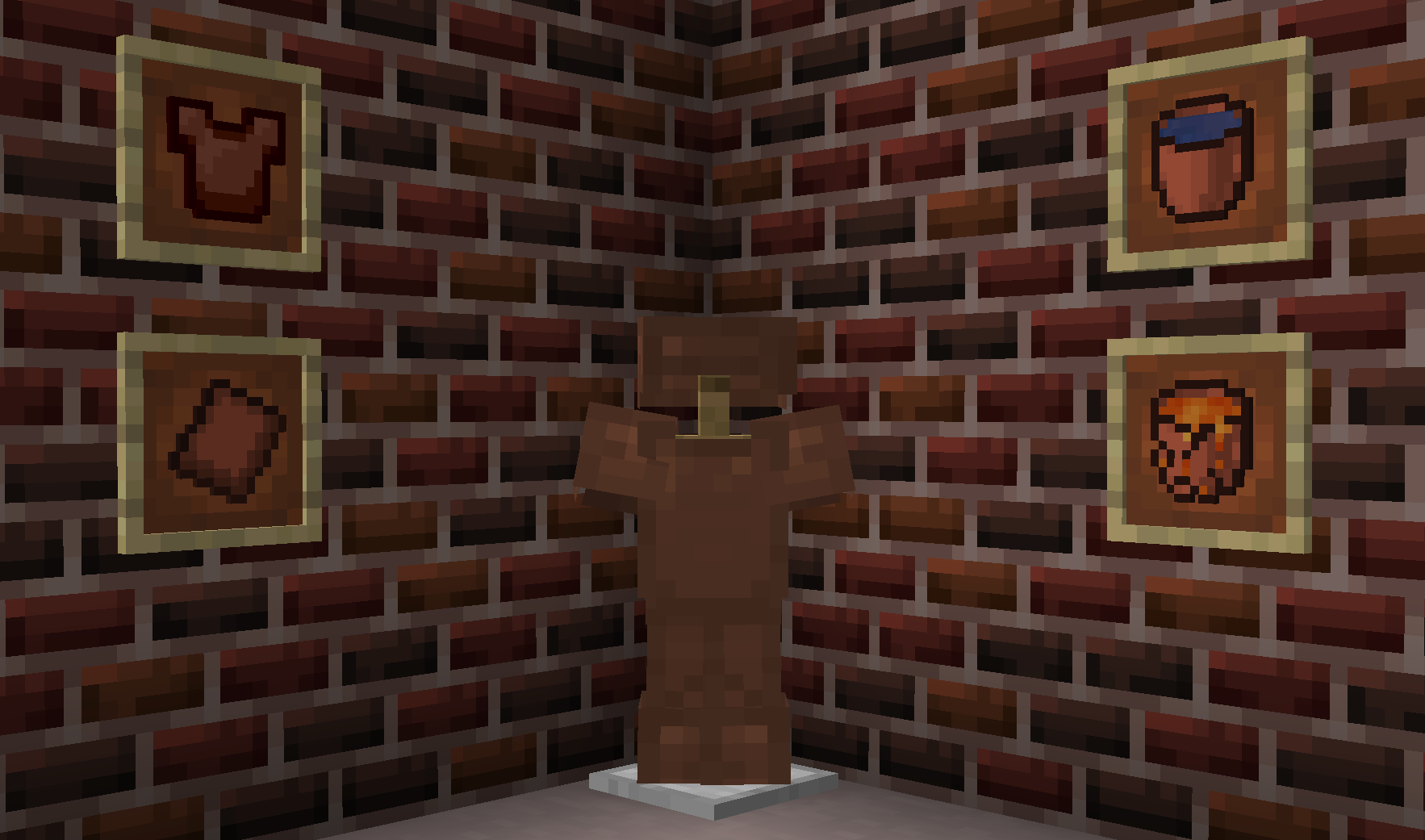
Ceramics adds various tools designed to extend options for tools using clay. Available tools include:
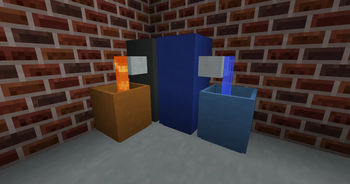
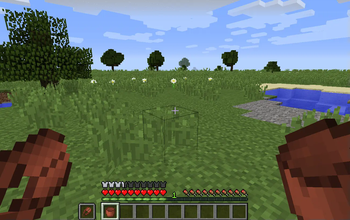
Terracotta buckets: Early game bucket alternative.
- Can transport cold liquids with ease, but cracks when filling with hot fluid.
- Cracked buckets break on emptying, making it effectively single use for hot fluids.
- Cool fluids can be transported freely.
- Unlike other clay bucket mods, these are fully dynamic and will automatically add variants for all available fluids (such as Tinker Construct or Forestry).
Terracotta plate armor: Alternative to leather armor early game.
- Leather is often hard to obtain before iron, so clay provides a more affordable alternative.
- Apparently clay plate armor was once a thing, so kinda historically accurate.
Fluids
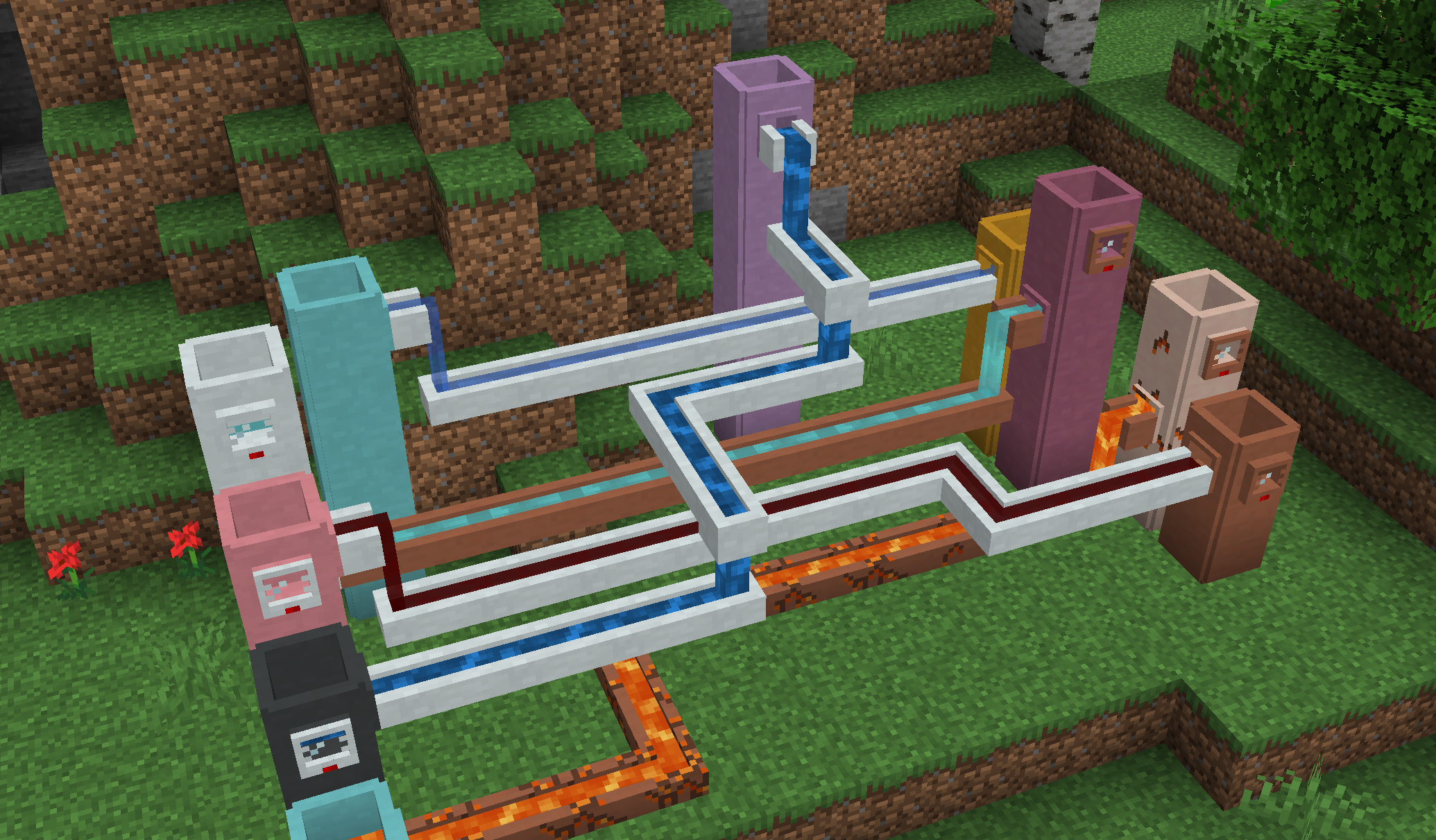
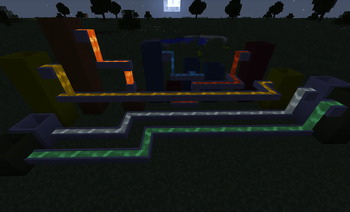
Ceramics adds several different fluid related blocks to store and transport fluids in world.
Cisterns: An extendable liquid storage block.
- In comes in all 17 clay colors which have a capacity of 4 per barrel, plus an additional 16 porcelain colors which have a capacity of 6 buckets per barrel.
- The capacity can be further extended by stacking the cistern vertically, which add the base value for each extension placed on top.
- Will visually connect to faucets, channels, and gauges.
Gauges: Read fluid level.
- Place on the side of any fluid tank, including cisterns and those from other mods.
- Right click to display the name of the contained fluid and the amount.
Faucets: Allow simple fluid extraction.
- Can connect to the side or bottom of a block and pour into one below the faucet.
- Can be activated by right click or redstone, and will slowly pour until the tank below is full or it runs out of fluid.
- Primary way to fill channels.
Channels: Allow simple fluid transport.
- Cannot extract fluids, require a faucet to fill. Will push fluids into nearby tanks or blocks.
- Each side has a direction, which will be set on placement and can be configured afterwards by right click.
- Can additionally pour downward, which can be enabled by hand or redstone.
All fluid blocks come in two variants:
- Terracotta: Will crack over time if filled with hot fluids, but can transport and store cool fluids freely. Cracked terracotta can be repaired using raw clay.
- Porcelain: Heat resistant, allowing transporting hot fluids without damage to the block. Require the addition of porcelain.
Decoration
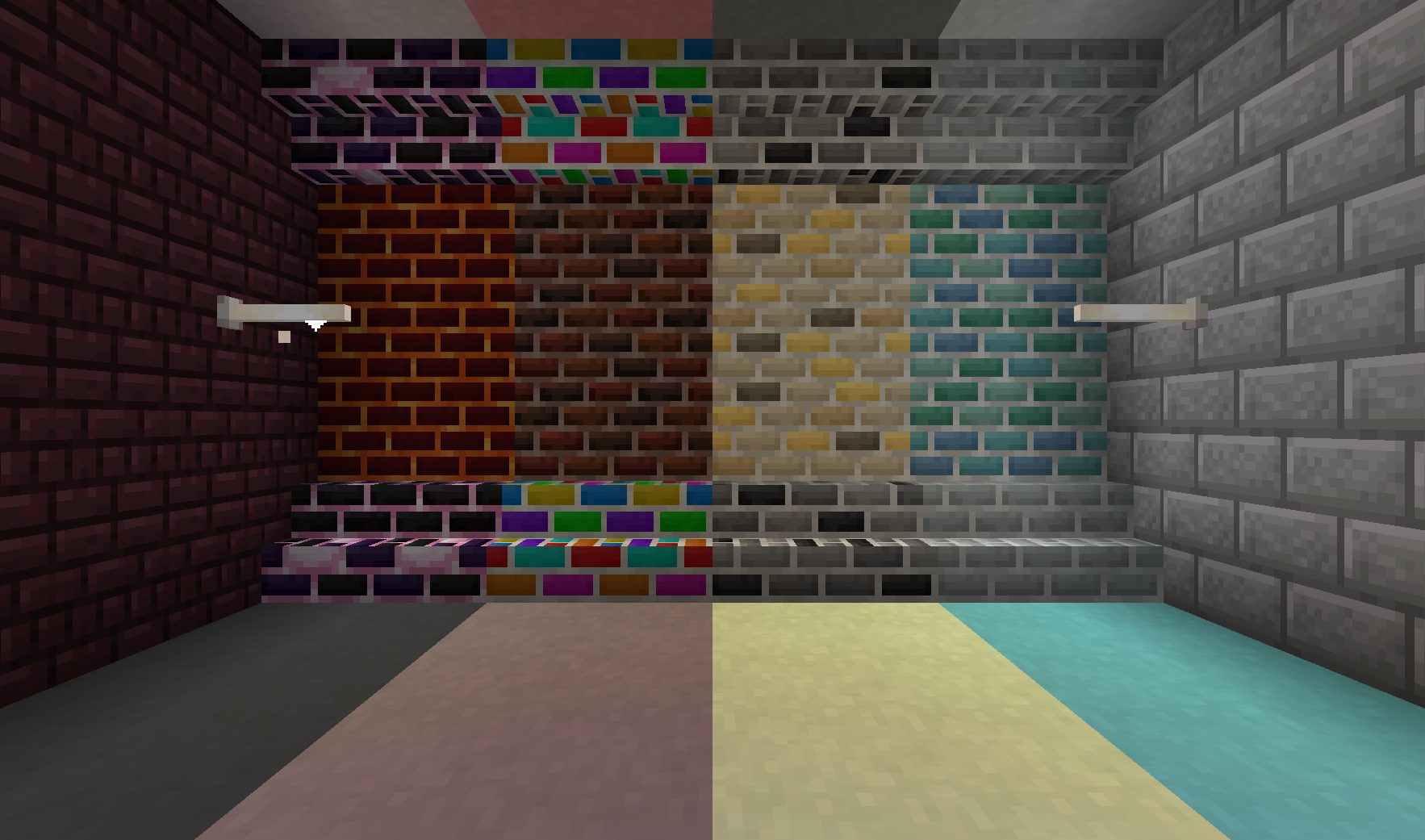
Apart from functional blocks, Ceramics adds a range of decorative blocks to spruce up any base.
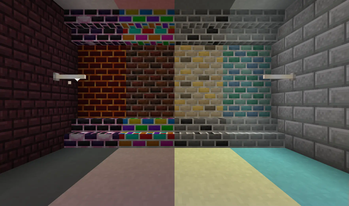
Porcelain: Decorative block that is similar to stained terracotta or concrete, but in pastel colors.
Porcelain Bricks: White variant of bricks. Can be made into slabs, stairs, and walls
Fancy Bricks: Six additional styles of bricks with a slightly more random pattern. Each type comes in slabs, stairs, and walls.
- Dark Bricks: Dark red bricks with a factory tones
- Monochrome Bricks: gray bricks with the occasional black accent
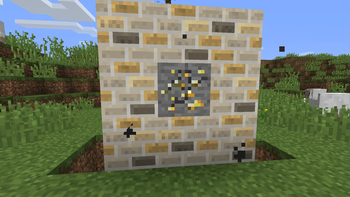
- Golden Bricks: Bright yellow bricks designed to show riches
- Marine Bricks: Oceanic bricks to decorate a prismarine build.
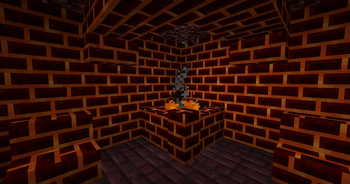
- Lava Bricks: Magmatic bricks to improve a Nether base
- Dragon Bricks: Endish bricks to provide a dark pop
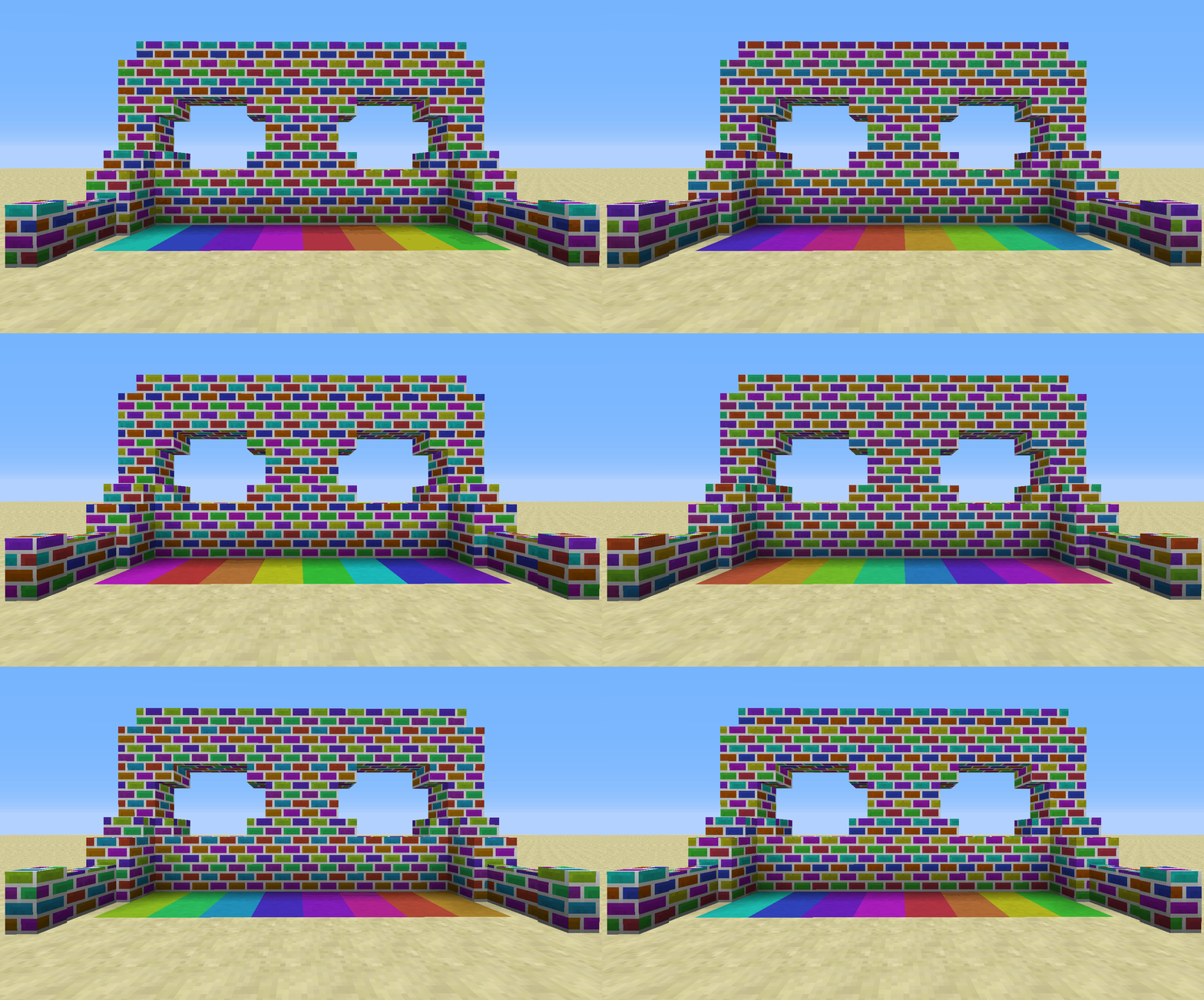
Rainbow Bricks and Clay: feature a colorful, but gradual rainbow animation.
- Clay comes in 8 variants based on where the animation starts.
- Bricks can be made into stairs, slabs, and walls.
More Information
For information, check out the gallery tab. You can also come discuss Ceramics on the SlimeKnights Discord.
Feel free to use this mod in a mod pack, provided you give a link back to this page
If you want to support me on Patreon, use the link in the sidebar.
Available Versions
How to Install Ceramics on Your Server
Order Server
Order a Minecraft Java server with at least 3 GB RAM (4 GB recommended).
Set forge Loader
In the panel under "Egg", select the forge loader and matching Minecraft version (1.20.1).
Install Mod
Open the mod browser in the dashboard and search for "Ceramics". Click "Install" – done! Alternatively, upload the .jar via SFTP to the /mods folder.
Compatibility
Mod Loaders
Minecraft Versions
1.20.1, 1.18.2, 1.16.5 (+3 more)
Server-side
✓ RequiredRecommended RAM
4 GB(min. 3 GB)Frequently Asked Questions
Ceramics server crashes on startup – what to do?
Most common cause: wrong forge version or insufficient RAM. Check the server log (latest.log) for "OutOfMemoryError" or "Mixin" errors. With Mado Hosting: ensure at least 3 GB RAM is allocated and the loader matches the mod version (1.20.1). You can switch loaders with one click in the panel.
Is Ceramics compatible with forge and neoforge?
Ceramics officially supports forge, neoforge for Minecraft 1.20.1, 1.18.2, 1.16.5. The Mado dashboard automatically detects incompatible loader combinations.
Server lagging with Ceramics – how to optimize performance?
Recommended RAM: 4 GB (per 8 players). Use /spark profiler to check if Ceramics consumes the most tick time. Common fixes: reduce server view-distance to 8-10, install "performant" or "starlight" as supplementary mods on Forge. With Mado Hosting, your server runs on NVMe SSDs with dedicated CPU cores for minimal latency.
Similar Mods

![[ETF] Entity Texture Features](https://cdn.modrinth.com/data/BVzZfTc1/af683d206d50b05258d865b0d6e4aa2f2cee12f2_96.webp)
![[EMF] Entity Model Features](https://cdn.modrinth.com/data/4I1XuqiY/6e5bbd0d06b1741bfdab6c0cfab6de8fdaf0064c_96.webp)



Rent Modded Server
Install Ceramics with just one click on your server.