
Chat-Ping
Pings you if someone writes your name in to the Chat
Screenshots
About this Mod
Chat-Ping (v1.21)
Chat-Ping is a lightweight Minecraft mod that notifies you whenever your name is mentioned in the chat by displaying a customizable in-game toast notification. It's perfect for staying on top of conversations in multiplayer worlds or servers, ensuring you never miss an important message again!
Features
Ping on Mention: Receive a toast notification whenever your Minecraft username appears in the chat.
Lightweight & Seamless: Works in the background without impacting gameplay performance.
How It Works
As soon as your name is mentioned in the Minecraft chat, a toast notification will appear on the top-right corner of the screen. The notification includes the message:
- "You got Pinged by
<username>"
For example, if another player types your name in the chat, you will see something like: You got Pinged by BlackDev
Compatibility
- Minecraft Version: 1.21
- Works with Fabric mod loader.
- Compatible with multiplayer servers.
Screenshots
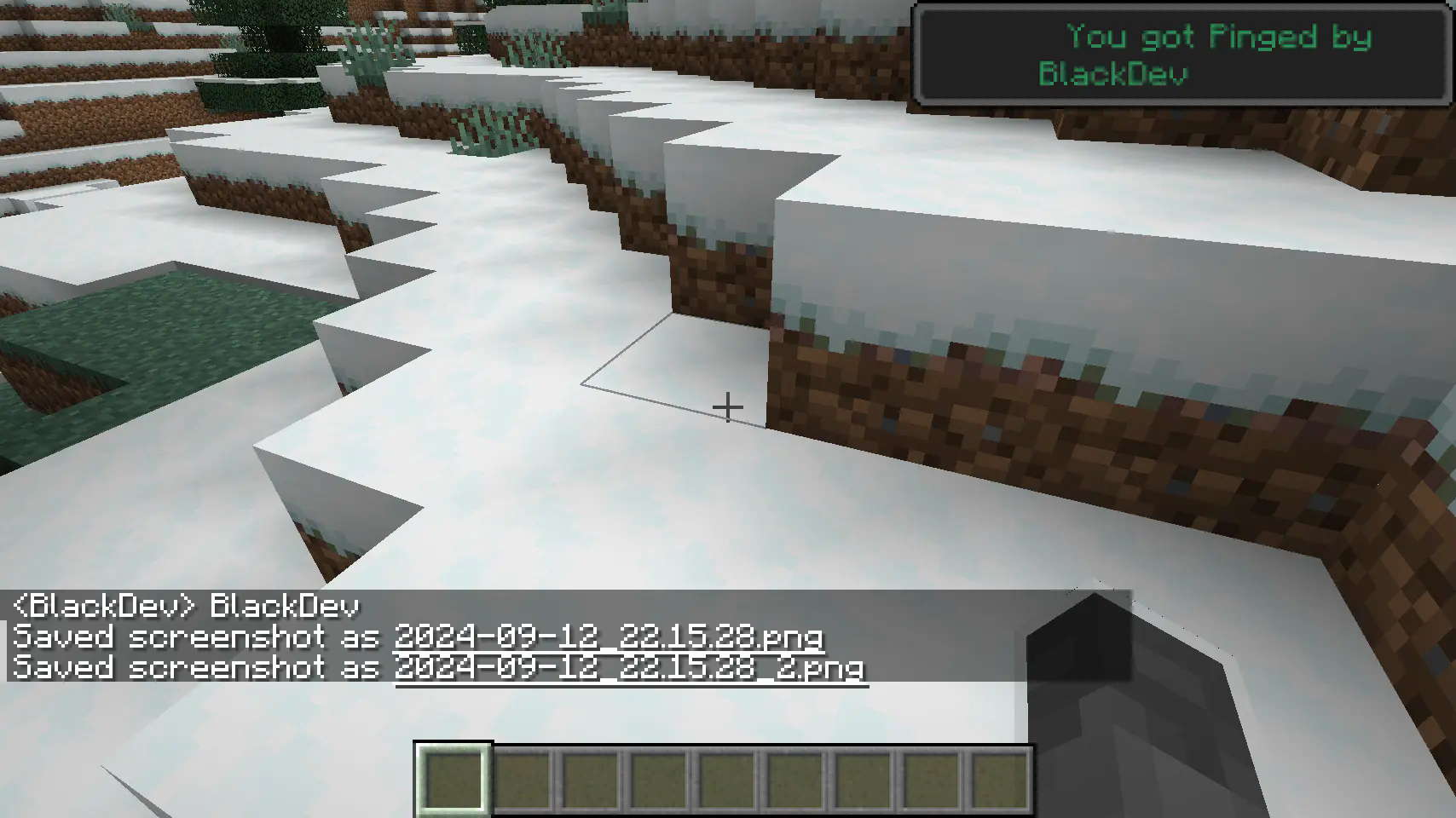
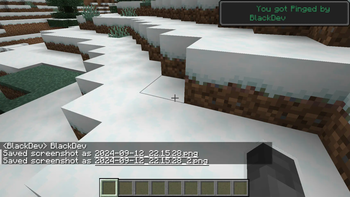
A notification is triggered when your name is mentioned in the chat.
Planned Features
- Customization: Set different colors or styles for the ping notifications.
- writing: ignore upper and lower case writing also ignore if there are letters before the name.
- Keyword Pings: Allow pings on specific keywords beyond just your username.
Feedback & Contributions
We appreciate feedback and contributions! Feel free to submit bugs or suggest features via the Discord Server.
Enjoy seamless chat monitoring with Chat-Ping, and never miss another message directed at you again!
Available Versions
How to Install Chat-Ping on Your Server
Order Server
Order a Minecraft Java server with at least 3 GB RAM (4 GB recommended).
Set fabric Loader
In the panel under "Egg", select the fabric loader and matching Minecraft version (1.21).
Install Mod
Open the mod browser in the dashboard and search for "Chat-Ping". Click "Install" – done! Alternatively, upload the .jar via SFTP to the /mods folder.
Compatibility
Mod Loaders
Minecraft Versions
1.21
Server-side
✗ UnsupportedRecommended RAM
4 GB(min. 3 GB)Frequently Asked Questions
Chat-Ping server crashes on startup – what to do?
Most common cause: wrong fabric version or insufficient RAM. Check the server log (latest.log) for "OutOfMemoryError" or "Mixin" errors. With Mado Hosting: ensure at least 3 GB RAM is allocated and the loader matches the mod version (1.21). You can switch loaders with one click in the panel.
Is Chat-Ping compatible with fabric?
Chat-Ping officially supports fabric for Minecraft 1.21. The Mado dashboard automatically detects incompatible loader combinations.
Server lagging with Chat-Ping – how to optimize performance?
Recommended RAM: 4 GB (per 8 players). Use /spark profiler to check if Chat-Ping consumes the most tick time. Common fixes: reduce server view-distance to 8-10, install "performant" or "starlight" as supplementary mods on Forge. With Mado Hosting, your server runs on NVMe SSDs with dedicated CPU cores for minimal latency.
Similar Mods




Rent Modded Server
Install Chat-Ping with just one click on your server.