
Chroma Block Fabric
Chroma Block for Minecraft Fabric High for Minecraft Artistic Videos 适用于Minecraft Fabric高版本的色度方块,用于Minecraft艺术类视频的创作
Screenshots
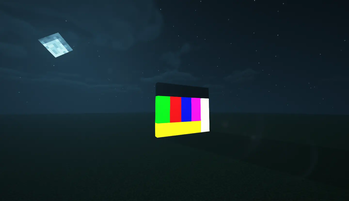
About this Mod
Chroma Block Fabric

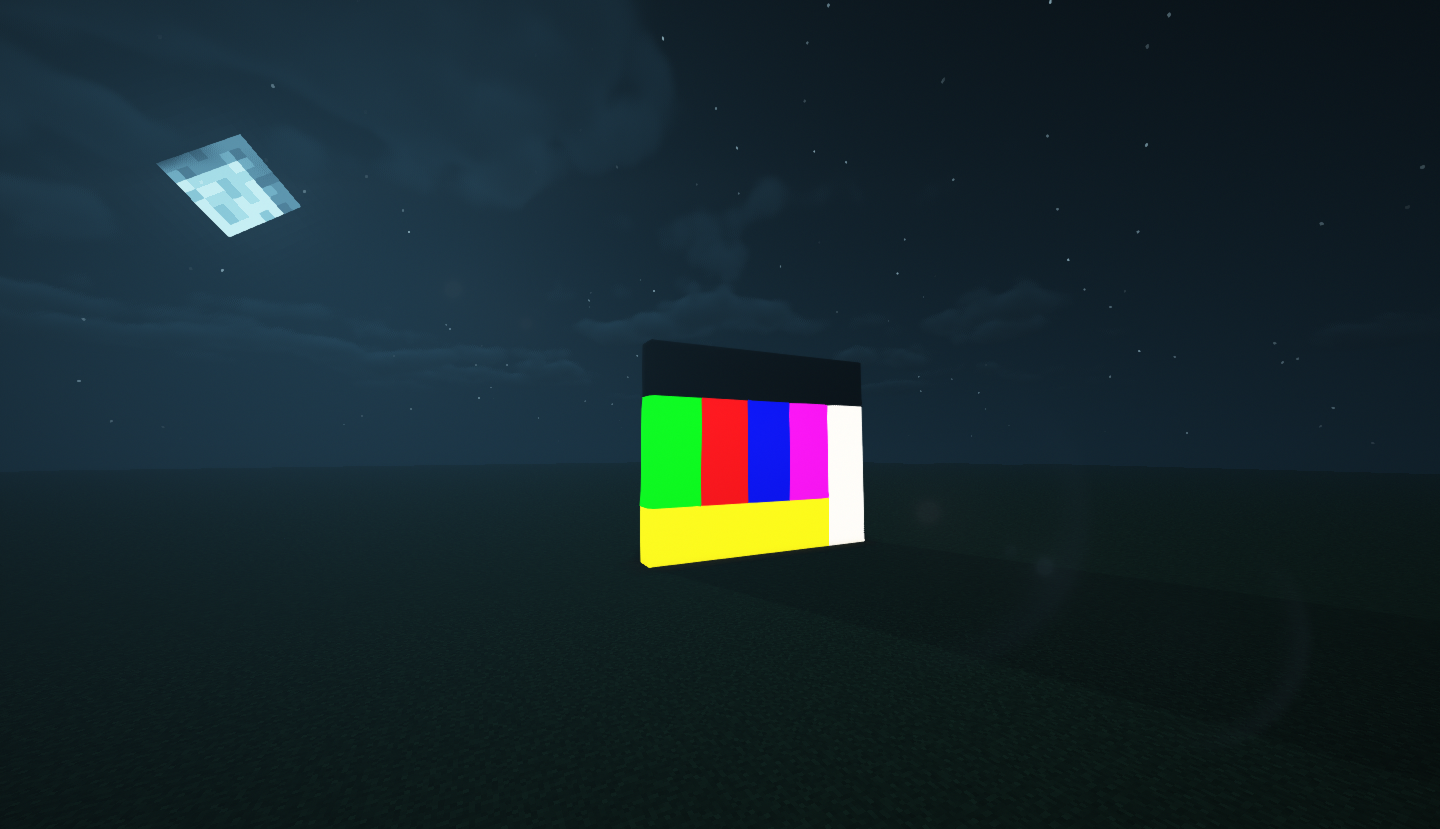

EN
Chroma Block for Minecraft Fabric High for Minecraft Artistic Videos- 🎨8 colors to choose from
- 😊Compatible with most Minecraft shaderpacks
- 🔦Does not create glowing blocks
Future
- Chroma Block in Display Case Style
⚠️WARNING⚠️
Chroma Block Fabric is not compatible with iris! Please use the solution of OptiFabric + OptiFine!
Starting from version 1.1.0, if you are using Iris, please install Continuity and Indium.
After installing OptiFine, the shaders will display correctly. If you want to use Chroma Block without enabling shaders, please uninstall OptiFine!
Since version 1.1.0, it is recommended to use OptiFine, even without shaders enabled. This can temporarily resolve the issue of Chroma Blocks being affected by ambient occlusion.
Some shaders may require disabling or reducing the BOOM effect, otherwise, the following situation may occur:
However, with the correct settings, unexpected effects can be achieved:
中文
适用于Minecraft Fabric高版本的色度方块,用于Minecraft艺术类视频的创作- 🎨8种颜色可供选择
- 😊兼容大部分光影
- 🔦不做发光方块
未来
- 展示框样式的Chroma Block
⚠️注意⚠️
Chroma Block Fabric 与 iris 不兼容!请使用OptiFabric+OpitFine的解决方法!
自1.1.0版本后如果使用iris请安装Continuity以及Indium
安装OpitFine后打开光影才会正常显示 如果您想在不启用光影的情况下使Chroma Block正常显示,请卸载OpitFine!
自1.1.0版本后推荐使用OpitFine,即使在不开光影的情况下,这可以暂时解决Chroma Block受到环境光遮蔽的影响的问题
部分光影需要关闭/降低BOOM效果否则会出现下面的状况:
当然通过正确地设置可以达到意想不到的效果:
Donator❤️
Thank you for your support
ATC_rock 20¥
Available Versions
How to Install Chroma Block Fabric on Your Server
Order Server
Order a Minecraft Java server with at least 3 GB RAM (4 GB recommended).
Set fabric Loader
In the panel under "Egg", select the fabric loader and matching Minecraft version (1.20.1).
Install Mod
Open the mod browser in the dashboard and search for "Chroma Block Fabric". Click "Install" – done! Alternatively, upload the .jar via SFTP to the /mods folder.
Compatibility
Mod Loaders
Minecraft Versions
1.20.1, 1.20, 1.16.5
Server-side
✗ UnsupportedRecommended RAM
4 GB(min. 3 GB)Frequently Asked Questions
Chroma Block Fabric server crashes on startup – what to do?
Most common cause: wrong fabric version or insufficient RAM. Check the server log (latest.log) for "OutOfMemoryError" or "Mixin" errors. With Mado Hosting: ensure at least 3 GB RAM is allocated and the loader matches the mod version (1.20.1). You can switch loaders with one click in the panel.
Is Chroma Block Fabric compatible with fabric?
Chroma Block Fabric officially supports fabric for Minecraft 1.20.1, 1.20, 1.16.5. The Mado dashboard automatically detects incompatible loader combinations.
Server lagging with Chroma Block Fabric – how to optimize performance?
Recommended RAM: 4 GB (per 8 players). Use /spark profiler to check if Chroma Block Fabric consumes the most tick time. Common fixes: reduce server view-distance to 8-10, install "performant" or "starlight" as supplementary mods on Forge. With Mado Hosting, your server runs on NVMe SSDs with dedicated CPU cores for minimal latency.
Similar Mods

![[ETF] Entity Texture Features](https://cdn.modrinth.com/data/BVzZfTc1/af683d206d50b05258d865b0d6e4aa2f2cee12f2_96.webp)
![[EMF] Entity Model Features](https://cdn.modrinth.com/data/4I1XuqiY/6e5bbd0d06b1741bfdab6c0cfab6de8fdaf0064c_96.webp)



Rent Modded Server
Install Chroma Block Fabric with just one click on your server.