
ChromaticityBlock
chromaticity block in minecraft
About this Mod
English | 简体中文
ChromaticityBlock
This mod adds chromaticity block, whose rendering is not affected by lighting, making it particularly suitable for convenient chromaticity cutouts.
Supported minecraft versions: 1.12.2-forge,1.16.5-fabric,1.20.4-fabric,1.20.5-fabric,1.20.6-fabric,1.21-fabric
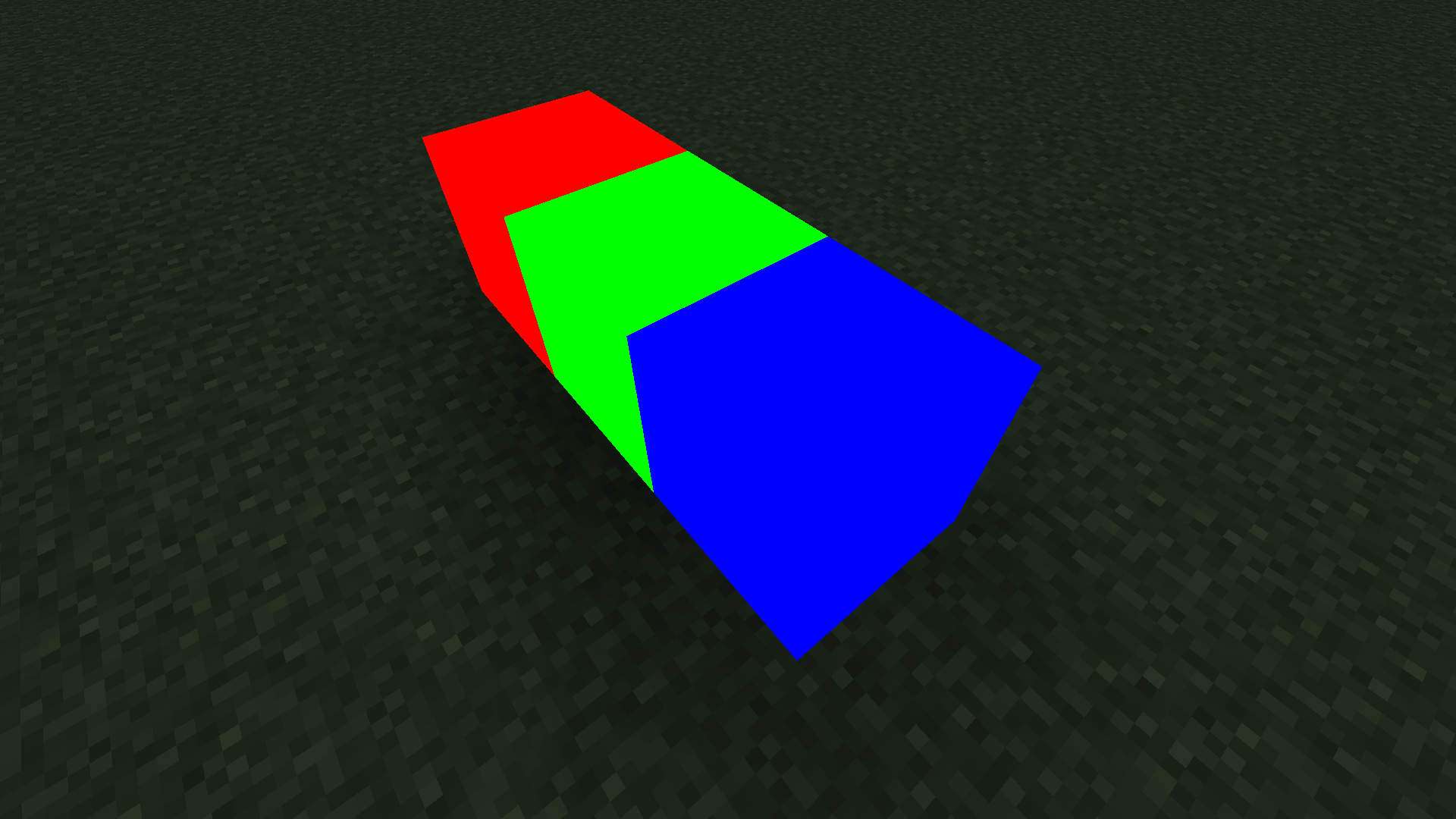
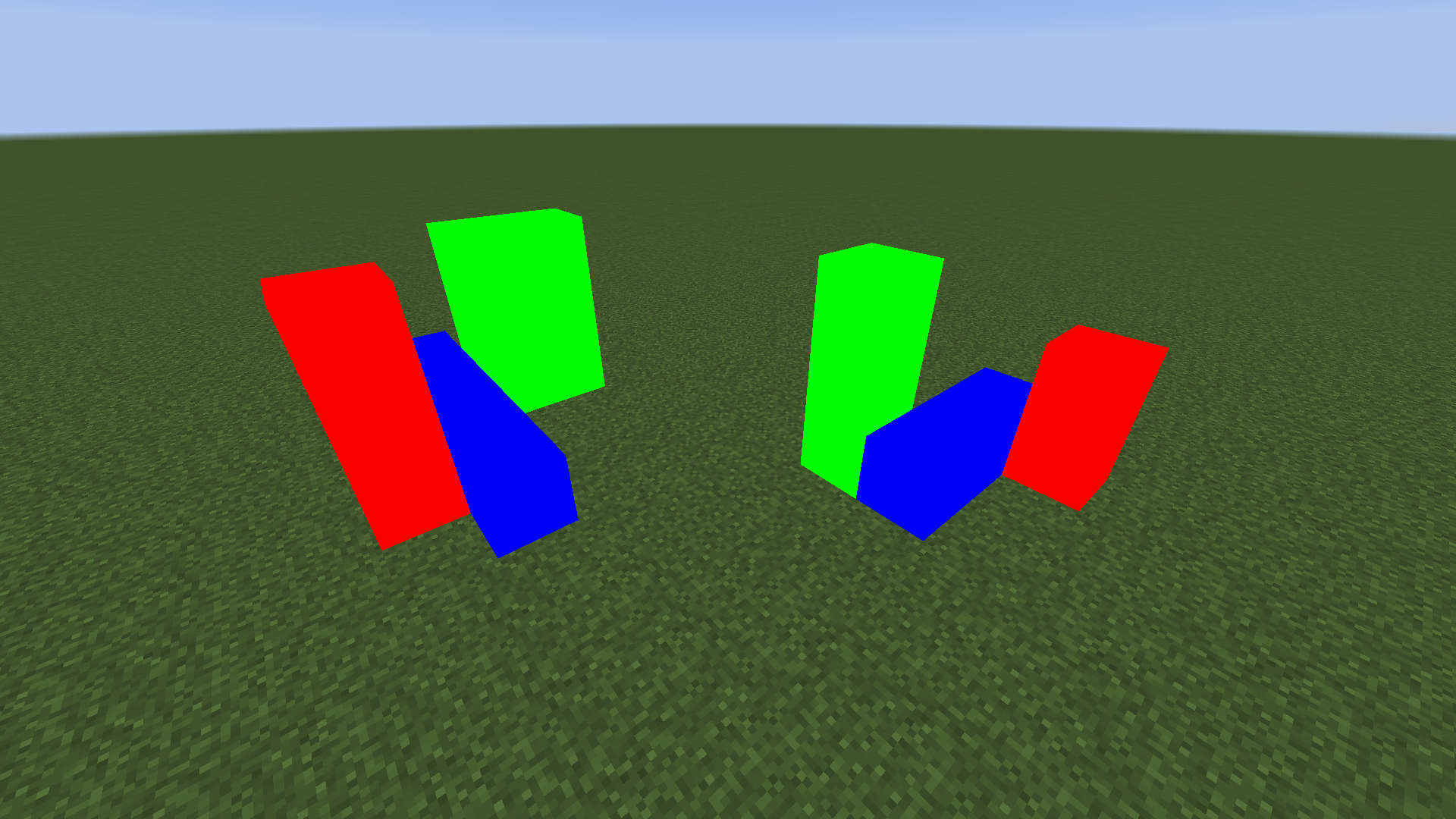
How to Use
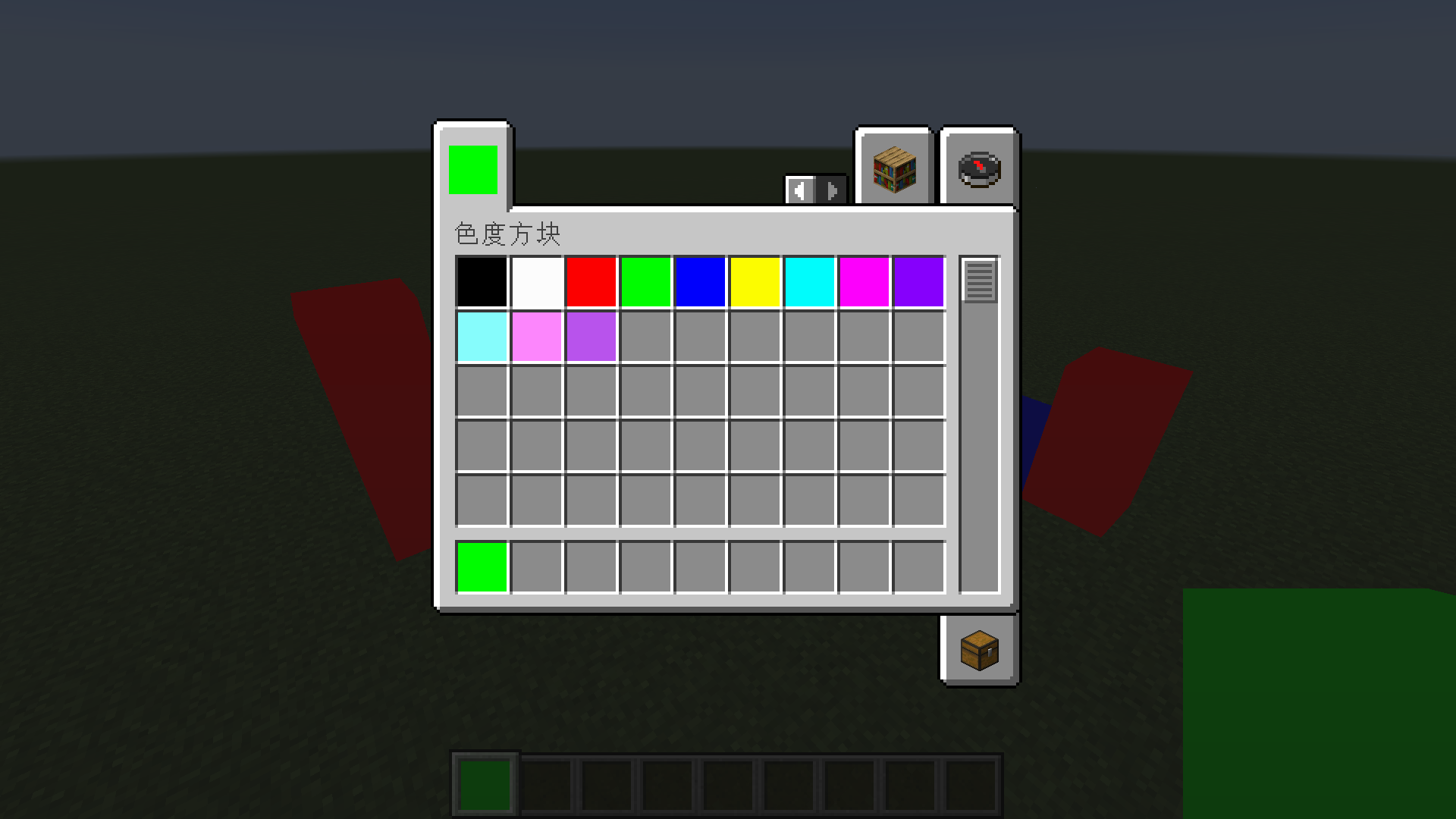
Method One: Use the common colors built into the creative mode item bar directly.
Method Two: Obtain chromaticity blocks of any color by adding them through NBT.
Commands to Get Chromaticity Blocks of Any Color
The common colors built into the creative mode item bar should generally meet your needs. If you want to customize colors, you will need to use commands to get chromaticity blocks of any color.
Before MC 1.13 Version
give @s chromaticityblock:chromaticity_block 1 0 {"BlockEntityTag":{"color":-1}}
setblock ~ ~ ~ chromaticityblock:chromaticity_block 0 normal {"color":-1}
After MC 1.13 Version
give @s chromaticityblock:chromaticity_block{"BlockEntityTag":{"color":-1}}
setblock ~ ~ ~ chromaticityblock:chromaticity_block{"color":-1}
Color Parameter
The color of the chromaticity block is determined by color NBT.
Any color can be obtained by mixing red, green, and blue, so to confirm a color, you only need four argb parameters, which are alpha, red, green, and blue.
For example, the hexadecimal color value FF4488CC contains four argb parameters. FF is alpha, 44 is red, 88 is green, CC is blue, and the range of these four parameters is 0-255 (corresponding to hexadecimal 0-FF).
It should be noted that although alpha can be stored in the number, there is actually no transparency effect in this mod.
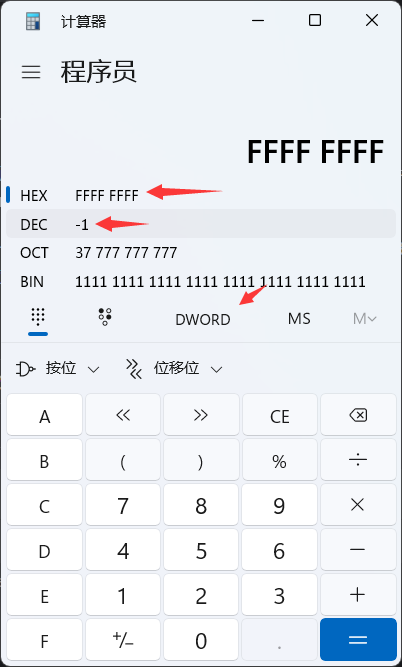
Unfortunately, integers in NBT cannot be input in HEX, so you need to convert to DEC.
You can use the calculator that comes with Windows to complete this conversion. Use the programmer mode, set the mode to DWORLD, enter the value in HEX, and you can see this value in DEC.
compatibility
1.12.2 - forge - Optifine
Not fully compatible. Optifine can be added, but this mod not compatible with any shader. If you try to use a shader, chromaticity block will have serious rendering errors.
1.16.5 - fabric - Sodium - Iris
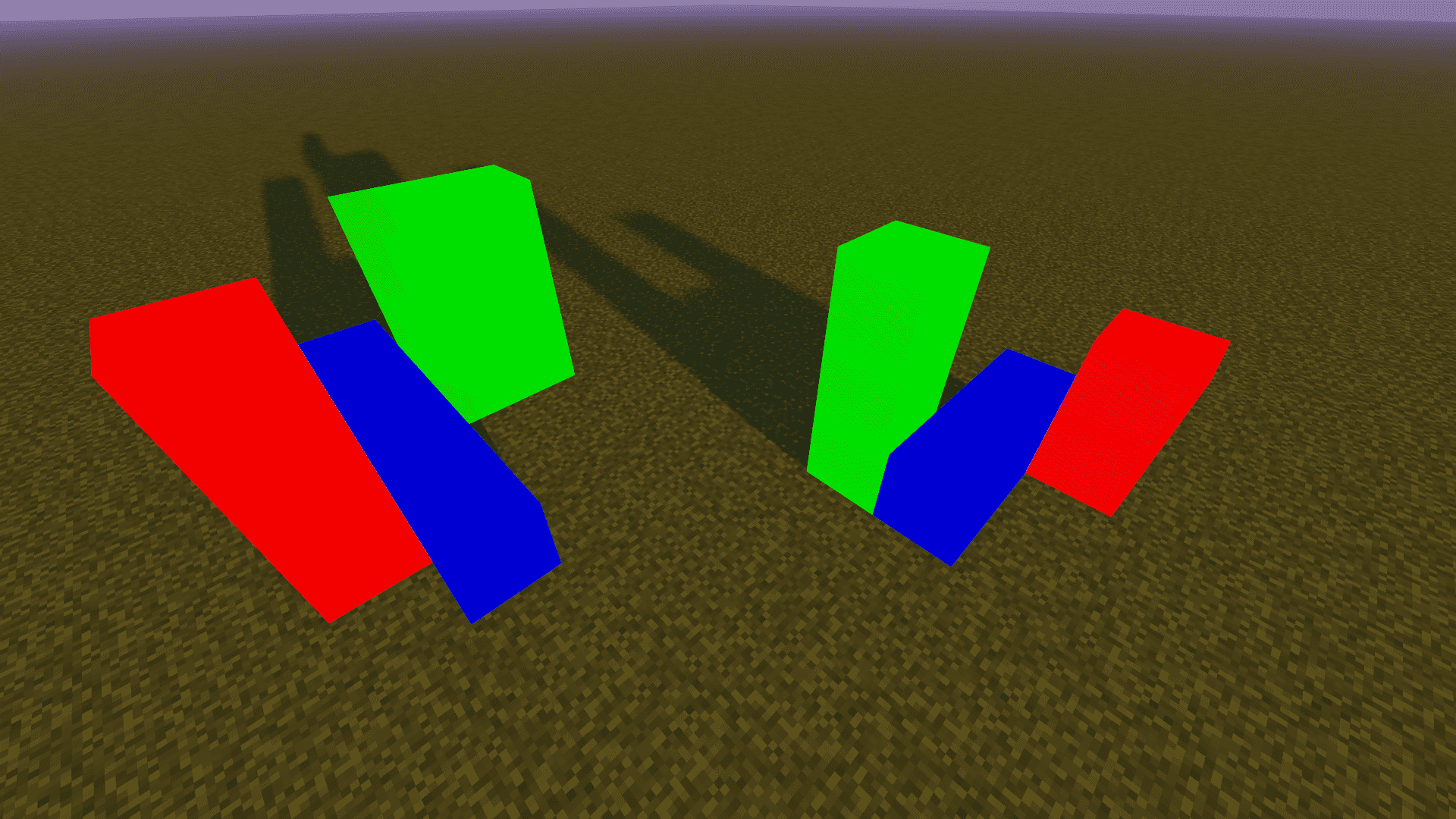
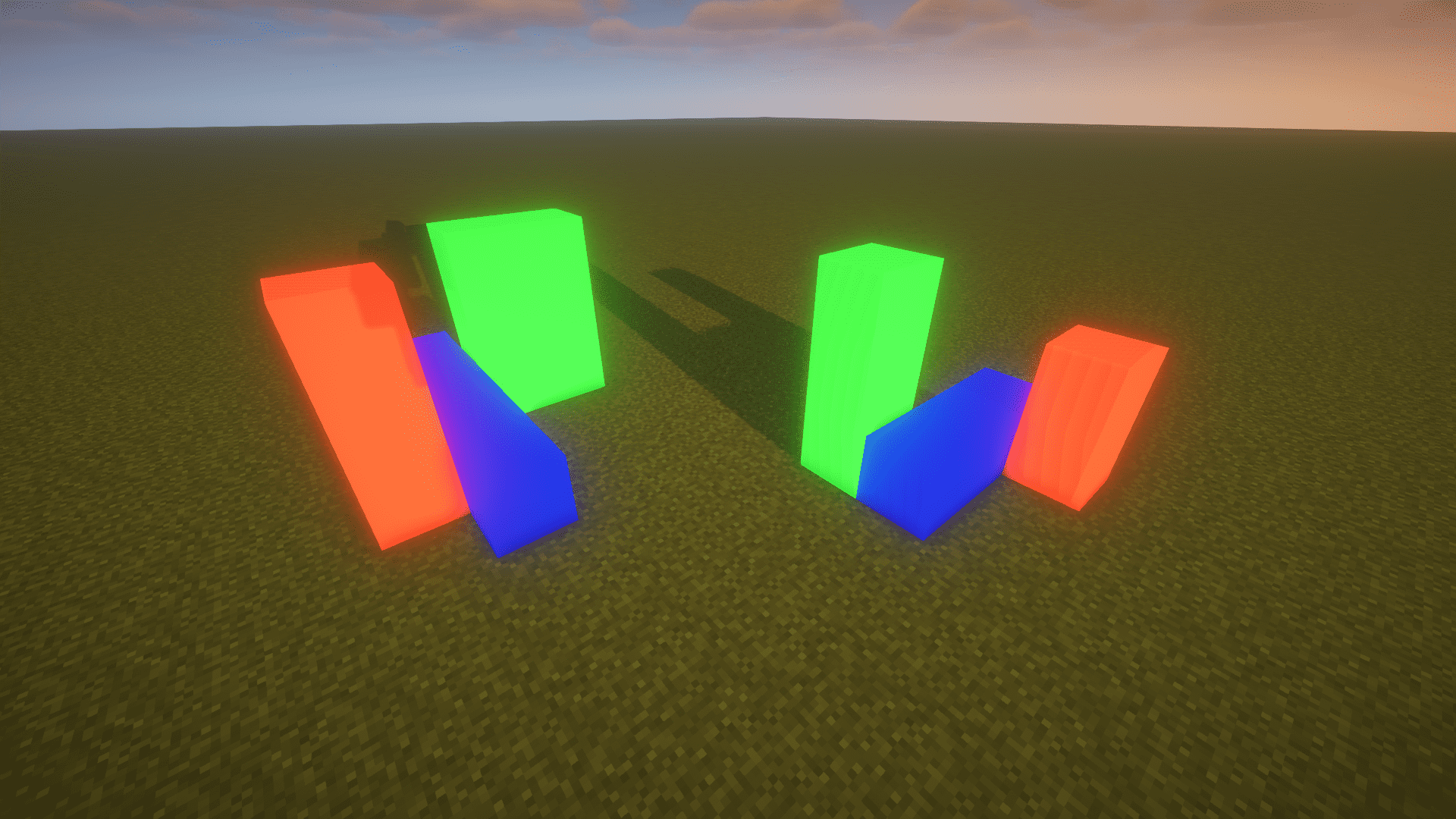
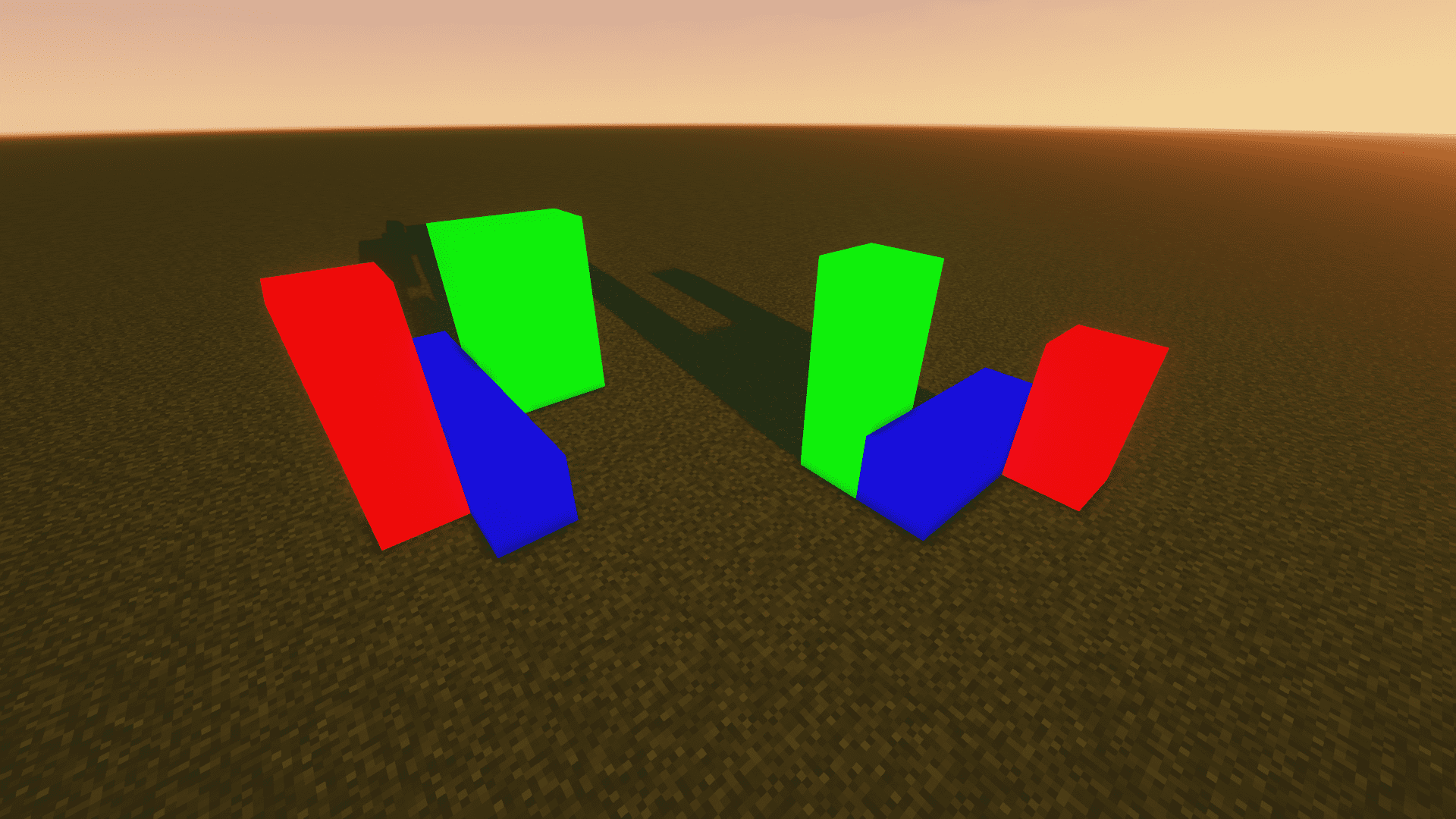
Compatibility. Although using shader may have some minor issues, there are no serious rendering errors. Here are some common shadow effects:
- Sildurs_v1.26
- BSL_v8.2.08
- ComplementaryShaders_v4.4
1.20.4 - fabric - Sodium - Iris
same as 1.16.5 - fabric - Sodium - Iris
About
Author: Yancey
QQ: 1709185482
Email: [email protected]
GitHub:
https://github.com/Yancey2023/ChromaticityBlock
https://github.com/Yancey2023/ChromaticityBlock-forge
Available Versions
How to Install ChromaticityBlock on Your Server
Order Server
Order a Minecraft Java server with at least 3 GB RAM (4 GB recommended).
Set fabric Loader
In the panel under "Egg", select the fabric loader and matching Minecraft version (1.21).
Install Mod
Open the mod browser in the dashboard and search for "ChromaticityBlock". Click "Install" – done! Alternatively, upload the .jar via SFTP to the /mods folder.
Compatibility
Mod Loaders
Minecraft Versions
1.21, 1.20.6, 1.20.5 (+3 more)
Server-side
✓ RequiredRecommended RAM
4 GB(min. 3 GB)Frequently Asked Questions
ChromaticityBlock server crashes on startup – what to do?
Most common cause: wrong fabric version or insufficient RAM. Check the server log (latest.log) for "OutOfMemoryError" or "Mixin" errors. With Mado Hosting: ensure at least 3 GB RAM is allocated and the loader matches the mod version (1.21). You can switch loaders with one click in the panel.
Is ChromaticityBlock compatible with fabric and forge?
ChromaticityBlock officially supports fabric, forge for Minecraft 1.21, 1.20.6, 1.20.5. Note: Forge and Fabric mods are NOT cross-compatible – pick one loader and stick with it. The Mado dashboard automatically detects incompatible loader combinations.
Server lagging with ChromaticityBlock – how to optimize performance?
Recommended RAM: 4 GB (per 8 players). Use /spark profiler to check if ChromaticityBlock consumes the most tick time. Common fixes: reduce server view-distance to 8-10, install "performant" or "starlight" as supplementary mods on Forge. With Mado Hosting, your server runs on NVMe SSDs with dedicated CPU cores for minimal latency.
Similar Mods




![[ETF] Entity Texture Features](https://cdn.modrinth.com/data/BVzZfTc1/af683d206d50b05258d865b0d6e4aa2f2cee12f2_96.webp)
![[EMF] Entity Model Features](https://cdn.modrinth.com/data/4I1XuqiY/6e5bbd0d06b1741bfdab6c0cfab6de8fdaf0064c_96.webp)
Rent Modded Server
Install ChromaticityBlock with just one click on your server.