
CIT Manager
Gives you a client-side manager to see all of your installed CIT packs.
Screenshots
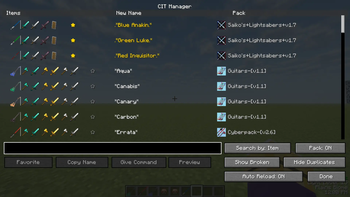
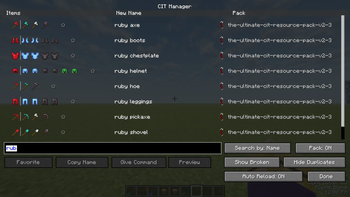
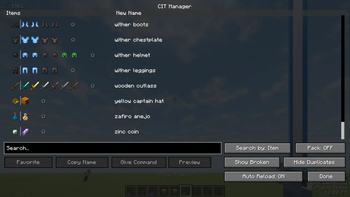
About this Mod
Inspired by CIT List
Use this instead of trying to remember every rename your CIT resource packs add!
CIT Manager reads your resource packs for textures that provide custom models upon renaming a vanilla item. This menu can be opened in-game or by going to Mod Menu's config and finding this mod.
Features;
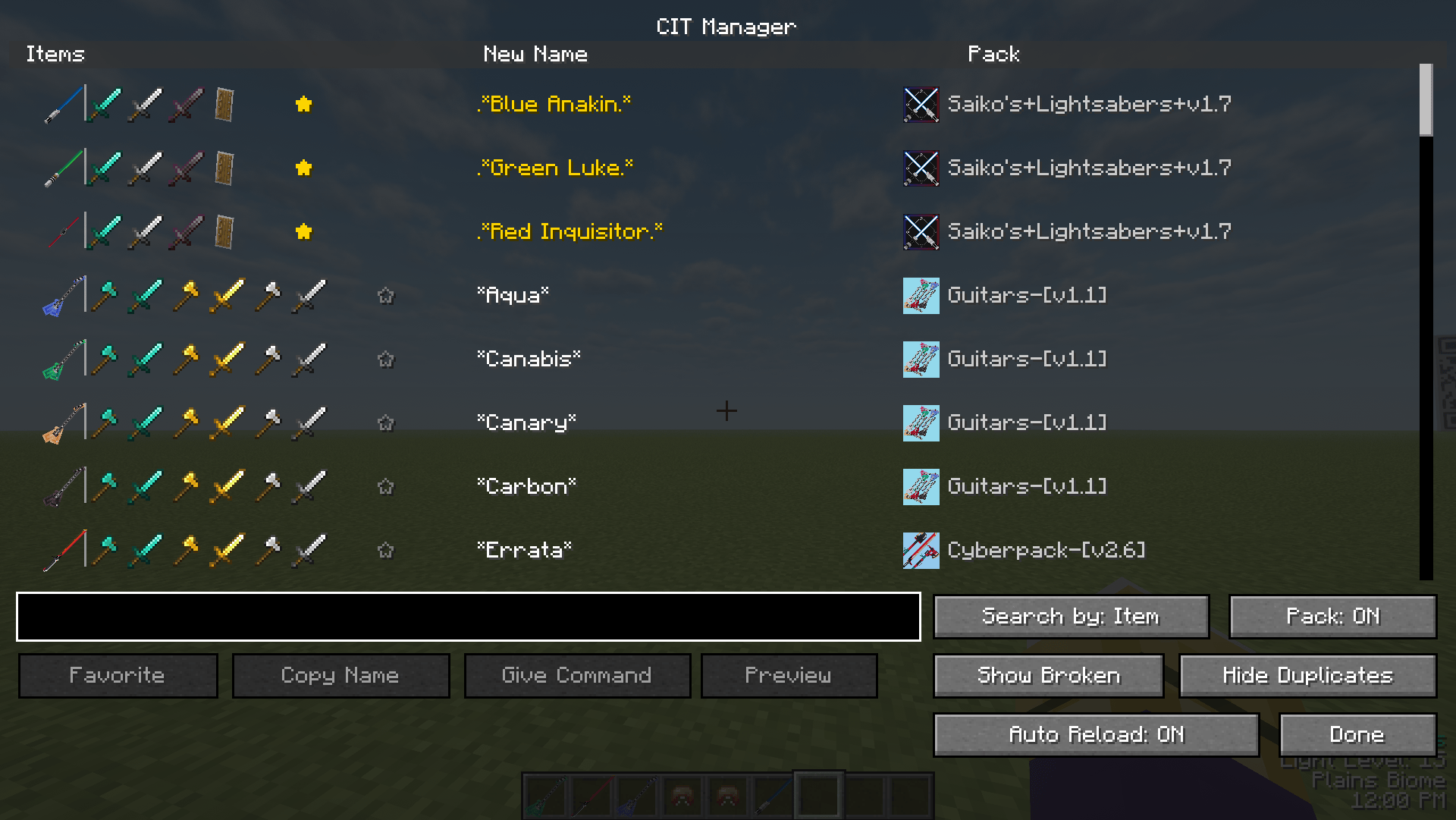
Adds a smart grouping system. Instead of showing 100 entries for a single name under several items, it shows you a single CIT texture and all items it can be applied to.
|
The "Copy Name" button adds the ability to copy the name of the item to your clipboard and paste it into an anvil and voila!
|
Alternatively, for creative players or people with commands, you can press "Give Command" and it will pull up a seperate screen for you to choose which item you want to get from the rename. Example; Clicking this button while having "Blue Anakin" selected will show you "Diamond Sword", "Iron Sword", "Netherite Sword", and "Shield".
|
My favorite feature; literally my favorite feature lets you pin CITs to the top for you to access on the fly.
Default key to open is "J"
Please report any bugs

Requires Mod Menu

Requires Fabric API

Requires CIT Resewn
Available Versions
How to Install CIT Manager on Your Server
Order Server
Order a Minecraft Java server with at least 3 GB RAM (4 GB recommended).
Set fabric Loader
In the panel under "Egg", select the fabric loader and matching Minecraft version (1.21.1).
Install Mod
Open the mod browser in the dashboard and search for "CIT Manager". Click "Install" – done! Alternatively, upload the .jar via SFTP to the /mods folder.
Compatibility
Mod Loaders
Minecraft Versions
1.21.1, 1.20.1
Server-side
✗ UnsupportedRecommended RAM
4 GB(min. 3 GB)Frequently Asked Questions
CIT Manager server crashes on startup – what to do?
Most common cause: wrong fabric version or insufficient RAM. Check the server log (latest.log) for "OutOfMemoryError" or "Mixin" errors. With Mado Hosting: ensure at least 3 GB RAM is allocated and the loader matches the mod version (1.21.1). You can switch loaders with one click in the panel.
Is CIT Manager compatible with fabric?
CIT Manager officially supports fabric for Minecraft 1.21.1, 1.20.1. The Mado dashboard automatically detects incompatible loader combinations.
Server lagging with CIT Manager – how to optimize performance?
Recommended RAM: 4 GB (per 8 players). Use /spark profiler to check if CIT Manager consumes the most tick time. Common fixes: reduce server view-distance to 8-10, install "performant" or "starlight" as supplementary mods on Forge. With Mado Hosting, your server runs on NVMe SSDs with dedicated CPU cores for minimal latency.
Similar Mods




Rent Modded Server
Install CIT Manager with just one click on your server.