
Click Signs
Create custom highway & street signs for city building and more!
Screenshots
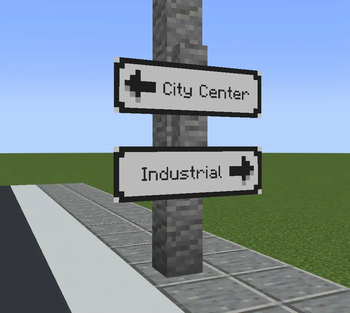
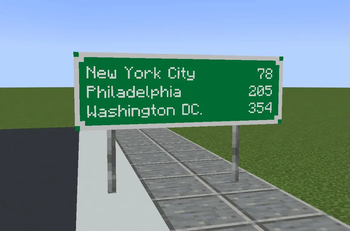
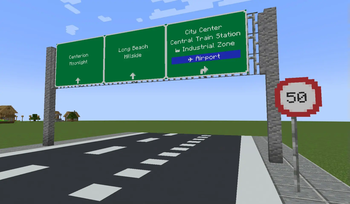
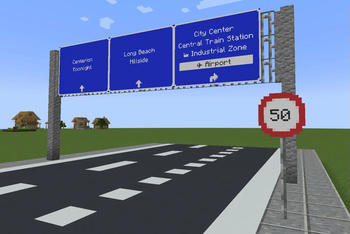
About this Mod
What is ClickSigns?
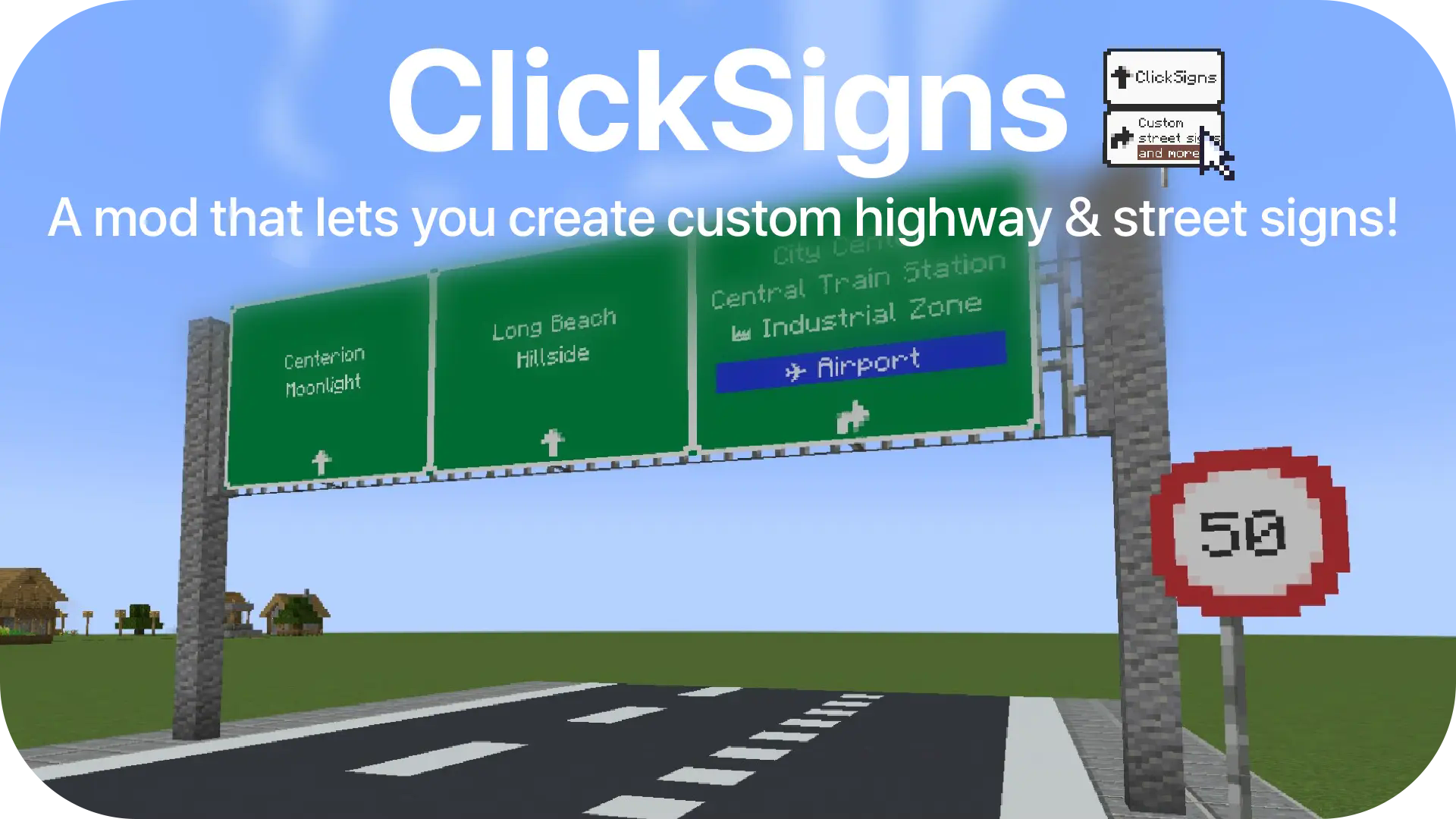
ClickSigns is a simple fabric mod that lets you create custom highway & street signs. Even though the main focus is street signs, you can create any type of image that can dynamically have text on it ingame. Ideal for building cities and towns!
- Make your own road signs (Resourcepack Guide): Wiki
- P.S: There will be more and more road signs added through regular updates & extensions

How to: Create & Edit Road Signs
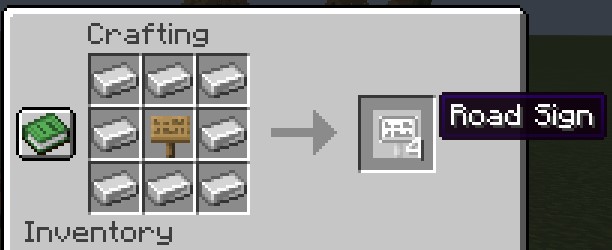
To craft a Road Sign, put 8 iron ingots around any sign:
Then, place it on a wall, on iron bars or anywhere you'd like, then click on the road sign to access the edit menu:
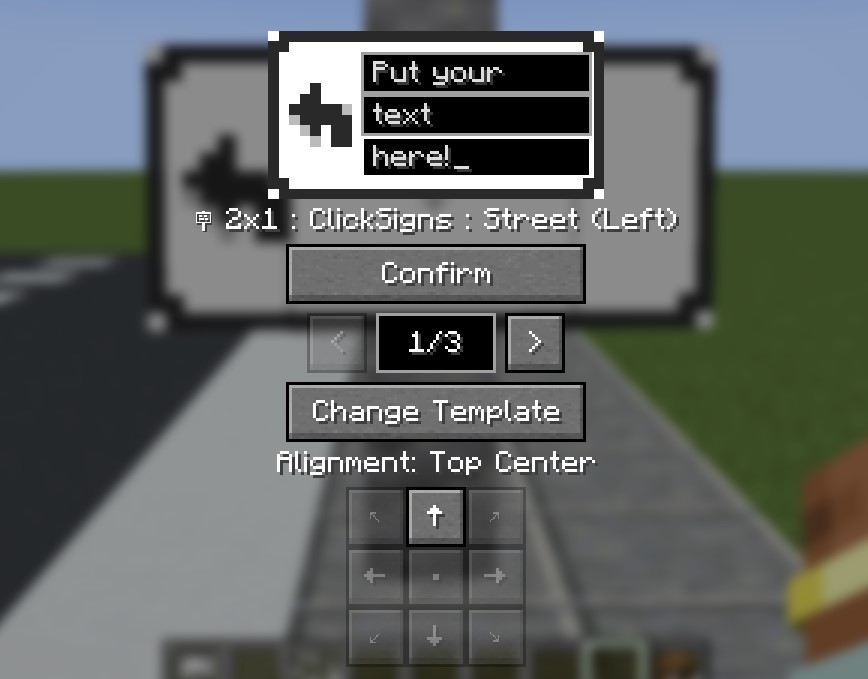
- Fill in your text like on the image.
- Use the arrows to change between different variants (aka. color schemes) of this template.
- Use the alignment buttons to change the alignment of the sign.
- Make sure to click CONFIRM once you're done. Your changes won't be saved if you don't.
- Click Change Template to browse through all the various templates.
How to: Changing The Road Sign Template
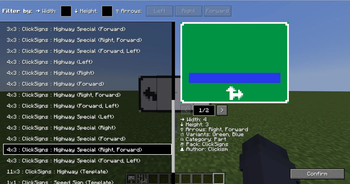
- After you click Change Template, you will be welcomed by this screen:
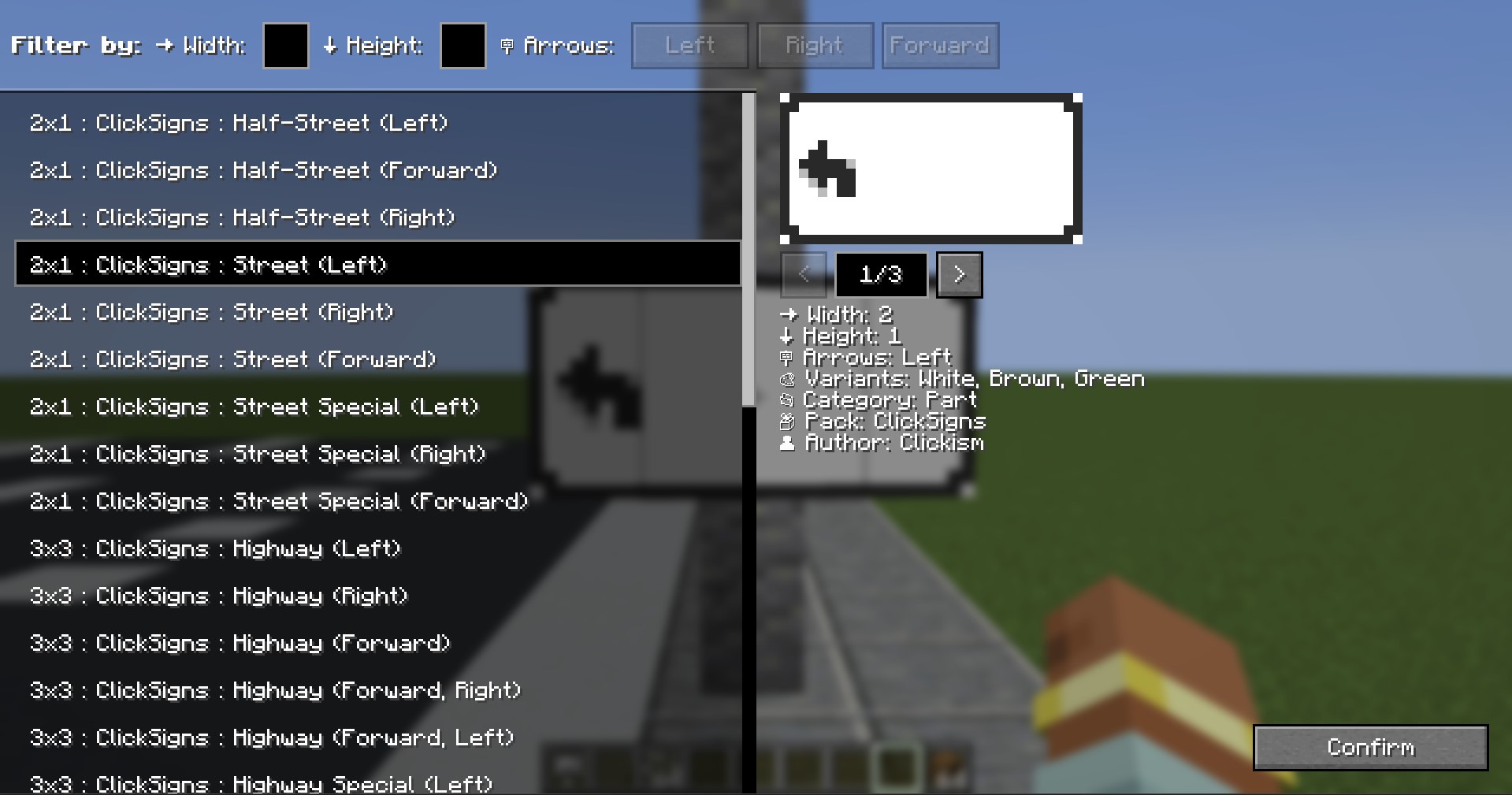
- On the left side, you have a list of all the templates you have installed.
- The templates are displayed in the format: "Width x Height : Pack : Name : (Details)"
- On the right side, you have all the details regarding the selected template.
- You can use the arrows to look at different variants here as well.
- Using Filters: To use the filters, either click on the direction you want, or input the width/height you're searching. If you for example select both Left and Forward, it will only show you the sign templates that have both directions.
How to: Custom Road Signs
- You can't find a certain road sign template you want? Make it yourself!
- The template system is fully modular and client-side through resourcepacks!.
- That means, you can create or install custom resourcepacks to have access to new road sign templates. These don't have to be installed on the server, but other players would need to have the same resourcepack installed in order to see them.
Contact & Feedback
Contact me on GitHub: Github/Clickism
Available Versions
How to Install Click Signs on Your Server
Order Server
Order a Minecraft Java server with at least 3 GB RAM (4 GB recommended).
Set fabric Loader
In the panel under "Egg", select the fabric loader and matching Minecraft version (1.21.8).
Install Mod
Open the mod browser in the dashboard and search for "Click Signs". Click "Install" – done! Alternatively, upload the .jar via SFTP to the /mods folder.
Compatibility
Mod Loaders
Minecraft Versions
1.21.8, 1.21.7, 1.21.6 (+5 more)
Server-side
✓ RequiredRecommended RAM
4 GB(min. 3 GB)Frequently Asked Questions
Click Signs server crashes on startup – what to do?
Most common cause: wrong fabric version or insufficient RAM. Check the server log (latest.log) for "OutOfMemoryError" or "Mixin" errors. With Mado Hosting: ensure at least 3 GB RAM is allocated and the loader matches the mod version (1.21.8). You can switch loaders with one click in the panel.
Is Click Signs compatible with fabric and forge?
Click Signs officially supports fabric, forge for Minecraft 1.21.8, 1.21.7, 1.21.6. Note: Forge and Fabric mods are NOT cross-compatible – pick one loader and stick with it. The Mado dashboard automatically detects incompatible loader combinations.
Server lagging with Click Signs – how to optimize performance?
Recommended RAM: 4 GB (per 8 players). Use /spark profiler to check if Click Signs consumes the most tick time. Common fixes: reduce server view-distance to 8-10, install "performant" or "starlight" as supplementary mods on Forge. With Mado Hosting, your server runs on NVMe SSDs with dedicated CPU cores for minimal latency.
Similar Mods

![[ETF] Entity Texture Features](https://cdn.modrinth.com/data/BVzZfTc1/af683d206d50b05258d865b0d6e4aa2f2cee12f2_96.webp)
![[EMF] Entity Model Features](https://cdn.modrinth.com/data/4I1XuqiY/6e5bbd0d06b1741bfdab6c0cfab6de8fdaf0064c_96.webp)



Rent Modded Server
Install Click Signs with just one click on your server.