ClientsideEssentials StationAPI
Fixes some common graphical issues, adds some missing sounds, and adds some extra keybindings for controls. Special thanks to Dany and Birevan for helping with many of the changes and fixes!
Screenshots
About this Mod
ClientsideEssentials StationAPI Edition for Minecraft Beta 1.7.3
A b1.7.3 mod with StationAPI that fixes some common graphical issues, adds some missing sounds, adds a basic score mechanic, and adds extra keybindings if MojangFixStationAPI/MojangFix is installed.
All changes are configurable with GlassConfigAPI.
- Incompatible with UniTweaks (UniTweaks does the same thing and more than this mod)
- Incompatible with FinalBeta (FinalBeta does the same thing and less than this mod, speaking of clientside only here, checkout GameplayEssentials for what's lacking in this mod)
Changes to Score
Moved to new Scoring/Achievement mod below:
Graphical Fixes
- Render bow correctly when held by player and skeletons
- Fix items rendering underneath container text
- Fix death screen displaying &e0 instead of coloring score as yellow
- Fix minecart flickering when riding on rails
- Fix leg armor rendering in vehicles
- Fix un-named slabs crashing the game
Graphical Additions
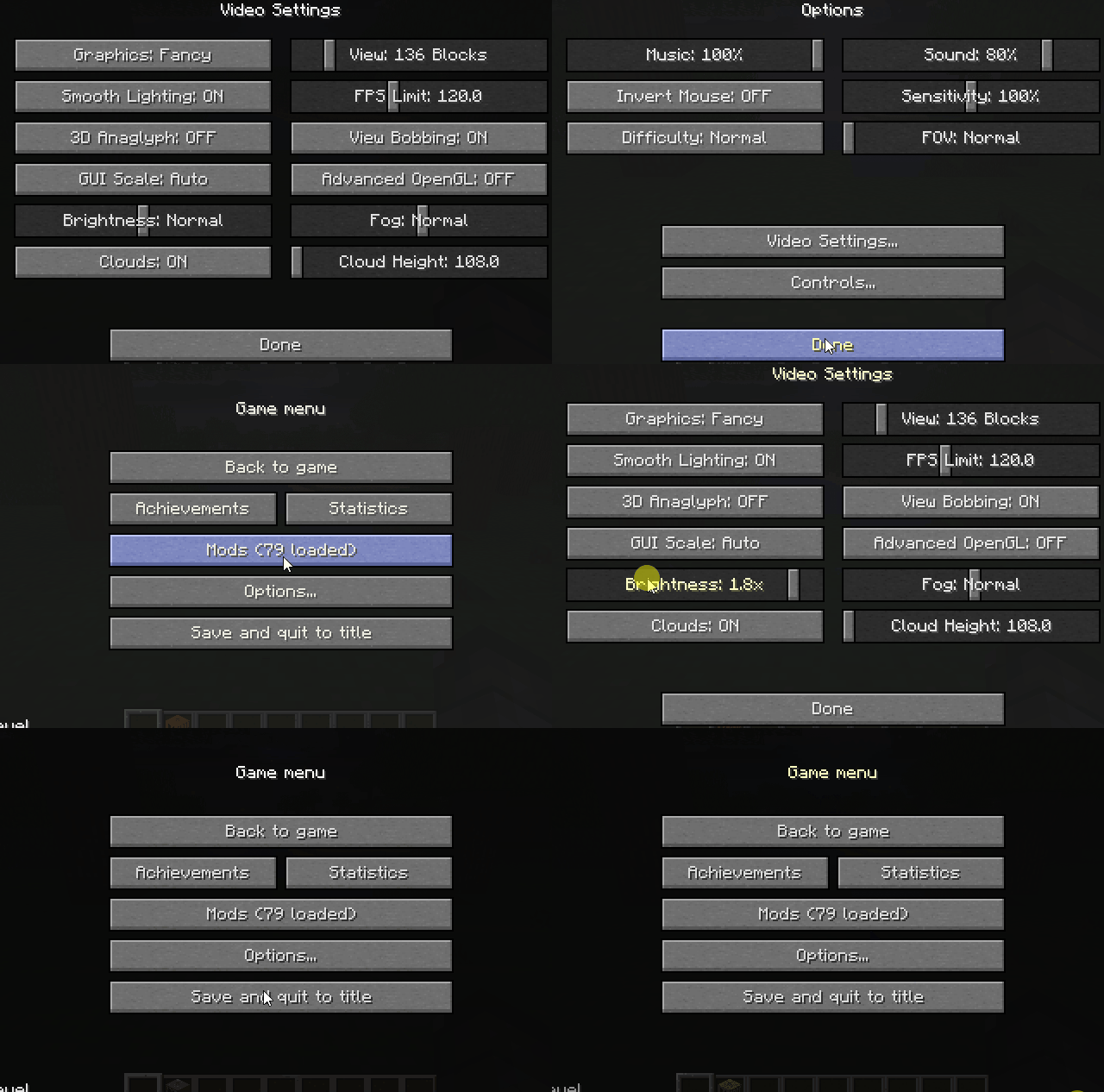
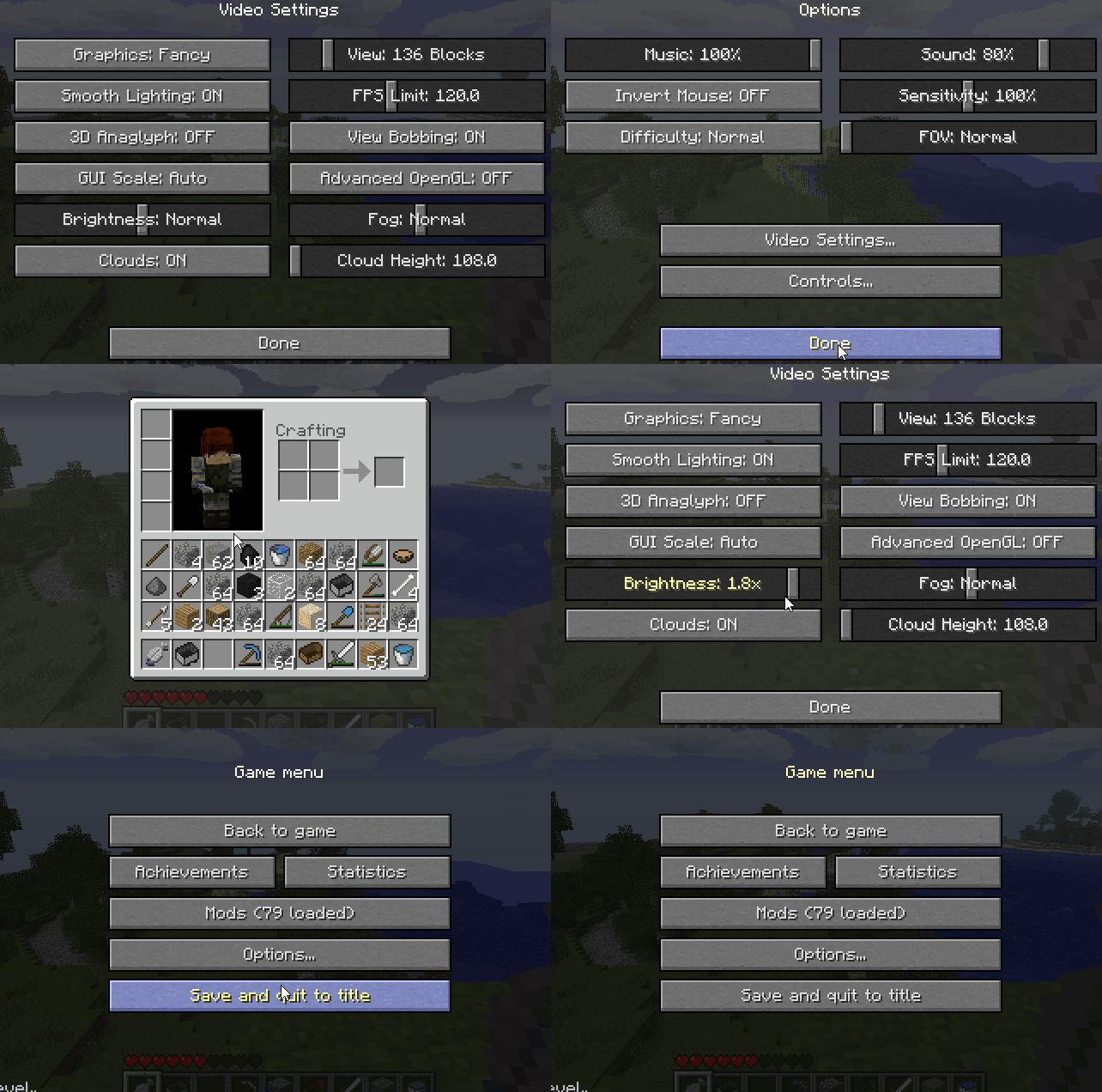
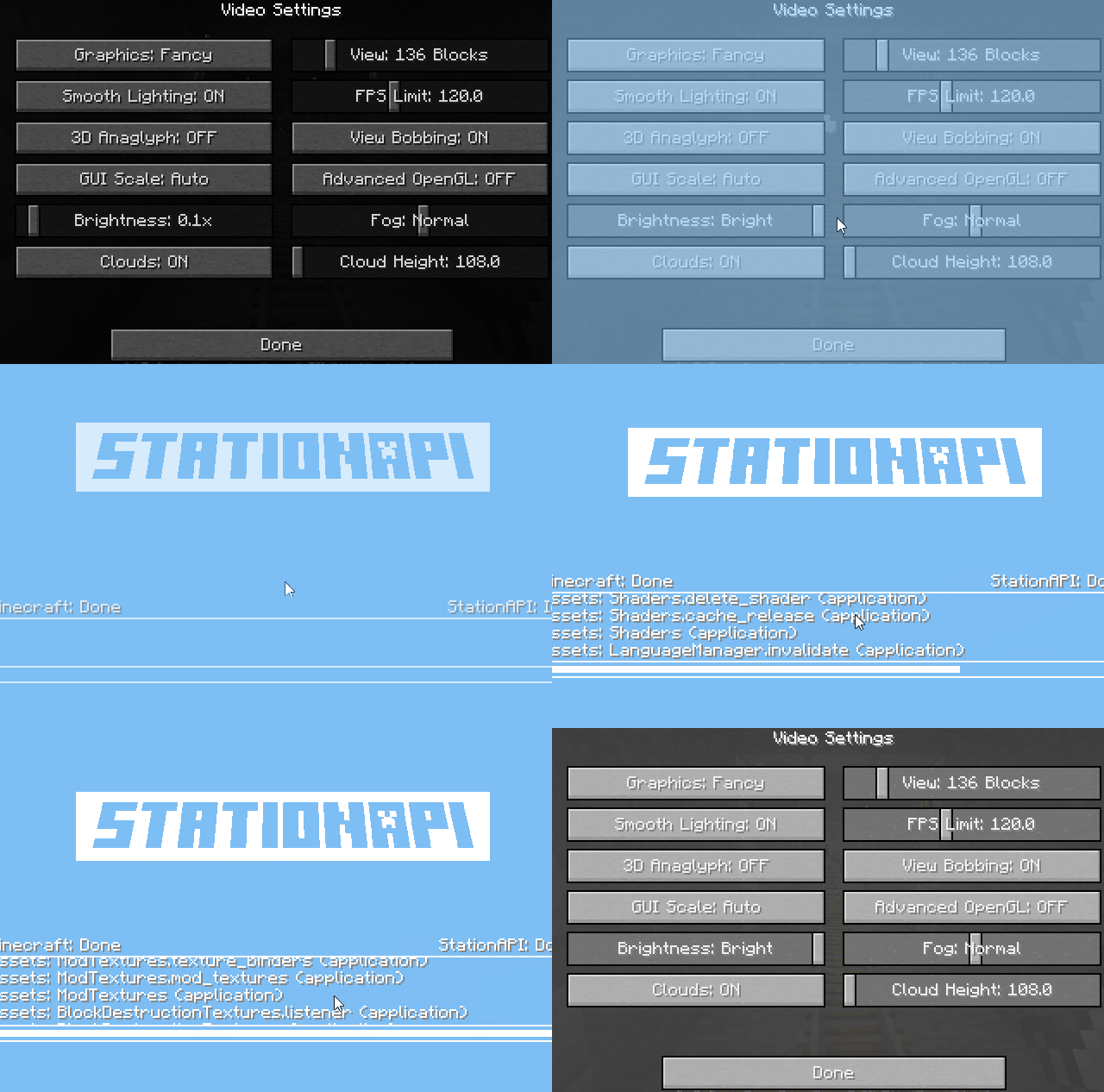
- Ability to change brightness (AKA gamma) in options
- Ability to change FPS limit in options
- Ability to change FOV in options
- Added
LCtrlto zoom in on things quickly - Install MojangFixStationAPI/MojangFix to change this keybinding
- Added
- Ability to change cloud height in options
- Ability to show/hide clouds in options
- Ability to change fog density in options
- Ability to disable particles
- Ability to disable id tags in debug screen
- Tags are disabled by default, re-enable using the mod's config
- Add total hours of play time to debug screen
- Add light level to debug screen
- Calculated at player's eye level
- Add biome type to debug screen
- Add day count to debug screen
- Add slime chunk to debug screen
Sound Additions
- Add chest open sound
- Add chest close sound
- Add food eat sound
- Add food burp sound
- Plays when a food heals you above max health
- Add item break sound
- Add sheep shear sound
- Add minecart rolling sound
Keybinding Additions
- Add keybinding for dismounting a vehicle (default:
LShift)
All other additional keybindings are only added if MojangFixStationAPI/MojangFix is installed.
- Add keybinding for hiding player HUD (default:
F1) - Add keybinding for taking a screenshot (default:
F2) - Add keybinding for toggling debug HUD (default:
F3) - Add keybinding for togglien third-person mode (default:
F5) - Add keybinding for toggling cinematic camera mode (default:
F6) - Add keybinding for toggling fullscreen mode (default:
F11) - Add keybinding for zooming in/out (default:
LCtrl) - Add keybinding for hotbar slot 1 (default:
1) - Add keybinding for hotbar slot 2 (default:
2) - Add keybinding for hotbar slot 3 (default:
3) - Add keybinding for hotbar slot 4 (default:
4) - Add keybinding for hotbar slot 5 (default:
5) - Add keybinding for hotbar slot 6 (default:
6) - Add keybinding for hotbar slot 7 (default:
7) - Add keybinding for hotbar slot 8 (default:
8) - Add keybinding for hotbar slot 9 (default:
9)
Installation using Prism Launcher
- Download an instance of Babric for Prism Launcher: https://github.com/Glass-Series/babric-prism-instance
- Install Java 17 and set the instance to use it: https://adoptium.net/temurin/releases/
- Add GlassConfigAPI 3.0.2+ to the mod folder for the instance: https://modrinth.com/mod/glass-config-api
- Add Glass Networking to the mod folder for the instance: https://modrinth.com/mod/glass-networking
- Add StationAPI to the mod folder for the instance: https://modrinth.com/mod/stationapi
- (Optional) Add Mod Menu to the mod folder for the instance: https://modrinth.com/mod/modmenu-beta
- Add this mod to the mod folder for the instance: https://github.com/telvarost/BetaTweaks-StationAPI/releases
- Run and enjoy! 👍
FAQ
- Q. Why is minecraft so small and part of my screen white?
- A. You probably have screen scaling on or are using a high DPI screen. There are 5 possible ways to fix this:
- The best option is to install Gambac: https://modrinth.com/mod/gambac
- You could also pass the following string in as a java argument in the settings tab
-Dsun.java2d.uiScale=1.0
- You could also install ClientsideEssentials mod or UniTweaks and use their screen scaling fix from GCAPI config options (fix may produce small artifacts with this option)
- You could also change the DPI settings for Prism Launcher to system
- Or, you could change your screen scaling to 100%
- A. You probably have screen scaling on or are using a high DPI screen. There are 5 possible ways to fix this:
Feedback
Got any suggestions on what should be added next? Feel free to share it by creating an issue. Know how to code and want to do it yourself? Then look below on how to get started.
Contributing
Thanks for considering contributing! To get started fork this repository, make your changes, and create a PR.
If you are new to StationAPI consider watching the following videos on Babric/StationAPI Minecraft modding: https://www.youtube.com/watch?v=9-sVGjnGJ5s&list=PLa2JWzyvH63wGcj5-i0P12VkJG7PDyo9T
Available Versions
How to Install ClientsideEssentials StationAPI on Your Server
Order Server
Order a Minecraft Java server with at least 3 GB RAM (4 GB recommended).
Set babric Loader
In the panel under "Egg", select the babric loader and matching Minecraft version (b1.7.3).
Install Mod
Open the mod browser in the dashboard and search for "ClientsideEssentials StationAPI". Click "Install" – done! Alternatively, upload the .jar via SFTP to the /mods folder.
Compatibility
Mod Loaders
Minecraft Versions
b1.7.3
Server-side
✗ UnsupportedRecommended RAM
4 GB(min. 3 GB)Frequently Asked Questions
ClientsideEssentials StationAPI server crashes on startup – what to do?
Most common cause: wrong babric version or insufficient RAM. Check the server log (latest.log) for "OutOfMemoryError" or "Mixin" errors. With Mado Hosting: ensure at least 3 GB RAM is allocated and the loader matches the mod version (b1.7.3). You can switch loaders with one click in the panel.
Is ClientsideEssentials StationAPI compatible with babric and fabric?
ClientsideEssentials StationAPI officially supports babric, fabric for Minecraft b1.7.3. The Mado dashboard automatically detects incompatible loader combinations.
Server lagging with ClientsideEssentials StationAPI – how to optimize performance?
Recommended RAM: 4 GB (per 8 players). Use /spark profiler to check if ClientsideEssentials StationAPI consumes the most tick time. Common fixes: reduce server view-distance to 8-10, install "performant" or "starlight" as supplementary mods on Forge. With Mado Hosting, your server runs on NVMe SSDs with dedicated CPU cores for minimal latency.
Similar Mods




![[ETF] Entity Texture Features](https://cdn.modrinth.com/data/BVzZfTc1/af683d206d50b05258d865b0d6e4aa2f2cee12f2_96.webp)
![[EMF] Entity Model Features](https://cdn.modrinth.com/data/4I1XuqiY/6e5bbd0d06b1741bfdab6c0cfab6de8fdaf0064c_96.webp)
Rent Modded Server
Install ClientsideEssentials StationAPI with just one click on your server.