
Axel's Clocks and Chimes
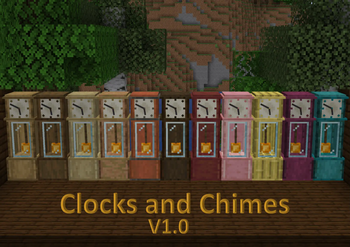
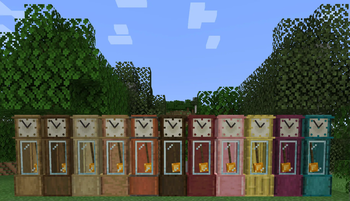
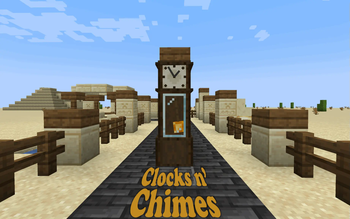
Add Beautiful Clocks to your world! They tell the time and Chime throughout the day!
Screenshots
About this Mod
Axel's Clocks and Chimes V1.0.0 [1.19.4+]
A datapack that adds working Clocks to your world! They tell the time, tick, and chime! Use them in your singleplayer world or Multiplayer server! Highly optimized and have customizable features!
Discord:


Crafting
All Crafting is done Via the Sawmill.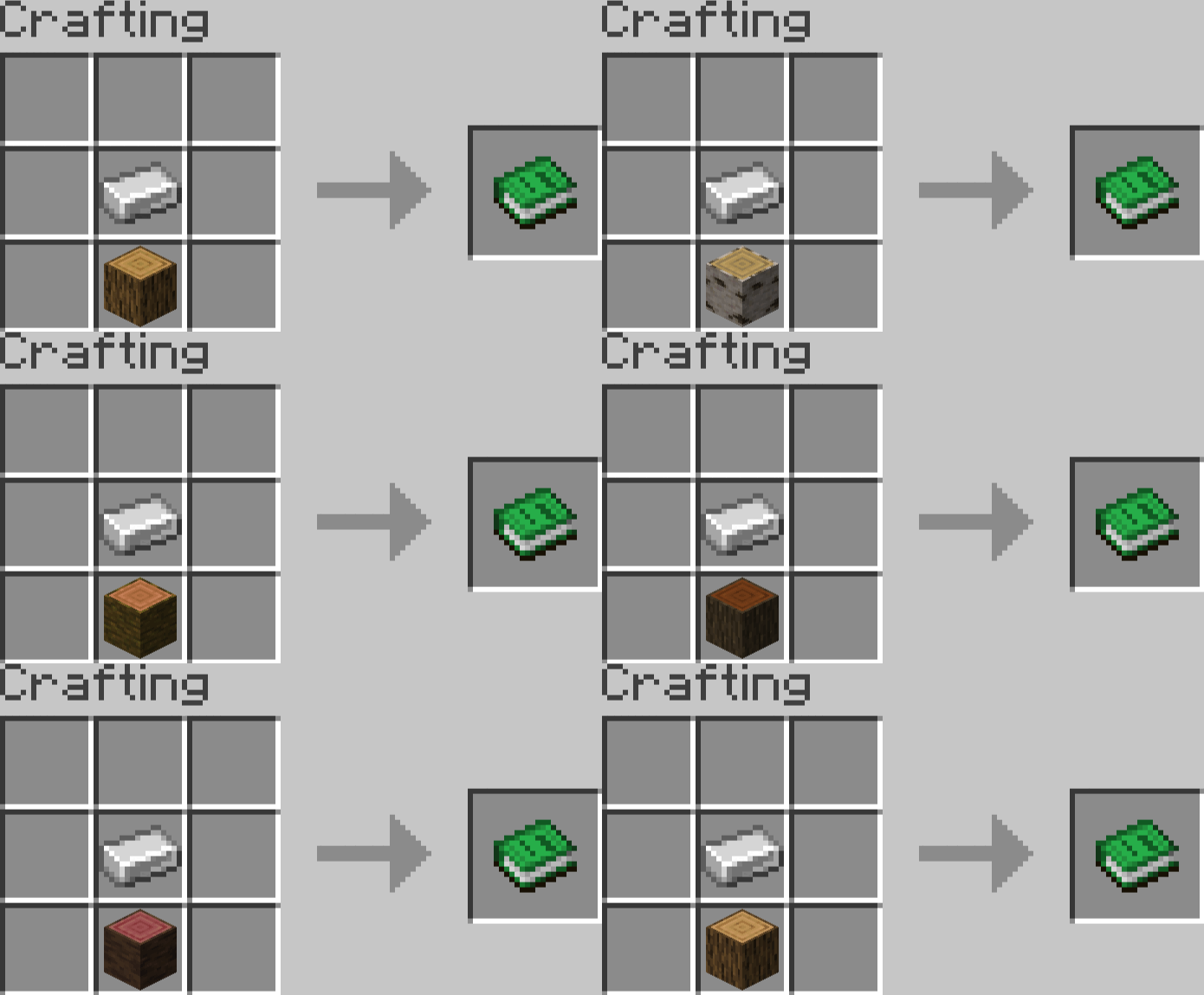

Place Materials inside of a sawmill to create the Grandfather Clocks!
(Tables and Chairs not included in this datapack)
It Costs 40 of any of the following materials to make a clock:
- Oak Planks
- Spruce Planks
- Birch Planks
- Jungle Planks
- Acacia Planks
- Dark Oak Planks
- Mangrove Planks
- Cherry Planks
- Bamboo Planks
- Crimson Planks
- Warped Planks
Customization
Placing a grandfather clock will simply place the frame. If you want it to tell time, you'll have to right click the Grandfather with a Minecraft Clock item. This will place the Clockwork, and it'll begin to work!If you'd like to change the glass color, simply right click the clock with any type of full glass block, and it will replace the color of the glass. It will be returned to you on destroying the clock.
The Sound Effects will change depending on the block underneath the Clock (Just like Noteblocks!). This includes the Bell Toll at Midnight and Midday, the Chime at Dusk and Dawn, and the Tics and Tocs. All three of these change together depending on the block placed under the clock:
- Amethyst_Block: Random Amethyst Pentatonic Tune!
- Creates a Random Tune using the Amethyst Sound Effects in the Pentatonic Scale! - Gold Block: Westminster (Classic Grandfather Chimes)
- Air: Nothing, no sounds or ticks
- Any other block: the Default Chimes and Ticks
External Links


* Submit any Bugs to the Discord
Other Datapacks:
- Tables and Chairs: https://modrinth.com/datapack/tables-and-chairs
Available Versions
How to Install Axel's Clocks and Chimes on Your Server
Order Server
Order a Minecraft Java server with at least 3 GB RAM (4 GB recommended).
Set datapack Loader
In the panel under "Egg", select the datapack loader and matching Minecraft version (1.20.1).
Install Mod
Open the mod browser in the dashboard and search for "Axel's Clocks and Chimes". Click "Install" – done! Alternatively, upload the .jar via SFTP to the /mods folder.
Compatibility
Mod Loaders
Minecraft Versions
1.20.1, 1.20, 1.19.4
Server-side
✓ RequiredRecommended RAM
4 GB(min. 3 GB)Frequently Asked Questions
Axel's Clocks and Chimes server crashes on startup – what to do?
Most common cause: wrong datapack version or insufficient RAM. Check the server log (latest.log) for "OutOfMemoryError" or "Mixin" errors. With Mado Hosting: ensure at least 3 GB RAM is allocated and the loader matches the mod version (1.20.1). You can switch loaders with one click in the panel.
Is Axel's Clocks and Chimes compatible with datapack and fabric and forge and quilt?
Axel's Clocks and Chimes officially supports datapack, fabric, forge, quilt for Minecraft 1.20.1, 1.20, 1.19.4. Note: Forge and Fabric mods are NOT cross-compatible – pick one loader and stick with it. The Mado dashboard automatically detects incompatible loader combinations.
Server lagging with Axel's Clocks and Chimes – how to optimize performance?
Recommended RAM: 4 GB (per 8 players). Use /spark profiler to check if Axel's Clocks and Chimes consumes the most tick time. Common fixes: reduce server view-distance to 8-10, install "performant" or "starlight" as supplementary mods on Forge. With Mado Hosting, your server runs on NVMe SSDs with dedicated CPU cores for minimal latency.
Similar Mods

![[ETF] Entity Texture Features](https://cdn.modrinth.com/data/BVzZfTc1/af683d206d50b05258d865b0d6e4aa2f2cee12f2_96.webp)
![[EMF] Entity Model Features](https://cdn.modrinth.com/data/4I1XuqiY/6e5bbd0d06b1741bfdab6c0cfab6de8fdaf0064c_96.webp)



Rent Modded Server
Install Axel's Clocks and Chimes with just one click on your server.