
CMDAlias
A simple command alias mod for Fabric.
About this Mod
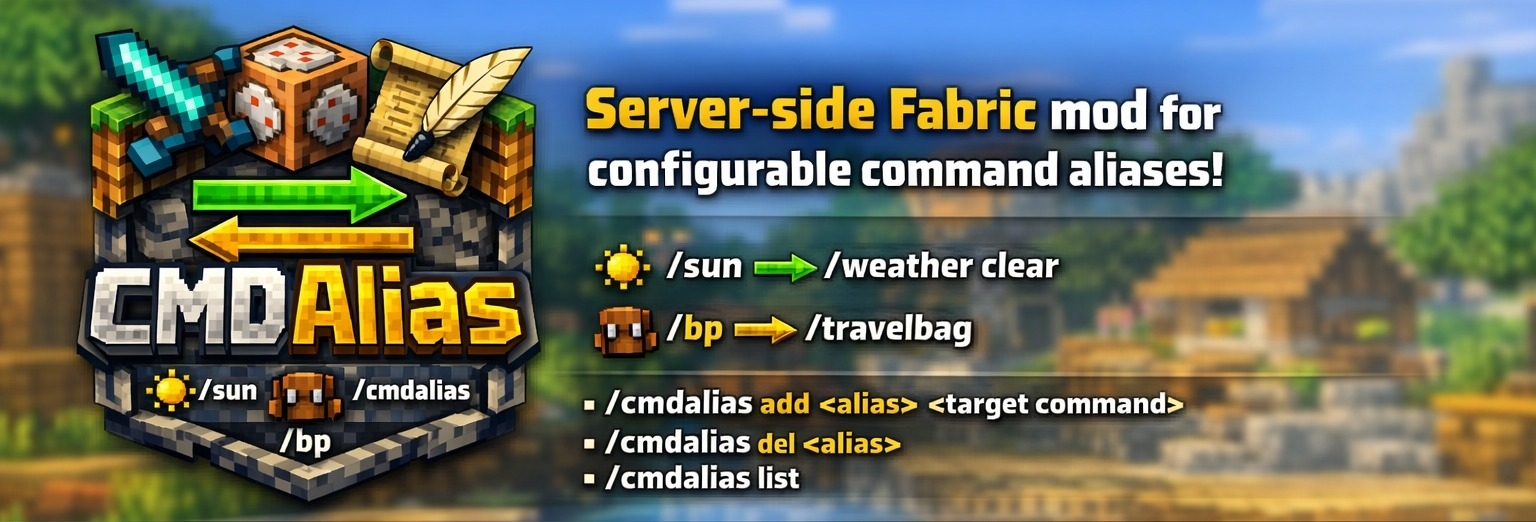
CMDAlias
CMDAlias is a server-side Fabric mod for Minecraft that adds configurable command aliases and shortcuts.
It lets you turn long or repetitive commands into short, memorable ones such as:
/sun->/weather clear/bp->/travelbag/gmsp->/gamemode spectator
Because aliases are registered back into the server command tree, they support tab completion and behave like normal commands for players who are allowed to use the target command.
✨ Features
- Server-side only: no client installation required
- Create short aliases for long vanilla or modded commands
- Replace existing aliases without restarting the server
- Delete aliases in-game
- Tab completion updates after aliases are changed
- Aliases are stored in a simple JSON config file
🔄 Commands
/cmdalias add <alias> <target command>
Adds a new alias or updates an existing one./cmdalias del <alias>
Deletes an existing alias./cmdalias list
Lists all configured aliases.
These commands require operator permissions.
❗ How It Works
Aliases are saved in:
config/cmdalias.json
When the server starts, CMDAlias loads the configured aliases and injects them into the command dispatcher. When you add or remove an alias in-game, the config is updated immediately and the command tree is resynced to online players.
CMDAlias also prevents alias loops such as:
/a -> /b/b -> /a
⚙️ Configuration
Default config:
{
  "aliases": {}
}
Example config:
{
  "aliases": {
    "sun": "/weather clear",
    "bp": "/travelbag",
    "spawn": "/tp 0 64 0"
  }
}
Notes:
- Alias names are normalized to lowercase.
- Alias names may only contain
a-z,0-9,_and-. - Target commands may be entered with or without a leading
/. - Additional arguments typed after an alias are passed through to the target command when possible.
Examples:
/msgs Steve Hello therewith aliasmsgs -> /msg/daywith aliasday -> /time set day
🧾 Example Use Cases
- Give staff shortcuts for common moderation commands
- Create short teleports or utility aliases for private servers
- Simplify long commands added by other mods or datapacks
- Standardize frequently used admin commands across a server team
🏜️ Test Server
Feel free to join my Minecraft server to test my mods: play.swordfishbe.eu
Available Versions
How to Install CMDAlias on Your Server
Order Server
Order a Minecraft Java server with at least 3 GB RAM (4 GB recommended).
Set fabric Loader
In the panel under "Egg", select the fabric loader and matching Minecraft version (26.1.2).
Install Mod
Open the mod browser in the dashboard and search for "CMDAlias". Click "Install" – done! Alternatively, upload the .jar via SFTP to the /mods folder.
Compatibility
Mod Loaders
Minecraft Versions
26.1.2
Server-side
✓ RequiredRecommended RAM
4 GB(min. 3 GB)Frequently Asked Questions
CMDAlias server crashes on startup – what to do?
Most common cause: wrong fabric version or insufficient RAM. Check the server log (latest.log) for "OutOfMemoryError" or "Mixin" errors. With Mado Hosting: ensure at least 3 GB RAM is allocated and the loader matches the mod version (26.1.2). You can switch loaders with one click in the panel.
Is CMDAlias compatible with fabric?
CMDAlias officially supports fabric for Minecraft 26.1.2. The Mado dashboard automatically detects incompatible loader combinations.
Server lagging with CMDAlias – how to optimize performance?
Recommended RAM: 4 GB (per 8 players). Use /spark profiler to check if CMDAlias consumes the most tick time. Common fixes: reduce server view-distance to 8-10, install "performant" or "starlight" as supplementary mods on Forge. With Mado Hosting, your server runs on NVMe SSDs with dedicated CPU cores for minimal latency.
Similar Mods




Rent Modded Server
Install CMDAlias with just one click on your server.