
Cobalt Age
The first lagless redstone alternative, finally waterloggable and optimized, independent and incompatible with redstone, comes with sets of redstone and decorative blocks
Screenshots
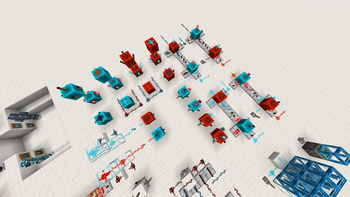

About this Mod

About
Cobalt Age adds a new Overworld mineral: Cobalt.
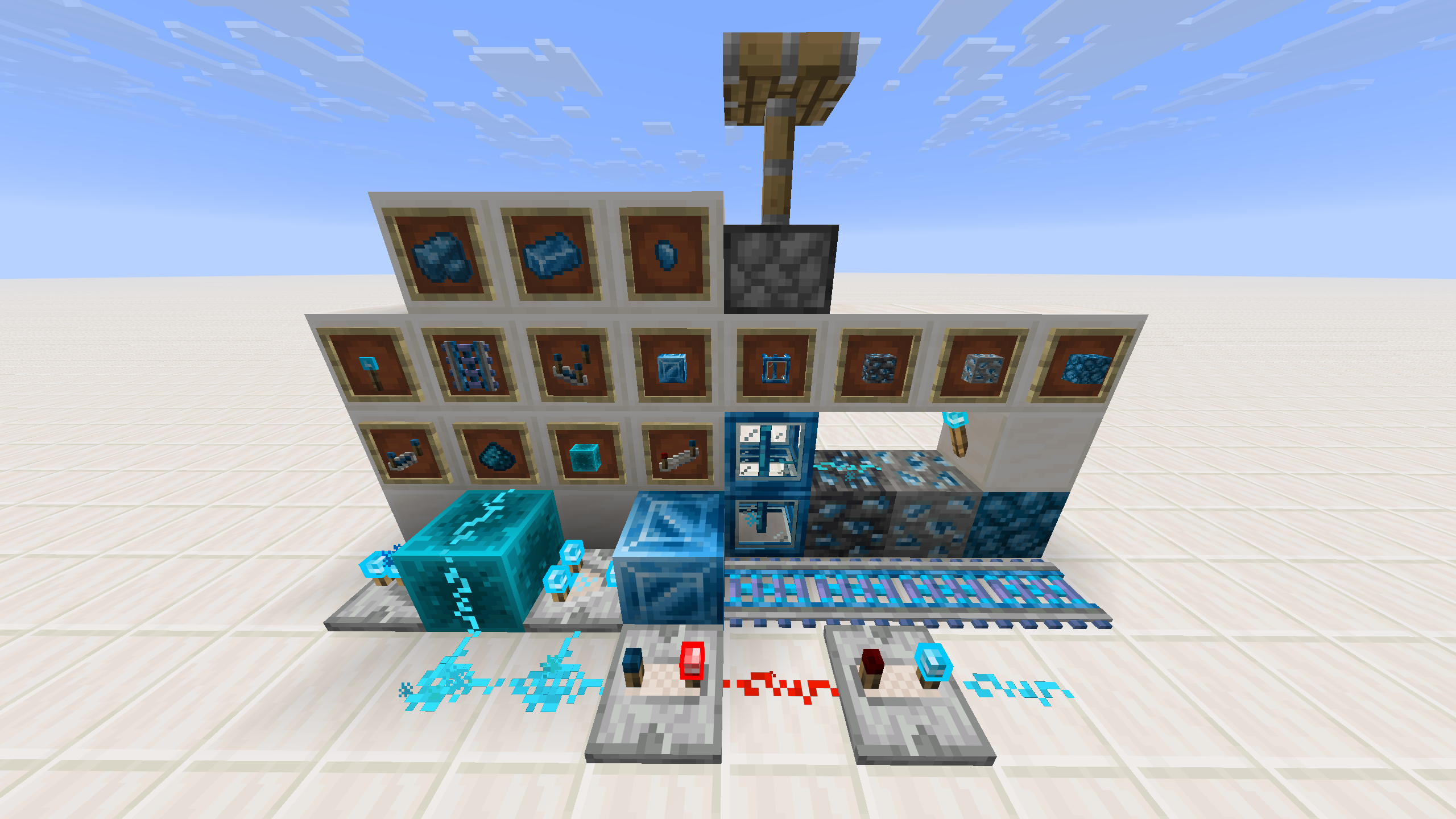
The cobalt comes with its own set: Cobalt Ore (Stone and Deepslate), Raw Cobalt, Cobalt Ingot, Cobalt Nugget, Cobalt Block and Raw Cobalt Block.
By that, you may combine a Cobalt Nugget with Redstone, obtaining the Cobalt Dust, the base of a new energy system that behaves similarly to Redstone while providing several unique advantages:
- Up to 1000× lower computational cost than redstone
- Fully independent from Redstone signals.
- Can be waterlogged.
- Underwater automation and circuitry (consequence of Waterloggability)
- Prevents water flows from breaking dust networks (consequence of Waterloggability)
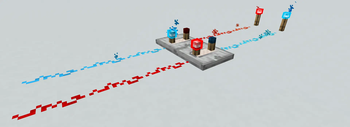
- Other than the Cross and Dot states, which are already in Redstone, it has the Retracted state. Allowin the Cobalt Dust to be smarter than redstone (check the last image in "Cobalt Age Showcase" down here for clarifications)
- Comes with a set of Cobalt Energy Blocks (CEBs):
- Cobalt Dust
- Cobalt Repeater
- Cobalt Comparator
- Cobalt Torch
- Cobalt Rail
- Cobalt Relay
- Converter
As you may guess, the Converter will work as a bridge for the two systems.
Spoiler: Cobalt Age Showcase
Complete Cobalt Age Set:
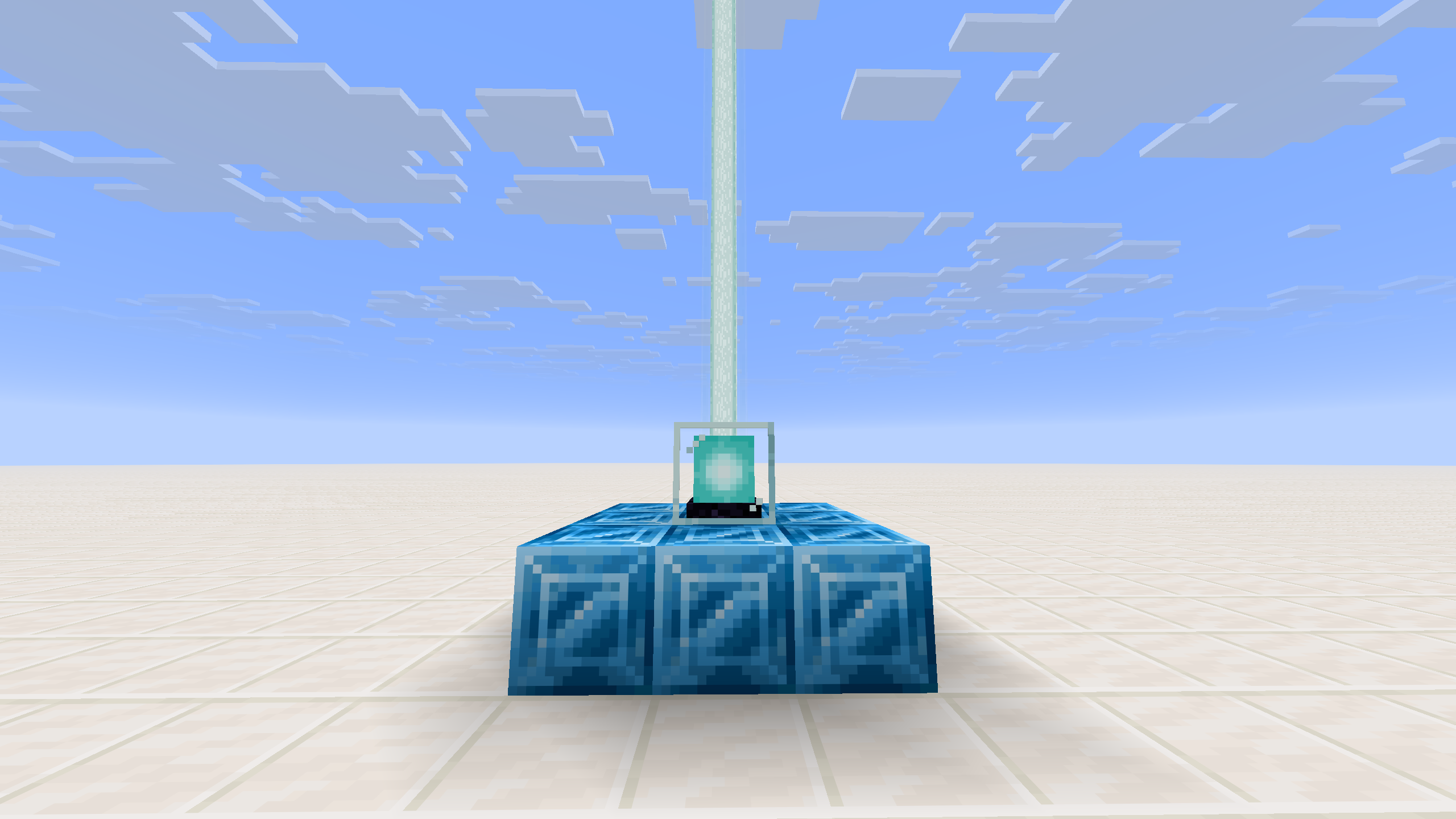
Cobalt Block is compatible with the Beacon:
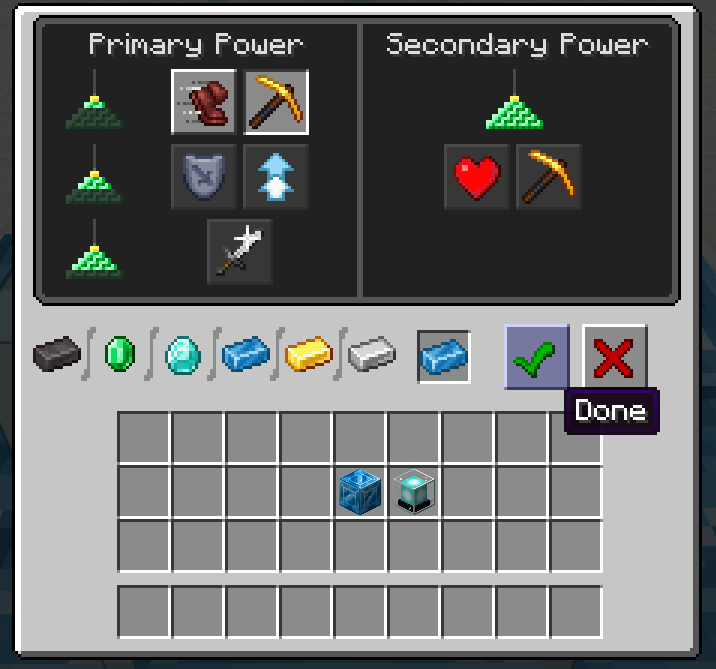
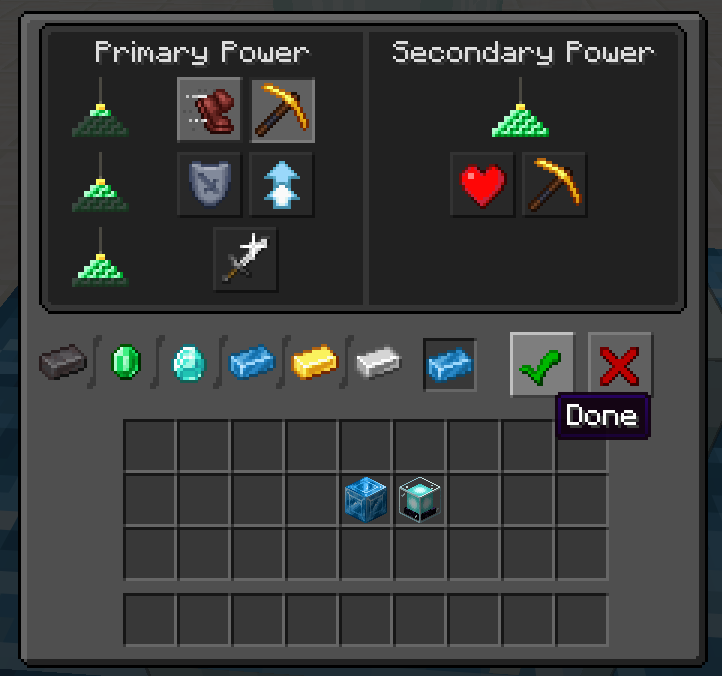
The new beacon GUI, the cobalt ingot has been added in the GUI.
Water does not break the blocks:
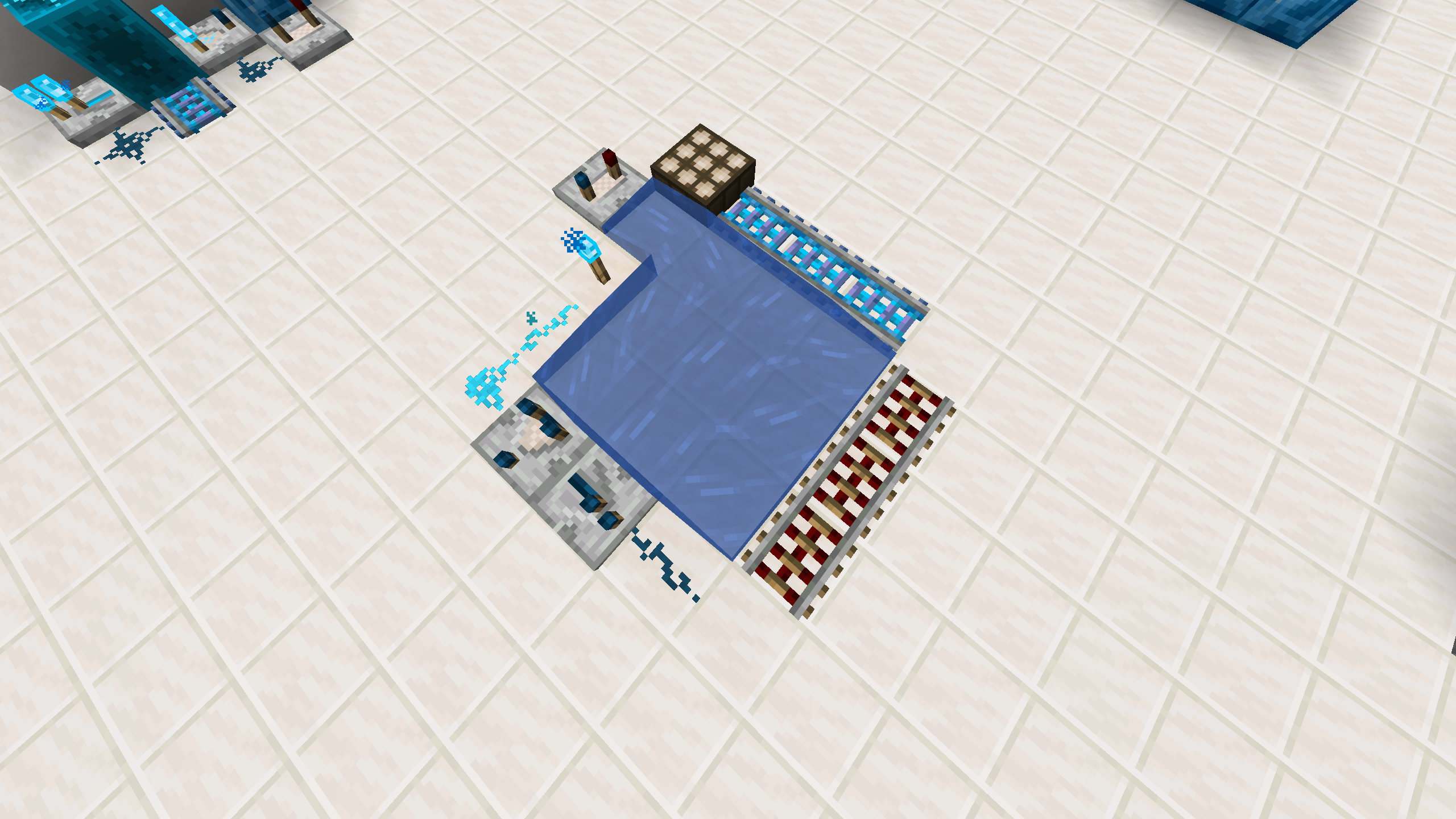
A closer look into the retracted state:
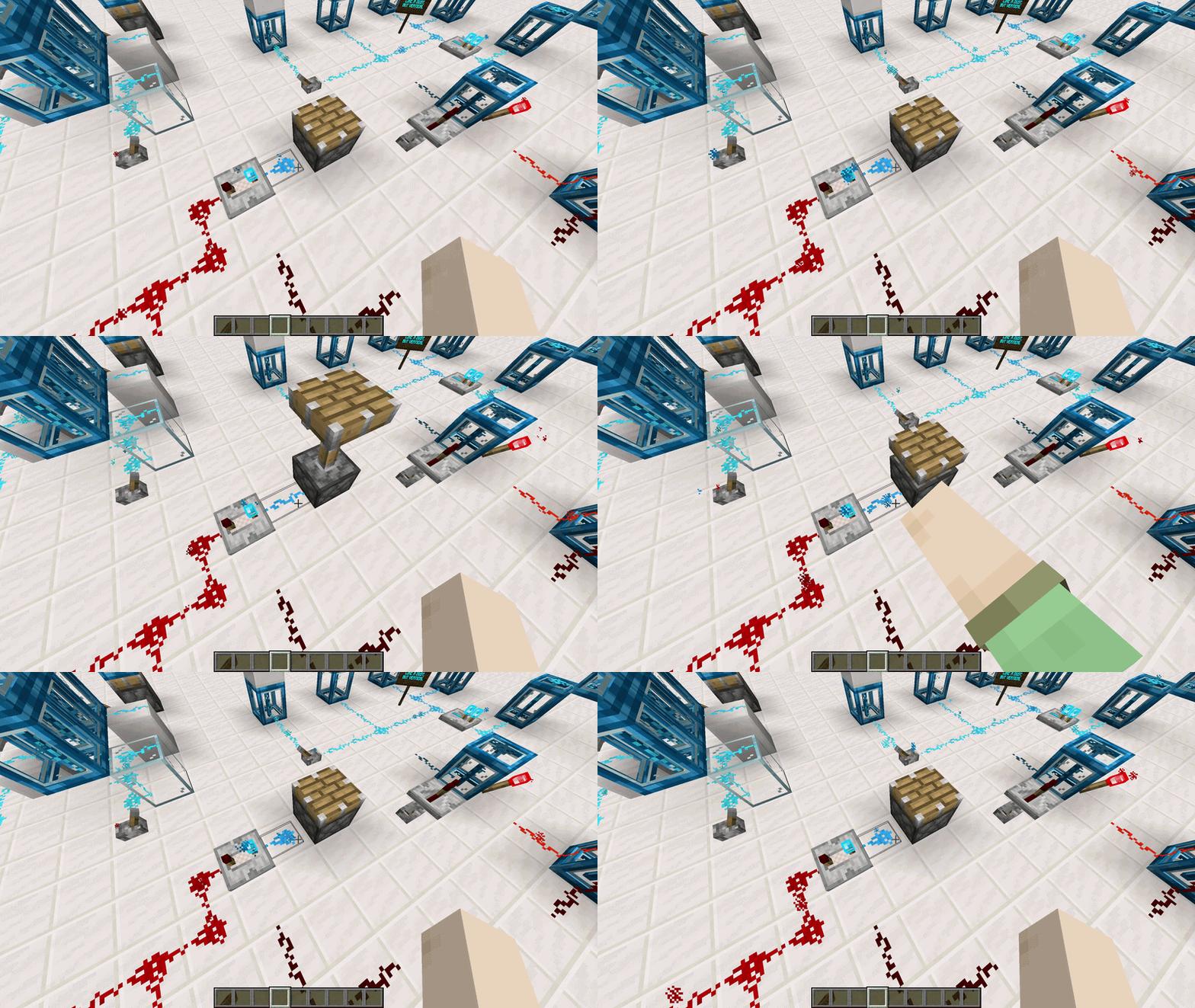
High-Performance Signal Engine
Cobalt wires use a modern optimized signal propagation system capable of reducing computation costs dramatically compared to vanilla Redstone, which scales in amplitude with the complexity of the system.
Unlike alternative optimization approaches, cobalt wires and relays preserve vanilla update order and behaviour, including mechanics that rely on update timing and ordering, such as dupe machines.
Benefits are:
- Up to 1000× lower computational cost, the more the complex circuit the lower computational cost, in comparison with redstone.
- No noticeable TPS or FPS impact in massive wire networks.
- Maintains compatibility with other mods which may include more signal absorbers (Consumers) and more signal emitters (Emitters).
Performance Tests
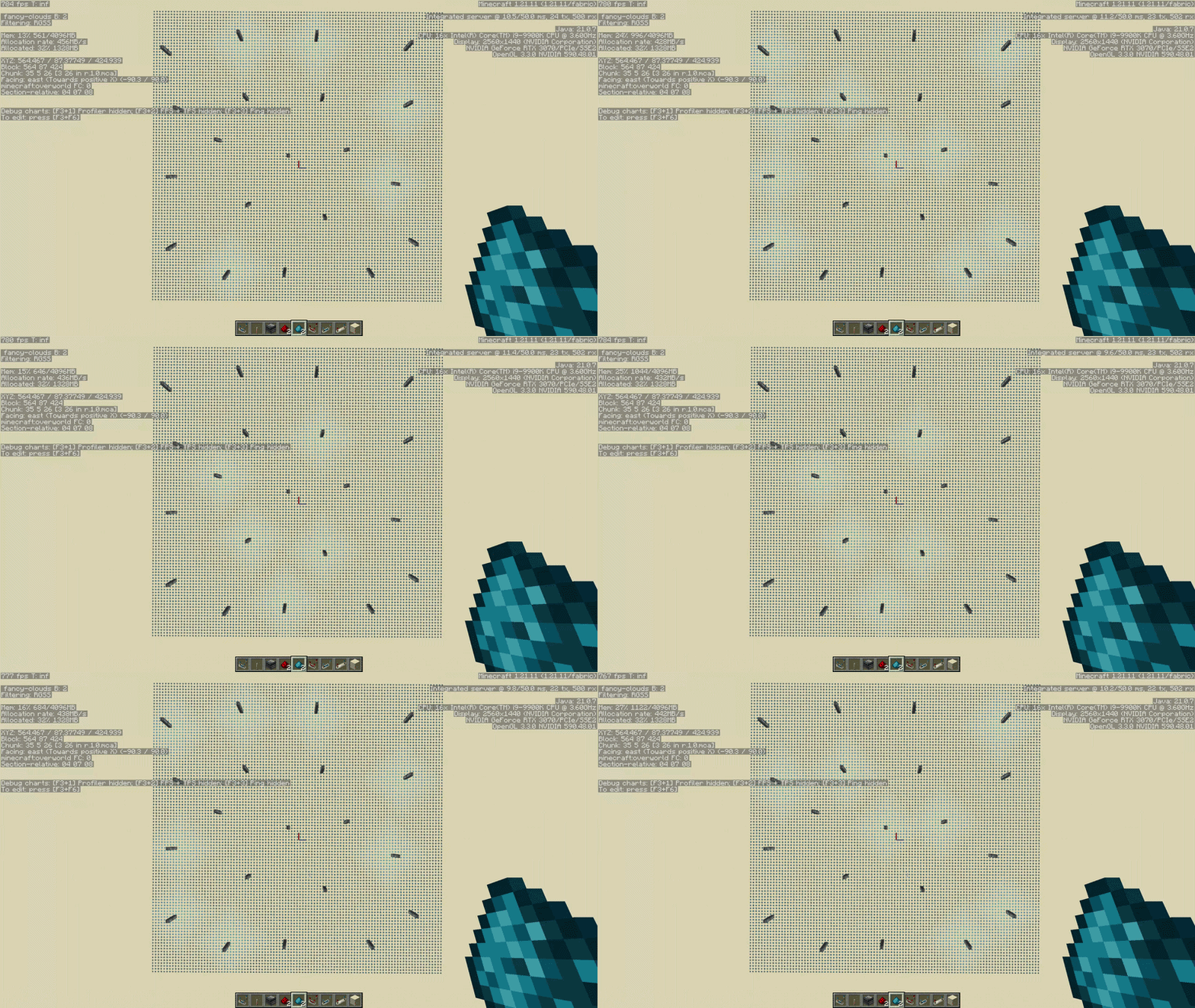
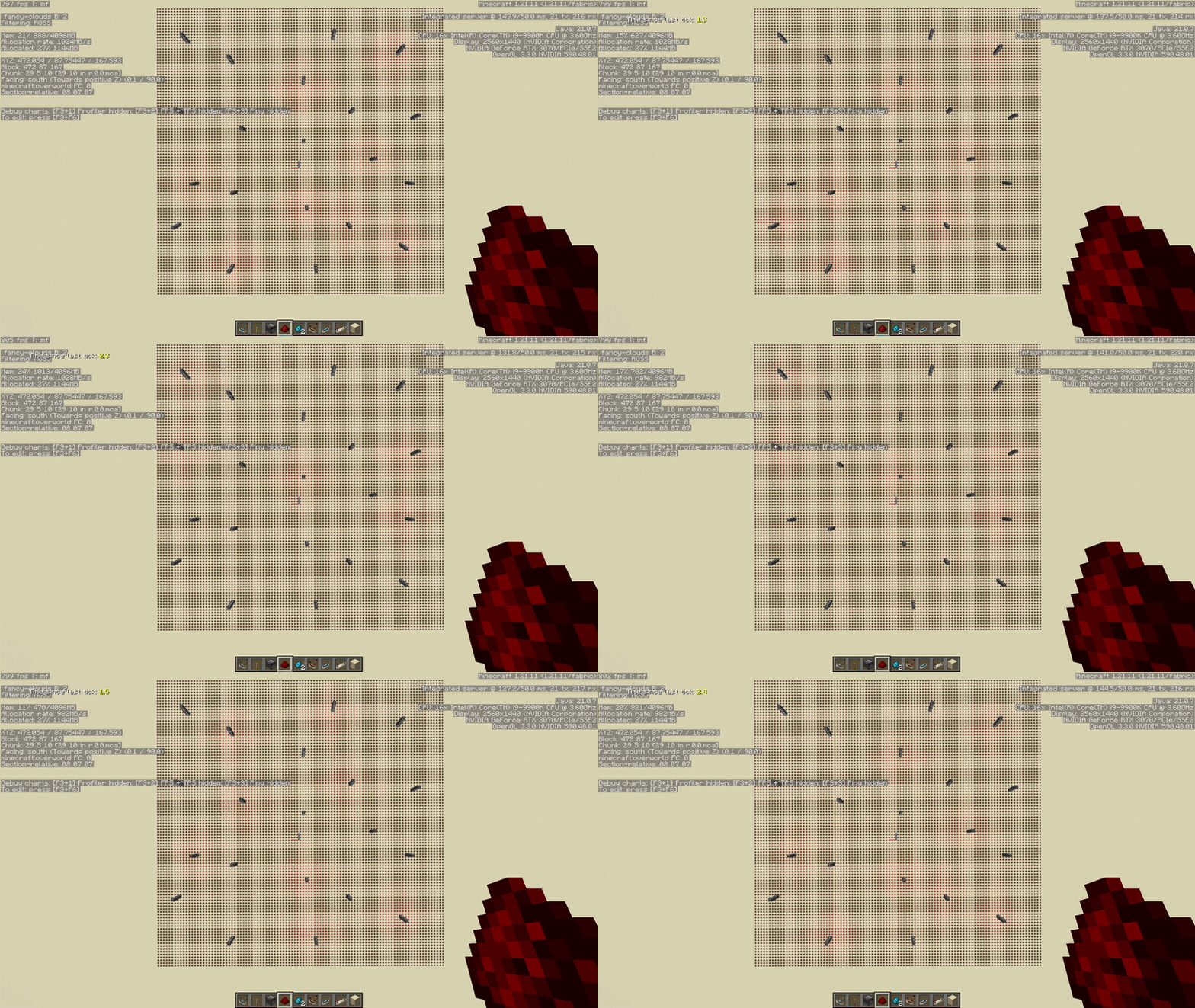
Scatter Test in a 100 x 100 wire linked web with 20 observer clocks. Cobalt dust does not cause not even a minimum server lag or client FPS drops (10 ms over 50 ms), while redstone dust cause a huge lag and a huge delay of 2.8 seconds from a tick to another one (130+ ms over 50ms). You can see the delay in the redstone update signals in the shown videos.
Independent Energy Systems
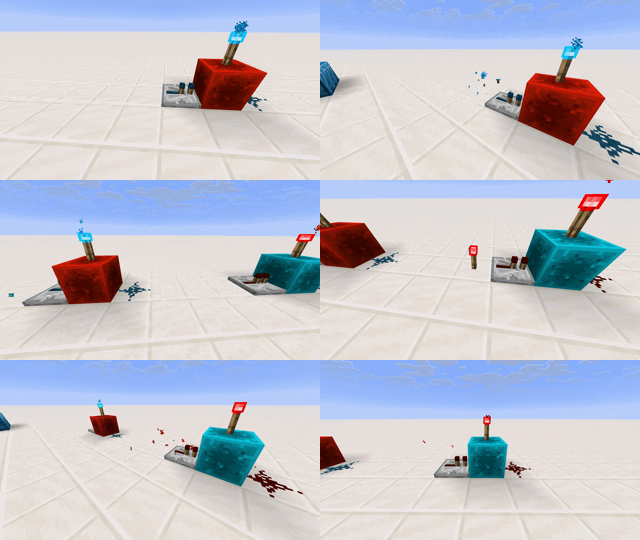
Cobalt Energy Blocks (CEBs) and Redstone Energy Blocks (REBs) completely operate independently. They emit signals on different channels. You may think the system will break when you try to transfer the a signal through a block which is in the set of the other signal channel (example a redstone torch behind a cobalt dust block). Well, it will not break, as the signal channels will not interfere with each other (because of their independent signal channel).
Two reciprocal examples may be:
- Redstone Dust Blocks can receive a cobalt signal from a CEBs and because of that emit a cobalt signal to their neighbours
- Cobalt Dust Blocks can receive a redstone signal from a REBs and because of that emit a redstone signal to their neighbours
A pratical meaning of this may be:
- A redstone repater poiting a Cobalt Dust Block, which then transfers the energy to a redstone torch, and viceversa at switched roles.
Spoiler: Practical example of independence
Spoiler: Parallel Wires

Spoiler: More independece examples
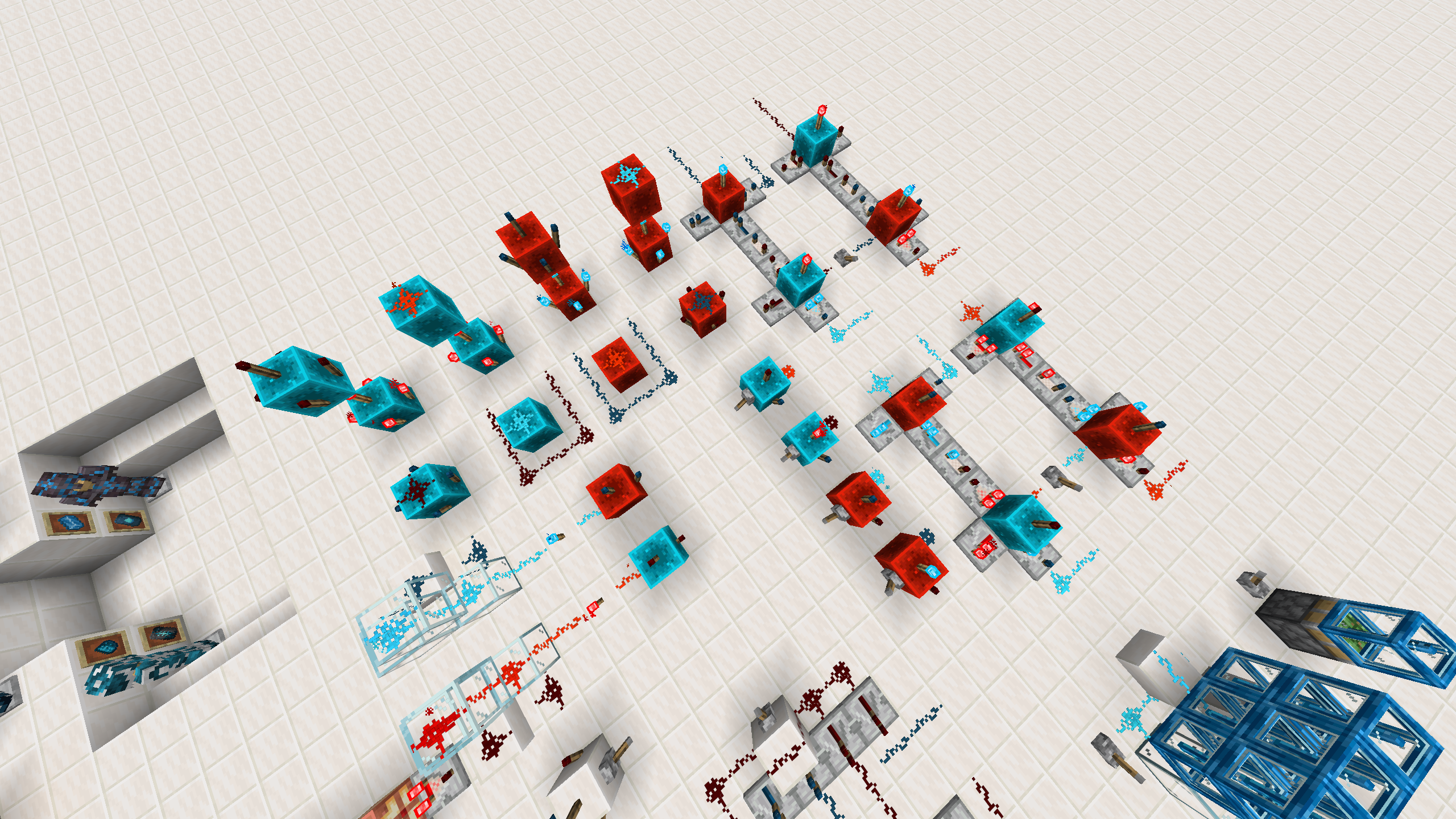
Spoiler: Even more examples
Showcase of the Glass Diode for Cobalt Wires. The logic has been inherited by Redstone Wires.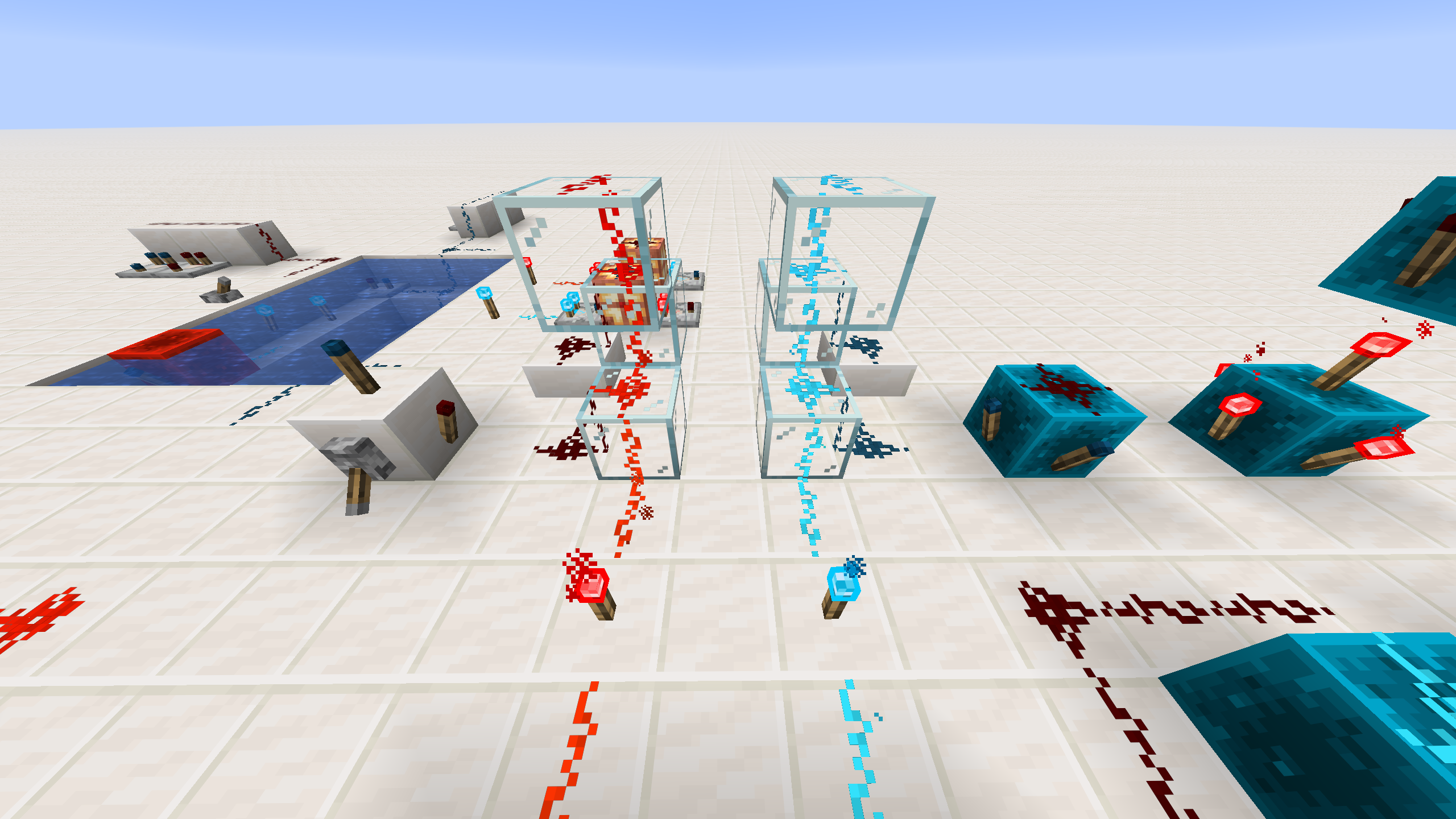
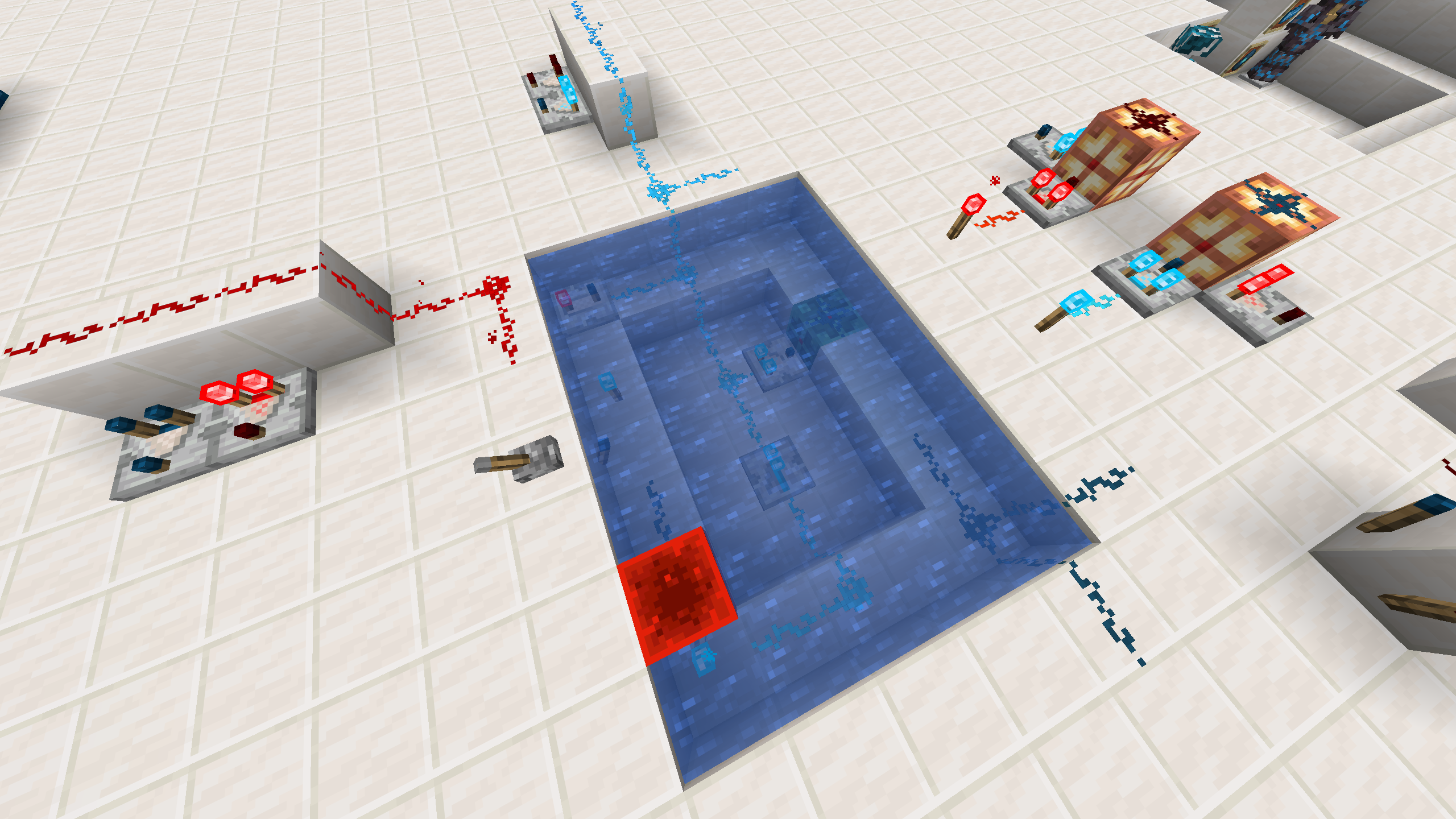
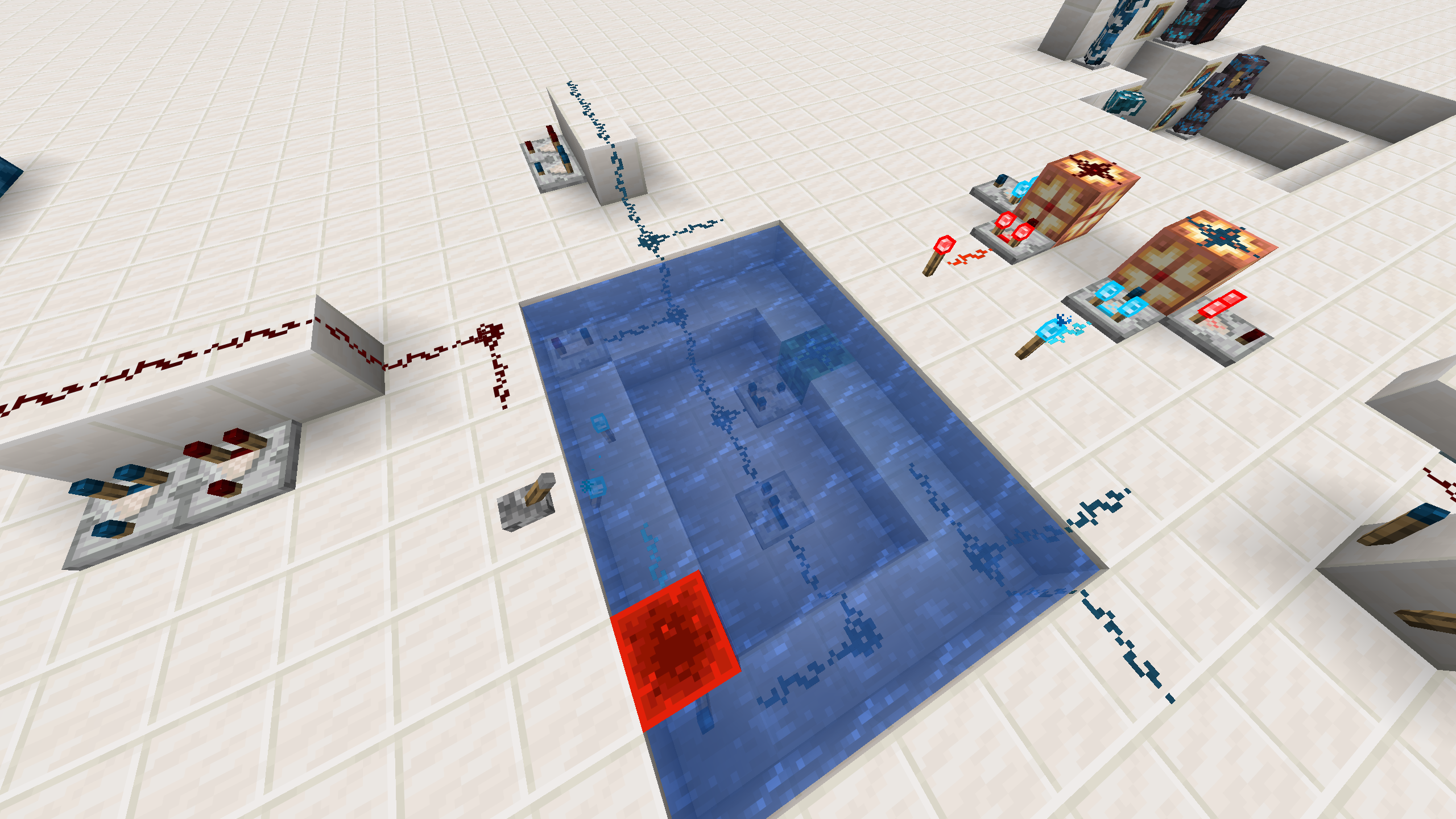
ON / OFF Showncase images for mixed blocks underwater and surface.
Cobalt Rail
A faster alternative to Powered Rails, which has 24 blocks per second (BPS) as minecart speed by default (but you can change it as you want thorugh a gamerule), as it is meant for long distance travels. The vanilla minecart speed for Powered Rails is 8 BPS.
Note: Supports experimental minecart improvements feature.
The custom gamerule that has been added lets you change the speed of both cobalt and powered rails, the format is the following:gamerule cobaltage:max_minecart_speed_<type> <value>, where 'type' is the type of rail and 'value' is the speed in BPS. Keep in mind that it is also mandatory to change the gamerule max_minecart_speed as this works as the maximum minecart speed theoretically reachable. The real maximum speed will be defined by the two gamerules though, so it is suggested to set the max_minecart_speed to a value which is greater or equals the maxium between the cobalt and powered rail minecart speed.
Despite the fact that the speed of both types of rails can be modified, we recommend that at least one of the rails keeps the vanilla minecart speed (8 BPS).
Converter
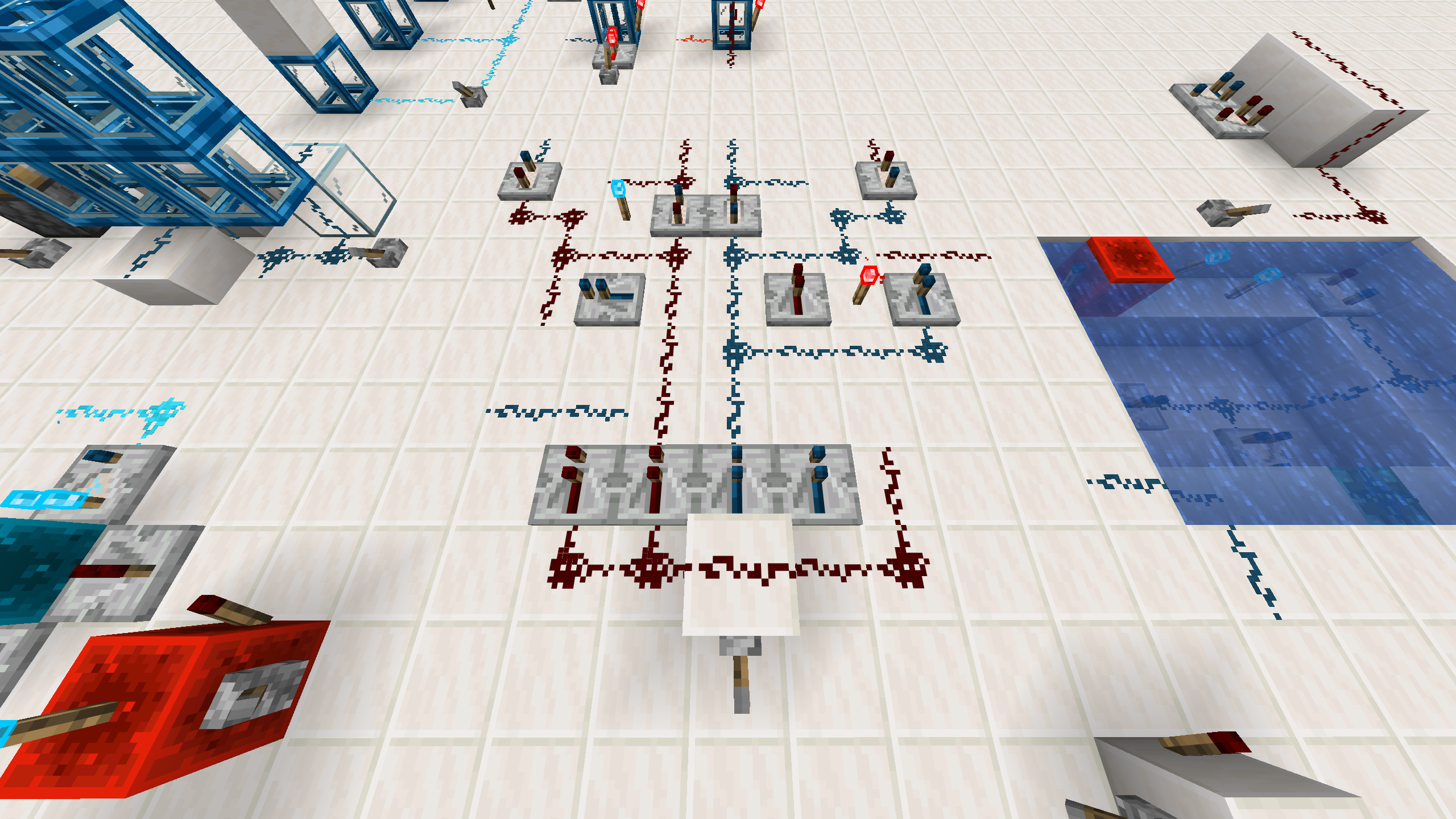
The converter works as a bridge between cobalt and redstone signal worlds. It is a block that let the player transform the energy signal from one type to the other one. This also helps to ensure there is a way to inject moddded Emitters signals to cobalt wires if they are planned to be used.
Further properties:
- Reading: Similarly to Comparators and Repeaters, can read the signal behind him, but said signal must match the correct facing to work. It then will emit the same energy, that it reads from behind, towards the opposite facing changing the signal type.
- Emitting: It will emit the energy like a comparator, so if there is a solid block in front of this block it will emit power towards that block. The emission is done with the amout of energy it is reciving as an input (reading 7 as input will produce 7 as output, just like a comparator). It works from both sides and the maxium input energy type will take the priority in the energy flow.
Spoiler: Converter
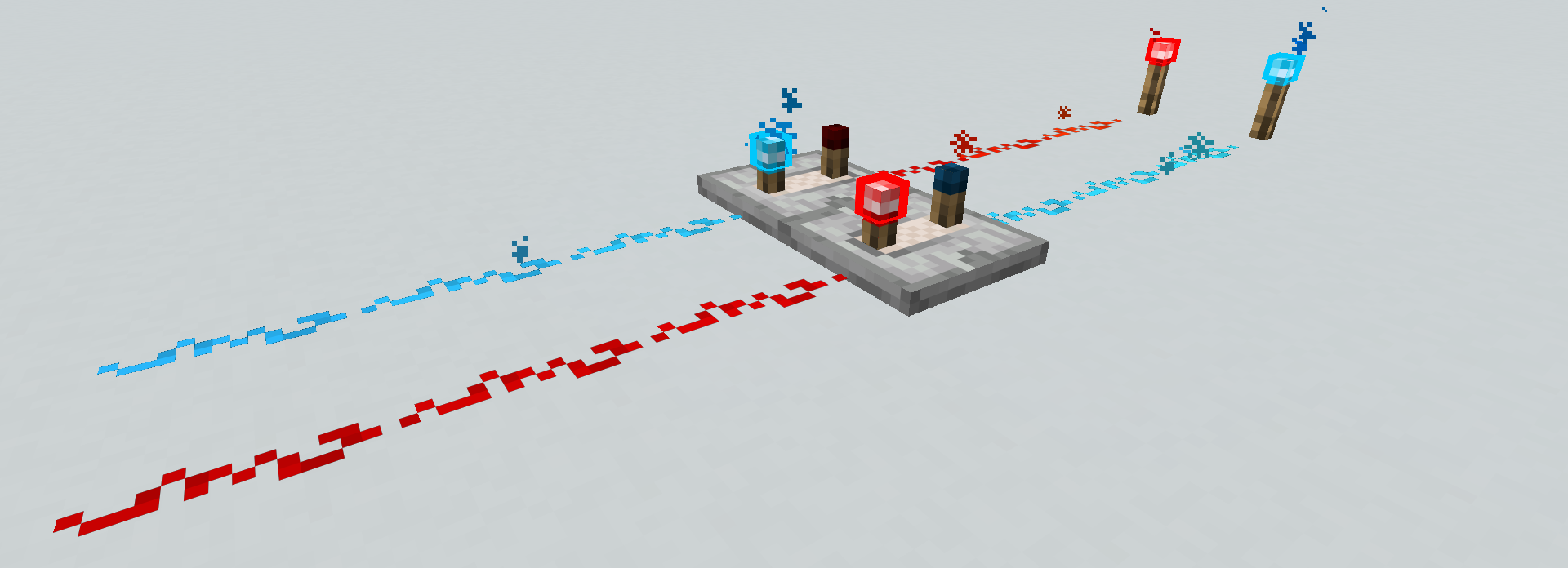
Converter ON / OFF Lever behavior. You can also see the indipendence of wires.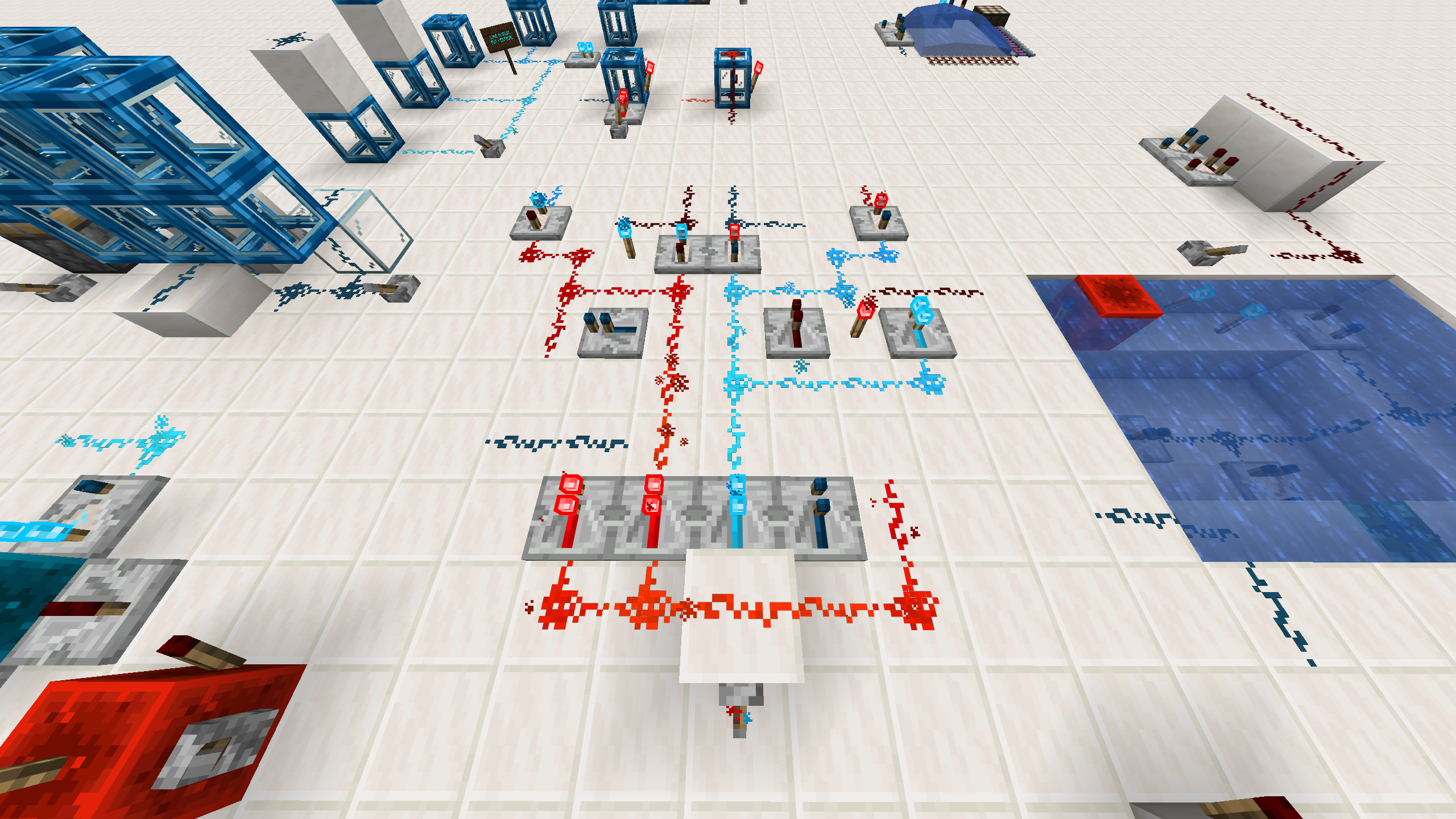
Relay
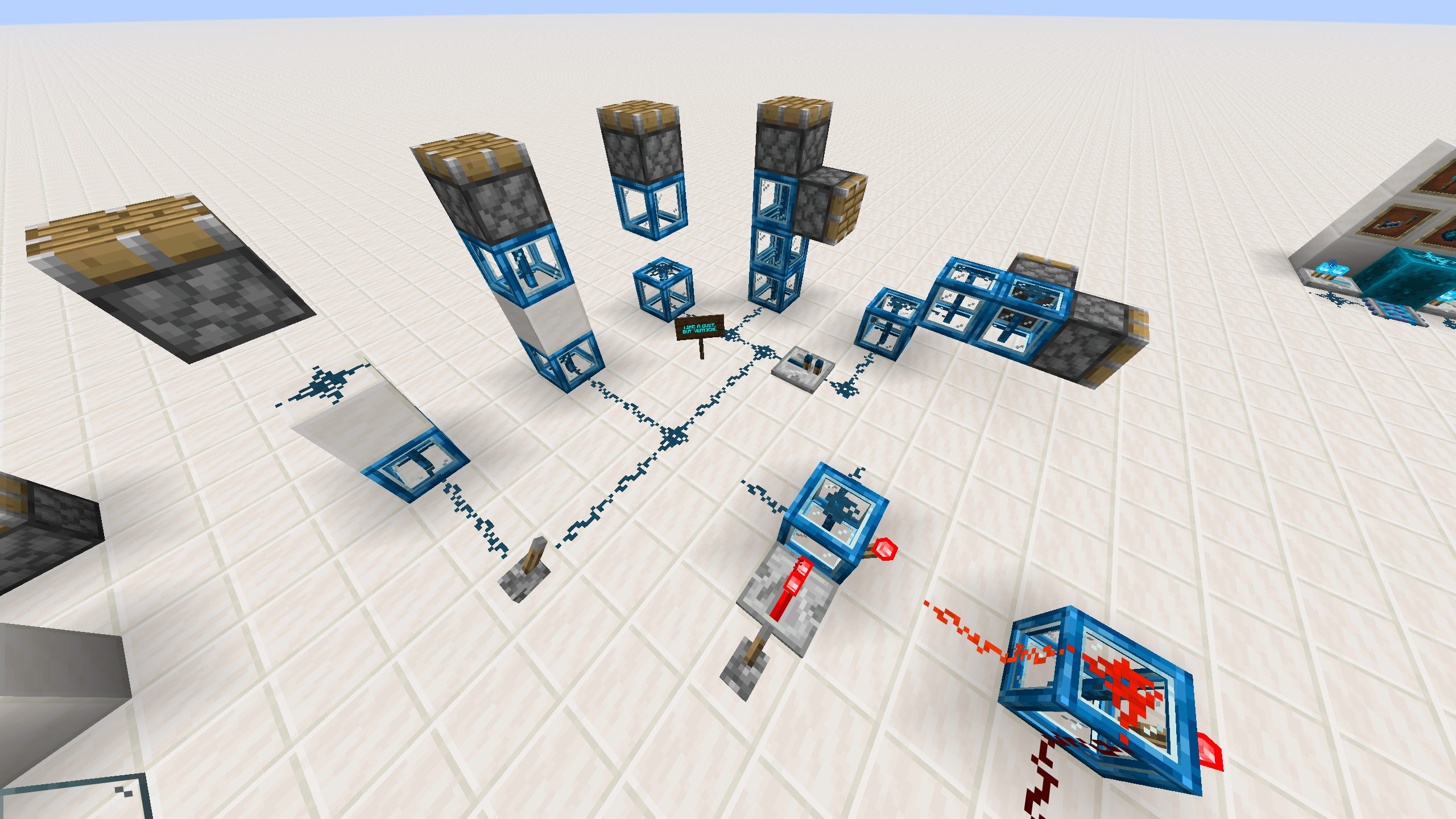
The relay is a block that can be used to do vertical signal transmission. It works as a dust, but only powers upwards and downwards. It's properties are:
- Transmitting only upward and downward.
- Connecting horizontally only to Cobalt Dust.
- It is a glassy block, allowing diode-style logic when you use it with redstone
- You can attach without consequences Cobalt Torches to its faces, since the flow will be inside the block.
Spoiler: Cobalt Relay
ON / OFF Showcase for the Relay.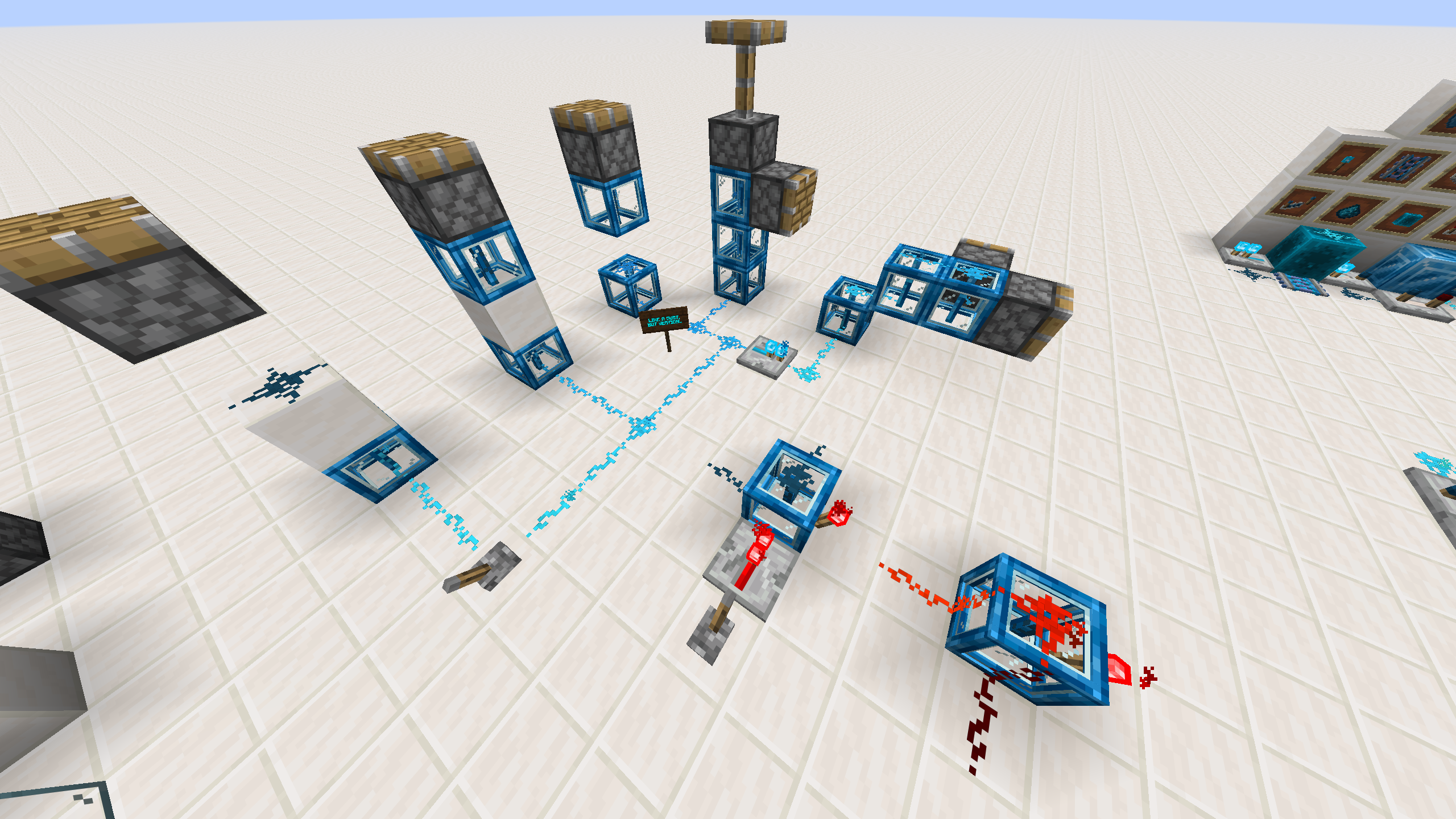
A new look: Armor trims and material templates
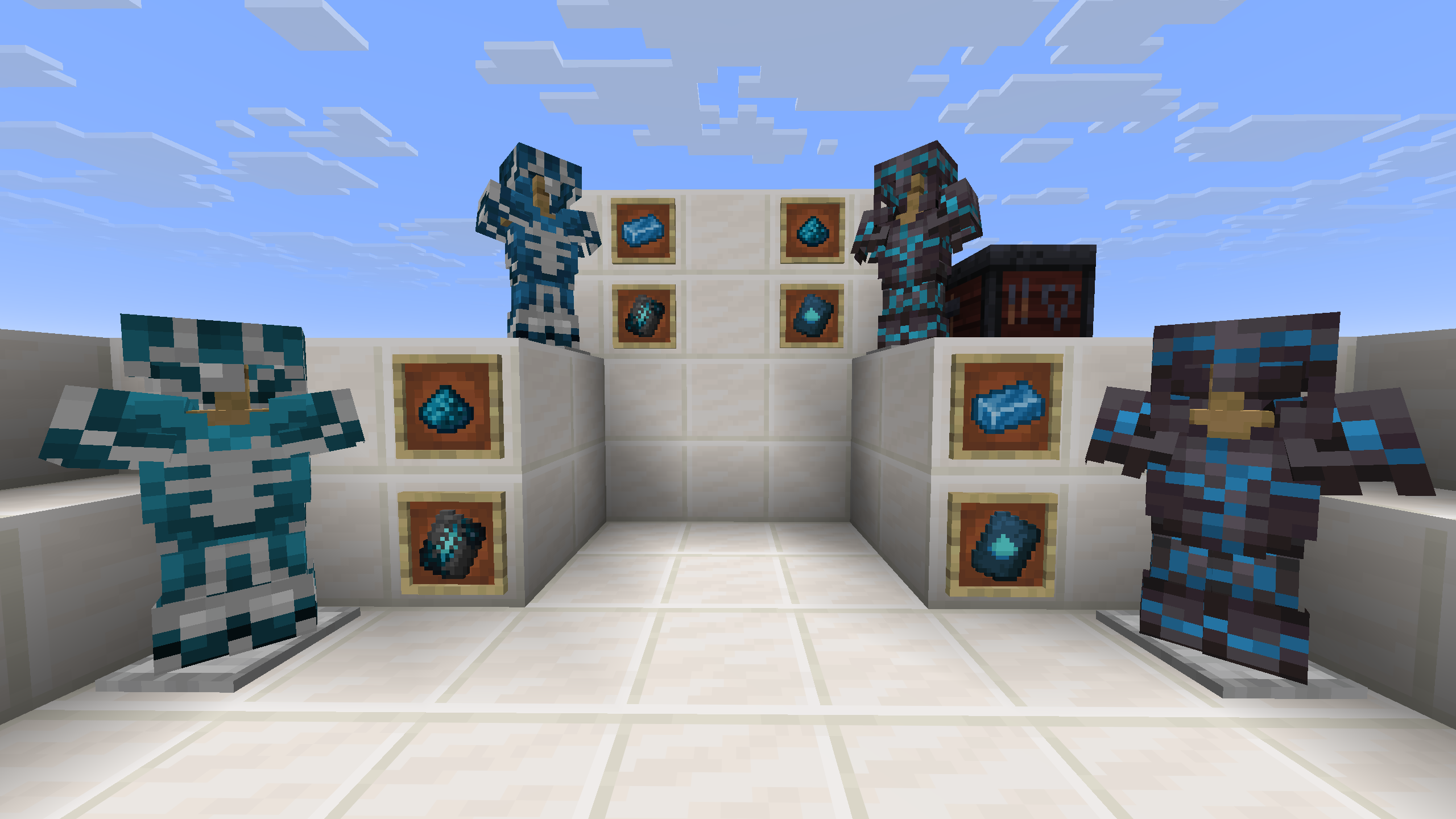
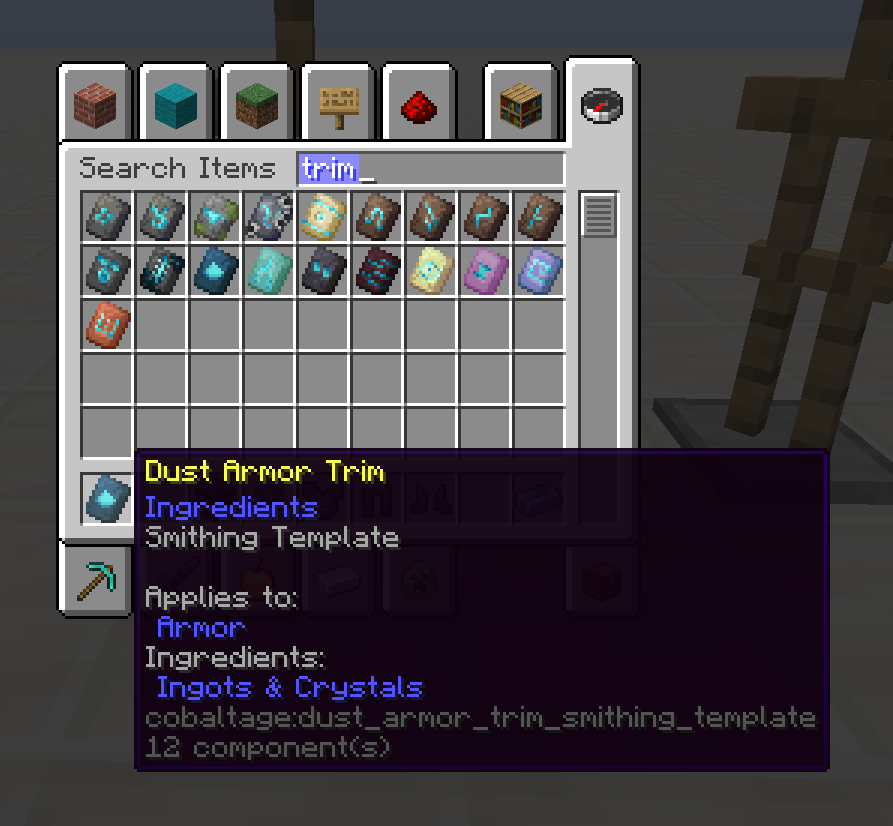
This mod also adds new looks for your armors. It adds Cobalt Ingot and Cobalt Dust items to be used as material template in the smithing table.
Also a new armor trim template has been added: Dust Armor Trim. This new trim pattern can be obtained, as a temporary feature, by trading with the wandering trader.
Spoiler: Dust Armor Trim & Cobalt Materials
Resource packs
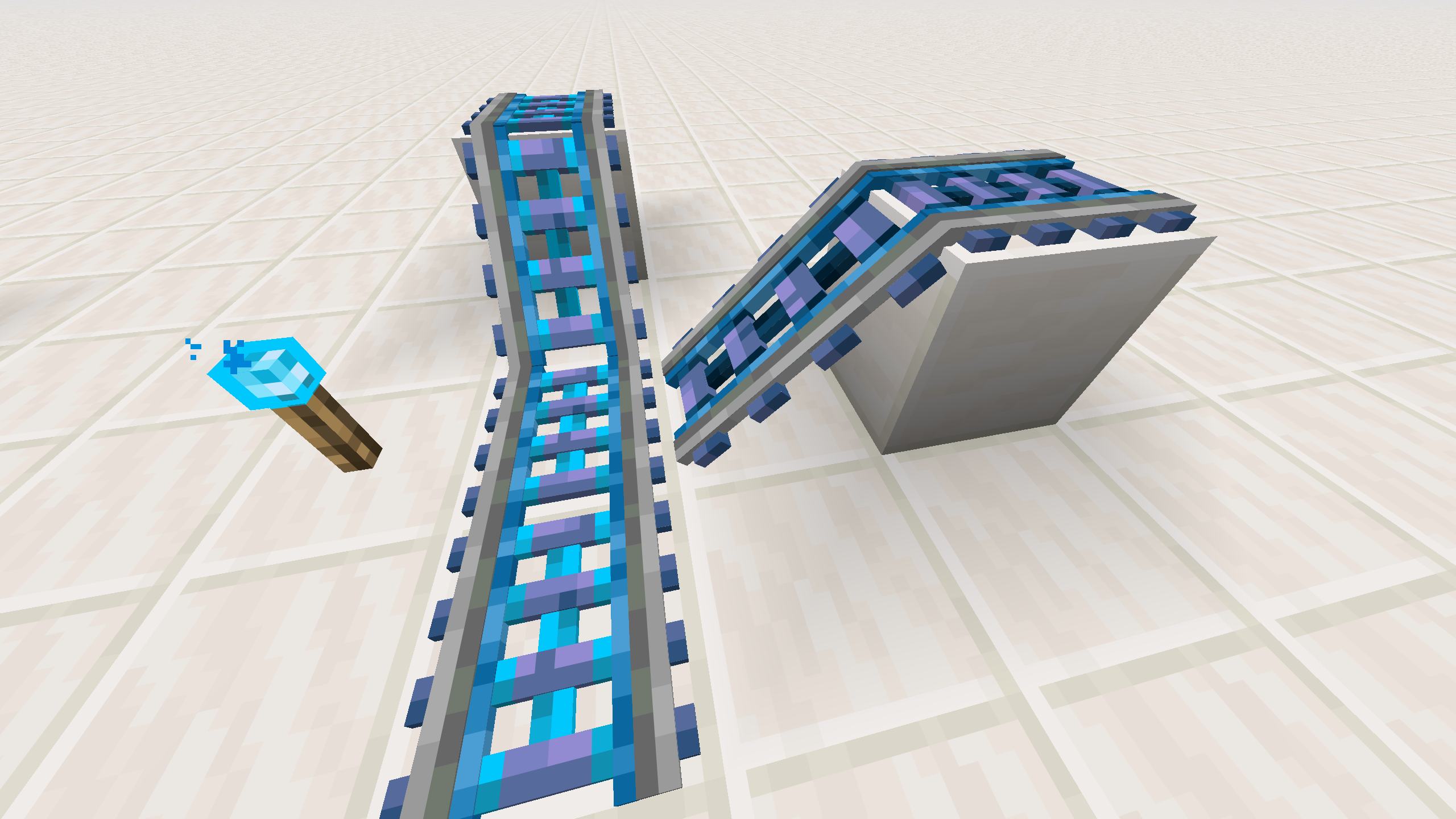
We have included 3 optional resource packs on this mod. One makes the cobalt rails have a 3D appearance. The second one lets the player see the power level the cobalt dust is emitting on a similar way to how the VanillaTweaks resource pack does. The last one puts the Beacon GUI in dark mode (Like Default Dark Mode does).
Spoiler

Credits
Thanks to:
- Vanilla Tweaks, for the models for both the 3d rails and the power level resourcepacks.
- Copper rails, as it was used as inspiration for the cobalt rails.
From Authors
You can use this mod freely in your modpacks, but please give credit to the original authors and link back to this page. If you want to make a video about this mod, please also give credit and link back to this page.
If you want to suggest a feature or report a bug, please open an issue on the GitHub repository!


Available Versions
How to Install Cobalt Age on Your Server
Order Server
Order a Minecraft Java server with at least 3 GB RAM (4 GB recommended).
Set fabric Loader
In the panel under "Egg", select the fabric loader and matching Minecraft version (1.21.11).
Install Mod
Open the mod browser in the dashboard and search for "Cobalt Age". Click "Install" – done! Alternatively, upload the .jar via SFTP to the /mods folder.
Compatibility
Mod Loaders
Minecraft Versions
1.21.11
Server-side
✓ RequiredRecommended RAM
4 GB(min. 3 GB)Frequently Asked Questions
Cobalt Age server crashes on startup – what to do?
Most common cause: wrong fabric version or insufficient RAM. Check the server log (latest.log) for "OutOfMemoryError" or "Mixin" errors. With Mado Hosting: ensure at least 3 GB RAM is allocated and the loader matches the mod version (1.21.11). You can switch loaders with one click in the panel.
Is Cobalt Age compatible with fabric?
Cobalt Age officially supports fabric for Minecraft 1.21.11. The Mado dashboard automatically detects incompatible loader combinations.
Server lagging with Cobalt Age – how to optimize performance?
Recommended RAM: 4 GB (per 8 players). Use /spark profiler to check if Cobalt Age consumes the most tick time. Common fixes: reduce server view-distance to 8-10, install "performant" or "starlight" as supplementary mods on Forge. With Mado Hosting, your server runs on NVMe SSDs with dedicated CPU cores for minimal latency.
Similar Mods




Rent Modded Server
Install Cobalt Age with just one click on your server.