Cobblemon Modular Poké Balls
Craft fully customisable Poké Balls by choosing apricorn colours for each part and a core material that sets the catch rate. 6 tiers, infinite colour combinations.
Screenshots
About this Mod
Modular Poké Balls
Ever dreamed of catching a Pikachu in a matching yellow Poké Ball? What about a Gengar in a purple one with a red button? Well, dream no longer, now you can!
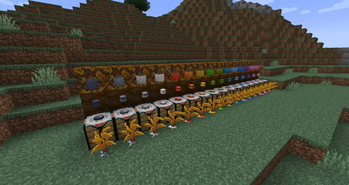
Introducing Modular Poké Balls: the first Cobblemon addon that lets YOU design every inch of your Poké Ball. Mix and match 16 apricorn colours across 4 visual parts, drop in a core material to set your catch power, and walk away with a ball that's entirely your own. No two throws need ever look the same again.
How It Works
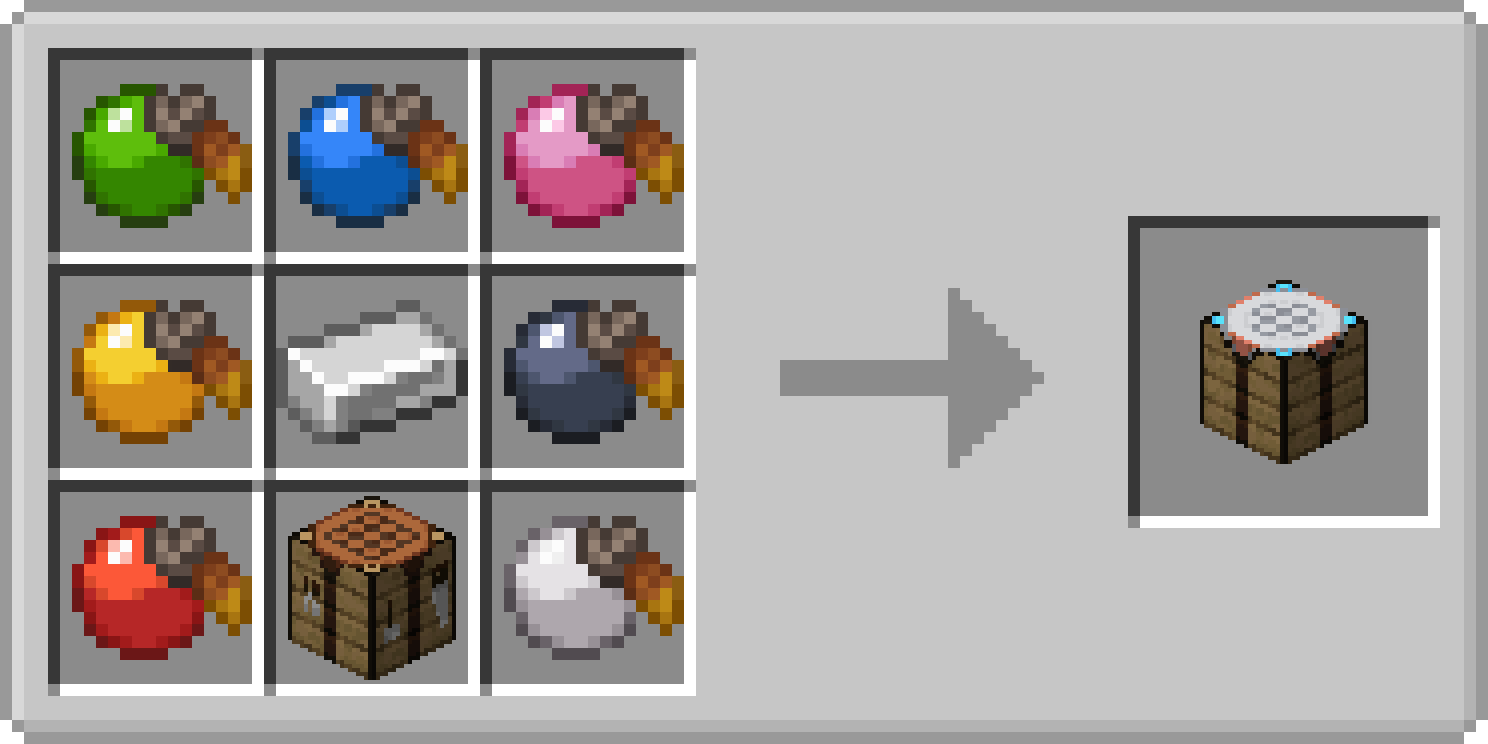
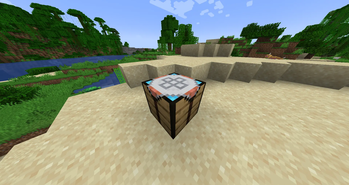
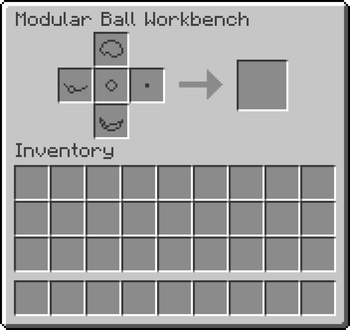
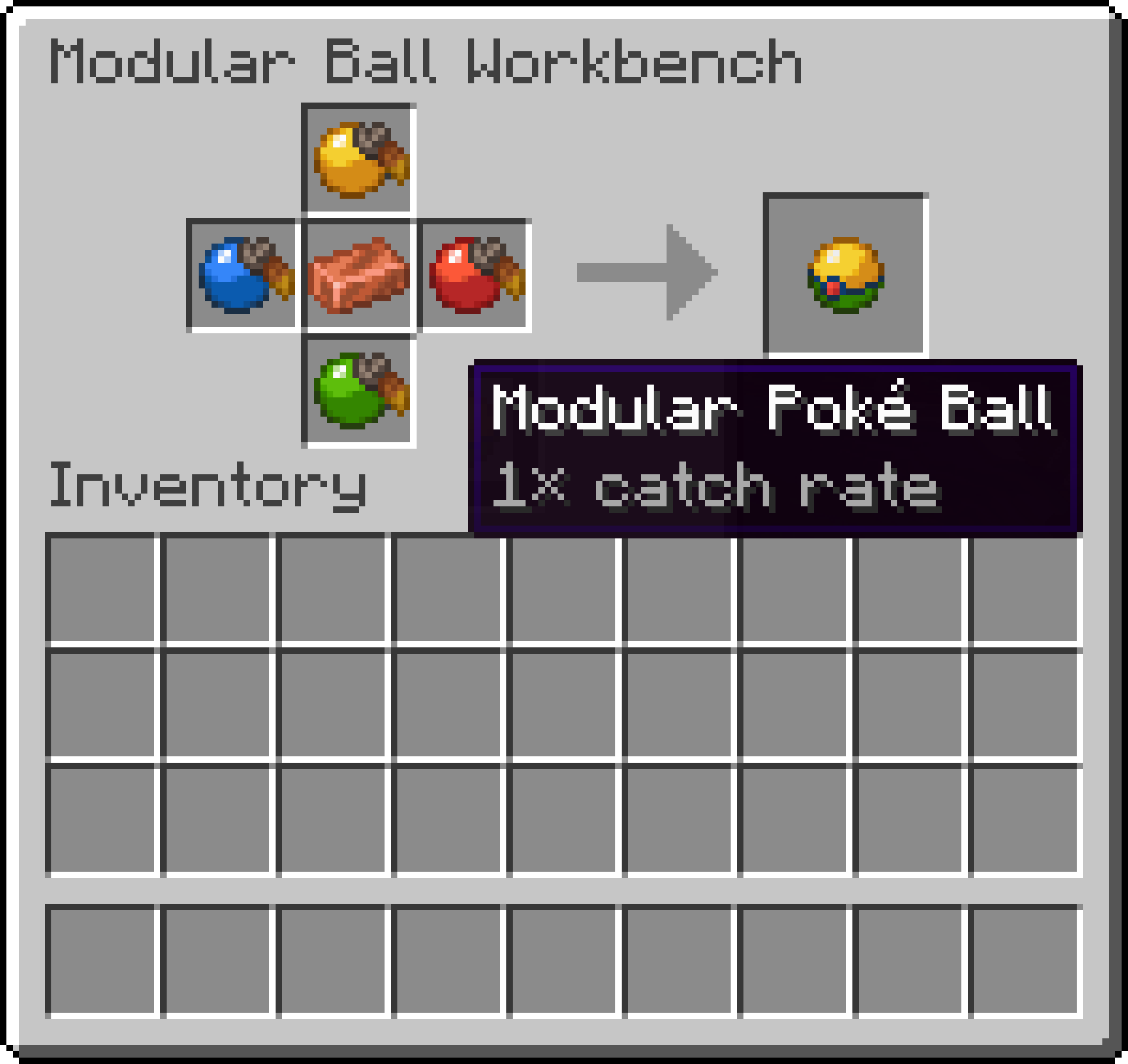
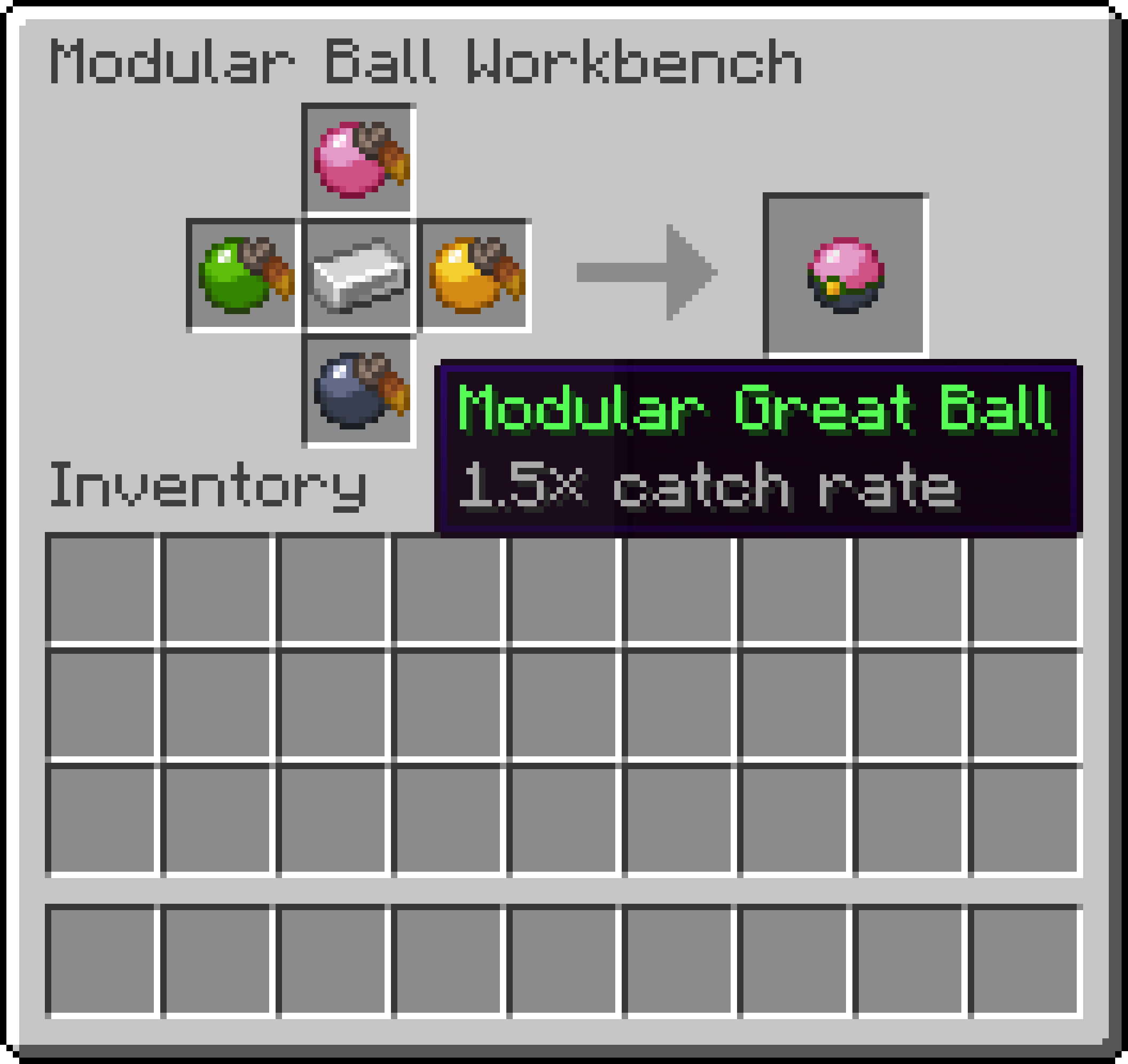
Craft the Modular Ball Workbench using one of every apricorn colour, an iron ingot in the centre, and a crafting table at the base. Pop it down, slot in your apricorns for the lid, rim, button, and base, choose your core (copper, iron, gold, diamond, netherite, or a nether star) and out comes your personalised ball.
Need colours you don't have? Dye any apricorn by combining any standard apricorn with a matching dye in a crafting grid to get one of 9 new colours: orange, magenta, light blue, gray, light gray, cyan, purple, brown, and khaki.
Items placed in the workbench persist when you close the GUI. A floating 3D preview of your ball appears above the block when a valid recipe is set, and a flat 2D sprite sits on the tabletop facing you. Drop any finished modular ball into the core slot (with the apricorn slots empty) to put it on display.
Ball Tiers & Catch Rates
| Ball | Core | Catch Rate |
|---|---|---|
| Poké Ball | Copper Ingot | 1× |
| Great Ball | Iron Ingot | 1.5× |
| Ultra Ball | Gold Ingot | 2× |
| Giga Ball | Diamond | 3× |
| Zeta Ball | Netherite Ingot | 5× |
| Master Ball | Nether Star | Guaranteed |
All six tiers share the same customisation system. The only thing that changes is the catch power. Each ball displays its catch rate as a grey subtitle, right on the item. Hold Shift over any modular ball to see which colours were used for each part.
Features
- 6 ball tiers with colour-coded names, from humble Poké Ball to legendary Master Ball
- 16 apricorn colours, 7 standard Cobblemon colours plus 9 new craftable dyes
- Dye any apricorn to its matching colour via shapeless crafting
- Your colours show everywhere: inventory, thrown, in-hand, party, PC, and summary screens
- Thrown and send-out animations faithfully reflect your custom design
- Floating 3D ball preview above the workbench when output is ready
- Drop any finished ball in the core slot to display it on the table
- Workbench drops itself and its contents when mined
- Colours survive world reload, throwing, missing targets, and capture
Requirements
- Cobblemon 1.6+ for NeoForge 1.21.1
- Kotlin for Forge
Planned Features (if this addon gets popular)
- Modular Lid Press, craft special lids (Great, Ultra, Beast patterns) with multi-colour support
- Ancient Modular Balls with matching animations
- Dye blending for custom colours beyond the standard sixteen
- Modular Poké Rods
This mod is a passion project, my first mod, built in my spare time. If people enjoy it, I'll gladly expand it. Feedback and suggestions are always welcome.
Available Versions
How to Install Cobblemon Modular Poké Balls on Your Server
Order Server
Order a Minecraft Java server with at least 3 GB RAM (4 GB recommended).
Set neoforge Loader
In the panel under "Egg", select the neoforge loader and matching Minecraft version (1.21.1).
Install Mod
Open the mod browser in the dashboard and search for "Cobblemon Modular Poké Balls". Click "Install" – done! Alternatively, upload the .jar via SFTP to the /mods folder.
Compatibility
Mod Loaders
Minecraft Versions
1.21.1
Server-side
✓ RequiredRecommended RAM
4 GB(min. 3 GB)Frequently Asked Questions
Cobblemon Modular Poké Balls server crashes on startup – what to do?
Most common cause: wrong neoforge version or insufficient RAM. Check the server log (latest.log) for "OutOfMemoryError" or "Mixin" errors. With Mado Hosting: ensure at least 3 GB RAM is allocated and the loader matches the mod version (1.21.1). You can switch loaders with one click in the panel.
Is Cobblemon Modular Poké Balls compatible with neoforge?
Cobblemon Modular Poké Balls officially supports neoforge for Minecraft 1.21.1. The Mado dashboard automatically detects incompatible loader combinations.
Server lagging with Cobblemon Modular Poké Balls – how to optimize performance?
Recommended RAM: 4 GB (per 8 players). Use /spark profiler to check if Cobblemon Modular Poké Balls consumes the most tick time. Common fixes: reduce server view-distance to 8-10, install "performant" or "starlight" as supplementary mods on Forge. With Mado Hosting, your server runs on NVMe SSDs with dedicated CPU cores for minimal latency.
Similar Mods

![[ETF] Entity Texture Features](https://cdn.modrinth.com/data/BVzZfTc1/af683d206d50b05258d865b0d6e4aa2f2cee12f2_96.webp)
![[EMF] Entity Model Features](https://cdn.modrinth.com/data/4I1XuqiY/6e5bbd0d06b1741bfdab6c0cfab6de8fdaf0064c_96.webp)



Rent Modded Server
Install Cobblemon Modular Poké Balls with just one click on your server.