
ColorBricks16
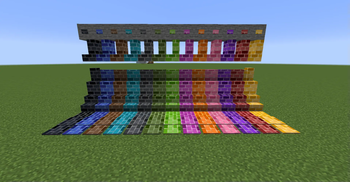
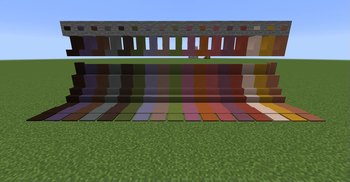
Add 16 different types of stained bricks.
Screenshots
About this Mod
ColorBricks16
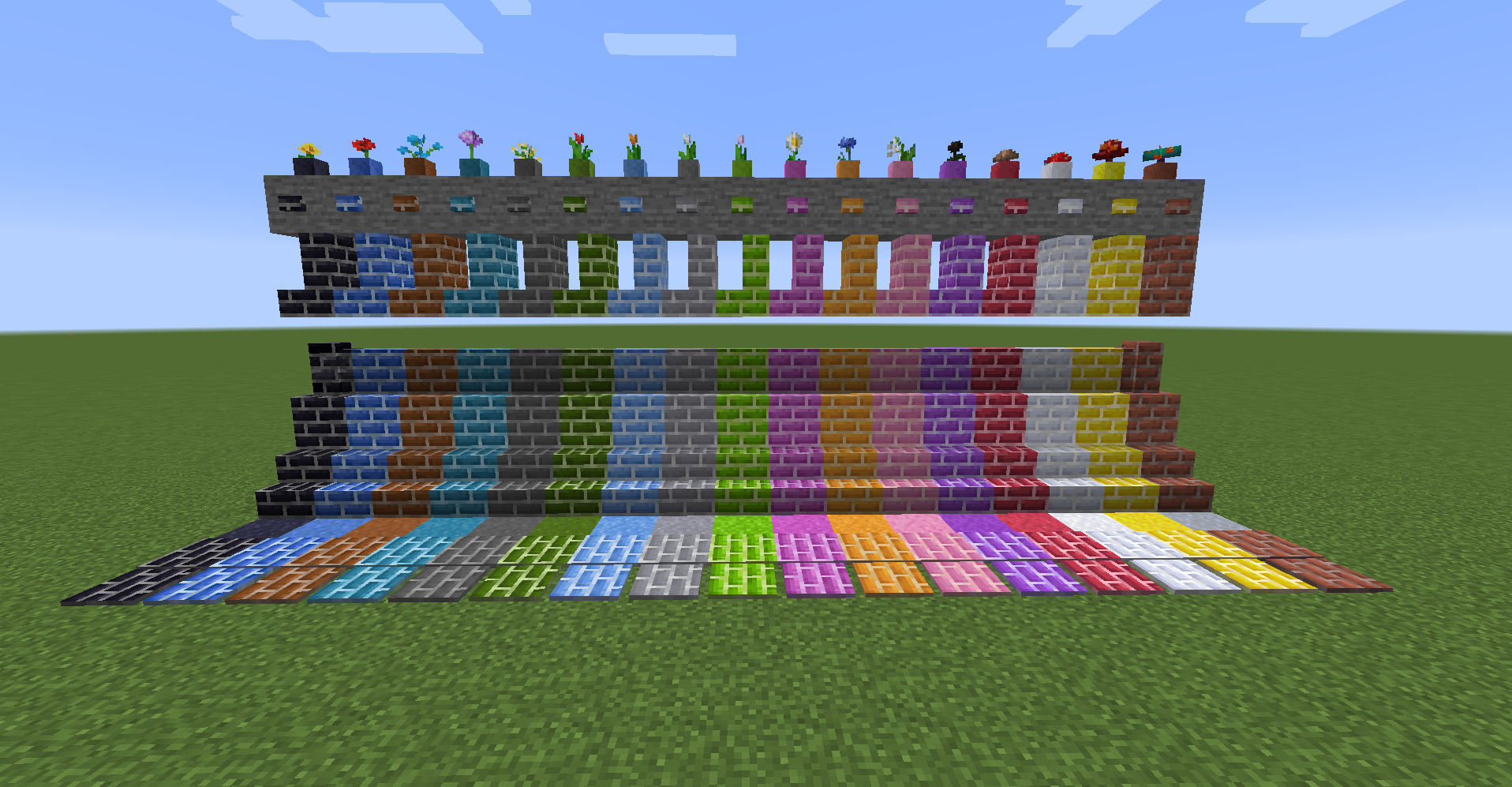
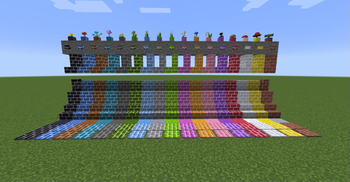
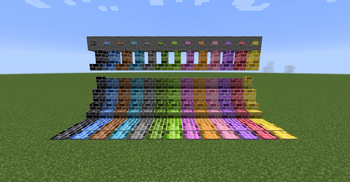
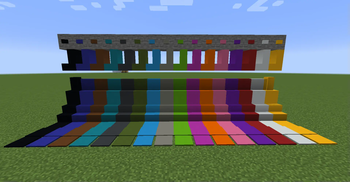
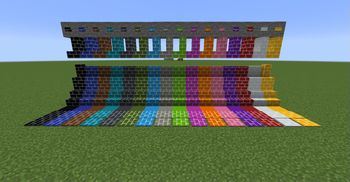
The mod allows you to create clay, brick blocks, concrete brick blocks, terracotta brick blocks, and glass brick blocks for the default 16 dyes. You can also create slabs, vertical slabs, flowerpots, stairs, walls, buttons, pressure plates, and tiles. (Flowerpots are only available for brick blocks.)
The design is the same as the default one.
Manufacturable Blocks
gradation color bricks
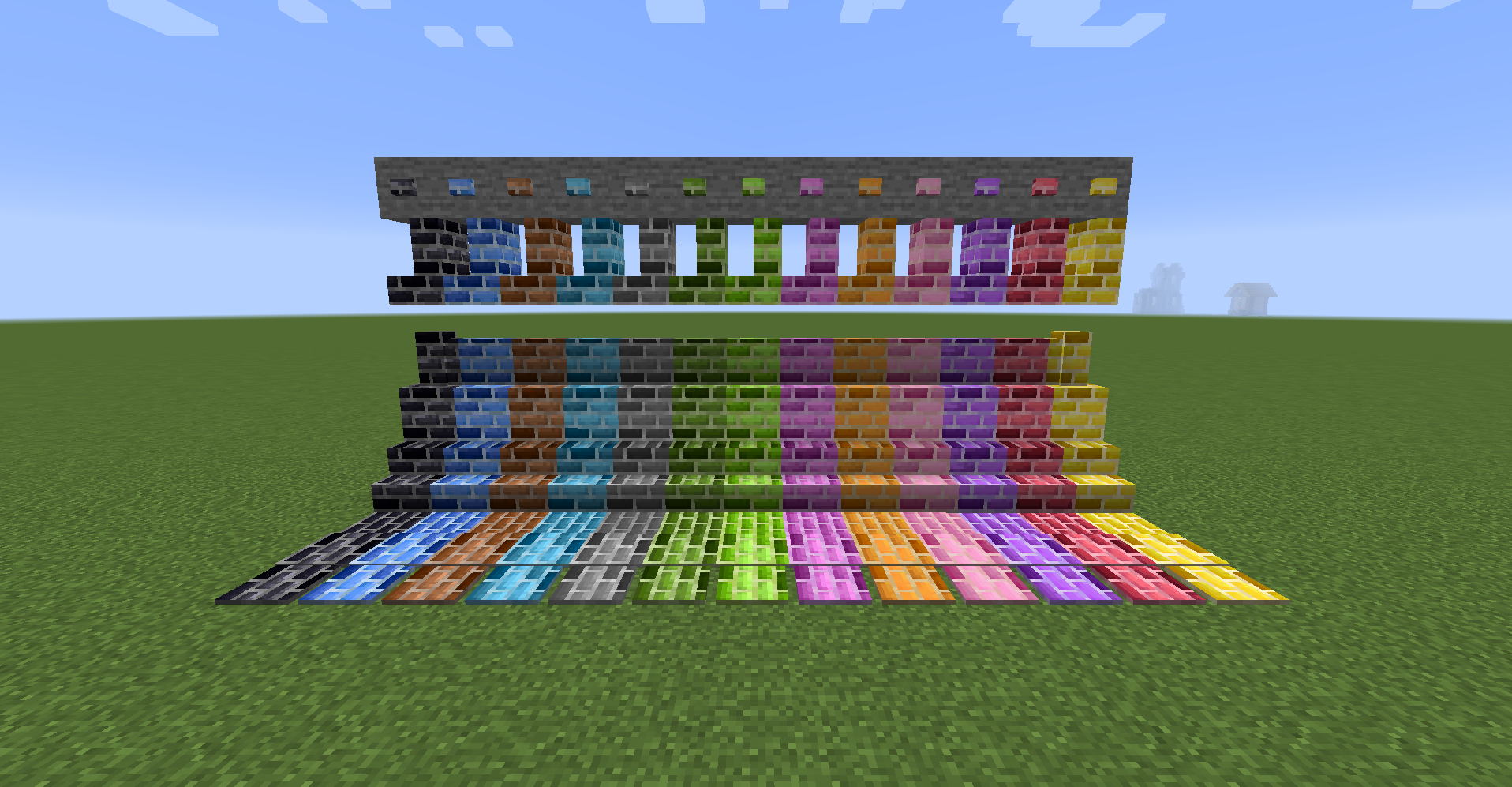
color concrete blocks
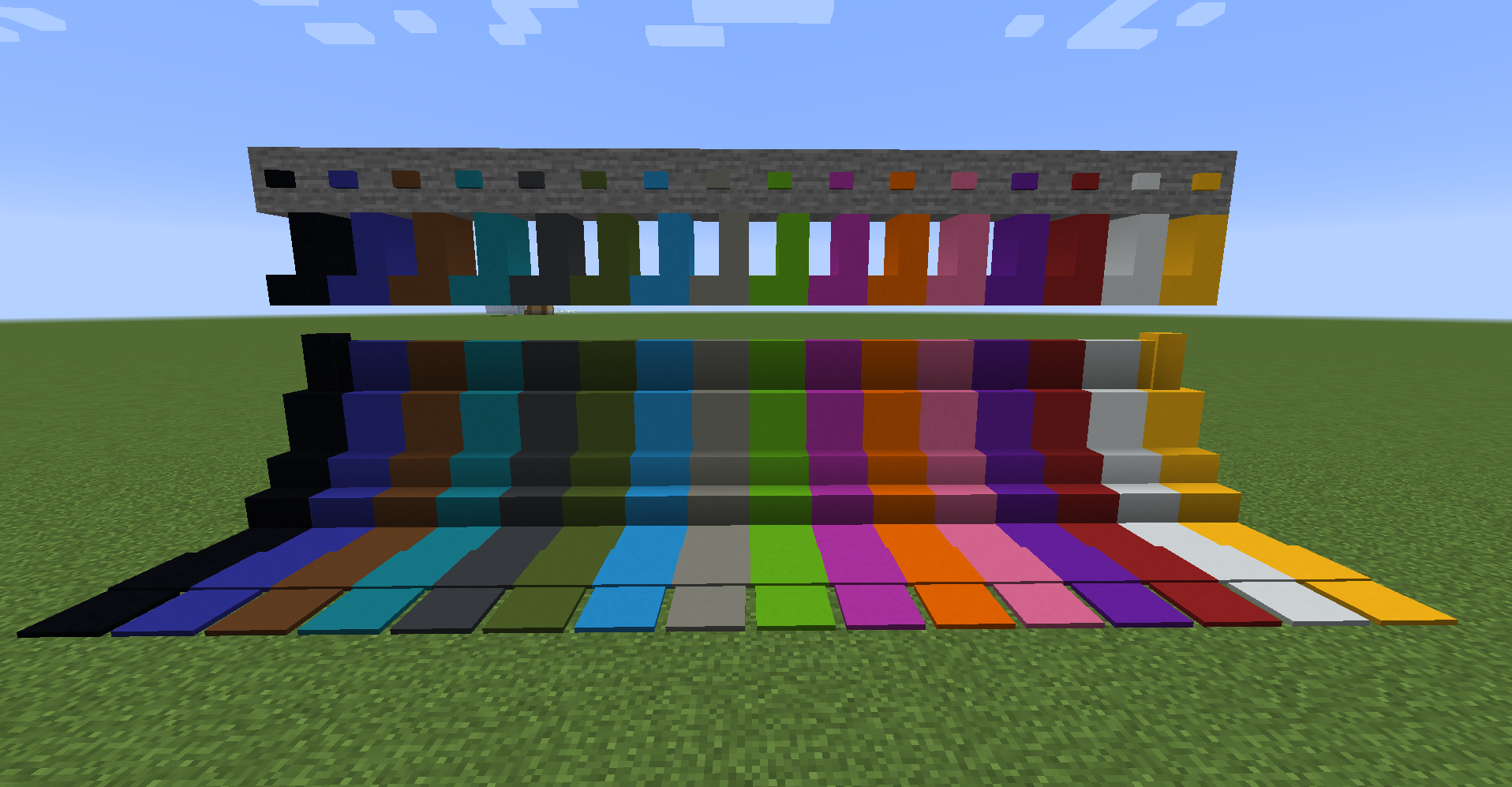
color concrete brick blocks
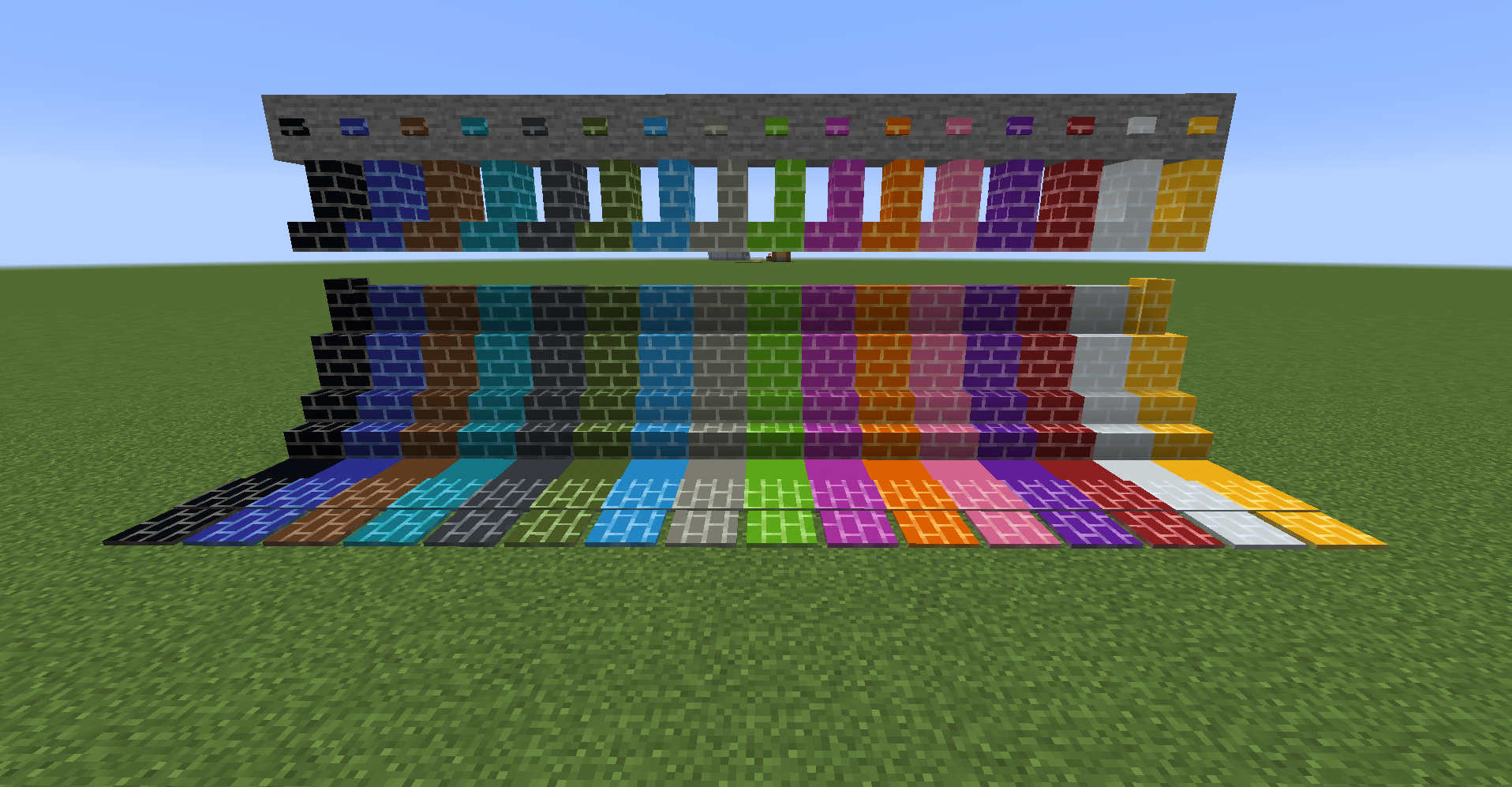
gradation concrete bricks
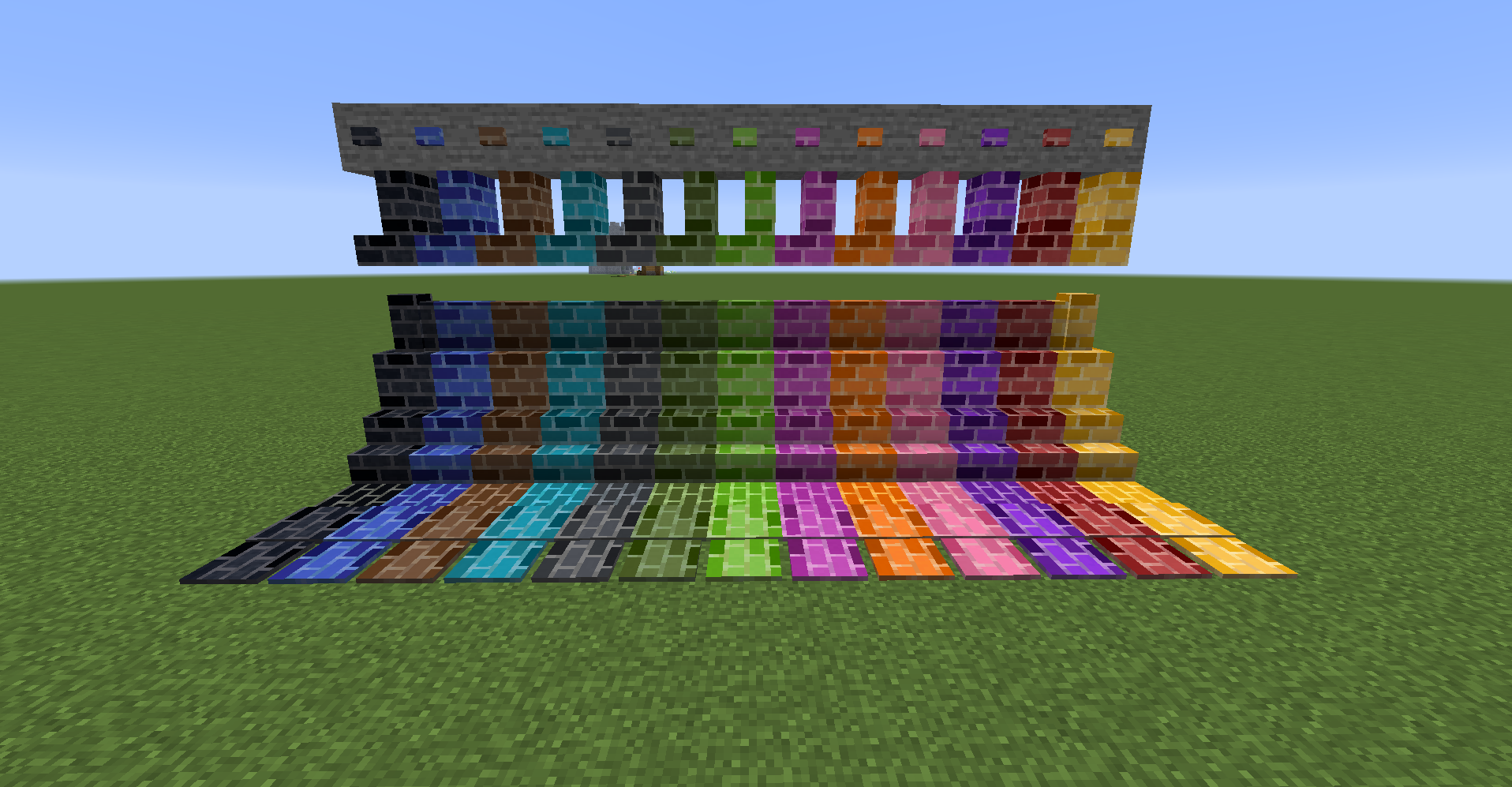
color terracotta blocks
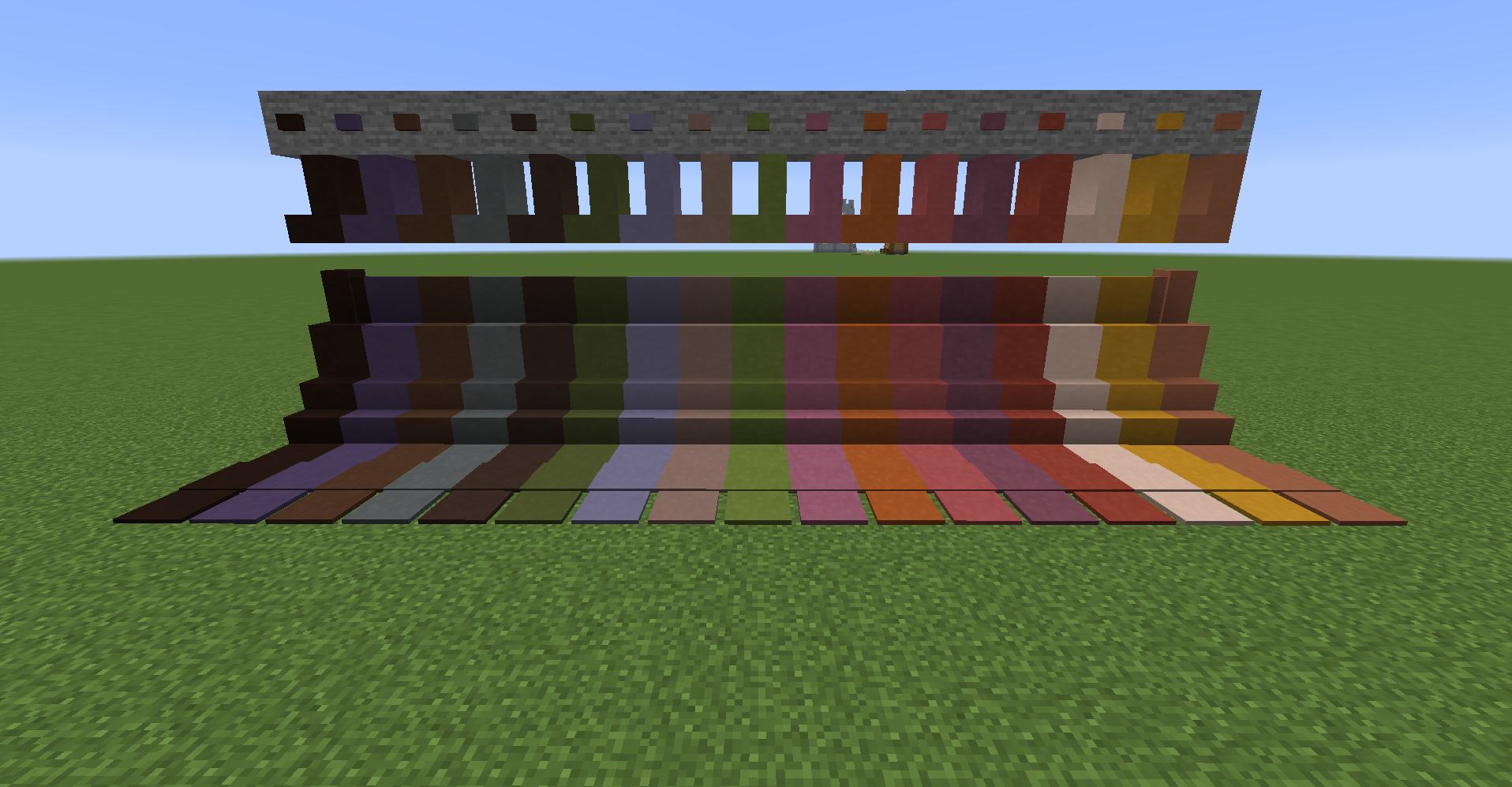
color terracotta brick blocks
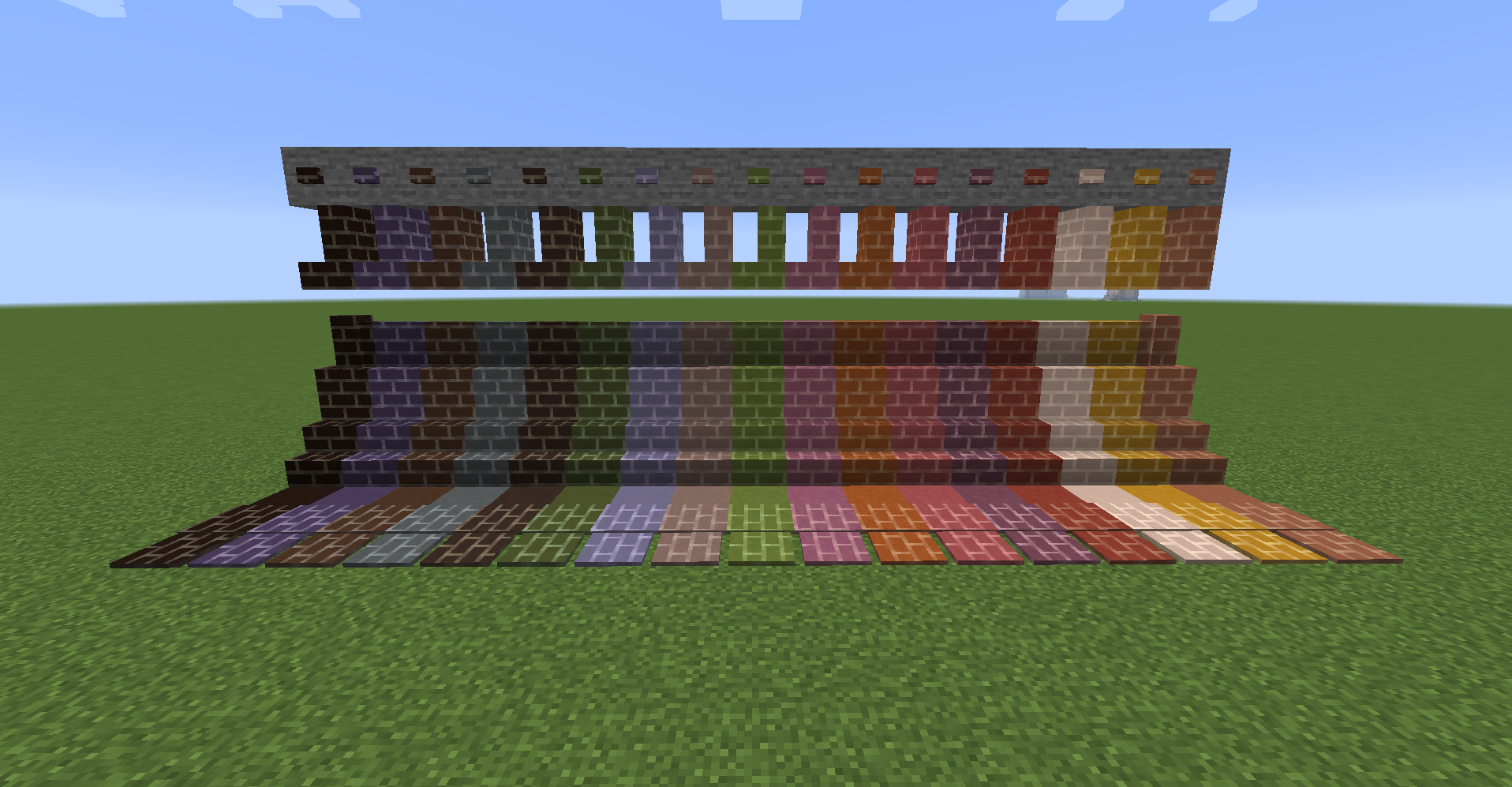
gradation terracotta bricks
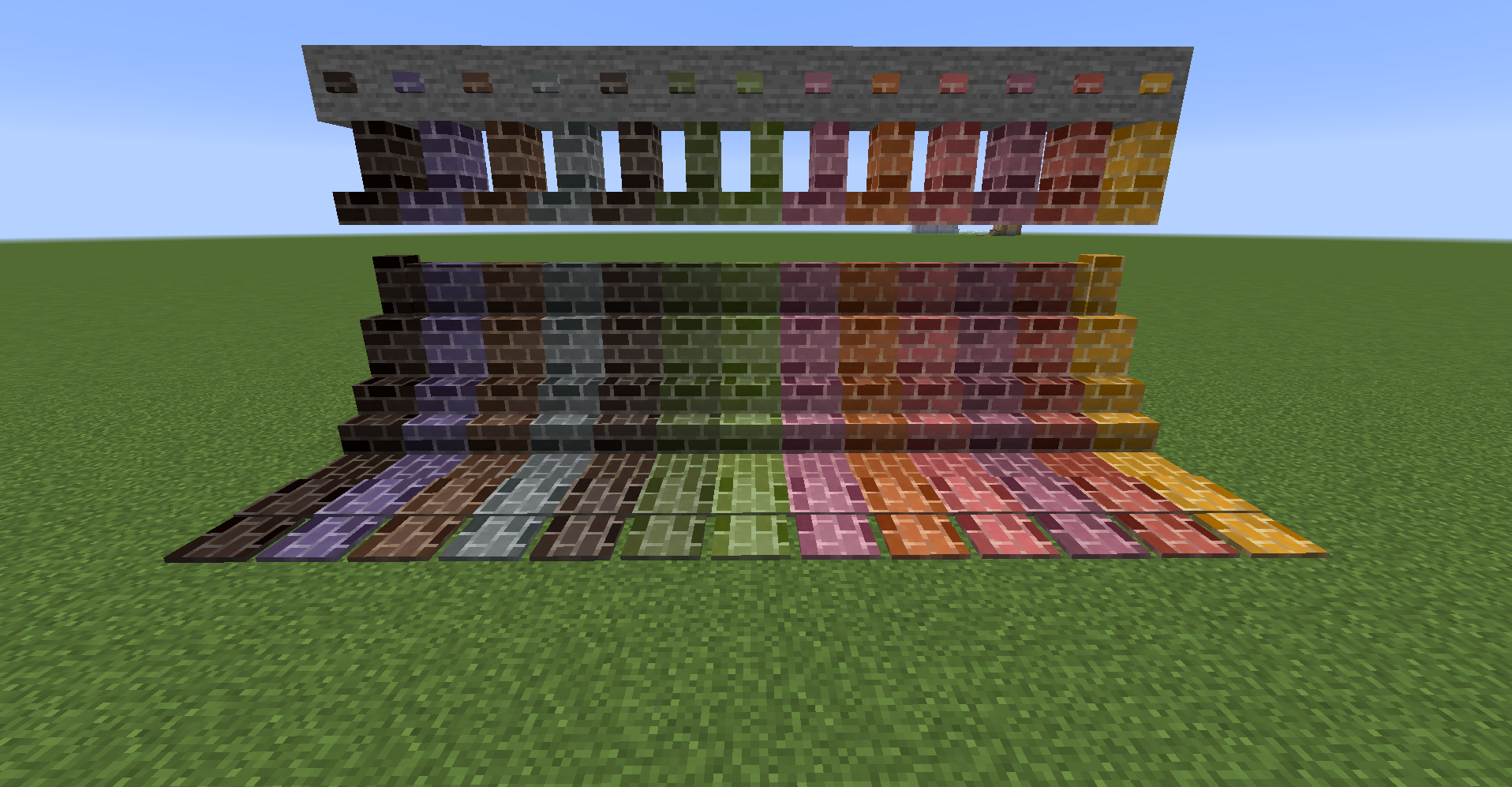
color glass blocks
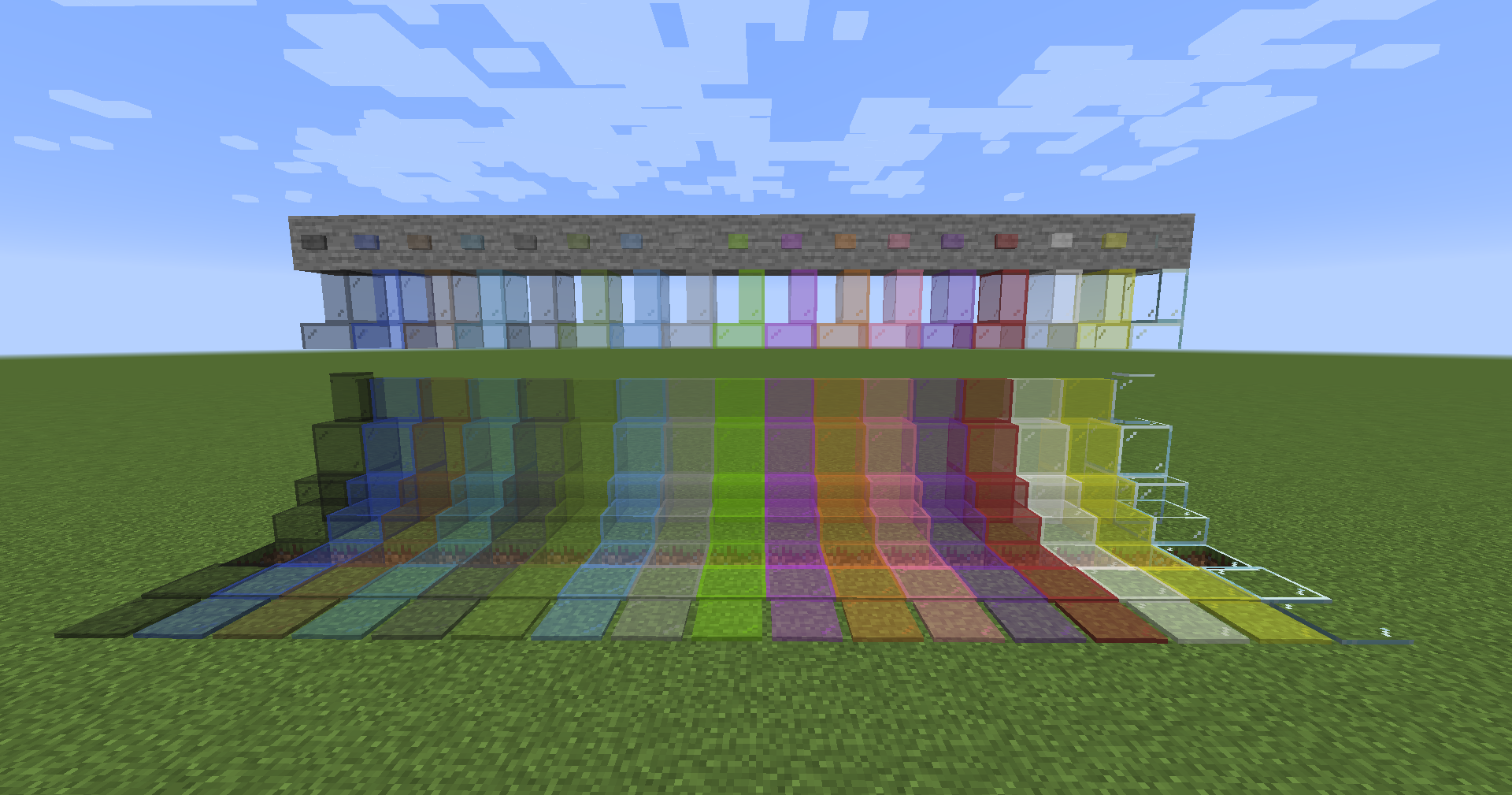
color glass bricks
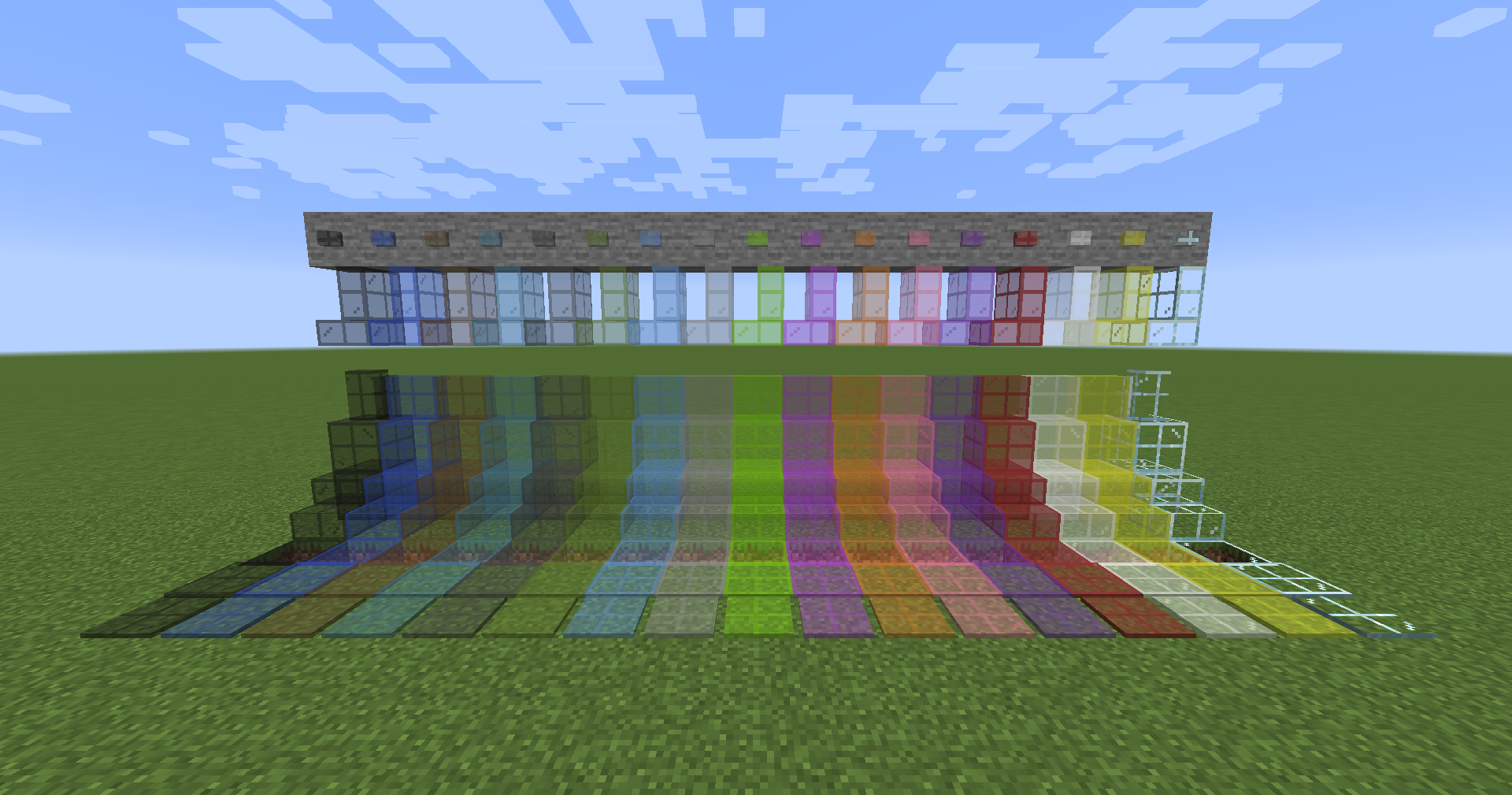
Comparison of brick blocks
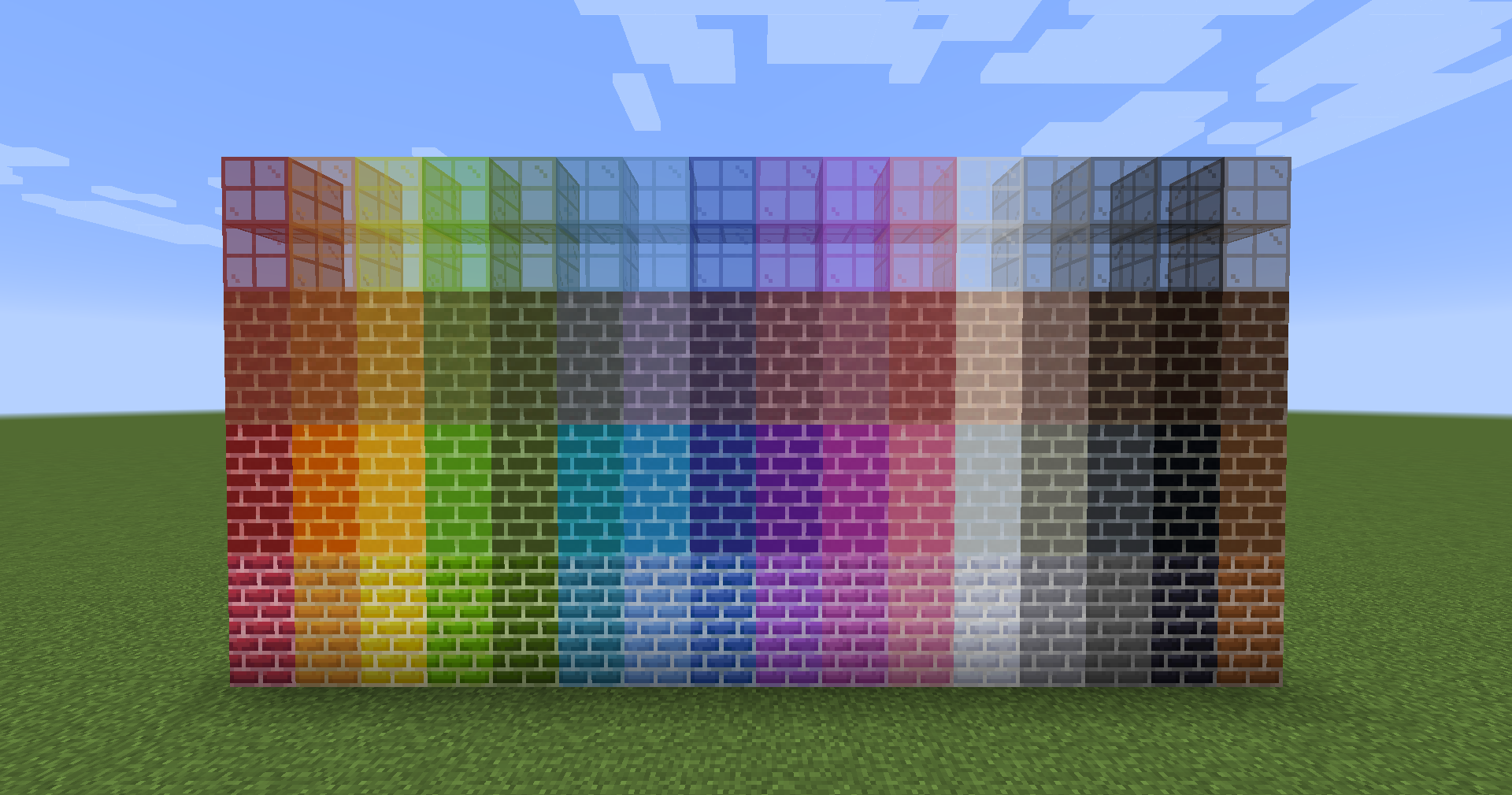
From bottom to top: color bricks, color concrete bricks, color terracotta bricks, color glass bricksComparison of tile and pressure plates.
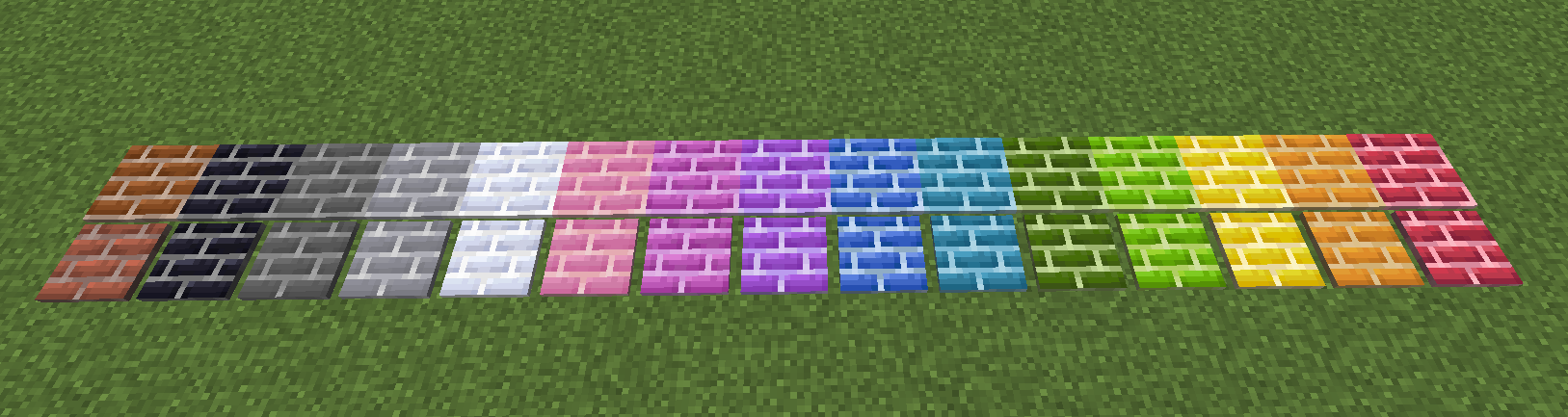
The tiles have similar properties to snow, and they cannot be retrieved with bare hands and require a pickaxe.Stacked tiles.
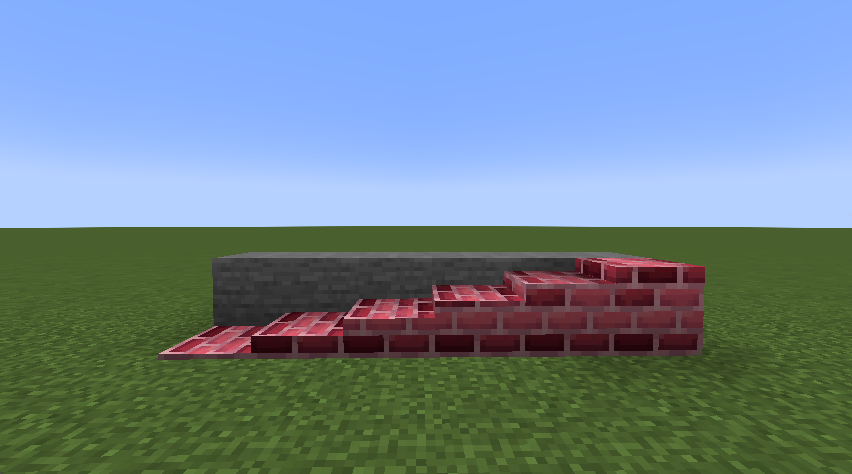
Tiles can now be freely stacked 16 high. It can be stacked vertically as well as horizontally.- Right-click to place it on the clicked surface.
- Shift+right-click on a horizontal plane to place it vertically.
- Shift+right-click on a vertical plane to place it horizontally.
- Shift+Ctrl+right-click on a vertical plane to place it in the opposite direction.
Recipe Example
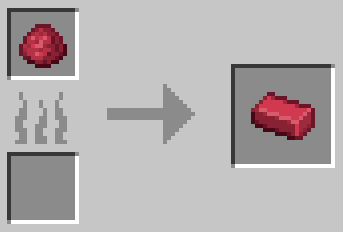
example1: color clay
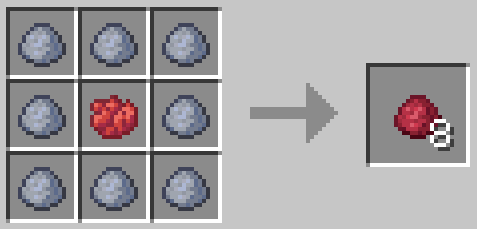
example2: color brick
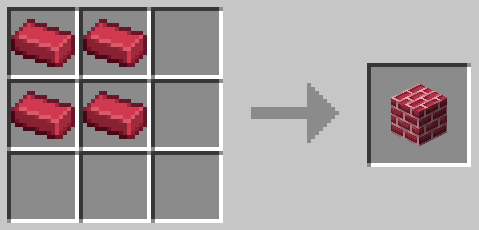
example3: color brick block
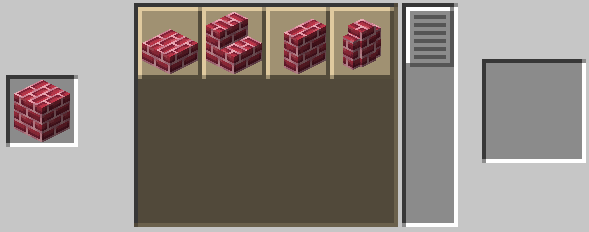
example4: Stone cutting recipe that can be created with color brick blocks
example5: color concrete brick block
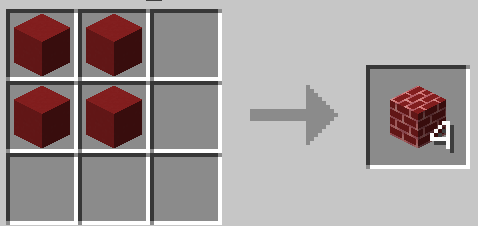
example6: color terracotta brick block
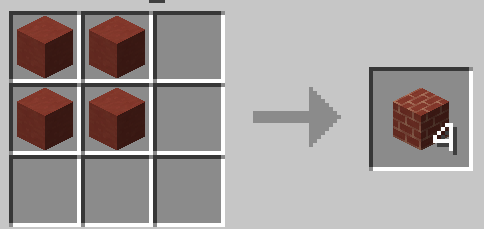
example7: gradation brick block
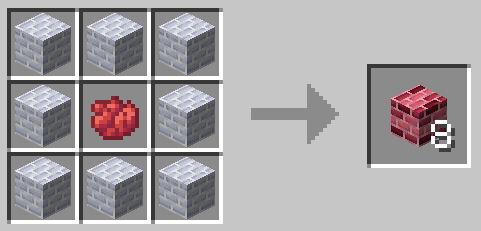
example8: tile
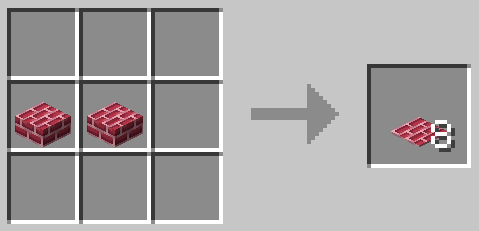
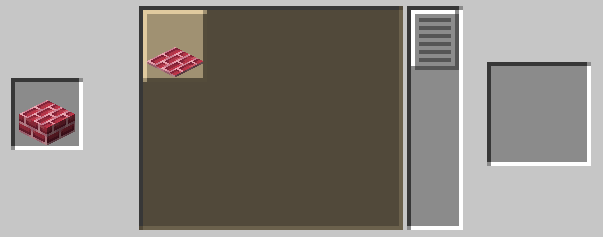
example9: vertical slab
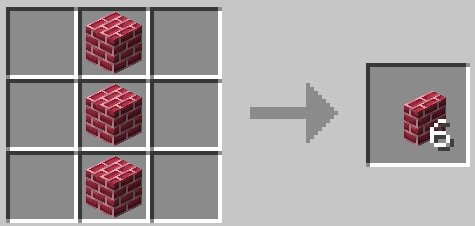
Future implementation plans
- Implemented textures for default stone bricks, cracked bricks, mossy bricks, and chests.
- color brick block
- color concrete brick block
- color terracotta brick block
- Implement sooty texture.
- color brick block
- color concrete brick block
- color terracotta brick block
- Implement textures with different shades in parts. (Implemented in 1.2.0)
- color brick block
- color concrete brick block
- color terracotta brick block
Available Versions
How to Install ColorBricks16 on Your Server
Order Server
Order a Minecraft Java server with at least 3 GB RAM (4 GB recommended).
Set fabric Loader
In the panel under "Egg", select the fabric loader and matching Minecraft version (1.20.1).
Install Mod
Open the mod browser in the dashboard and search for "ColorBricks16". Click "Install" – done! Alternatively, upload the .jar via SFTP to the /mods folder.
Compatibility
Mod Loaders
Minecraft Versions
1.20.1, 1.19.2
Server-side
✓ RequiredRecommended RAM
4 GB(min. 3 GB)Frequently Asked Questions
ColorBricks16 server crashes on startup – what to do?
Most common cause: wrong fabric version or insufficient RAM. Check the server log (latest.log) for "OutOfMemoryError" or "Mixin" errors. With Mado Hosting: ensure at least 3 GB RAM is allocated and the loader matches the mod version (1.20.1). You can switch loaders with one click in the panel.
Is ColorBricks16 compatible with fabric and forge?
ColorBricks16 officially supports fabric, forge for Minecraft 1.20.1, 1.19.2. Note: Forge and Fabric mods are NOT cross-compatible – pick one loader and stick with it. The Mado dashboard automatically detects incompatible loader combinations.
Server lagging with ColorBricks16 – how to optimize performance?
Recommended RAM: 4 GB (per 8 players). Use /spark profiler to check if ColorBricks16 consumes the most tick time. Common fixes: reduce server view-distance to 8-10, install "performant" or "starlight" as supplementary mods on Forge. With Mado Hosting, your server runs on NVMe SSDs with dedicated CPU cores for minimal latency.
Similar Mods

![[ETF] Entity Texture Features](https://cdn.modrinth.com/data/BVzZfTc1/af683d206d50b05258d865b0d6e4aa2f2cee12f2_96.webp)
![[EMF] Entity Model Features](https://cdn.modrinth.com/data/4I1XuqiY/6e5bbd0d06b1741bfdab6c0cfab6de8fdaf0064c_96.webp)



Rent Modded Server
Install ColorBricks16 with just one click on your server.