
ColorTooltips
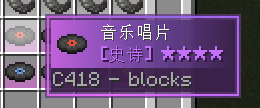
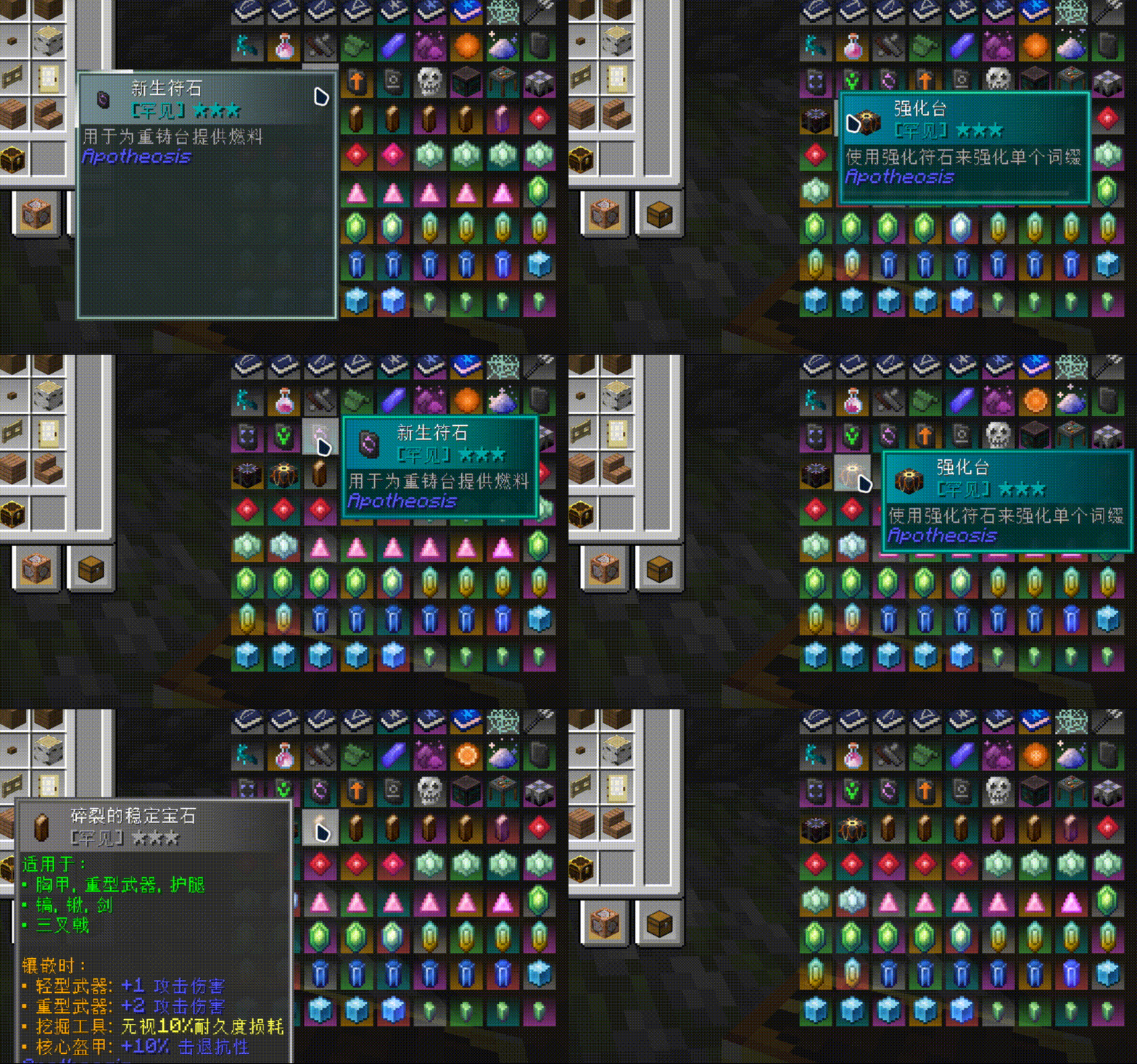
ColorTooltips is a mod that provides a tip box style.It has two characteristics: brilliance and flexibility.
Screenshots
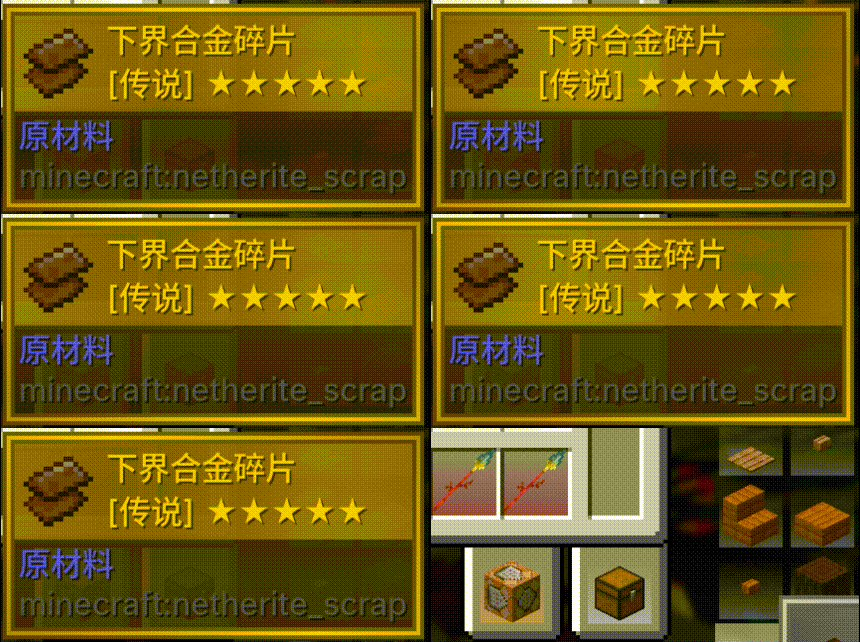
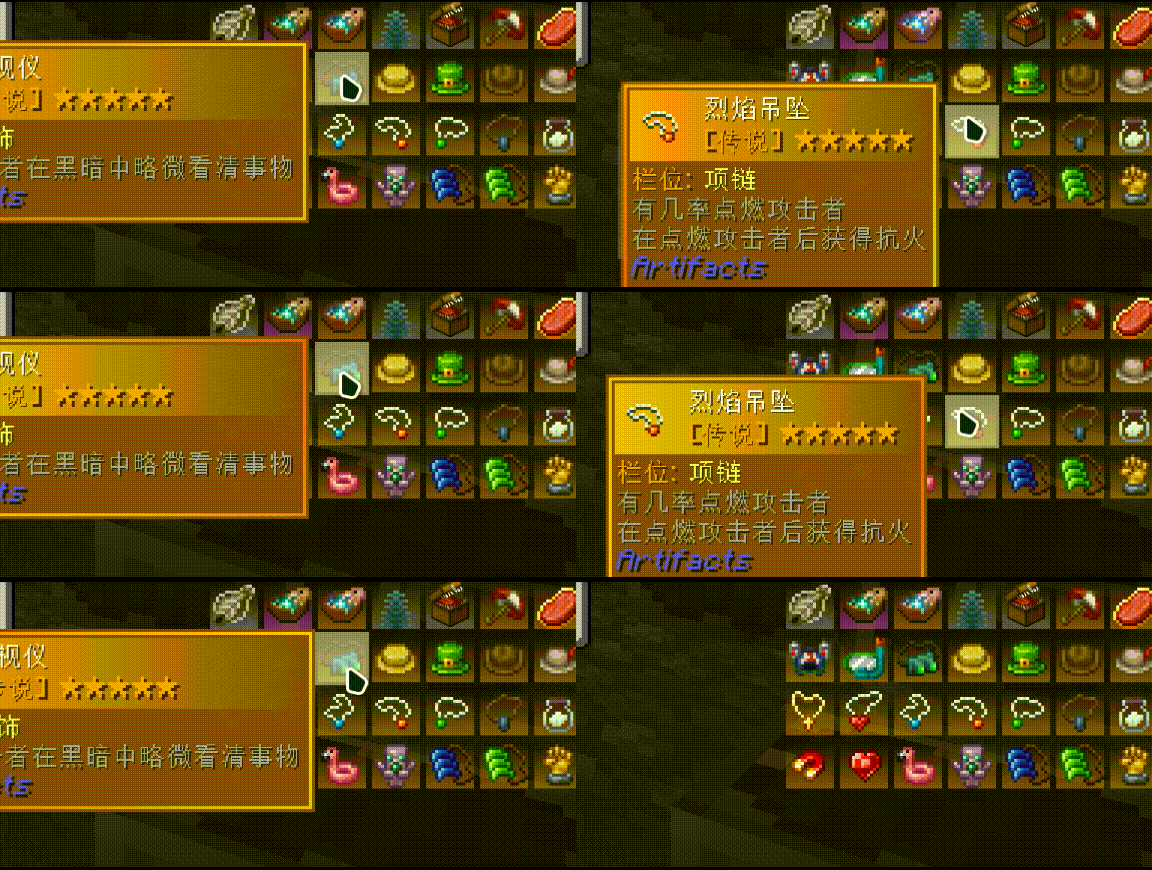
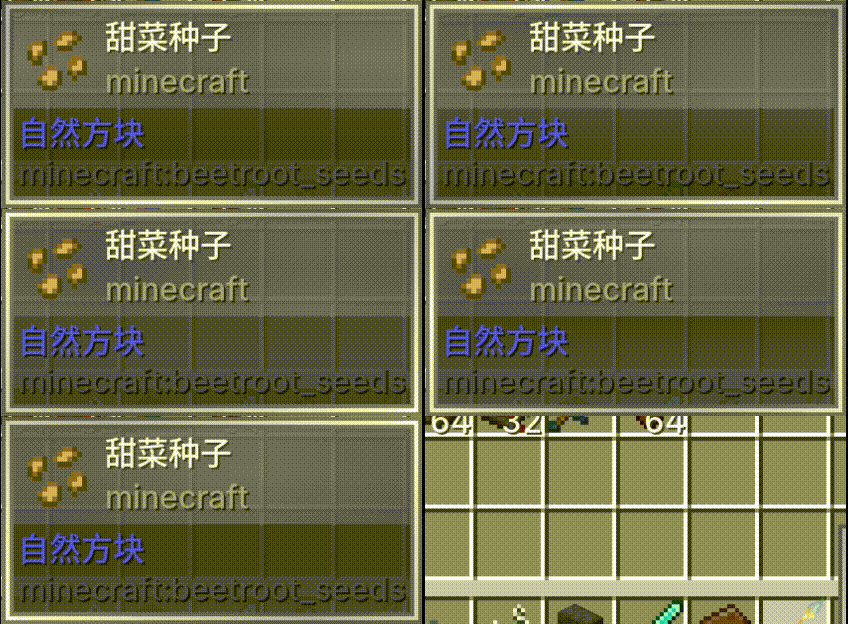
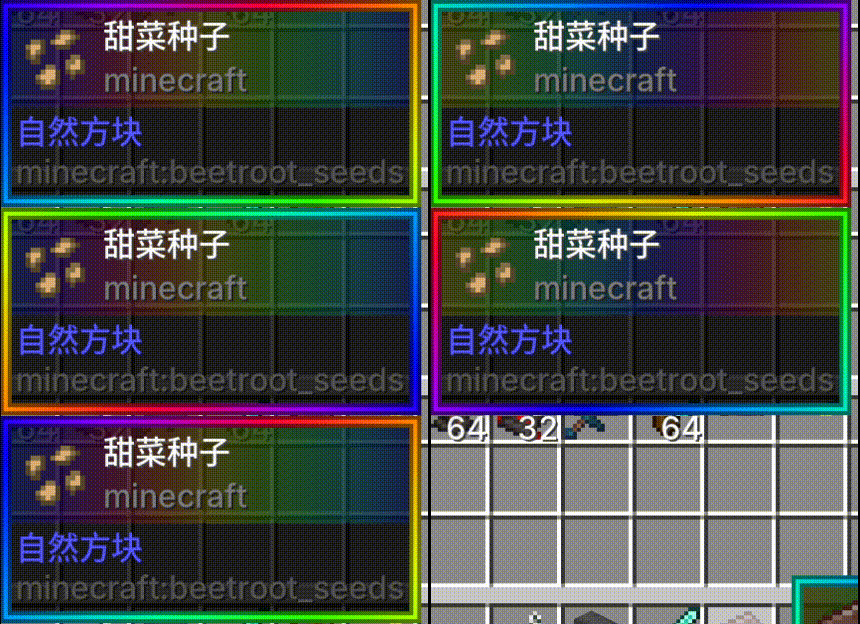
About this Mod
ColorTooltips
ColorTooltips is a mod that provides custom tooltip styling. It features two main characteristics: highly customizable and buttery smooth.
Integration
This mod no longer requires RarityCore to be installed since version 2.0.
If RarityCore is installed alongside, you can select styles based on an item's RarityCore rarity.
Of course, without RarityCore, you can still select styles based on an item's vanilla rarity.
Buttery Smooth
ColorTooltips' animations never cut corners — every single effect can be toggled and adjusted independently:
- Fade In/Out — Tooltips appear smoothly and disappear gracefully. Delay and duration are both adjustable. You can also disable it for instant popping.
- Position Easing — Non-linear transitions when following the mouse. When jumping from the right side to the left, it slides over naturally. Speed multiplier is up to you.
- Size Transition — Smooth scaling when the tooltip size changes, with no abrupt jumps.
- Color Flow — Colors along the border and title bar flow continuously. Speed, direction, and enabling/disabling are all up to you.
- Item Model Animation — Icons scale from a starting size to normal size. Enter and switch animations have independent starting scale values.
- Switch Glow — When hovering over a different item, a customizable colored light streak travels along the border. Glow color and length are configurable.
Preview
| 1 | 2 | 3 |
|---|---|---|
|
|
|
| 1 | 2 |
|---|---|
|
|
Highly Configurable
Everything is configurable, down to every component, every color, and every animation:
- Freedom of Color — Use rarity theme colors, any hex color of your choice, or fine-tune with brightness and saturation adjustments.
- Zone-Based Control — Borders, backgrounds, and title bars are configured independently without interfering with each other. Each zone can have its own color list, transparency, flow direction, and speed.
- Style Selector — Different items and different rarities can automatically match different style files. Common items have one look, rare items have another, and specific items can be individually assigned.
- Hot Reload — Edit your JSON in-game, type
/colortooltips reload, and preview changes instantly — no restart required.
Your first style begins here: Style Configuration Guide.
Preset Styles
Four preset styles are ready to use out of the box: Vanilla (minimal white), VanillaRarity (rarity colors), RarityCoreStyles (RarityCore), and RGB (rainbow gradient).
Functionality
You can hold down Shift and scroll the mouse wheel to move the tooltip up and down, allowing you to view content that extends beyond the screen.
Compatibility
Compatible with SearchCarefully!
Incompatible with mods that modify tooltip styles, but compatible with mods that add content to them.
Get Started
Here's the Wiki you're looking for.
FAQ
Q: Why do tooltip animations sometimes disappear in certain places?
A: This means multiple tooltips are being rendered on screen at the same time. This is a decision made for compatibility reasons.
Q: What happened to my color transition animation?
A: Unfortunately, it will part ways with you in version 3.0.
Available Versions
How to Install ColorTooltips on Your Server
Order Server
Order a Minecraft Java server with at least 3 GB RAM (4 GB recommended).
Set forge Loader
In the panel under "Egg", select the forge loader and matching Minecraft version (1.20.1).
Install Mod
Open the mod browser in the dashboard and search for "ColorTooltips". Click "Install" – done! Alternatively, upload the .jar via SFTP to the /mods folder.
Compatibility
Mod Loaders
Minecraft Versions
1.20.1
Server-side
✗ UnsupportedRecommended RAM
4 GB(min. 3 GB)Frequently Asked Questions
ColorTooltips server crashes on startup – what to do?
Most common cause: wrong forge version or insufficient RAM. Check the server log (latest.log) for "OutOfMemoryError" or "Mixin" errors. With Mado Hosting: ensure at least 3 GB RAM is allocated and the loader matches the mod version (1.20.1). You can switch loaders with one click in the panel.
Is ColorTooltips compatible with forge?
ColorTooltips officially supports forge for Minecraft 1.20.1. The Mado dashboard automatically detects incompatible loader combinations.
Server lagging with ColorTooltips – how to optimize performance?
Recommended RAM: 4 GB (per 8 players). Use /spark profiler to check if ColorTooltips consumes the most tick time. Common fixes: reduce server view-distance to 8-10, install "performant" or "starlight" as supplementary mods on Forge. With Mado Hosting, your server runs on NVMe SSDs with dedicated CPU cores for minimal latency.
Similar Mods

![[ETF] Entity Texture Features](https://cdn.modrinth.com/data/BVzZfTc1/af683d206d50b05258d865b0d6e4aa2f2cee12f2_96.webp)
![[EMF] Entity Model Features](https://cdn.modrinth.com/data/4I1XuqiY/6e5bbd0d06b1741bfdab6c0cfab6de8fdaf0064c_96.webp)



Rent Modded Server
Install ColorTooltips with just one click on your server.