CombatEffects
Overhauling combat-related visual effects
Screenshots
About this Mod
Overview

Yet another one of those client-side particle mods lmao
CombatEffects is a client-side fabric mod which aims to enhance the visual aspect of minecraft combat by adding new- and overhauling existing visual effects. All of the effects added by the mod can be turned on/off through the mod's config, courtesy of MidnightLib.
The mod currently features a couple of particle effects based off of Minecraft Dungeons, such as:
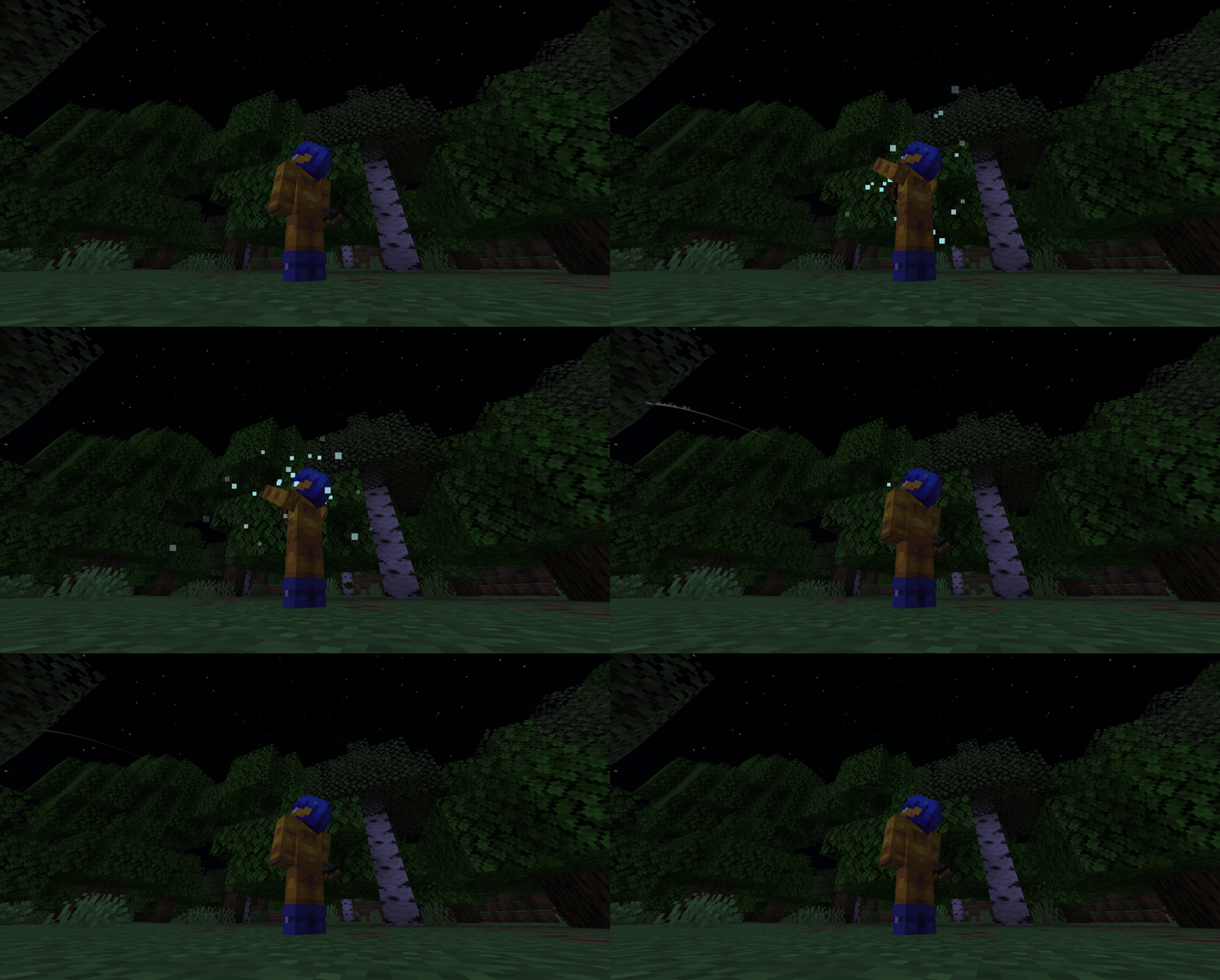
- Blue charging particles spawned while "charging" (using) ranged weapons such as bows or tridents
- Directional shockwave particles when throwing/shooting a projectile
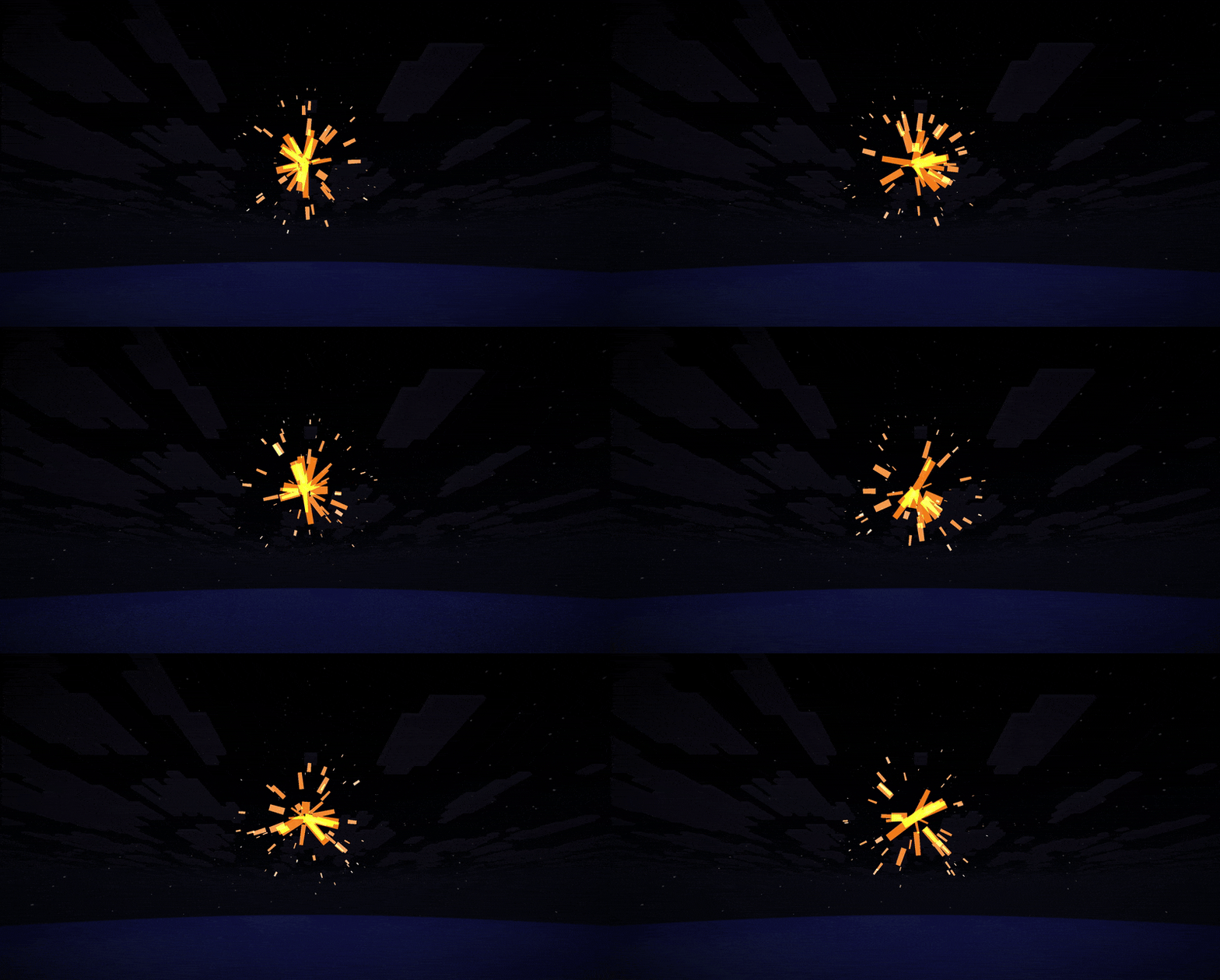
- Reworked critical hit particles reminiscient of fiery sparks
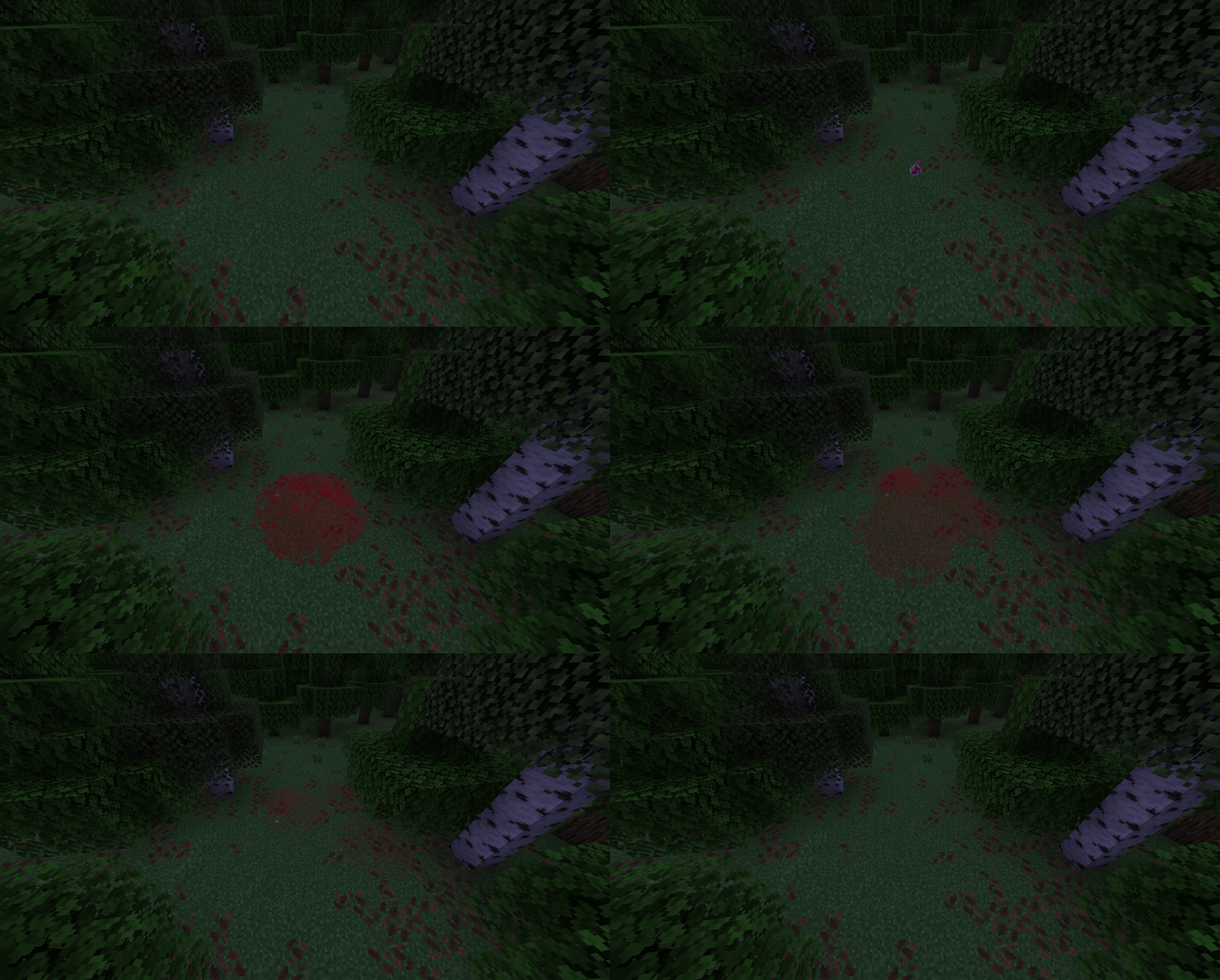
- Potion cloud particles spawned whenever a potion breaks on a solid block
- Damage number particles with a font like the one used in Minecraft Dungeons
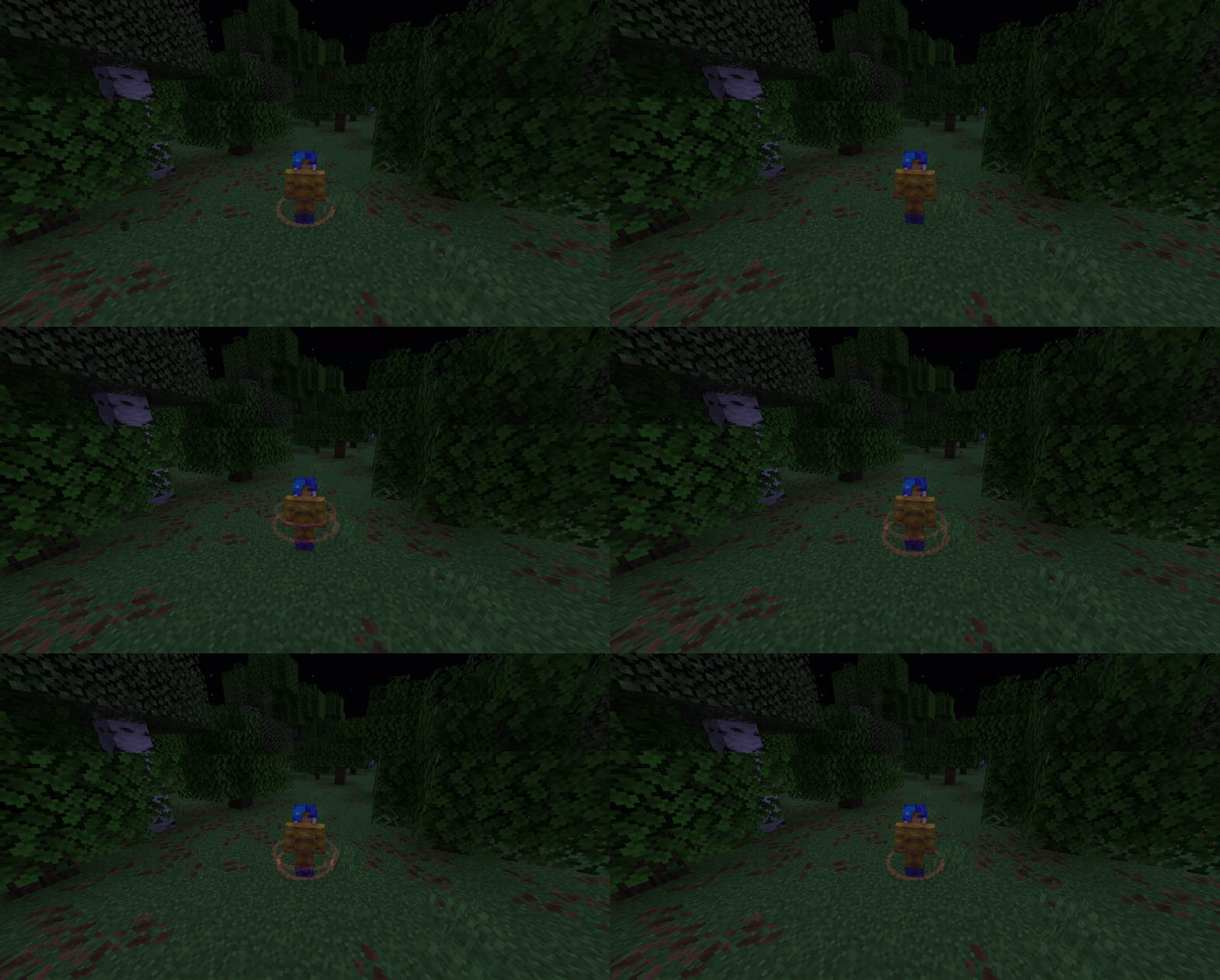
- Glowing healing ring particles spawned whenever an entity gains health
- Sprint cloud particles
- Freezing snowflake particles
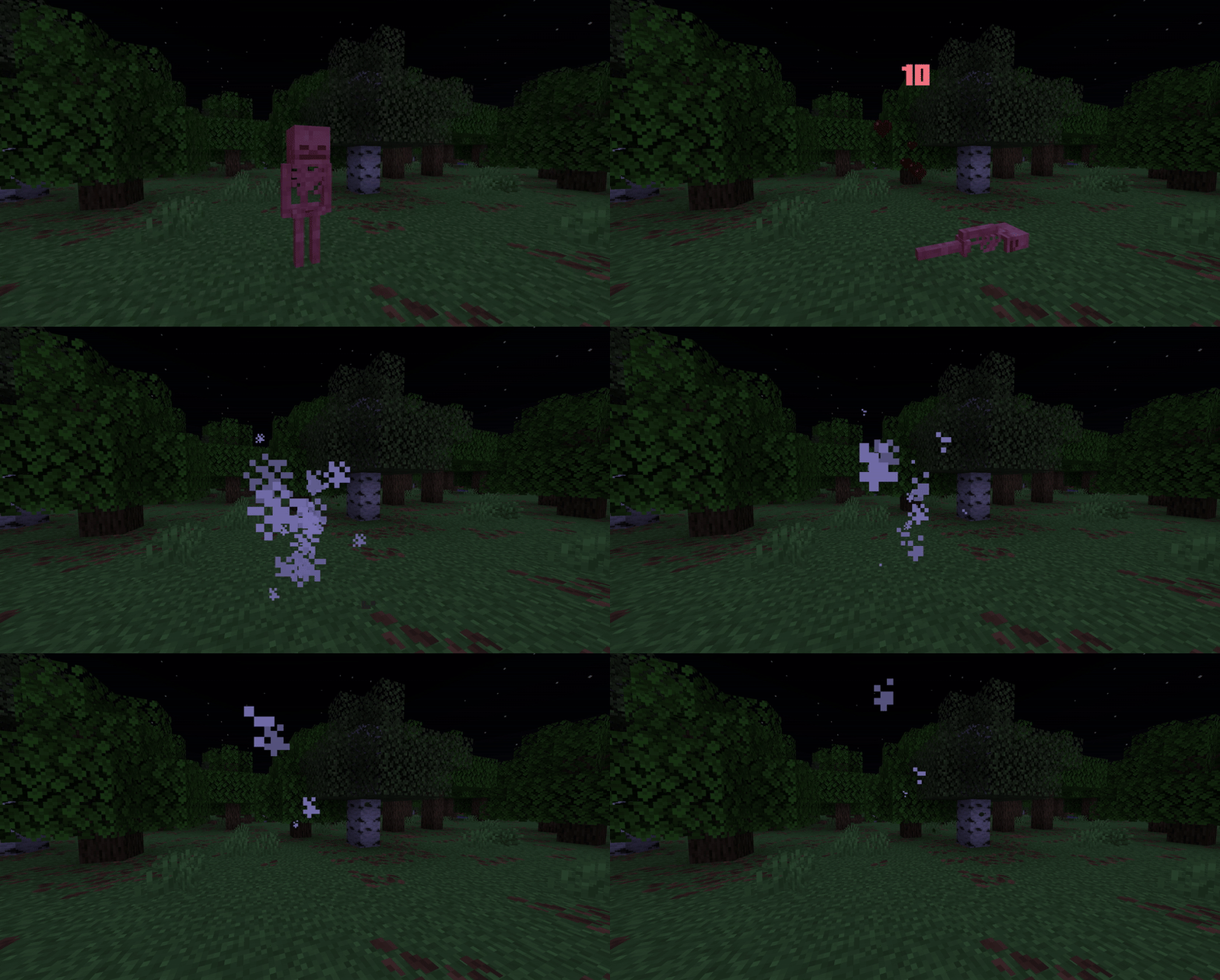
- Purple weakness cloud particles
Other visual effects from the mod include:
- Large shield breaking particles whenever the player puts another entity's shield on cooldown
- Data-driven entity trails as defined by .json files from a resource pack
Data Driven Trails
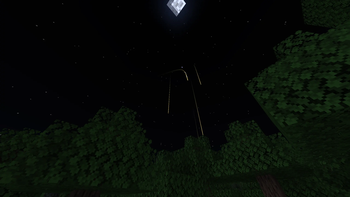
Any entity type can be given a trail by creating a directory called "trail" inside a resource pack and creating a .json file inside that folder. CombatEffects already includes trails for vanilla minecraft projectiles such as arrows, tridents, wind charges, etc.
An example for how a trail .json file might look can be found below:
{
  "type": "#minecraft:impact_projectiles",
  "length": 35,
  "vertical_offset": -0.1,
  "start_width": 0.2,
  "end_width": 0.015,
  "start_alpha": 0.6,
  "end_alpha": 0.01,
  "start_color": [164, 177, 235],
  "end_color": [255, 255, 255]
}
The above code registers a trail to all entities whose entity type is contained inside the "minecraft:impact_projectiles" entity type tag. You can also register a trail to a specific entity type by simply omitting the "#" and writing the identifier of the entity type you wish to grant a trail.
Additional
Available Versions
How to Install CombatEffects on Your Server
Order Server
Order a Minecraft Java server with at least 3 GB RAM (4 GB recommended).
Set fabric Loader
In the panel under "Egg", select the fabric loader and matching Minecraft version (1.21.8).
Install Mod
Open the mod browser in the dashboard and search for "CombatEffects". Click "Install" – done! Alternatively, upload the .jar via SFTP to the /mods folder.
Compatibility
Mod Loaders
Minecraft Versions
1.21.8, 1.21.7, 1.21.6
Server-side
✗ UnsupportedRecommended RAM
4 GB(min. 3 GB)Frequently Asked Questions
CombatEffects server crashes on startup – what to do?
Most common cause: wrong fabric version or insufficient RAM. Check the server log (latest.log) for "OutOfMemoryError" or "Mixin" errors. With Mado Hosting: ensure at least 3 GB RAM is allocated and the loader matches the mod version (1.21.8). You can switch loaders with one click in the panel.
Is CombatEffects compatible with fabric?
CombatEffects officially supports fabric for Minecraft 1.21.8, 1.21.7, 1.21.6. The Mado dashboard automatically detects incompatible loader combinations.
Server lagging with CombatEffects – how to optimize performance?
Recommended RAM: 4 GB (per 8 players). Use /spark profiler to check if CombatEffects consumes the most tick time. Common fixes: reduce server view-distance to 8-10, install "performant" or "starlight" as supplementary mods on Forge. With Mado Hosting, your server runs on NVMe SSDs with dedicated CPU cores for minimal latency.
Similar Mods

![[ETF] Entity Texture Features](https://cdn.modrinth.com/data/BVzZfTc1/af683d206d50b05258d865b0d6e4aa2f2cee12f2_96.webp)
![[EMF] Entity Model Features](https://cdn.modrinth.com/data/4I1XuqiY/6e5bbd0d06b1741bfdab6c0cfab6de8fdaf0064c_96.webp)



Rent Modded Server
Install CombatEffects with just one click on your server.