
Controlled Construction
Building is difficult. Let's make it easier!
Screenshots


About this Mod

Make building easier through this 1.21.4 mod utilized as a building tool!
[||⋘⋘⋘⋘⋘⋘⋘⋘⋘⋘⋘⋘⋘⋘⋘⋘ Controlled Construction™ ⋙⋙⋙⋙⋙⋙⋙⋙⋙⋙⋙⋙⋙⋙⋙⋙||]
Current Additions to the Mod!:
Forced Block Rotation:
Spoiler
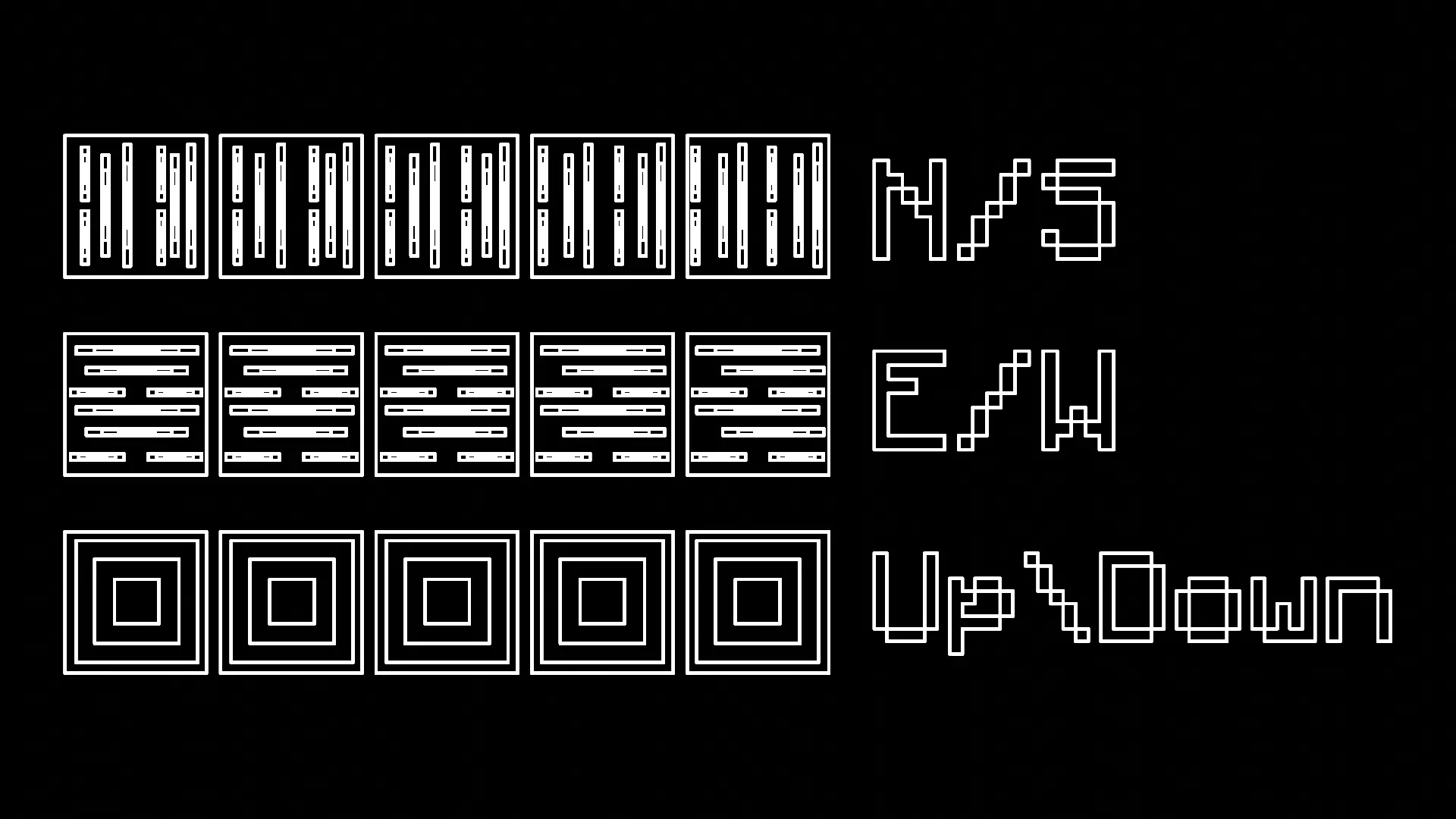
You have the ability to press R to forcibly rotate every block you place, making it much easier to work with directional blocks like logs.
- There are four modes: Force Direction Off, Up/Down, North/South, and East/West
Measuring Tool:
Spoiler
You can press and hold V to measure distances
- When you first press it, it records the location you are looking at
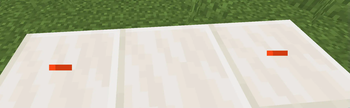
-- It tells you the location, gives you a visual particle cue, and makes a cow bell sound
- Look at where you want to stop measuring and let go of V
-- There should be another visual particle cue and cow bell sound
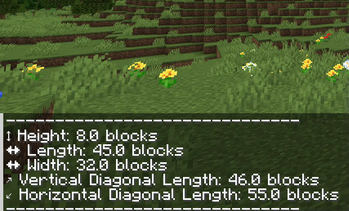
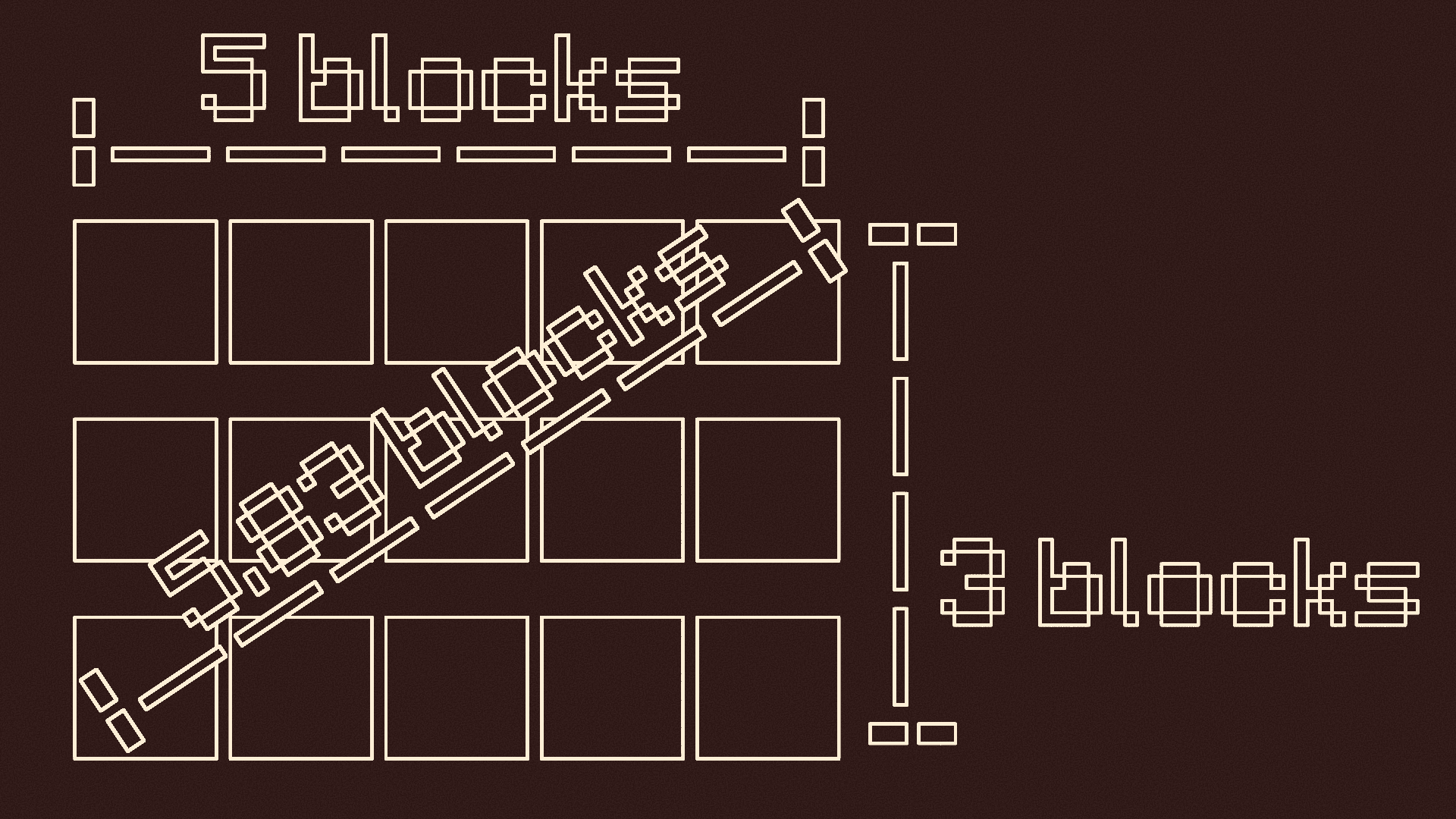
- It will tell you the height, length, width, vertical diagonal length, and horizontal diagonal length of the measurement
Pointer:
Spoiler
Press G to use the pointer
- Press G to turn it on if it is off
- This will put colored particles at any block you look at
- Press G again if it is on to turn it off

Y-Lock:
Spoiler
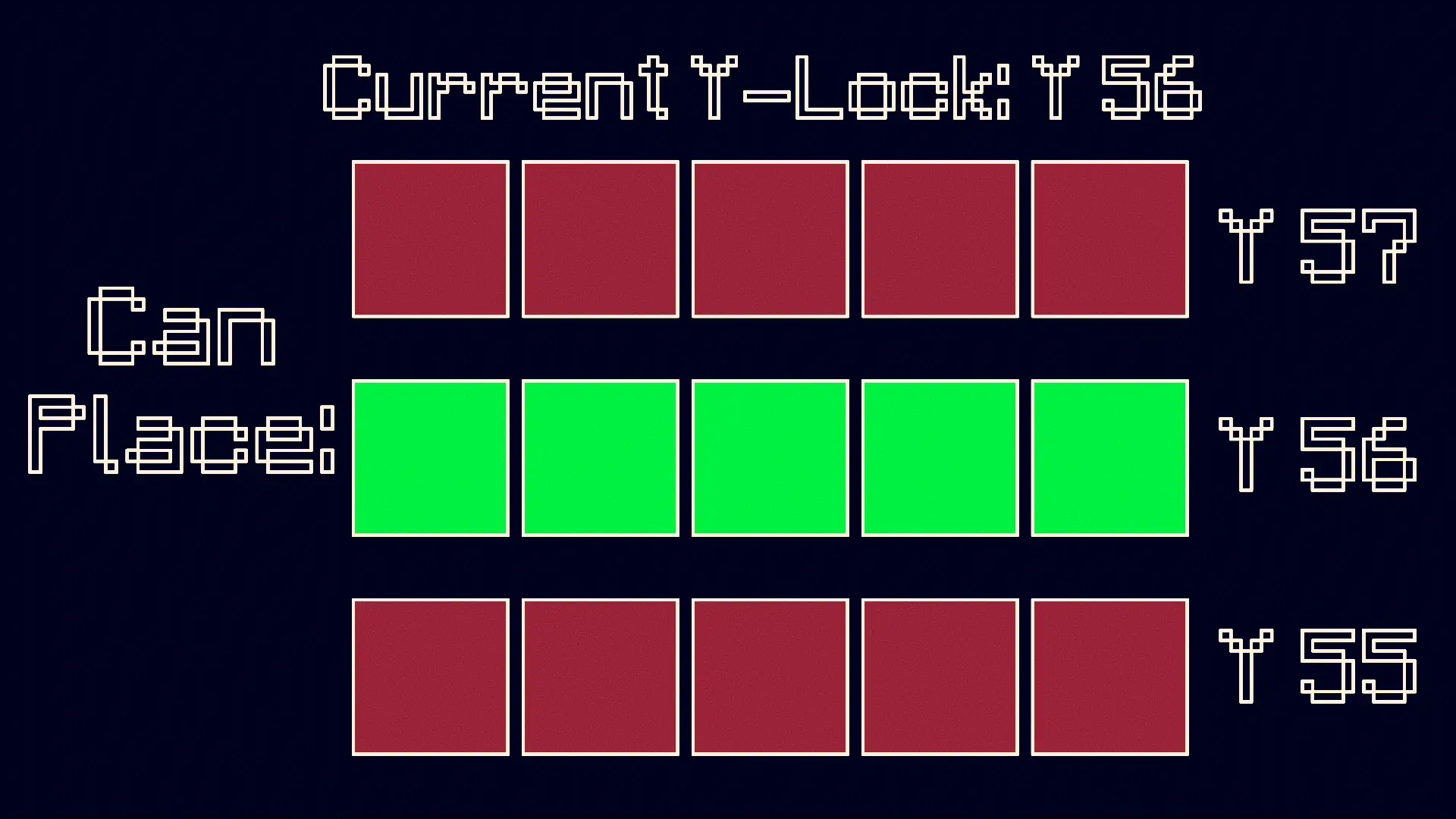
Press Y to turn on the Y-Lock. At the time of pressing it, the y location of the block below you is recorded. While the Y-Lock is on, you can only place blocks on that y level. Press Y again to turn it off.
KEEP IN MIND: This mod is made for BUILDERS, although it can be used for others purposes if need be.
Available Versions
How to Install Controlled Construction on Your Server
Order Server
Order a Minecraft Java server with at least 3 GB RAM (4 GB recommended).
Set forge Loader
In the panel under "Egg", select the forge loader and matching Minecraft version (1.21.5).
Install Mod
Open the mod browser in the dashboard and search for "Controlled Construction". Click "Install" – done! Alternatively, upload the .jar via SFTP to the /mods folder.
Compatibility
Mod Loaders
Minecraft Versions
1.21.5, 1.21.4, 1.21.1 (+1 more)
Server-side
✗ UnsupportedRecommended RAM
4 GB(min. 3 GB)Frequently Asked Questions
Controlled Construction server crashes on startup – what to do?
Most common cause: wrong forge version or insufficient RAM. Check the server log (latest.log) for "OutOfMemoryError" or "Mixin" errors. With Mado Hosting: ensure at least 3 GB RAM is allocated and the loader matches the mod version (1.21.5). You can switch loaders with one click in the panel.
Is Controlled Construction compatible with forge and neoforge?
Controlled Construction officially supports forge, neoforge for Minecraft 1.21.5, 1.21.4, 1.21.1. The Mado dashboard automatically detects incompatible loader combinations.
Server lagging with Controlled Construction – how to optimize performance?
Recommended RAM: 4 GB (per 8 players). Use /spark profiler to check if Controlled Construction consumes the most tick time. Common fixes: reduce server view-distance to 8-10, install "performant" or "starlight" as supplementary mods on Forge. With Mado Hosting, your server runs on NVMe SSDs with dedicated CPU cores for minimal latency.
Similar Mods




Rent Modded Server
Install Controlled Construction with just one click on your server.