
Copper Chunk Loader
Chunk Loader data pack friendly for vanilla survival. More uses for copper!
Screenshots
About this Mod
Copper Chunk Loader
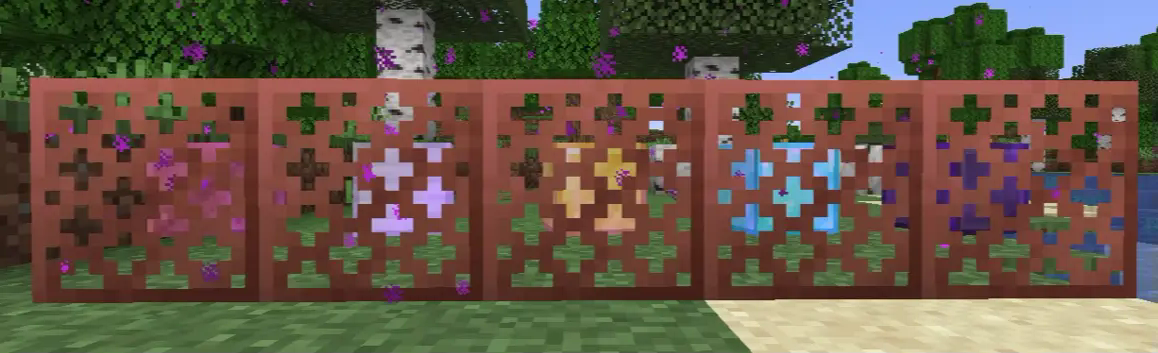
Chunk loader data pack that aims to be vanilla survival friendly and to find more uses for copper.
This data pack is designed to be as simple as possible, so you can just drop it in your datapacks folder and start using it right away.
No need to set up some fancy stuff.
📀 Features
Chunk Loader

Chunk Loader is a block that keep chunks around it always active even when the player leaves the area.
💡 Notice
Due to technical reasons, this chunk loader CANNOT simulate player's chunk tick. This means mob spawning mechanics WON'T WORK!BUT you can still use this for anything that doesn't require player's chunk tick, such as Mob ticking related farm (for example Iron Golem Farm still works), Crops growing*, Cauldrons filling*, Redstone contraptions, Furnace burning, Duplication, etc.
For more information on this topic, please see Chunk tick.
* 1.21.5+ only, any version below 1.21.5 still require a player to be nearby.
Tiers
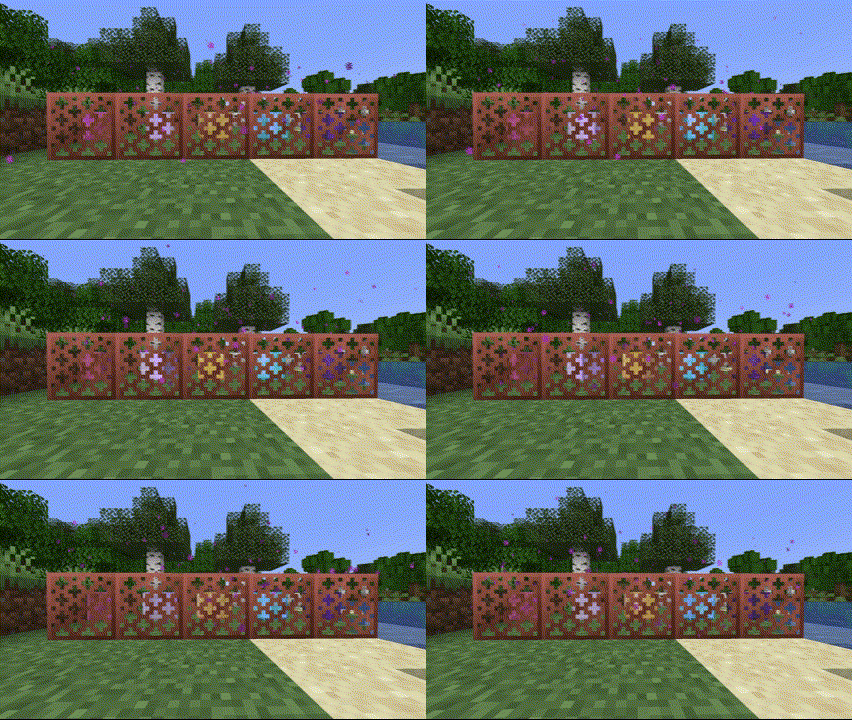
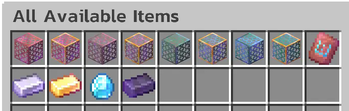
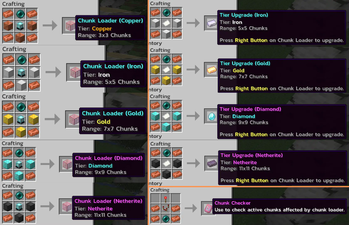
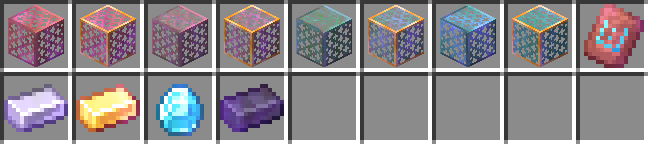
Chunk Loader comes with 5 tiers, Copper, Iron, Gold, Diamond, and Netherite.
Each tier increases the range of active chunk loading, with higher tiers covering more chunks.
Here is the list of tiers with their range:
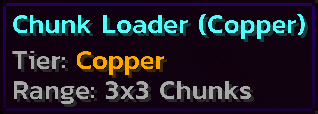
- Copper: 3x3 Chunks
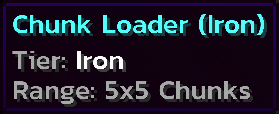
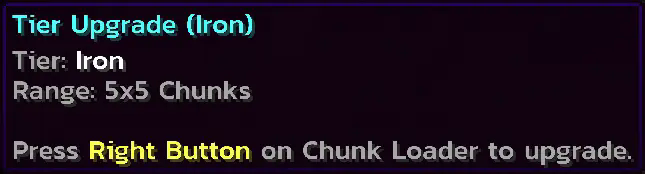
- Iron: 5x5 Chunks
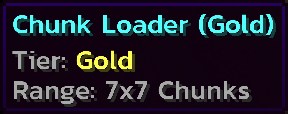
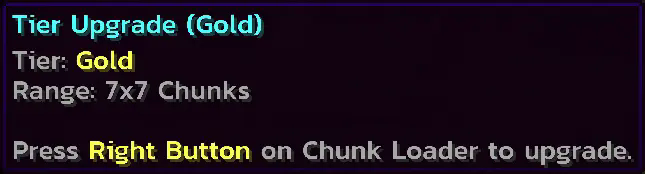
- Gold: 7x7 Chunks
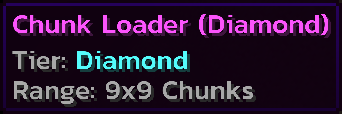
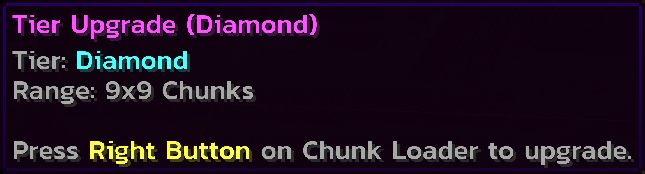
- Diamond: 9x9 Chunks
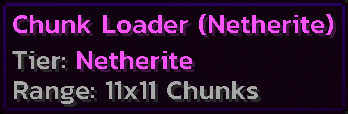
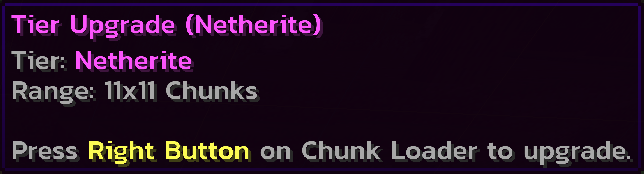
- Netherite: 11x11 Chunks
How to use?
Simple! Just place it. I've seen a lot of chunk loader data packs that require you to set up some stuff for the chunk loader to be activated. And I'm here to solve this problem by making it as simple as possible.Placing
Breaking
Recipes
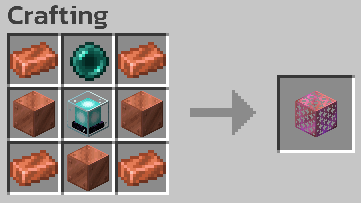
Chunk Loader (Copper)
Chunk Loader (Iron)
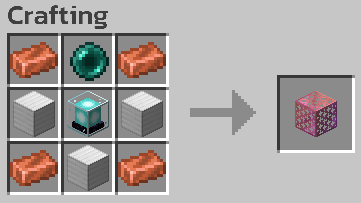
Chunk Loader (Gold)
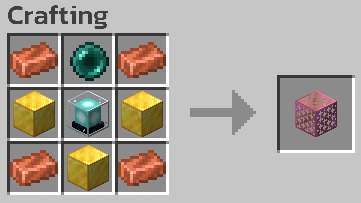
Chunk Loader (Diamond)
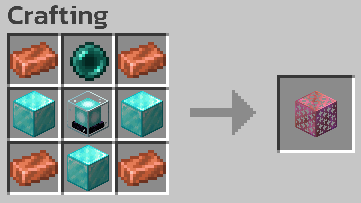
Chunk Loader (Netherite)
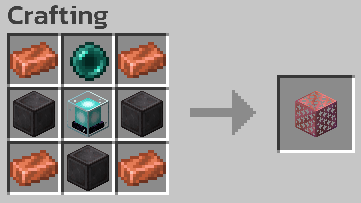
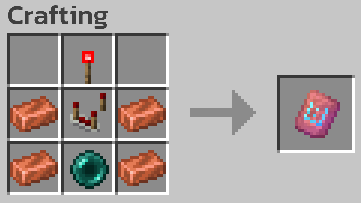
Chunk Checker

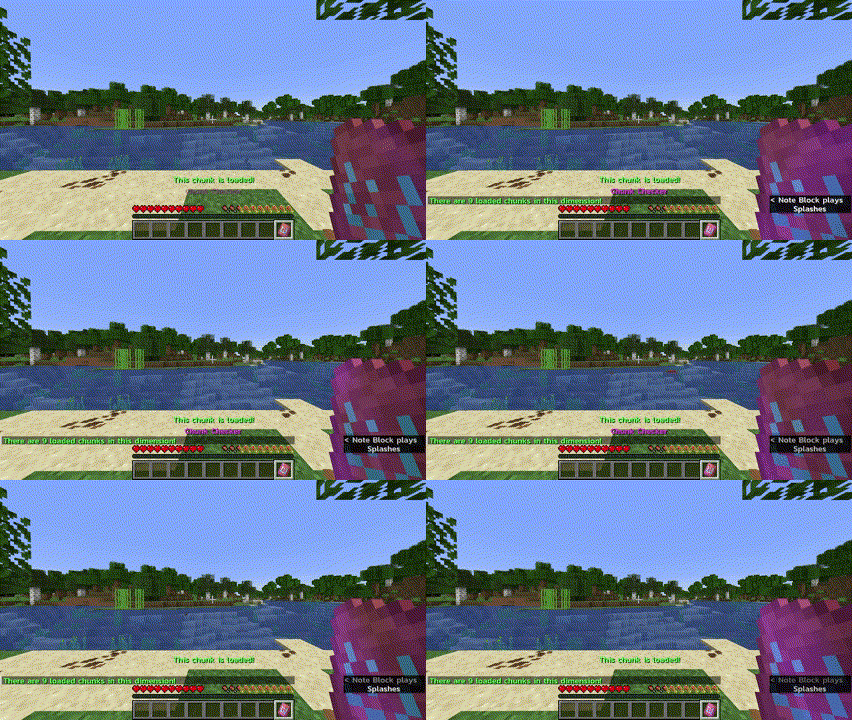
Chunk Checker is a tool to check whether or not the current chunk is affected by Chunk Loader, and to see the total affected chunks in the current dimension.
How to use?
Hold to see if the current chunk is affected by Chunk Loader.Right Click to see total chunks affected by Chunk Loader.
Recipe
Chunk Checker

Tier Upgrade
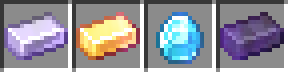
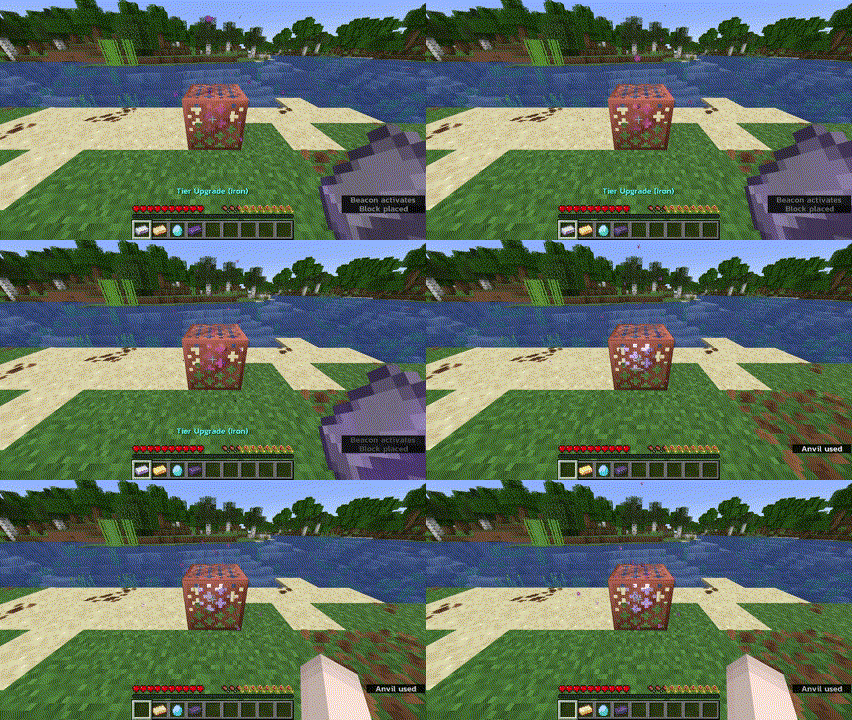
Tier Upgrade is an item used to upgrade Chunk Loader without crafting a new one.
How to use?
Hold a higher tier upgrade and right click on Chunk Loader block to upgrade.Tier upgrade can be skipped. For example, you can directly upgrade from Copper to Diamond.
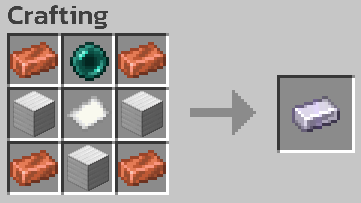
Recipes
Tier Upgrade (Iron)
Tier Upgrade (Gold)

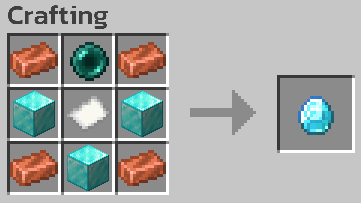
Tier Upgrade (Diamond)
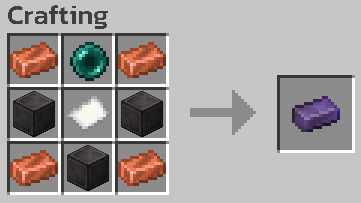
Tier Upgrade (Netherite)
Other Properties
Copper Properties

Oxidization
Chunk Loader can oxidize just like normal copper! You will also get an oxidized version when you break an oxidized Chunk Loader.Waxing
Want to protect your Chunk Loader from oxidization? Wax it! You can wax Chunk Loader to keep them at their current state.Stripping
You can also use your axe on Chunk Loader block to remove one layer of oxidization or wax!Fire Damage Resistance
Netherite tier Chunk Loader and Netherite tier Tier Upgrade are immune to fire damage such as fire or lava. So you won't lose your valuable items from an accident!All Available Items
📦 How to install?
- Download the data pack from Modrinth or GitHub.
- Open your Minecraft world folder and navigate to the
datapacksfolder. - Drag and drop the downloaded
.zipfile into thedatapacksfolder. - Unzip the file. (It should look like this:
<world>/datapacks/copper-chunk-loader-X.X.X/...) - Open your world in Minecraft and run the command
/reloadto load the data pack. (or/minecraft:reloadif you're on a server) - Done!
🗑️ How to uninstall?
- Make sure you remove all chunk loaders from your world.
- Simply delete the data pack file from the
datapacksfolder. - Run the command
/reload. - Done!
⚠️ Known Issues
- DO NOT use piston with Chunk Loader to prevent item loss. Chunk Loader is now having a problem with piston movement.
- You need to revisit the area that Chunk Loaders are in after the server restart or when you reopen the single player world.
❌ Known Incompatibility
- Fast Item Frames mod, due to the mod changing item frames to be modded blocks.
Available Versions
How to Install Copper Chunk Loader on Your Server
Order Server
Order a Minecraft Java server with at least 3 GB RAM (4 GB recommended).
Set datapack Loader
In the panel under "Egg", select the datapack loader and matching Minecraft version (26.1.2).
Install Mod
Open the mod browser in the dashboard and search for "Copper Chunk Loader". Click "Install" – done! Alternatively, upload the .jar via SFTP to the /mods folder.
Compatibility
Mod Loaders
Minecraft Versions
26.1.2, 26.1.1, 26.1 (+10 more)
Server-side
✓ RequiredRecommended RAM
4 GB(min. 3 GB)Frequently Asked Questions
Copper Chunk Loader server crashes on startup – what to do?
Most common cause: wrong datapack version or insufficient RAM. Check the server log (latest.log) for "OutOfMemoryError" or "Mixin" errors. With Mado Hosting: ensure at least 3 GB RAM is allocated and the loader matches the mod version (26.1.2). You can switch loaders with one click in the panel.
Is Copper Chunk Loader compatible with datapack and fabric and forge and neoforge and quilt?
Copper Chunk Loader officially supports datapack, fabric, forge, neoforge, quilt for Minecraft 26.1.2, 26.1.1, 26.1. Note: Forge and Fabric mods are NOT cross-compatible – pick one loader and stick with it. The Mado dashboard automatically detects incompatible loader combinations.
Server lagging with Copper Chunk Loader – how to optimize performance?
Recommended RAM: 4 GB (per 8 players). Use /spark profiler to check if Copper Chunk Loader consumes the most tick time. Common fixes: reduce server view-distance to 8-10, install "performant" or "starlight" as supplementary mods on Forge. With Mado Hosting, your server runs on NVMe SSDs with dedicated CPU cores for minimal latency.
Similar Mods




Rent Modded Server
Install Copper Chunk Loader with just one click on your server.
Details
- License
- Creative Commons Attribution Non Commercial Share Alike 4.0 International
- Server-side
- Required