
Cor's Hardcore Additions
Basic music disc creation mod for usage in my hardcore instance and series!
Screenshots
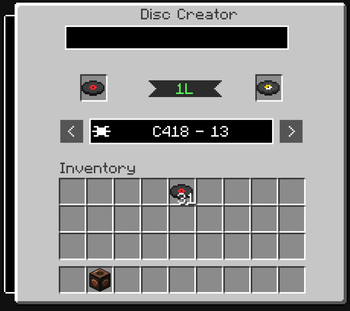

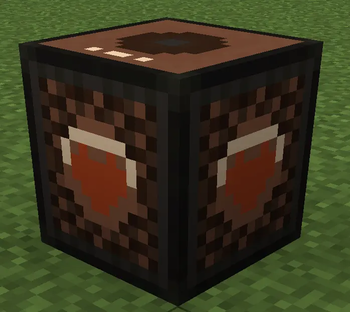
About this Mod

Due to the 1.21.10 iteration being so out-of-date compared to v1.0.6 of the WaterBailey Mod (and with that crashing server) i opted to rework and rewrite each mod from scratch! Talking merging the original disc list from 1.21.10, combined with all the features of WaterBailey v1.0.6, and made to NOT crash servers when the block menu is opened!
I decided to work out the Hardcore Mod first since I could always get the logic side crossed over between mods, but it did let me adjust the look and feel visually to match what I had in mind for this iteration!
The Disc Creator Menu uses roughly the same texture as the WaterBailey v1.0.6's Menu, but expanded to feel less cluttered! But with the added features of an expandable categories tab to the left, and the lyrics button now poping from the bottom of the screen!
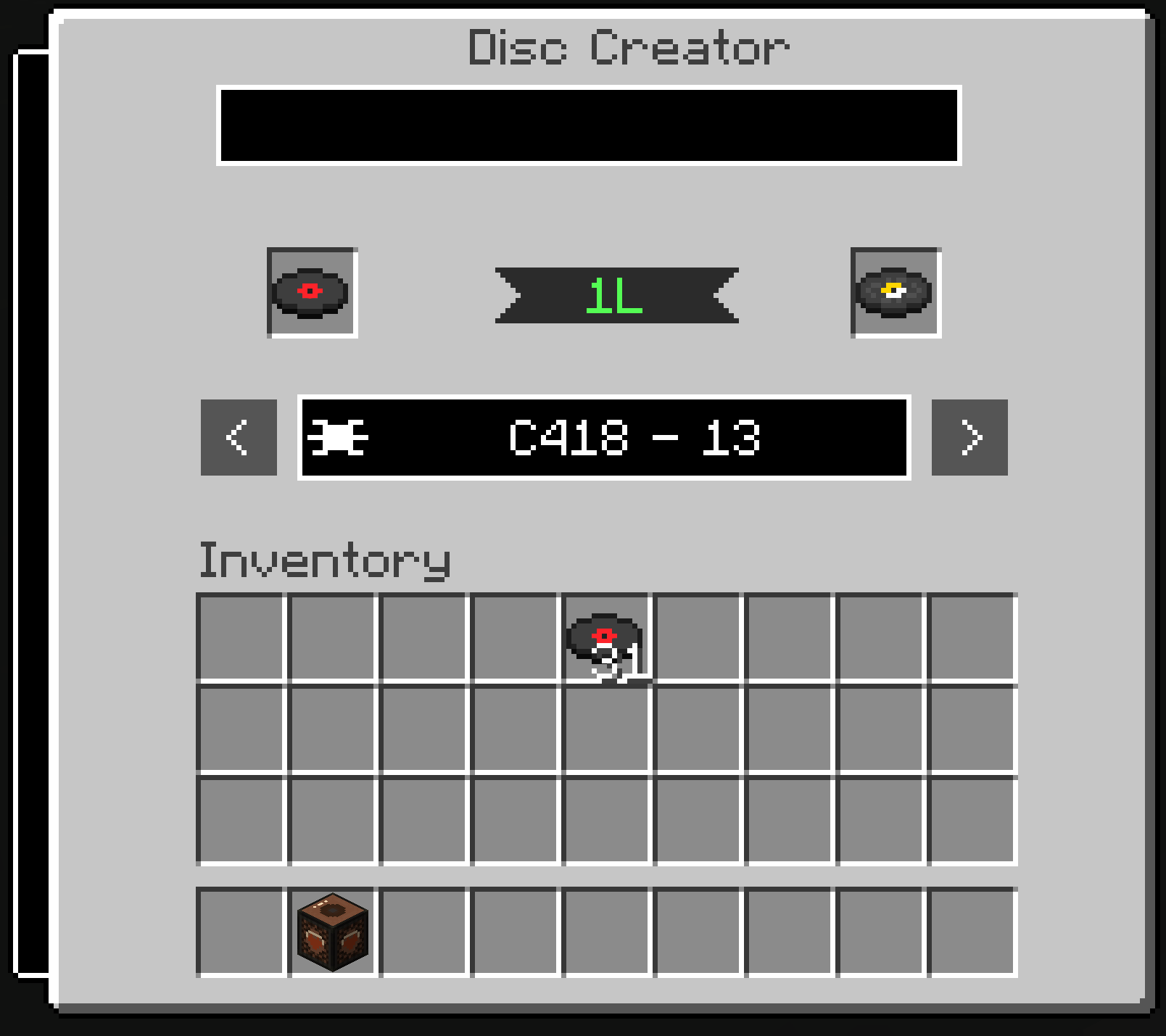
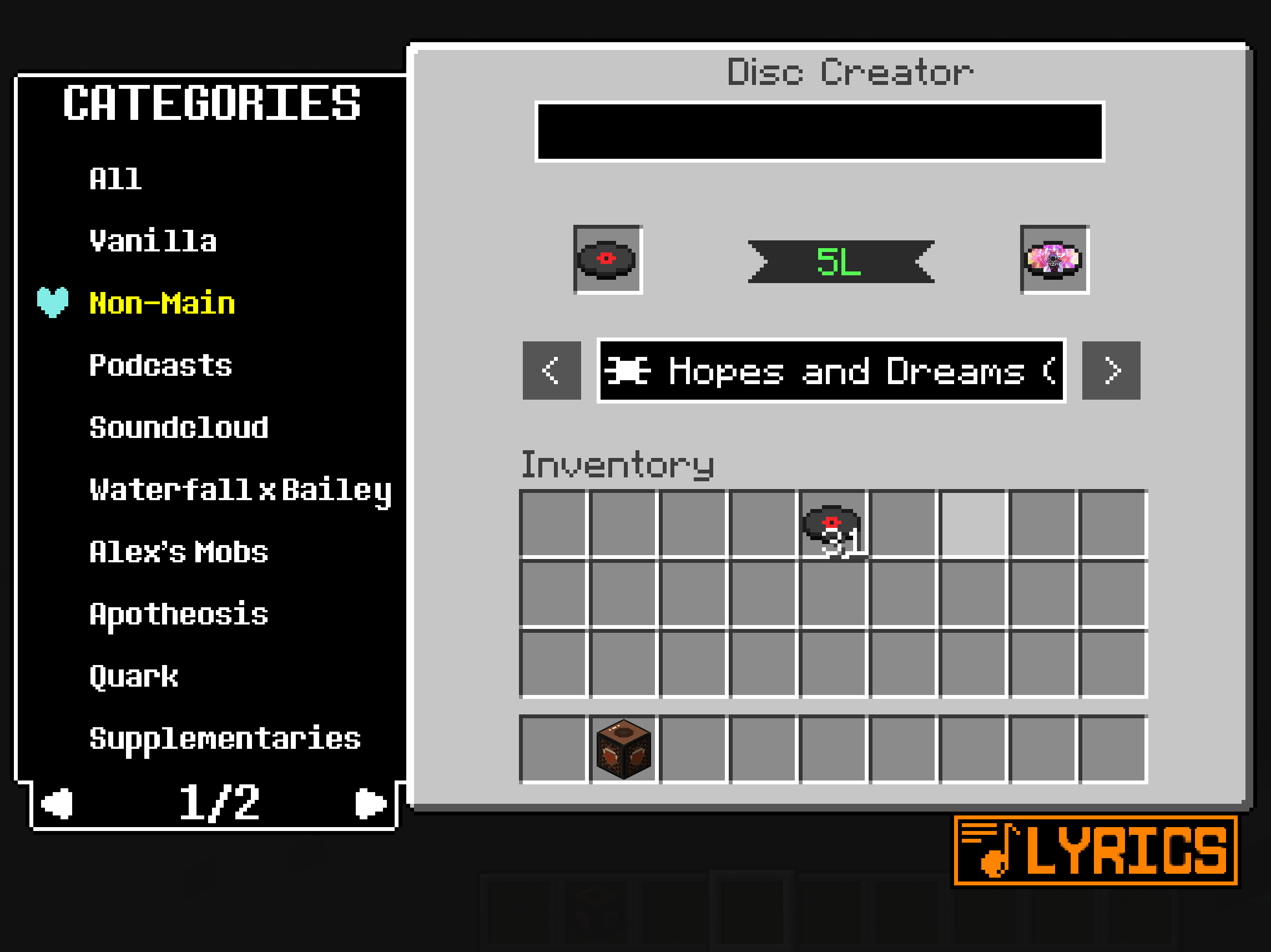
These 2 screenshots are of what v1.0.1 has to offer! More to come in later versions!
This mod was made to be used in a custom modpack that my friend Evil has made for me! Fortunately, I was able to have it see the other mods that is featured in the modpack that offers discs! These discs are stored in different categories, of which there is so many of them, that I had to make the tab contain multiple pages!
The Category Tab and Lyrics Button are both inspired by Undertale's style! I was a bit obsessed back in the day lmao
Available Versions
How to Install Cor's Hardcore Additions on Your Server
Order Server
Order a Minecraft Java server with at least 3 GB RAM (4 GB recommended).
Set neoforge Loader
In the panel under "Egg", select the neoforge loader and matching Minecraft version (1.21.1).
Install Mod
Open the mod browser in the dashboard and search for "Cor's Hardcore Additions". Click "Install" – done! Alternatively, upload the .jar via SFTP to the /mods folder.
Compatibility
Mod Loaders
Minecraft Versions
1.21.1
Server-side
✓ RequiredRecommended RAM
4 GB(min. 3 GB)Frequently Asked Questions
Cor's Hardcore Additions server crashes on startup – what to do?
Most common cause: wrong neoforge version or insufficient RAM. Check the server log (latest.log) for "OutOfMemoryError" or "Mixin" errors. With Mado Hosting: ensure at least 3 GB RAM is allocated and the loader matches the mod version (1.21.1). You can switch loaders with one click in the panel.
Is Cor's Hardcore Additions compatible with neoforge?
Cor's Hardcore Additions officially supports neoforge for Minecraft 1.21.1. The Mado dashboard automatically detects incompatible loader combinations.
Server lagging with Cor's Hardcore Additions – how to optimize performance?
Recommended RAM: 4 GB (per 8 players). Use /spark profiler to check if Cor's Hardcore Additions consumes the most tick time. Common fixes: reduce server view-distance to 8-10, install "performant" or "starlight" as supplementary mods on Forge. With Mado Hosting, your server runs on NVMe SSDs with dedicated CPU cores for minimal latency.
Similar Mods




![[ETF] Entity Texture Features](https://cdn.modrinth.com/data/BVzZfTc1/af683d206d50b05258d865b0d6e4aa2f2cee12f2_96.webp)

Rent Modded Server
Install Cor's Hardcore Additions with just one click on your server.