
CraftCore
700+ logical recipes, Stonecutter expansion, and some vanilla rebalancing for a seamless QoL experience.
About this Mod
 New Recipes
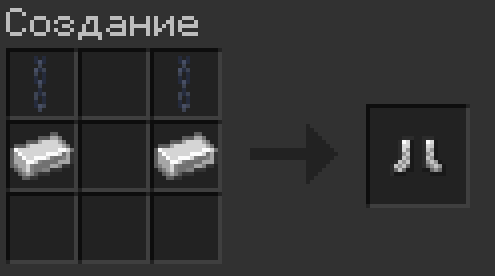
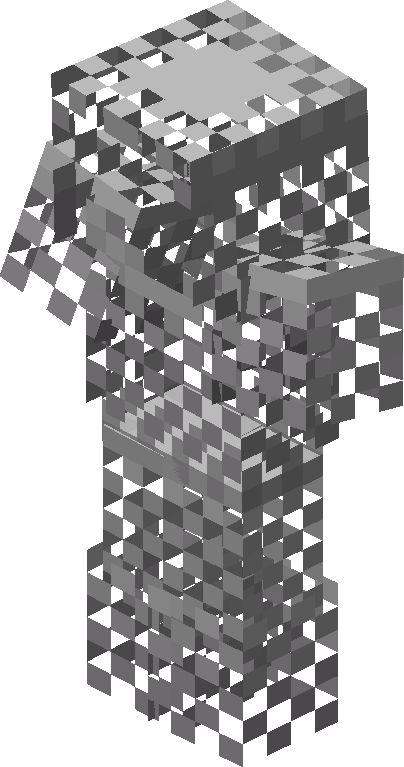 Chainmail Armor
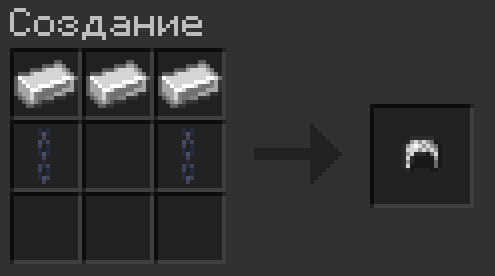
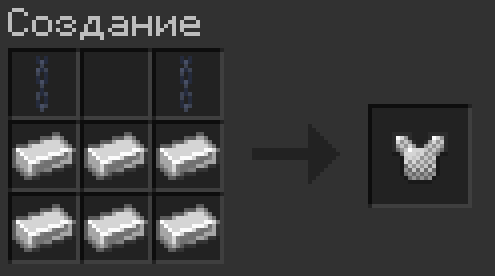
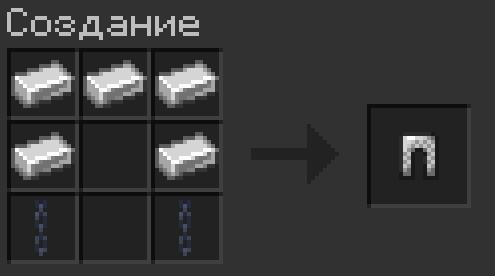
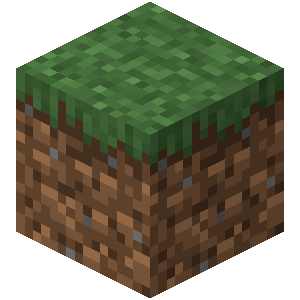 Grass Block
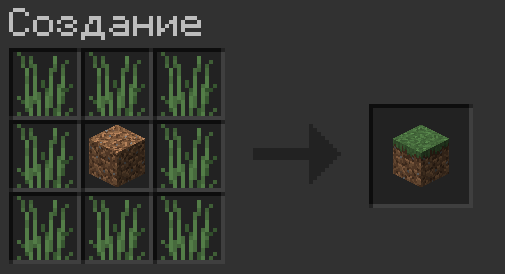
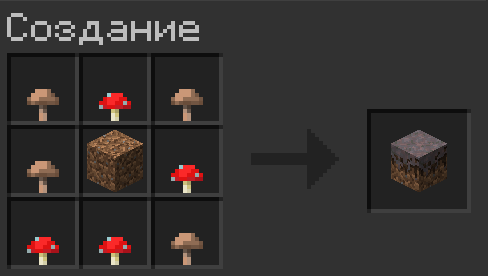
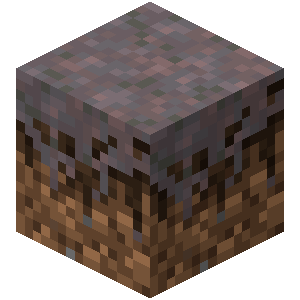 Mycelium
 Tool and Weapon "Upgrades"
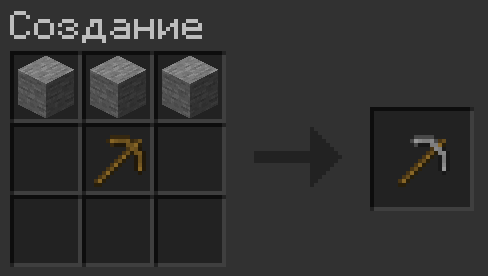
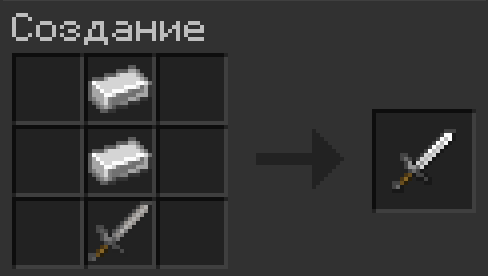
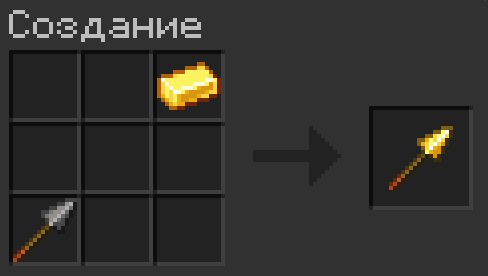
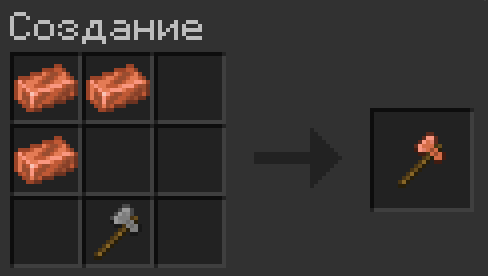
The item being upgraded is shifted by one slot to prevent crafting within the player's inventory (the 2x2 grid).
| Result | Base |
|---|---|
 Stone |
 Wooden Wooden
|
 Copper |
Wooden or Stone
|
 Golden |
Stone or Copper
|
 Iron |
Stone or Copper
|
Diamond tools cannot be upgraded this way.
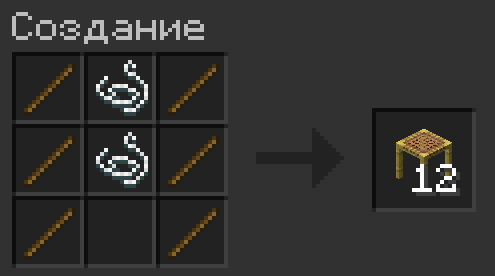
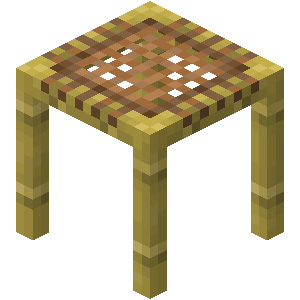 Scaffolding
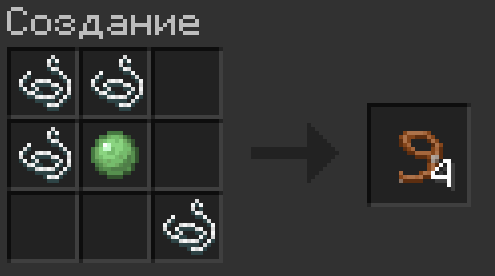
 Lead
Lead
 Cobweb
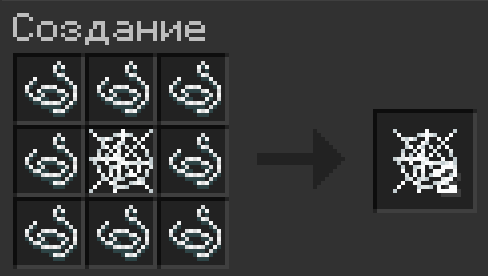
Yields 2 cobwebs
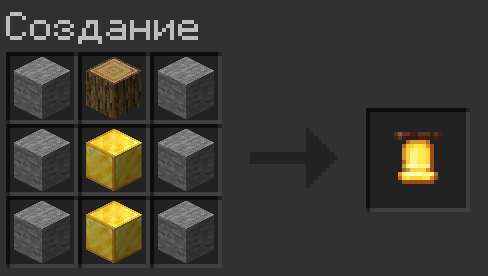
.png) Bell
Bell
_JE3.png) Repairing Anvils
Repairing Anvils
_JE3.png) Damaged Anvil
+
Damaged Anvil
+
 Block of Iron
→
Block of Iron
→
_JE3.png) Chipped Anvil
Chipped Anvil
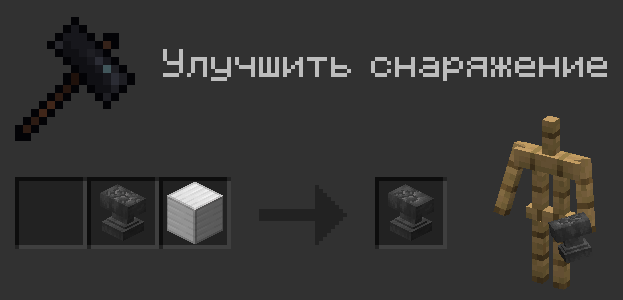
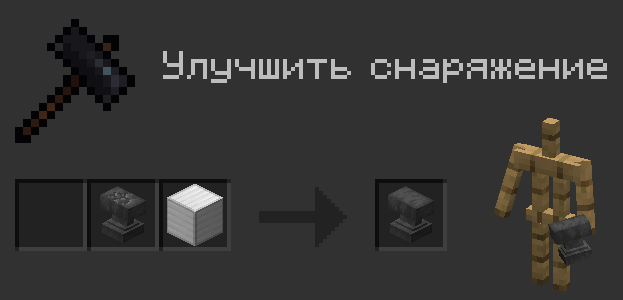
Chipped Anvil
+
Block of Iron
→
Anvil
 Quality of Life Recipes
_JE8.png) Hopper
Hopper
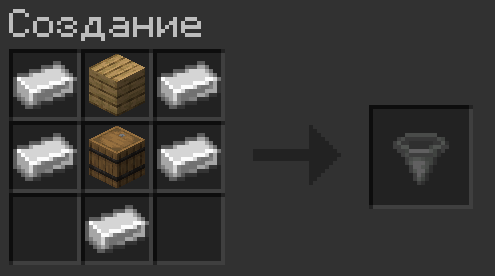
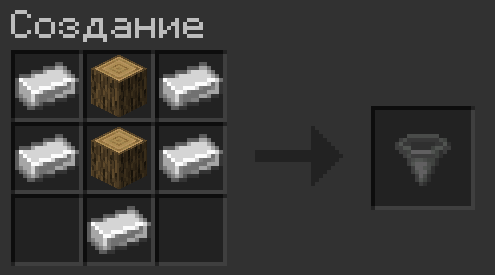
_JE2_BE1.png) Small stairs recipes
Small stairs recipes
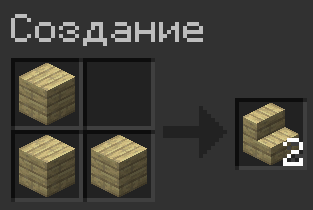
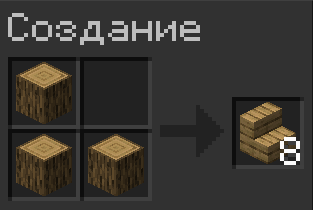
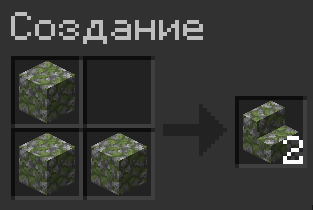
Works for all types of stairs in the game.
 Quick crafting for Tools and Spears
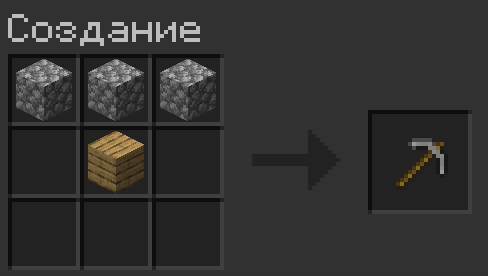
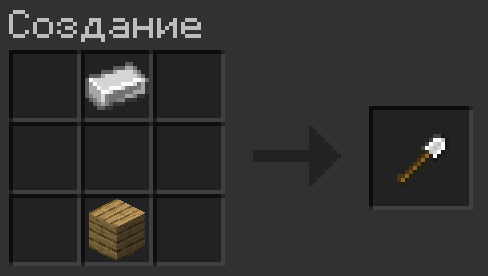
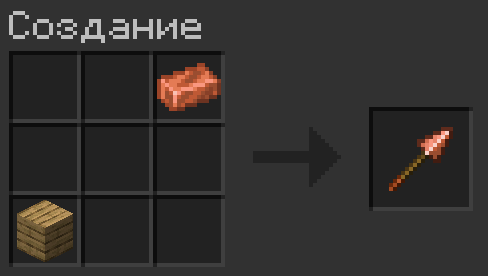
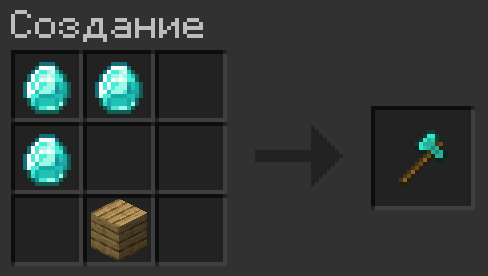
The plank is shifted by one slot to prevent crafting within the player's inventory (the 2x2 grid).
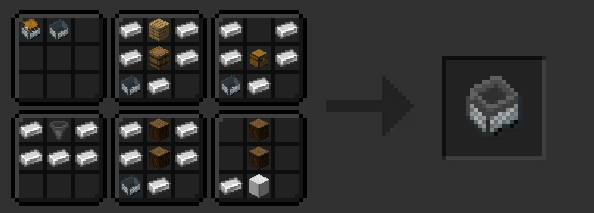
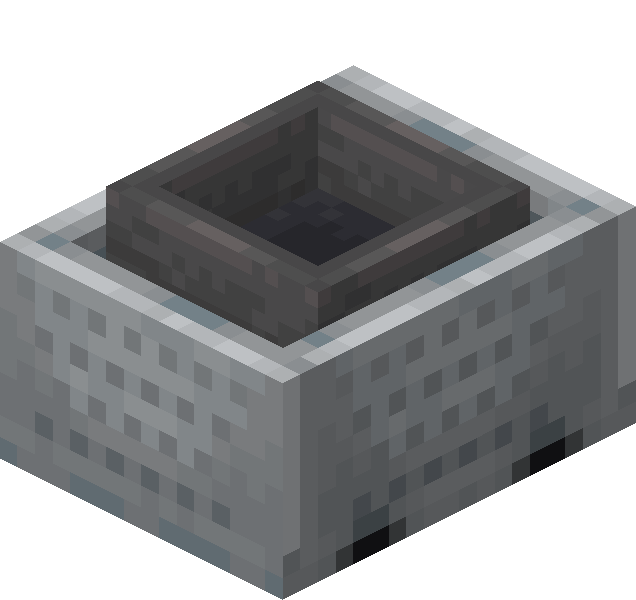 Minecart with Hopper
 Concrete
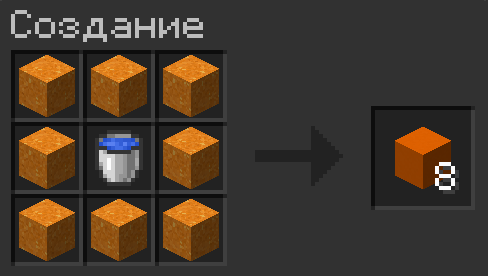
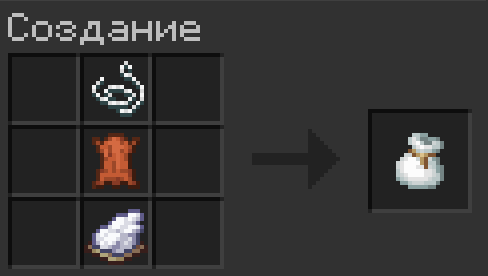
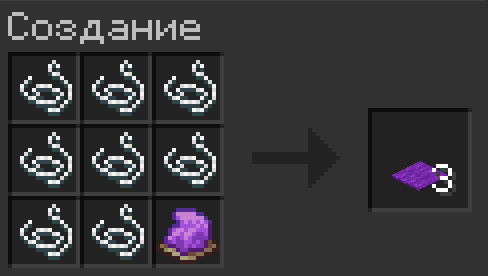
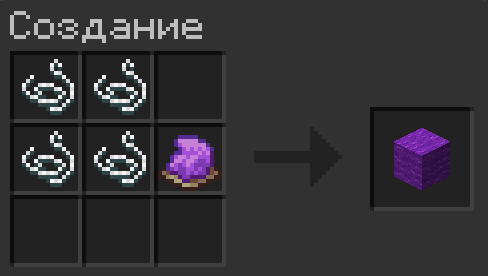
 Quick crafting for colored items
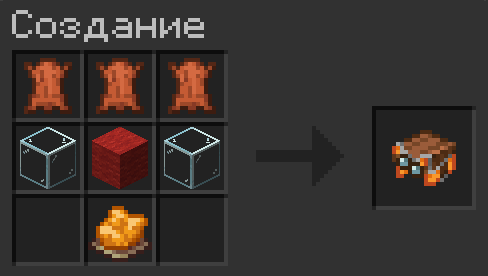
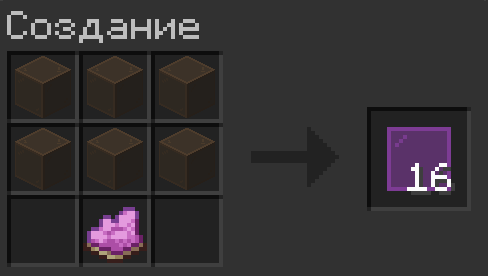
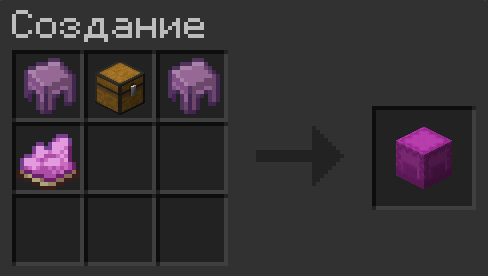
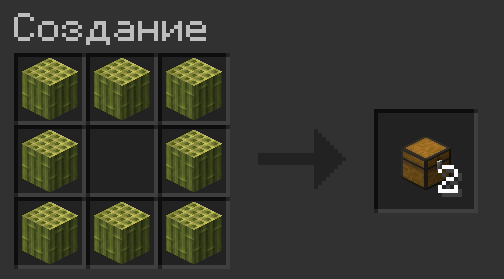
_JE2.png) Chest
Chest
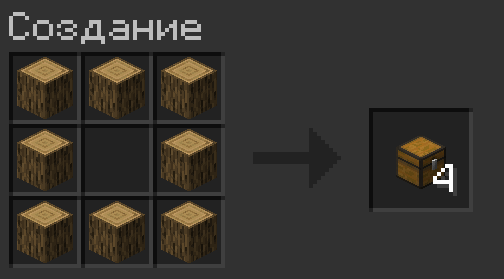
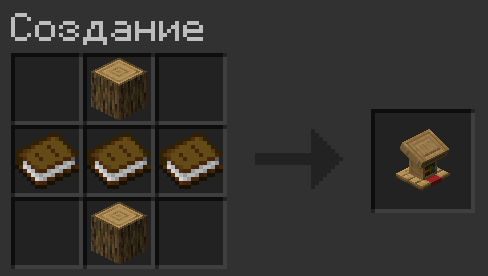
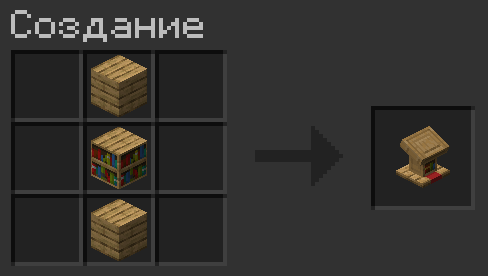
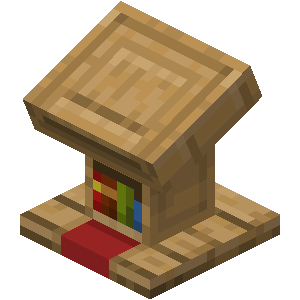 Lectern
_JE3_BE3.png) Item Frame
Item Frame
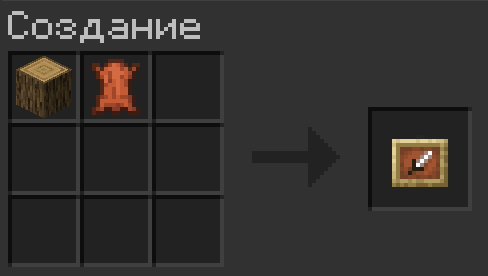
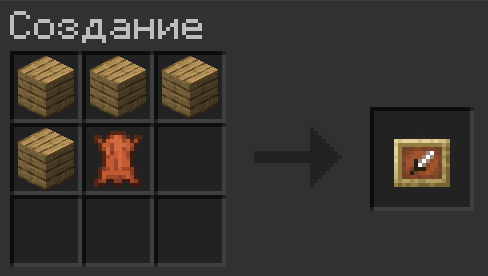
Works similarly for the Glow Item Frame, just add a Glow Ink Sac.
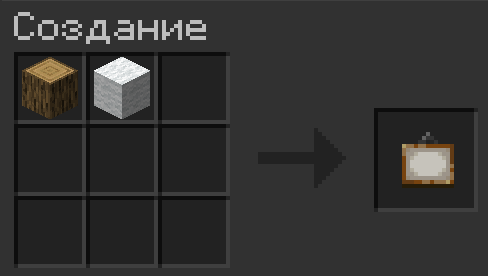
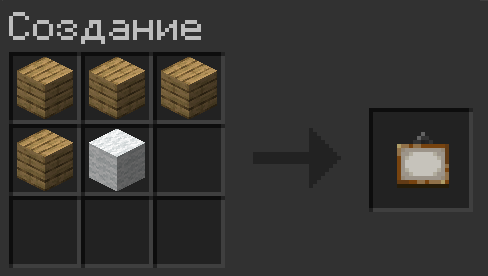
 Painting
_JE1_BE1.png) Barrel
Barrel
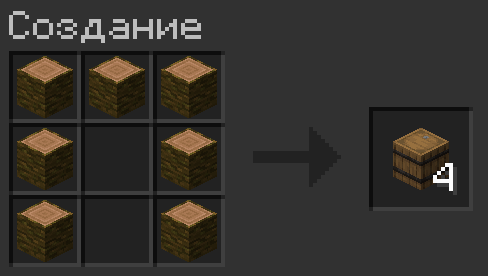
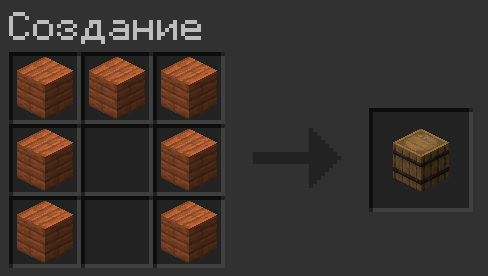
 Composter
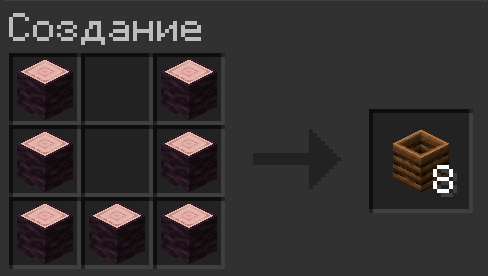
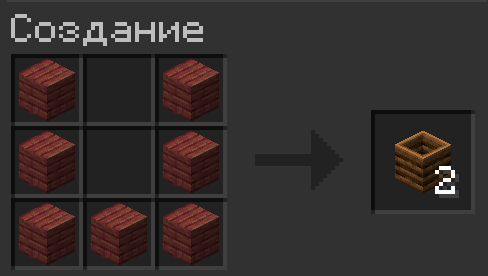
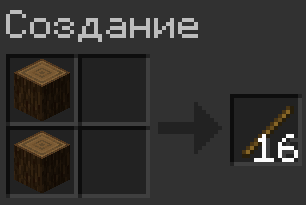
 Stick
Stick
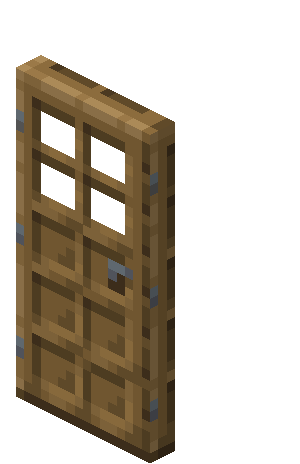 Wooden Doors
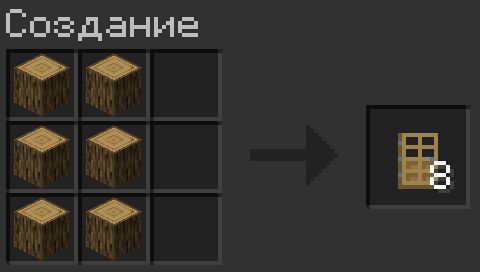
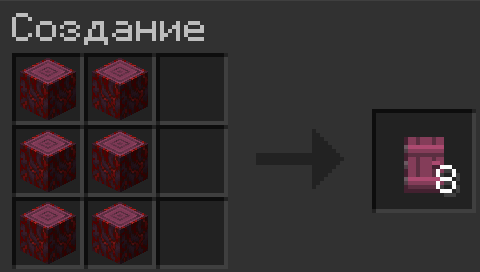
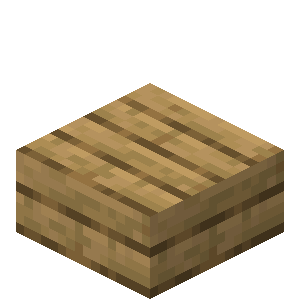 Wooden Slabs
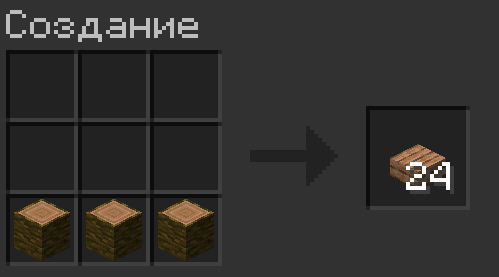
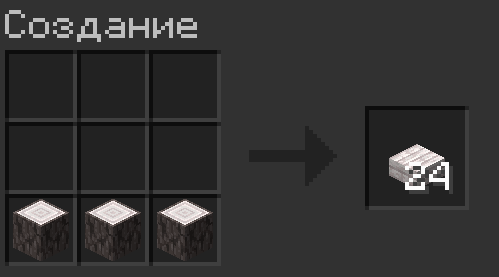
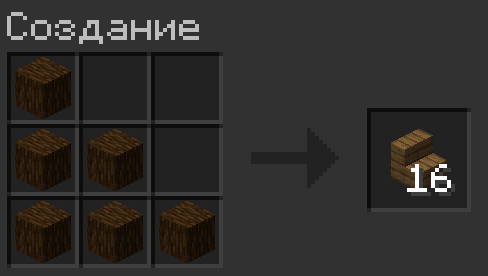
_JE7_BE6.png) Wooden Stairs
Wooden Stairs
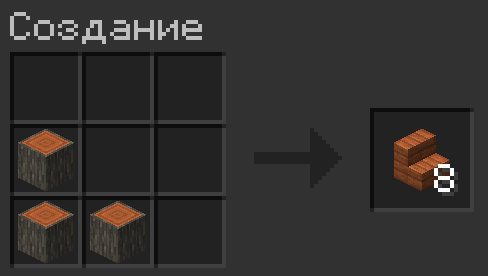
_JE9.png) Wooden Fences
Wooden Fences
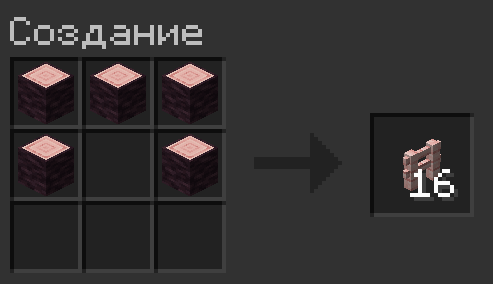
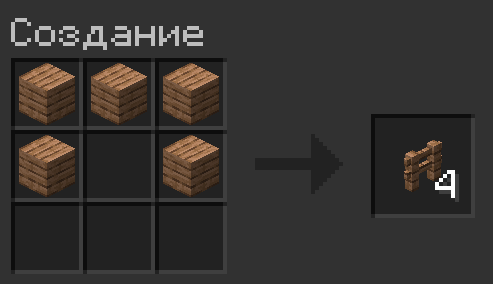
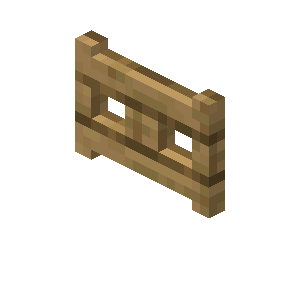 Fence Gates
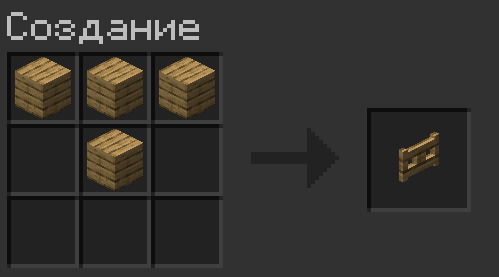
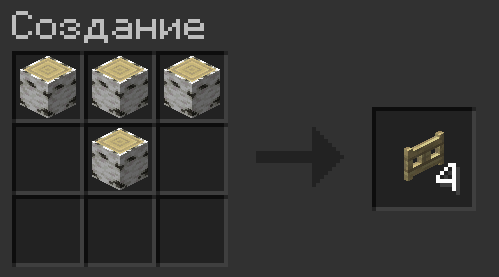
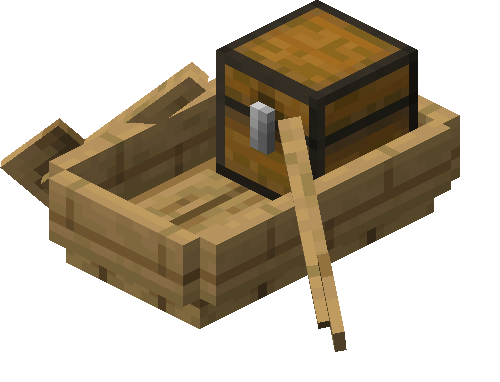 Boats with Chest

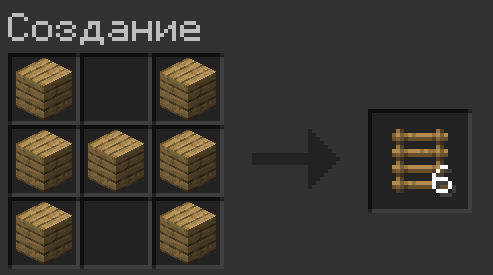
_JE3_BE2.png) Ladder
Ladder
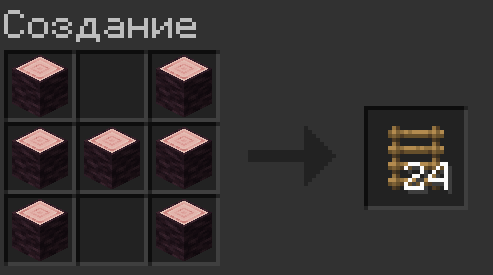
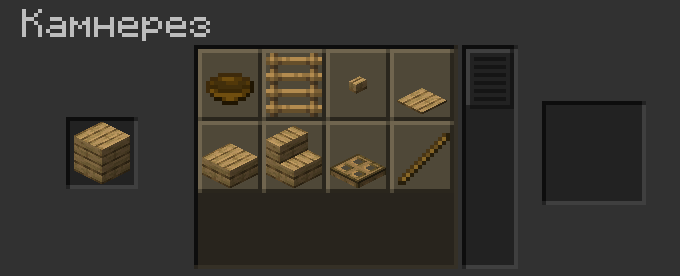
 Stonecutter Recipes
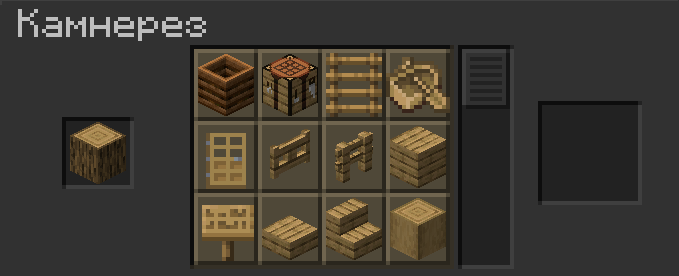
_JE8_BE3.png) Logs
Logs
 Planks
 Copper Blocks
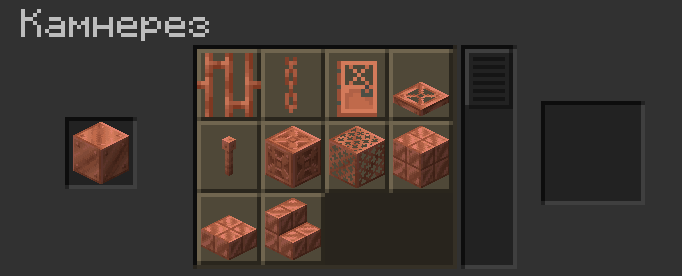
The waxed state of the block is preserved during crafting.
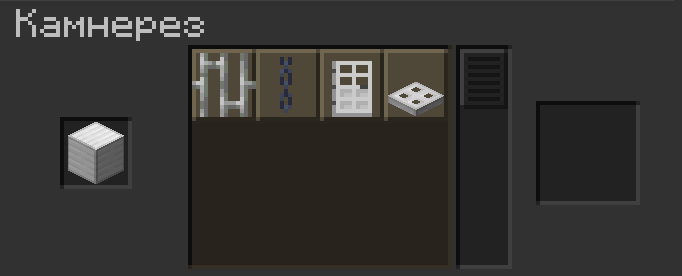
Block of Iron
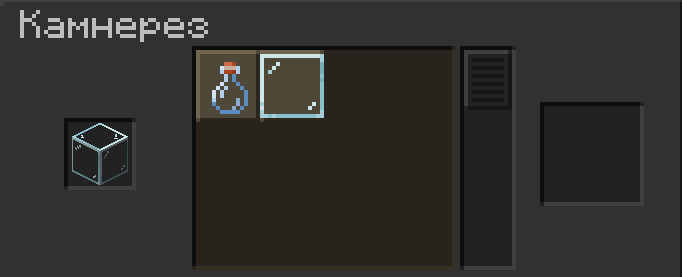
 Glass
Glass
 Changes to Output Quantities in Vanilla Recipes
 Increased Item Yield
| Item | Old Yield | New Yield |
|---|---|---|
_JE1_BE1.png) Chain Chain |
1 | 2 |
_JE1_BE1.png) Copper Chain Copper Chain |
||
 Iron Trapdoor Iron Trapdoor |
1 | 2 |
 Copper Trapdoor Copper Trapdoor |
||
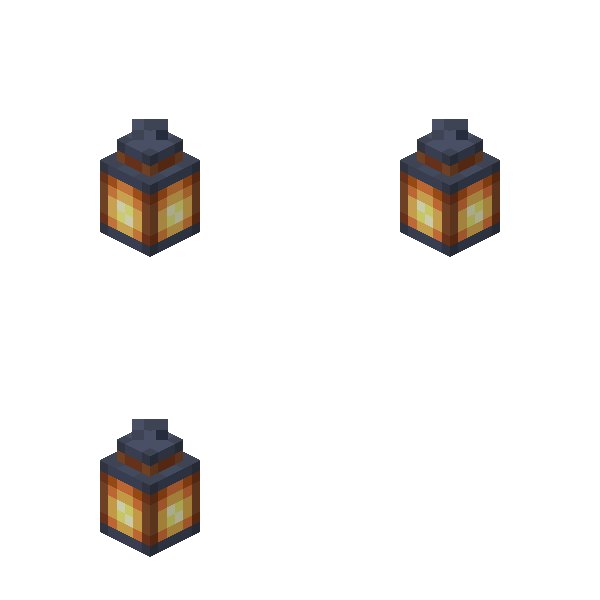 Lantern Lantern |
1 | 2 |
 Soul Lantern Soul Lantern |
||
 Copper Lantern Copper Lantern |
||
 Buttons Buttons |
1 | 2 |
 Redstone Torch Redstone Torch |
1 | 2 |
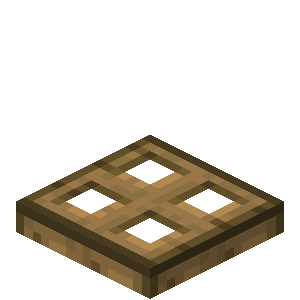 Wooden Trapdoors Wooden Trapdoors |
2 | 4 |
| Wooden Fences |
3 | 4 |
 Decreased Item Yield
| Item | Old Yield | New Yield |
|---|---|---|
| Wooden Doors |
3 | 2 |
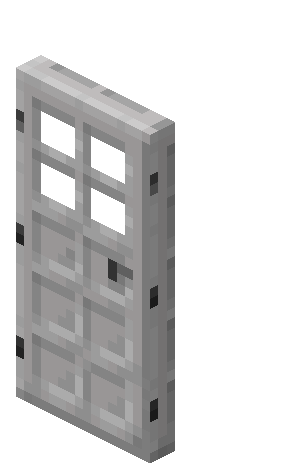 Iron Door Iron Door |
1 | |
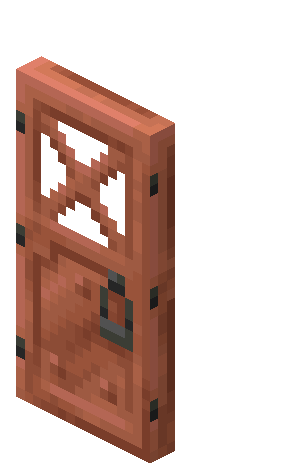 Copper Door Copper Door |
||
| Lead |
2 | 1 |
 Bamboo Hanging Sign Bamboo Hanging Sign |
6 | 3 |
 Bamboo Shelf Bamboo Shelf |
 Block Drop Changes
 Golden Tools Mechanics
Golden tools now have the "Silk Touch" effect by default. For example, if you break a Grass Block with a  Golden Shovel, it will drop the block itself.
 Important!
This feature is implemented via loot table conditions. It will only work with vanilla blocks. Adding support for any modded blocks at the datapack level is impossible.
Changes Table
| Block | Description of Change |
|---|---|
 Tall Grass |
Breaking the top half with  Shears drops Shears drops  Short Grassx2. Short Grassx2.
Breaking the bottom half drops Tall Grass.
|
 Large Fern |
Breaking the top half with Shears drops  Fernx2. Fernx2.
Breaking the bottom half drops  Large Fern. Large Fern.
|
_JE1_BE1.png) Leaf Litter |
Now only drops when broken with a  Hoe or Shears. Hoe or Shears.
|
_JE2.png) Wildflowers |
|
_JE2.png) Pink Petals |
|
 Respawn Anchor |
Breaking a respawn anchor drops a random amount of  Glowstone blocks: either equal to its current charge or 1 less. Glowstone blocks: either equal to its current charge or 1 less.
|
_BE2.png) Vines |
Fixed a vanilla game bug: the number of dropped vines now strictly matches the amount on the block. |
 Cake |
Breaking a completely untouched cake will drop the item. Note! This does not work for a  Cake with a Candle. Due to game code limitations, this is impossible to implement at the datapack level. Cake with a Candle. Due to game code limitations, this is impossible to implement at the datapack level.
|
 Monster Spawner |
When broken, it may drop:
 Nether Quartz, Nether Quartz,
 Copper Ingot, Copper Ingot,
 Gold Ingot, Gold Ingot,
 Iron Ingot, Iron Ingot,
 Emerald, and Emerald, and
 Diamond. Diamond.
|
_JE1.png) Creeper Head |
Breaking it with Shears drops a random 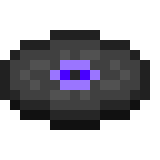 Music Disc - exactly like when a Creeper is killed by a Skeleton. Music Disc - exactly like when a Creeper is killed by a Skeleton.
|
 Stone Slab |
Breaking them without the Silk Touch enchantment drops
 Cobblestone Slabs and Cobblestone Slabs and
_JE6_BE6.png) Cobblestone Stairs, respectively. Cobblestone Stairs, respectively.
|
_JE2_BE2.png) Stone Stairs |
 Mob Loot Changes
 Zombies
| Mob | Drops | Note |
|---|---|---|
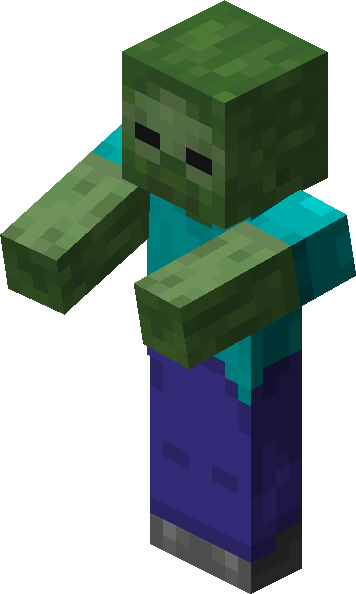 Zombie |
_JE2.png) Zombie Head Zombie Head
|
Drops only if the weapon has Looting I or higher. |
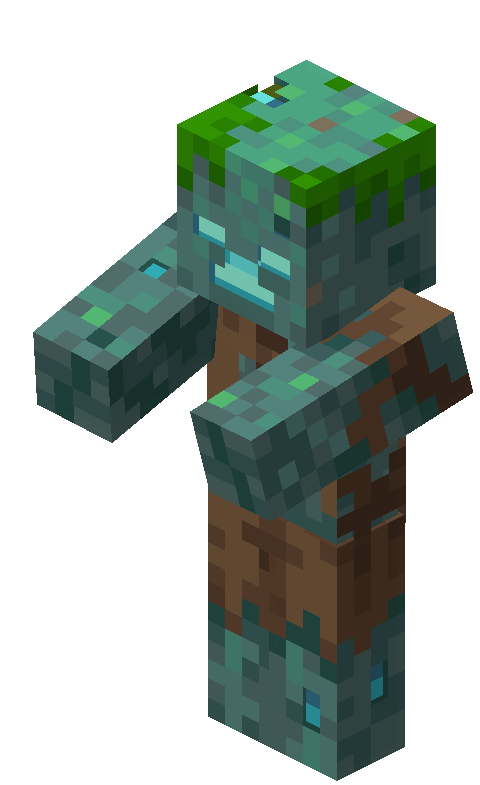 Drowned |
 Seagrass Seagrass
|
|
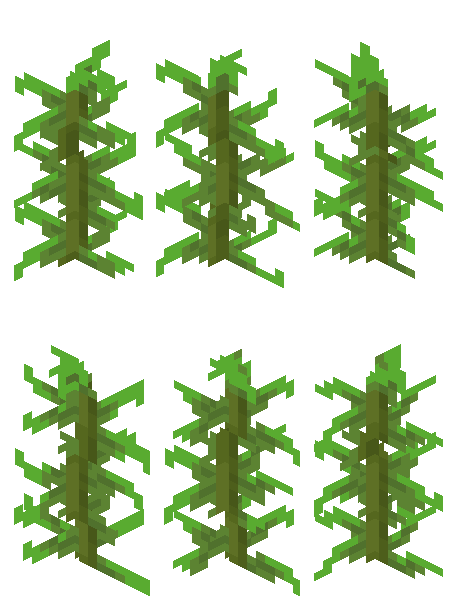 Kelp Kelp
|
||
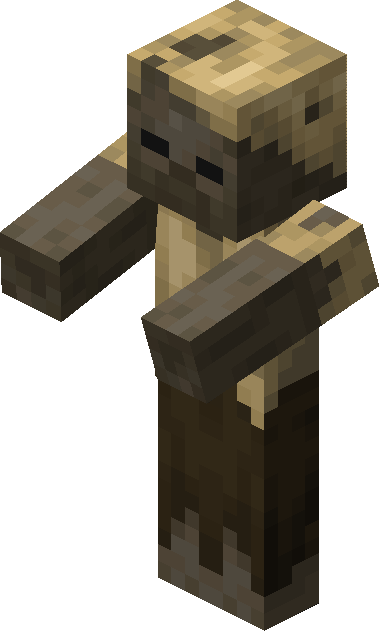 Husk |
 Sand Sand
|
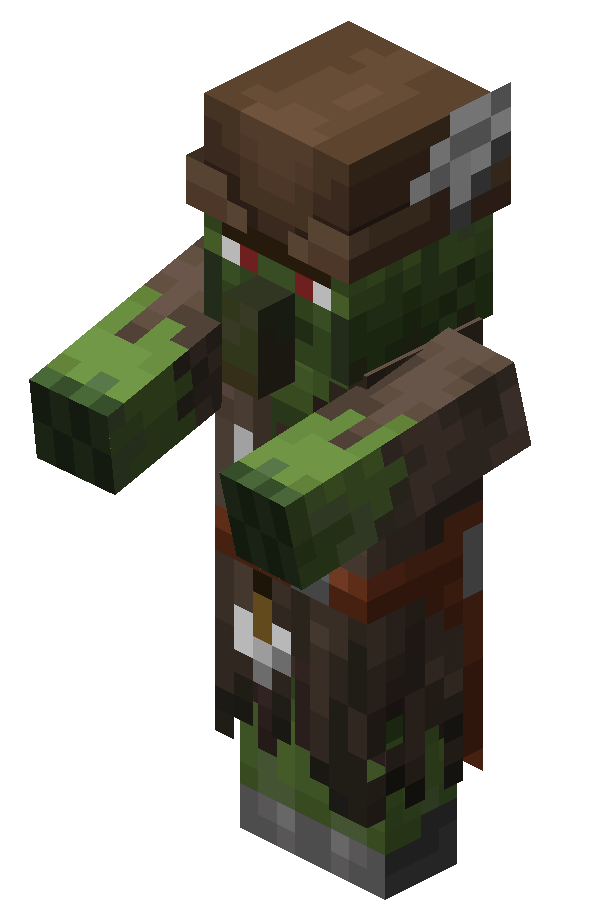
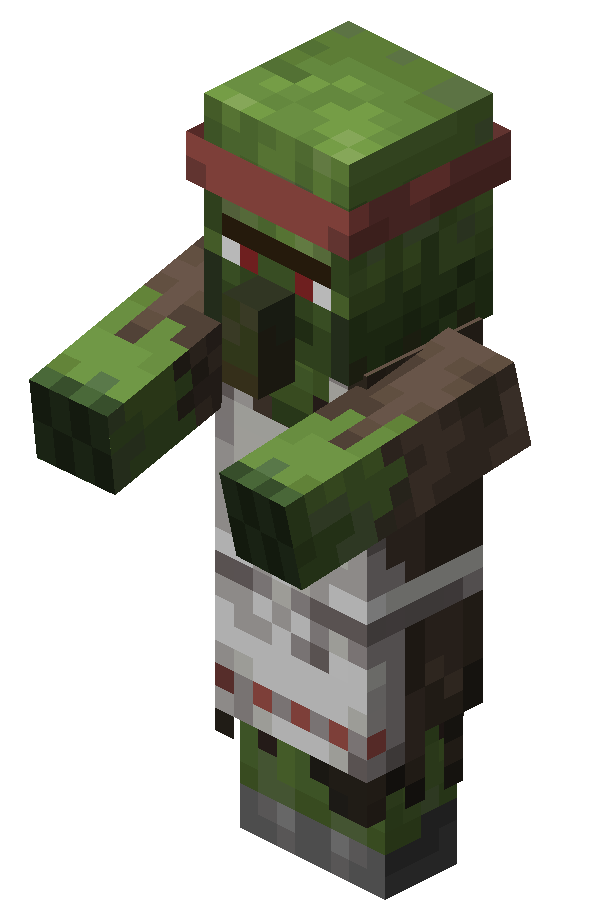
 Zombie Villagers
| Profession | Drops |
|---|---|
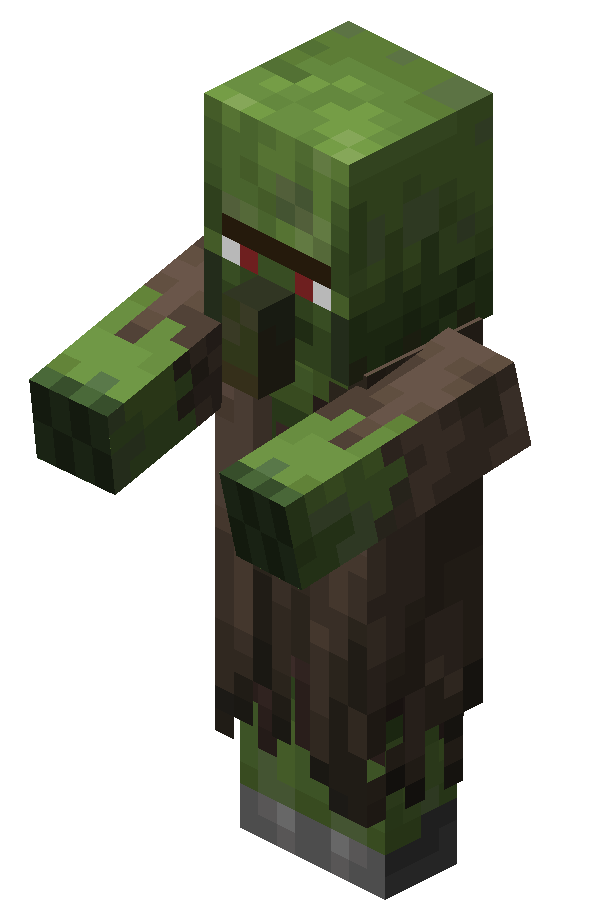 Unemployed |
 Bread Bread
|
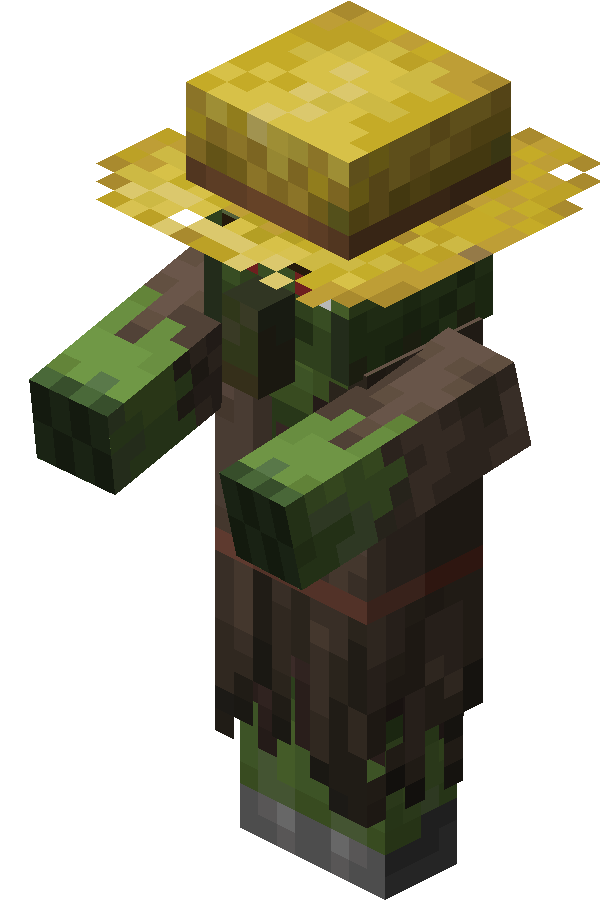 Farmer |
 Carrot Carrot Wheat Wheat Wheat Seeds Wheat Seeds Potato Potato
|
 Fletcher |
Stick Flint Flint
|
 Butcher |
 Raw Chicken Raw Chicken Raw Rabbit Raw Rabbit Raw Beef Raw Beef Raw Porkchop Raw Porkchop Raw Mutton Raw Mutton
|
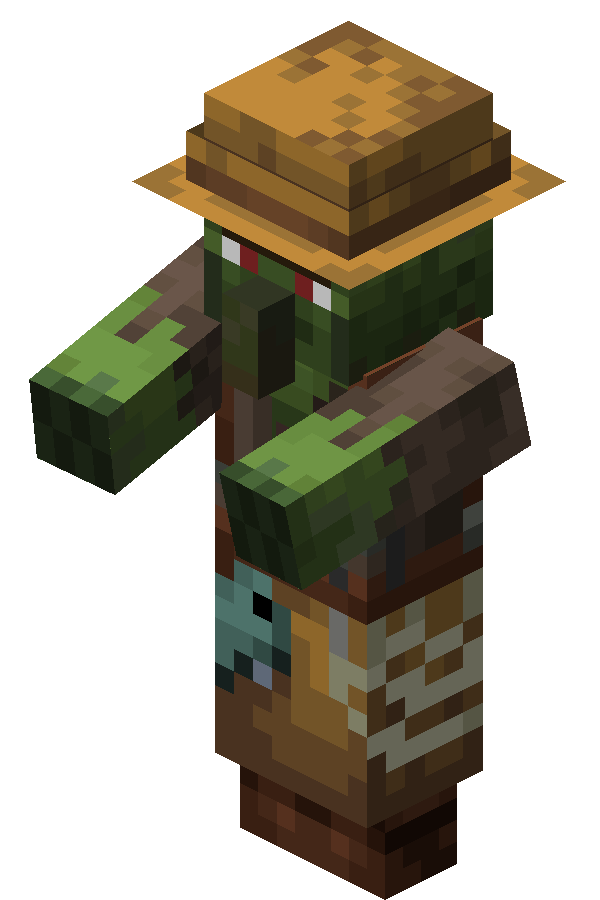 Fisherman |
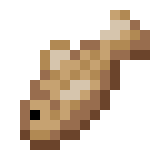 Raw Cod Raw Cod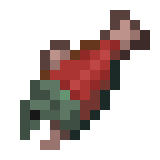 Raw Salmon Raw Salmon Tropical Fish Tropical Fish String String
|
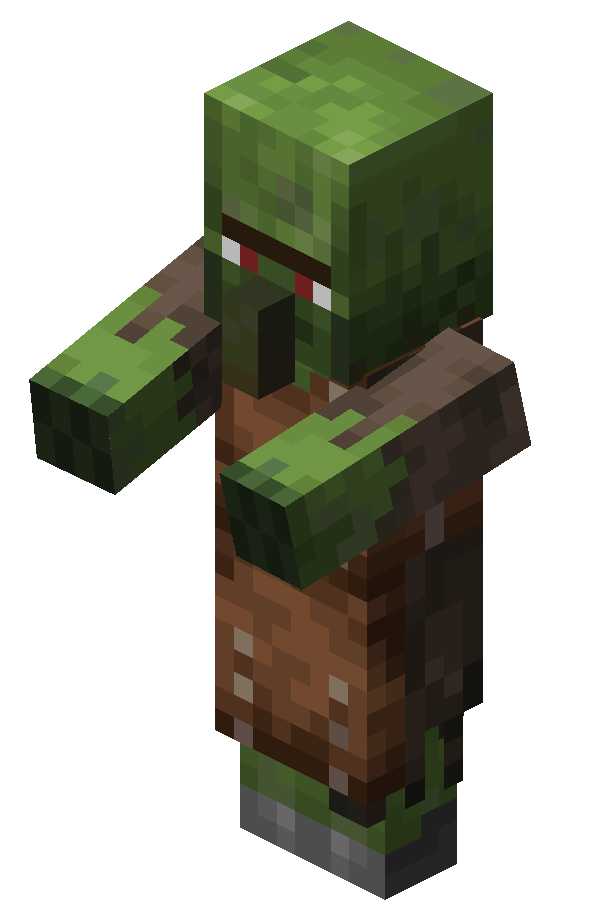 Leatherworker |
 Leather Leather Rabbit Hide Rabbit Hide
|
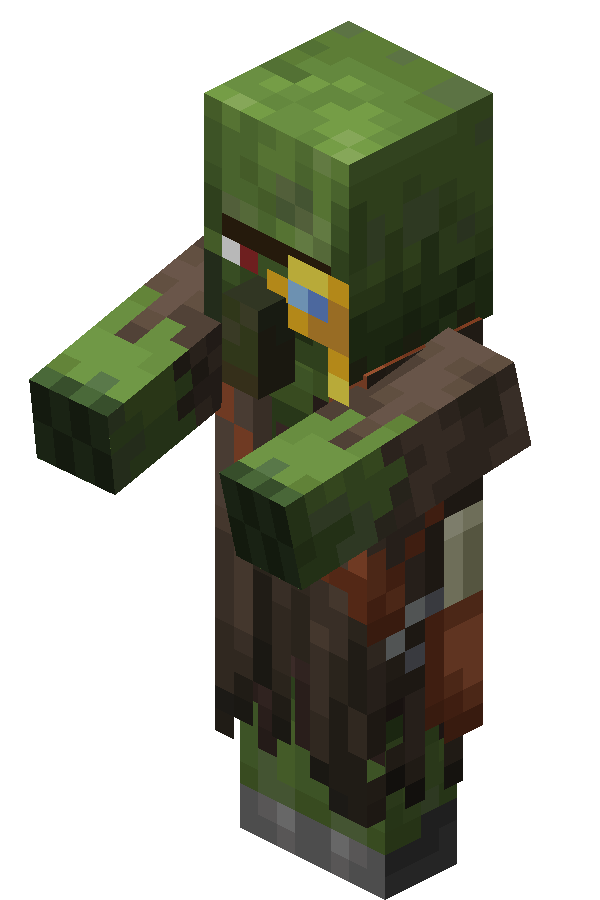 Cartographer |
 Paper Paper Empty Map Empty Map
|
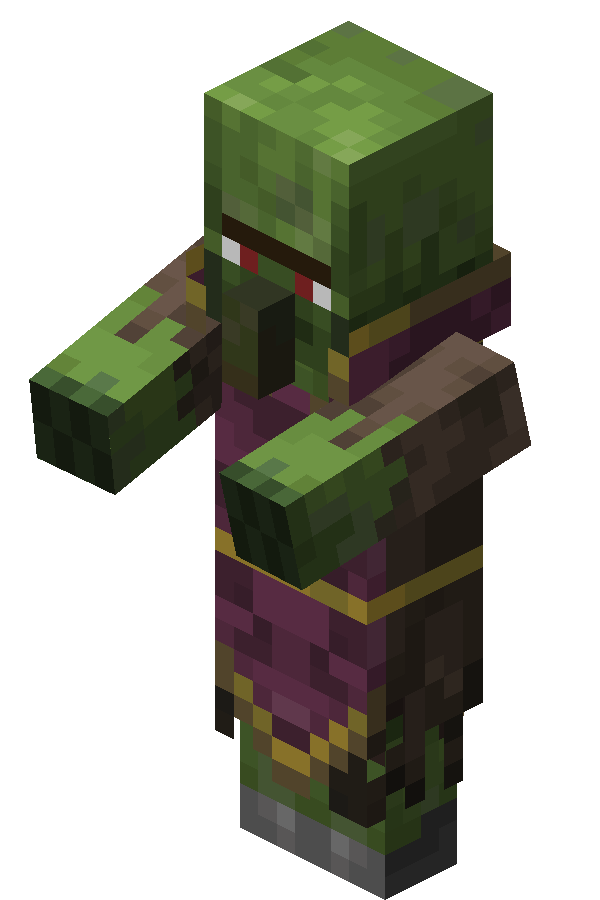 Cleric |
 Lapis Lazuli Lapis Lazuli Glass Bottle Glass Bottle
|
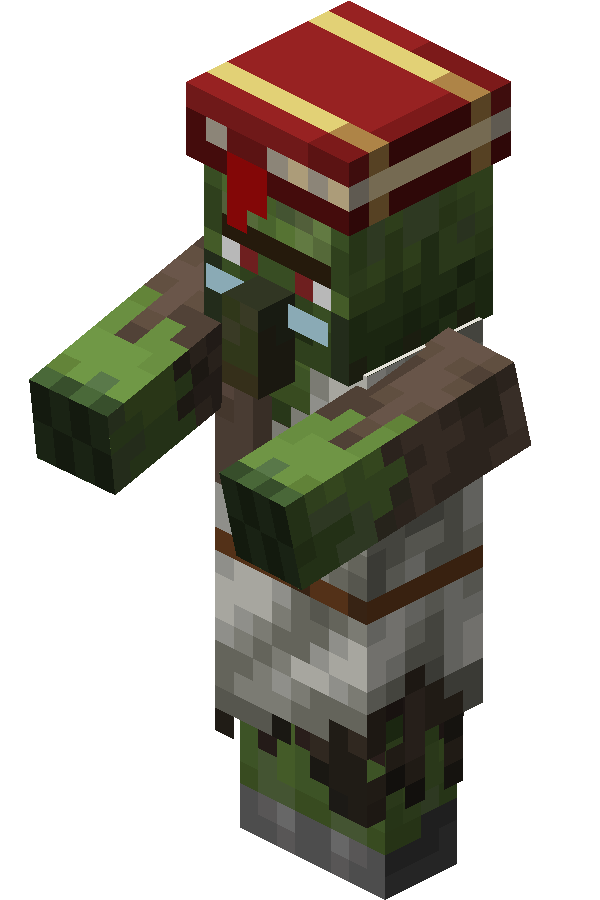 Librarian |
 Book Book Ink Sac Ink Sac
|
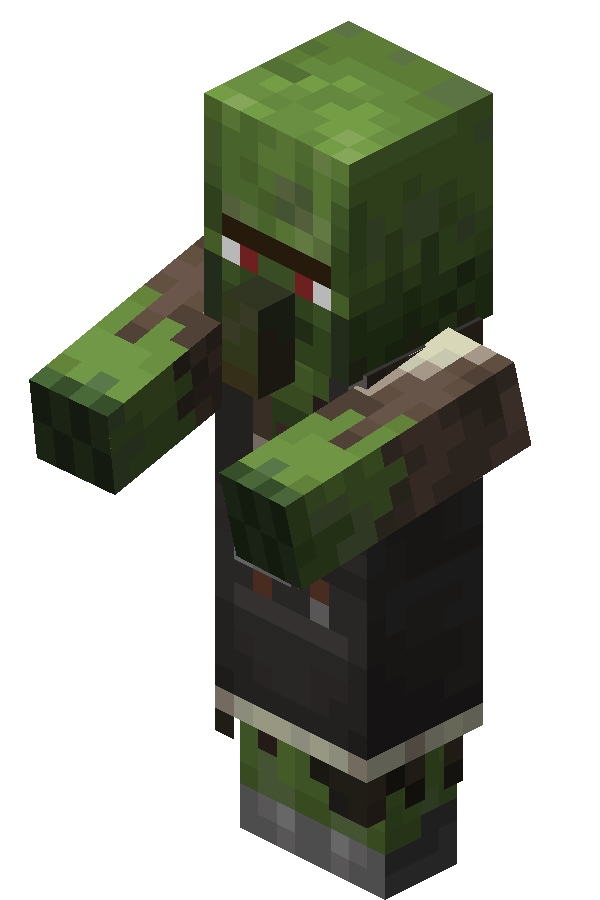 Mason |
 Clay Ball Clay Ball
|
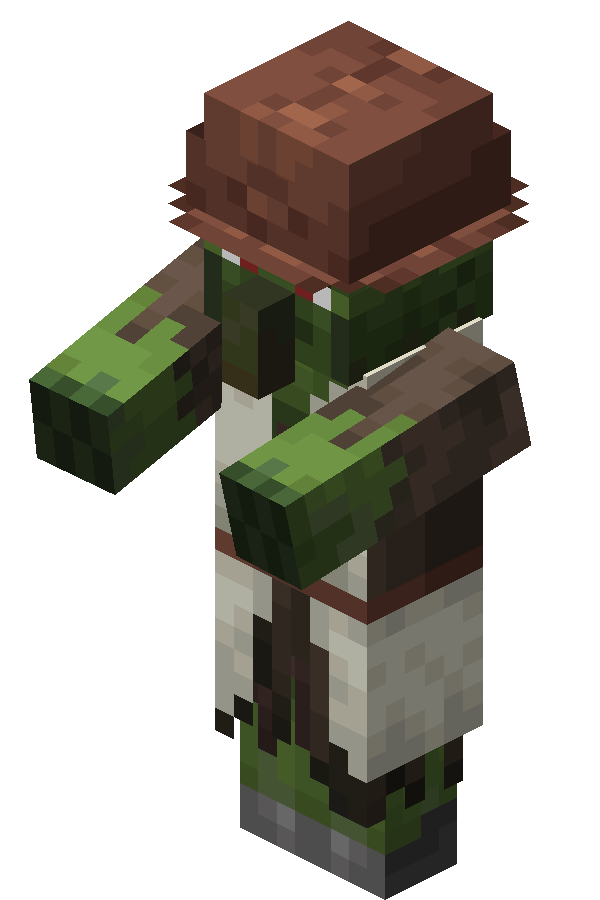 Shepherd |
 Dye Dye (Random color) |
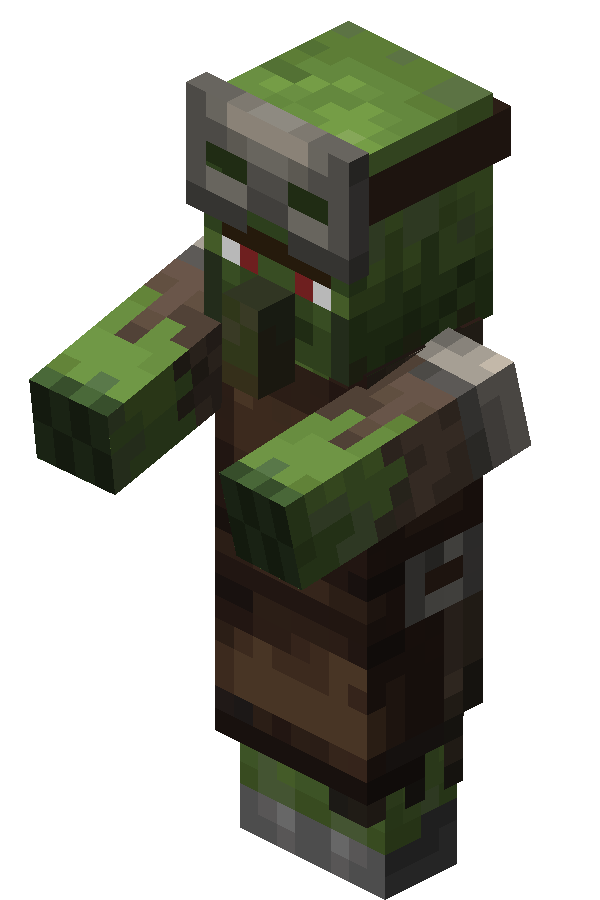 Armorer |
 Coal Iron Ingot Coal Iron Ingot
|
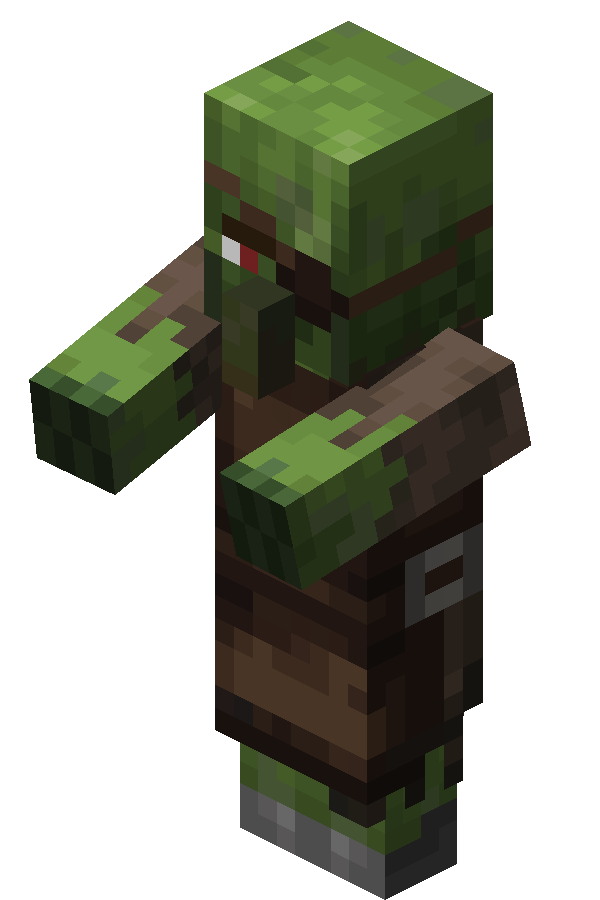 Weaponsmith |
|
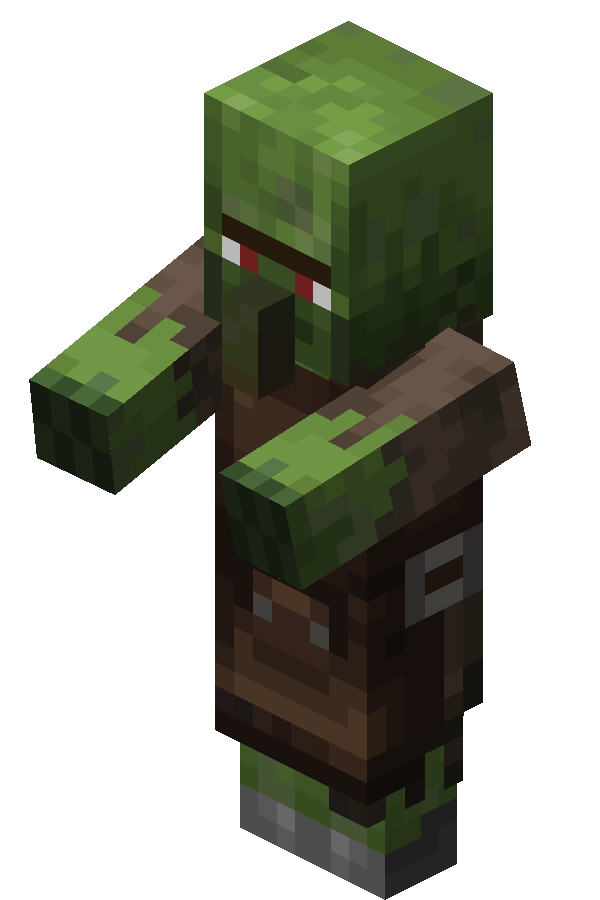 Toolsmith |
 Skeletons
| Mob | Drops | |
|---|---|---|
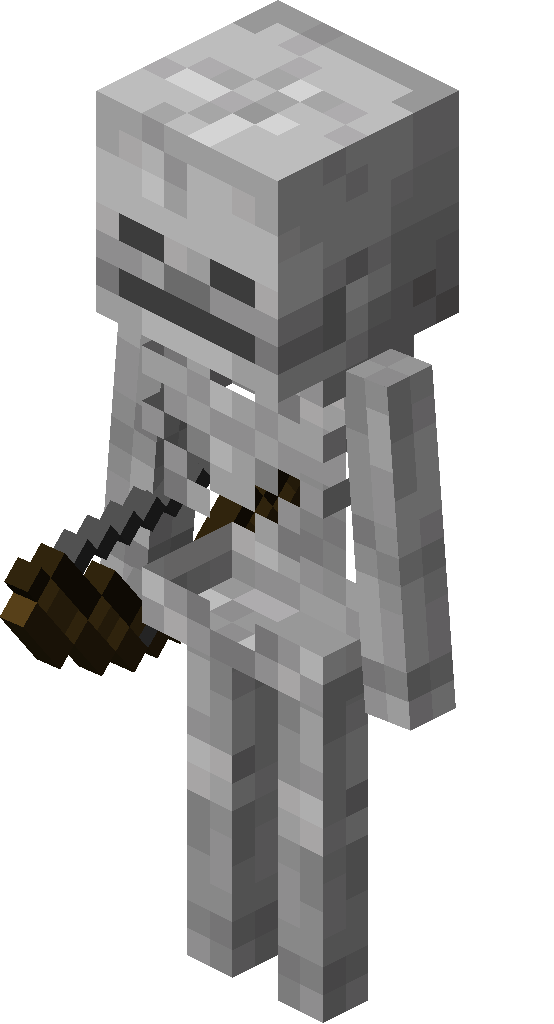 Skeleton |
_JE2.png) Skeleton Skull Skeleton Skull
|
 Bone Meal Bone Meal
|
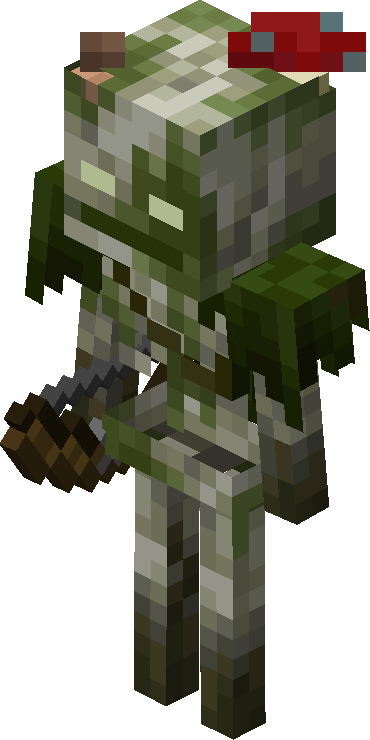 Bogged |
 Red Mushroom Red Mushroom
|
|
 Brown Mushroom Brown Mushroom
|
||
_JE4.png) Lily Pad Lily Pad
|
||
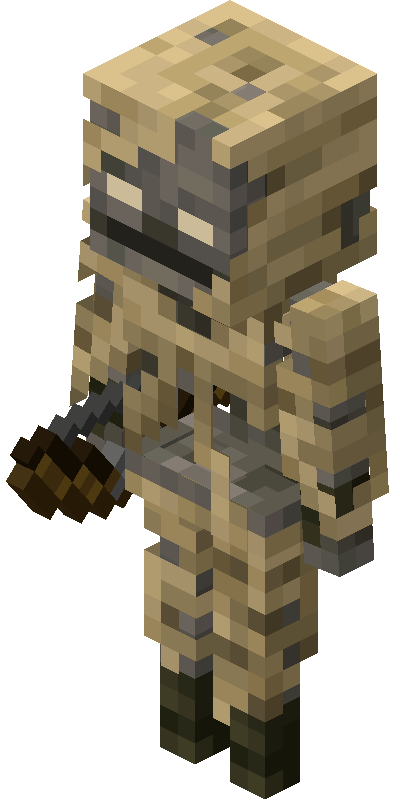 Parched |
Sand
|
|
|
Paper
|
||
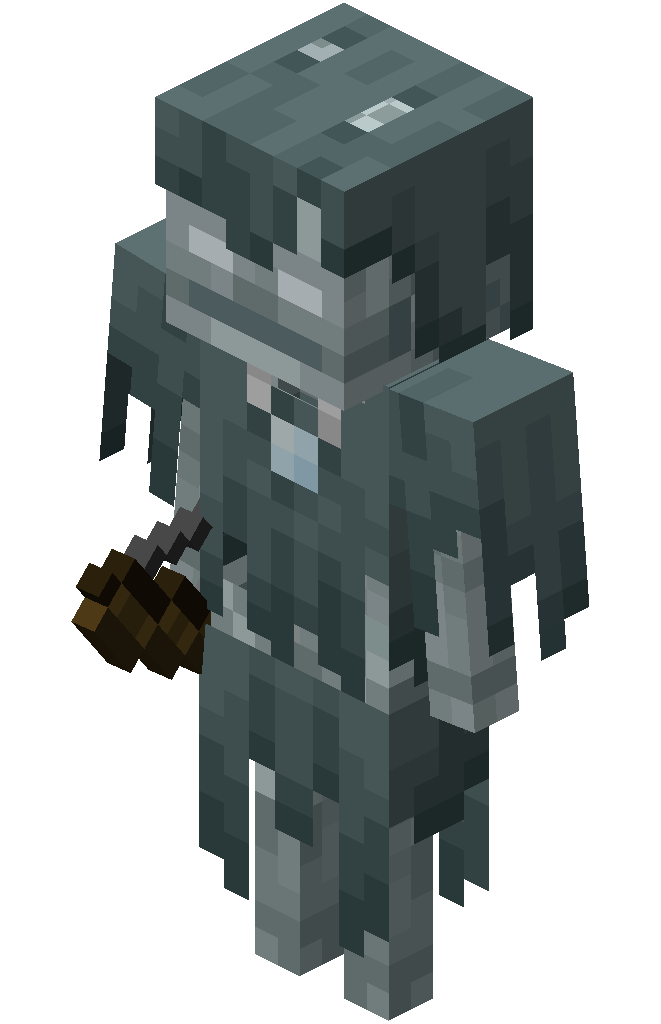 Stray |
 Ice Ice
|
|
 Packed Ice Packed Ice
|
||
 Blue Ice Blue Ice
|
||
 Piglins
| Mob | Drops | Note |
|---|---|---|
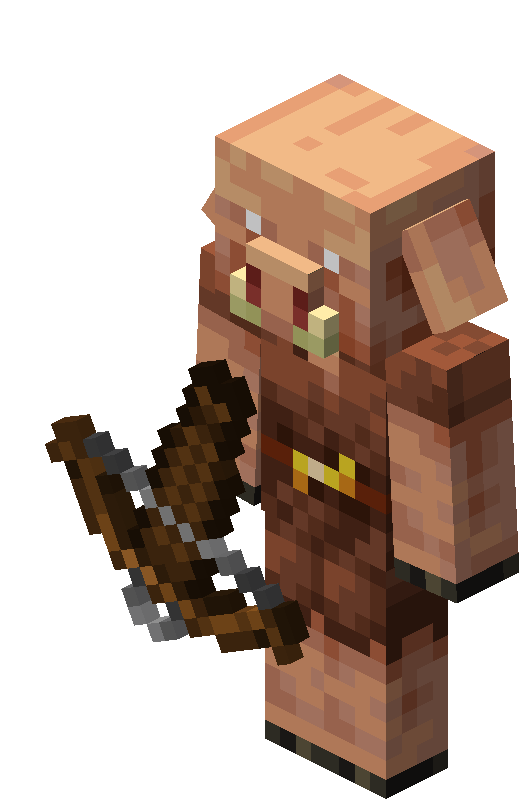 Piglin |
_JE1.png) Piglin Head Piglin Head
|
Drops only if the weapon has Looting I or higher. |
 Gold Nugget Gold Nugget
|
||
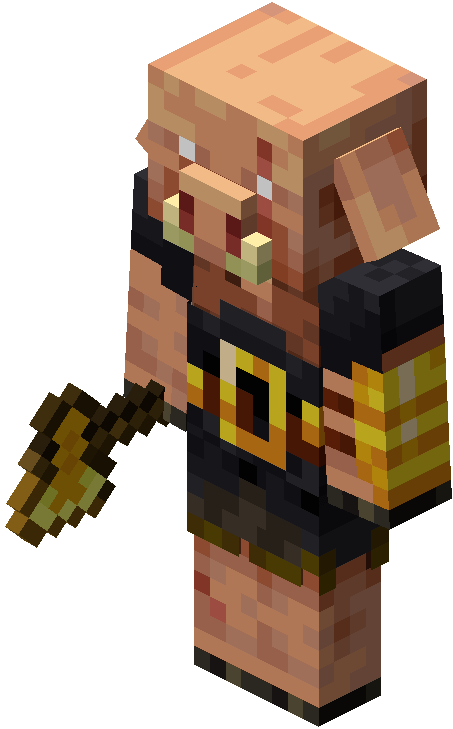 Piglin Brute |
Piglin Head
|
Drops only if the weapon has Looting I or higher. |
|
Gold Nugget
|
||
|
Gold Ingot
|
 Mooshrooms
| Mob | Drops |
|---|---|
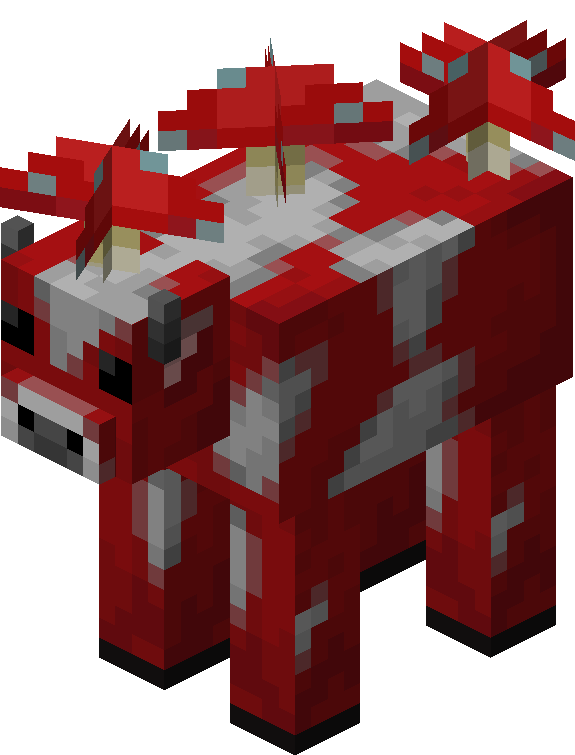 Red Mooshroom |
Red Mushroom
|
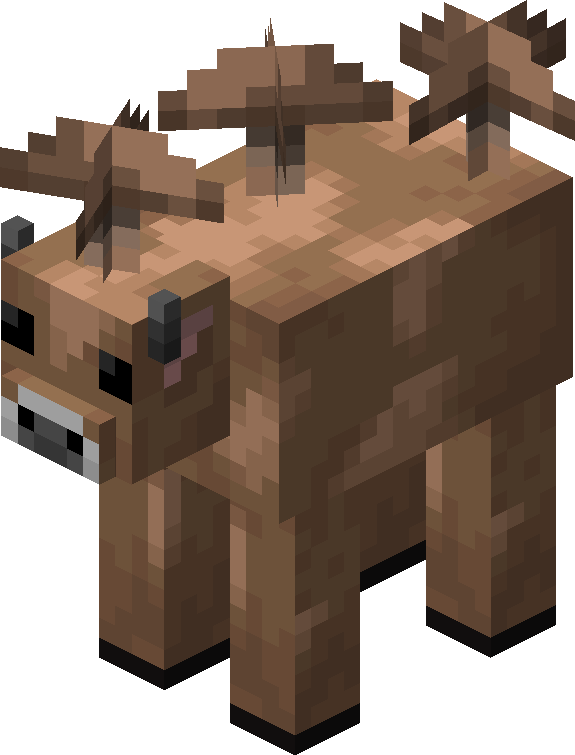 Brown Mooshroom |
Brown Mushroom
|
 Chickens
| Variant | Drops |
|---|---|
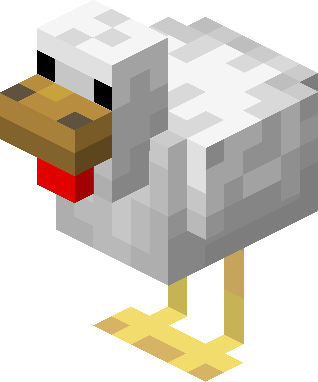 Temperate |
 Egg Egg
|
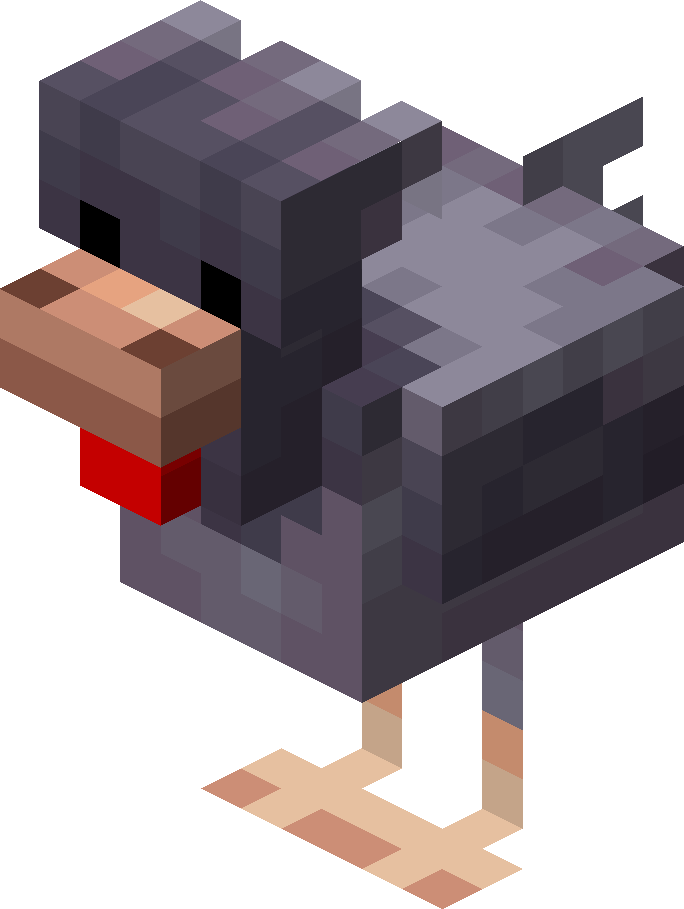 Cold |
 Blue Egg Blue Egg
|
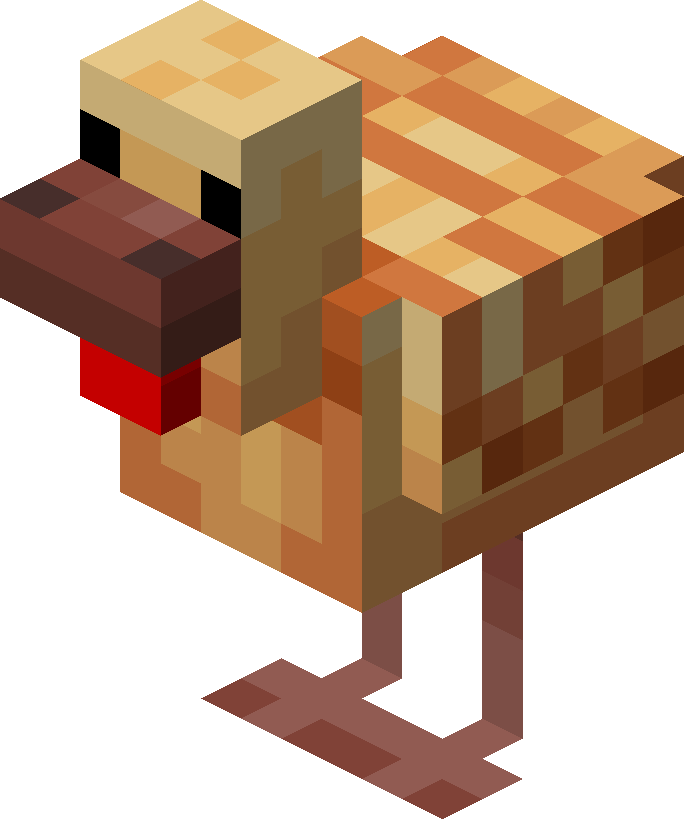 Tropical |
 Brown Egg Brown Egg
|
Other Mobs
| Mob | Drops | Note |
|---|---|---|
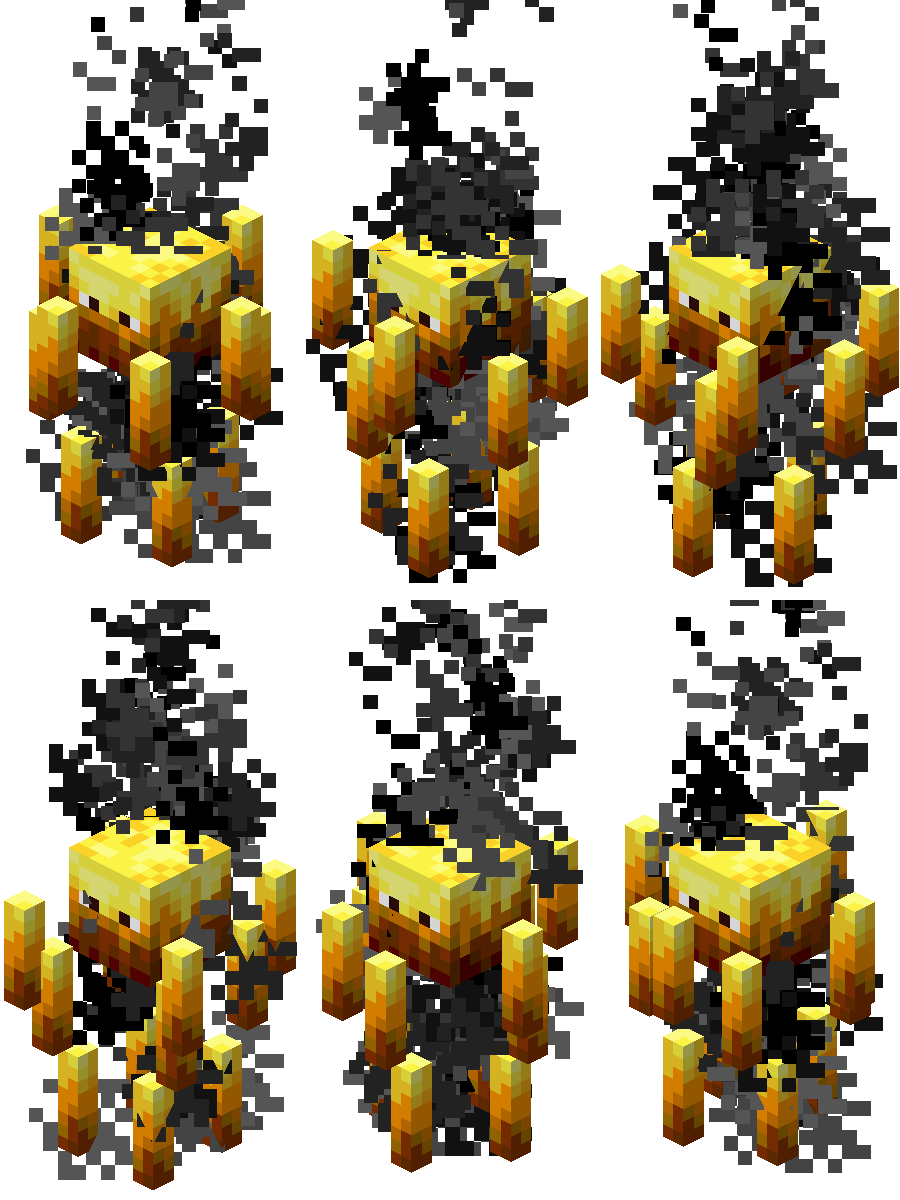 Blaze |
 Blaze Powder Blaze Powder
|
|
 Breeze |
_JE1_BE1.png) Wind Charge Wind Charge
|
|
 Copper Golem |
_JE3.png) Lightning Rod Lightning Rod
|
The Lightning Rod preserves the golem's state (waxed, oxidized, etc.). |
 Creeper |
Creeper Head
|
Drops only if the weapon has Looting I or higher. |
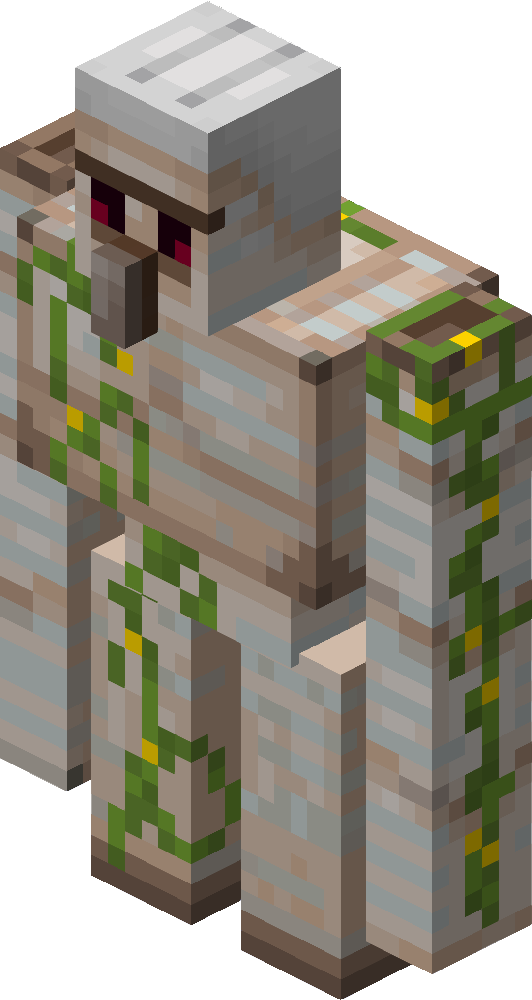 Iron Golem |
 Poppy Poppy
|
Now drops only if the golem was killed by a player. |
|
Vines
|
||
|
Block of Iron
|
Drops only if the weapon has Looting I or higher. Has a very low drop chance. |
|
 Phantom |
 Bone Bone
|
|
 Silverfish |
Flint
|
|
 Snow Golem |
_JE5.png) Carved Pumpkin Carved Pumpkin
|
Drops only if it has a pumpkin on its head. |
Miscellaneous Changes
List
Due to the character limit on Modrinth, the full list of miscellaneous changes cannot be displayed here. You can view the complete list on my GitHub repository.
 Modularity
The project features a convenient module system. If you do not need certain recipes or entire crafting categories, you can easily remove them by simply deleting the corresponding folder from the archive.
 Structure
Folder Structure:
The internal structure is identical for both the recipes folder (recipe) and the conditions for unlocking them in the recipe book (advancement/recipes). The root folders are categorized by the method of item creation:
crafting— Crafting Table and the inventory crafting grid;smelting—.gif) Furnace;
Furnace;blasting—_JE1.gif) Blast Furnace;
Blast Furnace;stonecutting— Stonecutter;smithing_transform— Smithing Table.
Inside these folders, files are divided into logical categories. For example, the crafting/wood_types/acacia folder contains all alternative crafts using 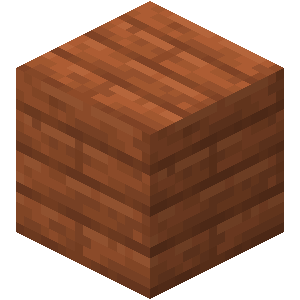 Acacia Planks and
 _JE8_BE3.png) Acacia Logs.
Acacia Logs.
File Naming Convention:
All file names follow a logical pattern: [what_item_is_crafted]_[from_what_material].json.
For example, the path data/ccore/recipe/crafting/utility/chest_logs.json means crafting a Chest directly from Logs.
Instructions for removing modules (using the stonecutter as an example)
If you want to completely disable all new recipes for the Stonecutter, follow these steps:
- Open the
.jaror.zipfile of the datapack using any archiver (e.g., 7-Zip or WinRAR). - Navigate to the path
data/ccore/recipe/stonecuttingand delete thestonecuttingfolder. - Navigate to the path
data/ccore/advancement/recipes/stonecuttingand delete thestonecuttingfolder as well (this will prevent error logs from appearing in the server console). - Run the
/reloadcommand in-game or restart the server to apply the changes.
 Feedback
Found a bug or have ideas for new recipes? Let me know by opening an Issue on GitHub.
Block, item, and mob assets were taken from the Minecraft Wiki.
All recipes and crafts in this project are fictional. Any coincidences with other packs are purely coincidental.
Available Versions
How to Install CraftCore on Your Server
Order Server
Order a Minecraft Java server with at least 3 GB RAM (4 GB recommended).
Set datapack Loader
In the panel under "Egg", select the datapack loader and matching Minecraft version (26.2).
Install Mod
Open the mod browser in the dashboard and search for "CraftCore". Click "Install" – done! Alternatively, upload the .jar via SFTP to the /mods folder.
Compatibility
Mod Loaders
Minecraft Versions
26.2, 26.1.2, 26.1.1 (+2 more)
Server-side
✓ RequiredRecommended RAM
4 GB(min. 3 GB)Frequently Asked Questions
CraftCore server crashes on startup – what to do?
Most common cause: wrong datapack version or insufficient RAM. Check the server log (latest.log) for "OutOfMemoryError" or "Mixin" errors. With Mado Hosting: ensure at least 3 GB RAM is allocated and the loader matches the mod version (26.2). You can switch loaders with one click in the panel.
Is CraftCore compatible with datapack and fabric and forge?
CraftCore officially supports datapack, fabric, forge for Minecraft 26.2, 26.1.2, 26.1.1. Note: Forge and Fabric mods are NOT cross-compatible – pick one loader and stick with it. The Mado dashboard automatically detects incompatible loader combinations.
Server lagging with CraftCore – how to optimize performance?
Recommended RAM: 4 GB (per 8 players). Use /spark profiler to check if CraftCore consumes the most tick time. Common fixes: reduce server view-distance to 8-10, install "performant" or "starlight" as supplementary mods on Forge. With Mado Hosting, your server runs on NVMe SSDs with dedicated CPU cores for minimal latency.
Similar Mods




Rent Modded Server
Install CraftCore with just one click on your server.