
CraftStats
CraftStats is a universal in-game stat editor for Minecraft that lets you inspect and modify the properties of any mob, block, item, or player.
Screenshots
About this Mod
! CraftStats gives you a full in-game editor to customize the stats of any mob, block, item, or player — no config
files, no restarts, no commands to memorize.
What It Does
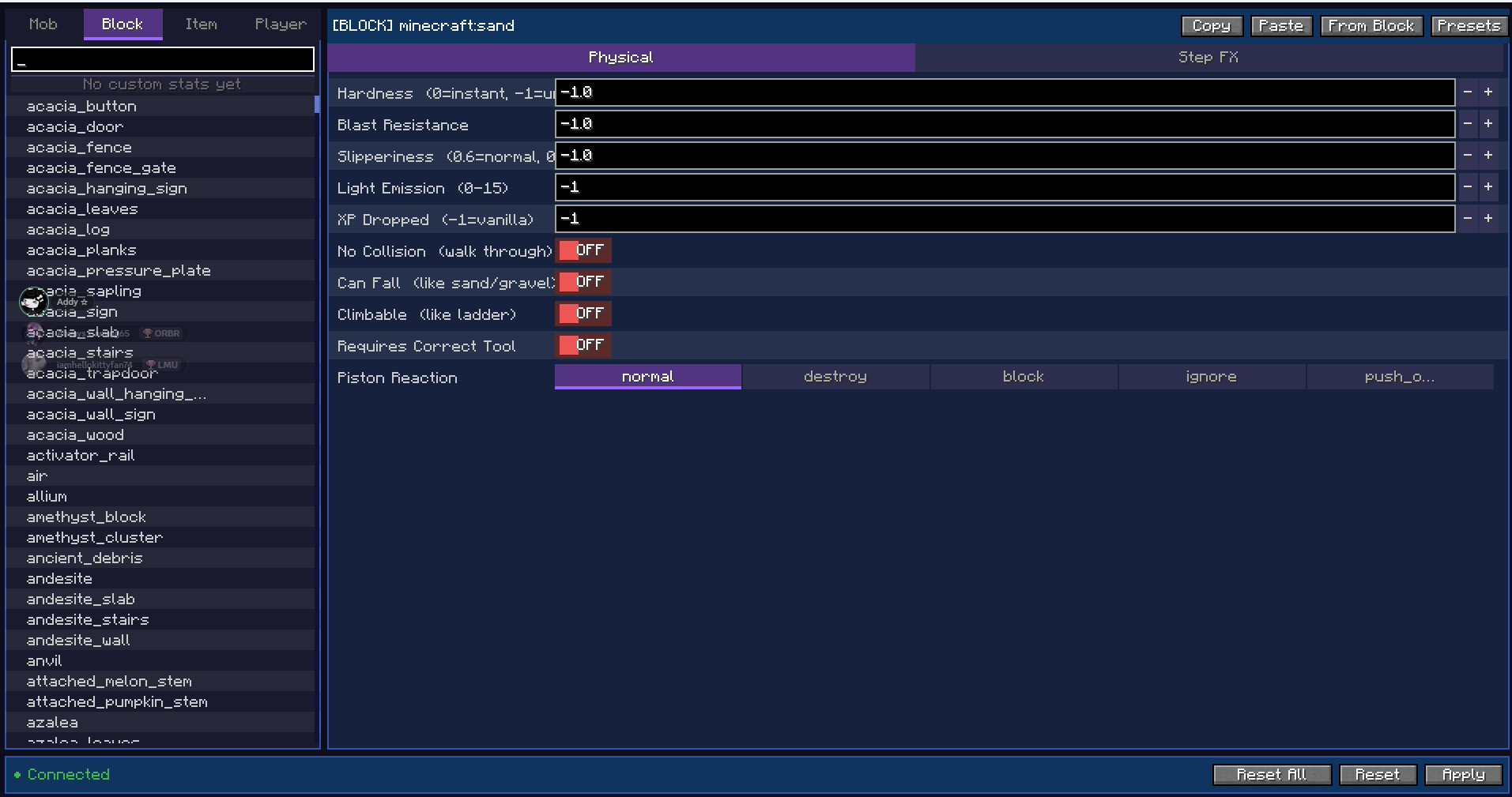
Open the editor from the pause menu and pick anything from the searchable browser on the left. Change its stats on the
right, hit Apply, and the changes take effect immediately in the live world.
Mobs — health, damage, armor, speed, size, immunities, AI behavior, XP drops, and more.
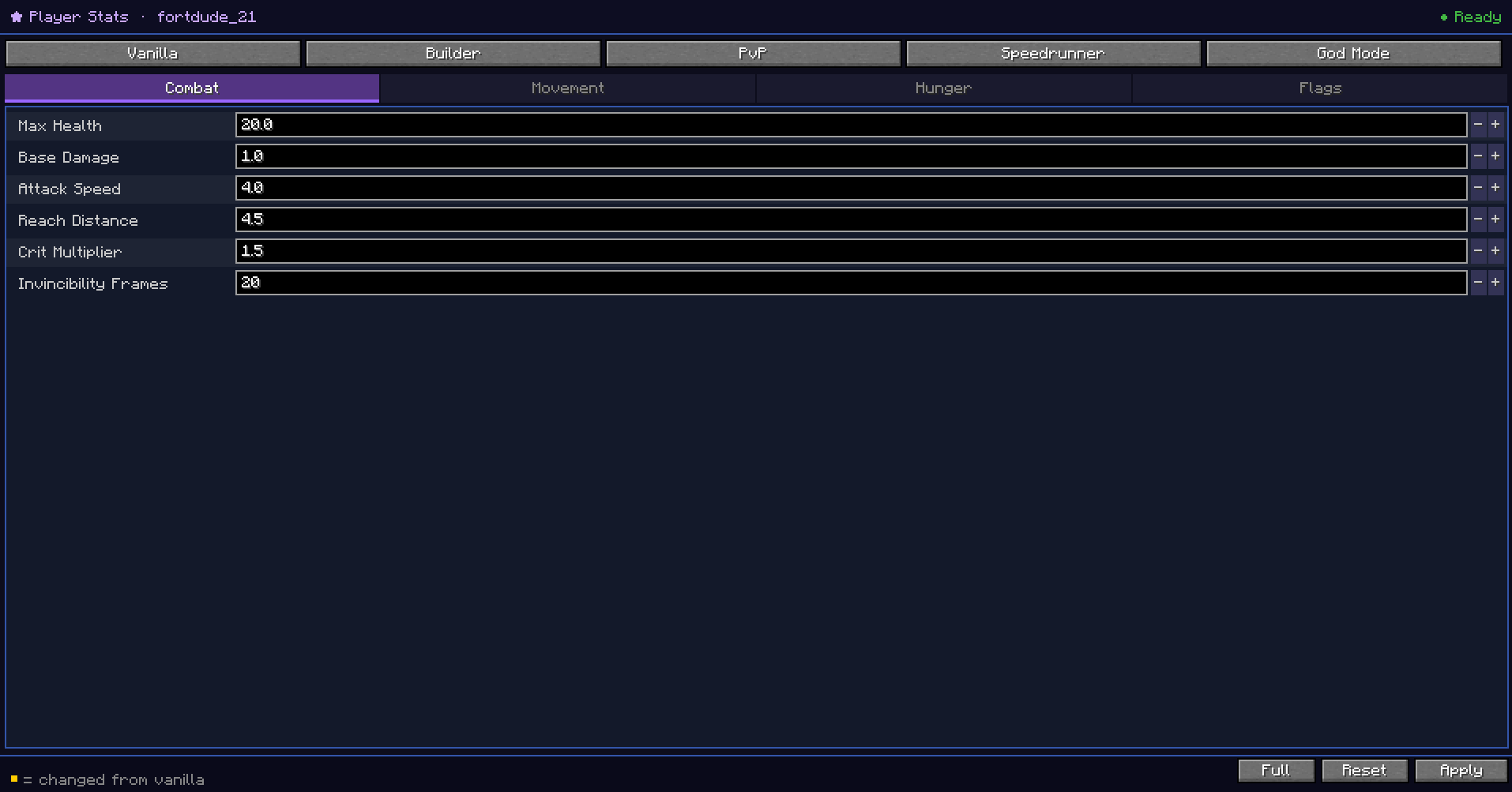
Blocks — hardness, blast resistance, slipperiness, light level, XP dropped, collision, climbability, piston reaction,
and step-on effects like damage, speed boosts, levitation, and potion effects. You can also make any block fall like
sand or gravel with the Can Fall toggle.
Items — attack damage, attack speed, durability, stack size, mining speed, food properties, and flags like fireproof,
unbreakable, and throwable.
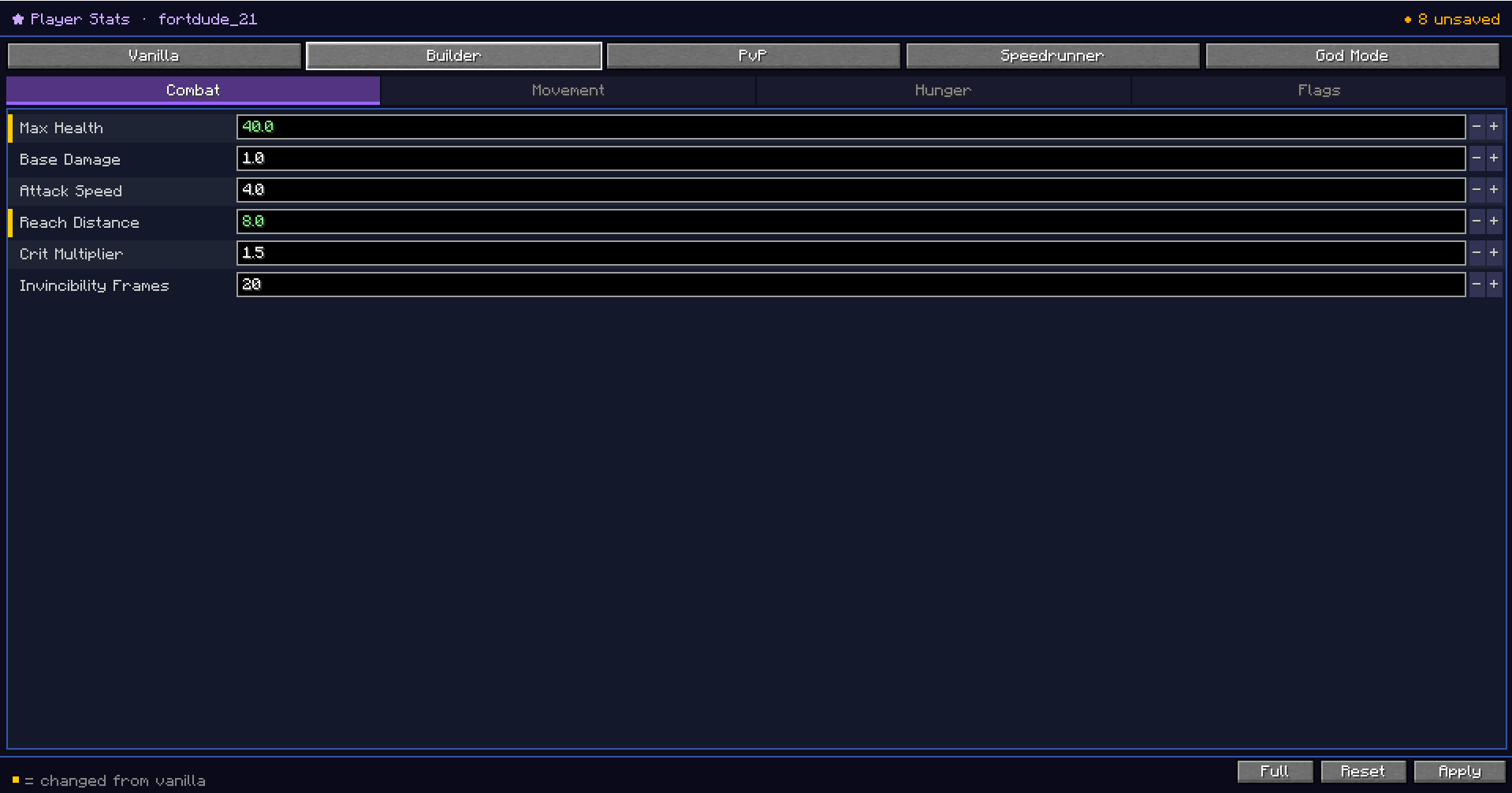
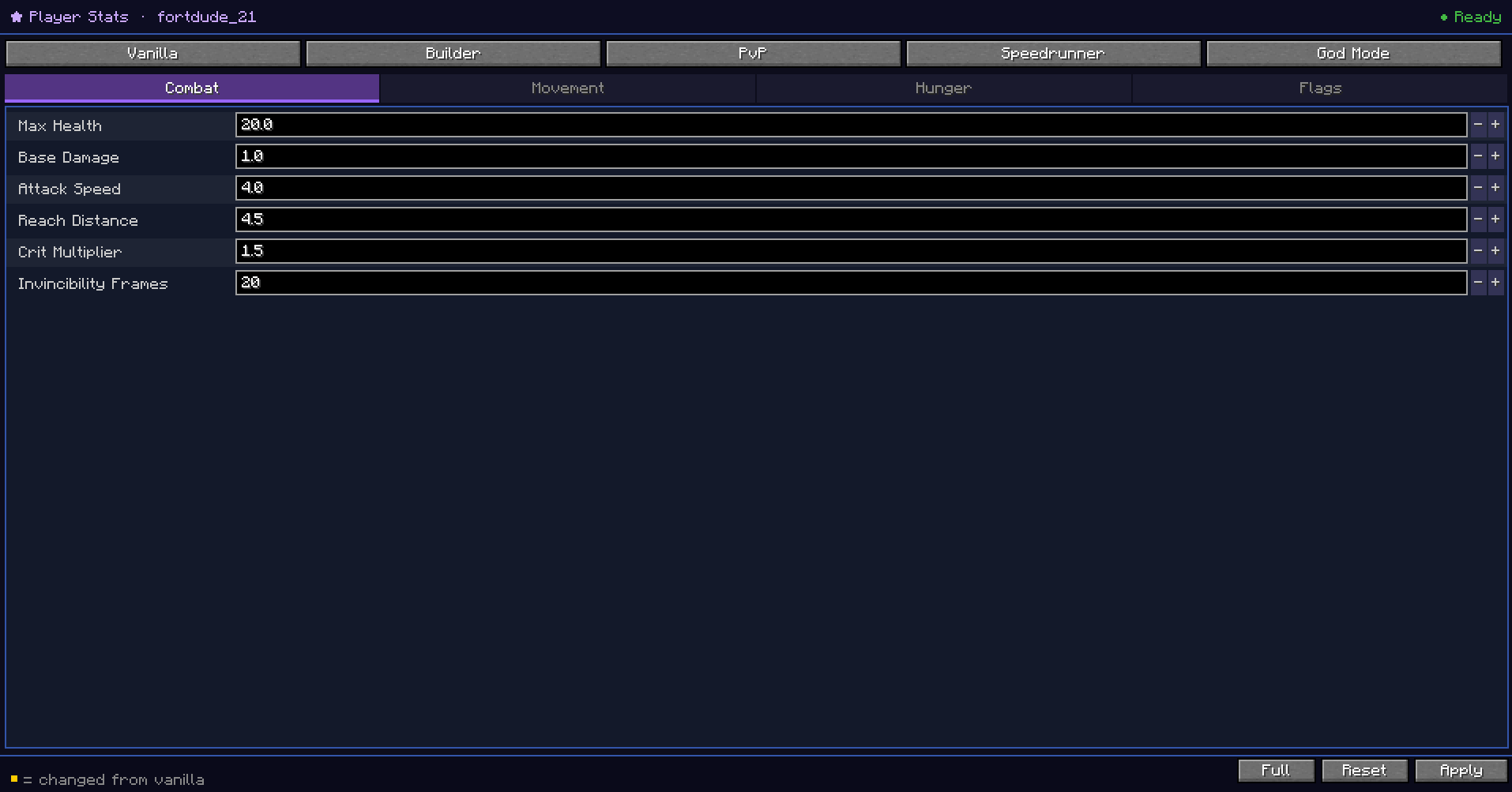
Players — health, damage, speed, gravity, reach, armor, fly speed, jump force, permanent potion effects, fall damage,
hunger drain, god mode, keep inventory, and much more.
Wand
Features
- Live editing — changes apply instantly, no reload needed
- Presets — save and load stat profiles to reuse across entries
- Propagate — apply the same stats to many entries at once
- Randomize — randomize stats within bounds you set
- Copy / Paste — share stat profiles as JSON via clipboard
- From Block — extract vanilla block properties as a starting point
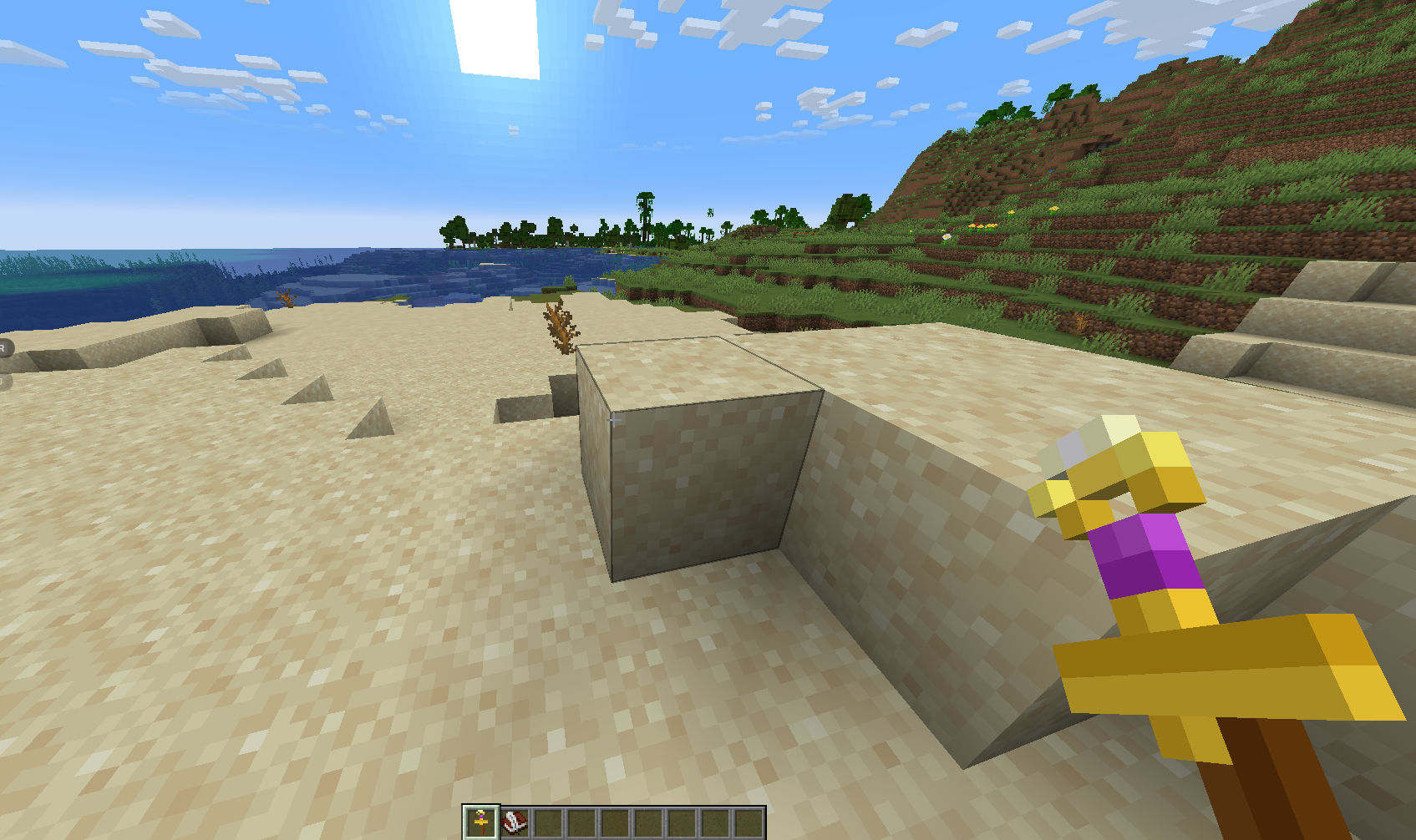
- CraftWand — right-click any mob or block in the world to open the editor pre-selected on it
- Multiplayer ready — works on dedicated servers; requires OP level 2 or creative mode
- Persistent — stats are saved per world and restored on every restart
Requirements
Fabric: Fabric Loader, Fabric API, Architectury API, Cloth Config, (ModMenu optional)
NeoForge: NeoForge 21.1.172+, Architectury API, Cloth Config
Minecraft 1.21.1 — Fabric & NeoForge
Available Versions
How to Install CraftStats on Your Server
Order Server
Order a Minecraft Java server with at least 3 GB RAM (4 GB recommended).
Set fabric Loader
In the panel under "Egg", select the fabric loader and matching Minecraft version (1.21.11).
Install Mod
Open the mod browser in the dashboard and search for "CraftStats". Click "Install" – done! Alternatively, upload the .jar via SFTP to the /mods folder.
Compatibility
Mod Loaders
Minecraft Versions
1.21.11, 1.21.10, 1.21.9 (+8 more)
Server-side
✓ RequiredRecommended RAM
4 GB(min. 3 GB)Frequently Asked Questions
CraftStats server crashes on startup – what to do?
Most common cause: wrong fabric version or insufficient RAM. Check the server log (latest.log) for "OutOfMemoryError" or "Mixin" errors. With Mado Hosting: ensure at least 3 GB RAM is allocated and the loader matches the mod version (1.21.11). You can switch loaders with one click in the panel.
Is CraftStats compatible with fabric and neoforge?
CraftStats officially supports fabric, neoforge for Minecraft 1.21.11, 1.21.10, 1.21.9. The Mado dashboard automatically detects incompatible loader combinations.
Server lagging with CraftStats – how to optimize performance?
Recommended RAM: 4 GB (per 8 players). Use /spark profiler to check if CraftStats consumes the most tick time. Common fixes: reduce server view-distance to 8-10, install "performant" or "starlight" as supplementary mods on Forge. With Mado Hosting, your server runs on NVMe SSDs with dedicated CPU cores for minimal latency.
Similar Mods




Rent Modded Server
Install CraftStats with just one click on your server.