
Crazy Painting
Adds a dynamic and immersive painting system
Screenshots
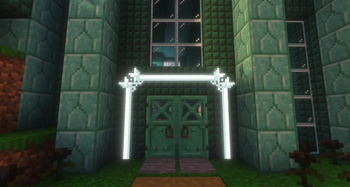
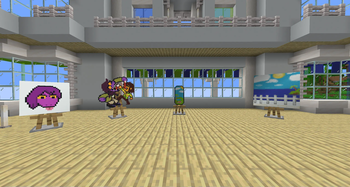
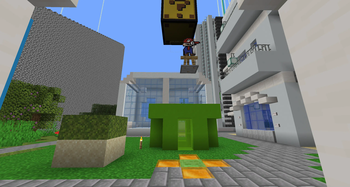
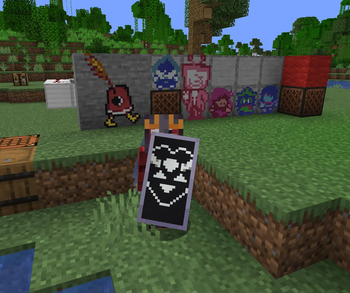
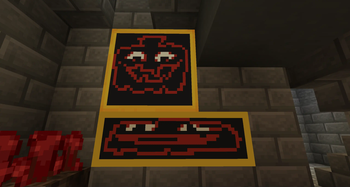
About this Mod
Welcome to Crazy Painting! The mod allows players to create and show off art in-game through paintings!
First of all, before anything, huge shoutout to Xerca's Joy of Painting mod. That mod is what inspired me to create my own version with features I wanted to see, on a newer version of the game. Some concepts used from this project are derived from their project.
With that aside...
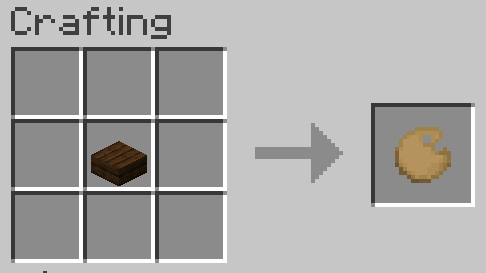
Craft a palette, using one of any wooden slab,
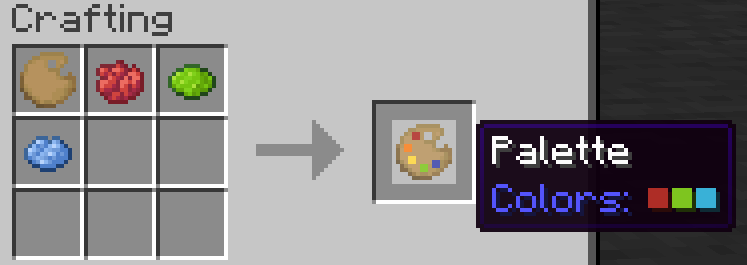
Add some colors to your palette using dyes,
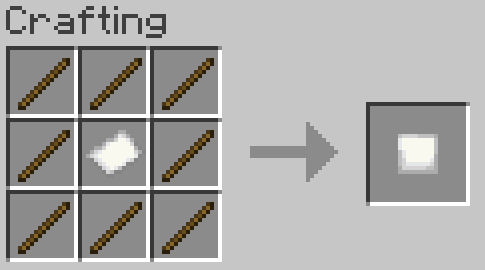
Make a canvas and easel,
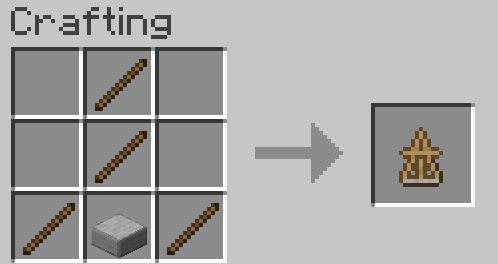
And start painting!
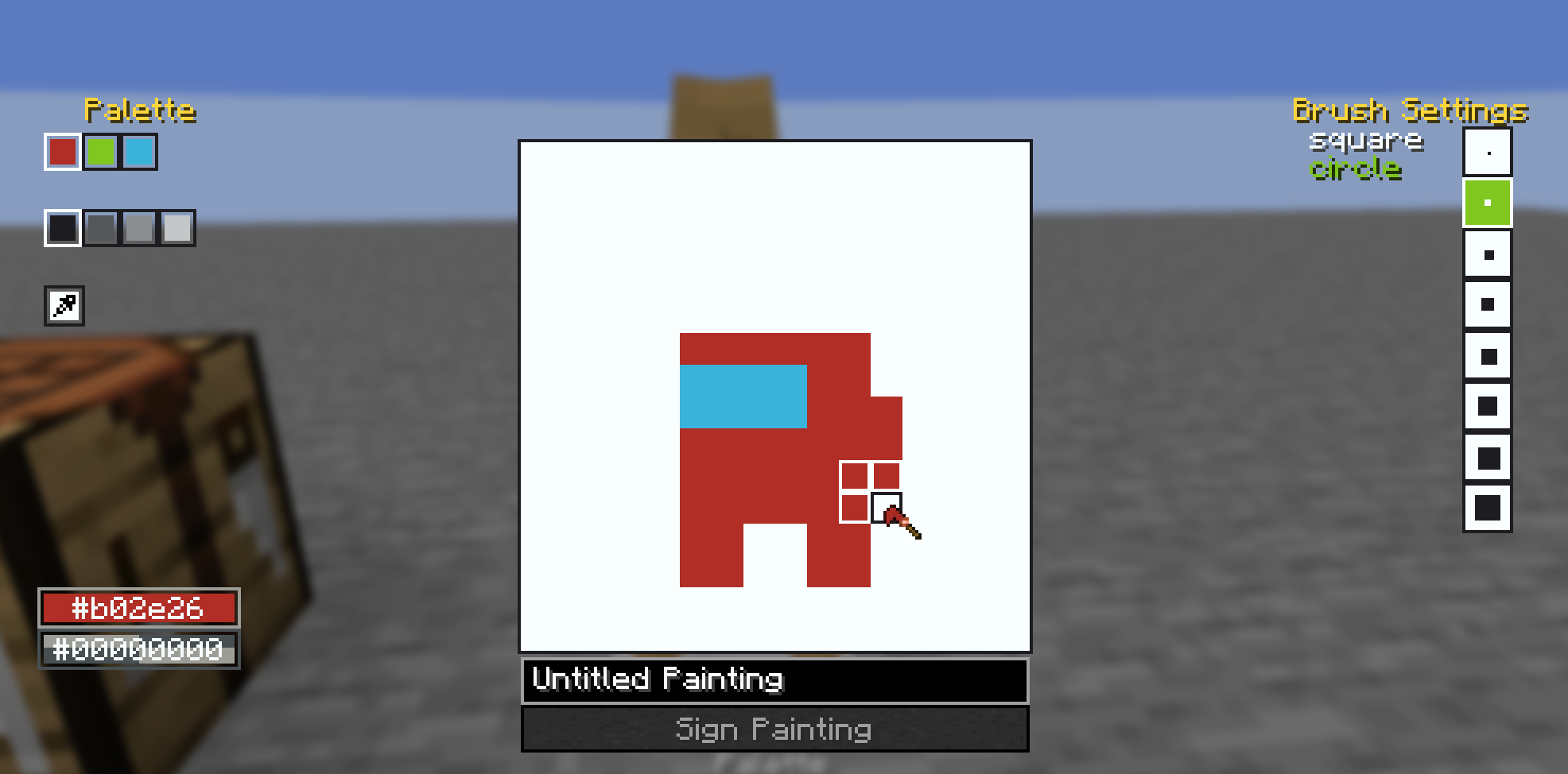
You can also craft larger canvases by combining multiple smaller canvas into a large one in the crafting table, the recipe book can help you with this.
Once you've finished your painting, you can display them on an easel, as well as walls, floors, ceilings, and even shields! See the gallery for examples. You may also combine your finished painting with an empty canvas of the same size to create a copy. Copies are treated the same way as written books are in vanilla, where each subsequent copy of a copy gets older until you cannot create copies anymore.
Also, the editor comes with a built-in help button in the top left of the screen, which goes over the controls and features of the editor in more detail.
Also also, this mod's brushes are data driven! They are stored as .qoi files under assets/crazypainting/brushes/(category_name)/(brush_name).qoi
To actually load these brushes into the game, you need to define them in a json file at the location assets/crazypainting/brushes/brushes.json. For specifics on the formatting, see here. After that, you can load up your resource pack and enjoy your custom brushes!
Available Versions
How to Install Crazy Painting on Your Server
Order Server
Order a Minecraft Java server with at least 3 GB RAM (4 GB recommended).
Set fabric Loader
In the panel under "Egg", select the fabric loader and matching Minecraft version (26.1.2).
Install Mod
Open the mod browser in the dashboard and search for "Crazy Painting". Click "Install" – done! Alternatively, upload the .jar via SFTP to the /mods folder.
Compatibility
Mod Loaders
Minecraft Versions
26.1.2, 1.21.11, 1.21.8 (+1 more)
Server-side
✓ RequiredRecommended RAM
4 GB(min. 3 GB)Frequently Asked Questions
Crazy Painting server crashes on startup – what to do?
Most common cause: wrong fabric version or insufficient RAM. Check the server log (latest.log) for "OutOfMemoryError" or "Mixin" errors. With Mado Hosting: ensure at least 3 GB RAM is allocated and the loader matches the mod version (26.1.2). You can switch loaders with one click in the panel.
Is Crazy Painting compatible with fabric?
Crazy Painting officially supports fabric for Minecraft 26.1.2, 1.21.11, 1.21.8. The Mado dashboard automatically detects incompatible loader combinations.
Server lagging with Crazy Painting – how to optimize performance?
Recommended RAM: 4 GB (per 8 players). Use /spark profiler to check if Crazy Painting consumes the most tick time. Common fixes: reduce server view-distance to 8-10, install "performant" or "starlight" as supplementary mods on Forge. With Mado Hosting, your server runs on NVMe SSDs with dedicated CPU cores for minimal latency.
Similar Mods

![[ETF] Entity Texture Features](https://cdn.modrinth.com/data/BVzZfTc1/af683d206d50b05258d865b0d6e4aa2f2cee12f2_96.webp)
![[EMF] Entity Model Features](https://cdn.modrinth.com/data/4I1XuqiY/6e5bbd0d06b1741bfdab6c0cfab6de8fdaf0064c_96.webp)



Rent Modded Server
Install Crazy Painting with just one click on your server.