
Create: Air Ducts
Air Ducts: Create add-on that adds means to manipulate airflows from encased fans.
About this Mod
Air Ducts – A Create Add-On for the Breeze-Inclined
Tired of rearranging your whole build just to get that Encased Fan lined up just right? Want to give your contraptions a cleaner, more flexible way to blow air around (literally)? Air Ducts is here to help!
This work-in-progress add-on mod for Create introduces a simple but powerful concept: ducting for air flow.
With a few new blocks you can now reroute fan output to wherever you need it. Chain the ducts together in a 2D or a 3D route. Around corners, through walls, across builds—no problem!
Use Air Ducts to:
Tidy up your fan-powered automation
Reach those annoying spots that just won’t line up
Look like a redstone HVAC engineer while you’re at it
Features:
Spoiler
Straight vent
Straight vent: the most basic one. Simply relays the airflow forward.
Crafting ingredient for other vent types.
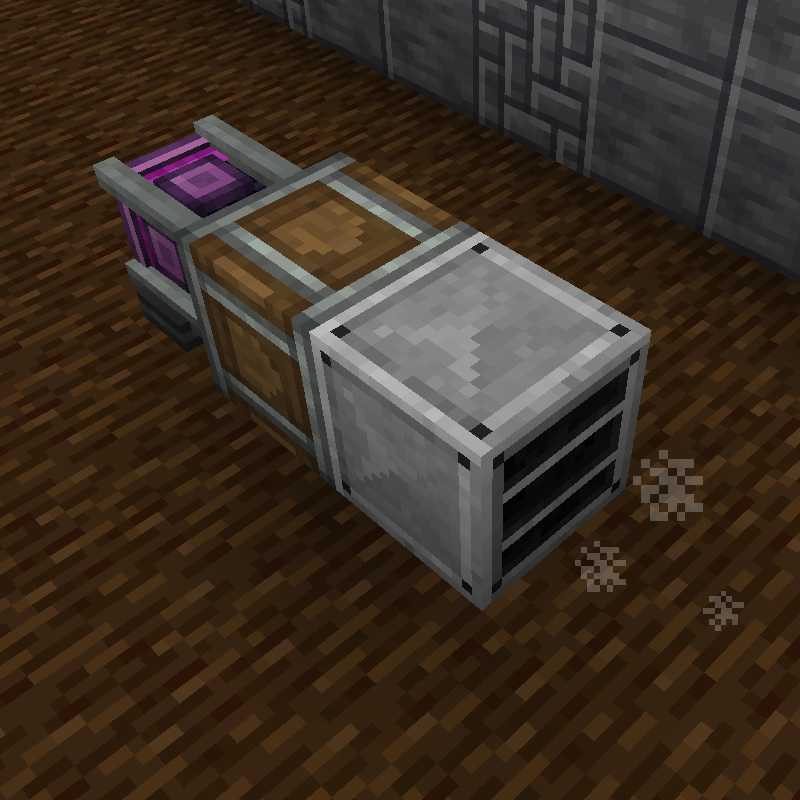
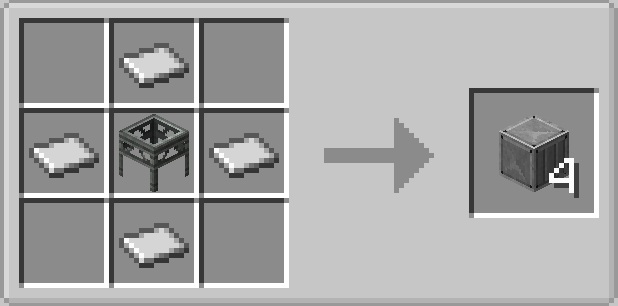
Knee vent
Knee vent: relays the airflow to 90 degrees.
Crafting ingredient for other vent types.
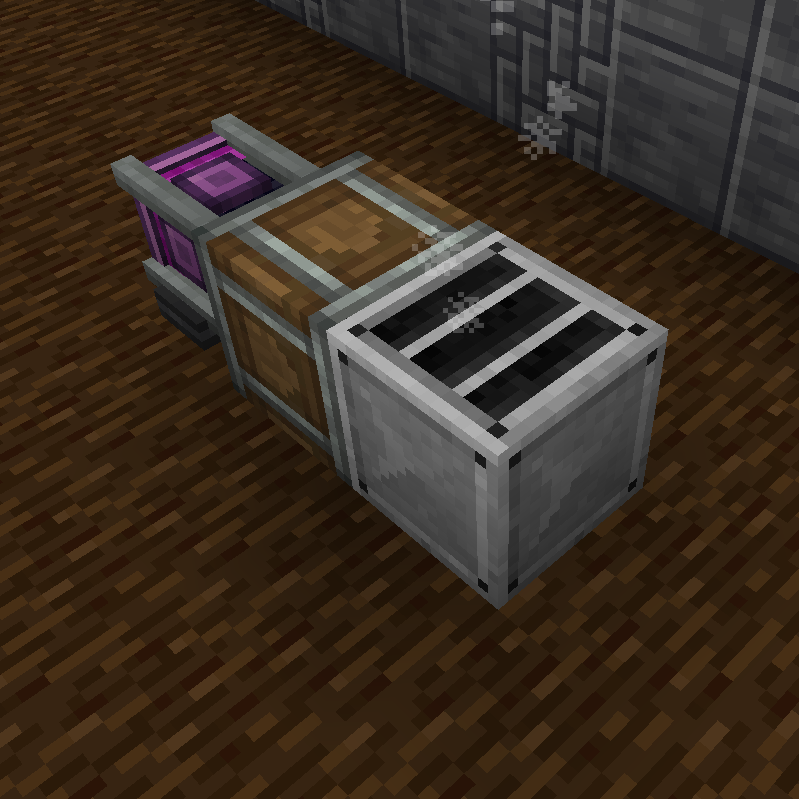
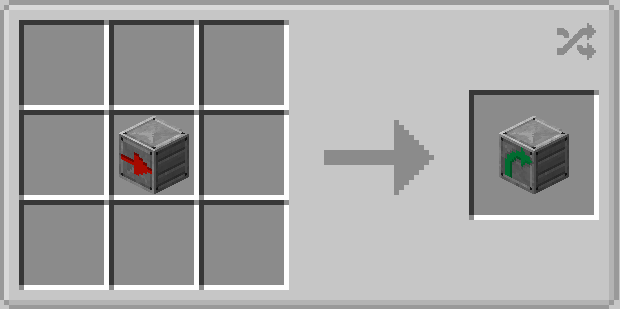
Splitter vent
Splitter vent: has two outputs: one flow continues forward and the other - at 90 degrees.
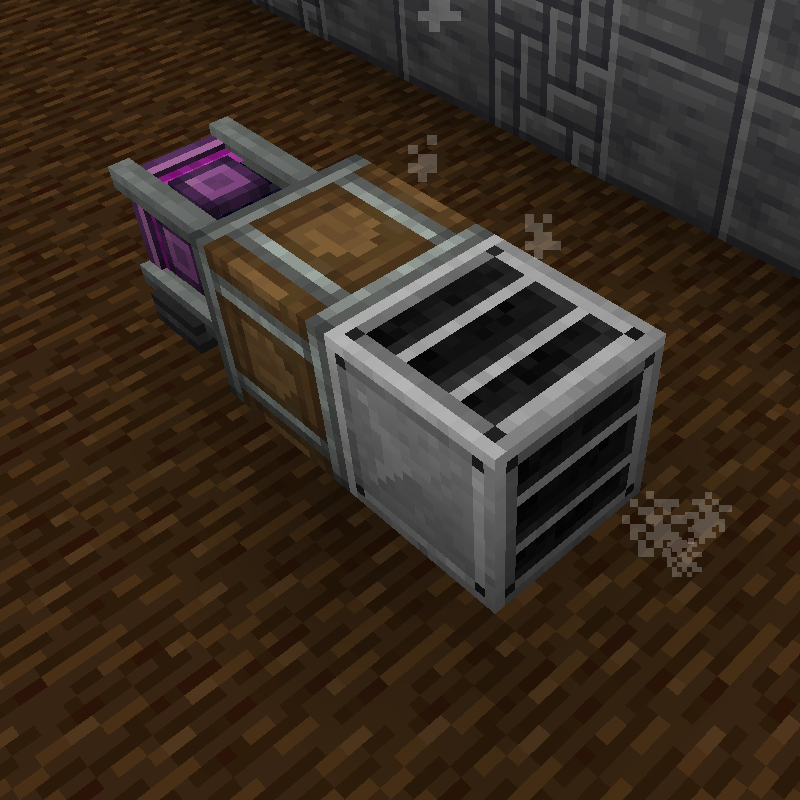
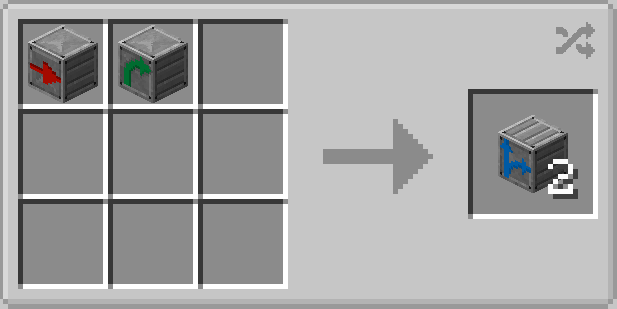
Junction vent
Junction vent: also got two outputs, both are relayed at 90 degrees and in opposite directions.
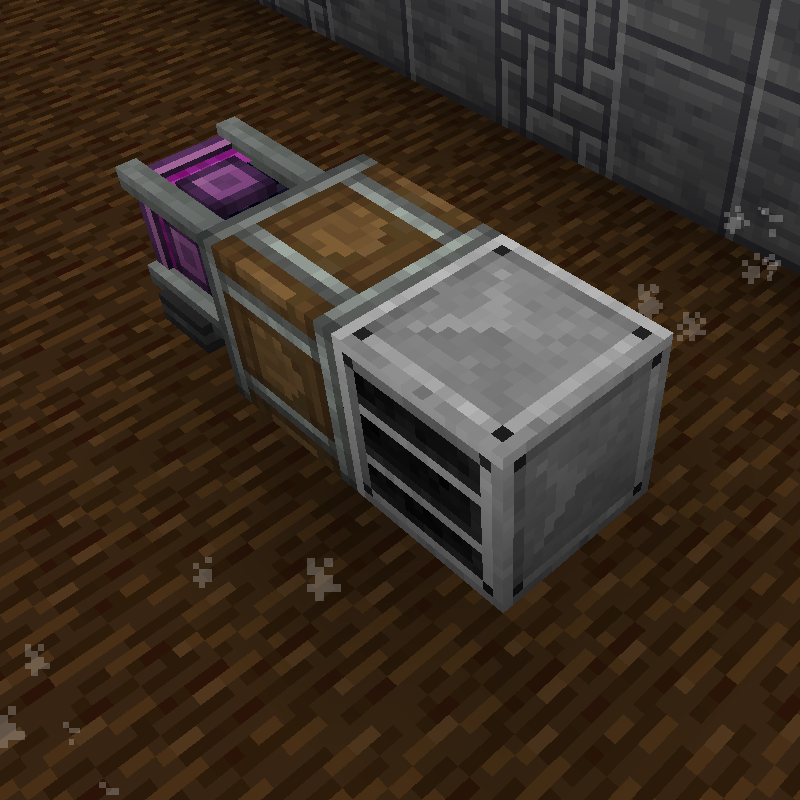
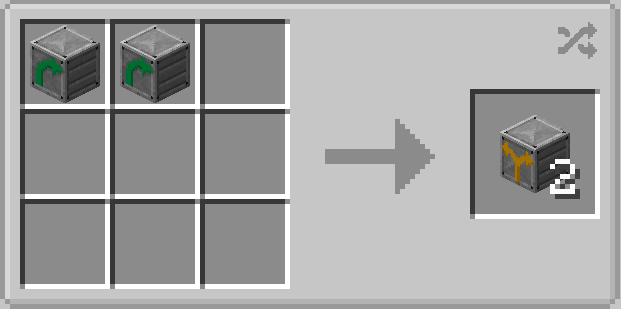
Infuser
Infuser: apllies processing effect to the airflow pushing through it.
Any vent connected to the infuser will inherit and relay the processing type further.
Right-click with an empty hand to cycle through the effects.
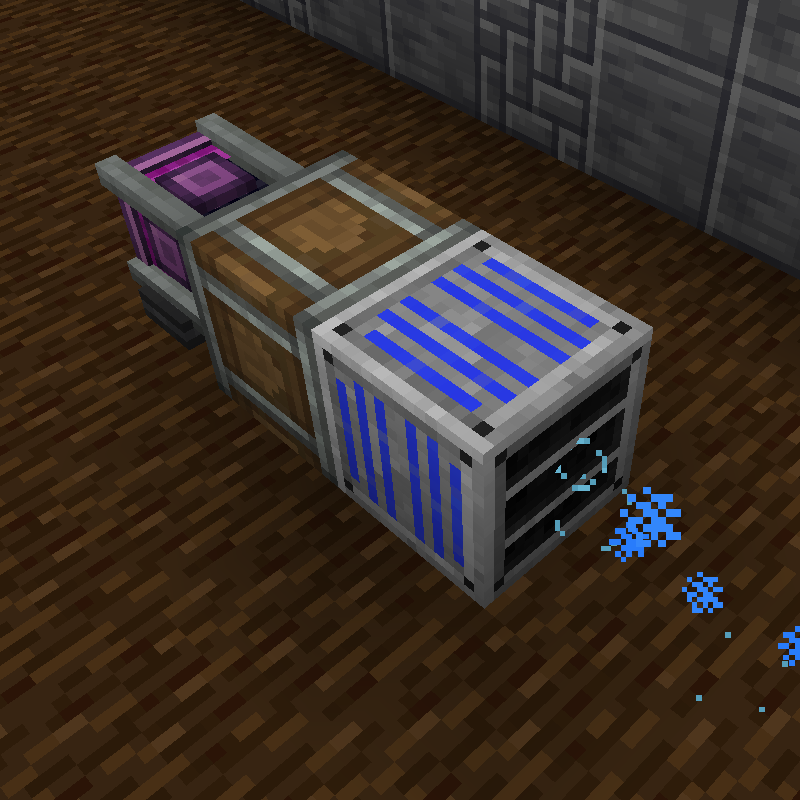
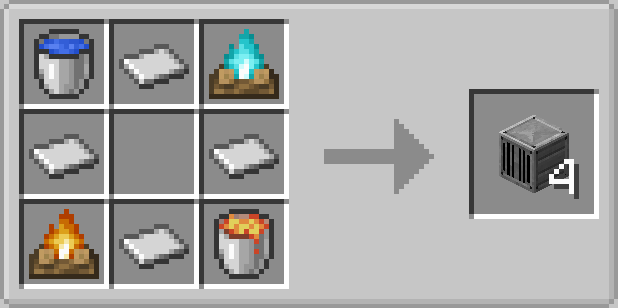
All vents can be rotated with a wrench.
Angled vents are a bit trickier to set up but it's easy to get the hang of it:
- When placed the vent will be in it's "packed" state, inoperable.
- Whack it with a wrench to put the INPUT side on the face opposite to the one you hit.
- Right-clicking it again will rotate the OUTPUT side anti-clockwise.
This mod is still WIP and more things are on the way:
- Fancier models
- New vents (valve, fast processing, crawlable?...)
- Custom flow types? (e.g. poison: to harm mobs and destroy vegetation)
💛 Like the mod? Want to support development?
You can check out my Ko-fi page! I’ll be posting behind-the-scenes stuff, in-dev features, and the occasional duct-related ramble.
Tips are totally optional—but very appreciated and help keep the airflow going. :)
Available Versions
How to Install Create: Air Ducts on Your Server
Order Server
Order a Minecraft Java server with at least 4 GB RAM (6 GB recommended).
Set forge Loader
In the panel under "Egg", select the forge loader and matching Minecraft version (1.20.1).
Install Mod
Open the mod browser in the dashboard and search for "Create: Air Ducts". Click "Install" – done! Alternatively, upload the .jar via SFTP to the /mods folder.
Compatibility
Mod Loaders
Minecraft Versions
1.20.1
Server-side
✓ RequiredRecommended RAM
6 GB(min. 4 GB)Frequently Asked Questions
Create: Air Ducts server crashes on startup – what to do?
Most common cause: wrong forge version or insufficient RAM. Check the server log (latest.log) for "OutOfMemoryError" or "Mixin" errors. With Mado Hosting: ensure at least 4 GB RAM is allocated and the loader matches the mod version (1.20.1). You can switch loaders with one click in the panel.
Is Create: Air Ducts compatible with forge?
Create: Air Ducts officially supports forge for Minecraft 1.20.1. The Mado dashboard automatically detects incompatible loader combinations.
Server lagging with Create: Air Ducts – how to optimize performance?
Recommended RAM: 6 GB (per 5 players). Use /spark profiler to check if Create: Air Ducts consumes the most tick time. Common fixes: reduce server view-distance to 8-10, install "performant" or "starlight" as supplementary mods on Forge. With Mado Hosting, your server runs on NVMe SSDs with dedicated CPU cores for minimal latency.
Similar Mods




Rent Modded Server
Install Create: Air Ducts with just one click on your server.